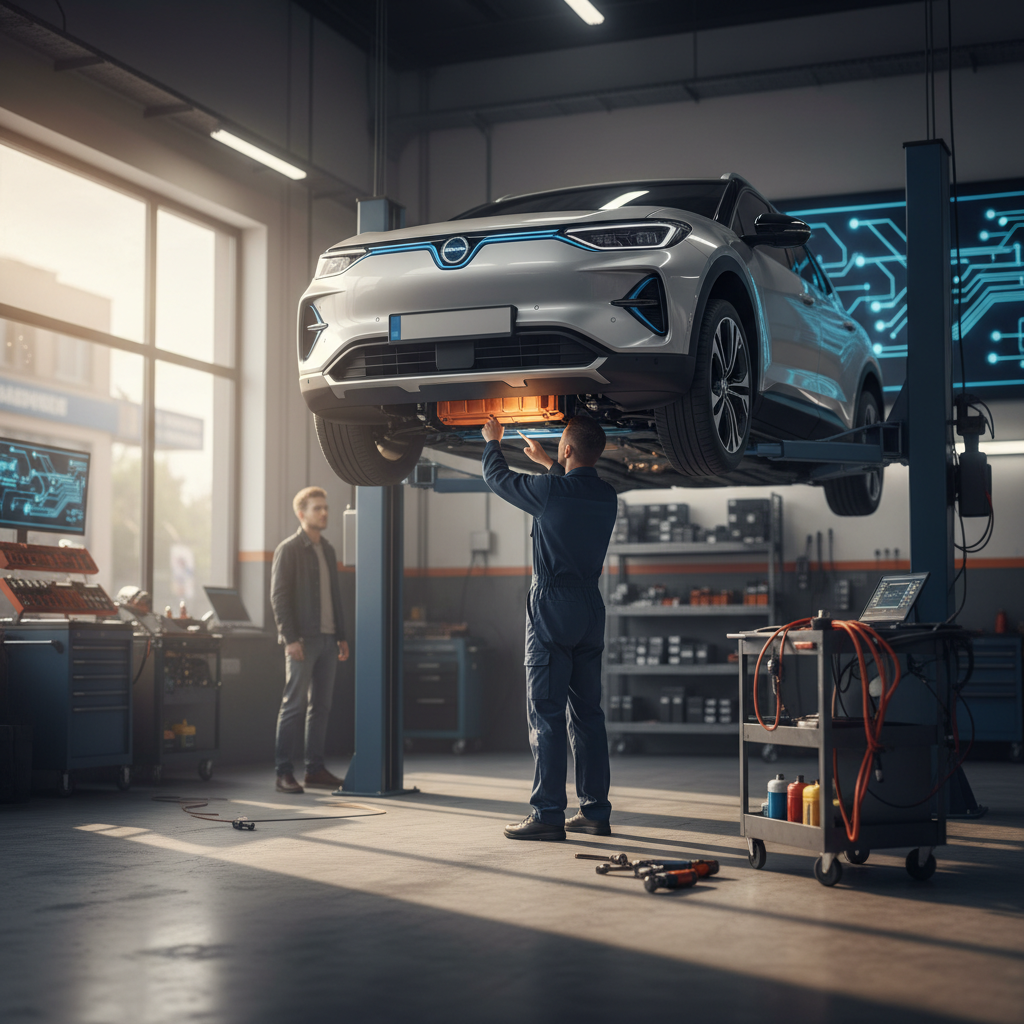
If you’re shopping for a used electric vehicle, learning how to check EV service history is just as important as checking the paint or taking a test drive. EVs don’t need oil changes, but they still have brakes, suspension, cooling systems, and software updates that can quietly shape how the car will treat you over the next 5–10 years.
Good news for EV shoppers
Why EV service history matters more than you think
It’s easy to assume that because EVs have fewer moving parts, their service history doesn’t really matter. That’s a mistake. A clean, well-documented record is one of the best indicators that an EV has been driven moderately, charged sensibly, and repaired correctly when something did go wrong.
- Confirms recall and warranty work were completed on time.
- Shows how often the car has seen tire rotations, brake service, and alignment, critical for heavy EVs.
- Reveals patterns of repeated issues (for example, charging-port failures or coolant leaks).
- Helps validate the mileage and usage story the seller is telling you.
- Supports a higher resale value when it’s your turn to sell.
Don’t confuse “low maintenance” with “no maintenance”
Where EV service records actually live today
With older gas cars, a manila folder of paper receipts was often your only window into a car’s past. Modern EVs are different. Their service history is typically split across several digital sources, and no single source tells the whole story.
The four main places EV service history lives
You’ll usually need more than one to see the full picture.
1. OEM apps & portals
2. In-car digital logs
3. Dealer & independent invoices
4. Vehicle history reports
Aim for two independent sources
Step-by-step: How to check EV service history
Your EV service history checklist
1. Ask the seller for everything they have
Start simple: request PDFs, emails, or screenshots of service invoices, warranty repairs, and tire work. A conscientious owner will often have these organized.
2. Get a vehicle history report
Order (or ask the seller for) a Carfax, AutoCheck, or similar report. It can confirm title status, accidents, and some dealer services, even if it doesn’t show every EV-specific visit.
3. Review the OEM app or online account
If the current owner is cooperative, have them pull up the brand’s app or portal and show you logged visits, recalls, and maintenance. Ask for screenshots for your records.
4. Check in-car maintenance or service menus
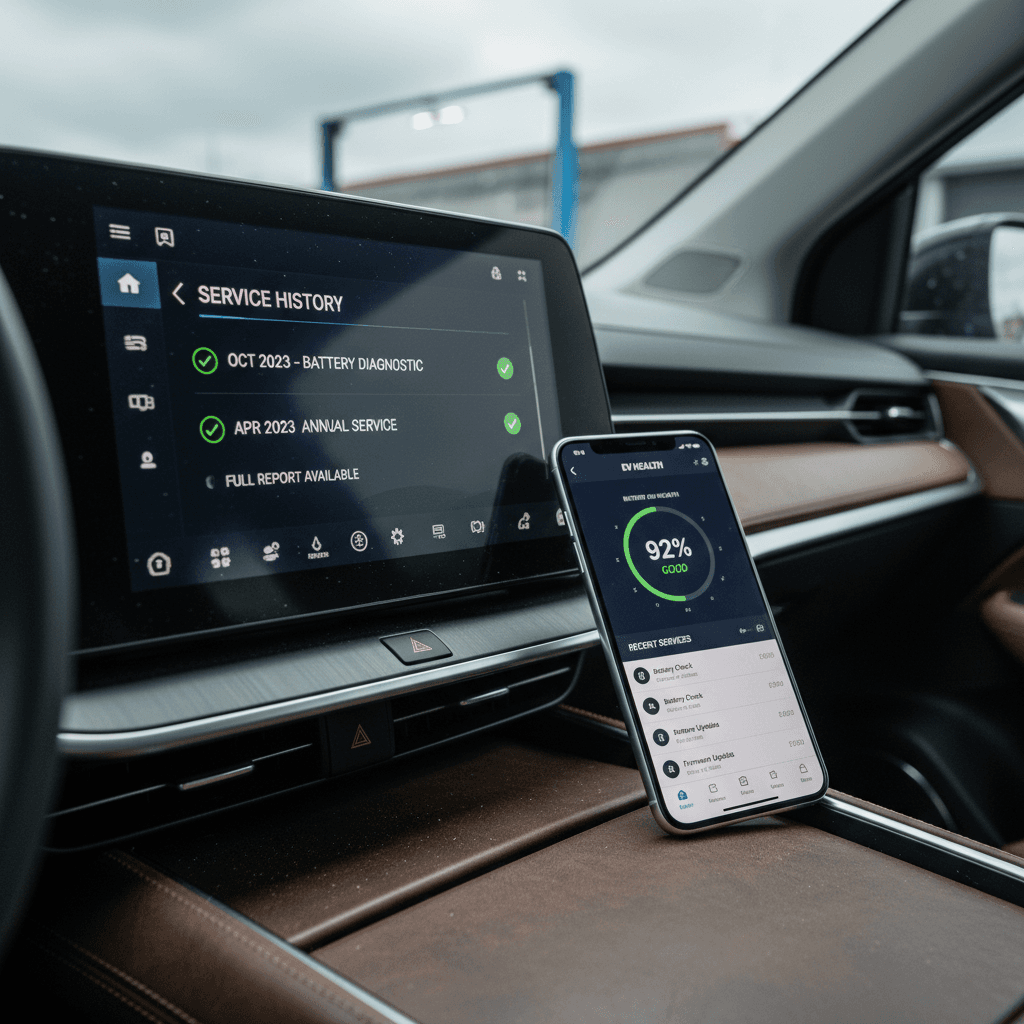
During a test drive, look for a Maintenance or Service History section on the vehicle’s screen. This is becoming a permanent digital service book for many EVs.
5. Verify recall and campaign completion
Run the VIN through the manufacturer’s recall checker or an NHTSA tool, then cross-check that major campaigns appear in the service history or invoices.
6. Fill the gaps with a professional inspection
If history is thin or missing, pay for a pre-purchase inspection from an EV-savvy shop or a marketplace like <strong>Recharged</strong> that includes battery and system diagnostics.
Walk-away signal
Checking service history on a Tesla
Tesla is a special case because so much of the car’s life is recorded digitally, and because Tesla tightly controls who can see what. If you’re the current owner, you have much better access than a prospective buyer looking at a used Tesla on a third-party lot.
Ways to view Tesla service history
What you can see depends on whether you own the car yet.
In-car Maintenance Summary & Service History
Tesla app maintenance & history
Tesla account data export
Privacy limits on older Tesla history
- During your test drive, open the touchscreen’s Service or Maintenance menu and look for logged work and timestamps.
- Ask the current owner to show the Tesla app’s maintenance or service section and send screenshots.
- If the car has been serviced outside Tesla, request those invoices directly from the seller.
- For a high-dollar purchase (like a Performance or long-range model), consider a third-party EV inspection that can confirm suspension, brakes, and any accident repairs not obvious in software.
Checking service history on non-Tesla EVs
Most non-Tesla brands still lean heavily on dealership systems and printed or emailed invoices, but they’re moving toward digital service books and app-based maintenance reminders. The trick is understanding where each brand stores the key pieces and how much a buyer can see.
1. Brand apps and connected services
Ford, Hyundai–Kia, GM, Volkswagen, Mercedes-Benz and others all offer connected-car apps. Some show:
- Dealer service visits and completed work
- Open recalls or service campaigns
- Upcoming maintenance reminders
Ask the seller to log into the app while you’re with them and walk through the service section. Screenshots are your friend.
2. Dealer service portals and printouts
Many franchised dealers can print or email a detailed service history tied to the VIN, at least for work done in their network. This is especially useful for brands that sold lots of lease EVs that cycled back through dealer service bays.
If you’re shopping remotely, ask the dealer to send a redacted history or, at minimum, a service summary with dates and mileage.
Independent shops and tire chains count too
Using Carfax, AutoCheck and similar reports for EVs
Traditional vehicle history reports were built for gas cars, but they’re still valuable for EVs, as long as you understand their blind spots. Think of them as an audit trail for title events, accidents, and many dealer visits, not a complete EV maintenance log.
What EV buyers can (and can’t) expect from history reports
Use this to set realistic expectations before you read the fine print.
| Item | Usually covered? | Notes for EV shoppers |
|---|---|---|
| Title status & mileage rollbacks | Yes | Crucial for any used vehicle; verify the odometer and look for mileage jumps. |
| Accidents & insurance claims | Often | Major collisions typically appear. Minor fender-benders paid out-of-pocket may not. |
| Dealer services (oil, brakes, inspections) | Often | EV-related visits like tire rotations or brake inspections may appear if done at franchised dealers. |
| Software updates & over-the-air fixes | Rarely | Most OTA updates leave no trace in third-party reports, even if they matter to long-term reliability. |
| Independent EV shop repairs | Sometimes | Only if the shop reports to the data networks. Many don’t. |
| Battery health or state of health (SoH) | No | Standard reports don’t estimate EV battery health, you’ll need brand tools, third-party apps, or a marketplace like Recharged. |
Carfax-style reports are a starting point, not the final word, on an EV’s service history.
Red flags to watch for in any report
Battery health reports vs service history
Battery condition is the beating heart of any used EV. A strong service history suggests the car has been cared for, but it doesn’t automatically tell you whether the high-voltage pack is still healthy. That’s where battery health reports come in.
What battery reports add
- Estimated state of health (SoH) as a % of original capacity.
- Charging patterns (fast-charging frequency, home vs DC fast).
- Range trends across seasons and mileage.
Tools from automakers and third parties can now crunch this data to give buyers a clearer view of how a pack has aged.
Why you still need service history
- A healthy pack can’t save a car with neglected suspension, steering, or cooling components.
- Battery replacements or major repairs should show up in service records.
- Patterns like repeated charging-port or coolant issues are only visible in the history.
The smartest move is to pair a battery report with a verified service history so you’re not surprised later.
How Recharged combines both
What to do when EV service history is thin or missing
In the real world, you’ll often run into EVs with partial records: a Carfax here, a tire receipt there, and not much else. That doesn’t automatically make the car a bad bet, but it should change how you negotiate and what you demand before signing anything.
Game plan for a patchy EV history
Prioritize a deep inspection
Invest in a pre-purchase inspection from an EV-focused shop or buy from a marketplace that does this for you. Ask specifically about suspension wear, brake condition, cooling systems, and any evidence of collision repair.
Insist on a battery health assessment
Don’t rely on the dash range estimate alone. Look for an OEM diagnostic report, a trusted third-party battery report, or a Recharged Score-style evaluation.
Scrutinize tires and alignment
Uneven tire wear can reveal years of poor alignment or hard driving. Replacing a set of EV-grade tires and fixing alignment isn’t cheap, but it’s better than discovering it after delivery.
Use risk to adjust the price
If the history is thin but the car otherwise checks out, use the uncertainty as a bargaining chip. A lack of records should be reflected in the price or in added protections like a third-party warranty.
Be willing to walk away
If the seller can’t, or won’t, answer basic questions about where the car has been serviced, you’re not overreacting by moving on to a better-documented EV.
How Recharged handles used EV history
Recharged was built around the idea that buying a used EV shouldn’t feel like a leap of faith. Instead of expecting you to decode a vague Carfax and a stack of invoices, Recharged bundles battery health diagnostics, pricing transparency, and service-history review into one experience.
What you get with a Recharged used EV
Focused specifically on the questions EV shoppers actually have.
Recharged Score battery health
Service & maintenance review
Modern, EV-focused retail experience
If you’re comparing a lightly documented private-sale EV to one with a clear Recharged Score and curated history, remember that you’re not just buying a car, you’re buying how confident you’ll feel two or three years down the road.
Common EV service history myths
Debunking common myths
FAQs about checking EV service history
Frequently asked questions about EV service history
The bottom line: learning how to check EV service history isn’t about turning you into a technician, it’s about stacking the odds in your favor. Combine digital logs, history reports, and a solid battery health assessment, and suddenly you’re not guessing; you’re making an informed decision. Whether you buy from a private seller, a traditional dealer, or a specialist like Recharged, demand the documentation your future self would want to see before writing the check.