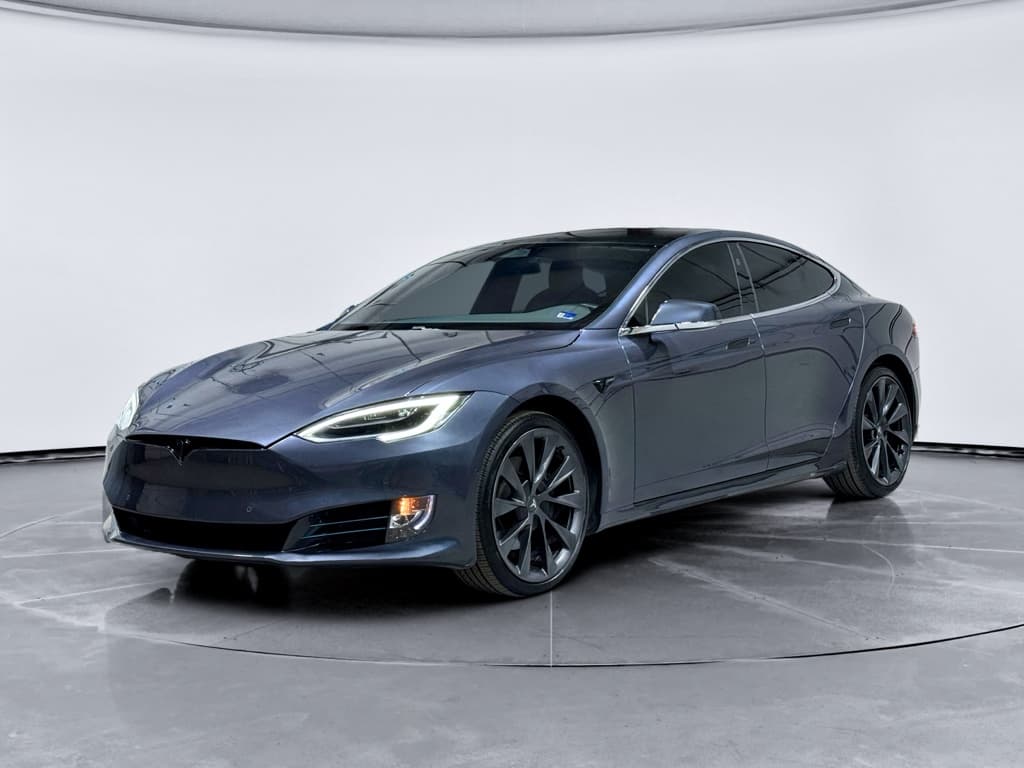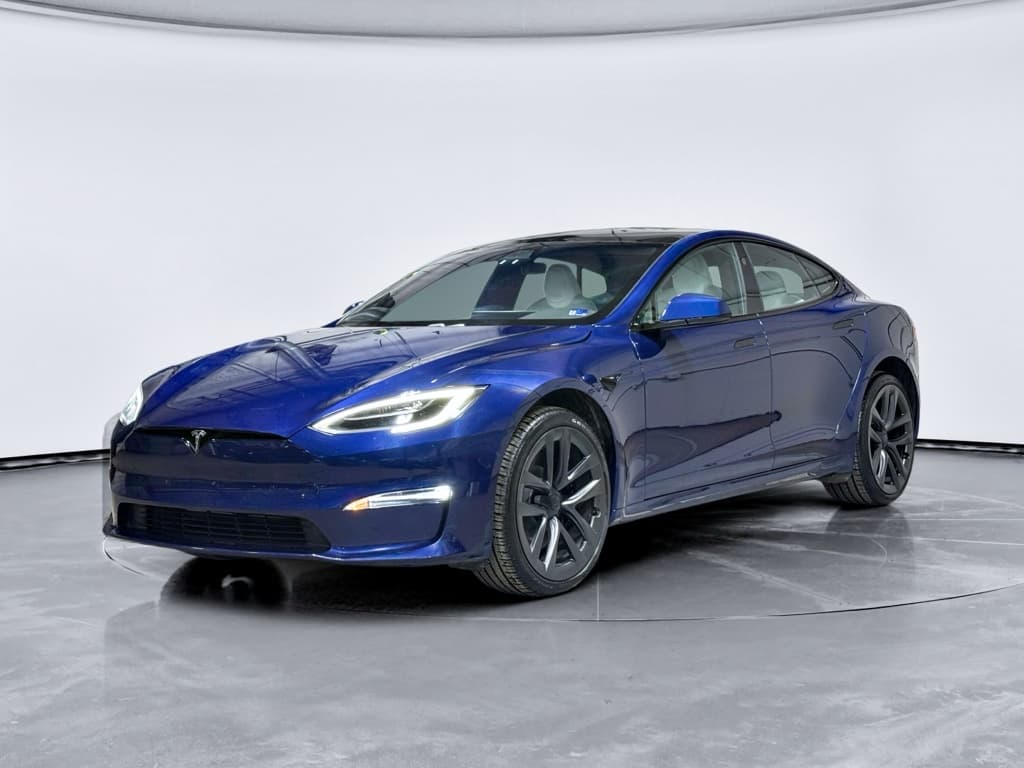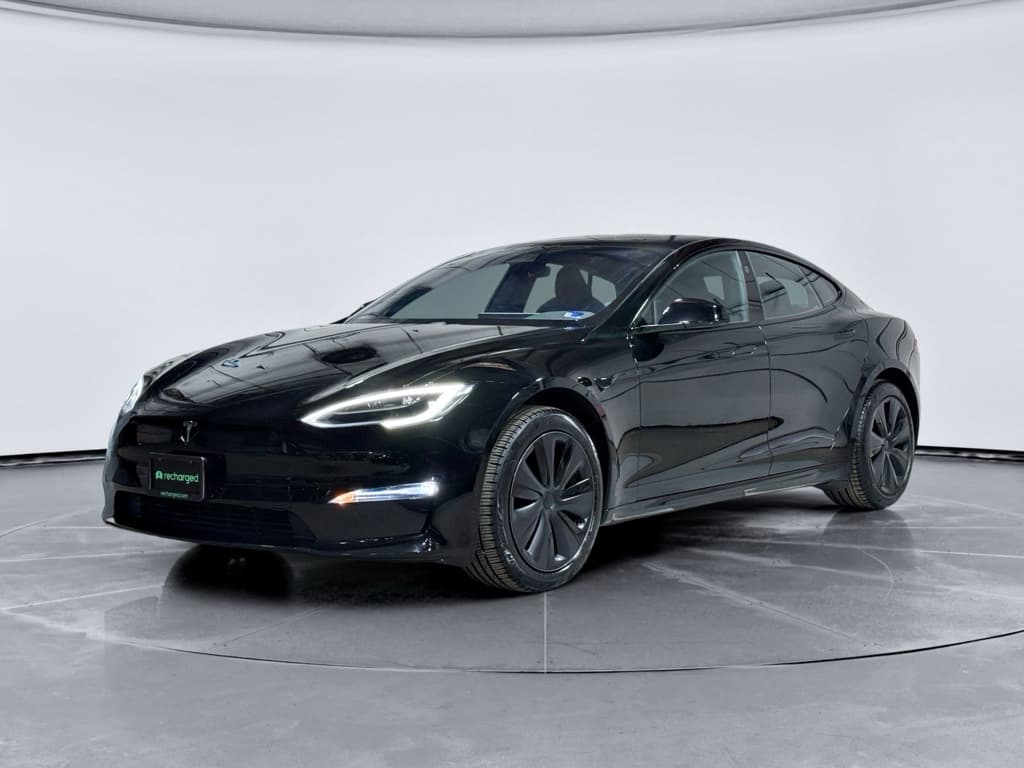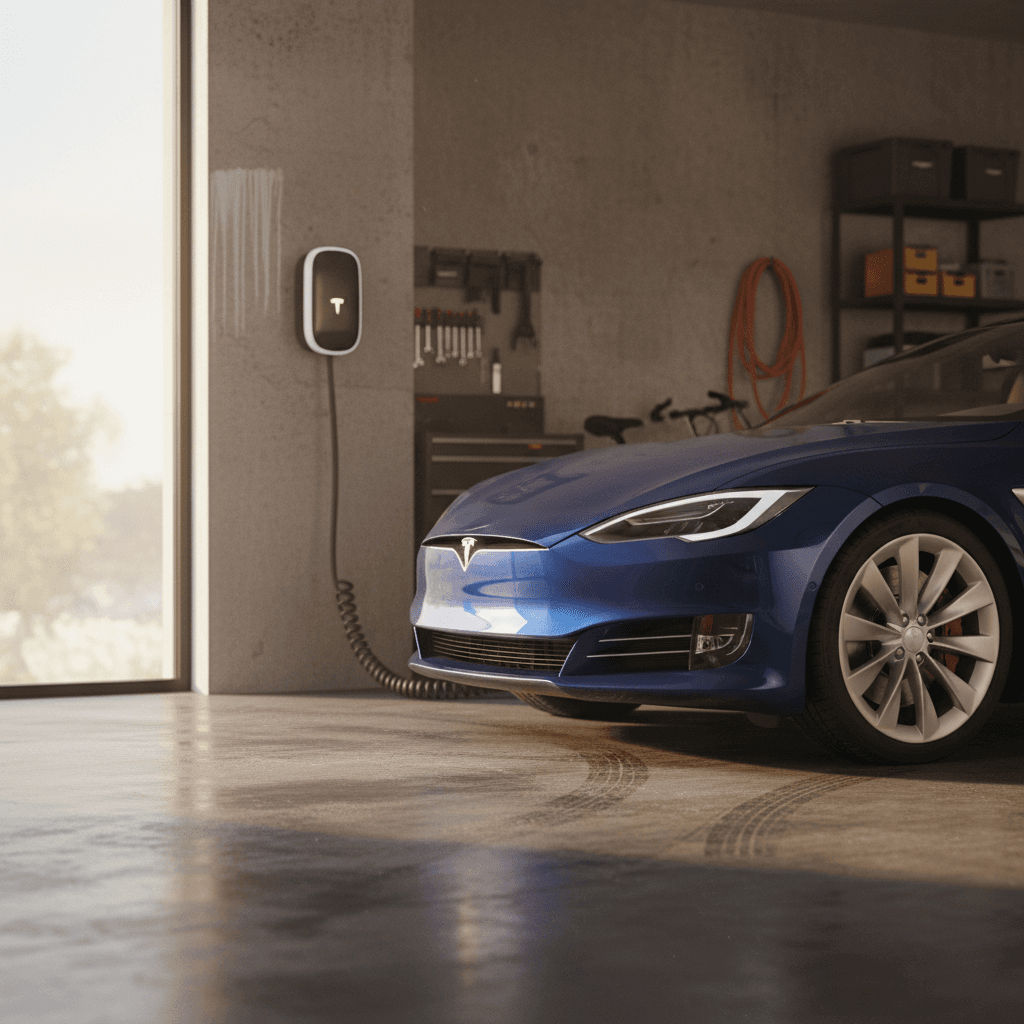
If you’ve just bought a Tesla Model S, or you’re considering a used one, learning how to charge a Tesla Model S at home is one of the most important parts of ownership. The good news is that home charging is straightforward, affordable, and usually the most convenient way to live with a Model S day to day.
Home is your primary “fuel station”
Why home charging matters for your Model S
- Convenience: Plug in when you get home, wake up to a charged battery, no special trips to charge.
- Lower cost per mile: In most areas, home electricity is cheaper than Supercharging, especially with off‑peak or time‑of‑use (TOU) rates.
- Battery friendliness: Frequent, moderate‑speed home charging is easier on the battery than relying only on DC fast charging.
- Predictability: You control the outlet, schedule, and parking spot, instead of competing for public chargers.
Think like a smartphone
Tesla Model S home charging basics
Every Tesla Model S sold in North America uses Tesla’s NACS (North American Charging Standard) charge port. At home, you’ll normally charge using AC power at either Level 1 (120V) or Level 2 (240V). The car’s onboard charger converts this AC power into DC to store in the battery.
Charging levels you’ll use at home
Where your Model S actually spends most of its charging time
Level 1 – 120V outlet
Uses a standard household outlet and the Tesla Mobile Connector.
- ~2–3 miles of range per hour of charge
- Best for light drivers or short‑term use
Level 2 – 240V outlet
Uses a 240V circuit (like an electric dryer) with either a Mobile Connector adapter or a Wall Connector.
- ~20–30+ miles of range per hour
- Best for daily home charging
DC fast – Supercharging
Not typically a home option and not necessary for daily use.
- Great for road trips
- Higher power, more battery stress if overused
Don’t DIY high‑voltage work
Home charging options for a Tesla Model S
1. Standard 120V outlet + Mobile Connector
Tesla’s Mobile Connector lets you plug into a typical 120V household outlet using the included NEMA 5‑15 adapter. This is the slowest way to charge, but it works anywhere there’s a standard plug.
- Setup: Plug the Mobile Connector into the outlet, then into your Model S.
- Speed: Roughly 2–3 miles of range per hour.
- Best for: Low daily mileage (under ~25–30 miles) or short‑term situations.
2. 240V outlet (Level 2) + Mobile Connector
If you already have a 240V outlet (dryer, RV, or garage circuit), you can often use a matching Tesla adapter on the Mobile Connector to get Level 2 speeds.
- Setup: Have an electrician confirm the circuit rating and outlet type, then use the correct Tesla plug.
- Speed: Commonly 15–30 miles of range per hour of charge, depending on amperage.
- Best for: Owners who want good speed without installing a Wall Connector.
3. Tesla Wall Connector (recommended)
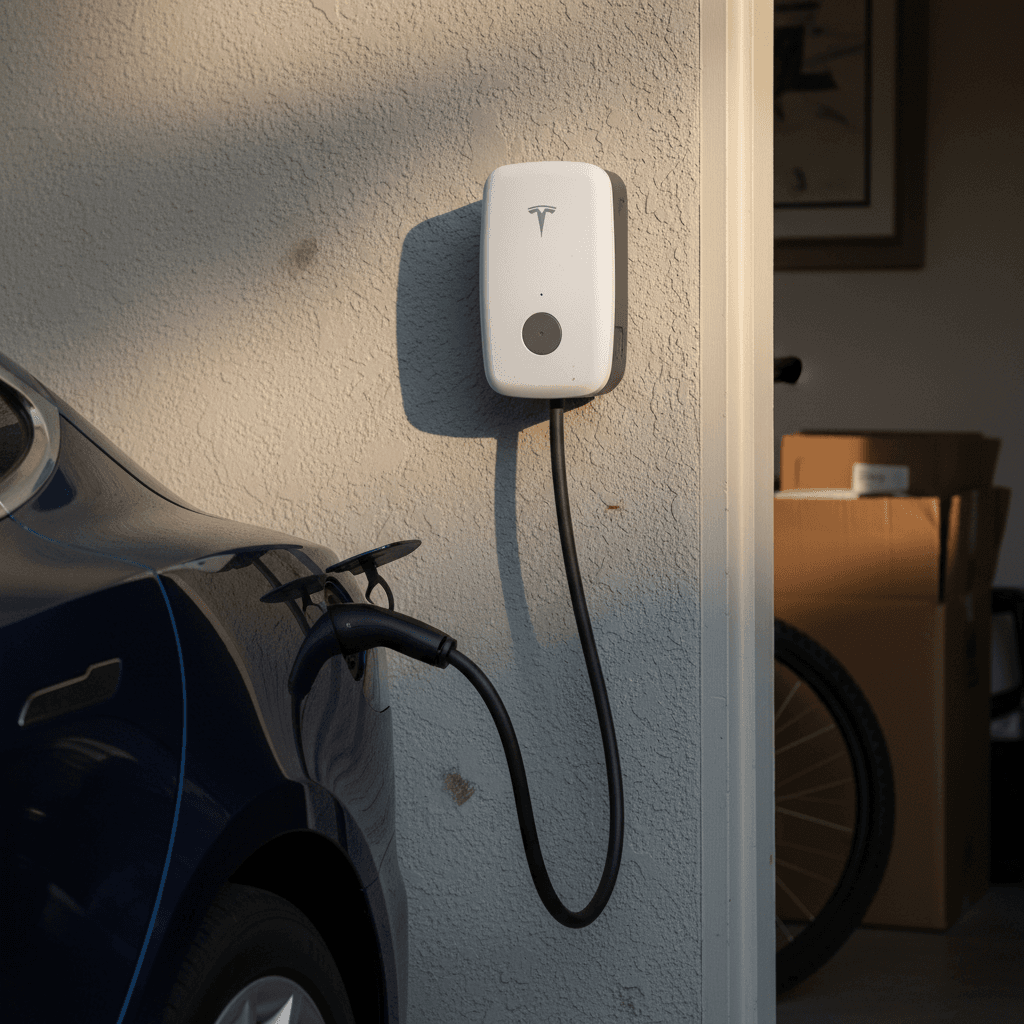
The Gen 3 Tesla Wall Connector is a hard‑wired home charging station designed for daily Level 2 charging. It can deliver up to 48 amps (about 11.5 kW) on a properly sized circuit, which is more than enough for overnight charging on a Model S.
- Setup: Requires installation by an electrician on a dedicated 60A circuit for full output.
- Speed: Up to around 30–40 miles of range per hour depending on the Model S variant.
- Best for: Most homeowners who want a clean, permanent solution.
4. Third‑party Level 2 chargers
Your Model S can also use many non‑Tesla Level 2 charging stations (sometimes called EVSEs) via the included J1772 adapter.
- Setup: Wall‑mount or plug‑in unit installed on a 240V circuit.
- Speed: Similar to a Wall Connector, limited by the car’s onboard charger.
- Best for: Households with mixed EV brands or where a J1772 unit is already installed.
Charging speeds: what to expect at home
Typical Tesla Model S home charging speeds
Model S onboard charger limits
Step-by-step: how to charge a Model S at home
Connecting and charging your Model S at home
1. Park and set the parking brake
Pull into your usual charging spot and put the car in Park. Make sure you have enough room behind the charge port (left rear corner) to walk and handle the cable.
2. Open the charge port door
Press the button on the Tesla charge handle, tap the charge port icon on the touchscreen, or use the Tesla app to open the door. The ring will glow white or blue when it’s ready.
3. Plug in the connector
Align the connector with the port and push firmly until you hear or feel a click. The light will typically turn blue, then green once charging begins.
4. Confirm charging on the screen or app
Check the charging screen on the touchscreen or in the Tesla app. You’ll see charge rate (kW), amperage, and time to reach your set limit (for example, 80%).
5. Set your charge limit
For daily use, set your charge limit to around 80–90% (or follow the recommendation shown in the Tesla app for your battery type). Reserve 100% charges for road trips.
6. Schedule off‑peak charging (optional)
If your utility offers cheaper off‑peak rates, use the ‘Schedule’ or ‘Off‑Peak Charging’ features in your Tesla to start charging when electricity is cheapest.
Once it’s set, it’s almost hands‑off
Installing a Level 2 charger at home
If you drive your Model S regularly, a dedicated Level 2 setup, either a Tesla Wall Connector or a 240V outlet with the Mobile Connector, is the sweet spot between cost, speed, and convenience. Here’s how to plan it wisely.
Options for adding Level 2 home charging
How common Level 2 setups compare for a typical Tesla Model S owner in the U.S.
| Option | Typical Hardware | Charging Speed | Pros | Cons |
|---|---|---|---|---|
| 240V outlet + Mobile Connector | Existing or new 30–50A outlet | ~15–30 mi/hr | Lower upfront cost if outlet exists; flexible | Cable clutter, not as clean; may share circuit with appliances |
| Hard‑wired Tesla Wall Connector | Tesla Wall Connector + 60A circuit | ~30–40+ mi/hr | Clean install; app integration; adjustable current | Higher upfront cost; requires electrician |
| Plug‑in third‑party Level 2 | J1772 EVSE with 14‑50 plug | ~20–35 mi/hr | Good for mixed‑brand households; can be moved | Needs suitable outlet; relies on J1772 adapter |
Actual costs depend on panel capacity, distance from panel to parking spot, and local labor rates.
Get quotes before you decide
- Check your electrical panel: Look for spare capacity and breaker spaces. Take clear photos of your panel and parking area before calling electricians.
- Decide on hardware: Wall Connector vs. outlet + Mobile Connector vs. third‑party Level 2. Think about long‑term plans, multiple EVs, and resale value.
- Hire a licensed electrician: Share Tesla’s installation guide, your typical driving habits, and your budget. Discuss breaker size, wire run, and charger placement.
- Label the circuit: Make sure the new EV circuit is clearly labeled in the panel for future troubleshooting.
- Test with your Model S: After installation, plug in and verify charging speed, amperage, and that the cable reaches your preferred parking position.
Home charging costs and how to lower them
Your total cost to charge a Tesla Model S at home depends on your local electricity rate and how efficiently you drive. The math is simple: multiply your electricity price per kWh by how many kWh you add to the battery.
Estimating cost per full charge
Suppose your Model S has a usable battery capacity of about 90 kWh and your electricity rate is $0.15 per kWh:
- 90 kWh × $0.15 = $13.50 for roughly a 0–100% charge.
- If that gets you ~300 miles of real‑world range, that’s about 4.5 cents per mile.
In practice, you rarely charge from 0–100%, so most nightly charges cost far less.
Simple ways to pay less
- Use off‑peak hours: Time‑of‑use plans can dramatically cut overnight rates.
- Precondition while plugged in: Warm or cool the cabin while the car is on shore power, not the battery.
- Drive smoothly: Aggressive driving raises consumption and your electric bill.
- Keep tires properly inflated: Under‑inflated tires waste energy.
Compare to your current fuel spend
Battery health best practices for home charging
Tesla designs the Model S battery and software so you don’t have to obsess over every charging decision, but a few simple habits will help your pack age gracefully over many years.
- Set a sensible daily limit: For most Model S packs, 80–90% is a good everyday target. Use 100% only when you need the extra range and start driving soon after reaching it.
- Plug in regularly: Tesla explicitly recommends leaving the car plugged in when you’re home. The car will manage the battery state automatically.
- Avoid sitting at 0% or 100%: Occasional extremes are fine; long periods at either end are what you want to minimize.
- Prefer AC home charging for routine use: There’s nothing wrong with Superchargers, but daily fast‑charging isn’t necessary if you have reliable home charging.
- Let the car manage temperature: Don’t worry if you hear fans or pumps while charging, that’s the thermal system doing its job.
Cold and hot weather quirks
Charging a Tesla Model S at home in apartments and rentals
If you rent or live in a multifamily building, you still have options, it just takes a bit more planning and communication. Many Model S owners successfully charge using a mix of low‑power home options and nearby public charging.
Strategies for apartment and condo Model S owners
You don’t need a private garage to make home charging work
Use existing outlets
Look for dedicated 120V or 240V outlets in your assigned parking area. With permission, you may be able to use a Mobile Connector there.
Work with property management
Many landlords will consider adding Level 2 charging if you offer to share costs and show that other residents are interested.
Blend home and public charging
Use a slow 120V trickle at home to top off and rely on nearby Level 2 or Superchargers once a week for larger adds.
Present a simple proposal
Troubleshooting common home charging issues
Most home charging sessions are uneventful, but when something does go wrong, it’s usually a simple wiring or configuration issue. Here are some common problems and how to approach them.
Common issues and first checks
Breaker keeps tripping
Your circuit may be overloaded or incorrectly sized. Check that the charger’s amp setting matches the circuit rating (for example, 32A on a 40A circuit) and avoid sharing that circuit with other heavy loads. If in doubt, call an electrician.
Charging speed is slower than expected
Verify the amperage setting on your Model S charging screen and in the charger. Cold weather, a nearly full battery, or shared circuits can also reduce speed intentionally for safety.
Car won’t start charging
Inspect the connector and charge port for debris, check that the plug is fully seated, and confirm the breaker is on. Try another outlet if you’re using the Mobile Connector. If errors persist, note the exact message and contact Tesla support.
Extension cord questions
Tesla does not recommend regular use of household extension cords for EV charging. If you absolutely must extend reach, use only heavy‑duty, properly rated cords and keep runs as short as possible, better yet, relocate the outlet or charger.
Take electrical warnings seriously
Frequently asked questions about charging a Model S at home
Model S home charging FAQ
Key takeaways on home charging your Model S
Once you understand the basics, charging a Tesla Model S at home is less about gadgets and more about good planning. Decide whether a 120V outlet, a 240V outlet, or a full Wall Connector makes the most sense for your driving, then let the car handle most of the details. Plug in when you park, set a sensible daily charge limit, and use scheduled charging to keep your electricity costs low.
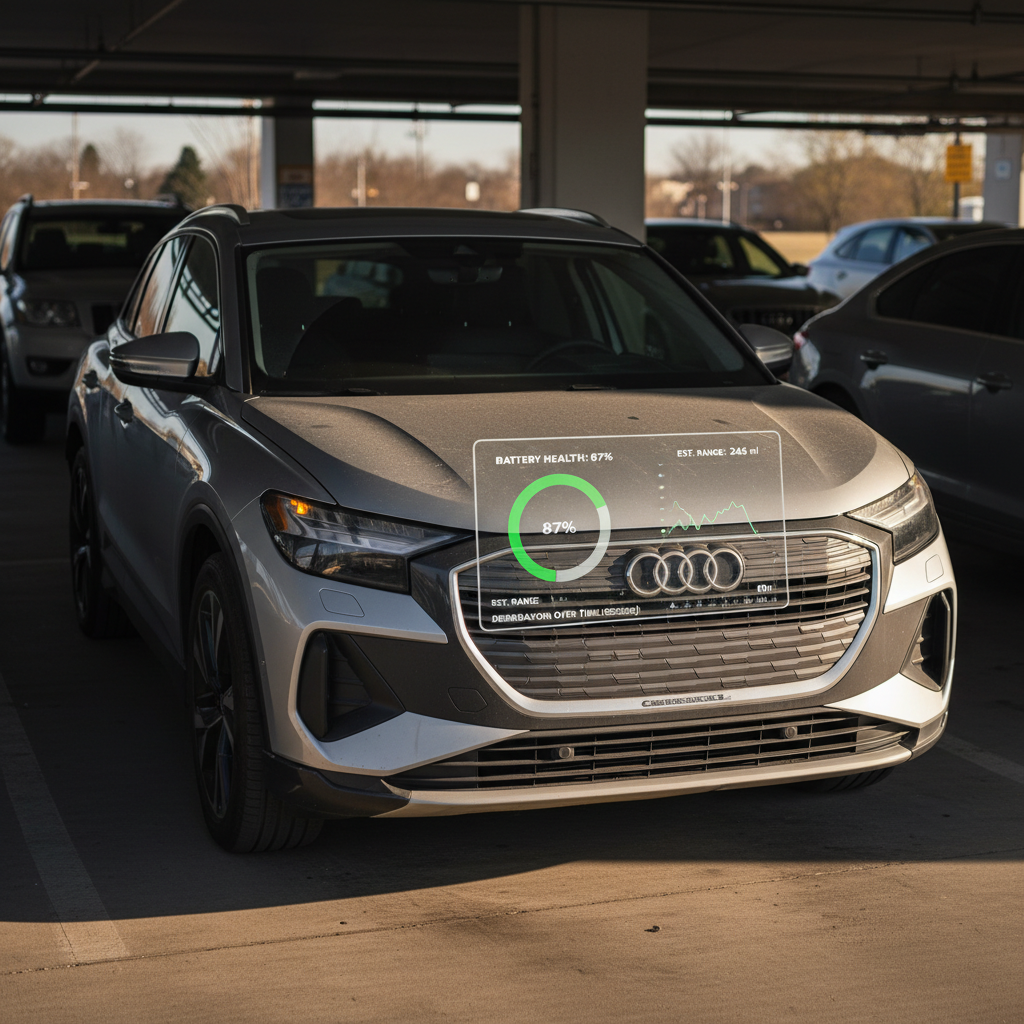
If you’re still shopping for a Model S, or weighing your options across different used EVs, Recharged can help you match the right car to your charging situation. Every vehicle we sell comes with a Recharged Score battery health report, transparent pricing, and expert EV guidance, so you’ll know exactly what you’re getting into before you install a single outlet.