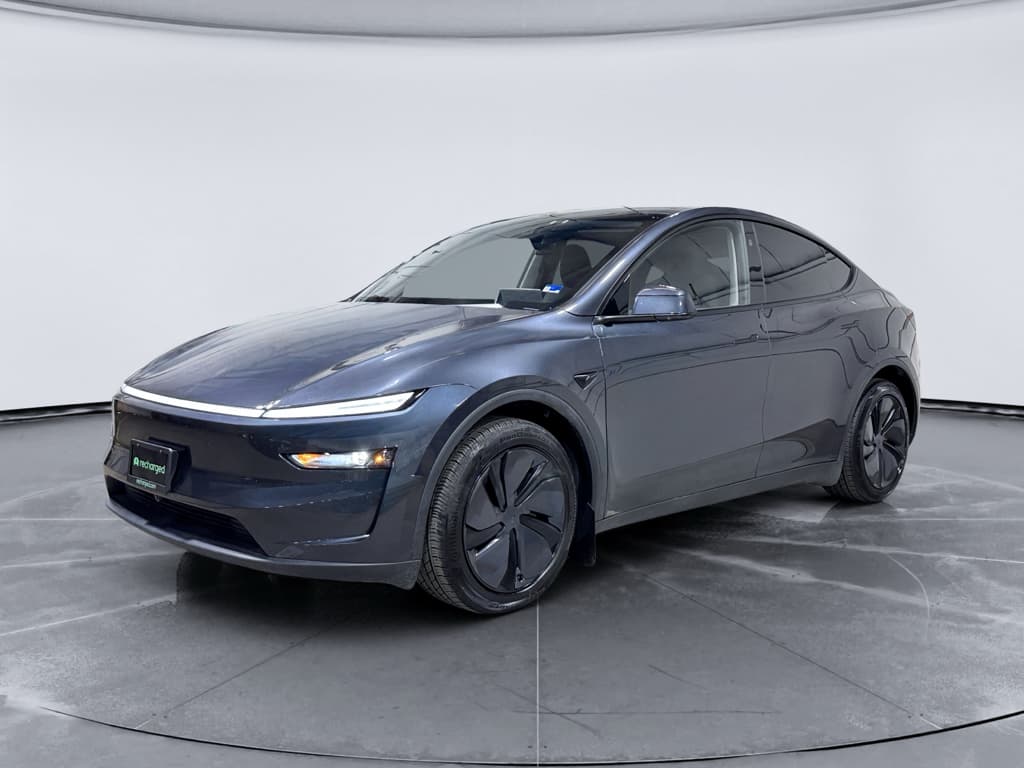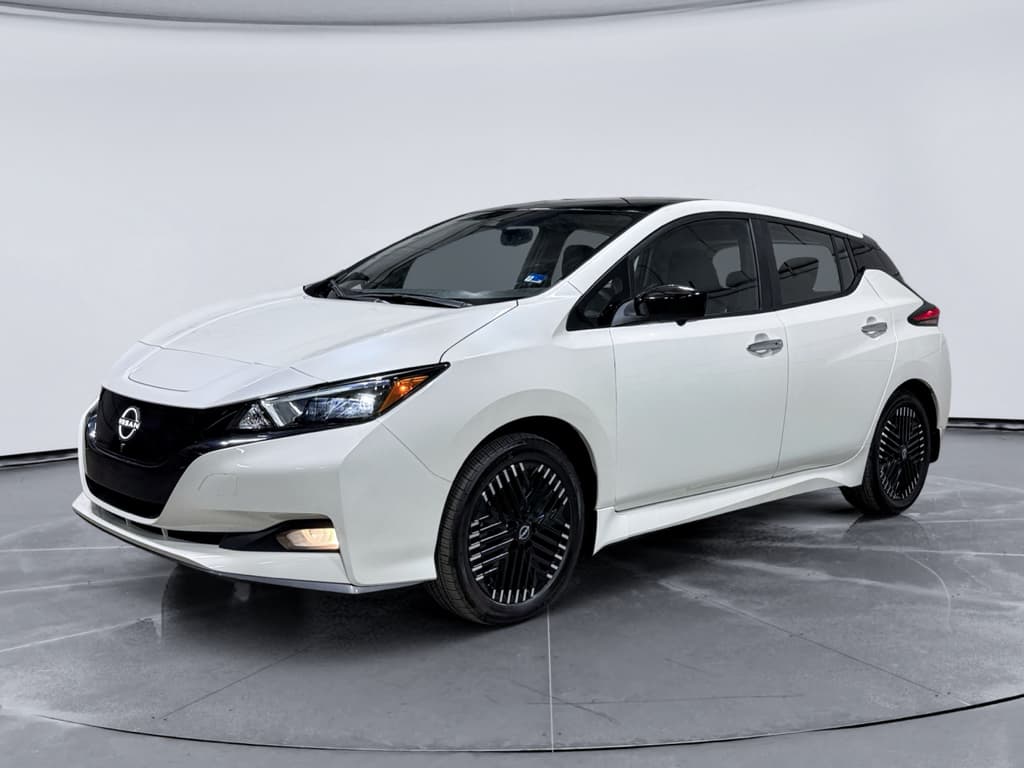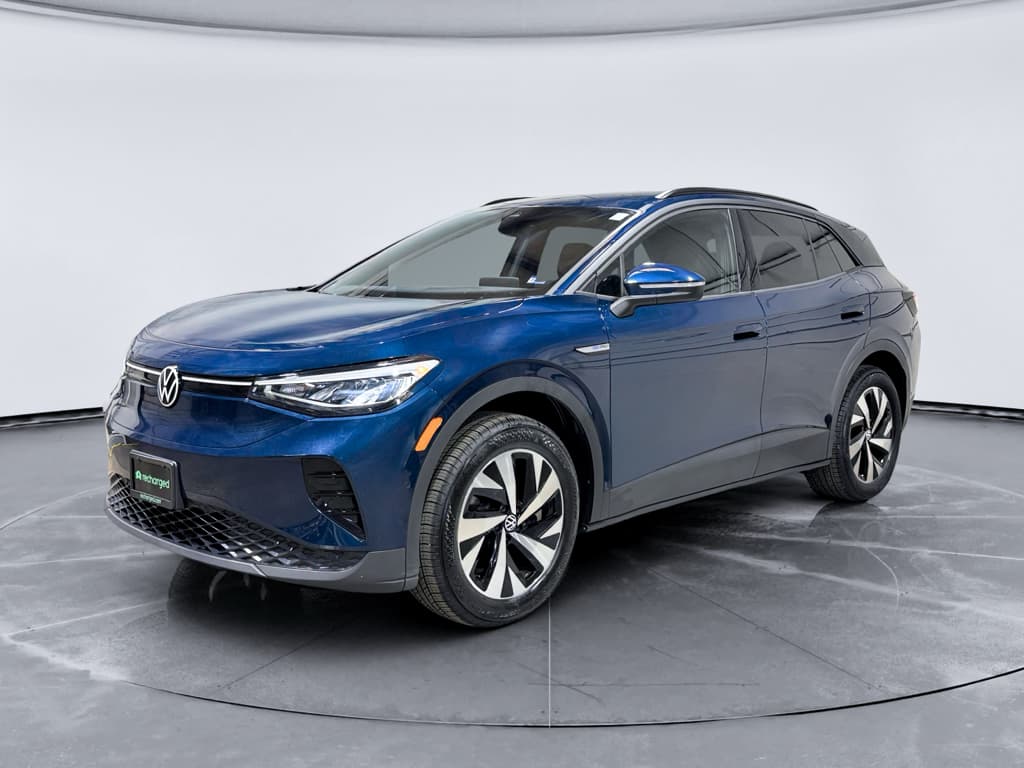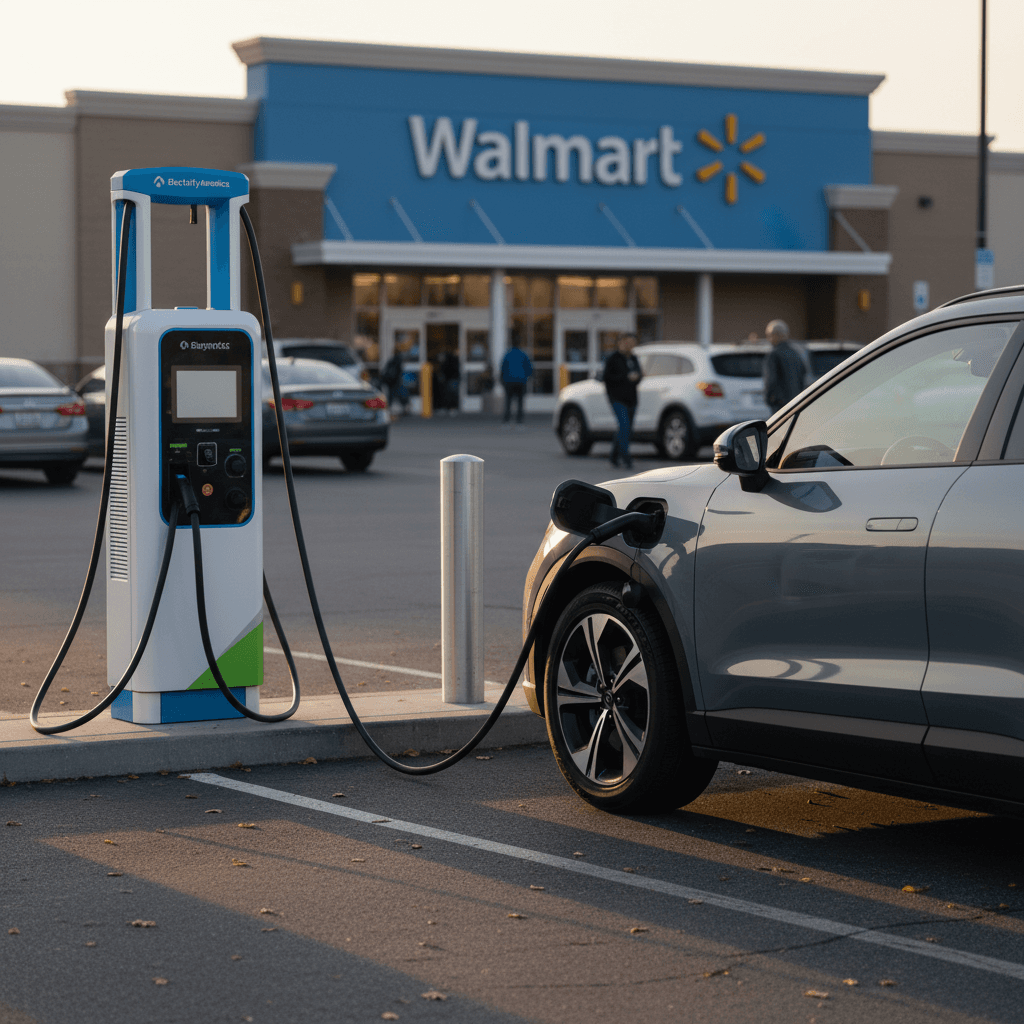
If you drive an EV in the U.S., learning how to charge your EV at Walmart is almost a cheat code. You get a reliably big parking lot, restrooms, snacks, and, at many locations, DC fast chargers that can add a serious chunk of range while you shop for paper towels and protein bars.
Big picture
Why charging your EV at Walmart is a big deal
Walmart sits in the American landscape like a modern town square. For EV drivers, that means many Supercenters sit right off highways, have long operating hours, and already draw road‑trippers. When you pair that with DC fast charging, a Walmart stop can replace the old gas‑and-bathroom routine almost one‑for‑one, only now you’re grabbing windshield washer fluid and a rotisserie chicken while electrons pour into your pack.
Walmart charging at a glance
Road‑trip hack
Walmart EV charging basics: who actually runs the stations?
Here’s the first thing to understand: Walmart usually doesn’t run the chargers itself. At most locations today, the big white‑and‑teal units in the lot are Electrify America stations, simply hosted on Walmart property. That means pricing, apps, and memberships are all Electrify America’s, not Walmart’s.
- Most existing Walmart chargers: Electrify America DC fast chargers, plus occasional Level 2 units.
- You pay through: the Electrify America app, tap‑to‑pay with a card, or contactless wallet (Apple Pay, Google Pay) at many stations.
- New build‑outs: Walmart has announced its own branded fast‑charging network with 400 kW units in select states, but the user experience is still very similar, pull up, plug in, pay on screen or via app.
Don’t expect free charging
How to find a Walmart with EV charging
Before you bank on a Walmart charge, you need to confirm the store actually has working EV stations. Availability varies widely by region, and not every Supercenter is wired up yet.
Three reliable ways to locate Walmart chargers
Stack these tools and you’ll almost never get skunked
1. Electrify America app
Search in the Electrify America app and filter by location or route. Stations hosted at Walmart typically say so in the station name or description.
Tap a pin to see:
- Exact address (often "Walmart Supercenter" listed)
- Real‑time charger status
- Connector types (CCS, CHAdeMO, NACS where available)
- Pricing and maximum power
2. PlugShare & other maps
Apps like PlugShare, Chargeway, or A Better Routeplanner crowd‑source info:
- User reviews and reliability reports
- Photos of charger placement in the lot
- Last time someone successfully charged
Look for recent check‑ins before betting your range on a given station.
3. EV‑aware navigation
Many EVs (Hyundai, Kia, Ford, Tesla via CCS adapter, etc.) can route directly to DC fast chargers along your route. Some will explicitly label Electrify America or show "Walmart" in the station name so you know you’ll have a store to duck into while you charge.
Check the fine print
Step‑by‑step: how to charge your EV at Walmart
Once you’ve found the right store, the actual process of charging your EV at Walmart is very similar across providers. We’ll assume an Electrify America station, since that’s what you’ll see most often.
Start‑to‑finish: charging at Walmart with Electrify America
1. Arrive with a plan
Ideally, arrive with your battery between 10–30% so the charger can work at its fastest. Park at a stall that matches your connector type and doesn’t require you to stretch the cable unnaturally.
2. Open the Electrify America app
If you haven’t already, download the app and create an account. From the map, select the station and confirm it matches the ID printed on the charger you’re parked at.
3. Pick the right charger number
Each pedestal has a number above the screen. In the app, select that same number so you start the right stall. This avoids the comedy of errors where you’re starting your neighbor’s session instead of your own.
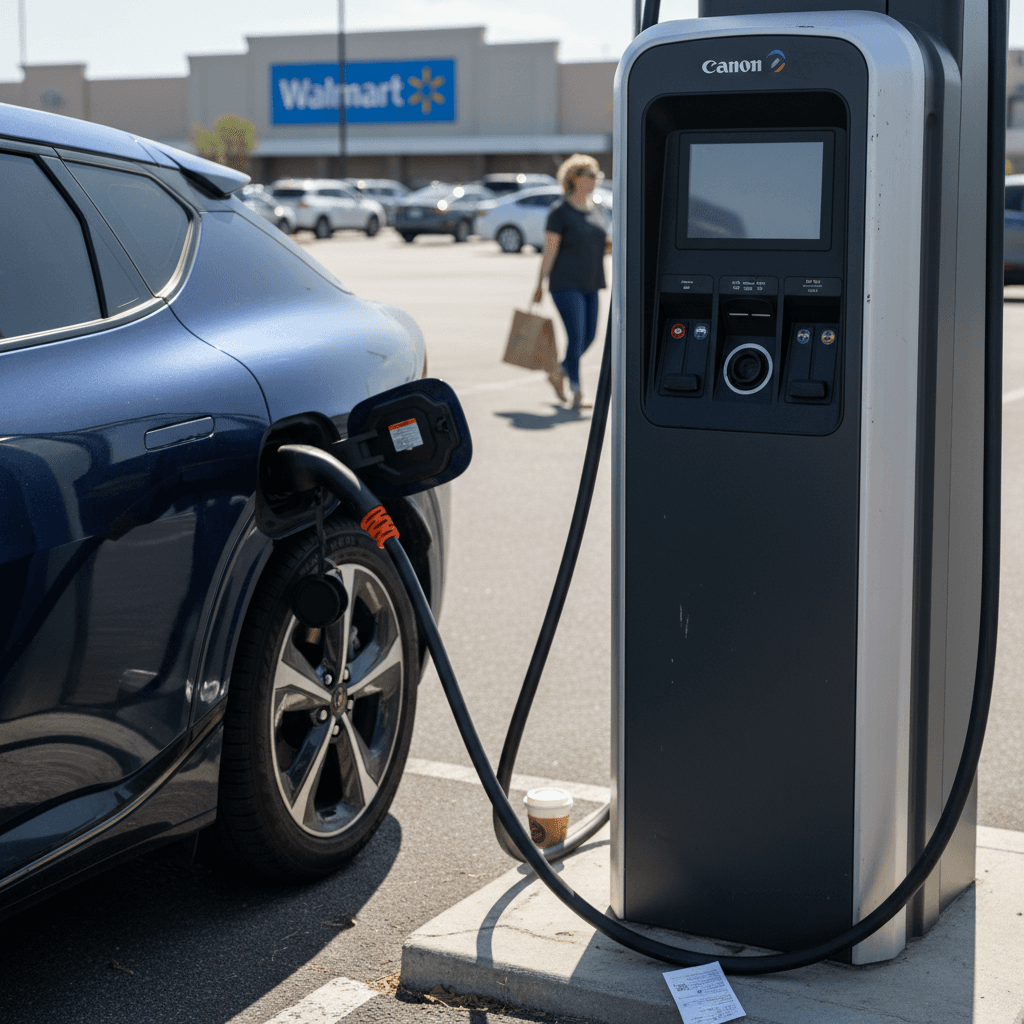
4. Connect the plug to your EV
Lift the connector from the holster with two hands and push it firmly into your charge port until you hear a click or feel it latch. On some cars, locking doors will also lock the connector in place.
5. Start the session and watch for confirmation
In the app, tap Start Charging (or tap‑to‑pay at the pedestal if you prefer). Within 10–60 seconds you should see power ramp up on both the charger screen and your vehicle’s dash.
6. Go live your life for 20–30 minutes
Use the restroom, pick up groceries, stretch. Keep an eye on the app for state of charge and cost. Most EVs charge fastest up to ~60–80%, then taper.
7. Stop charging and unplug cleanly
In the app or on‑screen, hit Stop. Wait for the charger to say the session has ended, then press and hold any release button on the connector before pulling it out and re‑holstering it properly.
Plug & Charge bonus
Plugs, connectors, and whether your EV will work
The most intimidating bit for new EV drivers is figuring out which plug to grab. The good news: in the U.S., public fast charging at Walmart is mostly standardized.
DC fast charging connectors
- CCS (Combined Charging System): The current default for many non‑Tesla EVs (VW, Hyundai/Kia, GM, Ford, BMW, etc.). Most Electrify America pedestals at Walmart have at least one CCS cable.
- CHAdeMO: Older standard mainly for first‑gen Nissan LEAF and a few others. Many new stations only have one CHAdeMO cable, or none at all.
- NACS (Tesla connector): Walmart’s next‑gen chargers are starting to include NACS plugs. Some existing sites add NACS on new pedestals as Tesla’s standard becomes more widely adopted.
Level 2 vs. DC fast at Walmart
- Level 2 (J1772): Occasionally found at or near Walmart, but much slower, think overnight, not a quick pit stop.
- DC fast (150–350 kW): What you’ll interact with most. Ideal for road trips and big top‑ups during errands.
- Always match the plug on the cable to the port on your car. If they don’t match, you’ll need an adapter, for example, Tesla owners using CCS chargers.
Know your car’s limits
How long it takes and what it costs to charge at Walmart
Walmart charging isn’t one‑price‑fits‑all. Cost depends on your state’s rules, the specific network, your membership plan, and your car’s appetite for power. But you can still ballpark things before you plug in.
Typical time and cost to charge at Walmart
Approximate real‑world numbers for a mainstream EV with a 60–77 kWh battery starting around 10–20% state of charge.
| Charge target | Energy added | Time on a 150 kW fast charger* | Rough cost at $0.36/kWh | What it feels like |
|---|---|---|---|---|
| 10% → 60% | ~30 kWh | 20–25 min | ~$11 | Quick bathroom break and a snack |
| 10% → 80% | ~45 kWh | 30–40 min | ~$16 | Grocery run or a short shopping lap |
| 20% → 90% | ~45–55 kWh | 35–50 min | ~$16–$20 | Longer stop; last 10–20% is slower and pricier per mile |
Actual prices and speeds vary. Always check the charger screen or app for live info.
How pricing works
- In many kWh‑based states, guest pricing around $0.40–$0.45/kWh is common, with Pass+ members paying less.
- In minute‑based states, you might see ~$0.16/min under 90 kW and ~$0.30+/min over 90 kW. If your car only pulls 60–70 kW, there’s no benefit to paying for the higher tier.
- Idle fees, often around $0.40/min after a 10‑minute grace period, kick in once your session ends. Move your car promptly.
Don’t chase 100%
Charging etiquette and best practices in a busy Walmart lot
A Walmart parking lot on a Saturday afternoon is already a contact sport. Add EV chargers and tight spaces, and etiquette matters, for safety, sanity, and a little human decency.
Walmart charging do’s and don’ts
Park like you’re not the main character
Don’t block multiple spaces, don’t park diagonally to make the cable reach, and don’t occupy an EV spot if you’re not charging.
Share the fastest stalls
If you’re at a bank of mixed‑speed chargers, leave the ultra‑fast 350 kW units for cars that can actually use them. Your 50 kW‑limited crossover will be just as happy on a 150.
Monitor your session
Use the app or your car’s notifications. If you’re past 80% and others are waiting, it’s time to unplug and move.
Keep cables tidy
Re‑holster the connector fully so it doesn’t lie on the ground where it can be damaged or trip the next driver.
Don’t ICE the chargers
If you drive a gas vehicle, or an EV you’re not charging, don’t park in EV charging spots. It’s the electric equivalent of blocking the only gas pump in town.
Be the driver you wish you pulled up next to
Troubleshooting common Walmart charging problems
Public fast chargers are computers bolted to concrete. Sometimes they act like it. Here’s how to get back on the road when a Walmart charger throws a tantrum.
If this happens, try this
Simple fixes for the most common hiccups
Charger won’t start session
- Unplug, wait 30 seconds, and plug in again.
- Try starting the session from the Electrify America app instead of the pedestal.
- Move to another stall if available; sometimes one unit in the bank is flaky.
Charge rate stuck low
- Check your state of charge; speeds usually taper after ~60–80%.
- Verify you aren’t on a lower‑power pedestal (e.g., 50 kW instead of 150 kW).
- Extreme cold or heat can limit speed, precondition the battery if your car supports it.
Payment keeps failing
- Make sure your card in the app isn’t expired.
- Try a different card or payment method (tap‑to‑pay, another wallet).
- If all else fails, call the support number on the charger; they can often remotely start a session.
When in doubt, call support
Walmart charging vs. other public charging options
Is Walmart the best place to charge your EV? Sometimes. It depends where you are, what you drive, and how fast you need to get moving again.
How Walmart stacks up to other charging options
A high‑level comparison for typical U.S. EV drivers.
| Option | Pros | Cons | Best use case |
|---|---|---|---|
| Walmart + Electrify America | Fast chargers, long hours, bathrooms, food and supplies in one place. | Can be busy; reliability varies by site; not every store has chargers yet. | Road trips or big top‑ups during errands. |
| Dedicated highway plazas | Many fast chargers in one spot, easy on/off access. | Food options may be limited; no big‑box store for supplies. | Pure highway travel when you just want to get moving again. |
| Urban Level 2 chargers | Cheaper per kWh, great if you can stay several hours. | Too slow for quick top‑ups; may require separate parking payment. | Overnight hotel stays, workplace charging, long dinners. |
| Home charging | Cheapest and most convenient overall once installed. | Requires off‑street parking and upfront hardware cost; slow for huge top‑ups. | Daily driving, topping up after commutes. Public charging becomes the exception. |
Your ideal stop changes with your route, schedule, and how badly you need coffee vs. groceries.
Shift big charging to home when you can
FAQ: Charging your EV at Walmart
Frequently asked questions about Walmart EV charging
Bringing it all together
Learning how to charge your EV at Walmart is really about mastering public DC fast charging in general. Once you’re comfortable checking connector types, reading pricing, and starting a session from an app, a Walmart stop becomes just another well‑lit waypoint in your EV travel routine, groceries, restroom, electrons, done.
If you’re still deciding which used EV fits your life, and how often you’ll need to lean on places like Walmart for charging, Recharged can help. Every vehicle on Recharged comes with a Recharged Score battery health report, transparent pricing, and EV‑savvy guidance on charging options, from home setups to road‑trip strategies. That way, when you do pull into a Walmart lot with 14% on the gauge, you’ll know exactly what your car can do and how quickly you’ll be back on the road.