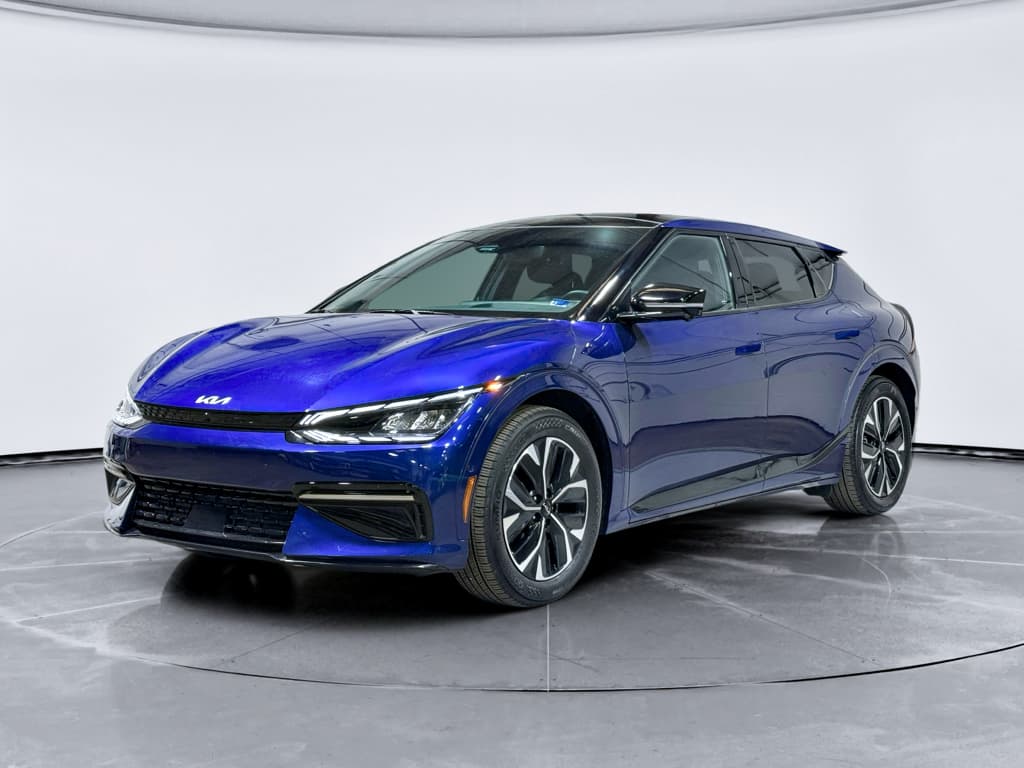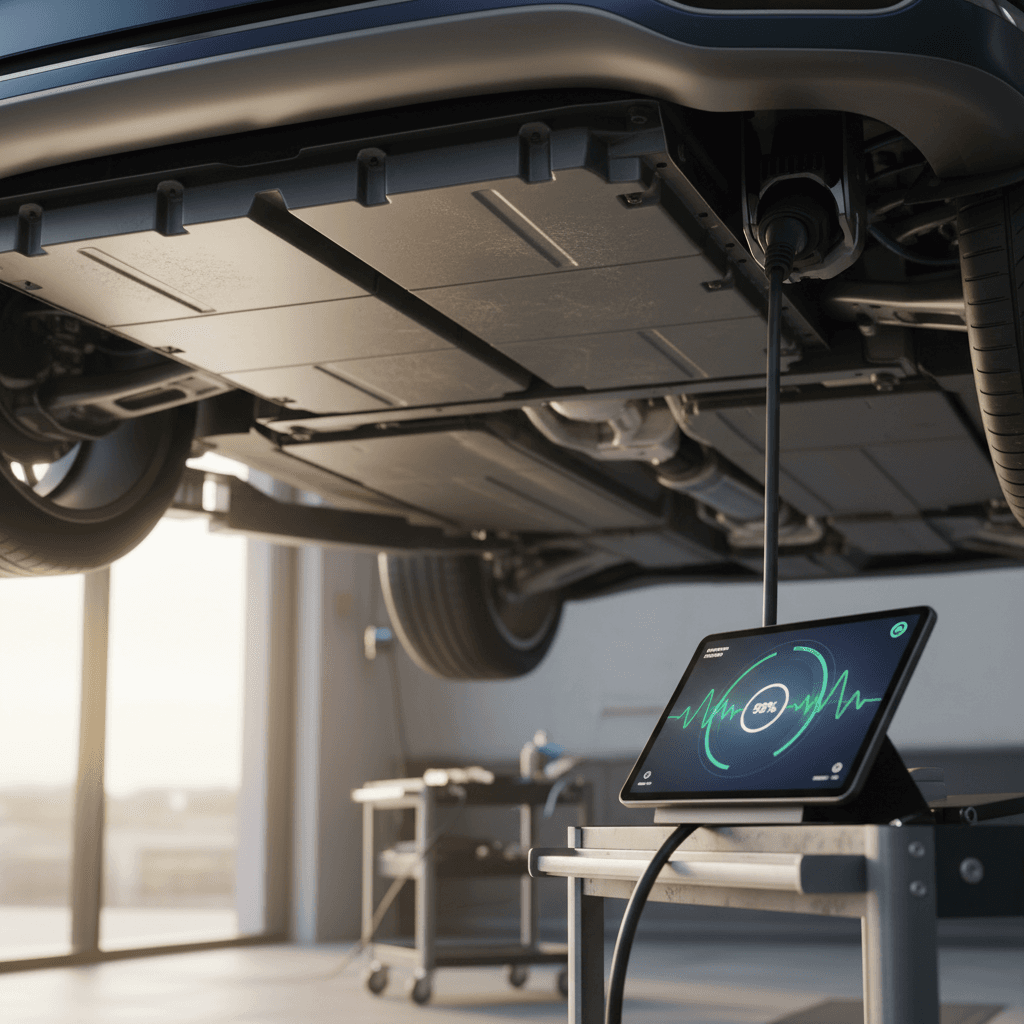
If you own, or are shopping for, a Genesis Electrified GV70, battery health is the big question hiding behind every range estimate and charging session. The good news: this 84 kWh lithium‑ion pack is engineered to last, but you still need to know how to check battery health, spot early issues, and build habits that protect your range for the long haul.
A quick note on GV70 battery specs
Why battery health matters on the Electrified GV70
In any EV, battery health drives three things: usable range, charging speed, and resale value. On the Electrified GV70, a healthy pack means confident road trips, predictable fast‑charging stops, and fewer surprises at trade‑in time. Because this is a premium luxury SUV, a weak battery doesn’t just cost you miles, it undercuts one of the car’s main selling points.
Electrified GV70 battery at a glance
What “battery health” really means on the Electrified GV70
Capacity & degradation
When people talk about battery health, they usually mean how much of the original capacity the pack can still use. A new Electrified GV70 might have about 84 kWh gross capacity, with a portion reserved at the top and bottom to protect the cells. Over time, chemistry changes and the usable portion shrinks. That’s normal degradation.
In practical terms, you’ll notice health changes as reduced range at the same state of charge (SoC) and sometimes slower fast‑charging at higher mileages or after years of abuse.
What you can, and can’t, see
The GV70’s Battery Management System (BMS) tracks incredibly detailed data: cell voltages, temperatures, and an internal state‑of‑health (SOH) value. But Genesis doesn’t show you a simple “battery 94% healthy” readout on the dash.
Instead, you infer health from a mix of clues: expected versus actual range, how the car charges, and results from dealer or third‑party diagnostics. Think of this guide as your translator between what the car knows and what you can actually see.
Quick battery health check for your Electrified GV70
5‑minute driveway check
1. Start with a full (or known) charge
If possible, charge to 100% once in a while, especially before a road trip or after installing software updates. Note the predicted range at 100% and compare it to what you remember when the car was newer, or to EPA estimates for your trim.
2. Compare range to your driving style
If your Electrified GV70 shows dramatically less range than you expect, say, 170 miles at 100% where you used to see 230, ask whether that’s due to more highway driving, winter temperatures, or aggressive acceleration before assuming the battery is failing.
3. Watch the fast‑charge curve
During a DC fast‑charge session (preferably from 10–20% up to 80%), pay attention to how quickly the charger ramps up to high power and when it starts to taper. A very early, sharp drop in power can be a sign of thermal limits or long‑term battery wear.
4. Check for warning messages
Your Electrified GV70 will surface serious issues: battery system warnings, charging failures, or “check EV system” messages. Don’t ignore them, log when they happen, what charger you were using, and your state of charge.
5. Scan your charging history
In the infotainment EV menus or the Genesis app, look over recent charging sessions. Frequent very short DC fast‑charge stops from 60–80% to 100%, or lots of 100% overnight sits, are habits you’ll want to change to protect long‑term health.
Use the same route as your benchmark
Step‑by‑step: On‑screen battery checks in your GV70
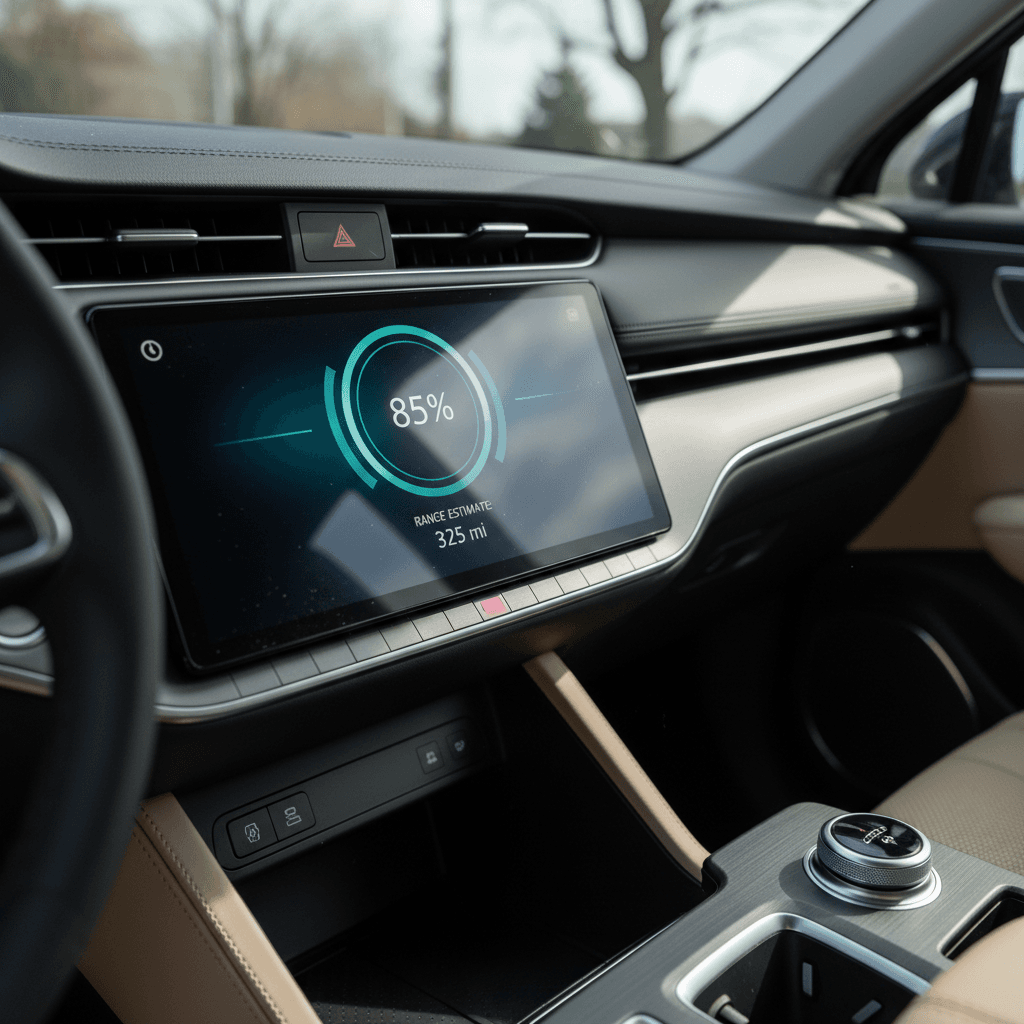
The Electrified GV70 doesn’t expose a raw state‑of‑health percentage, but it does give you a surprising amount of battery‑related information if you know where to look. Here’s how to get the most out of the built‑in screens.
Where to find battery info in your Electrified GV70
Use these views together for a fuller picture of health and range
EV home screen
On the center display, tap the EV button or EV shortcut tile.
- Shows current state of charge (SoC) in %.
- Estimated remaining range.
- Nearby charging stations through navigation.
If range at a given SoC has dropped sharply compared with past experience and conditions haven’t changed, that’s your first hint of capacity loss.
Energy information details
From the EV screen, open the detailed Energy Information or similar submenu.
- Breakdown of what’s using energy: drive motor, climate, accessories.
- Average consumption over recent trips.
- Projected range based on your driving patterns.
If your consumption (kWh/100 miles or mi/kWh) looks similar over time but projected range keeps shrinking, the battery may have lost some usable capacity.
Charge management & timers
Within the EV settings menus, look for Charging or Charge Management:
- Maximum charge limits (often defaulting to 100%).
- Scheduled charging for off‑peak hours.
- Battery conditioning for fast‑charging on some newer models.
Use this menu to keep daily charge targets around 70–80% and to enable battery preconditioning before DC fast‑charging on cold days.
Using the Genesis app and Connected Services
Genesis continues to refine its Connected Services. Depending on model year and software version, the Genesis app can show battery state of charge, charging status, range, and sometimes more detailed EV diagnostics. It’s not as slick as some rivals, but it’s a useful window into battery behavior when you’re away from the car.
- Download the latest Genesis app and sign in with the same account tied to your Electrified GV70.
- Verify that Connected Services are active on your vehicle (your dealer usually enables this at delivery; renewal may be required after the trial period).
- On the home screen, confirm that battery state of charge and charging status are updating correctly. If range or SoC are blank for days, you may need a dealer or Genesis support to reset the connection.
- Open any available EV‑specific tabs that show charging history, scheduled charging, and nearby public stations. Note how often you fast‑charge, how long you stay above 80–90%, and whether the car ever stops charging unexpectedly.
- If the app includes a ‘Vehicle Health’ or diagnostic report, review EV‑system status before long trips. While it won’t show a numeric battery‑health percentage, it will flag trouble codes your dash might not emphasize.
App not showing EV data?
When you need a professional battery diagnostic
There’s a limit to what you can see from the driver’s seat. When range drops suddenly, charging behavior changes overnight, or you’re considering a used Electrified GV70, it’s time to bring in professional tools.
Diagnostic options for Electrified GV70 battery health
From dealer‑level tests to independent EV inspections
Genesis dealer battery tests
A Genesis service department can plug into the EV’s internal systems and pull detailed battery reports from the BMS. These typically include:
- Total DC and AC charge counts.
- Cell‑voltage variance and temperature history.
- Any logged high‑voltage fault codes.
- Warranty‑relevant battery state of health.
If you’re seeing range 30–40% below what you expect under mild conditions, ask for a high‑voltage battery health check explicitly and keep a copy of the printout.
Independent EV inspection or Recharged Score
When you’re shopping used, you may not have a relationship with a Genesis dealer yet. That’s where third‑party diagnostics help.
Every used EV sold through Recharged includes a Recharged Score Report with verified battery health, fast‑charge history, and fair‑market pricing. Our battery tests look beyond the basic dash readouts so you know exactly what you’re buying.
If you’re buying privately, consider paying for an independent EV inspection or asking the seller to provide a recent dealer battery report before you commit.
Don’t ignore charging failures
How the Genesis battery warranty protects you
Genesis backs the Electrified GV70’s high‑voltage battery with long‑term warranty coverage, typically 10 years or 100,000 miles in the U.S. for the original owner. That’s designed to protect you from manufacturing defects and abnormal degradation, not from years of harsh fast‑charging abuse, but it’s still a significant safety net.
Typical warranty coverage for the Electrified GV70 (U.S.)
Always confirm the exact terms in your owner’s manual and warranty booklet, but this is the general outline many GV70 EV owners will see.
| Coverage type | Typical term | What it covers | What it doesn’t |
|---|---|---|---|
| Basic vehicle warranty | 5 years / 60,000 miles | Most non‑wear components: electronics, infotainment, interior hardware, many EV components. | Wear items like tires and brakes; cosmetic damage; impact or water intrusion. |
| High‑voltage battery warranty | 10 years / 100,000 miles | Defects in the battery pack and, in many cases, excessive capacity loss vs. Genesis standards. | Normal gradual degradation from age and mileage; damage from misuse or improper repairs. |
| Corrosion / perforation | 7+ years (varies) | Perforation‑through rust on body panels. | Surface rust, stone chips, accident damage. |
Some states and later model years may offer variations; check your specific documentation.
Why exact wording matters
Habits that keep your Electrified GV70 battery healthy
You can’t freeze your Electrified GV70’s battery in time, but you can dramatically influence how quickly it ages. The same chemistry rules that govern a Tesla or Hyundai Ioniq 5 also apply here, Genesis is using modern lithium‑ion cells with aggressive fast‑charging capability, and they respond to care in predictable ways.
Everyday habits that protect your GV70’s pack
Simple adjustments with big long‑term impact
1. Live in the middle
For day‑to‑day driving, try to keep the battery between about 20% and 80%. Use the EV charging menu to set a lower limit for scheduled home charging so you don’t accidentally wake up at 100% every morning.
2. Save 100% for trips
Charging to 100% is fine when you need the range, just avoid letting the car sit at 100% for days. On road trips, time your charge so you hit 100% shortly before departure instead of the night before.
3. Respect temperature extremes
Very hot or very cold conditions stress batteries. In summer, park in the shade or a garage when you can. In winter, use the GV70’s battery conditioning and cabin preheat features while plugged in so the pack warms up on grid power, not its own energy.
4. Be thoughtful about fast‑charging
The Electrified GV70 loves an occasional 350 kW DC blast, but a diet of fast‑charging from 10% to 100% every single day will age the pack faster. For regular commuting, home Level 2 charging is kinder and cheaper.
5. Drive smoothly when possible
Short bursts of Boost are part of the GV70’s charm, but if you constantly alternate between full‑throttle launches and hard regen, you’re putting more heat into the pack. Smooth acceleration and steady highway speeds are easier on the chemistry, and your range.
6. Keep software up to date
Genesis has been rolling out battery‑management updates that tweak how the car charges, conditions, and predicts range. When the car or dealer prompts you for an update, don’t ignore it, those tweaks exist to improve performance and longevity.
Reading battery health on a used Electrified GV70
If you’re eyeing a used Electrified GV70, especially one with high mileage or a lot of fast‑charging in its past, battery health moves from nice‑to‑know to absolutely critical. You’re not just buying leather and soft‑close doors; you’re buying however many years and miles of battery life are left.
Smart questions to ask the seller
- What’s the typical range at 100%? Ask for a recent photo of the cluster or EV screen.
- How do you usually charge? Home Level 2 every night is ideal; multiple DC fast‑charge sessions per week on a short commute are a red flag.
- Any battery‑related service visits? Request service records, especially for software updates or high‑voltage system repairs.
- Is the high‑voltage battery warranty still active? Check model year and mileage against the warranty period.
Why buy through a specialist like Recharged
At Recharged, every used Electrified GV70 comes with a Recharged Score Report that includes verified battery health, charging history insights, and a full inspection. We don’t guess at range, we measure it, using data and diagnostics.
If you trade in your current EV, we’ll also evaluate your battery and explain how its health affects value. That transparency is exactly what you want in an EV market where two identical‑looking GV70s can have very different batteries hiding underneath.
FAQ: Genesis Electrified GV70 battery health
Common questions about Electrified GV70 battery health
Key takeaways for Electrified GV70 owners
Your Genesis Electrified GV70 hides a sophisticated, fast‑charging battery pack under its polished sheetmetal. You can’t see a simple "battery health" number on the dash, but you can track range, watch charging behavior, and lean on professional diagnostics to keep tabs on the pack that makes this SUV special. Treat 20–80% as home base, reserve 100% for trips, stay up to date on software, and pay attention when fast‑charging patterns suddenly change.
If you’re stepping into a used Electrified GV70, don’t settle for guesswork. Ask for battery reports, charging history, and warranty details, or let Recharged do that homework for you. Every EV we sell comes with a Recharged Score Report, expert EV guidance, and options for trade‑in, financing, and delivery, so you know exactly how healthy your future GV70’s battery really is before you ever hit the start button.