The Genesis GV60 is one of the most polished EVs on Hyundai’s E-GMP platform, quick, comfortable, and tech-heavy. But like any first-wave electric crossover, it has patterns of issues that real owners have run into. This guide breaks down Genesis GV60 common problems and fixes, so you know what to watch for, what’s normal, and what should send you back to the dealer (or make you walk away from a used example).
Quick take
Overview: How Reliable is the Genesis GV60?
The GV60 shares its core hardware with the Hyundai Ioniq 5 and Kia EV6, which gives it a relatively strong technical foundation. Most reported problems are software, ancillary components, or service-related rather than catastrophic battery or drivetrain failures. That’s good news if you’re considering a GV60, especially used, but you still need to understand where the pain points are.
GV60 Reliability Snapshot (Early Owner Experience)
Platform and Warranty Basics
E-GMP platform strengths
- Shares core battery, motors, and 800V fast-charging architecture with Hyundai Ioniq 5 and Kia EV6.
- Proven pack design with relatively few public cases of severe battery degradation so far.
- Efficient charging curve and robust thermal management help reduce long-term stress on the pack.
Key warranty coverage
- High-voltage battery: up to 10 years/100,000 miles in the U.S.
- Powertrain and basic warranty: competitive with other luxury EVs.
- Many early-ownership problems (screens, HVAC modules, e-modules) are typically covered if in-warranty.
If you’re shopping used, verify in-service date and remaining coverage. With Recharged, this is baked into the vehicle listing and Recharged Score Report.
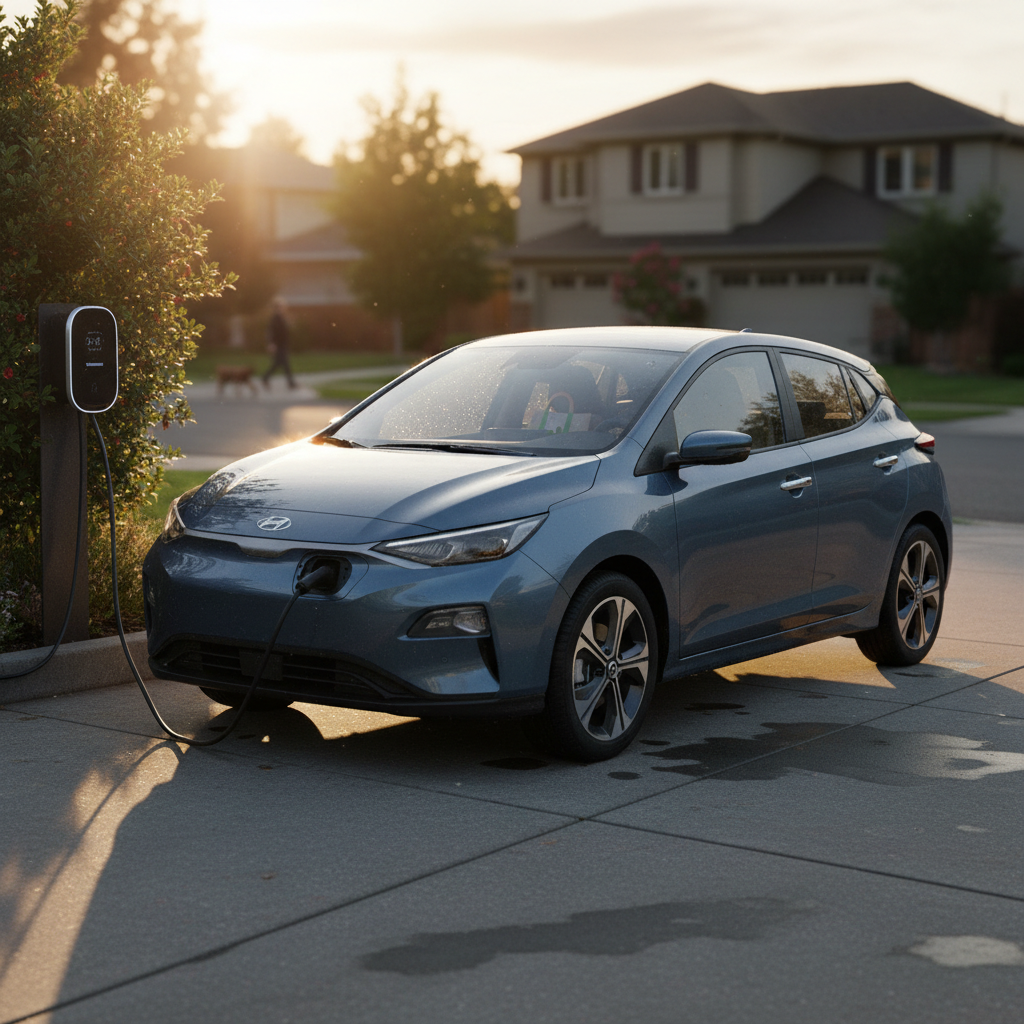
High-Voltage Battery & Charging Issues
So far, the GV60’s main traction battery has not developed a reputation for widespread failures. However, a few patterns have shown up among owners and in early used-GV60 inspections.
Common Battery & Charging Concerns
What you might notice and what to do about it
Fast-charging inconsistency
Some owners see slower-than-expected DC fast-charging, especially in cold weather or when the battery wasn’t preconditioned.
Fix: Use navigation to a fast charger so the car can warm the pack, and compare results across different charging networks.
Range drops in cold
Like most EVs, the GV60 can lose a substantial percentage of range in winter due to HVAC use and battery chemistry.
Fix: Precondition while plugged in, use seat/wheel heaters first, and drive in Eco mode around town.
Long-term battery health
No systemic pack failures have emerged, but like all EVs, frequent 100% fast charges can accelerate wear.
Fix: For daily use, aim to charge to 70–80% and avoid leaving the car parked at 0% or 100% for long periods.
Battery-care best practice
12V Battery, No-Start, and Lockout Problems
One of the most frustrating Genesis GV60 common problems is not the big battery at all, it’s the small 12V system. Multiple owners report situations where a nearly new GV60 appears “dead,” refusing to unlock or power on even with a healthy high-voltage pack.
Typical 12V-Related Symptoms on the GV60
What owners experience when the low-voltage system misbehaves
| Symptom | Likely Cause | Immediate Steps | Long-Term Fix |
|---|---|---|---|
| Car won’t unlock or start, key fob unresponsive | Weak or failed 12V battery, or low-voltage control glitch | Try physical key in the door; use any available 12V jump terminal as described in the manual | Dealer 12V battery test/replacement; check for software updates that address parasitic drain |
| Screens dark, vehicle appears “dead” after parking overnight | 12V dipped too low while parked | Attempt a 12V jump and then let the car stay in READY mode to recharge | Have dealer check for TSBs/software updates; in some cases, 12V battery replacement |
| Random electrical gremlins (warning lights, module resets) | Intermittent low-voltage supply | Document with photos/video and book a service visit | Insist on 12V battery load test and inspection for loose grounds/connections |
Most of these issues can be resolved with 12V battery service or software updates, but they can be scary the first time you see them.
Don’t ignore an early no-start
Infotainment, Screen Flicker & 2025–2026 Recall
Screen and software annoyances are high on the GV60 complaint list. Owners have reported instrument clusters flickering or going black, glitches that seem tied to Apple CarPlay or Android Auto, and frozen infotainment interfaces. More recently, a major Genesis recall has widened the spotlight on these issues.
Common GV60 Screen & Software Problems
What you’ll see and the most effective fixes
Cluster flicker or black screen
Owners have reported the instrument cluster flickering or going dark, sometimes after connecting CarPlay.
- Try a soft reset of the infotainment system (consult owner’s manual).
- Document with photos/video and log a dealer visit so there’s a record.
- Ask about any software updates or technical bulletins for display modules.
Frozen or laggy infotainment
Unresponsive touch inputs, Bluetooth dropouts, or nav crashes are classic early-EV software teething issues.
Fix: Perform a system reset, clear paired phones, and ensure the vehicle is on the latest software. In some cases, a low 12V state can exaggerate these problems, so rule that out first.
2025–2026 Genesis screen recall
If your screens are blank or rebooting and the car is within recall coverage, you shouldn’t have to pay for a fix. Until the update is applied, some owners are instructed to disable specific features (like HD radio) that can trigger the bug.
HVAC: Heating Loss and Heat Pump Failures
One of the more serious comfort-related complaints is loss of cabin heat, especially in colder climates. Several GV60 owners have described multi-week odysseys with dealers replacing heat pump components and HVAC modules, sometimes only to have the problem return.
- Heat suddenly stops working in winter; cabin only blows lukewarm or cold air.
- Intermittent heat that works on one trip and fails on the next.
- Long dealer repair times due to backordered HVAC components or compressors.
No-heat in winter is a safety issue
If Your GV60 Loses Heat: Step-by-Step
1. Confirm settings
Make sure you’re not in an ECO HVAC mode with low fan settings. Toggle between AUTO and full manual, and try defrost mode to see if any heat comes through.
2. Restart the vehicle
Turn the car fully off, open the door to power everything down, then restart. Software glitches can temporarily knock HVAC control modules offline.
3. Check for other warnings
If you see unrelated warning lights or odd behavior, you might be looking at a broader low-voltage or module communication problem, not just HVAC.
4. Document the failure
Take video showing outside temperature, HVAC settings, and airflow (or lack thereof). This evidence helps dealers diagnose intermittent problems and supports warranty claims.
5. Book dealer appointment immediately
Describe the issue as a <strong>safety concern</strong> if you can’t reliably defrost the windshield or heat the cabin. Ask if other GV60s have required heat pump or compressor replacement.
6. Escalate if repairs drag on
If the car sits for weeks awaiting parts or repeated repairs, start a paper trail with Genesis corporate and investigate state lemon-law or buyback options if applicable.
Suspension Clunks, Brake Wear & Noise
Heavy EVs like the GV60 are hard on suspension and brake hardware. While there’s nothing uniquely fragile about the GV60 here, a few patterns are worth watching, especially as these vehicles age into the used market.
Common Chassis-Related Complaints
Mostly wear-and-tear, but still worth budgeting for
Suspension clunks over bumps
Owners and independent inspectors have reported knocking noises from worn or loose suspension components, especially on rough roads.
Fix: Have the suspension inspected; bushings or links may need tightening or replacement.
Brake noise or corrosion
Because regenerative braking does most of the work, physical pads and rotors can rust or glaze from underuse.
Fix: Periodically perform a few firm stops using friction brakes, and have the brakes cleaned or resurfaced if grinding persists.
Uneven tire wear
Instant torque and weight can chew through tires faster than many owners expect, especially on Performance trims.
Fix: Rotate tires regularly and monitor alignment; aggressive staggered setups can be pricey to replace.
Keyless Entry & Security Concerns
On the E-GMP family, including Ioniq 5, EV6, and GV60, researchers and thieves have demonstrated keyless entry vulnerabilities using relay or specialized hardware. In some markets, Hyundai has offered paid security upgrades for related vehicles, and Genesis owners should pay attention to any future campaigns or TSBs that touch the GV60’s locking system.
Protecting your GV60 from theft
Service Network & Customer Experience
More than any single mechanical defect, one of the loudest themes from GV60 owners is uneven service experience. Some Genesis dealers are excellent; others are still learning EV diagnostics or reluctant to touch out-of-area vehicles.
- Owners being bounced between local dealers and the original selling dealer for even simple work like tire repairs.
- Long wait times for parts like HVAC compressors and electronic modules.
- Vehicles returned dirty or with issues only partially resolved after extended stays in the shop.
Why this matters for used buyers
Buying a Used Genesis GV60: Inspection Checklist
If you’re looking at a used GV60, you’re already doing one smart thing: researching known problems first. Here’s a focused checklist you can use on a test drive or pre-purchase inspection.
Used GV60 Problem-Spotter Checklist
1. Verify software & recall status
In the settings menu, confirm software is up to date. Ask the seller for proof that any infotainment/screen recalls have been performed. All screens should wake quickly and never flicker or reboot during your drive.
2. Test every HVAC mode
Set the climate to full heat, then full cold, try AUTO and defrost, and drive for at least 15–20 minutes. Watch for delayed or inconsistent heating, fogged glass that won’t clear, or a sudden loss of warm air.
3. Check for 12V weirdness
Lock and unlock multiple times with both key fobs, let the car sit, then restart. Any hesitation, dead behavior, or odd warning messages should be investigated before money changes hands.
4. Listen for suspension and brake noise
Drive over speed bumps and rough pavement with the windows cracked. Listen for clunks, rattles, or grinding. After the drive, visually inspect rotors through the wheels for heavy rust ridges.
5. Inspect tires and alignment
Look for uneven wear, inner-edge cupping, or mismatched brands. These can hint at alignment problems or prior curb damage, which matter on a heavy, powerful EV like the GV60.
6. Confirm charging behavior
If possible, plug into both a Level 2 charger and a DC fast charger. Confirm that the car wakes properly, charges at reasonable speeds for the state of charge and temperature, and displays accurate range estimates.
7. Review service history
Ask for a full printout of Genesis service records and any independent shop invoices. Repeated HVAC, screen, or module repairs are not necessarily deal-breakers, but they should be reflected in the price and your expectations.
How Recharged Helps GV60 Buyers
Shopping for a used GV60 is very different from buying a used gas SUV. You’re not just evaluating paint and tires, you’re buying into a battery, software stack, and dealer network. That’s exactly the gap Recharged is built to close.
What You Get with a GV60 from Recharged
More than a pretty listing
Verified battery health
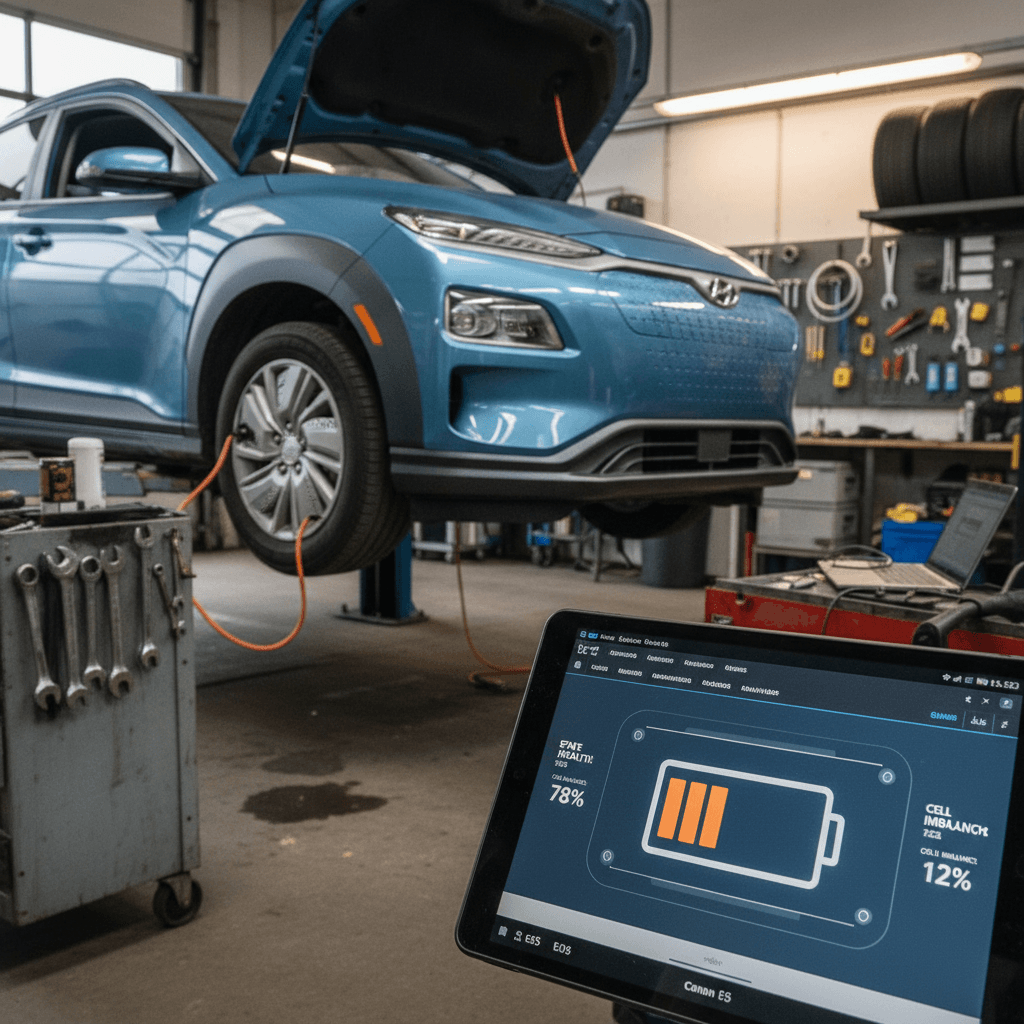
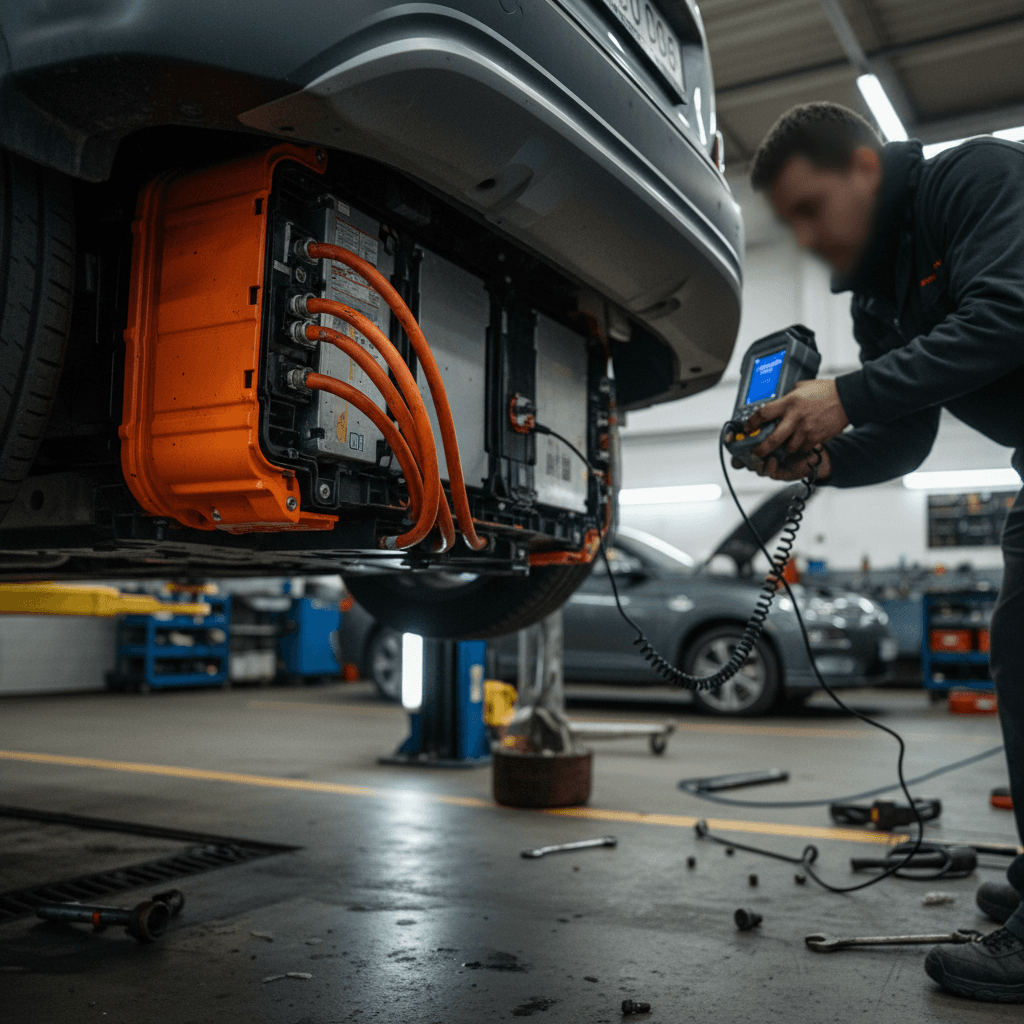
Every GV60 we list includes a Recharged Score Report with independent battery-health diagnostics, so you’re not guessing about pack condition or hidden abuse.
Problem-focused inspection
Our EV specialists specifically test for the issues in this article, HVAC performance, charging behavior, 12V system health, suspension noise, and infotainment stability.
EV-first retail experience
From digital paperwork and EV-focused financing options to nationwide delivery and trade-in support, Recharged is designed around making EV ownership simple and transparent.
Ready to find your next EV?
Browse VehiclesIf you’ve read this far, you’re already ahead of most shoppers. Combining that knowledge with a professionally inspected GV60 and transparent pricing dramatically lowers your risk compared with rolling the dice on an unvetted auction or generic dealership.
Genesis GV60 Common Problems: FAQ
Frequently Asked Questions About GV60 Problems
Bottom Line: Should You Worry About GV60 Problems?
No EV is problem-free, and the Genesis GV60 is no exception. The good news is that its core battery and drivetrain hardware have not emerged as chronic weak spots. The bad news is that owners do report meaningful frustration around software, screens, HVAC, 12V systems, and inconsistent dealer support, issues that matter a lot to your day-to-day experience even if they don’t total the car.
If you’re buying new, your best defense is to keep software current, document issues early, and be persistent about proper warranty repairs. If you’re buying used, focus on a well-documented example with remaining factory coverage, thoroughly test it using the checklist above, and strongly consider working with an EV-specialist retailer like Recharged that puts battery health and real-world problem areas at the center of its inspection process. Do that, and a used GV60 can be one of the more compelling luxury EV values on the market.