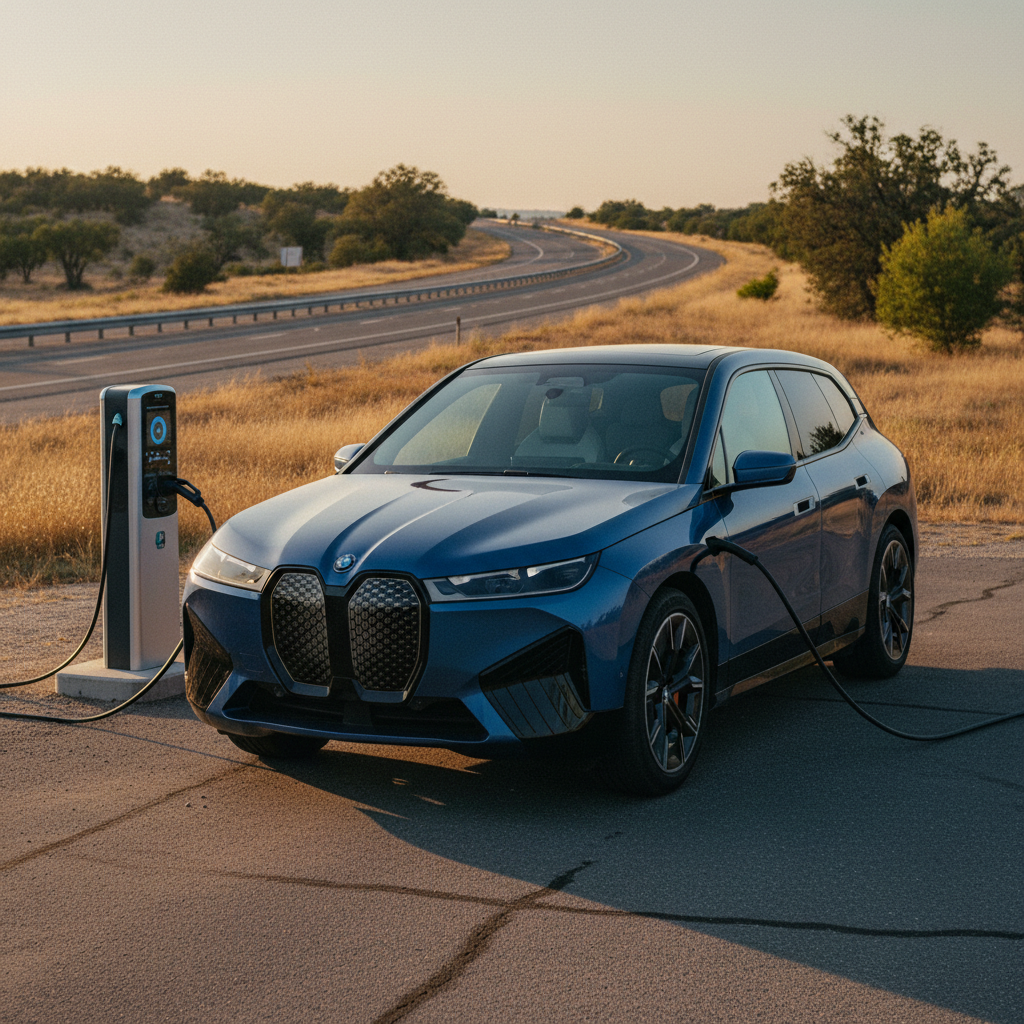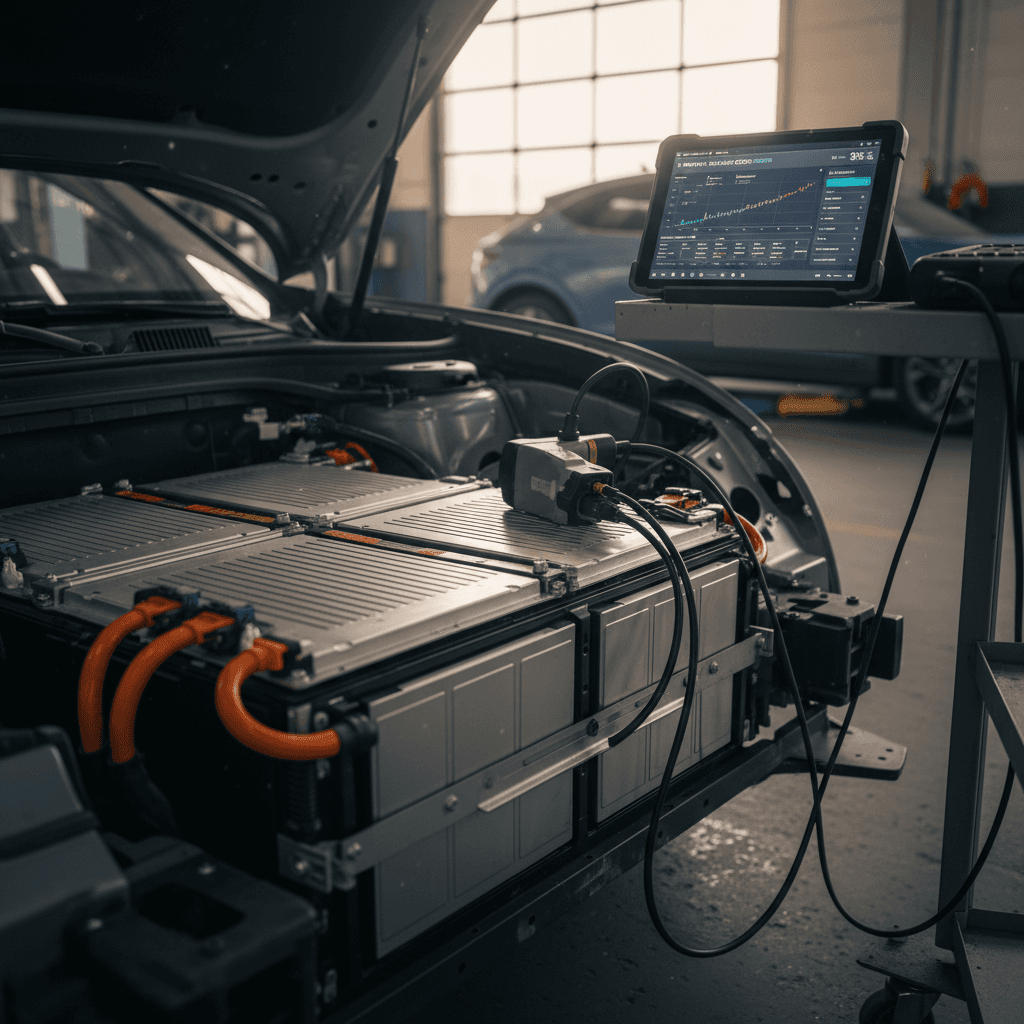
If you drive a Genesis GV60 or you’re shopping for one used, battery health is the single most important thing to understand. Knowing how to check Genesis GV60 battery health, beyond just looking at the charge gauge, helps you protect range, avoid surprises, and make a smarter purchase decision.
Short on time?
Why Genesis GV60 battery health matters
The GV60 rides on Hyundai Motor Group’s E‑GMP platform, the same 800‑volt architecture used in the Ioniq 5 and Kia EV6. It’s a sophisticated pack with fast‑charging capability and strong thermal management, but like any lithium‑ion battery, it slowly loses capacity over time. That “capacity fade” directly affects how far you can drive on a charge and ultimately impacts resale value.
- Range: Less usable capacity means fewer miles between charges, especially noticeable on highway trips or in winter.
- Charging behavior: A tired pack may charge more slowly at high DC fast‑charge rates or taper earlier.
- Warranty and peace of mind: Genesis covers the high‑voltage battery for 10 years/100,000 miles in the U.S., but warranty doesn’t tell you the current health of a specific car.
Don’t confuse SOC with SOH
Genesis GV60 battery basics and key specs
GV60 battery specs at a glance
Key high‑voltage battery details that matter when you’re evaluating health and expected range.
| Trim | Pack size (gross) | Estimated usable capacity | EPA range when new | Drive layout |
|---|---|---|---|---|
| Advanced (RWD/AWD) | ~77 kWh | ~74–75 kWh | Mid‑200s miles | RWD or AWD |
| Performance (AWD) | ~77 kWh | ~74–75 kWh | Lower 200s miles | AWD performance |
Values are approximate and vary slightly by trim and market, but this table reflects what a U.S. shopper or owner will typically see.
Because all U.S. GV60 trims share essentially the same pack size, differences in range mostly come from motor configuration, wheels, tires, and how the car is driven, not a different battery. That simplifies your battery‑health math: if you know what range the car delivered when new, you can compare it to what you see today and get a rough sense of degradation.
What most EV owners see over time
E‑GMP packs age well, if treated well
Quick in‑car checks any GV60 owner can do
You don’t need special tools to do a first‑pass Genesis GV60 battery health check. Start with simple, repeatable checks using the car’s own screens and a known, consistent drive route.
Step‑by‑step: DIY GV60 battery health check
1. Note your current odometer and model details
Record mileage, trim (Advanced or Performance), wheel size, and whether the car is RWD or AWD. These all affect range, so you’ll want them for context.
2. Fully charge to 100% at Level 2
On a mild‑temperature day, charge to 100% using AC (home or public Level 2). Avoid doing this every day, but it’s fine occasionally for testing.
3. Capture the estimated range at 100%
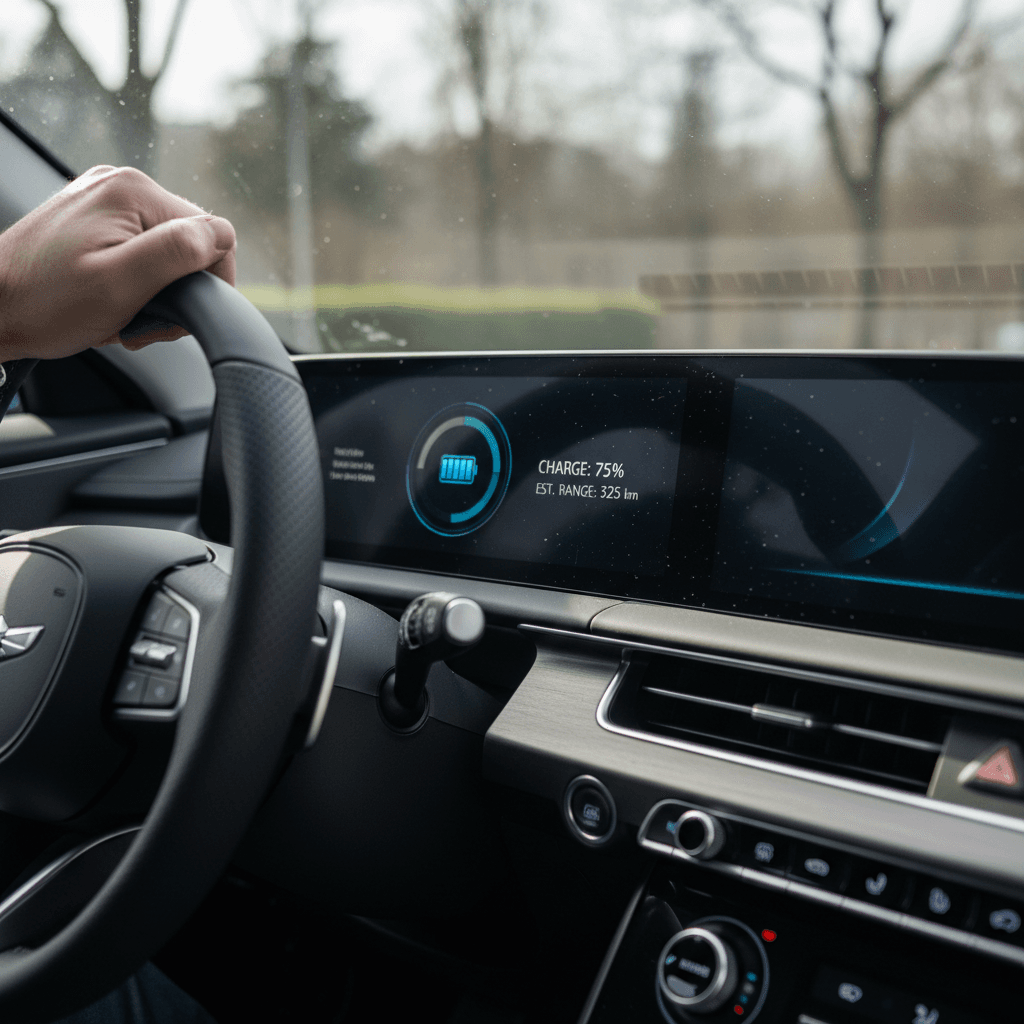
After the charge completes and the car has sat for a few minutes, note the range estimate on the cluster and infotainment screen. This “guess‑o‑meter” uses your recent driving history, so write it down for trend‑tracking.
4. Drive a consistent mixed route
Drive 40–60 miles on your normal mix of city and highway at typical speeds, in the same climate settings you usually use. Avoid unusually aggressive driving during this test.
5. Compare miles driven vs. SOC drop
If you drove 50 miles and the battery went from 100% to 75%, you effectively used 25% of the pack. That implies roughly 200 miles (50 ÷ 0.25) of total range under those conditions.
6. Repeat a few times
Do the same test on different days and note results in a simple log or spreadsheet. You’re looking for consistency. A single off day doesn’t mean the battery is bad, patterns do.
Use cruise control for cleaner data
Using BlueLink and trip data to spot battery issues
Genesis pairs the GV60 with its connected‑car system, BlueLink. While it doesn’t show you a perfect “state of health” percentage, it does give you rich data you can use to spot changes in efficiency and potential battery problems over time.
Ways to use BlueLink and trip data
These tools won’t replace a lab test, but they can flag outliers before they become big problems.
Monitor charge sessions
Use the app to track how much energy (kWh) your GV60 adds in typical home or public charging sessions.
If you routinely add less energy than you expect for a given SOC swing, it could hint at usable capacity loss.
Track efficiency trends
Watch your average efficiency (mi/kWh) over the same commute. A sudden, lasting drop in efficiency without a driving‑style or weather change deserves a closer look.
Watch for alerts
Pay attention to battery or charging‑system warnings in the app or on the dash, especially repeated DC fast‑charge errors or reduced‑power messages.
Seasonal swings are normal
Reading GV60 battery health with scan tools
To move beyond range estimates, you’ll need to read data straight from the GV60’s battery control module (BCM). That’s where metrics like state of health usually live. You can access them with an OBD2 dongle and an app that understands Hyundai/Genesis EVs, or you can have a shop or marketplace like Recharged run a professional test.
1. DIY scan with OBD2 + EV app
If you’re comfortable with basic diagnostics, buy a quality Bluetooth OBD2 adapter that supports modern Hyundai/Genesis protocols. Pair it with an EV‑focused app that lists support for Hyundai/Genesis electric models.
- Look for data points labeled SOH, usable capacity, or state of health.
- Record those values along with date, mileage, and temperature.
Not all generic OBD apps expose these fields, so verify compatibility before you buy any hardware.
2. Professional or marketplace battery test
A growing number of EV‑specialist shops and marketplaces run independent battery health tests that combine scan‑tool data with controlled driving or charge‑discharge cycles.
On Recharged, every vehicle comes with a Recharged Score Report that includes verified battery diagnostics, range projections, and fair‑market pricing. For a used GV60, that means you aren’t guessing about pack health based on a single test drive.
Be careful with third‑party tools
When to get a professional Genesis GV60 battery test
You don’t need a full lab‑grade battery test every year, but there are clear moments in a GV60’s life when a deeper look makes sense, especially as mileage climbs or ownership changes hands.
- Before buying a used GV60, especially one with high mileage or fast‑charging history.
- If you notice a sharp, unexplained drop in real‑world range over a few months.
- After a serious thermal event (overheating, repeated DC fast‑charge faults) that the dealer hasn’t fully explained.
- Near the end of the battery warranty period, to understand long‑term ownership outlook and resale value.
Leverage third‑party reports when shopping used
Ready to find your next EV?
Browse VehiclesHow much GV60 battery degradation is normal?
No two batteries age exactly the same, but you can use broad EV norms as a sanity check for your Genesis GV60. Climate, fast‑charging habits, storage patterns, and mileage all matter.
Typical EV degradation patterns (applied to GV60)
These are general EV patterns, not Genesis‑specific promises, but they offer a useful yardstick when you look at a used GV60 or your own car’s trend line.
| Vehicle age / mileage | What’s usually reasonable | Red‑flag territory |
|---|---|---|
| 0–3 years / under 36k miles | 0–8% loss of original capacity | More than ~10–12% loss without explanation |
| 3–6 years / 36k–75k miles | 5–12% loss | 15%+ loss or rapidly worsening SOH readings |
| 6–10 years / 75k–120k+ miles | 10–20% loss, often still very usable | 25%+ loss, especially if paired with thermal or charging faults |
Assumes normal use in a temperate climate, mixed AC and DC charging, and no major defects.
If testing or range calculations suggest your GV60 is far outside these bands, it doesn’t automatically mean the pack is failing, but it’s a strong reason to dig deeper with a dealer or qualified EV specialist.
Environment matters a lot
Protecting your GV60 battery health long‑term
Once you understand where your Genesis GV60’s battery health stands today, the next question is how to keep it there. The big wins are simple habits that reduce stress on the pack without making the car annoying to live with.
Best practices to extend Genesis GV60 battery life
Avoid living at 100%
Use 80–90% as your day‑to‑day charge target in the settings menu unless you need the extra range for a trip. Occasional 100% charges are fine.
Don’t regularly deep‑discharge
Try not to run the pack down into single digits. It’s ok in an emergency, but habitually running from near‑0% to 100% adds stress.
Limit unnecessary DC fast‑charging
The GV60’s 800‑volt system fast‑charges impressively, but relying on DC fast‑charging for daily driving will age the pack faster than slow overnight charging.
Mind temperature extremes
Whenever possible, park in shade or a garage, especially in hot climates. Precondition the cabin and battery while plugged in before you drive off in very hot or cold weather.
Keep software up to date
Battery‑management and charging behavior can improve through software updates. Make sure your GV60 receives the latest updates from Genesis.
Drive smoothly when you can
Hard launches are fun, and part of why you bought a GV60, but constant max‑power driving and heavy regen cycles add heat and stress. Enjoy the power, just don’t treat every green light like a drag strip.
Think in years, not weeks
Checking battery health on a used Genesis GV60
If you’re shopping for a used Genesis GV60, battery health should be right at the top of your checklist, alongside accident history and service records. The challenge is that many conventional dealers still treat EVs like gas cars and can’t show you more than an on‑screen range estimate.
How to evaluate a used GV60’s battery
Combine these steps for the clearest picture of pack health and future range.
Ask for documentation
Request any dealer or service reports showing battery diagnostics, especially SOH or capacity tests. Confirm that any high‑voltage repairs were performed by a Genesis‑authorized shop.
Do a structured test drive
Start near full charge, note range and SOC, then drive a known route for at least 20–30 miles. Compare miles driven to SOC drop to approximate range, just as you would with your own GV60.
Prefer third‑party battery reports
Whenever possible, choose vehicles with independent battery health reports. Every GV60 sold on Recharged includes a Recharged Score, with verified battery diagnostics and transparent range expectations.
Be cautious of “it just needs a charge”
Genesis GV60 battery health FAQ
Frequently asked questions about GV60 battery health
Key takeaways for GV60 owners and shoppers
For a modern EV like the Genesis GV60, battery health is the new engine compression test. You don’t have to guess, and you don’t have to be an engineer. Start with simple in‑car and app‑based checks, graduate to scan‑tool data or a professional report when the stakes are higher, and build everyday habits that treat the pack kindly.
If you already own a GV60, tracking range and efficiency over time will flag issues early and help you get the most out of the car you have. If you’re shopping for one used, prioritizing vehicles with verified battery diagnostics, like the Recharged Score Report you get on every car at Recharged, can save you from costly surprises and give you confidence that your EV will deliver the performance and range you’re paying for.