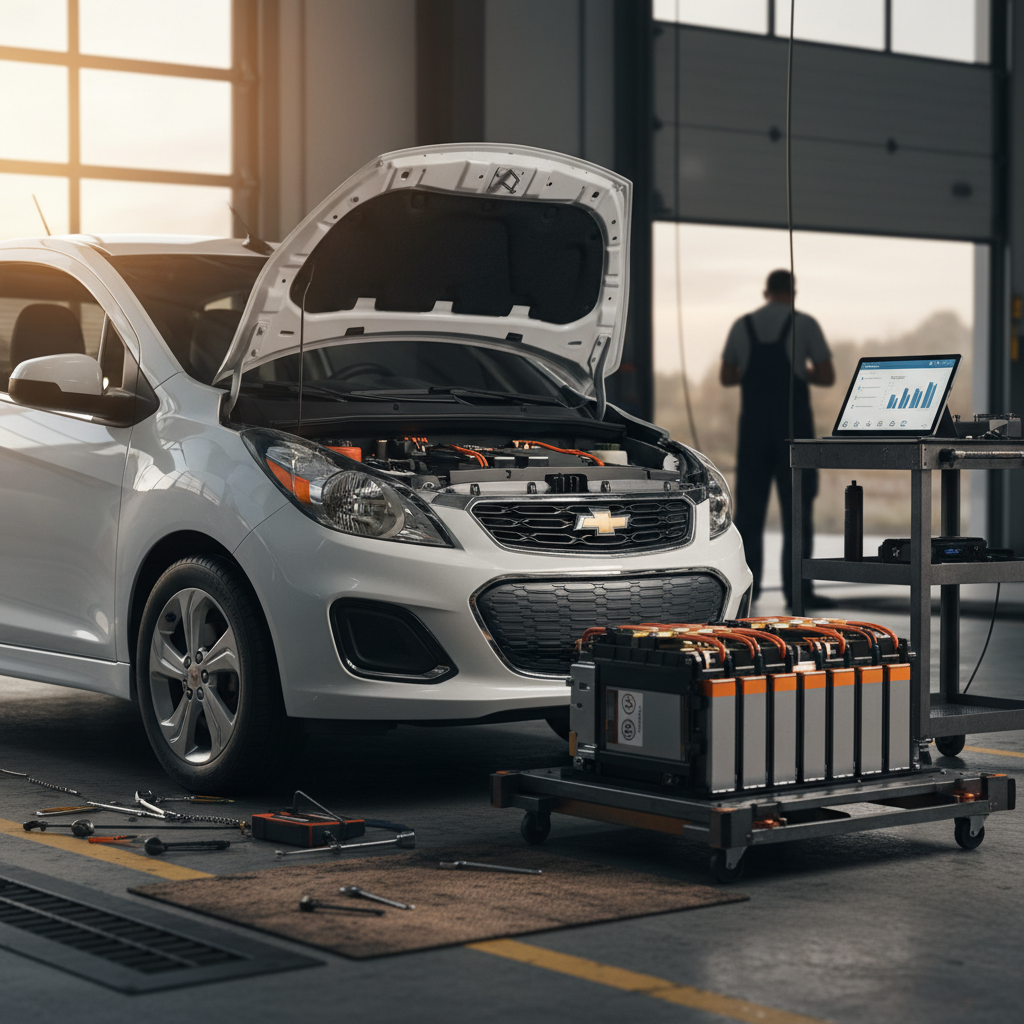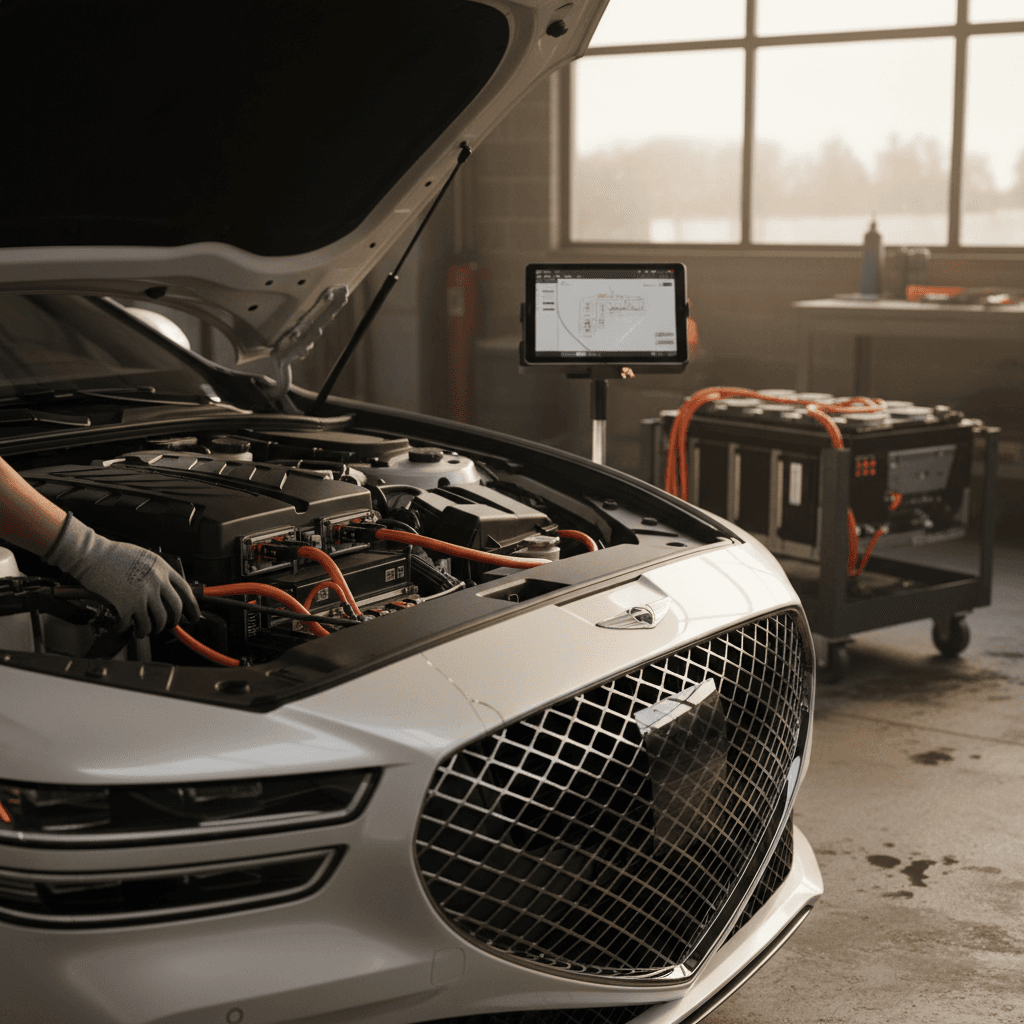
The Genesis Electrified G80 is a handsome, quiet, and quick electric luxury sedan that never really found its audience in the U.S. market, and Genesis ended U.S. sales in 2025. That limited footprint means there isn’t a decades-long data trail of failures, but owner reports, recalls, and service bulletins do reveal some common Electrified G80 problems and fixes you should understand, especially if you’re shopping used.
Discontinued, but still relevant
Is the Genesis Electrified G80 reliable? The big picture
Because the Electrified G80 sold in low volumes, we don’t have the kind of large-sample reliability data you’ll see for a Tesla Model 3 or Mercedes EQE. What we do have: several software-driven recalls around digital displays, a trickle of complaints about infotainment and connected services, and some normal EV wear items like tires and brakes. The good news is that wide‑scale, confirmed battery-pack failures on this model are rare so far.
Electrified G80 reliability at a glance
Where this luxury EV tends to give owners trouble
Core EV hardware
Motors, inverter, and main battery pack have not generated widespread failure reports. Most powertrain issues trace back to software or charging behavior, not outright component defects.
Software & screens
The most consistent complaints involve digital instrument clusters and infotainment displays freezing, rebooting, or going blank until the car is restarted or software is updated.
Fit, finish & support
Owners often praise driving dynamics but express frustration with dealer expertise and corporate support, especially for EV‑specific issues and parts delays.
How to think about Electrified G80 issues
Known recalls and software campaigns
Genesis has issued safety recalls and service campaigns affecting G80 models, including Electrified variants. The key pattern: instrument cluster and infotainment software bugs that can cause blank or rebooting screens. The fix is generally a dealer-installed software update, but these cars do not receive over‑the‑air updates in the same way Tesla does, so you must schedule time with a Genesis service center.
Major issues and recalls that can involve the Electrified G80
Always verify recalls by VIN on the NHTSA or Genesis owner site; this table is a simplified overview, not an exhaustive list.
| Issue | Symptom | Typical Fix | Cost to Owner |
|---|---|---|---|
| Instrument cluster / display software | Instrument panel or infotainment display intermittently blanks, reboots, or stays dark | Dealer inspects and updates instrument cluster and infotainment software | $0 (safety recall) |
| Map / navigation failures | Built-in navigation map does not load or shows white screen | Infotainment software update; in rare cases, head unit replacement | Usually warranty; out-of-warranty can be $800–$2,000+ if hardware |
| General EV control software | Warning lights, odd behavior after charging, or charging control glitches | Control-module software reflash, sometimes coordinated with recall or TSB | Usually covered under warranty; diagnostic fee out of warranty |
| Non-EV shared issues (body, trim, safety systems) | Wind noise, water intrusion, sensor faults similar to gas G80 | Physical repair or component replacement per TSB/recall bulletin | Variable; many items are warranty on low‑mileage cars |
Recalls and campaigns change over time; check for open campaigns before you buy or after you move states.
Don’t assume recalls were done
Blank or glitchy screens: cluster & infotainment issues
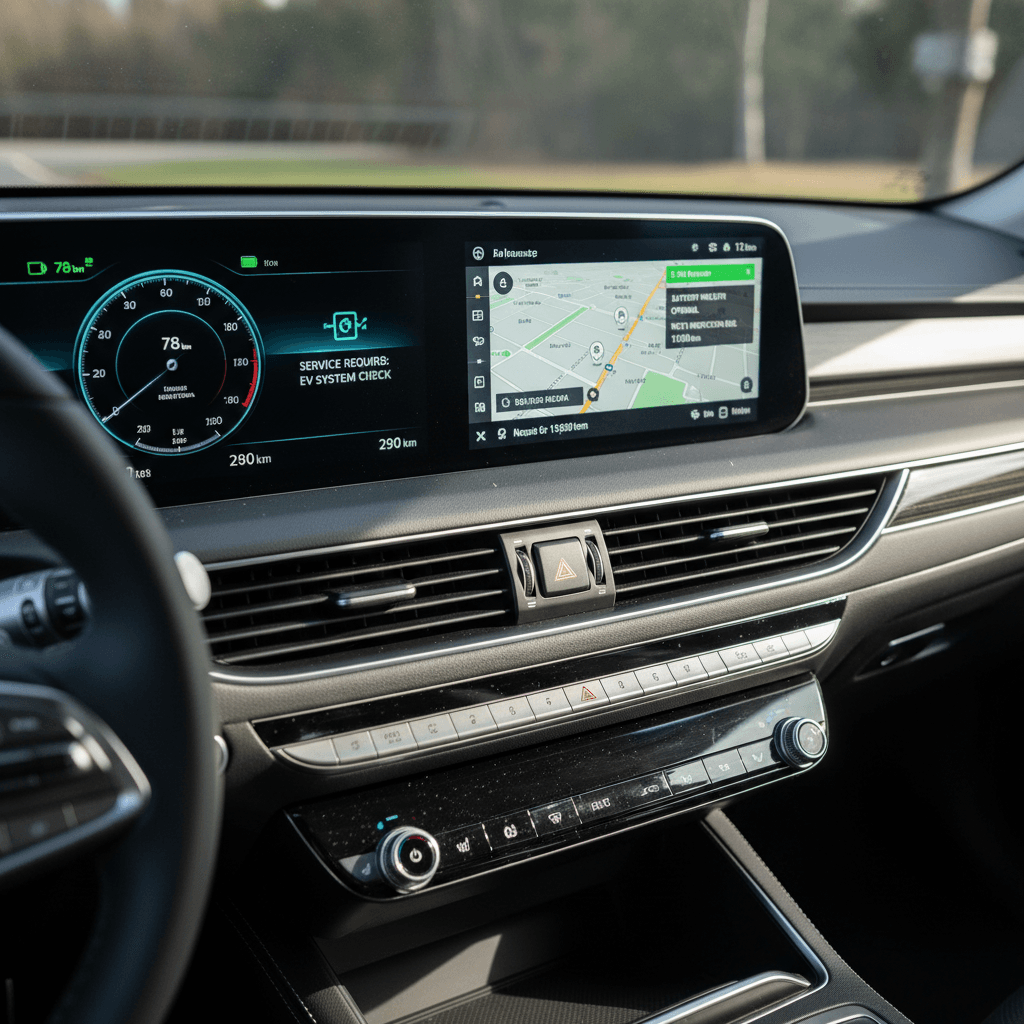
By far the most visible Electrified G80 problem is digital displays acting up. Owners report instrument clusters and center screens that intermittently reboot, freeze, go black, or lose navigation while the rest of the car continues to drive normally. On a luxury sedan marketed around its tech, a blank screen is more than an annoyance, it’s a safety and usability issue.
- Instrument cluster display flickers or briefly goes blank while driving
- Center infotainment screen reboots on its own, especially when using navigation or HD radio
- Built‑in map shows a white or frozen screen, even after multiple dealer visits
- Bluetooth / CarPlay remain usable while the built‑in map is not
- Issue often appears intermittently, making it hard for dealers to reproduce
Likely causes
- Software logic bugs in the cluster and infotainment system, often tied to HD radio memory or map data.
- Outdated firmware on vehicles that haven’t been in for updates.
- Occasional faulty head units or loose connections in individual cars.
Typical fixes
- Perform all open Genesis software updates and recalls related to the instrument cluster and infotainment.
- If problems persist, dealers may replace the display or head unit under warranty.
- As an owner, you can often clear a frozen screen temporarily by restarting the car and, if equipped, using Apple CarPlay or Android Auto as a workaround.
Why blank screens matter
Charging and battery-related complaints
Unlike some early EVs, the Electrified G80 hasn’t generated widespread, documented battery-pack failures. That said, owners do report charging and range‑related concerns that can sour the experience if you’re not prepared.
- Occasional DC fast‑charging sessions that stop early or never reach the advertised peak rate
- Home Level 2 charging interruptions traced to wall‑box or wiring issues, not the car itself
- Range drop in cold weather that feels more dramatic than the window sticker suggests
- Infrequent reports of battery or high‑voltage component replacement on sibling Genesis EVs, raising understandable anxiety
How to test charging before you buy
What’s usually going on
- Fast‑charge speed depends heavily on battery temperature and station performance; public DC chargers are often the culprit.
- Home‑charging disruptions frequently trace back to circuit sizing, breaker issues, or marginal EVSE hardware.
- Cold‑weather range loss is normal for any EV; the Electrified G80 is a heavy, powerful sedan, so winter consumption can feel steep.
Practical fixes
- Make sure the car has the latest charging‑system software from Genesis.
- Install a properly sized, dedicated 240‑volt circuit for home charging and use a quality Level 2 charger.
- In cold climates, precondition the cabin and battery while plugged in, and plan winter trips with a healthy buffer over the EPA range.
Driver-assistance and sensor glitches
Like other modern Genesis models, the Electrified G80 is packed with driver‑assistance tech: lane centering, adaptive cruise, blind‑spot monitoring, and parking sensors. Most of it works well when dialed in, but owners do report occasional false alerts and system dropouts.
- Lane‑keeping or Highway Driving Assist that disengages unexpectedly in curves or heavy rain
- Parking sensors or collision‑avoidance warnings triggering in empty spaces or with no visible obstacles
- Camera or radar warnings after minor bumper taps or front‑end damage
- In rare cases, software bugs that misread conditions and apply brakes more abruptly than expected
Tech that depends on clean sensors
DIY checks
- Clean all visible cameras and radar covers.
- Verify the correct tire size and pressure, wrong rolling circumference can confuse some systems.
- Perform a gentle test of Highway Driving Assist on a well‑marked highway to see how consistently it tracks.
Dealer fixes
- If warnings persist, dealers can update ADAS software or recalibrate cameras and radar after repairs.
- Document any unexpected braking or lane behavior with dashcam video if you can; that helps the technician reproduce the issue.
Suspension, tires, and ride quality concerns
The Electrified G80 rides on a sophisticated adaptive suspension tuned for comfort, but its heavy battery pack and luxury‑class weight mean it can be hard on consumables. While not specific to the EV version, owners of G80s and similar Genesis models frequently report premature tire wear and occasional suspension noises.
- Inner‑edge tire wear showing up sooner than expected, especially on factory 19‑ or 20‑inch tires
- Clunks or knocks over sharp bumps traced to sway‑bar links or bushings
- Rattles from the rear deck or parcel shelf area on rough pavement
- Ride that feels harsher after tire replacement if non‑OE tires are chosen without attention to load rating and sidewall design
Check for hidden alignment problems
Build quality, noises, and water leaks
Genesis generally finishes its cabins nicely, but owners across the G80 lineup, gas and electric, have aired complaints about rattles, wind noise, and slow body‑hardware fixes. A few have run into delayed parts for items like panoramic roofs or trim pieces, which can stretch a minor defect into a long‑running annoyance.
Simple cabin and body checks on a test drive
1. Listen on coarse pavement
On a highway test, pay attention to <strong>wind noise around the mirrors and sunroof</strong> and any buzzing from the dashboard or rear deck.
2. Check doors and trunk for water marks
Look for water staining around door seals, trunk carpet, and underfloor storage areas, signs of past leaks or poor sealing.
3. Operate the sunroof repeatedly
Run the sunroof and shade through full open/close cycles. Binding, clicking, or inconsistent motion can point to upcoming repairs and potential parts waits.
4. Inspect exterior trim fit
Walk the car and examine how <strong>chrome and black trim lines up</strong>. Misalignment can indicate past bodywork or build quality issues.
Used Genesis Electrified G80 checklist: what to inspect
Because Electrified G80s are already rare and now discontinued, you want to be extra fussy when you find one. A strong example can be a quiet, comfortable bargain; a bad one can be an electronics headache that’s hard to move later.
Key areas to evaluate on a used Electrified G80
Don’t skip these five categories before signing anything
Battery health & charging
- Review a recent battery health report if available.
- Confirm the car charges on Level 2 without errors.
- Check DC fast‑charging behavior if you road‑trip often.
Screens & software
- Spend time in the menus, map, and audio sources.
- Look for any reboots, lag, or blank screens.
- Ask the seller to show proof of completed software updates and recalls.
History & coverage
- Pull a vehicle history report for accident and title issues.
- Verify remaining bumper‑to‑bumper and battery warranties.
- Confirm all open recalls are addressed before delivery.
Tires, brakes, suspension
- Measure tread depth and inspect for uneven wear.
- Check for brake pulsation on gentle stops.
- Listen for clunks over speed bumps.
Ownership costs
- Ask the dealer for service records, especially for electronics.
- Get quotes for extended coverage that includes infotainment and ADAS.
- Estimate insurance and registration in your state.
Support & dealer network
- Locate your nearest Genesis-authorized EV service center.
- Ask how long typical parts lead times are for EV components.
- Factor convenience into your offer price.
How Recharged can help
Ready to find your next EV?
Browse VehiclesWhat the common fixes usually cost
Exact repair bills vary by dealer, warranty status, and region, but you can ballpark what Electrified G80 owners pay when issues pop up. Many cars on the used market are still under factory coverage, which dramatically reduces out‑of‑pocket risk.
Typical Electrified G80 repair and maintenance bands
Estimated costs for common Genesis Electrified G80 fixes
These are rough independent‑shop or dealer ballparks in the U.S.; always get a written estimate for your VIN and region.
| Issue | Likely Fix | In‑warranty Cost | Out‑of‑warranty Estimate |
|---|---|---|---|
| Blank / rebooting screens | Software update and, if needed, display or head‑unit replacement | $0 | $800–$2,000+ depending on parts |
| Persistent ADAS warnings | Sensor cleaning, calibration, and software updates | $0–$150 | $250–$600 |
| Uneven tire wear | Alignment and new set of tires | Wear item, not covered | $1,100–$1,600 with alignment |
| Minor rattles / trim noises | Clip, pad, or trim adjustment | Often goodwill | $150–$400 |
| On‑board charger fault | Module diagnosis and replacement | Typically covered early on | $1,500–$3,000+ if fully out of warranty |
Many of these items are free or deeply discounted while the factory warranty is active.
When to walk away vs. negotiate harder
Used Electrified G80 pricing can look tempting, especially compared with new luxury EV sedans. The key is knowing when a car is a hidden gem versus a long‑term project. Because these cars are low‑volume and tech‑heavy, you should be more conservative than you might be with a mainstream gas sedan.
Strong candidate to buy
- Clean history report and documented dealer service.
- All recalls and campaigns marked complete.
- No screen glitches observed over an extended test drive.
- Healthy tires, even wear, and tight, quiet ride.
- Seller open to having the car independently inspected or evaluated by an EV specialist like Recharged.
Red flags that justify walking
- Multiple unsolved electronics complaints in the service history.
- Screens that blank out or freeze during your visit, even once.
- Evidence of collision repairs around sensor‑heavy areas (front bumper, mirrors) without documentation of calibration.
- Long parts waits or repeated visits in the seller’s paperwork for the same issue.
- Dealer unwilling to fix open recalls or provide records before sale.
Remember: rarity cuts both ways
FAQ: Genesis Electrified G80 common problems
Frequently asked questions about Electrified G80 issues
The Genesis Electrified G80 is a bit of an EV outlier: a low‑volume, high‑luxury sedan with a strong driving experience and a mixed record on software and customer support. If you find a clean, well‑maintained example with up‑to‑date recalls and rock‑solid electronics, it can be a compelling alternative to more common luxury EVs, especially at used‑market prices. The key is to treat its screens, charging behavior, and service history with the same seriousness you’d give to an engine on a traditional car. And if you’d rather have experts do that homework for you, buying through Recharged means every Electrified G80 comes with verified battery health, transparent pricing, and EV‑savvy guidance from click to delivery.