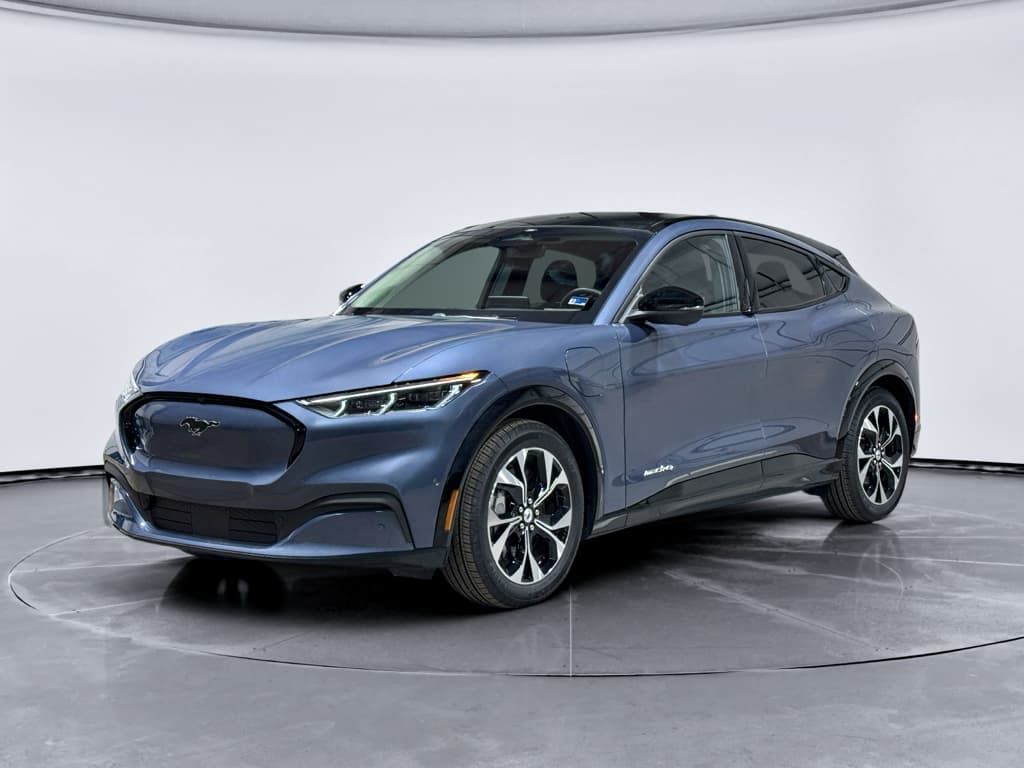
If you own a Ford Mustang Mach‑E, or you’re eyeing a used one, the big silent question is always the same: **how healthy is the battery, really?** A Ford Mustang Mach‑E battery health check isn’t just a nerdy data exercise. It’s the best way to know whether the car will keep delivering the range, performance, and fast‑charging speeds you’re counting on over the long haul.
What you’ll learn in this guide
Why Mustang Mach‑E battery health matters
In an electric SUV like the Mustang Mach‑E, the high‑voltage battery is the single most expensive component. Replacement packs for extended‑range models are typically priced in the **tens of thousands of dollars**, not hundreds. That means battery health has an outsized impact on **range, resale value, and peace of mind**, especially once the car is a few years and tens of thousands of miles down the road.
Ford Mustang Mach‑E battery at a glance
Battery health basics: What “good” looks like on a Mach‑E
Ford doesn’t show you a big, friendly **"Battery State of Health"** number in the Mach‑E’s dash or FordPass app. Instead, you’re left to read the tea leaves: range, efficiency, and how the car charges. Under the skin, though, the battery management system constantly tracks usable capacity and cell balance.
- State of Charge (SOC) – What you see as the familiar battery percentage on the cluster and in FordPass. It’s like a fuel gauge, not a health score.
- State of Health (SOH) – An internal estimate of how much usable capacity remains compared to when the battery was new. 100% SOH means essentially full original capacity; 90% SOH means roughly 10% capacity loss.
- Normal degradation – All lithium‑ion packs lose some capacity. For most modern EVs, losing a few percent in the first year or two, then slowing down, is typical.
- Out‑of‑pattern loss – If your Mach‑E has lost, say, 20–30% of usable capacity in just a few years with average mileage, that’s a red flag worth investigating.
Don’t rely on the guess‑o‑meter alone
Quick in‑car checks you can do in five minutes
Before you buy gadgets or run elaborate tests, start with the basics. These quick checks won’t give you an exact SOH number, but they’ll tell you whether the Mach‑E is behaving like a healthy EV or sending subtle smoke signals.
5 quick checks from the driver’s seat
1. Compare displayed range at 100%
Fully charge the car to 100% once this month (Ford actually recommends doing this occasionally to keep the range estimator calibrated). Note the **displayed miles at 100%** and compare them to the original EPA rating for your trim. Being 5–15% under the sticker range is usually just life; much lower is worth digging into.
2. Watch range vs. actual miles
Reset Trip 1 or Trip 2. Start with, say, 80% SOC and drive 40–50 real miles on mixed roads. If you drop roughly 40–50 miles of indicated range, things are behaving consistently. Huge mismatches, like losing 80 miles of indicated range in 40 miles of driving in mild weather, deserve a closer look.
3. Check energy consumption
Use the Energy screen to see your average consumption (mi/kWh). If you’re consistently in an efficient band and still seeing poor range, that points more toward lost capacity than heavy driving style.
4. Note any charging limit messages
Pay attention to any warnings during DC fast charging (like reduced power due to battery temperature) that appear even in mild weather. A healthy pack can accept significant power when warm without constantly throttling itself.
5. Scan for battery‑related alerts
In the instrument cluster and FordPass, check for recurring high‑voltage battery or charging system warnings. A car that nags you about charging faults or reduced performance may have deeper issues than normal wear.
How to do a simple range‑based battery health check
A well‑designed range test is the closest you can get to a true capacity check without pulling out lab gear. You’re essentially asking, “If I use X% of the battery, how many miles do I really get?” Then you compare that to what the car should do when new.
- Pick a mild day. Aim for temperatures around 60–80°F, with dry roads. Extreme cold or heat will skew the results.
- Start from a steady SOC. Charge to a known level like 90% and reset your trip meter and average consumption.
- Drive a consistent loop. Use a familiar route that mixes city and highway, avoiding big elevation changes. Drive normally, no hypermiling, but no drag‑race launches either.
- Use at least 40–60% of the pack. Drive until your SOC drops by a meaningful chunk (for example, from 90% down to 40–50%). Note miles driven and SOC used.
- Calculate effective range. If you drove 120 miles while using 50% of the battery, that implies roughly 240 miles from 100% to 0% in similar conditions.
- Compare to your trim’s EPA rating. If your real‑world number is roughly within 10–15% of the original EPA figure, the battery is probably doing fine. If you’re consistently 25% or more below, with efficient driving in mild weather, that’s a sign to investigate further.
Use apps or the trip computer for accuracy
Using OBD apps to see high‑voltage battery State of Health
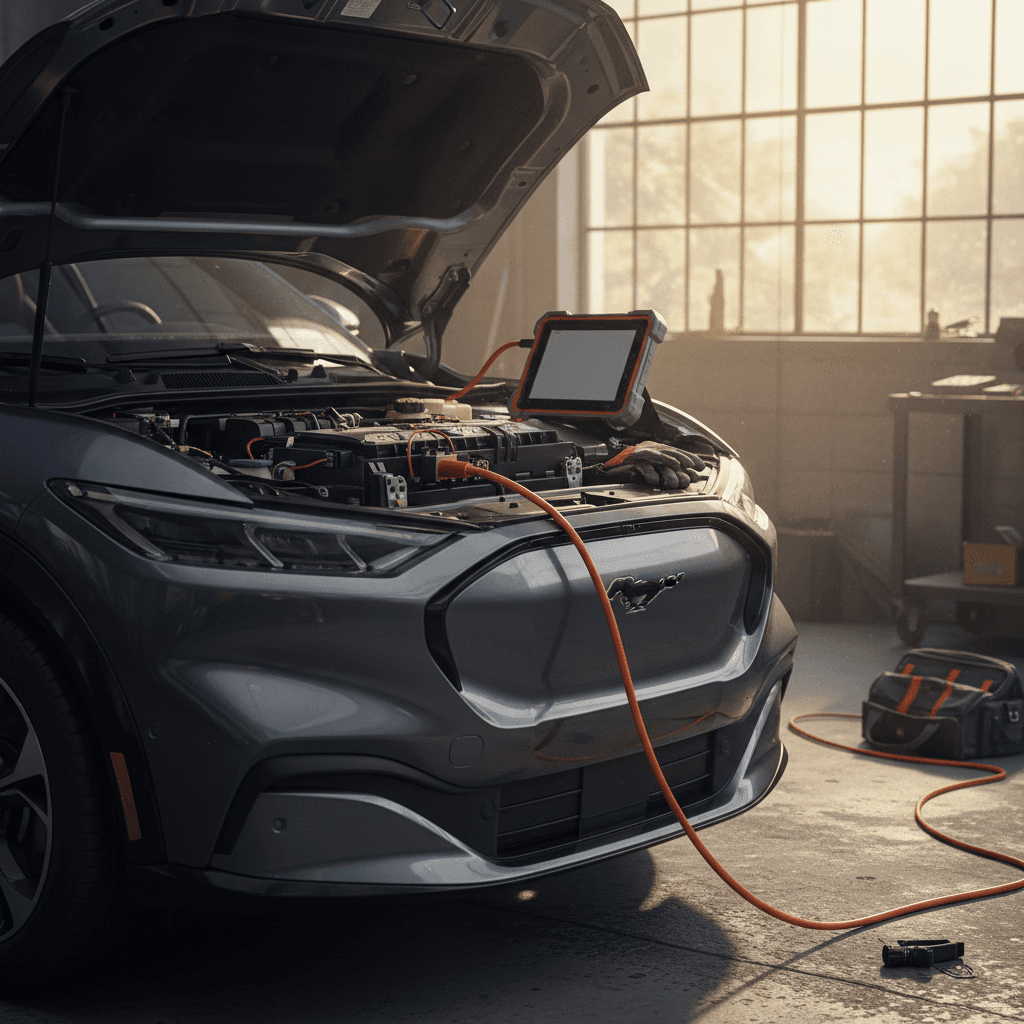
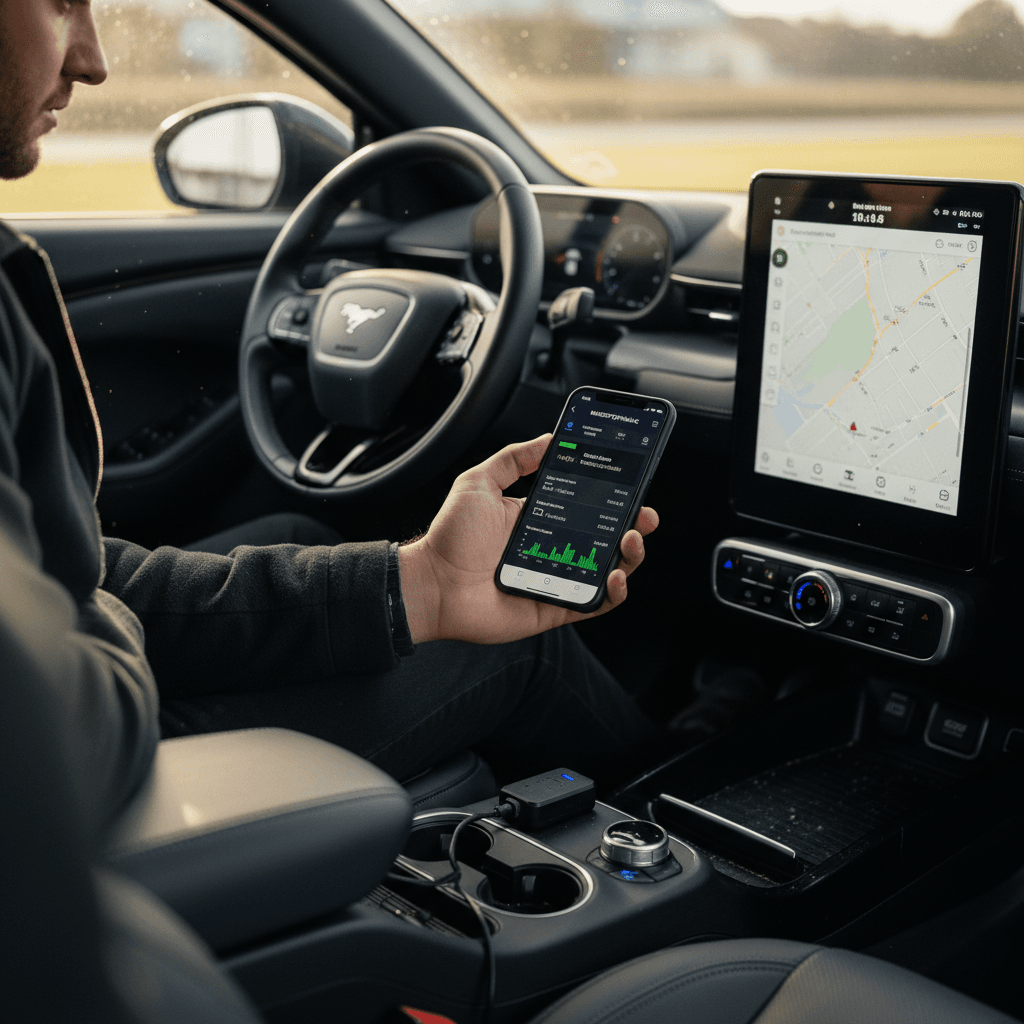
If you want a number, not just a feeling, you’ll need to peek behind Ford’s curtain. The Mach‑E exposes **high‑voltage battery SOH and detailed pack data** through its diagnostic port. Owners commonly use an inexpensive Bluetooth OBD‑II dongle paired with apps like **Car Scanner** to read those values.
What you need to read SOH on a Mach‑E
A few inexpensive tools can unlock factory‑level battery data.
Bluetooth OBD‑II dongle
Look for a compact Bluetooth OBD‑II adapter that supports modern Ford protocols. Many Mach‑E owners use devices like the Veepeak OBDCheck BLE.
Avoid ultra‑cheap no‑name dongles that may drop connection or misreport data.
Compatible smartphone app
Apps such as Car Scanner on iOS and Android let you pick a Mustang Mach‑E profile and read dozens of EV‑specific parameters.
You’ll want PID pages that show HV battery State of Health, usable capacity, cell temperatures, and voltages.
Basic connection know‑how
Know where the Mach‑E’s OBD port lives (under the dash, driver’s side), how to power the car on without driving it, and how to safely connect and disconnect the adapter.
Step‑by‑step: Reading Mach‑E HV battery SOH with an OBD app
1. Park safely and power on the car
Park your Mach‑E on level ground, set it to Park, and press the start button so the car is fully on (ready mode), but don’t drive.
2. Plug in the OBD‑II dongle
Locate the OBD‑II port under the driver‑side dashboard and plug in your Bluetooth adapter firmly. You should see a small power light on the dongle.
3. Pair your phone and open the app
Pair the dongle in your phone’s Bluetooth settings if required, then open your chosen app (for example, Car Scanner) and select the correct adapter and vehicle profile (Ford Mustang Mach‑E).
4. Connect and load EV‑specific PIDs
In the app, connect to the vehicle and choose dashboards or PID lists that include high‑voltage battery parameters like SOH, usable capacity (kWh), minimum/maximum cell voltage, and cell temperature spread.
5. Read the SOH value
Look for a parameter labeled along the lines of <strong>High Voltage Battery State of Health</strong> or similar. On a relatively young, well‑cared‑for pack, it’s common to see mid‑ to high‑90s. A significantly lower value, especially on a low‑mile car, deserves further investigation.
6. Save screenshots or logs
If you’re evaluating a used Mach‑E, capture screenshots of the SOH and key battery metrics. They’re valuable when negotiating price or comparing multiple vehicles.
A word of caution about raw numbers
Reading charging behavior as a battery health clue
You can learn a lot about a Mach‑E’s battery health just by watching how it charges, especially on DC fast chargers. A healthy pack follows a predictable curve: strong power early on, then a gradual taper as the battery fills or gets hot.
Signs of a healthy charging curve
- Strong initial power: On a capable DC fast charger, an extended‑range Mach‑E should ramp up toward its advertised peak when the battery is low and warm.
- Gradual taper: Charging power slowly steps down as SOC rises, especially above ~70–80%.
- Consistent performance: Similar conditions produce similar charging times from one session to the next.
Potential red flags
- Early, aggressive throttling: Charge power falls sharply even at low SOC in mild temperatures.
- Unusual warning messages: Frequent warnings about battery temperature or charging system faults on normal, modern fast chargers.
- Big changes over time: The same charger and route now take dramatically longer than they did a year ago, with no obvious explanation.
One or two odd sessions can be station‑related. You’re watching for consistent patterns.
Log a few charging sessions
Habits that keep your Mach‑E battery healthy
Checking battery health is only half the story. The way you charge and store your Mustang Mach‑E can stretch or shrink the battery’s useful life. Ford’s own guidance for the Mach‑E emphasizes managing charge levels and avoiding unnecessary stress on the pack.
Everyday habits that help your Mach‑E’s battery age gracefully
Small changes in how you charge and drive can pay off over years of ownership.
Avoid living at 100%
For daily use, set your Max Charge Level in the car or FordPass to something like 80–90%. Ford recommends charging to 100% about once a month to help calibrate range estimates, but parking at 100% for long periods isn’t ideal.
Favor AC (Level 2) at home
Ford notes that AC charging is gentler on the pack than constant high‑power DC fast charging. A 240V Level 2 at home or work is the sweet spot for everyday use.
Be kind in extreme temps
In very cold or hot weather, give the car time to precondition and avoid repeated hard launches on a frigid pack. When possible, let the car finish charging just before departure so the battery isn’t sitting at a high SOC in extreme heat.
Use fast charging strategically
Road trips are what DC fast charging is for. Just try not to fast‑charge from very low SOC to 100% every single day. Repeating that pattern accelerates wear.
Drive smoothly when you can
Spirited driving is part of the Mach‑E’s charm, but constant high‑speed, high‑load driving uses more energy, heats the pack, and forces more frequent fast charges, indirectly aging the battery faster.
Let software keep up
Install Ford’s over‑the‑air updates. They often refine battery management, charging behavior, and range prediction, all of which help the pack age more gracefully.
When to get a professional battery health report
DIY checks are great for curiosity and ongoing ownership. But there are moments when a **formal, documented battery assessment** is worth real money, especially if you’re buying or selling a used Mustang Mach‑E.
Where a professional report shines
- Objective usable‑capacity measurement: Professional tools can estimate how many usable kWh your pack still has, instead of just reading Ford’s internal SOH number.
- Fast‑charge behavior analysis: Reports can capture how quickly your specific Mach‑E takes power at different states of charge, revealing subtle degradation or thermal limits.
- Cell balance and temperature insight: A healthy pack has tight cell voltage spread and sane temperature differences. Professional diagnostics can surface out‑of‑pattern cells.
- Paper trail for buyers and lenders: A written report is easier for a bank, or a skeptical buyer, to understand than screenshots from an OBD app.
Every used EV sold through Recharged includes a **Recharged Score battery health report** that summarizes this kind of data in plain English: usable capacity, DC fast‑charge behavior, and how the car compares to similar Mach‑E models. If you’re shopping and don’t want to gamble on the pack, starting with a car that has that data baked in is a huge confidence boost.
Battery health checklist for used Mach‑E shoppers
If you’re evaluating a used Mustang Mach‑E in someone’s driveway or at a dealer, you won’t have days of data. But you can still get a surprisingly clear picture in under an hour with the right questions and a short drive.
On‑the‑spot Mach‑E battery health checklist
1. Verify year, trim, and original EPA range
Know whether you’re looking at a standard‑range or extended‑range pack and whether it’s rear‑wheel drive or all‑wheel drive. That tells you what the car should roughly do when new.
2. Start with a high, known SOC
Ask the seller to have the car at 80–100% when you arrive. Confirm SOC on the cluster and in FordPass if possible, and note the displayed range.
3. Take a mixed test drive
Drive at least 15–20 miles on mixed roads. Watch how quickly the SOC and estimated range drop compared to real miles driven. Large, unexplained swings are suspicious.
4. Check energy consumption
Pull up the Energy or trip computer screens. If the car shows reasonable efficiency but poor range, that leans toward capacity loss rather than just a heavy right foot.
5. Look for battery or charging alerts
Scan the dash and FordPass history for repeated high‑voltage battery, charger, or powertrain warnings. Occasional charger‑station quirks happen; recurring faults are another story.
6. If possible, scan SOH with an OBD app
If the seller is comfortable and you’re prepared, use a known‑good OBD dongle and app profile to capture SOH and basic pack data. Combine that with your drive impressions before deciding.
7. Ask for documentation
Request any service records related to battery or charging issues and ask whether the car has ever had a high‑voltage pack repair or module replacement under warranty.
8. Prefer cars with a formal report
If you’re choosing between two Mach‑Es and only one comes with a professional battery report, like the Recharged Score used on every Recharged vehicle, that’s the one with fewer mysteries.
Ford’s battery warranty and what it really covers
In the United States, the Mustang Mach‑E’s high‑voltage battery and related components are covered by a dedicated warranty, typically **8 years or 100,000 miles**, whichever comes first. That’s separate from the basic bumper‑to‑bumper coverage and is designed to protect you from **defects in materials or workmanship**.
Mustang Mach‑E high‑voltage battery warranty overview (U.S.)
Always confirm exact terms for your model year and region in the official Ford warranty guide.
| Item | Coverage | What it means for you |
|---|---|---|
| High‑voltage battery & electric drive components | 8 years / 100,000 miles (typical U.S. Mach‑E coverage) | Ford will repair or replace covered components that fail due to defects within this window. |
| Capacity retention target | Designed to retain ~70% usable capacity over the warranty period under normal use | Some regions explicitly state a capacity threshold for warranty replacement; even where it’s not spelled out, hitting far below this early can help your case. |
| What’s not covered | Normal wear, misuse, improper modifications, damage from collisions or flooding | A gradual, modest loss of range over years is considered normal and isn’t automatically a warranty event. |
| Documentation helps | Service records, charging habits, and diagnostic reports | If you suspect abnormal loss, having clear history and a third‑party battery report can help the dealer and Ford evaluate your claim. |
Battery warranties protect against certain failures and, in many cases, excessive capacity loss, but they don’t freeze your pack at 100% forever.
Check your exact warranty booklet
Ford Mustang Mach‑E battery health FAQ
Common questions about Mach‑E battery health checks
Key takeaways: Making your Mach‑E battery last
A Ford Mustang Mach‑E battery health check doesn’t have to feel mysterious or technical. Start with the simple stuff: how far the car really drives on a charge, how it behaves at home and on fast chargers, and whether the numbers you see line up with what a healthy Mach‑E should deliver. If you want to go deeper, an inexpensive OBD‑II dongle and a good app can surface the pack’s internal State of Health so you’re not guessing.
Most importantly, remember that **your habits matter**. Thoughtful charging settings, favoring Level 2 at home, keeping 100% charges for when you truly need them, and staying current on Ford’s software updates all help your Mach‑E’s battery age gracefully. And when it’s time to buy or sell, choosing a car with a clear, independent battery report, like the Recharged Score that comes with every vehicle on Recharged, can turn anxiety into confidence, and speculation into real‑world data you can bank on.