A used Tesla can have the hardware needed to run Full Self-Driving without including paid access to the software. Tesla uses FSD for Full Self-Driving, a driver-assistance package that still requires an attentive driver; it does not make the vehicle autonomous. That distinction between hardware, a purchased package, and a subscription is the key to reading a used-car listing correctly.
When is FSD included with a used Tesla?
FSD is included when a purchased software entitlement remains active on the Tesla at delivery. A subscription is different because it is tied to ongoing billing, while phrases such as “FSD capable,” “Full Self-Driving computer,” or “Autopilot” may describe hardware or other features rather than included FSD access. If you’re comparing the systems, review the differences between Tesla Autopilot and Full Self-Driving before assigning value to the listing.
How FSD access can appear on a used Tesla
Treat these as separate situations when you review a listing or inspect the car.
| FSD situation | What you get | Transfer status | What to verify |
|---|---|---|---|
| Purchased FSD package | Ongoing software access | Usually stays with vehicle | Active at delivery |
| FSD subscription | Access during paid term | Does not transfer to buyer | Buyer can resubscribe |
| FSD-capable hardware | Compatible onboard computer | No paid access included | Available upgrade options |
The vehicle screen and final transaction documents should agree on what is included.
“FSD capable” does not mean “FSD included”
How do you verify FSD before buying?
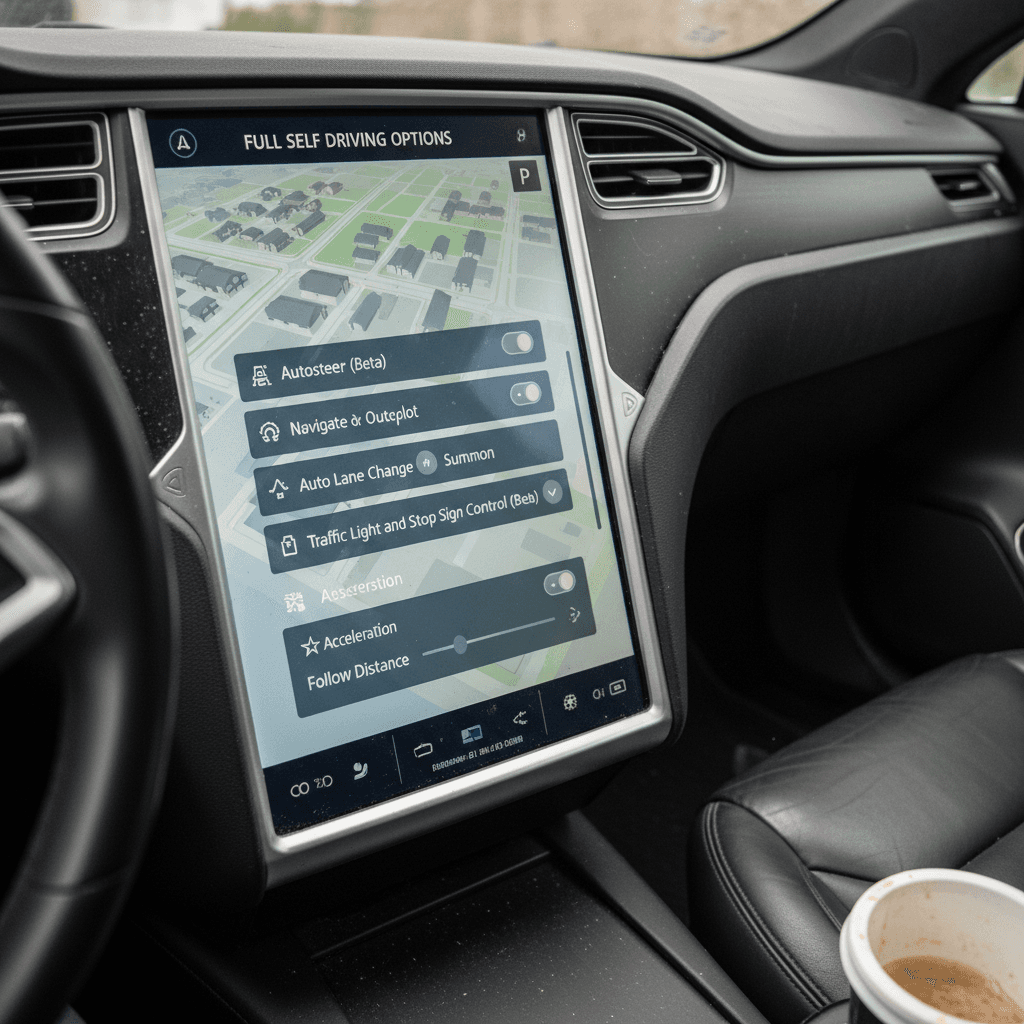
You should verify FSD in the vehicle and in the transaction paperwork immediately before purchase. Review the Tesla’s Software and Autopilot information, look for any active subscription, and compare what the screen says with the listing and buyer’s order. Menu wording can change through software updates, so focus on whether the car shows a paid package, temporary subscription access, or only compatible hardware, not on one marketing phrase.
Used Tesla FSD verification checklist
Inspect the car’s screen
Review the Software and Autopilot areas for the active package and hardware information.
Separate purchase from subscription
Ask whether FSD was bought with the car or activated through recurring billing.
Check the Tesla account view
Confirm whether FSD appears as included, subscribed, or available to purchase.
Match the paperwork
Make sure the listing and buyer’s order explicitly describe any included paid software.
Recheck before delivery
Confirm the entitlement has not changed between inspection and final handoff.
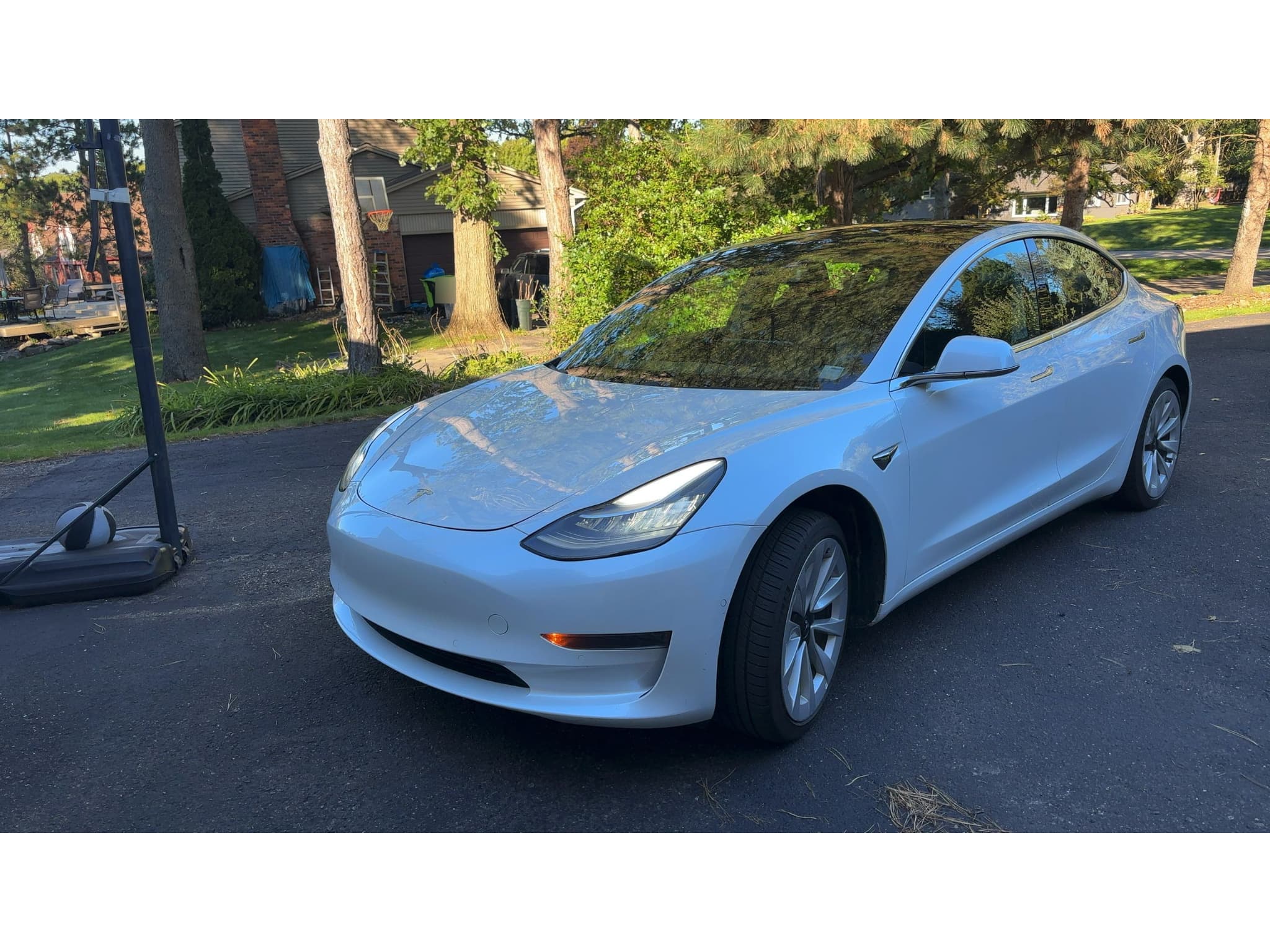
The hardware-versus-access distinction appears in Recharged’s own vehicle walkthroughs. On one Model 3, our team noted that the car had the newer Full Self-Driving computer but still required a subscription for FSD access. A broader used Tesla buying checklist should also cover battery condition, tires, charging equipment, repairs, and account transfer, not software alone.
Recharged data
Used EV prices at Recharged
$30,997
median list price
Current list prices for matching inventory at Recharged.
- Lowest
- $12,996
- Average
- $34,803
- Highest
- $146,998
Average Recharged Score on these listings
4.8 / 5
Range
3.7 – 5.0
Based on available listings
Recharged data
Recent EV sold prices
$27,297
median sold price
What buyers actually paid through Recharged, not list price.
- Lowest
- $500
- Average
- $29,901
- Highest
- $129,998
Monthly median sold price
Based on Recharged sales in the last 12 months
Every EV is battery-tested with a Recharged Score. Nationwide delivery.
We never treat an FSD-capable computer as proof that paid FSD comes with the car. The software status and the final paperwork need to confirm the same thing.
Price the Tesla first, then evaluate FSD
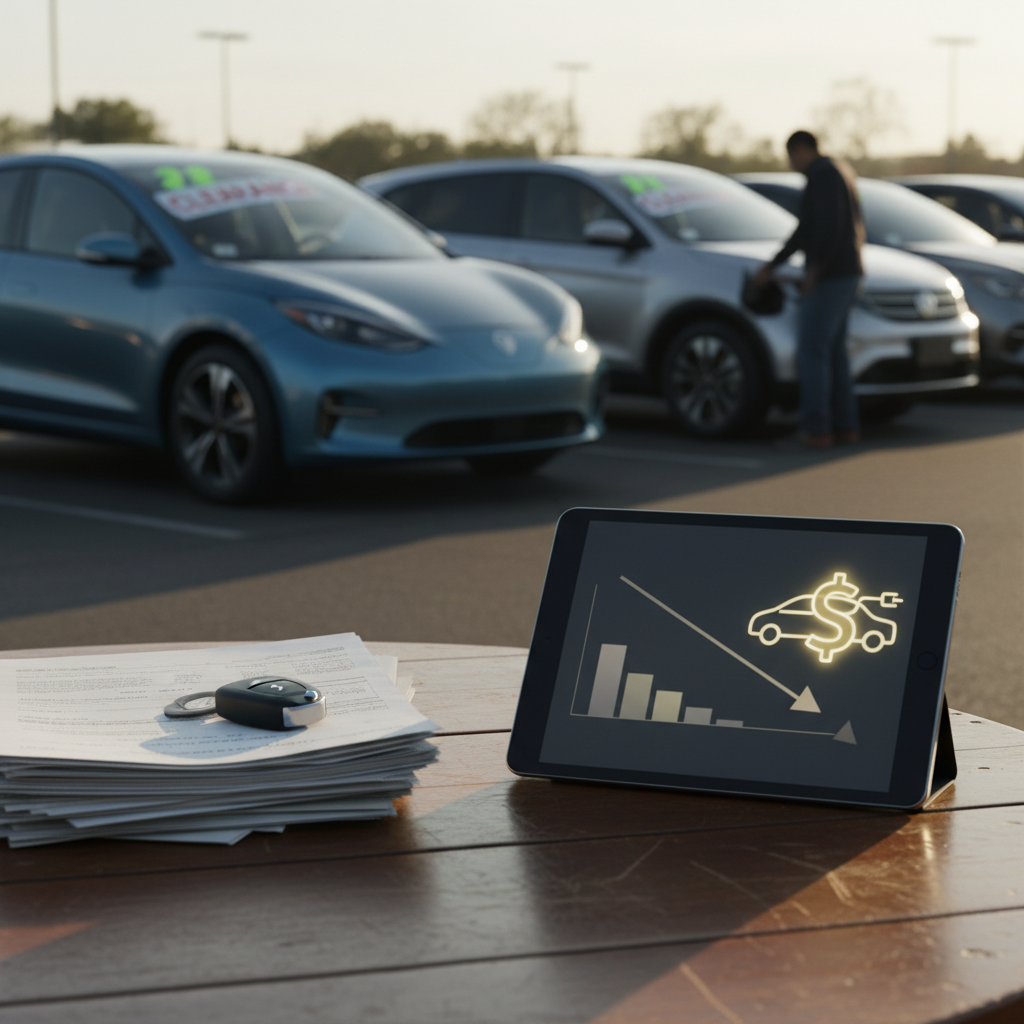
Recharged’s market data shows why you should value the vehicle itself before assigning a separate value to FSD. Among 417 EVs listed on Recharged at the snapshot date, the median asking price was $30,997, with current listing prices ranging from $12,996 to $146,998. Across 1,796 Recharged retail EV sales during the trailing 12 months, the median price buyers actually paid was $27,297.
Those are fleet-wide EV figures, not Tesla-only prices or evidence of an FSD premium. The takeaway is simple: compare the Tesla’s model, condition, mileage, battery health, and market price first, then give FSD value only after confirming that it is included. Recharged’s used-EV buying guide explains how to evaluate the rest of the vehicle.
Don’t assume FSD adds a fixed amount
FSD does not add one dependable amount to every used Tesla. Its practical value depends on whether access is purchased or subscribed, how often you expect to use it, the software and hardware supported by that vehicle, and how the car’s total price compares with similar listings. Because features and package terms can change, don’t use an old purchase price or a seller’s claimed upgrade cost as an automatic addition to the car’s value.
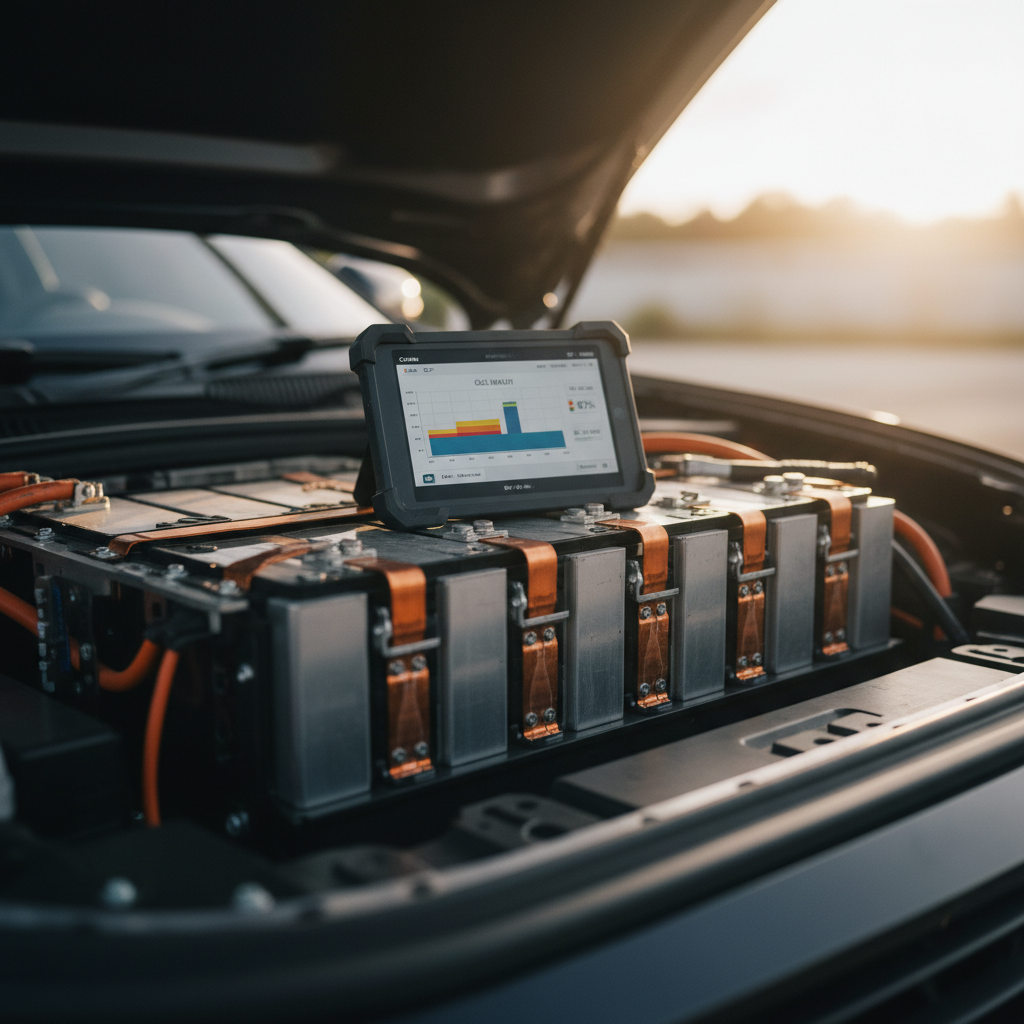
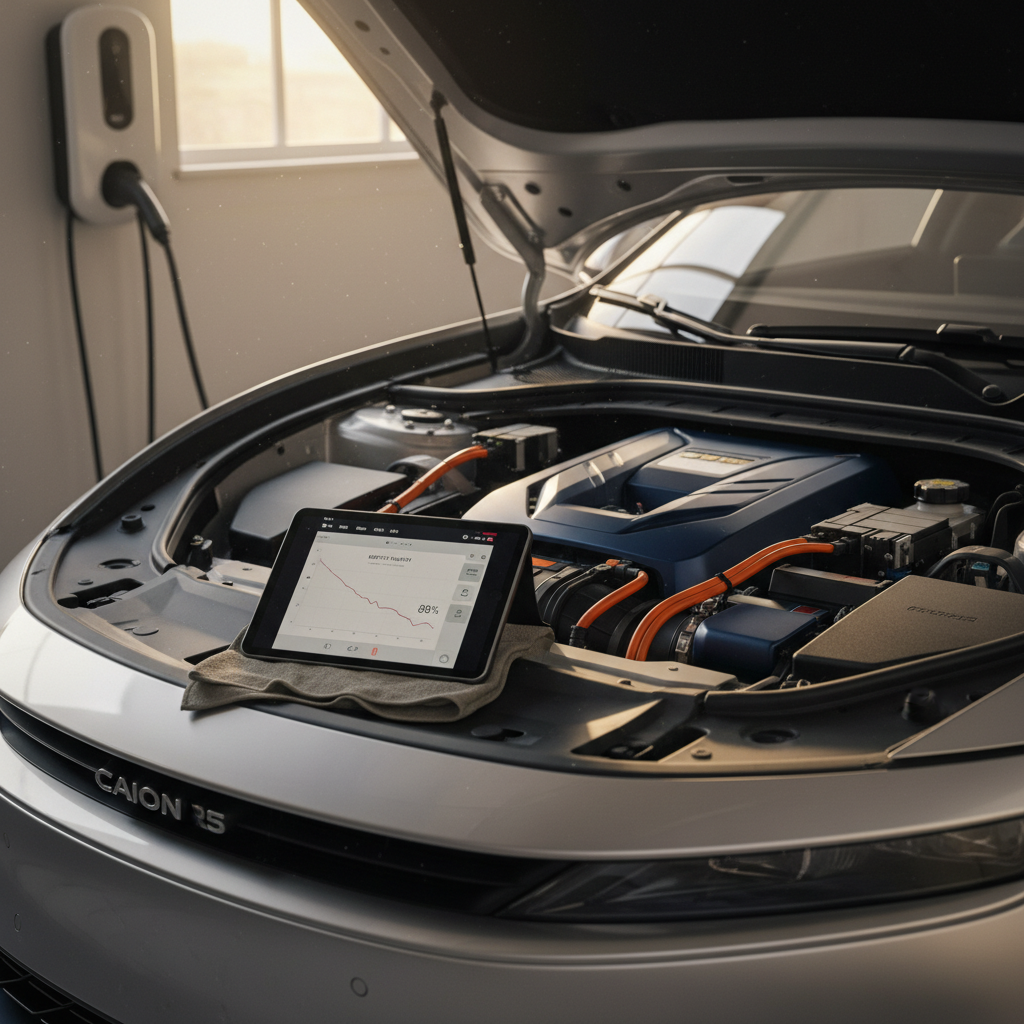
The underlying car can matter more than the software label. Verify battery health on a used Tesla, inspect its physical condition, and test the driver-assistance functions that are currently enabled. FSD should be a confirmed feature in your valuation, not a reason to overlook a weak battery report, accident history, worn tires, or an overpriced vehicle.
Instant offer, trade-in, or consignment. Pickup available.
Used Tesla FSD questions
The bottom line
A used Tesla comes with FSD only when the paid entitlement is still active and included in the transaction. Hardware capability, Autopilot, and a temporary subscription are not substitutes for verification. Check the vehicle screen, Tesla account status, and final paperwork at delivery before paying more for the feature.