If you own or are shopping for a Chevy Silverado EV, software is nearly as important as steel and sheet metal. Over‑the‑air (OTA) and dealer-installed updates shape everything from safety compliance to infotainment features, and understanding the Chevy Silverado EV software update history can help you protect your warranty, unlock new features, and make a smarter decision on a used truck.
Quick takeaway
Why Silverado EV software updates matter
- Fix safety issues, like pedestrian warning sound calibration.
- Improve charging reliability and diagnostics.
- Add or tweak features such as camera views, infotainment options, and power export behavior.
- Prepare the truck’s computer systems for larger feature drops later.
Silverado EV software and ownership at a glance
Silverado EV’s software foundation: Ultifi and Google built-in
GM Ultifi platform
The Silverado EV is one of GM’s first truck lines to ride on its new Ultifi software platform. Ultifi is a layered architecture that separates hardware from software, so features can be added or refined far more often than in past GM trucks. It’s designed for:
- Frequent OTA updates to core modules (powertrain, charging, driver assistance).
- Feature unlocks over time, sometimes for a fee, sometimes included.
- Shared code across GM’s EVs (Blazer EV, Equinox EV, Sierra EV, etc.).
Google built-in, no CarPlay
Silverado EVs use a large center display with Google built‑in apps (Maps, Assistant, Play Store) instead of Apple CarPlay or Android Auto phone mirroring. GM has doubled down on this approach and is expanding native apps, most notably by adding Apple Music as a built‑in streaming option on 2025‑and‑newer vehicles via a software update.
In practice, that means infotainment software updates affect not just bug fixes but also what apps you can use, how navigation behaves, and even which voice assistant features are available.
Key Silverado EV software updates and milestones by year
Because the Silverado EV launched in low volumes and has been ramping up trims and range options, its software story is still evolving. Below is a high‑level timeline of notable updates and campaigns owners have seen so far. Exact version numbers vary, and GM rarely publishes full public changelogs, but owner reports and bulletins give us a good picture.
Chevy Silverado EV software update history (high-level)
A simplified view of major known software actions affecting Silverado EV owners. Dates are approximate and based on public communications, bulletins, and owner reports.
| Model Year | Approx. Timing | Update / Campaign | How Installed | What It Addressed |
|---|---|---|---|---|
| 2024 | Early 2024 | Initial OTA prep and bugfix updates on WT work trucks | OTA or dealer | Stability improvements, OTA reliability, diagnostic and background processes. |
| 2024 | Late 2024 | Feature adjustments on early RST trucks | OTA / dealer | Changed availability of certain ride‑height modes on some 2024 RST trucks; some owners reported loss of Low Rider mode after a fall 2024 update. |
| 2025 | January 2025 | Pedestrian sound recall for 2025 Silverado EV WT | Dealer software flash | Fixed mis‑calibrated exterior sound that made certain trucks too quiet to meet federal pedestrian‑alert rules; recall repair required for compliance. |
| 2025 | Q1 2025 | Foundational GM‑N25‑F172AE style update | OTA | "Important" update laying groundwork for future software releases; improved update and diagnostic processes more than visible features. |
| 2025 | Q1 2025 | New software for LT trims | OTA / dealer | Bug fixes and behavior changes (some owners noted adaptive cruise quirks after updating). Version details varied by build. |
| 2025 | Mid–Late 2025 | Vehicle‑wide programming bulletin PIT6318A for Silverado EV / Sierra EV | Dealer only | Large software package that updated multiple modules, fixed PowerBase operation on some trucks, and added split‑screen infotainment layout to many vehicles. |
| 2025 | Late 2025 | Large non‑OTA campaign 86277880.mnf on select trucks | Dealer only | Another widely‑reported campaign for Silverado and Sierra EV; focused on global system updates and improved integration, plus turn‑signal camera enhancements on some builds. |
| 2025–2026 | Rolling through 2025 into 2026 | Infotainment and app updates (native Apple Music, UI tweaks) | OTA | Expanded native app catalog, added Apple Music on 2025+ models, refined Google Assistant visuals and infotainment layouts. |
| Ongoing | 2024–2026 | Misc. OTA fixes & prep updates | OTA | Incremental improvements for battery management, charging communication, stability, and background systems, often described vaguely in the app. |
Always confirm current campaign status with a Chevy dealer using the VIN before relying on this table.
Version numbers can be confusing
OTA vs. dealer-installed updates: how Chevy handles them
Two paths for Silverado EV updates
Understanding the difference helps you avoid missed fixes and wasted dealer visits.
Over‑the‑air (OTA) updates
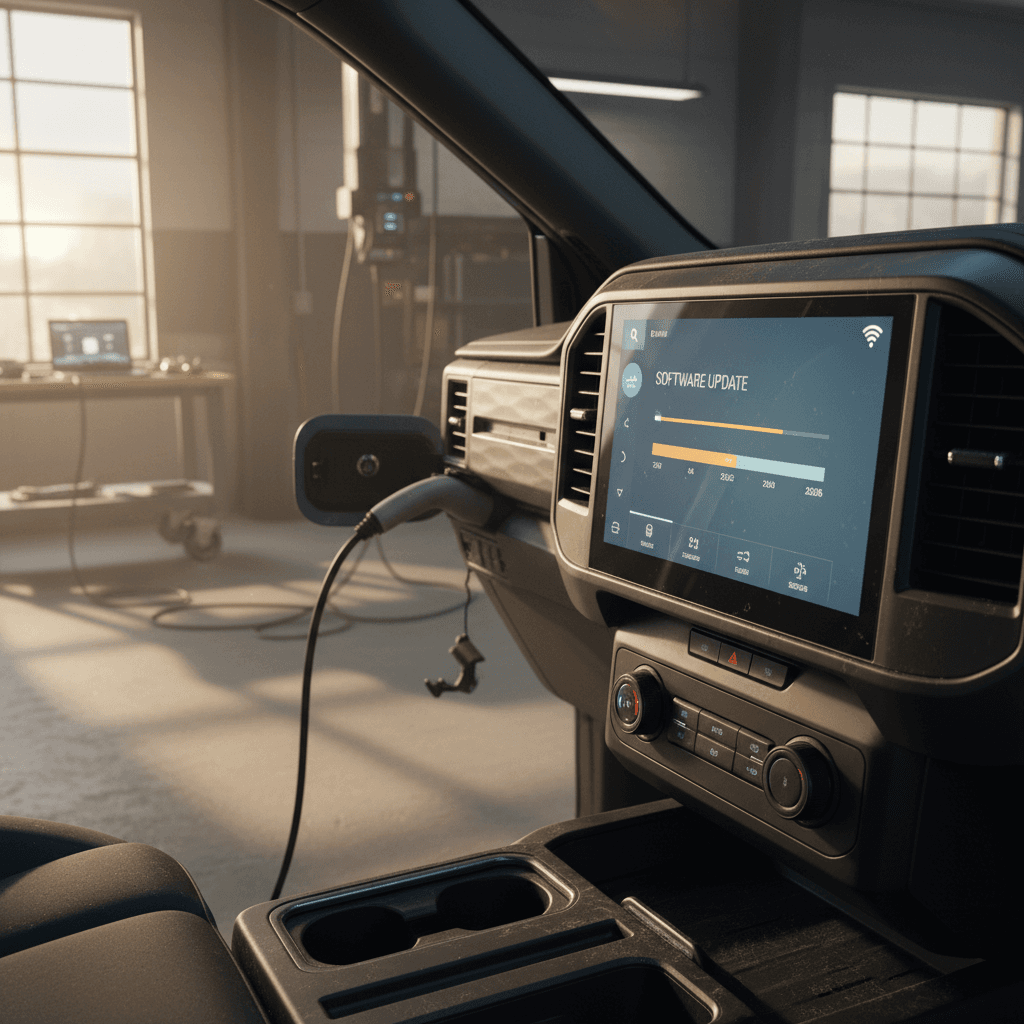
These updates come to your Silverado EV via its built‑in connectivity and Wi‑Fi.
- Typically cover infotainment, telematics, stability tweaks, or prep updates for future features.
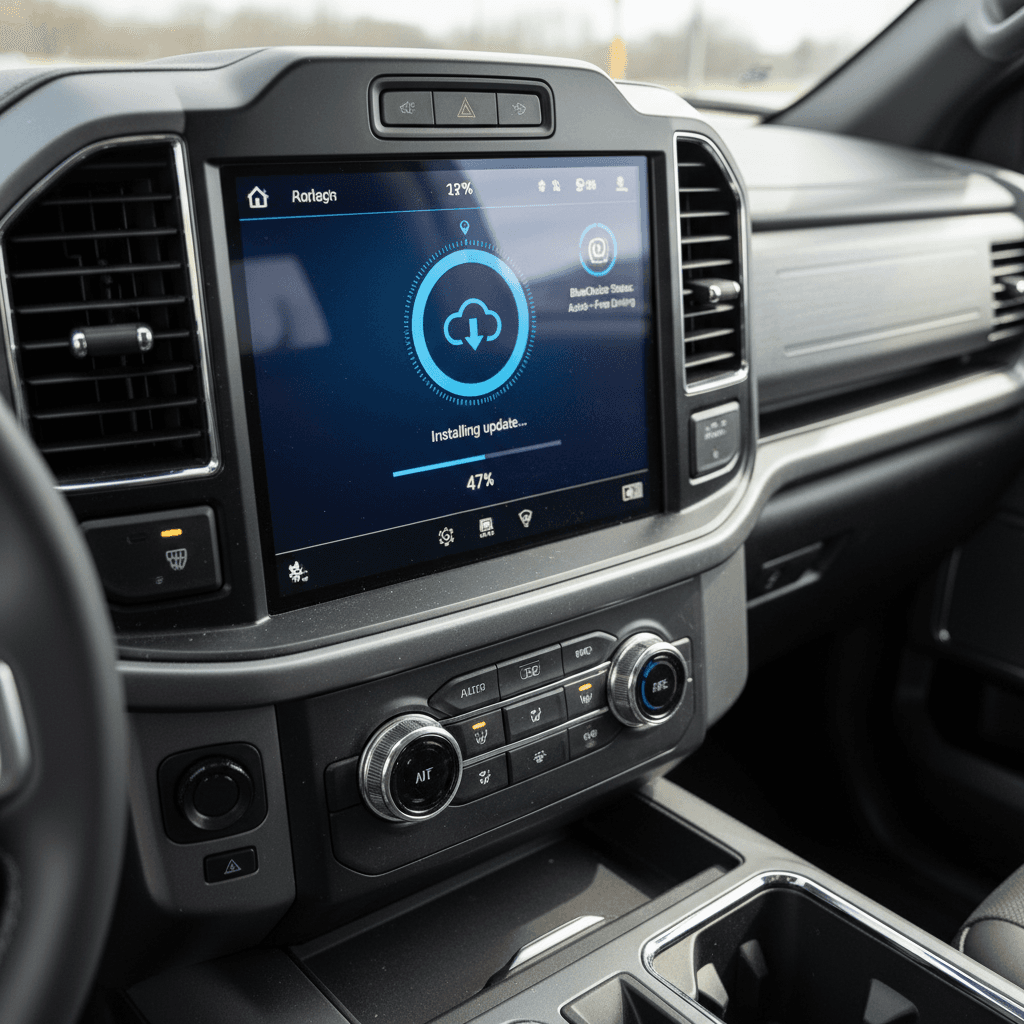
- Scheduled to install when the truck is parked; you’ll see prompts on the center screen or in the myChevrolet app.
- Some owners report that early OTA updates can fail and require dealer help, especially on 2024 builds.
Dealer-installed programming
These are larger, more invasive updates handled at a Chevy service department.
- Used for recalls, vehicle‑wide campaigns, or anything that can’t reliably be delivered over the air yet.
- May reprogram dozens of modules at once, which is why trucks can sit at the dealer for hours or even days.
- Certain big feature unlocks (like improved PowerBase behavior or new infotainment layouts) have arrived this way so far.
Ask for a pre‑delivery software sweep
How updates affect range, features, and driving experience
The Silverado EV’s impressive numbers, up to roughly 492 miles of EPA‑estimated range on certain 2025 Work Truck Max Range models, are deeply tied to software. But not every update moves the needle in obvious ways. Here’s how they tend to break down.
- Battery and range management: Tweaks to thermal management, charging curves, and state‑of‑charge estimation can smooth out range readings, prevent unexpected drops, or improve charging reliability at high‑power DC fast chargers.
- Feature access and behavior: Updates have already altered things like air‑suspension ride‑height modes, turn‑signal camera availability, and how the PowerBase power‑export system works when the truck is off.
- Infotainment and apps: GM is using software to expand built‑in capabilities, adding apps like Apple Music and new video options for parked use, plus subtle UI and Google Assistant changes.
- Driver assistance: As GM’s Super Cruise and related features evolve, software can extend mapped road coverage, refine lane‑keeping behavior, or add towing enhancements, often shared with other GM EVs.
Feature deletions are possible
Warranty rules you can’t ignore for GM OTA updates
Starting with 2025 and 2026 models, GM has taken a firmer stance on mandatory over‑the‑air updates. In the fine print of newer warranty booklets, GM warns that if you ignore an OTA update long enough, typically more than about 45 days, warranty coverage might not apply to problems that the skipped update would have prevented.
Practical steps to stay on the right side of the warranty
1. Turn on automatic updates
In the truck’s settings, enable automatic software updates when parked and connected. That reduces the odds you’ll forget about an important patch.
2. Watch the myChevrolet app
The app often shows update prompts, completion notices, and in some cases brief descriptions. Keep notifications enabled so you don’t miss a critical release.
3. Don’t sit on “important” updates
If GM labels an update as important or safety‑related, schedule it within a week or two. That keeps you comfortably within GM’s expected update window.
4. Document dealer visits
When a dealer performs software programming, especially for recalls or big campaigns, ask for the repair order with software bulletins listed. Keep it with your vehicle records or upload it where you track service history.
5. Clarify coverage if you’re behind
If you’re buying a used Silverado EV that’s several updates behind, ask the dealer to confirm in writing that bringing it current won’t create gaps in warranty coverage for known campaigns.
Checking the software update history on a Silverado EV
Unlike some consumer electronics, your Silverado EV doesn’t give you a friendly, human‑readable software changelog in one place. You can, however, piece together a pretty good history with a few steps, especially important if you’re evaluating a used truck.
Where to look for Silverado EV software history
Use multiple sources to build a complete picture.
In‑vehicle menus
On the center screen, navigate to the software or system section to see current versions and any pending OTA updates. You may also see a basic update history showing recent OTA installs.
myChevrolet app
The app often lists recent updates and sometimes short notes like “prepares your vehicle for future updates.” It’s not a full changelog, but it’s a starting point for OTA history.
Dealer service records
For serious shoppers, this is the gold standard. Ask the Chevy service department to print a service history or recall status sheet for the VIN, including any programming bulletins like PIT6318A or other software campaigns.
How Recharged helps with software transparency
Ready to find your next EV?
Browse VehiclesUsed Silverado EV buying checklist: software and battery
Because Silverado EVs are still relatively new, a lot of low‑mileage trucks will show up in the used market over the next few years. Their software history will be a major differentiator, right alongside battery health and range. Here’s how to evaluate a truck like a pro.
Used Silverado EV software & battery checklist
1. Confirm recall status
Ask the seller or Chevy dealer to run the VIN and verify that any recalls, like the 2025 WT pedestrian‑sound software fix, have been completed. Get documentation.
2. Ask about big campaigns
Specifically ask if vehicle‑wide programming bulletins (e.g., PIT6318A or its successors) have been done. Trucks without these can be missing split‑screen layouts, power export fixes, or camera improvements.
3. Review OTA behavior
On a test drive, check the software screen and see if there are pending updates or repeated failures. A truck that refuses to complete OTAs may need dealer attention.
4. Verify key features in person
Don’t just assume features like Sidewinder mode, Low Rider height, Super Cruise, PowerBase, or turn‑signal cameras are present because of the window sticker. Scroll through menus and test them where safe.
5. Check battery health and range expectations
Use real‑world range reports, the truck’s displayed full‑charge estimate, and, where available, a third‑party battery diagnostic. At Recharged, our <strong>Recharged Score</strong> includes verified battery health so you’re not buying blind.
6. Align software status with price
A low‑mileage truck that still needs a long day at the dealer to catch up on campaigns or recalls shouldn’t be priced the same as a fully updated example backed by clean documentation.
FAQ: Chevy Silverado EV software updates
Frequently asked questions about Silverado EV software updates
Bottom line on Silverado EV software update history
The Chevy Silverado EV is still early in its life cycle, and its software update history is being written in real time. What we’ve seen so far matches where the industry is headed: a mix of quiet OTA fixes, major dealer‑installed campaigns that reshape the experience, and occasional controversies over removed or altered features. If you stay on top of updates, verify recall and campaign status before you buy, and insist on clear documentation, you can enjoy the Silverado EV’s impressive range and capability without getting tripped up by software surprises.
If you’re considering a used Silverado EV, or any used electric truck, shopping through Recharged adds a layer of transparency that’s hard to find elsewhere. Our Recharged Score battery health diagnostics, fair‑market pricing, and EV‑specialist support help you understand exactly what you’re buying, from the pack’s state of health to the truck’s software status. When you’re ready, you can complete the process fully online and have your next electric truck delivered to your driveway.