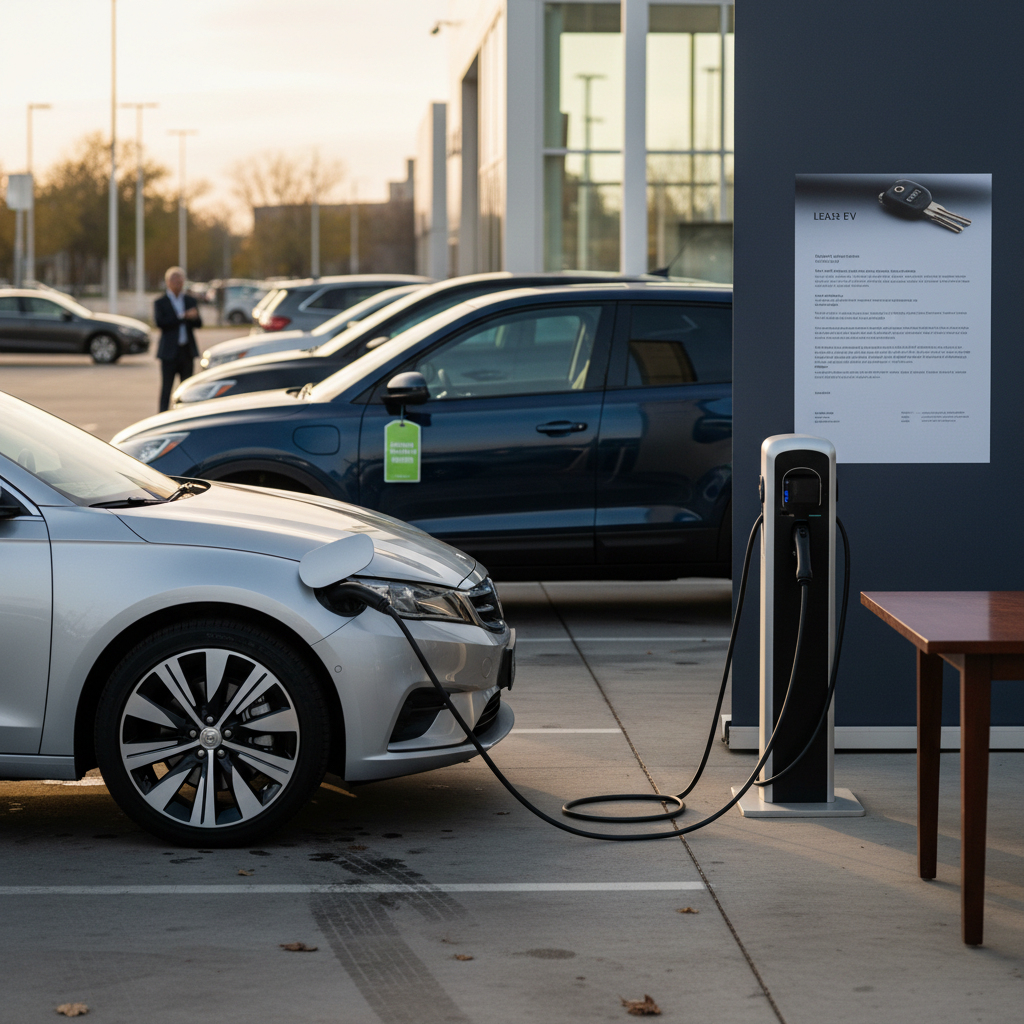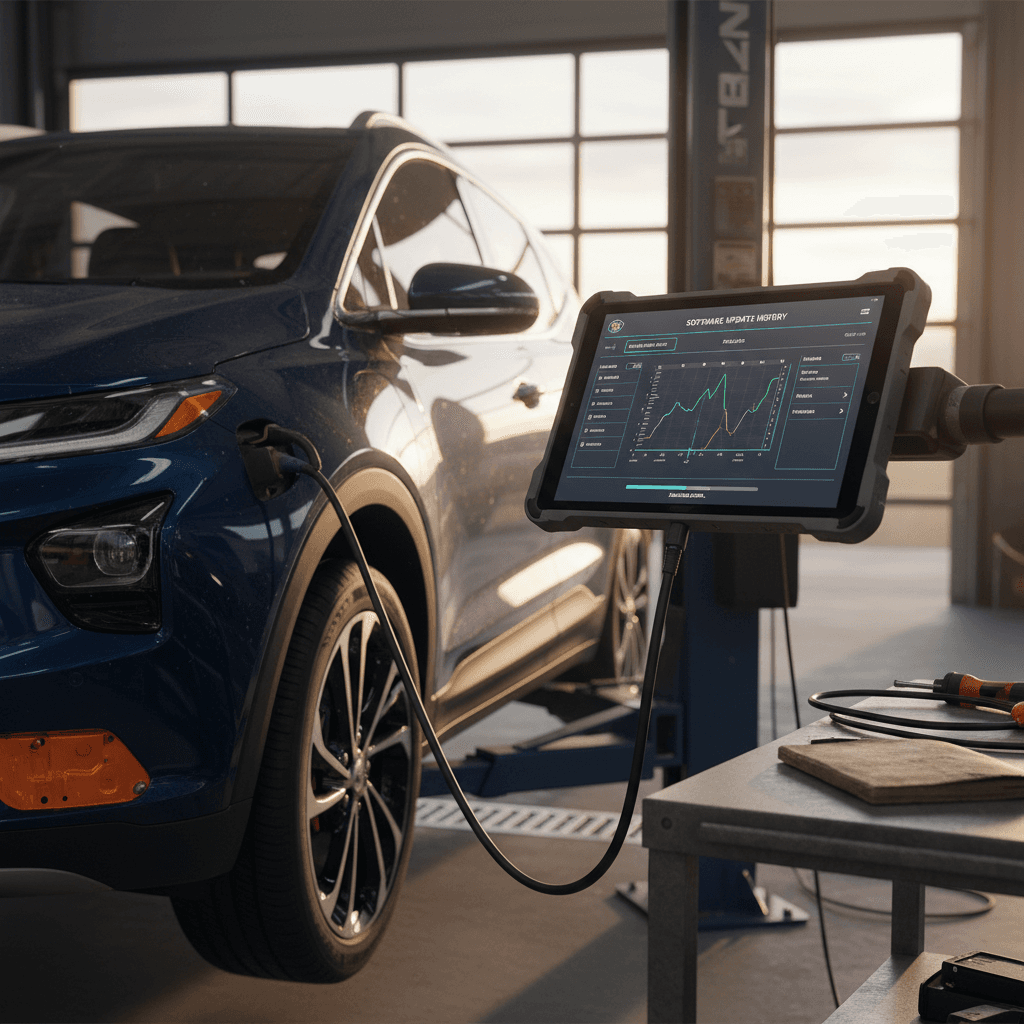
If you own, or are shopping for, a Chevy Bolt EUV, software isn’t just about your radio presets. The Bolt EUV’s software update history includes critical fixes tied to the high‑profile battery recall, rare but important over‑the‑air (OTA) updates, and feature tweaks for Super Cruise, OnStar, and infotainment. Understanding that history helps you judge how safe, up to date, and future‑proof a specific Bolt EUV really is, especially on the used market.
Quick reality check
Overview: How Chevy Handles Bolt EUV Software Updates
The Chevy Bolt EUV launched for the 2022 model year on GM’s BEV2 platform, sharing most of its software architecture with the Bolt EV. Instead of constant small OTA tweaks, GM has followed a more traditional pattern: large service campaigns and recalls handled at the dealer, supplemented by occasional OTA updates for OnStar, navigation and minor modules.
Main software update types on the Bolt EUV
Four buckets explain almost everything you’ll see in an EUV’s history
Battery & Energy Management
Includes the well‑known battery fire recall diagnostics on 2020–2022 EV/EUV packs and follow‑up calibration updates that control charge limits and pack monitoring.
Infotainment & Instrument Cluster
Updates for the center touchscreen, Bluetooth, CarPlay/Android Auto reliability, and the driver display. Owners report version strings like W41E or W46E tied to different software builds.
Super Cruise & Driver Assist
For EUVs equipped with Super Cruise, software and map updates determine where hands‑free driving is available and how reliable those features feel in day‑to‑day use.
OnStar, Connectivity & Telematics
Modules that power OnStar, remote access, and cellular communication have received OTA updates, such as recent owners reporting an OnStar 13.72 update to the TCP/communications module.
Why this matters for used buyers
Battery Recall Diagnostic Software (2020–2022 EV/EUV)
The biggest chapter in the Bolt EV and EUV’s software history is the battery fire recall. Early on, GM’s remedy focused on replacing packs built with defective LG Chem cells. Later, the company shifted to a software‑based diagnostic approach for most 2020–2022 vehicles.
- GM issued recalls covering virtually all Bolt EV and EUV model years because of rare battery‑pack fire risks.
- Initial fixes emphasized complete high‑voltage battery replacement for vehicles with suspect cells.
- By 2022, GM moved many 2020–2022 cars to an advanced diagnostic software strategy that continuously monitors the pack for abnormal behavior.
- This diagnostic software temporarily limited charge to about 80% for roughly 6,200 miles (10,000 km); if the pack passed, full 100% charging was restored automatically.
Two waves of battery software
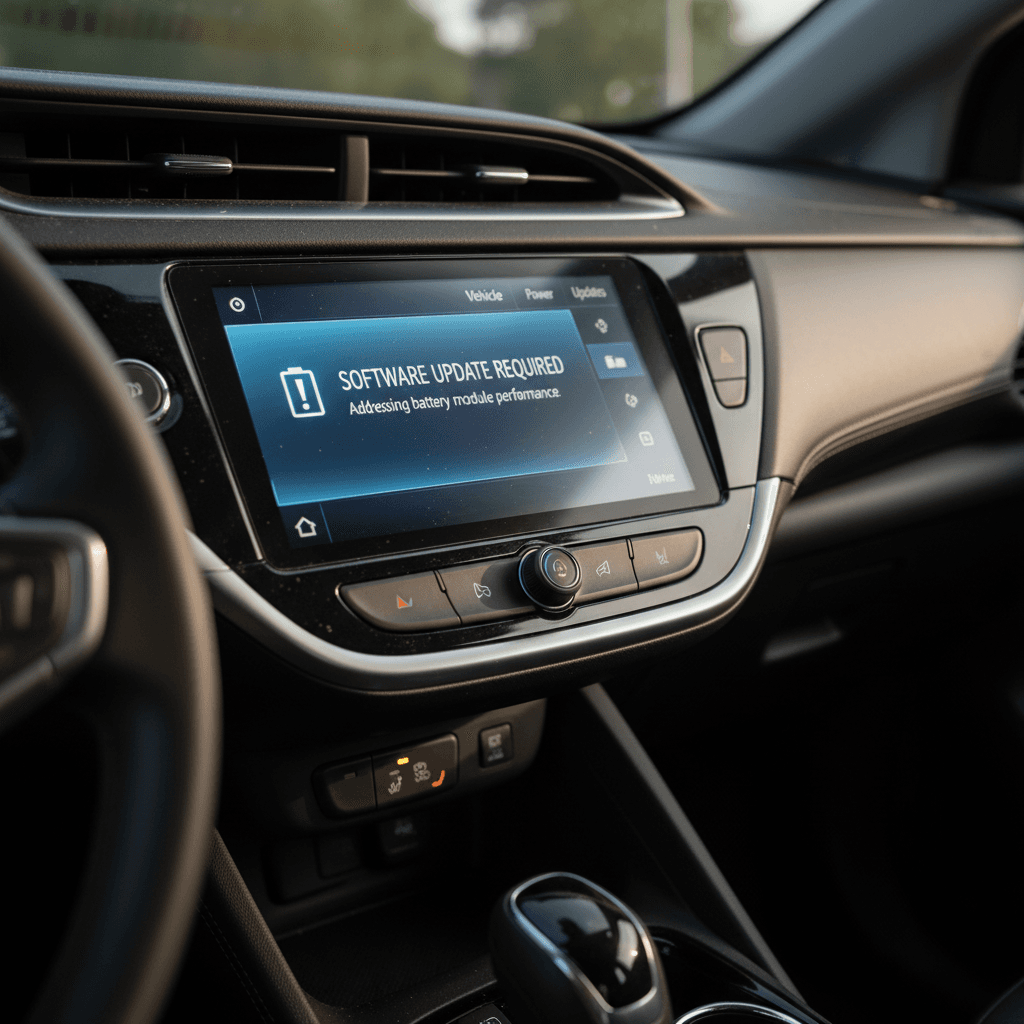
For Bolt EUV shoppers, the question is less about **when** this battery software was installed and more about **whether the final remedy is complete**. A 2022 EUV that still behaves like it’s stuck in “recall mode” (limited to 80% charge with no explanation) may need a dealer visit to ensure the latest calibration is in place, or, in rare cases, pack service.
Battery‑recall software: quick checks you can do
1. Look for 80% charge limit
In the charge settings, see whether you can set the target above 80%. If the slider is hard‑limited to 80% with no obvious setting to change it, the vehicle may still be under diagnostic restrictions.
2. Ask for recall documentation
When buying used, ask the seller or dealer for printed <strong>recall closure paperwork</strong> that shows the final remedy, battery replacement or diagnostic software, has been completed.
3. Run the VIN on GM’s recall site
Use the VIN on GM’s official recall lookup site or NHTSA’s tool to confirm whether battery‑related campaigns are open or closed for that specific EUV.
4. Test range and charging behavior
On a fully charged car, compare the predicted range to what’s typical for that model year and climate. Sudden drops in available capacity may indicate a pack issue or an incomplete software campaign.
Infotainment and Gauge Cluster Updates on the Bolt EUV
Bolt EUV owners frequently notice their infotainment software versions because the system exposes long build strings, often starting with something like W41E or W46E. Community reports point to at least two notable builds for 2022–2023 cars, with some vehicles shipping from the factory on older versions and others receiving dealer USB updates to a newer build.
Common Bolt EUV infotainment build labels (owner reports)
These aren’t official release notes, but they’re the versions Bolt EUV owners most often mention when comparing systems.
| Label example | Approx. release timing | How it’s usually installed | What owners report |
|---|---|---|---|
| W41E‑V160.x | 2021–early 2022 | Factory image or dealer reflash | Baseline Bolt EUV infotainment; some owners report random reboots and black‑screen issues. |
| W46E‑V164.x | Early–mid 2022 | Dealer USB or service visit | Newer build viewed as more stable; fewer reboot complaints and somewhat snappier response. |
| W41E (2026 OTA mention) | Early 2026 OTA for some 2022 EUVs | Over‑the‑air update | Appears tied to connectivity/OnStar module; owners say Comma devices still work and no major behavior change. |
If your EUV shows a significantly older build, it may be worth asking a Chevrolet dealer if a later calibration is available.
Tip for troubleshooting glitches
Super Cruise, Maps, and Driver-Assist Updates
Super Cruise was optional on early Bolt EUV trims and became a signature feature for tech‑minded buyers. Its behavior is driven by a mix of onboard software, high‑precision map data, camera/radar calibrations and a subscription layer through OnStar.
How Super Cruise updates work
- Map updates enable Super Cruise on new stretches of divided highway and occasionally remove access where lane data is no longer reliable.
- Software and calibration updates improve lane‑centering, steering smoothness and system reliability.
- Subscription status through OnStar controls whether Super Cruise is even allowed to engage.
What owners report in the real world
- Some EUV drivers say Super Cruise worked at delivery, then later showed “road unavailable” errors on the same highways.
- Others report it working on certain stretches but not closer to home, even on mapped roads, likely a mix of map coverage, GPS precision and camera confidence thresholds.
- Because the Bolt EUV’s production ended after 2023, new Super Cruise hardware isn’t appearing, but software and map updates can still refine behavior.
Super Cruise availability isn’t guaranteed forever
OnStar and Connectivity OTA Updates
While high‑profile Bolt EUV updates usually require a dealer, there’s a quiet parallel stream of **OnStar and connectivity OTA updates**. In early 2026, for example, multiple EUV owners reported an OTA labeled something like OnStar 13.72 that updated the TCP/communications module. For many drivers, it was the first non‑navigation OTA they’d seen in years.
What Bolt EUV owners typically see with OTA updates
Good news for connectivity
How Bolt EUV Updates Are Delivered: OTA vs Dealer Visit
Compared with many newer EVs, the Bolt EUV sits in a transitional era. It can accept certain OTA updates, but its most important software changes are still service‑bay jobs.
OTA vs dealer-installed: what goes where?
Knowing the difference helps you plan your service and expectations
Typically OTA
- OnStar and connectivity module updates (e.g., TCP stack, modem firmware).
- Navigation map data and routing updates.
- Occasional small patches to address bugs that don’t affect core drivability.
Typically dealer-installed
- Battery recall diagnostic software and any pack‑related calibrations.
- High‑voltage system updates that affect charging behavior or safety.
- Infotainment base image updates via USB (when Chevy issues new builds).
- Most TSB‑driven fixes for drivability, charging, or warning‑light issues.
Plan around recall and TSB appointments
How to Check Your Bolt EUV’s Software and Recall Status
You don’t need GM’s internal tools to build a basic picture of your Bolt EUV’s software history. A few simple checks tell you whether the big items, battery recall, infotainment build, Super Cruise status, are on track.
DIY checklist: understand your Bolt EUV’s software status
1. Run a VIN recall check
Visit GM’s or NHTSA’s recall lookup site and enter your VIN. Look specifically for closed campaigns related to the high‑voltage battery and any follow‑up software actions.
2. Inspect charge‑limit settings
Go into the charging menu and see whether you can select a 100% limit. If the system is locked at 80% with no clear explanation, ask a dealer whether the final battery diagnostic remedy has been applied.
3. Capture infotainment build info
On the center screen, open Settings → About (or similar) and take a photo of the software build string. Dealers use that to determine whether newer calibrations are available.
4. Check Super Cruise indicators (if equipped)
On mapped highways, look for the steering‑wheel icon in the cluster and verify that your Super Cruise subscription is active via the MyChevy app or OnStar. If you see repeated “Road unavailable” messages on known mapped segments, note dates and locations for the service department.
5. Review service records
If you’re buying used, ask for service and recall records. Look for line items describing <strong>battery diagnostic software</strong>, <strong>infotainment reflashes</strong>, or <strong>communication module updates</strong>, all signs the car has been kept current.
Used Bolt EUV: What Software History Should You Look For?
The Bolt EUV’s software story directly affects how attractive it is on the used market. A car that’s had its battery diagnostics completed, infotainment stabilized, and connectivity modules updated is simply easier to live with. That’s exactly the kind of nuance Recharged looks for when evaluating a used EV.
Non‑negotiables for used buyers
- Closed battery recall with documentation showing the final diagnostic remedy or pack replacement.
- No persistent 80% charge lock unless you understand exactly why it’s there.
- Reasonably current infotainment build, especially if the seller mentions past reboots or black screens.
- Healthy range estimates and normal DC fast‑charging behavior for the odometer and climate.
Nice‑to‑have software indicators
- Evidence of at least one OnStar/connectivity OTA, showing the car remains connected and supported.
- Clear explanation of Super Cruise status on Premier models, subscription active, maps working, no recurring faults.
- Service records that mention TSB updates or module reflashes, suggesting the prior owner stayed on top of campaigns.
How Recharged bakes this into the Recharged Score
FAQ: Chevy Bolt EUV Software Updates
Frequently asked questions about Bolt EUV software history
Bottom Line for Owners and Shoppers
The Chevy Bolt EUV software update history is defined less by flashy new features and more by a handful of critical campaigns, especially the battery‑recall diagnostics, and a slow but steady trickle of connectivity and infotainment tweaks. For current owners, staying on top of recall closures, charge‑limit behavior, and occasional OTA prompts is usually enough to keep the car safe and predictable. For used‑EV shoppers, those same details are a powerful lens into how well a particular EUV has been cared for.
If you’d rather not decode that history on your own, Recharged can help. Every used EV we list, including Bolt EUVs, comes with a Recharged Score Report that covers verified battery health, recall status, and pricing that reflects the vehicle’s real‑world condition. Add in nationwide delivery, EV‑savvy support, and financing options, and you can focus on choosing the right Bolt EUV, confident that its software and battery story have already been vetted.