If you’re eyeing a Chevy Bolt EUV, or already own one, you’ve probably heard wildly mixed stories. Some drivers rack up tens of thousands of trouble‑free miles; others have tales of finicky fast chargers, warning lights, and squeaks. This guide pulls together the most common Chevy Bolt EUV problems and fixes so you can tell the harmless quirks from the real red flags, especially if you’re shopping used.
Quick mindset check
Chevy Bolt EUV at a glance: what tends to go wrong
Most common Chevy Bolt EUV issues (owner-reported)
Patterns we see across forums, service bulletins, and used Bolt inspections
Battery & charging behavior
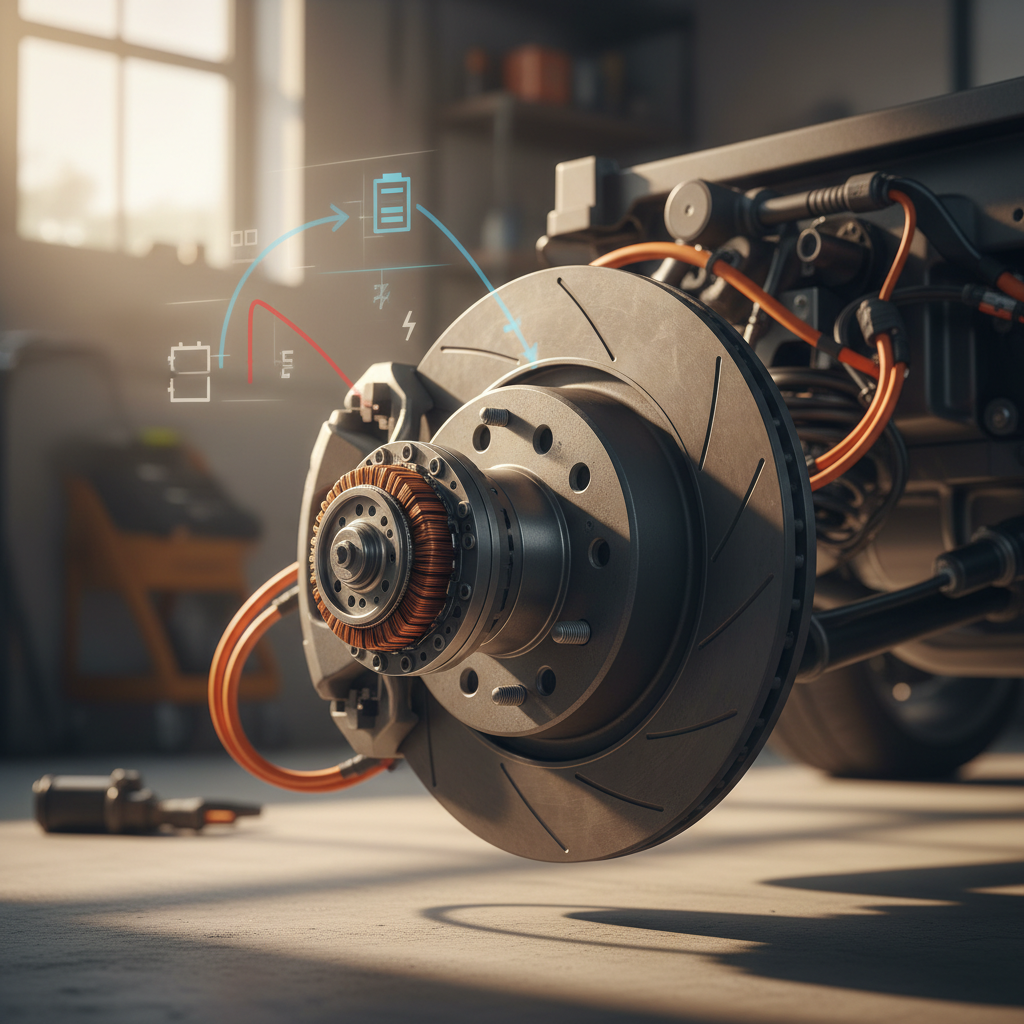
Legacy battery recall history on Bolt EV/EUV, plus ongoing questions about DC fast‑charge speed, isolation‑fault errors, and port damage from heavy connectors.
DC fast‑charging quirks
Sessions that won’t start, stop early around 30–40%, or throw “Unable to charge” or isolation‑fault messages, often more about the connector or station than the car.
Noise & software gremlins
Cold‑weather steering squeaks, occasional suspension clunks, infotainment freezes, odd charge‑schedule behavior, and nag messages that outlast the underlying issue.
Under the skin, the Bolt EUV is a fairly simple EV: a single motor, a relatively small battery, and no air suspension or dual‑motor trickery. That simplicity is good news. The trade‑off is that you feel every software oddity and squeak that much more because there’s not much else going on.
Bolt EUV reliability in context
How Recharged helps
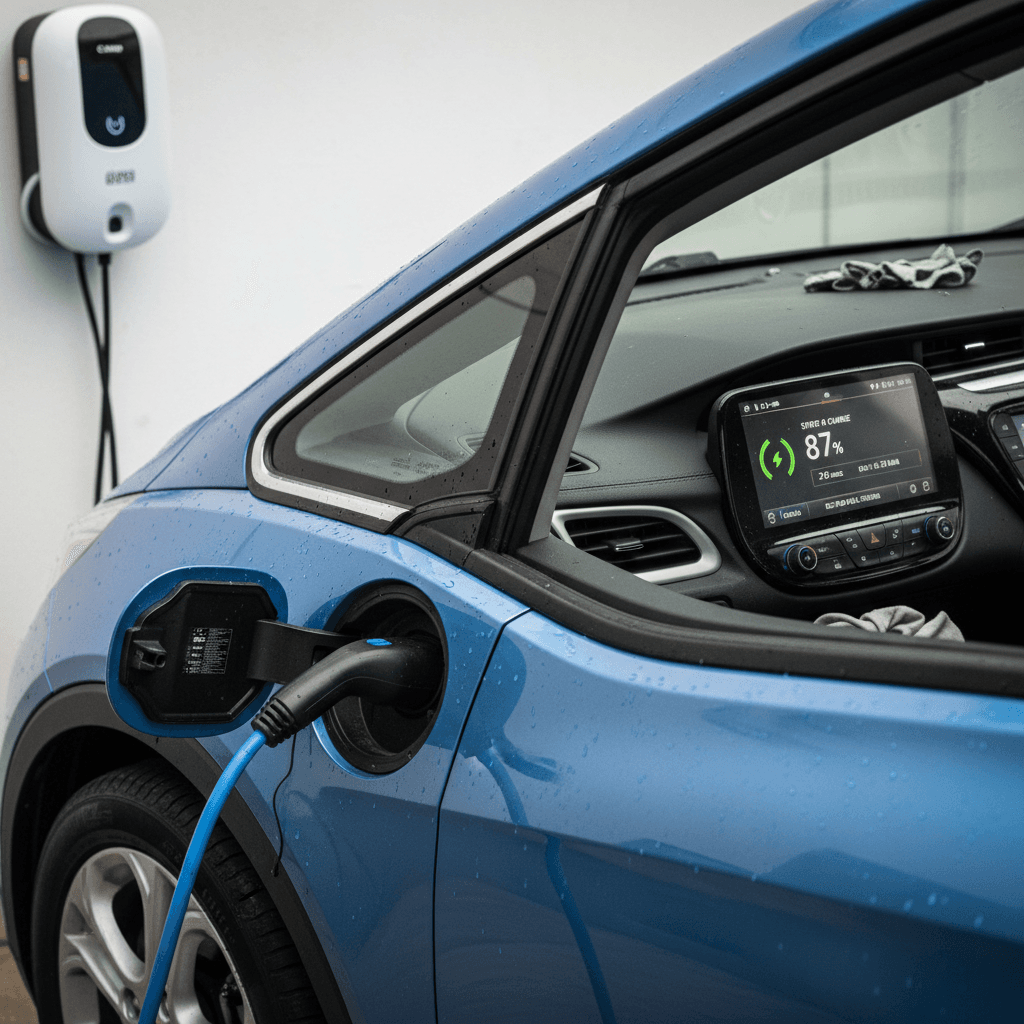
Battery health, recalls, and what owners should watch
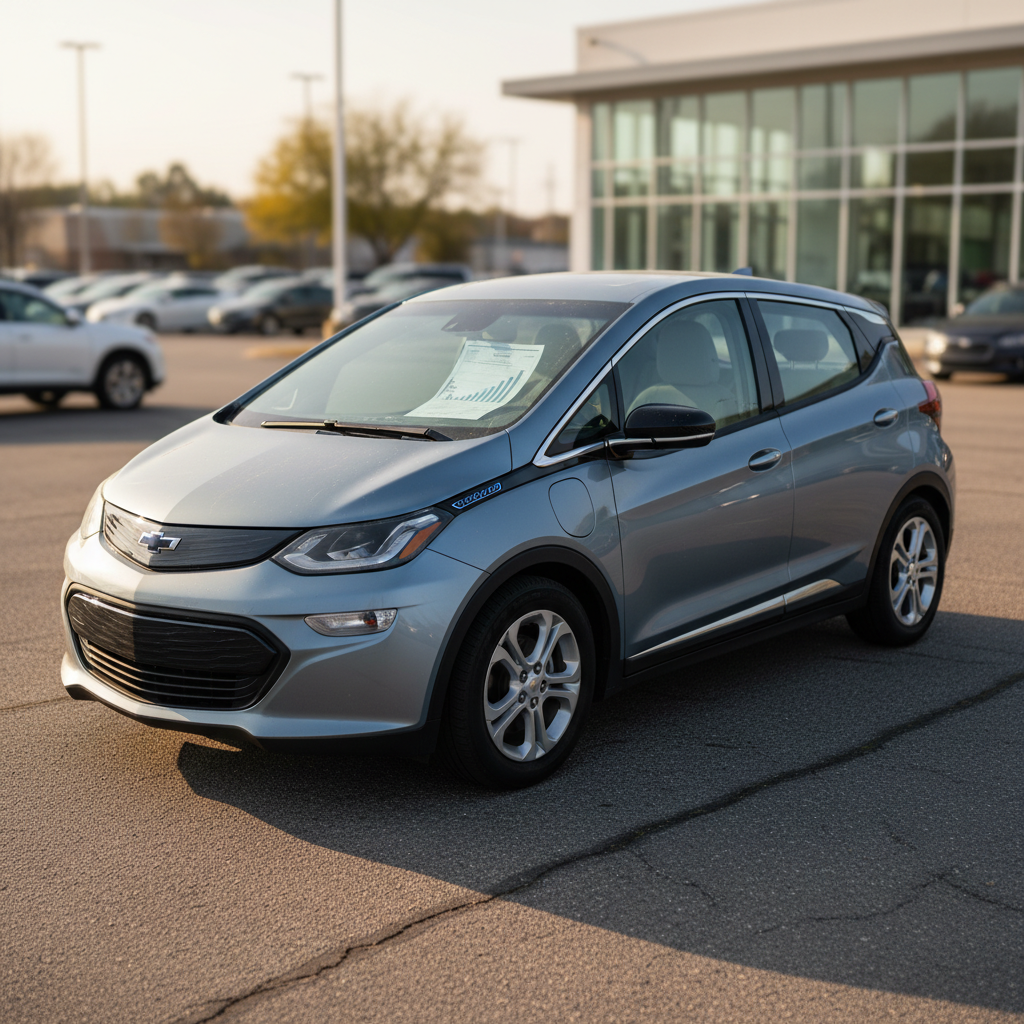
The words “Chevy Bolt” and “battery recall” are now permanently linked in EV history. Earlier Bolt EV and EUV models were recalled over a rare but serious fire risk. By 2023, most affected packs had been repaired or replaced under warranty, and new production used updated cells. For today’s shoppers, the recall is less a current threat and more a paper trail you absolutely need to verify on any used car.
- Confirm in writing that all open recalls have been completed (any Chevy dealer can run the VIN).
- Ask if the high‑voltage battery was replaced under recall; if so, note the mileage at replacement. A newer pack is a plus.
- On a test drive, check that the car can charge normally on both Level 2 (240V) and, if possible, DC fast charging.
- Use the in‑car energy screen to look for wildly inconsistent range estimates vs. state of charge, this can indicate either a learning BMS or an owner with a heavy right foot, more than a sick battery.
Don’t panic about range estimates
Real‑world degradation on Bolt EUVs tends to be modest so far, especially for cars that weren’t DC‑fast‑charged daily. The bigger headache is often range anxiety caused by conservative DC‑fast charging speeds: around 50–55 kW peak and plenty of taper. That’s a design limitation, not a defect, but it surprises shoppers coming from Tesla road‑trip videos.
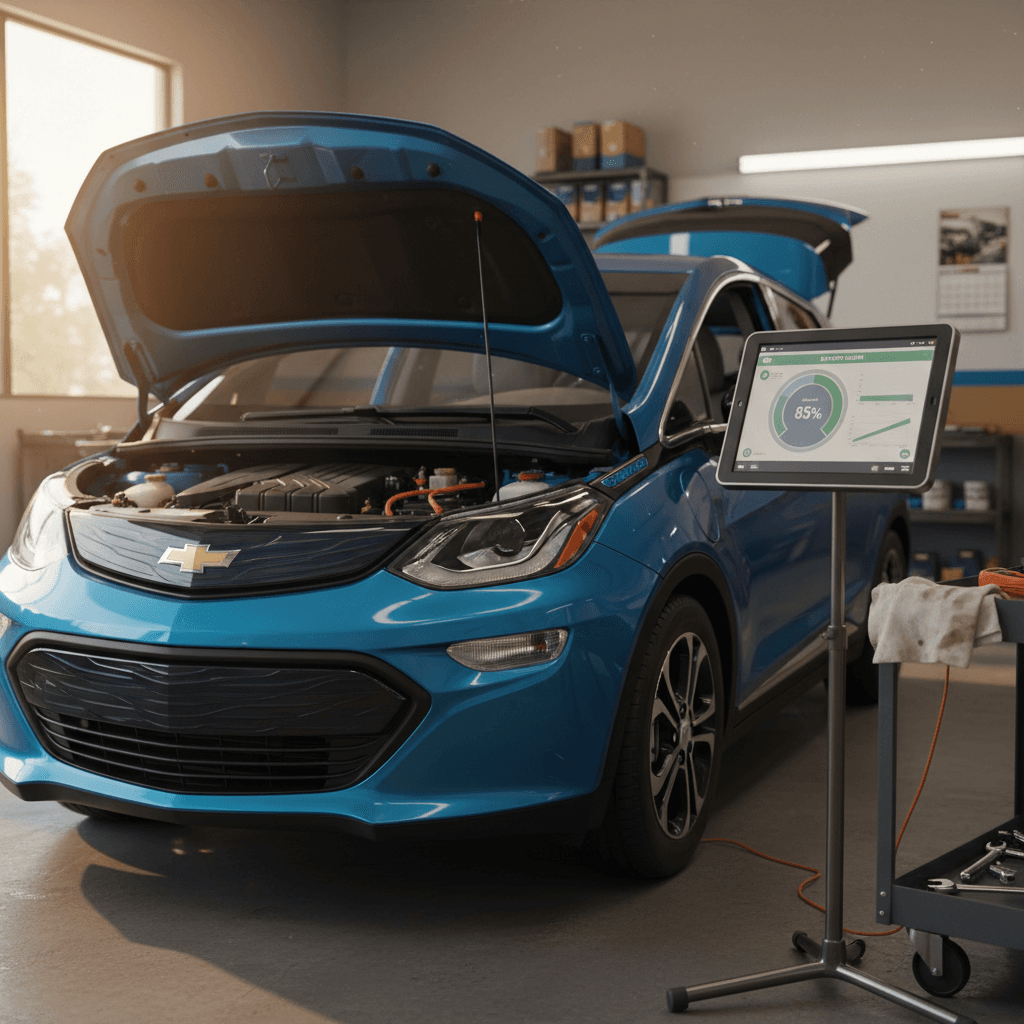
Simple DIY battery‑health sanity checks
1. Compare rated vs. observed range
With the battery near 100%, compare the car’s projected range to EPA ratings. Being 10–20% low in winter or at highway speeds is normal; much bigger gaps may warrant a deeper look.
2. Track energy use over a week
Reset a trip meter and drive normally for several days. Typical Bolt EUV consumption often lives around 3–4 mi/kWh depending on climate and speed. Outliers can flag driving style or tire issues.
3. Check for battery‑related warning messages
On startup and while charging, watch for persistent battery or propulsion‑system warnings. A one‑off message that never returns is less concerning than a light that’s always there.
4. Ask for service records
If the previous owner chased recurring charging faults, you want to know what was done. Consistent “unable to charge” complaints with no resolution are a reason to walk away.
DC fast charging problems and isolation‑fault errors
This is where most Bolt EUV horror stories originate: you pull up to a DC fast charger on a trip, plug in, and the station either refuses to start or quits at 30–40% with an “Isolation Fault” or “Unable to charge, use Level 2” message. Owners report this across several networks, with a few patterns emerging.
Common Bolt EUV DC fast‑charging issues and likely causes
Use this as a starting point before assuming your battery or drive unit is failing.
| Symptom | Likely culprit | First things to try |
|---|---|---|
| Session won’t start at all | Poor connector fit, heavy cable pulling on port | Push connector firmly until it latches; support cable weight until charging begins. |
| Stops at 30–40% with “interruption” or isolation fault | Marginal contact on DC pins, dirt/moisture in port, or flaky station | Clean charge port gently; try a different stall or different brand of charger. |
| Works at one network but not another | Station firmware/network issues, not car | Note which network fails; try ChargePoint/EVgo/etc. and document behavior for your dealer. |
| “Unable to fast charge, use regular charger” message | Transient DCFC fault stored by BMS | Power‑cycle car, try another station after a short drive; if persistent, schedule service. |
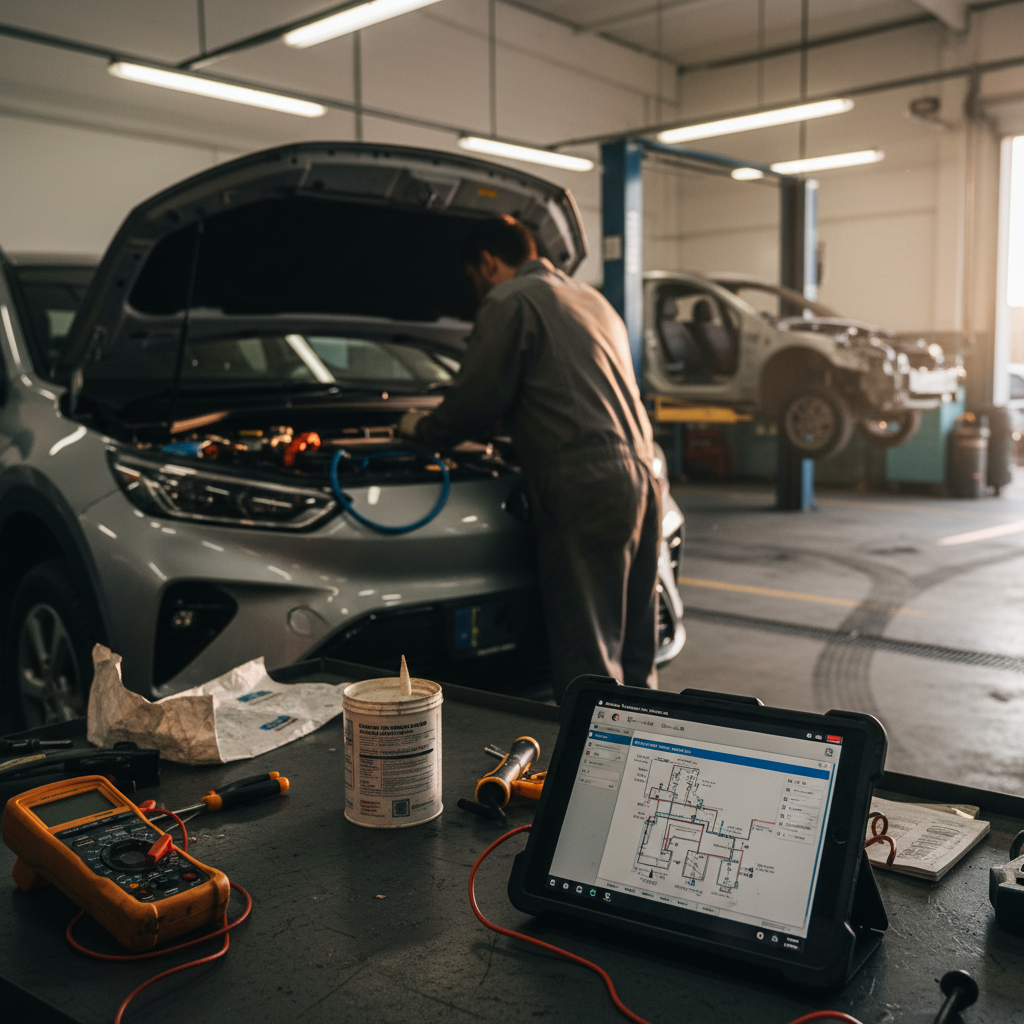
Always be cautious when working around high‑voltage equipment, if in doubt, let a professional or dealer handle diagnostics.
Support the connector
Owners also report rare cases of melted or burnt plastic around the DC pins when the connector is yanked out while the charger is still energized. In those instances, dealers typically replace the charge port under warranty, but it’s a problem you never want to create in the first place.
Best practices to avoid DC fast‑charge drama
1. Always stop the charge before unplugging
On most DCFC handles there’s a stop or pause button. Press it, wait for charging to stop and the latch to release, then remove the connector.
2. Keep the port clean and dry
Visually inspect the DC pins and surrounding plastic. If you see debris, gently blow it out or use a soft, dry swab, never metal tools.
3. Try another stall before blaming the car
Public infrastructure is still inconsistent. If one stall fails, move to another pedestal or another station brand before assuming the Bolt is at fault.
4. Document consistent failures
If the car misbehaves at multiple networks in similar ways, take photos of the charger screens and messages. Dealers are far more helpful when you hand them evidence.
High‑voltage safety reminder
Home charging quirks: Level 1 & Level 2
Around town, most Bolt EUV owners live on Level 1 and Level 2 charging. The problems here are usually less dramatic but more confusing, “why am I only seeing 1 kW at home?” or “why does my ‘Level 2’ feel like a trickle?” The car’s charge‑rate display, onboard settings, and the way your EVSE is wired all play a role.
- The Bolt EUV lets you cap Level 1 current (8A vs. 12A). If you’re stuck at ~1 kW, check that it’s not locked at 8A in the charging settings.
- A miswired or underrated 240V circuit can make a supposed “Level 2” behave like a high‑amp Level 1. If you see only ~2 kW on a 240V outlet, have an electrician double‑check the circuit and plug configuration.
- Scheduled‑charging windows can confuse new owners. If you’ve set a schedule to chase off‑peak rates, the car may quietly refuse to charge outside that window, which looks like a “broken” charger.
- The portable cord that ships with the car is generally for Level 1. To get real Level 2 speeds at home, you need a 240V Level 2 EVSE on an appropriate breaker.
Thinking about a home Level 2?
If you’re unsure whether your home charging is behaving correctly, a used‑EV specialist can help decode the numbers. At Recharged, we regularly plug candidate cars into known‑good Level 2 equipment to separate car problems from house‑wiring problems before a sale.
Squeaks, rattles, and suspension noises
Bolt EVs and EUVs have a well‑earned reputation for cold‑weather steering squeaks and front‑end creaks. Owners describe it as a rubbery groan when turning the wheel at low speed or a squeak going over small bumps, especially in the cold or wet. Annoying? Yes. Dangerous? Typically no.
Typical Bolt EUV noises vs. likely sources
Use these patterns as a conversation starter with your service advisor.
Low‑speed steering squeak
Most often noticed in cold or damp weather while turning the wheel at parking‑lot speeds. Dealers have chased this through steering column, intermediate shaft, or lubrication changes with mixed success.
Front suspension creaks or clunks
Over speed bumps or driveway lips, some owners report creaks from the front end. Common suspects include strut mounts, bushings, or stabilizer links. Often addressed under warranty if reproducible.
What’s “normal” vs. not?
On a test drive, find a parking lot and do a few slow full‑lock turns, then gently roll over a speed bump. If the squeaks are loud or the front end feels loose, plan on having a dealer look it over, or negotiate the price of the car accordingly.
Software bugs and infotainment glitches
The Bolt EUV’s infotainment isn’t the most ambitious system on the market, but it manages to glitch like the big boys: frozen CarPlay/Android Auto, audio dropouts, stuck Bluetooth devices, and charge‑schedule weirdness. The upside is that most of these are fix‑by‑reboot problems, not electrical gremlins in the harness.
- If the head unit locks up, try a full vehicle power cycle: power off, open the driver’s door, wait a minute, then restart.
- Check for over‑the‑air or dealer‑applied software updates. Chevy has quietly improved charging logic and infotainment stability over time.
- If you use scheduled charging, double‑check your departure times and rate plans after any software update, people have chased “charging failures” that were really bad schedules.
- Persistent Bluetooth or CarPlay issues often track back to the phone. Delete and re‑pair the device, and make sure your OS is current.
Carry a backup charging plan
Recurring warning lights and charging messages
Bolt EUV owners occasionally report naggy warning messages that outlive the underlying issue: “Unable to charge,” “Charging interrupted,” or DCFC‑related faults that keep popping up even after the car seems fine. In some cases, the message is essentially stuck in the car’s short‑term memory.
When it’s usually harmless
- You got one isolation‑fault at a sketchy charger, then Level 2 at home works perfectly.
- The car shows a warning during a failed DCFC attempt but behaves normally afterward.
- The dash message clears on its own after a few normal charge cycles.
When to take it seriously
- Repeated “Unable to charge” at multiple DCFC networks with good connectors.
- Warnings combined with refusal to charge even on Level 2.
- Any battery or drive‑unit light that persists while driving, especially with reduced power.
Simple 12V reset (advanced DIY only)
Maintenance, warranty coverage, and when to see a dealer
One of the Bolt EUV’s biggest strengths is that it has very few traditional wear items. No oil changes, no timing belts, no multispeed gearbox. Most of your maintenance life is tires, cabin filters, wiper blades, and brake fluid every few years. The parts that can get expensive, battery, drive unit, onboard charger, sit under multi‑year factory warranties on most used examples.
Typical Bolt EUV warranty coverage (U.S.)
Always verify coverage and in‑service date for the exact VIN you’re considering.
| Component | Typical coverage | Notes |
|---|---|---|
| High‑voltage battery | 8 years / 100,000 miles | Covers capacity‑impacting defects, not normal gradual degradation. |
| Electric drive unit | 5 years / 60,000 miles | Often grouped with powertrain coverage. |
| Corrosion / rust‑through | Various by region | Check for separate corrosion warranties in snow‑belt states. |
| Bumper‑to‑bumper items | 3 years / 36,000 miles | Infotainment, trim, interior squeaks fall here on younger cars. |
Certified used or dealer‑sold cars may add extended coverage beyond these basics.
When a Bolt EUV issue should go straight to a dealer
1. Persistent DCFC failures across networks
If you’ve tried multiple brands of chargers and still see the same fault codes, it’s time for professional diagnostics.
2. Any signs of overheating at the charge port
Melted plastic, discoloration, or burning smells near the port are not DIY territory.
3. Battery or propulsion warnings while driving
Yellow and red icons related to the high‑voltage system demand prompt attention, even if the car still feels normal.
4. Steering or suspension that feels loose
Noises plus any change in steering effort, straight‑line tracking, or ride quality should be inspected on a lift.
How Recharged de‑risks used Bolts
Ready to find your next EV?
Browse VehiclesBuying a used Bolt EUV: spotting problems early
If you’re shopping for a used Bolt EUV, you’re playing in one of the best value corners of the EV market, provided you don’t inherit someone else’s unsolved charging saga. The trick is to compress several months of ownership experience into a thorough hour‑long inspection and test drive.
Used Chevy Bolt EUV buyer checklist
1. Run the VIN for recalls and battery work
Ask for a printout from a Chevy dealer service department showing completed recall campaigns and any battery replacements.
2. Do a full‑lock parking‑lot test
Listen for steering squeaks and suspension creaks in low‑speed turns and over bumps. Note anything you can reproduce reliably.
3. Test both Level 2 and DC fast charging
Even 10–15 minutes on a known‑good Level 2 and a nearby DCFC tells you a lot about the health of the port and onboard systems.
4. Scan the dash for stored messages
Before and after charging, watch for warning lights or repeating “Unable to charge” messages that don’t clear.
5. Inspect tires and wheels
Uneven wear can point to alignment or suspension issues; curb‑rashed wheels can hint at hard urban use.
6. Ask about charging habits
Daily DC fast‑charging or regular 100% charges in hot climates are harder on any EV battery than gentle Level 2 use in moderate weather.
If you’re buying privately
Plan to invest real time in due diligence. That may mean paying an independent shop familiar with EVs to inspect the car and test‑charge it, or driving to multiple DC fast chargers on your own dime before committing.
If you’re buying through Recharged
Recharged’s digital buying experience, trade‑in options, financing, and nationwide delivery are wrapped around a deep inspection specific to EVs. The Recharged Score battery report and charging check are designed to surface exactly the issues in this article, before you ever click “buy”.
FAQ: Chevy Bolt EUV common problems
Frequently asked questions about Chevy Bolt EUV problems
The Chevy Bolt EUV is not a perfect car; it’s an honest one. Its flaws are legible: cautious fast‑charging, a knack for squeaks, and software that occasionally wakes up on the wrong side of the bed. The upside is a city‑friendly EV with low running costs, a long battery warranty, and a thriving community of owners who’ve already mapped out the rough edges. Understand the common problems and fixes, and a Bolt EUV can be one of the smartest, least‑stressful ways to go electric, especially if you let a specialist like Recharged do the hard diagnostic work before you buy.