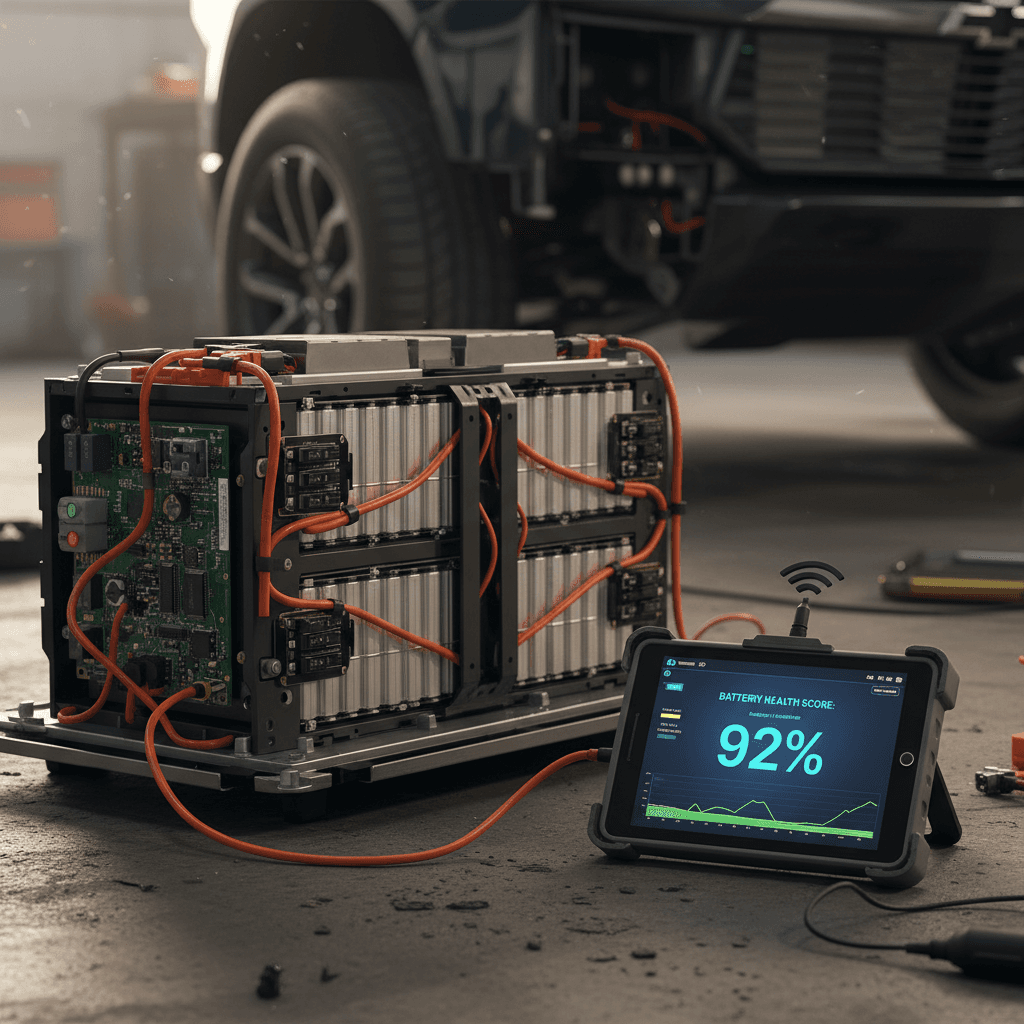
If you drive, or are shopping for, a Chevrolet Silverado EV, the battery pack is the most expensive component in the truck. Knowing how to run a solid Silverado EV battery health check helps you protect your investment, spot problems early, and avoid overpaying for a used electric pickup.
Battery health vs. battery charge
Why Silverado EV battery health matters
The Silverado EV’s large battery is designed to last for many years, but it will slowly lose capacity over time. A truck that once delivered its original EPA‑rated range can lose tens of miles as the pack ages. For owners, tracking battery health helps you plan charging stops, decide when to service the truck, and catch issues while they’re still under warranty. For used‑truck shoppers, battery health directly affects value and real‑world range.
Three reasons to track Silverado EV battery health
Applies whether you’re the first owner or the second (or third).
Resale and trade‑in value
Real‑world range confidence
Warranty and peace of mind
Battery basics: Silverado EV pack, capacity and range
Before you dig into diagnostics, it helps to understand what’s under the floor. The Silverado EV uses a large lithium‑ion battery pack integrated into GM’s Ultium platform. Depending on trim and model year, it offers well over 300 miles of EPA‑rated range in its launch configurations, with variations based on battery size, motor output and wheel/tire packages.
- Battery chemistry: GM Ultium lithium‑ion pack with advanced thermal management
- Nominal voltage: high‑voltage pack operating in the hundreds of volts range (handled only by trained technicians)
- Usable capacity: a portion of total pack capacity, with a buffer to help protect battery life
- Control software: Chevrolet manages charging, fast‑charge speeds and buffers through software updates over time
High‑voltage safety reminder
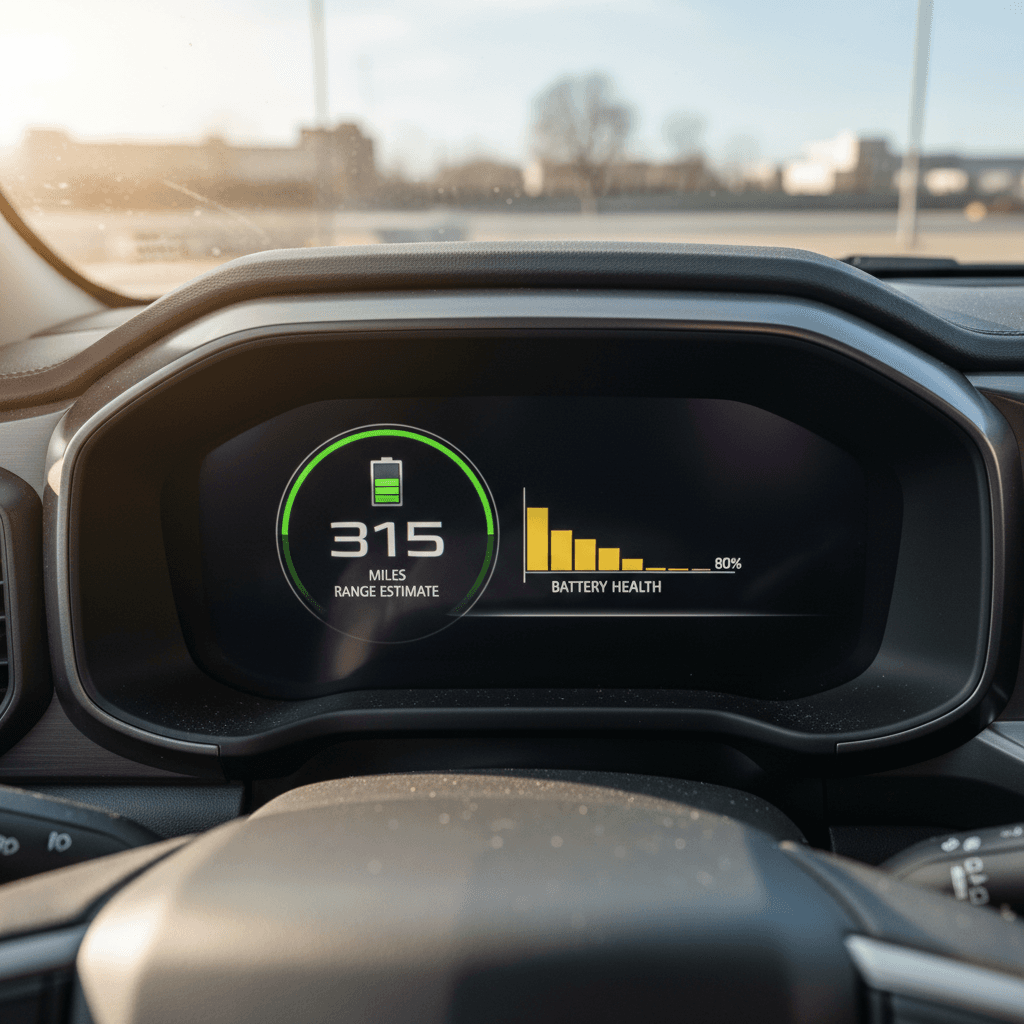
Quick Silverado EV battery health check in the truck
You can get a first impression of your Silverado EV’s battery health using only the truck’s own displays and trip data. These simple checks won’t give you an exact state‑of‑health percentage, but they will tell you whether things look roughly on‑target or noticeably off.
In‑cabin Silverado EV battery health spot check
1. Compare range estimate to charge level
At 100% charge, does the estimated range roughly match what you’d expect for your trim, wheels and conditions? If you see a huge gap versus what the truck delivered when new, that’s a signal to look deeper.
2. Use a consistent reference route
Drive a familiar route, say a 20–30 mile commute, and note how many miles of range the truck actually consumes. Repeat this a few times in similar weather to see if results are consistent.
3. Watch for sudden range drops
Healthy packs typically see predictable, smooth range decline. Sudden, large drops in estimated range over a short period, without any driving or big temperature changes, can point to software or battery issues.
4. Monitor charging behavior
On DC fast chargers, does the truck ramp up to expected power levels reasonably quickly, then taper gradually? Extremely slow charging, or sudden drops in charging power, may be software‑limited or battery‑related.
Use consistent conditions
Step‑by‑step DIY Silverado EV battery health check
To go beyond quick impressions, you can run a more structured, at‑home Silverado EV battery health check using only the truck’s trip computer and a bit of math. This approach won’t be as precise as professional diagnostics, but it’s useful for spotting trends or obvious red flags.
DIY Silverado EV battery health check workflow
Use this repeatable process to estimate how your battery is aging over time.
| Step | What you do | What you record | Why it matters |
|---|---|---|---|
| 1. Choose a test day | Pick a day with mild weather and no towing or heavy payload. | Ambient temperature, tire pressure, starting SoC. | Stable conditions reduce noise in your results. |
| 2. Charge to a known SoC | Bring the truck to 90% or 100% (if recommended) before the test drive. | Starting state of charge and estimated range. | Gives you a consistent starting point. |
| 3. Reset trip meter | Zero out a trip counter right before you leave. | Trip miles, kWh used (if available), average efficiency. | Lets you tie distance and energy use to that drive. |
| 4. Drive a mixed route | Cover 30–60 miles of mixed city/highway at normal speeds. | Total miles driven when you finish the loop. | The longer the loop, the more reliable the data. |
| 5. Note ending stats | Record ending SoC, remaining range, trip miles and efficiency. | End SoC, remaining range, average mi/kWh. | These numbers help you back‑calculate usable capacity. |
| 6. Compare over time | Repeat monthly or quarterly and keep notes. | Same metrics across multiple dates. | Trends over time matter more than a single data point. |
Always perform tests safely, on familiar roads, obeying all local traffic laws.
A simple way to sanity‑check capacity
Suppose you start at 90% charge, end at 60%, and drive 60 miles. You used 30% of the pack to go 60 miles, or 2 miles per percent. Multiply that by 100, and the dash is effectively saying you have about 200 miles of usable range under those conditions.
If you know that same configuration used to deliver, say, 240–260 miles in similar driving, that’s a hint you may have some combination of battery aging, software changes or environmental differences to dig into. It’s not a lab‑grade test, but it helps you decide whether to seek deeper diagnostics.
Don’t chase exact percentages
Advanced battery diagnostics and professional reports
If you want a precise view of Silverado EV battery health, especially when a lot of money is on the line for a used electric truck, you’ll want more than in‑cabin estimates. That’s where professional diagnostics and third‑party battery health reports come in.
Three ways to get a deeper Silverado EV battery health read
From dealership tools to independent marketplaces like Recharged.
Dealership diagnostic session
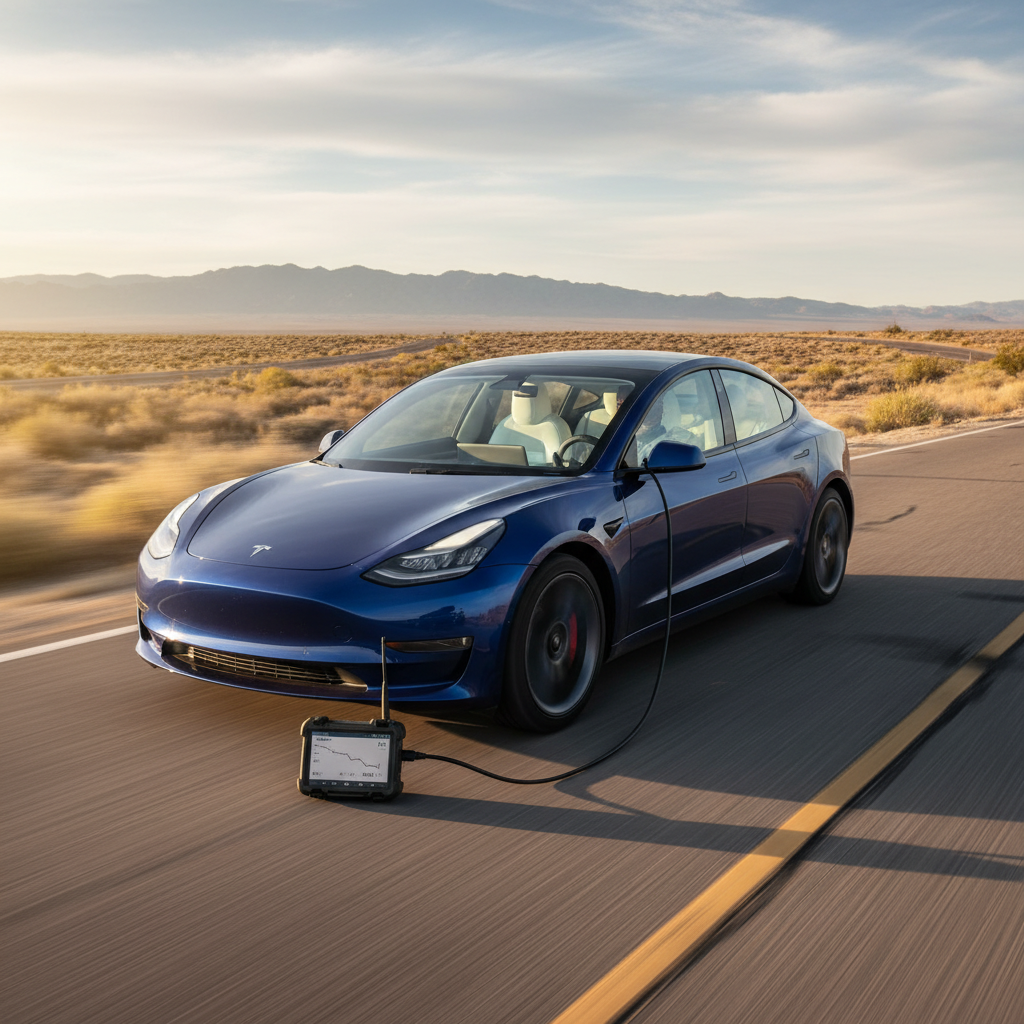
Specialized EV diagnostic tools
Independent battery health reports
Why a third‑party report helps used‑truck buyers
Ready to find your next EV?
Browse VehiclesSigns your Silverado EV battery may be degrading
All EV batteries lose some capacity over time, but you’ll want to watch for patterns that suggest unusual or accelerated degradation in your Silverado EV. These are cues to run deeper checks or book time with a technician.
- Noticeably lower range at similar SoC compared with earlier ownership, in similar weather and driving patterns.
- Frequent or repeated warnings, error messages or reduced‑power (“limp mode”) behavior related to the high‑voltage system.
- Fast‑charging sessions that slow down dramatically compared with similar sessions at the same station and temperature in the past.
- Large swings in estimated range after short drives or small SoC changes, even when conditions are stable.
- Repeated failures to complete software‑initiated battery conditioning or thermal‑management routines.
Check software and tires first
Battery health when you’re buying a used Silverado EV
For used shoppers, battery health can be the difference between a deal and a money pit. A Silverado EV with good documentation and a strong battery profile may justify a higher price; one with unknown history or questionable behavior should be discounted, or skipped altogether.
Used Silverado EV battery health checklist
1. Ask for charging and service history
Request records of DC fast‑charging habits, home‑charging setup, software updates and any battery‑related service. Heavy, daily fast‑charging without proper thermal management can accelerate wear.
2. Start with a full charge and note range
If possible, see the truck at or near 100% SoC and note the estimated range. Compare that with what you’d expect for that trim, wheel size and climate. Big gaps warrant more questions.
3. Test‑drive and log a route
Drive at least 20–30 miles on mixed roads. Note starting and ending SoC, trip miles and range estimate. Does consumption look reasonable, and does the estimate drop consistently?
4. Look for warning lights or messages
Any high‑voltage system, propulsion or thermal‑system warnings during your visit need to be investigated. Don’t accept vague explanations, ask for diagnostic paperwork if available.
5. Get an independent battery health report
If you’re serious about the truck, consider a professional battery health check. Vehicles listed through <strong>Recharged</strong> already include a <strong>Recharged Score</strong> report with verified battery diagnostics and fair‑market pricing built in.
6. Price the truck with battery risk in mind
If the seller can’t provide credible battery‑health documentation, factor that uncertainty into your offer, or focus on trucks that come with third‑party reports and transparent history instead.
Shopping online? Lean on transparent marketplaces
How to care for your Silverado EV battery long term
The best battery health check is the one you rarely need because you’ve cared for the pack from day one. While Chevrolet handles the heavy lifting with thermal management and software limits, your habits still play a major role in how your Silverado EV ages.
Silverado EV battery care best practices
Habits that typically support healthier long‑term battery performance.
Avoid living at 100%
Mind temperature extremes
Balance fast‑charging use
Drive smoothly when you can
Stay current on software
Address issues early
Chevrolet Silverado EV battery health FAQ
Common questions about Silverado EV battery checks
Key takeaways
Your Chevrolet Silverado EV’s battery is central to how far you can tow, haul and commute, and how much your truck will be worth down the road. Simple in‑truck checks, repeated under similar conditions, help you keep an eye on health between service visits. Structured DIY tests and professional diagnostics go a step further, especially when you’re evaluating a used Silverado EV or approaching the end of your warranty window.
If you’re shopping used, don’t settle for vague assurances about “great range.” Look for vehicles backed by transparent battery health reporting, like the Recharged Score report included with every EV on Recharged. Combine that data with smart daily charging habits, and your Silverado EV’s battery should deliver confident, electric‑truck performance for years to come.