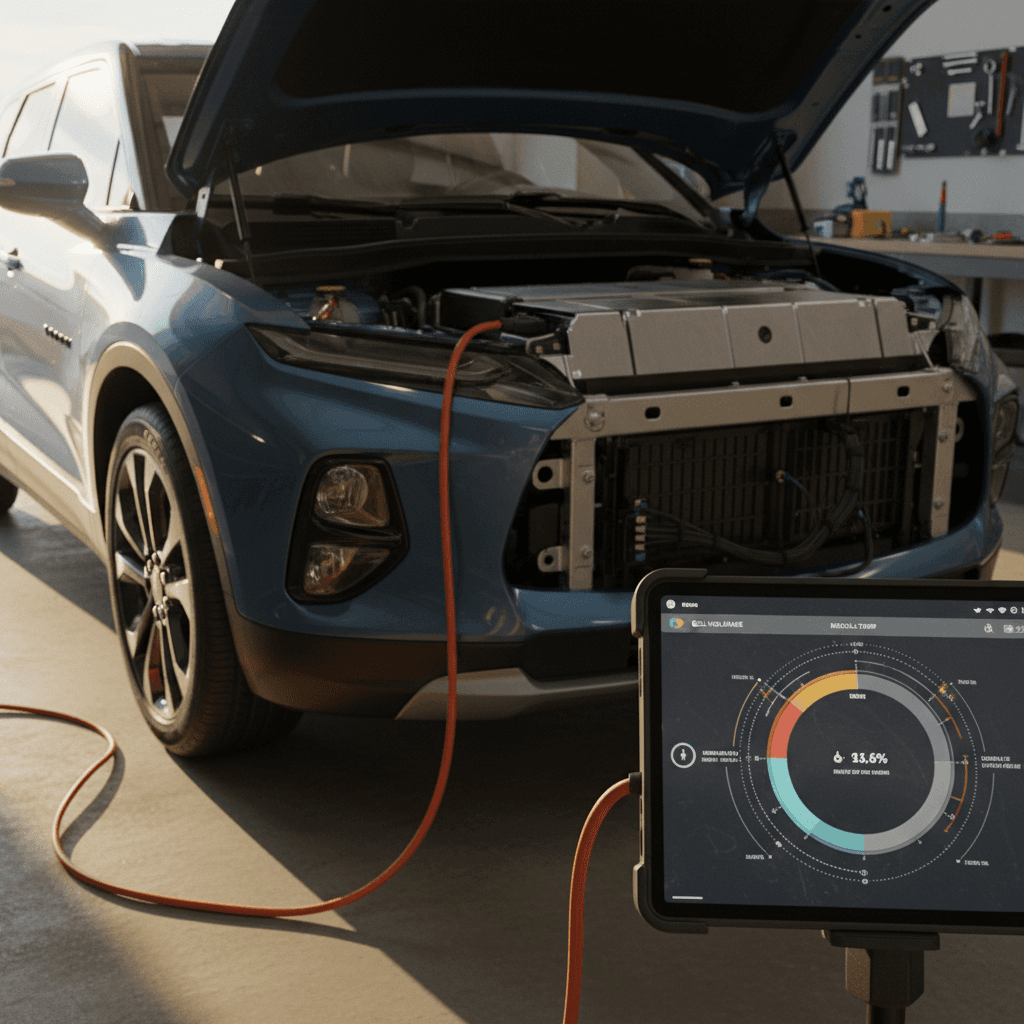
If you own a Chevrolet Blazer EV or you’re shopping for a used one, battery health is the one thing you can’t see, touch, or kick the tires on. Yet it’s what determines real‑world range, fast‑charging performance, and long‑term value. This guide walks you through exactly how to check Chevy Blazer EV battery health using tools you already have, what’s normal versus worrying, and when it’s time to bring in a pro.
Ultium battery basics
Why Blazer EV battery health matters
What battery health changes for Blazer EV owners
Three areas where a tired pack will show up in daily life
Real-world range
As the battery loses usable capacity, your usable miles per charge shrink. That might turn an easy 2‑day commute cycle into a nightly charge.
Fast-charging speed
Healthy packs accept high power longer. A weak or heat‑stressed pack may hit full speed briefly, then fall off hard, making road trips slower.
Resale value
Battery health is the biggest wildcard in used‑EV pricing. A Blazer EV with verified strong battery health is easier to sell and worth more.
The trouble is, your Blazer EV doesn’t show a big, friendly “battery health” percentage the way it shows state of charge. You have to infer health from a mix of range, charge behavior, and diagnostics. The good news: with a bit of structure, you can get a surprisingly clear picture at home.
How the Blazer EV’s Ultium battery ages
Before you start checking numbers, it helps to know what you’re looking for. The Blazer EV’s Ultium pack uses modern nickel‑rich chemistry with liquid cooling. That means it can handle fast‑charging and high power without falling on its face the way early EVs did. But no battery is magic.
- Calendar aging: Even if you barely drive, the pack slowly loses capacity over years. Heat speeds this up; moderate temperatures slow it down.
- Cycling wear: Every discharge and recharge takes a microscopic bite out of capacity. Deep cycles (0–100%) and high‑power DC fast charging take larger bites than shallow, slower charges.
- Thermal stress: Repeatedly fast‑charging a hot pack, parking for days in blazing sun at high state of charge, or heavy towing at high speed can all make the battery’s job harder.
Warranty vs. reality
Quick diagnosis: dashboard checks in your Blazer EV
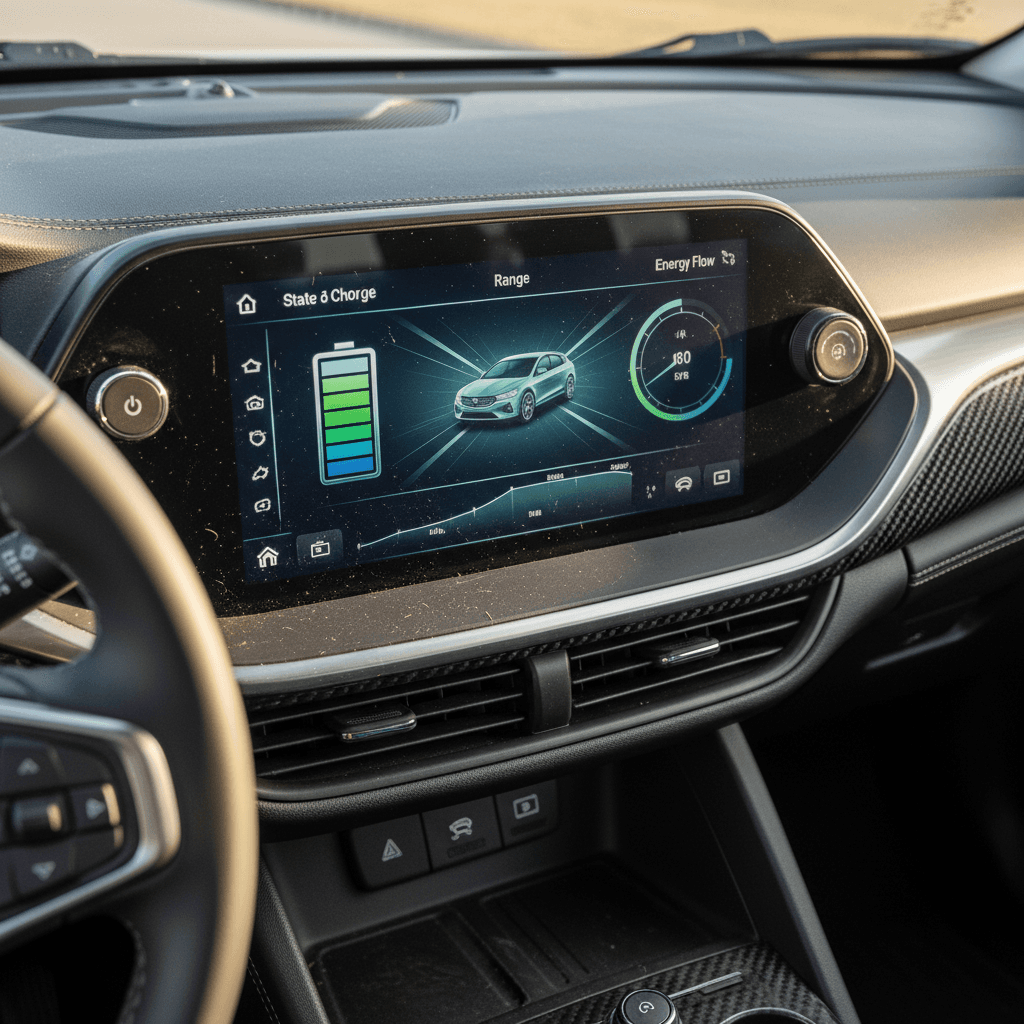
You don’t need special tools to begin checking Blazer EV battery health. Start with what the car already shows you on its screens and in the myChevrolet app.
On-screen checks to do in 5 minutes
Use your Blazer EV’s own displays before diving deeper
1. Rated vs. projected range
With the battery at 100% after an overnight AC charge, note the projected range on the driver display or energy screen. Compare it to your trim’s EPA estimate. If you’re consistently 10–15% below with gentle driving and mild weather, that’s a hint of either driving habits, conditions, or early degradation.
2. Energy history screen
Open the Energy or Consumption view on the center screen. Look for recent Wh/mi (or kWh/100 mi) and how much of that is driving vs. climate. High consumption can explain low range even with a healthy pack.
3. myChevrolet app trends
The myChevrolet app can show recent trips and charging sessions. Skim for typical range at common charge levels. If those numbers are drifting down over months with similar driving, it’s worth a closer look.
Use consistent conditions
Step-by-step Blazer EV battery health check at home
Now let’s build a simple, repeatable process you can use once or twice a year, or before you buy a used Blazer EV. You won’t get lab‑grade numbers, but you’ll get a solid sense of whether the battery seems healthy, average, or suspiciously tired for its age and mileage.
DIY Blazer EV battery health check
1. Start with a gentle full charge
On a Level 2 charger, charge to 100% once in mild weather (around 60–75°F) after the car has been sitting for an hour. This lets the battery rest and the BMS (battery management system) balance cells.
2. Record your full-charge range
When the car reads 100%, write down the projected range and outside temperature. Compare that to the original EPA rating for your trim. A healthy pack often lands within roughly 5–10% in mild weather and calm driving.
3. Run a controlled drive
Drive a known loop of at least 40–60 miles using your usual commute style, avoiding major elevation changes. Note your average speed, outside temp, and how many miles of range you consumed vs. the actual miles driven.
4. Calculate efficiency and loss
If the car shows you used 70 miles of range to drive 50 miles under gentle conditions, some of that is overhead (climate, accessories) but large gaps can suggest either heavy consumption or a worn pack. Repeat the loop on another day to confirm a pattern.
5. Watch state-of-charge accuracy
As you drive down from 100%, pay attention to how predictably the % drops. Sudden jumps, big swings after short stops, or a car that seems to “stick” at high or low percentages can hint at a BMS that’s still learning, or a pack that’s out of balance.
6. Log your results over time
Keep a simple note on your phone: date, mileage, temp, 100% range, trip miles, and remaining range. Over 6–12 months, you’ll see whether things are stable, slowly drifting, or changing quickly enough to warrant a professional diagnostic.
Using charging behavior as a battery health clue
On any modern EV, how the car charges can tell you nearly as much about pack health as how it drives. The Blazer EV is no exception, especially when you watch a DC fast‑charging session from start to finish.
Level 2 home charging
- Consistent charge time: If you use the same Level 2 charger, similar starting SOC, and similar temperatures, your time from, say, 20% to 80% should be fairly steady month‑to‑month.
- Reasonable power draw: On most Blazer EV trims, you should see roughly the advertised onboard-charger power (for example ~11.5 kW at 240V) when conditions are right.
- No frequent charge interruptions: Random halts or repeated retries can indicate charging hardware or battery conditioning issues, not just a bad station.
DC fast charging (road trips)
- Arrive warm and low: For a fair test, arrive at a DC fast charger with the battery around 10–30% after driving at least 20–30 minutes.
- Watch the curve: A healthy Blazer EV should ramp quickly toward its peak kW, sustain reasonably high power for a period, then gradually taper as SOC climbs.
- Beware early, steep tapering: If power plunges after just a few minutes, even in mild temps, it might signal a pack that’s heat‑limited or not happy at higher power.
Charging issues vs. pack issues
Red flags that aren’t actually battery degradation
Blazer EV owners talk a lot about “battery problems,” but many headaches turn out to be something else entirely, software quirks, 12‑volt issues, or charging‑network chaos. Sorting those out from true high‑voltage battery health problems saves you a lot of worry.
Common scares that usually aren’t pack failure
What might look like a dying battery, but probably isn’t
The car won’t start
Many no‑start Blazer EV stories trace back to the 12‑volt battery or control modules, not the high‑voltage pack. Annoying? Definitely. Proof of a bad traction battery? Not by itself.
“Service high voltage system” message
This warning can be triggered by sensors, cooling components, contactors, or software. Take it seriously and see the dealer, but don’t assume the entire pack is ruined until diagnostics say so.
Winter range collapse
All EVs lose range in cold weather thanks to thickened battery chemistry and cabin heat. A healthy Blazer EV can easily lose 20–30% of range in deep winter yet be perfectly fine come spring.
The role of software updates
When to get a professional battery diagnostic
Your DIY checks can tell you whether everything feels normal, borderline, or suspicious. When the behavior and your logbook start raising eyebrows, it’s time to have someone look inside the data stream.
Good reasons to schedule a pro battery check
When “seems off” becomes “needs answers”
For current Blazer EV owners
- You’ve logged consistent range loss that’s too big to blame on weather or driving style.
- Fast‑charging behavior has changed dramatically, sudden, steep taper at low SOC across multiple stations.
- Your dealer or app has shown repeated high‑voltage or battery‑system warnings, even after software updates.
In these cases, a dealer can pull Ultium‑specific diagnostics and compare pack behavior to GM’s specs and warranty thresholds.
For used Blazer EV shoppers
- You’re looking at a high‑mileage or hard‑used Blazer EV (rideshare, fleet, heavy towing).
- The seller can’t explain range or fast‑charging behavior with real numbers.
- You want more than a “feels fine” test drive before committing.
This is where an independent EV‑specific battery health report, like the Recharged Score on Blazer EVs sold through Recharged, can save you from an expensive gamble.
How Recharged looks at Blazer EV batteries
Ready to find your next EV?
Browse VehiclesBattery health checklist for used Blazer EV shoppers
Shopping used is where battery health anxiety really kicks in. You don’t know how the previous owner charged, stored, or drove the car, and you’re the one who will live with the consequences. Here’s how to tilt the odds in your favor.
Used Chevy Blazer EV battery due diligence
1. Ask for real-world range numbers
Have the seller charge to 80% or 100% and tell you what range the car shows, in what temperatures, and on what type of driving. Vague answers like “it’s fine” aren’t good enough.
2. Review trip and energy history
During your test drive, open the Energy/Consumption screen. Look at recent consumption; seriously high Wh/mi can hint at hard driving, heavy loads, or a battery or climate system working overtime.
3. Test drive from high to low SOC
If possible, start your drive around 70–80% and end near 30–40%. Watch how the range drops, how power feels at lower SOC, and whether any warnings pop up.
4. Try a quick fast-charge stop
A brief DC fast‑charge during the test process can reveal a lot. You’re looking for reasonable ramp‑up and no immediate crash in kW in mild conditions. Even 10–15 minutes tells a story.
5. Check for open recalls and software campaigns
Ask the seller for a recent service record, or run the VIN through Chevy’s owner portal to confirm open recalls are handled, especially anything involving charging, battery control, or 12‑volt issues.
6. Get a third-party EV inspection if in doubt
If something feels off, schedule an inspection with an EV‑savvy shop or buy from a marketplace that runs <strong>independent battery diagnostics, like Recharged</strong>, instead of guessing.
How to protect your Blazer EV battery for the long haul
Once you know your Blazer EV’s battery is healthy, the next job is keeping it that way. The same habits that help any EV pack age gracefully also apply to Ultium, especially if you plan to keep the vehicle beyond the warranty window or protect resale value.
Blazer EV battery habits that help (and hurt)
Use this as your simple rulebook for day‑to‑day charging and storage.
| Habit | Do more of this | Try to avoid |
|---|---|---|
| Daily state of charge | Aim for roughly 20–80% for normal use. | Parking at 90–100% for days at a time. |
| Charging style | Use Level 2 at home as your default. | Relying on DC fast charging for nearly every charge. |
| Temperature | Park in shade or a garage when possible. | Long‑term parking outside in extreme heat at high SOC. |
| Trip planning | Precondition the car while plugged in before long drives in hot or cold weather. | Hammering a cold battery immediately on departure, then fast‑charging it right away. |
| Storage | If you’ll park for weeks, leave it near 40–60% SOC. | Storing the car for months near 0% or 100%. |
You don’t have to baby the Blazer EV pack. But small, consistent habits can add up to years of better range and stronger resale.
Don’t obsess over every percent
Chevy Blazer EV battery health FAQ
Common questions about Blazer EV battery health
Key takeaways for Blazer EV battery checks
You don’t need to be a lab engineer to keep tabs on your Chevy Blazer EV’s battery health. Start with your dashboard and app, run a simple yearly range and efficiency check, pay attention to how the car charges, and keep good notes. When something feels off, or you’re about to spend real money on a used Blazer EV, bring in expert diagnostics instead of guessing.
If you’d rather let someone else sweat the hard part, you can shop used Blazer EVs through Recharged. Every vehicle comes with a Recharged Score report that includes independent battery health diagnostics, charging behavior analysis, and fair‑market pricing. That way, you start ownership already knowing what’s under the floorpan, not hoping it all works out.