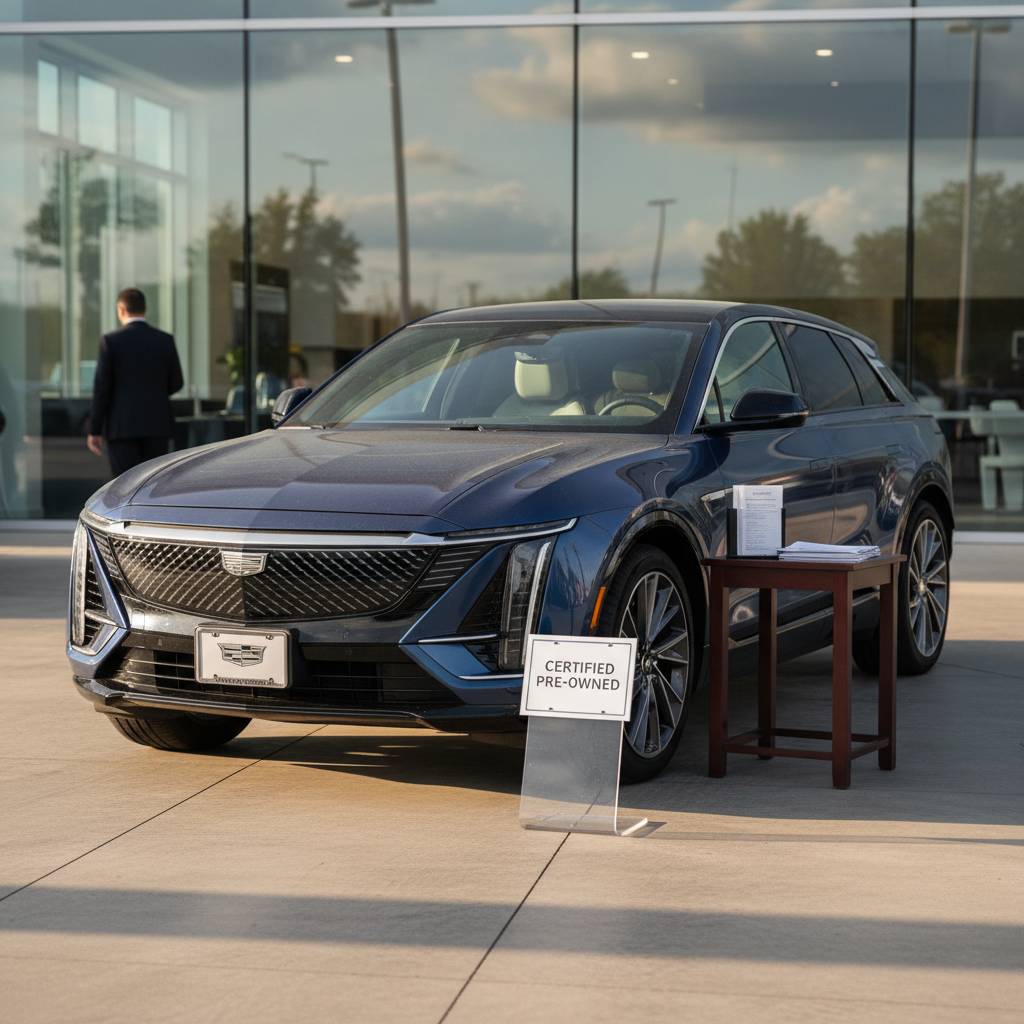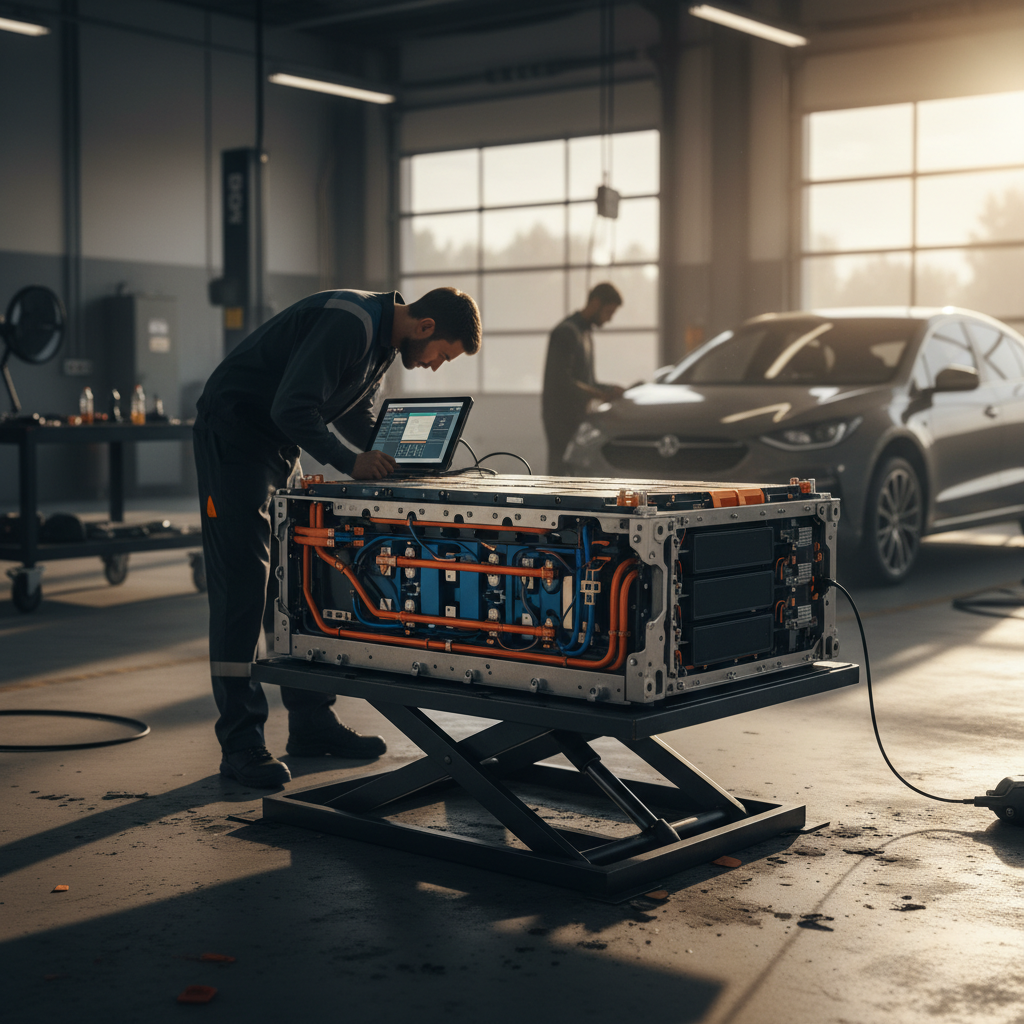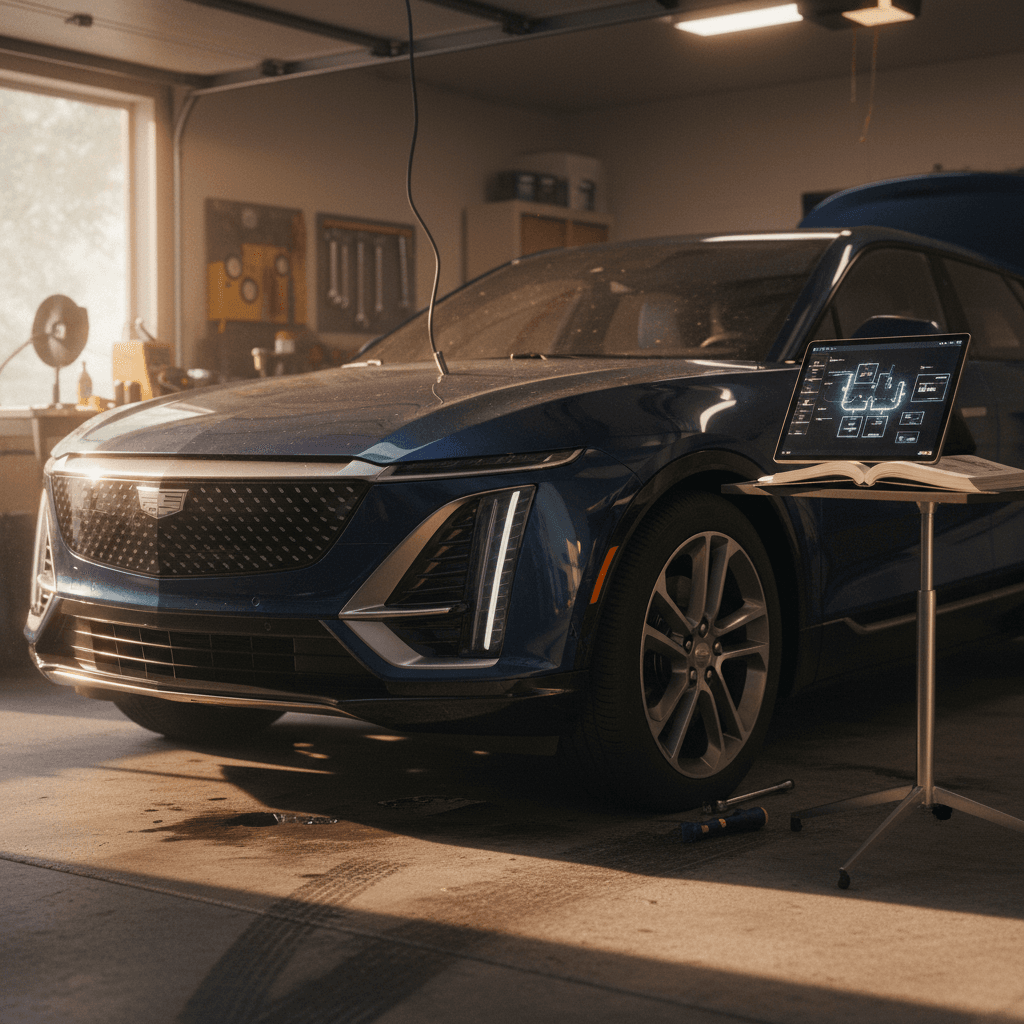
If you’re eyeing a Cadillac Lyriq, new or used, you’ve probably heard mixed stories. Stunning EV, cutting-edge Ultium battery, gorgeous interior… and then the other side: screens going dark, weird charging behavior, and software that feels like it shipped a year too early. This guide walks through the most common Cadillac Lyriq problems and fixes so you know what’s normal teething pain, what needs a dealer visit, and what to look for if you’re buying used.
Model years this article covers
Overview: How reliable is the Cadillac Lyriq?
Cadillac Lyriq reliability at a glance
Big picture, the Lyriq is not an unreliable disaster, but it isn’t a set‑and‑forget appliance either. Early adopters are acting as rolling beta testers for GM’s Ultium platform and new software stack. Most headaches fall into three buckets: infotainment glitches, charging quirks, and driver-assist system hiccups. Mechanical and battery failures are far rarer than software weirdness, but when software misbehaves, it can sideline the car for days while the dealer sorts out updates and diagnostics.
Why dealers often seem “clueless”
1. Software and infotainment problems
The number‑one category of Cadillac Lyriq common problems is software: the Google‑based infotainment system, the digital cluster, and the communication between all those modules. Owners and testers report frozen screens, laggy menus, random reboots, and connection issues with CarPlay, Android Auto, and the built‑in data connection.
Typical Lyriq infotainment symptoms
Most are annoying more than dangerous, but some affect core functions.
Frozen or blank screens
The center display or cluster goes black or locks up mid‑drive, sometimes taking navigation and climate controls with it.
Connectivity drops
Cellular signal, streaming audio, or Google services randomly cut out, leaving you with no traffic data, music, or voice assistant.
CarPlay / Android Auto issues
Bluetooth or USB connections drop mid‑call, apps won’t launch, or the phone refuses to reconnect until the car is restarted.
Quick DIY resets to try first
- Turn the vehicle off, exit, lock it, and give it at least 5–10 minutes to go fully to sleep before restarting.
- If the main screen freezes, use the steering‑wheel or menu command for a soft reboot of the infotainment system.
- Delete and re‑pair your phone, or try a different cable if you use wired CarPlay/Android Auto.
- If issues persist, photograph or record video of the behavior and schedule a dealer visit, this documentation makes warranty claims much easier.
When software problems become a safety issue
2. Charging and scheduled-charging issues
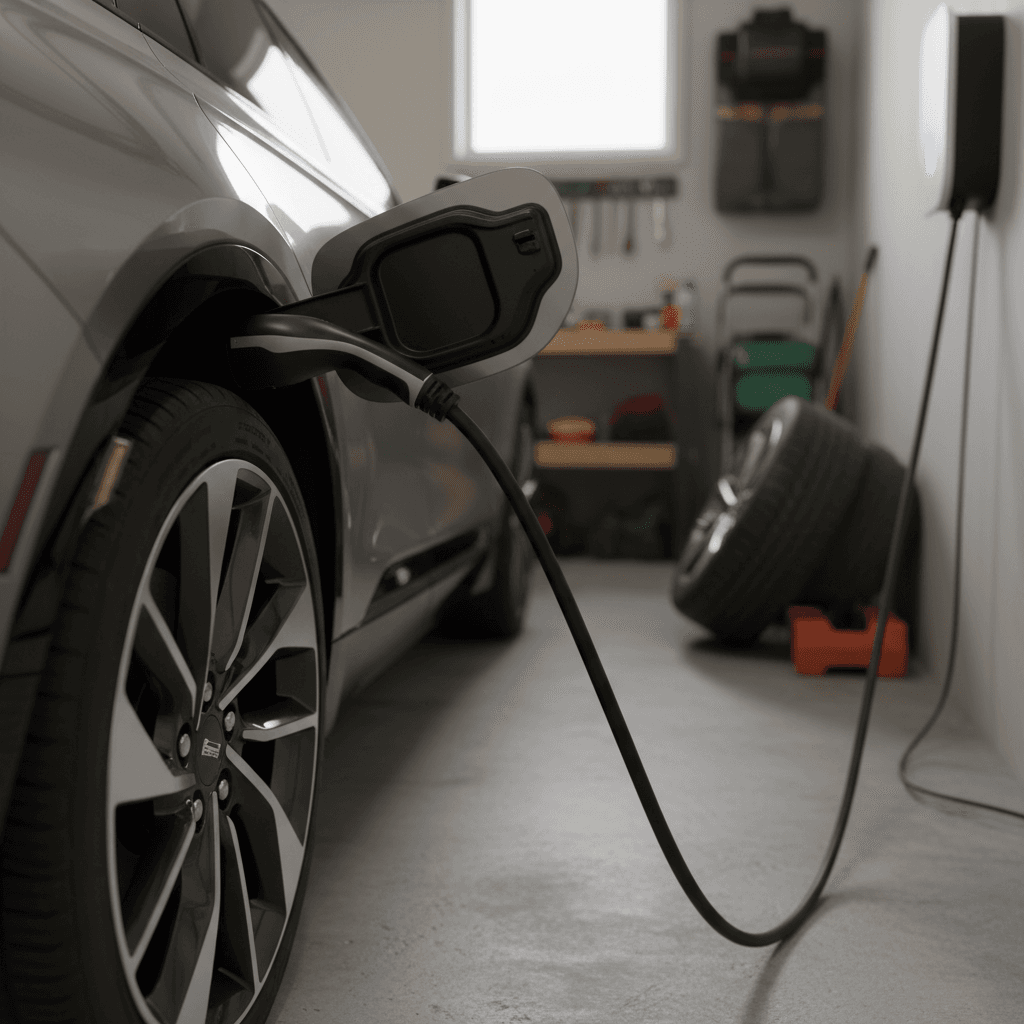
Second on the “greatest hits” list: Lyriq charging problems. The Ultium platform supports solid DC fast‑charging speeds on paper, and most owners charge happily at home. But there are plenty of real‑world complaints about the car misbehaving with certain home chargers, ignoring charge limits, or acting strangely with scheduled charging.
Common Lyriq charging complaints
Most are software or communication quirks, not dead batteries.
Level 2 home charging stops early
Some owners wake up to find charging stopped hours earlier than it should have, or limited to unexpectedly low power (e.g., 4 kW instead of 9 kW).
Scheduled charging bugs
Reports include the car charging past the set limit (charging to 100% despite an 80% setting) or ignoring off‑peak schedules unless every day of the week is configured.
DC fast‑charging quirks
On DC fast chargers, owners complain about odd charging curves, difficulty holding advertised peak speeds, or sessions failing to start with certain networks.
Port lock / unplug issues
Occasional reports describe the charge port refusing to release the connector after a session, requiring a full vehicle restart or manual emergency release.
Charger or car, how do you tell?
Step-by-step: diagnosing Lyriq charging issues
1. Verify charge limits and locations
Confirm your charge limit and schedule in both the in‑car menu and the Cadillac app. The Lyriq can store different limits for home vs. away, double‑check both.
2. Recreate the problem with a simple setup
Temporarily disable scheduled charging, set a fixed limit, and plug into a reliable Level 2 charger. If it charges normally in this “simple” mode, the bug is likely in your schedule logic.
3. Try another charger or circuit
Use a different home charger or a trusted public Level 2. If the same weird behavior follows the car, you’ve ruled out a bad wall box or home wiring.
4. Capture screenshots and logs
Take photos of the car’s charging screen, the charger’s app (if applicable), and any error messages. This is gold for technicians trying to reproduce intermittent issues.
5. Ask the dealer to check for TSBs
Technical service bulletins (TSBs) for charging and software updates change constantly. Ask the service advisor to check for <strong>open campaigns or TSBs</strong> tied to your VIN.
6. Keep SOC in the DC fast‑charging sweet spot
For road trips, manually precondition the battery when available and aim to arrive at fast chargers around 10–20% state of charge, unplugging around 60–70% to avoid the natural taper at higher levels.
3. Battery, range and Ultium concerns
The good news: there is no wave of Lyriq battery packs failing outright. Most Ultium complaints are about real‑world range falling short of the window sticker, especially in cold weather, high‑speed driving, or with big wheels and sticky tires. Some owners report losing 20–30% of expected range in everyday use, which feels worse if you came from a gasoline crossover that you refueled once a week without thinking about it.
- Highway speeds (75+ mph) and winter temps are the perfect recipe for lower range, expect it and plan charging stops accordingly.
- Short local trips with a cold-soaked battery can be rough on efficiency; preconditioning before departure helps.
- Using climate control heavily, especially seat and steering‑wheel heaters, adds a noticeable draw on the pack.
- Larger wheel packages weigh more and typically wear tires that are less efficiency‑focused than base models.
Range vs. battery health, two different things
4. Driver-assistance and safety system glitches
The Lyriq’s available Super Cruise and other driver‑assistance features are a big part of its appeal, but they’re also a source of complaints. Some owners report park‑assist systems freezing, warnings and beeps with no apparent cause, or adaptive cruise and lane‑keeping that drop out without explanation. In severe cases, people have documented the car throwing itself into park or otherwise misbehaving due to sensor or software faults.
Common driver-assist trouble spots
Most are traceable to software, sensors, or calibration.
False collision warnings
Random collision warnings or automatic braking with no obstacle visible can indicate misaligned sensors or buggy software.
Assist features suddenly unavailable
Adaptive cruise, lane‑keep assist, or Super Cruise may gray out and become unavailable, sometimes after an update or windshield repair.
Park assist & camera glitches
Surround‑view cameras freeze, park assist fails to engage, or distance warnings don’t match actual obstacles.
Don’t rely blindly on driver-assist systems
5. Build quality, noises and trim problems
Beyond the headline software and charging drama, the Lyriq has its share of traditional new‑car teething pains. Owners mention rattles from the rear hatch area, squeaks from interior trim over rough pavement, and occasional complaints about door alignment or wind noise. Electric cars are so quiet that noises you’d never notice in a gasoline SUV suddenly sound like a drum solo in the back seat.
Typical build-quality complaints
- Rattles or buzzing from the cargo area or rear seats.
- Trim panels that don’t sit perfectly flush, especially early builds.
- Tailgate or doors requiring extra force to latch cleanly.
- Wind noise around mirrors or the top of the windshield at highway speeds.
Simple fixes you can try
- Remove cargo items and fold seats to isolate noises one at a time.
- Use felt tape or foam pads on known rattle points (dealer can often apply TSB kits).
- Have the dealer check and adjust hatch and door striker alignment under warranty.
- Ask about updated weatherstripping or trim clips if there’s a service bulletin.
6. Recalls and software campaigns to know about
By 2025, the Lyriq had already accumulated several NHTSA recalls and manufacturer service campaigns, most of them software‑related. These can cover everything from instrument‑cluster behavior to seat‑belt warnings, brake‑control logic, and charging‑system updates. The recall list continues to evolve as Cadillac pushes updates and learns from early cars in the field.
Staying on top of Lyriq recalls
The exact number and nature of recalls will vary by model year and build date, but this table outlines how to stay current.
| What to check | Where to check | How often | Why it matters |
|---|---|---|---|
| Open safety recalls | NHTSA.gov recall lookup using your VIN | Every few months or before a long trip | Ensures safety‑critical issues like braking or airbags are addressed. |
| Manufacturer service campaigns | Dealer service department or Cadillac online owner portal | At each service visit | Covers software updates and non‑safety fixes that improve reliability. |
| Charging & software TSBs | Ask service advisor to search by symptom and model year | Whenever you report a new problem | Targets known issues like charging bugs or infotainment glitches. |
| Previous-owner repair history | Service records from prior owner or selling dealer | Before buying used | Helps you see if repeat issues or long downtime have been a problem. |
Always verify open recalls with your VIN before buying or after major updates.
Good news for used shoppers
Ready to find your next EV?
Browse VehiclesHow to diagnose and fix common Lyriq problems
The right fix depends on the problem, but there are some consistent patterns with the Lyriq. Think of issues in three tiers: simple owner checks, software resets and updates, and finally dealer‑level diagnostics. Here’s how to move through them without losing your weekend, or your patience.
Three-tier game plan for Lyriq issues
Tier 1: Owner-level checks
Rule out the basics first. Verify settings (charge limits, schedules, driver‑assist preferences), test another charger or cable, re‑pair your phone, and restart the car after letting it sit locked for a few minutes.
Tier 2: Resets and updates
If basics don’t help, try a proper infotainment reset and, if recommended in your manual, a controlled 12‑volt reset. Then check with your dealer or app for available software updates. Many early Lyriq glitches have been improved with newer firmware.
Tier 3: Dealer diagnostics
Persistent faults, especially anything involving safety systems, high‑voltage components, or repeat charging failures, belong at the dealer. Bring documented symptoms, dates, photos, and videos to shortcut the diagnosis.
Know what’s covered
Most serious problems on newer Lyriqs fall under the vehicle’s bumper‑to‑bumper warranty or separate battery/EV system coverage. Don’t hesitate to ask the service department to spell out what’s covered before authorizing work.
Ask about loaners or rentals
Some owners have seen their Lyriq sit at the dealer for days or weeks awaiting parts or engineering guidance. Ask early about loaner vehicles or rental reimbursement if your car will be down for more than a day.
Escalate when necessary
If repeat visits don’t fix a serious issue, ask to open a case with Cadillac corporate support. Keep a written log of dates, mileage, and repair attempts, this is essential if you ever need to explore lemon‑law or buyback options in your state.
Buying a used Cadillac Lyriq: what to check first
Shopping used is where knowing the Cadillac Lyriq common problems and fixes really pays off. A clean‑looking SUV can hide a history of software battles, charging headaches, or weeks spent at the dealer. Here’s how to separate a well‑sorted Lyriq from one that will make you a frequent flyer in the service lounge.
Used Lyriq pre-purchase checklist
Focus on battery health, software behavior, and service history.
Battery health & range
On a thorough test drive, compare real‑world energy use and range estimates with expectations. If possible, review a battery health report like the Recharged Score so you’re not guessing.
Home & fast-charging behavior
Test the car on Level 2 and a DC fast charger if you can. Watch for sessions that won’t start, stop randomly, or refuse to reach reasonable speeds for the state of charge.
Recalls & repair history
Ask for service records, check the VIN for open recalls, and look for long stretches where the car was out of service. Repeated visits for the same issue are a red flag.
Why a third-party battery and history check matters
Because the Lyriq is still new, there isn’t a decades‑long track record to lean on. A car that feels fine on a short test drive might have a history of intermittent software faults or unusual energy use. Independent data helps you see past a freshly detailed exterior.
How Recharged can help with a used Lyriq
Every EV on Recharged comes with a Recharged Score Report that includes verified battery health, charging performance, and market‑fair pricing, plus checks for open recalls. Our EV specialists can walk you through common Lyriq issues, help you compare it with other electric SUVs, and arrange financing, trade‑in, and delivery, all without setting foot in a showroom.
FAQ: Cadillac Lyriq common problems and fixes
Cadillac Lyriq problems: your questions answered
Bottom line: Should Lyriq problems scare you off?
The Cadillac Lyriq is a gorgeous, comfortable, thoroughly modern EV that also happens to be a first‑generation product rolling on brand‑new hardware and software. That combination inevitably brings more bugs and recalls than you’d see on a ten‑year‑old, well‑sorted platform. But most Lyriq issues are fixable, and many are already being addressed through updated software and service campaigns.
If you’re the sort of driver who likes cutting‑edge tech and doesn’t mind the occasional trip to the dealer, the Lyriq’s blend of design, performance, and electric smoothness can be worth it, especially if you go in with clear eyes about its quirks. If you’re shopping used, pairing a thorough test drive with an independent battery and charging health report, like the Recharged Score on every EV sold through Recharged, is the smartest way to enjoy the Lyriq’s strengths while minimizing its weaknesses.