The heart of every Cadillac Lyriq is its Ultium battery pack. Whether you already own one or you’re eyeing a used Lyriq, knowing how to perform a proper Cadillac Lyriq battery health check will tell you if the car will keep delivering the range and performance you’re paying for.
Good news for Lyriq owners
Why Cadillac Lyriq battery health matters
Unlike an engine in a gas SUV, your Lyriq’s battery health directly sets your real‑world range, fast‑charging speed, and resale value. A pack that’s lost 10% capacity is usually no big deal; a pack that’s down 25–30% is a different story, especially if you rely on its rated range for long commutes or road trips.
- Range: Less usable capacity means fewer miles between charges, especially noticeable in winter.
- Performance: A very degraded pack can reduce peak power and acceleration.
- Charging time: As batteries age, the car may taper fast‑charge speeds earlier to protect the cells.
- Resale value: Used‑EV shoppers now expect some proof of battery health before they pay a premium.
Don’t confuse 12V issues with high-voltage battery health
How the Lyriq shows battery capacity and health
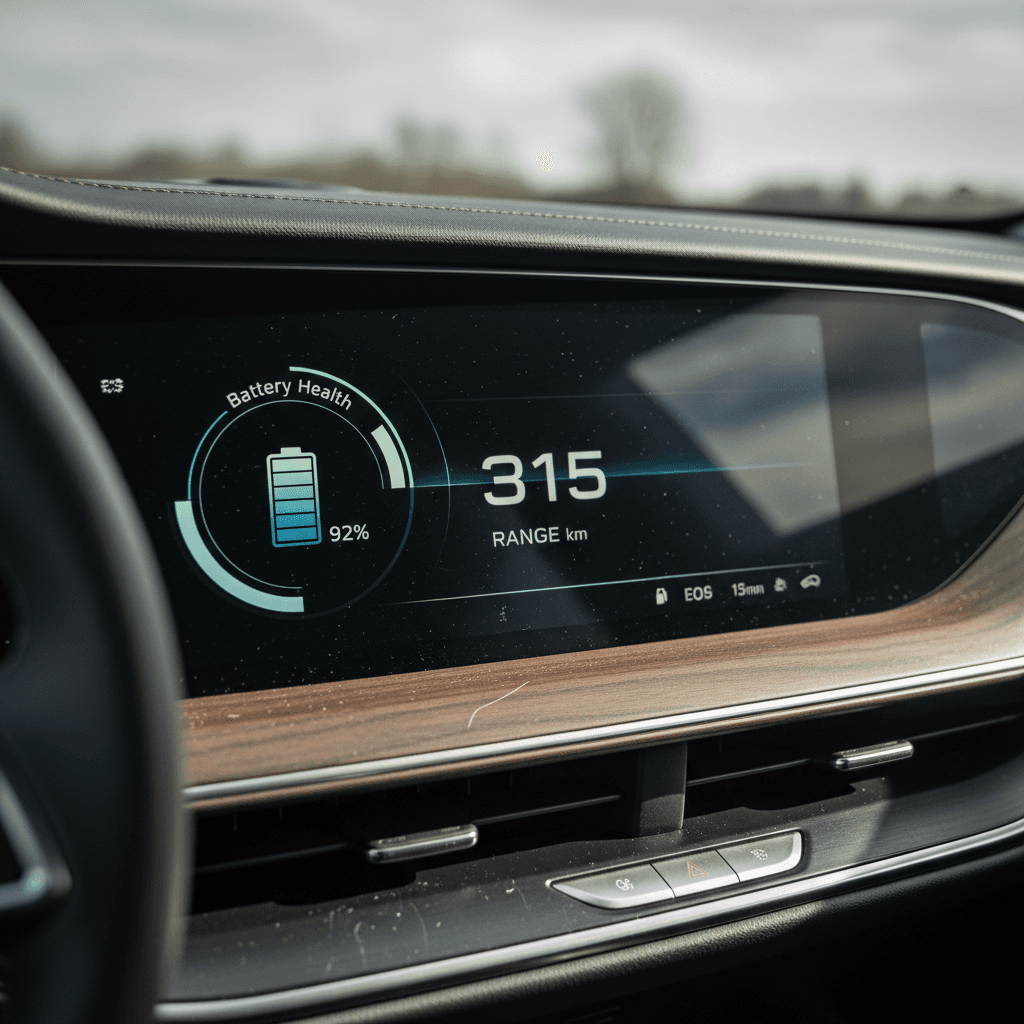
GM quietly built helpful battery tools into the Lyriq’s infotainment system. On many Lyriq trims, the Vehicle Status or Vehicle Information app includes a Battery Capacity readout that compares your current high‑voltage battery capacity to when the car was new.
Where battery information lives in your Lyriq
Use these built‑in tools before you reach for third‑party gadgets.
Vehicle Status / Vehicle Info app
On the center screen, the Vehicle Status (or Vehicle Information) app shows a 3D Lyriq with tap targets. One of those is Battery Capacity, listing:
- Capacity at vehicle delivery
- Current battery capacity
Charging app
The in‑vehicle Charging app lets you set target charge level, schedule charging, and pre‑condition the pack. Cadillac recommends an 80% target for daily use, which balances range and long‑term health.
myCadillac mobile app
The myCadillac app focuses on state of charge (SoC), charging status, and trip data. It’s not a full battery‑health lab, but it helps you track patterns over weeks and months.
If you don’t see Battery Capacity
Step-by-step Cadillac Lyriq battery health check
You don’t need a lab coat to understand your Lyriq’s battery health. Start with the built‑in tools, then layer in some basic road testing. Here’s a simple process you can repeat a couple of times a year, or before you buy a used Lyriq.
DIY Lyriq battery health check (at home)
1. Capture the official Battery Capacity number
With the vehicle in Park, open the Vehicle Status/Information app. Tap the battery or energy tile and look for Battery Capacity. Note both “at delivery” and “current” values. This is GM’s own State of Health estimate.
2. Verify range at a known state of charge
Charge the car to a consistent target, like 80%, on a moderate‑temperature day. Compare the estimated range to what you typically saw when the car was newer, or to published EPA figures, adjusted for your climate and driving style.
3. Do a controlled test drive
From a steady starting SoC (for example, 80%), drive your normal route for 20–40 miles at mixed speeds. Note the miles driven and the percentage used. If you consumed 20% for 40 miles, you’re getting about 200 miles per 100%, or 160 miles if you only charge to 80%.
4. Watch energy efficiency
Use the Energy Usage/Efficiency screens to check your average kWh/100 miles or mi/kWh. Abrupt changes in efficiency without any change in weather, speed, or driving style can hint at tire, brake, or battery issues.
5. Check charging behavior
On a DC fast charger you know well, monitor how quickly the car ramps up to peak kW and where it starts to taper. A healthy Lyriq pack should still be willing to take strong power at low to mid state of charge, assuming the charger itself is behaving.
6. Log results over time
Repeat the same routine every few months. A slightly noisy data point isn’t alarming; a trend of steady capacity loss or shrinking range is. A simple spreadsheet or notes app is enough to spot those trends.
When a quick check is enough
How to interpret your Lyriq’s battery capacity number
GM doesn’t publish exact “good vs. bad” thresholds for Ultium battery State of Health, but you can use some common‑sense guardrails when looking at the Battery Capacity display and your real‑world experience.
Reading your Lyriq’s Battery Capacity
Use this as a sanity check, not a legal warranty definition.
| Displayed capacity vs. new | What it usually means | What to do |
|---|---|---|
| 95–100% | Excellent health, typical for low‑miles or gently used Lyriqs. | Document it, enjoy the range, and maintain good charging habits. |
| 90–94% | Normal early‑life degradation, especially on 2–4 year‑old vehicles. | Keep an eye on trends; still very healthy for daily use. |
| 80–89% | Noticeable but often livable loss of range; long‑distance drivers will feel it most. | Consider a professional diagnostic, especially if buying or selling the vehicle. |
| Below ~80% | Significant capacity loss. May affect trip planning, charging behavior, and resale value. | Get a detailed health report and talk to a dealer about warranty coverage if you’re within GM’s 8‑year/100,000‑mile battery warranty. |
Capacity numbers are one piece of the puzzle. Always pair them with how the car behaves in your hands.
Battery warranty reality check
GM’s EV battery warranty typically covers defects and excessive loss of usable energy capacity over 8 years or 100,000 miles, but the fine print usually defines “excessive” around a threshold rather than promising zero degradation. A pack that’s down a few percent is still considered normal wear.
Trust behavior, not just a number
The Battery Capacity display is helpful, but it’s not the only truth. If your Lyriq still delivers the range you expect, charges well, and shows no repeated high‑voltage errors, that’s a strong sign the pack is healthy, even if the number isn’t perfectly flat year to year.
Daily habits that protect Lyriq battery health
The Ultium pack in the Lyriq has liquid thermal management and smart software working constantly in the background. You don’t need to baby it, but a few simple habits can stack the odds in your favor, especially if you’re planning to keep the SUV for 10 years, or maximize resale when you trade it in.
Battery-friendly habits for your Cadillac Lyriq
Small changes in how you charge and drive can add up over thousands of cycles.
Aim for 20–80% for daily use
Cadillac recommends charging to about 80% for everyday driving and saving 100% charges for road trips. That keeps the cells out of the most stressful top of the pack while preserving plenty of range.
Limit back-to-back DC fast charges
Fast charging is a fantastic tool, but constant high‑power charging, especially on hot days, accelerates wear. Mix in home or workplace Level 2 whenever you can.
Think about temperature
Whenever possible, park in a garage or shade in extreme heat, and pre‑condition the cabin while plugged in during winter. The car’s thermal system helps, but you don’t want the battery fighting brutal ambient temps alone.
Drive smoothly
Occasional hard launches are fine, but relentless full‑throttle and high‑speed runs heat the pack and chew energy. Smooth inputs are easier on both battery and passengers.
Keep it plugged in when parked for long stretches
If you’re storing the Lyriq for more than a week, leave it plugged into a Level 2 charger with a reasonable target state of charge. That lets the car manage both the high‑voltage and 12‑volt systems.
Maintain tires and alignment
Under‑inflated tires and bad alignment force the battery to work harder for the same trip. Good tire pressure and alignment protect range and make the car feel right.
Habits that are brutal on any EV battery
Software updates, alerts, and when to worry
Like every modern EV, the Lyriq is software‑heavy. Over‑the‑air updates can improve charging behavior, fix bugs, and tweak range estimates, but they can also create new quirks, from phantom warning lights to temporary app glitches.
- Intermittent yellow warnings with no performance change and no stored diagnostic codes are often software noise. Document them and ask your dealer or OnStar for a remote check.
- Repeated high‑voltage battery or “Service High Voltage System” warnings are different. Take those seriously and book a dealer visit as soon as you can.
- If the myCadillac app stops showing charge information after an update, it may be a back‑end bug rather than a car fault. Still, confirm the car itself is charging and behaving normally.
Use OnStar diagnostics before you panic
Battery health checks when buying a used Cadillac Lyriq
If you’re shopping for a used Lyriq, battery health should be at the top of your inspection list, right alongside accident history and service records. The pack is engineered to last, but it’s also the single most expensive component in the vehicle.
Used Lyriq battery checklist for shoppers
1. Ask for the Battery Capacity screen
On a test drive, ask the seller to show you the Battery Capacity readout in the Vehicle Status/Information app. Take photos of the screen so you can review later.
2. Compare to mileage and usage
A 25,000‑mile Lyriq that’s been a commuter car and shows mid‑90s capacity is behaving as expected. A low‑miles car with unusually low capacity deserves questions about frequent fast charging or extreme climate use.
3. Drive it like you will own it
On your test drive, watch how quickly range drops compared with miles driven. If the car sheds 30% of its state of charge in a short, gentle test, dig deeper.
4. Test home and DC charging if possible
If the seller permits, plug into Level 2 and, where practical, a DC fast charger. Unusual noises, repeated charge interruptions, or very low peak charging speeds can hint at battery or charging‑system issues.
5. Check for battery-related service records
Look for any history of high‑voltage battery repairs, repeated 12‑volt failures, or software campaigns related to the battery. A one‑off software update is normal; a string of unresolved complaints is a red flag.
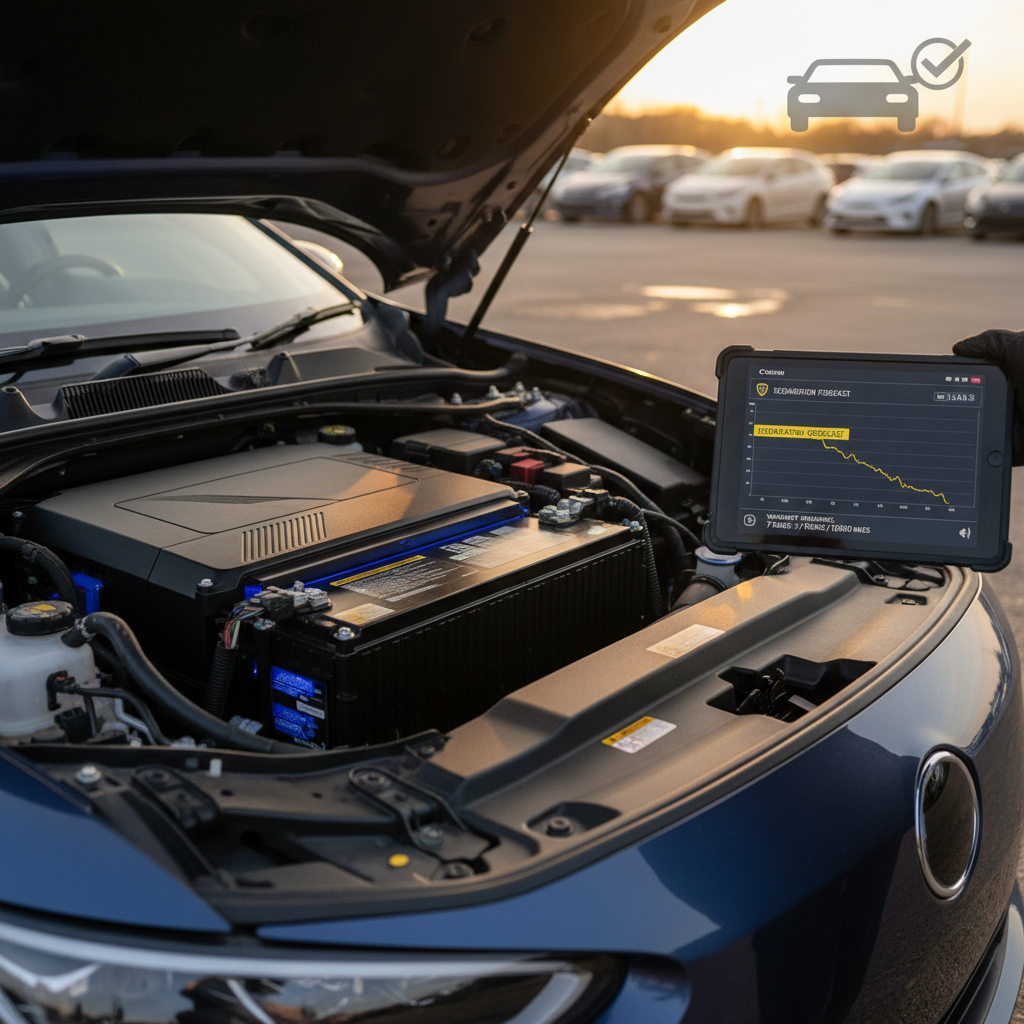
6. Get an independent EV battery health report
A third‑party or marketplace‑provided battery health report, like the Recharged Score on Recharged, can give you a deeper view than the dash alone, especially for cross‑shopping multiple used Lyriqs. This is where you separate “feels fine” from “verified healthy.”
How Recharged evaluates Cadillac Lyriq battery health
At Recharged, every used EV we list, including Cadillac Lyriq models, gets a dedicated Recharged Score Report. Battery health isn’t a side note; it’s the star of the show, because we know that’s what matters most to you long after the new‑car smell is gone.
What goes into a Recharged Lyriq battery health report
More than a quick glance at the dash.
Diagnostic data & capacity
We pull battery‑related diagnostic information where available, including capacity estimates, fault codes, and software levels, and cross‑check them against known Ultium behavior for that model year.
Performance & efficiency under load
Our specialists road‑test the vehicle to see how it uses energy in real‑world conditions and whether charging and range behavior match what a healthy pack should deliver.
Fair pricing tied to battery health
The Recharged Score feeds directly into fair market pricing. A Lyriq with excellent battery health and clean history is priced, and explained, differently from one that shows heavy fast‑charging use or unusual degradation.
Ready to find your next EV?
Browse VehiclesMake the battery part of your financing and trade-in decisions
Cadillac Lyriq battery health FAQ
Frequently asked questions about Lyriq battery health
Key takeaways for Lyriq battery health
Your Cadillac Lyriq’s battery is designed to be a long‑term partner, not a consumable. Checking battery health isn’t about obsessing over every percentage point, it’s about confirming that the pack is aging gracefully and that the car you own, or the used Lyriq you’re considering, will keep delivering the range and confidence you expect.
Use the Battery Capacity display, a simple on‑road test, and common‑sense charging habits to build a clear picture. And if you’re shopping used, lean on tools like the Recharged Score Report, expert EV inspections, and transparent history so you’re not guessing about the most expensive component in the vehicle. When battery health is verified instead of assumed, a Lyriq can be one of the most satisfying electric SUVs you can buy.