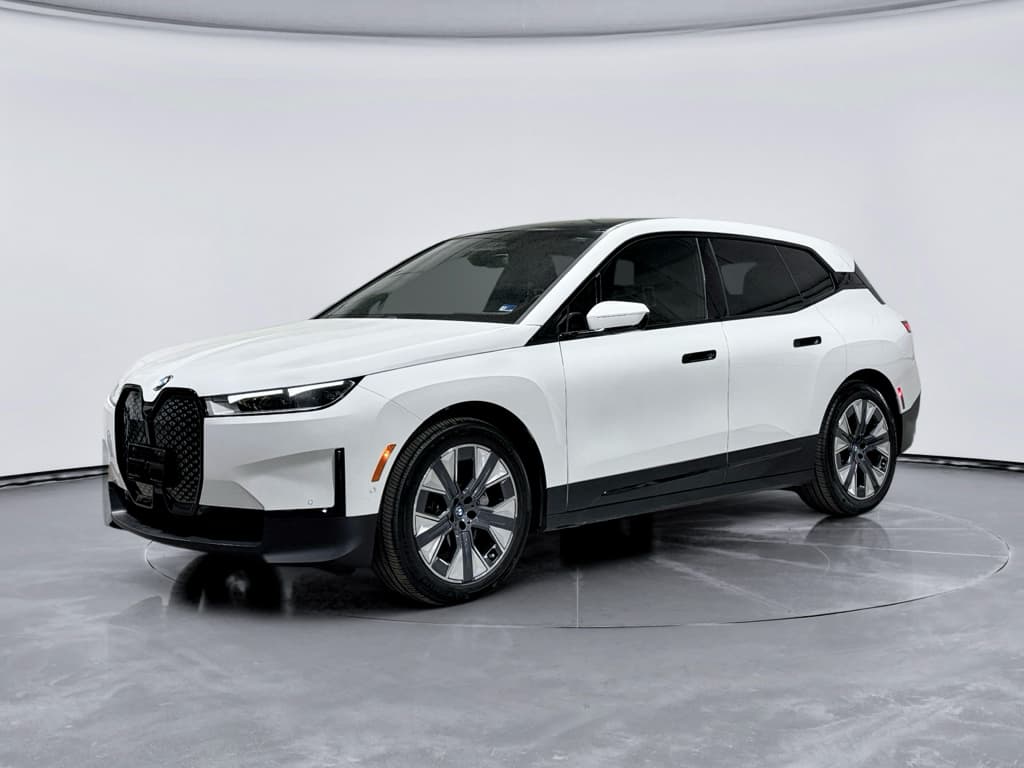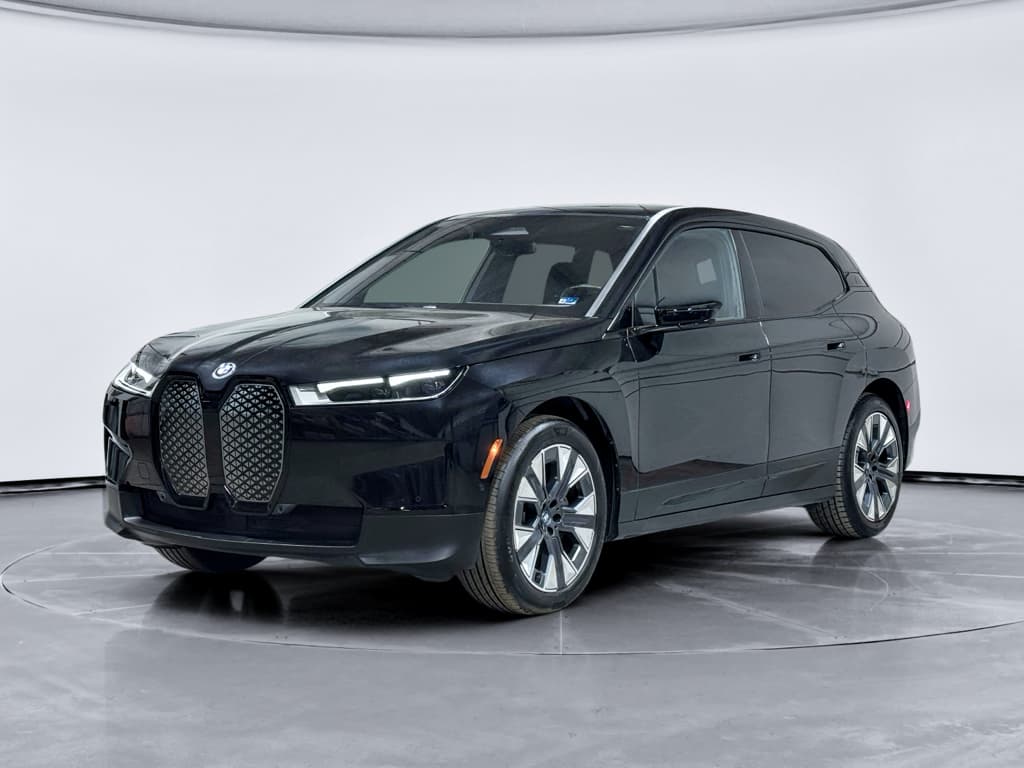
If you’re shopping for a BMW iX, or already own one, the **software update history** isn’t just trivia. It dictates how the SUV feels to live with every day: the layout of the screens, how smooth the infotainment is, what level of driver assistance you get, and even whether you can fast‑charge on Tesla’s Supercharger network via a NACS adapter.
Quick take
Why BMW iX software history matters, especially used
On paper, two BMW iX xDrive50s can look identical, same battery, same options, same color. But under the glass, they may be running **different operating system generations** (iDrive 8 vs. 8.5), with different processors and different eligibility for future remote updates.
- Daily usability: The jump from early iDrive 8 builds to mature 8.5 brings noticeably smoother performance and a cleaner, more widget‑like home screen.
- Driver assistance: Some features, like enhanced Highway Assistant, depend on both software level and option packages.
- Charging experience: Software updates have improved DC fast‑charging logic, route planning to chargers, and support for NACS adapters and Plug & Charge on supported networks.
- Resale value: A well‑updated iX with current software and modern features is easier to live with and easier to sell later.
If you’re considering a **used BMW iX**, this history helps you figure out what you’re actually getting, and what’s realistically upgradable, before you sign anything. At Recharged, we bake that into our Recharged Score, which includes verified software and battery health so you’re not guessing.
BMW iX software version timeline at a glance
BMW iX software & OS timeline (simplified)
Every car is a snowflake
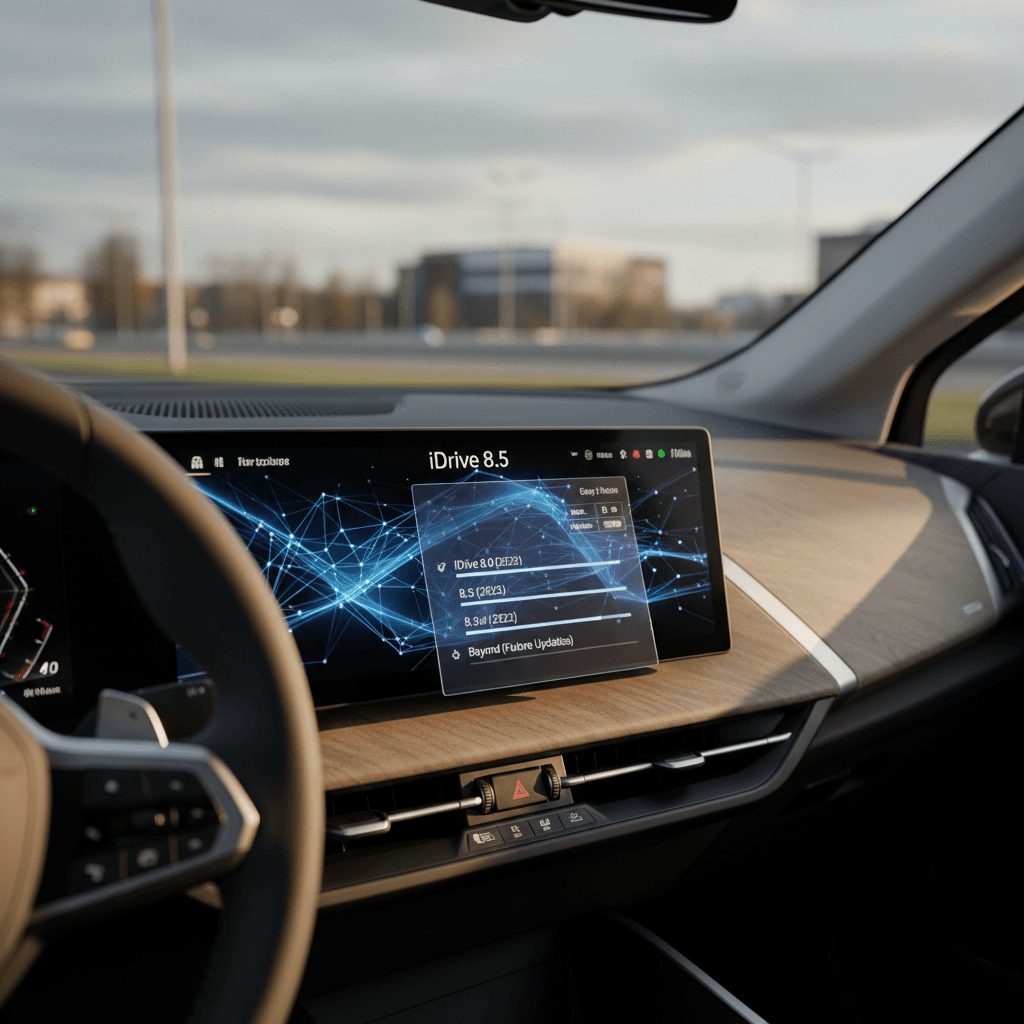
iDrive 8 vs 8.5 on the BMW iX
iDrive 8 on the BMW iX
- Launch system on early iX (2021–mid‑2023, depending on market).
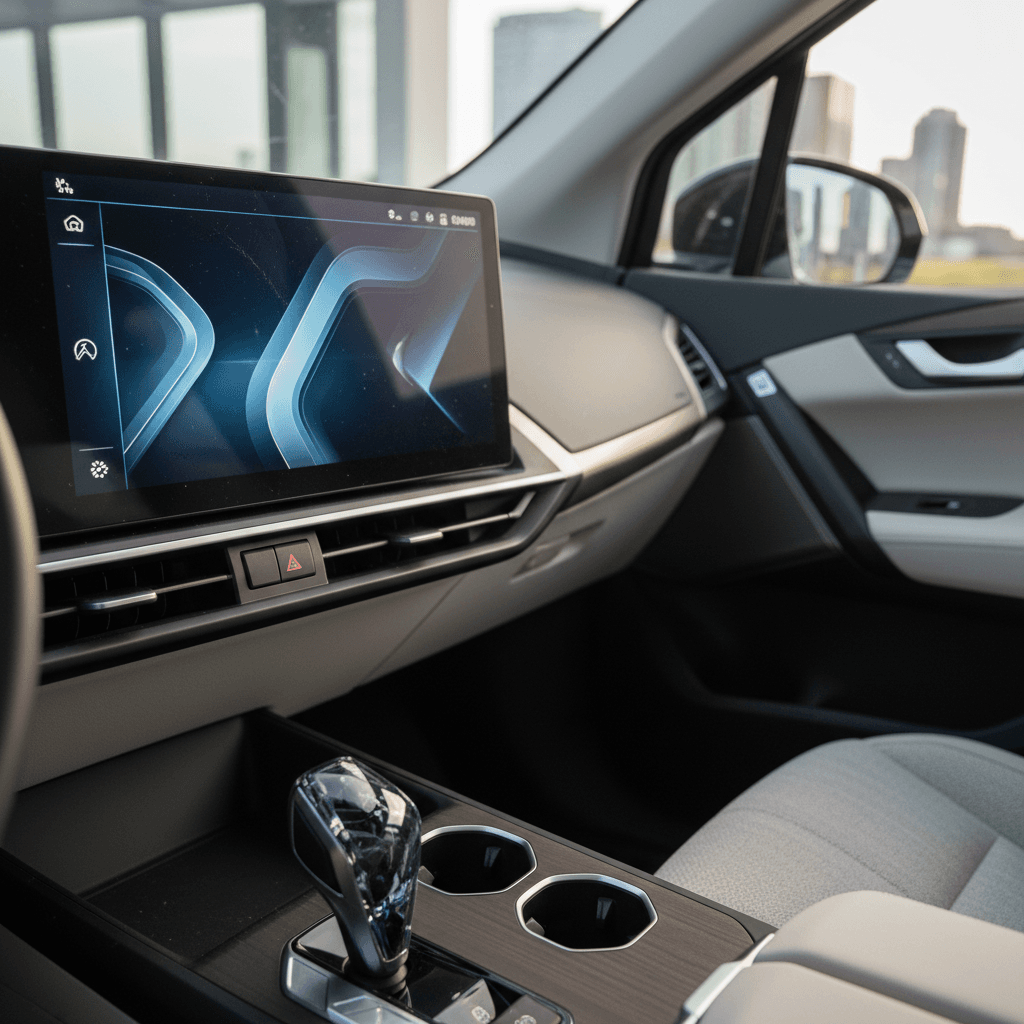
- Curved display with tile‑based home screen and a prominent “Climate menu” bar at the bottom.
- Performance varies: some owners report slight lag when diving into deeper menus, especially climate and navigation.
- Supports Remote Software Upgrades labeled like 22‑03, 22‑07, 22‑11, 23‑03, 23‑07, 23‑11, etc.
- Will continue to get bug fixes and security updates, but not all cars are eligible to jump to 8.5.
iDrive 8.5 on the BMW iX
- Rolled into new production from mid‑2023 onward and standard on 2024+ iX models that use the newer head unit.
- Reworked home screen with QuickSelect widgets on the driver’s side, media, nav, phone, etc., for fewer submenu dives.
- Visual tweaks to climate controls and shortcut bar; feels more modern and tablet‑like.
- Better groundwork for future driver‑assist and charging features, depending on options.
- Some 2023–2024 iX owners received or will receive 8.5 via dealer-installed updates, but it’s hardware‑gated, not just a download.
How to spot iDrive 8.5 at a glance
From behind the wheel, iDrive 8.5 doesn’t turn the iX into a different car, but it does feel like a mid‑cycle facelift for the brain. Menus are flatter, the system feels more responsive on the newer hardware, and the whole thing is less of a video game start screen and more of a useful dashboard.
Key BMW iX remote software upgrades by year
BMW’s Remote Software Upgrade programs are numbered by year and month, 22‑11 for November 2022, 24‑07 for July 2024, and so on. On the iX, they’ve been used to squash bugs, refine charging behavior, and, on the right hardware, lay tracks for iDrive 8.5 and newer driver‑assist features.
Simplified BMW iX software update history
Not every iX receives every update shown here, but this table captures the broad evolution.
| Release (example) | Approx. period | Typical focus on iX | What a used buyer should know |
|---|---|---|---|
| 21‑11 / 22‑03 | Late 2021–Spring 2022 | Launch‑era fixes for early iX builds; stability, basic infotainment improvements. | Any early iX you’re considering today should be well past this and on a newer release. |
| 22‑07 / 22‑11 | Mid–late 2022 | Refined charging logic, improved navigation and voice control, updated driver‑assist tuning. | Good baseline for 2022 iX models; look for at least one of these or newer. |
| 23‑03 / 23‑07 | 2023 | More polish to iDrive 8 UI, bug fixes, performance tweaks; groundwork for hardware transition to support 8.5 on later builds. | Some late‑2023 iX with newer head units are candidates for iDrive 8.5 via dealer update. |
| 23‑11 / 24‑03 | Late 2023–Spring 2024 | Initial rollouts of iDrive 8.5 on eligible cars, climate control UI changes, further charging optimizations. | If you want 8.5, target 2024+ iX or VINs known to have received a dealer 8.5 upgrade. |
| 24‑07 / 24‑11 | Mid–late 2024 | Security patches, bug fixes, small UX refinements and connected‑services updates. | A good sign that the previous owner kept up with updates; less headline‑grabbing, more housekeeping. |
| 25‑03 / 25‑11 (e.g., 11/2025.50) | 2025–early 2026 | Ongoing stability and performance, Intelligent Personal Assistant improvements, charging‑station data enhancements, and safety patches. Some builds now show 11/2025.50 as of early 2026. | For a 2024–2025 iX, seeing a 25‑xx version tells you you’re on a very recent software baseline. |
Exact features vary by model year, options and market. Always check the release notes for your specific car.
Where to read the fine print
Highway Assistant and driving‑assist features
Ask any BMW salesperson about the iX and they’ll talk about **Highway Assistant** like it’s witchcraft: hands‑free, eyes‑on driving on limited‑access highways at respectable speeds when conditions are right. In reality, whether your iX has it, and how good it is, comes down to two things: hardware and option boxes.
Driving‑assist on the BMW iX: what’s software, what’s hardware
Know what can be updated, and what can’t, before you buy used.
Core driver assistance
Even early iDrive 8 iX models offer adaptive cruise control, lane‑keeping, and traffic‑jam assist. Software updates refine smoothness and reliability but don’t radically change capabilities.
Highway Assistant
Enhanced hands‑free highway driving (up to ~85 mph in some regions) depends on Driving Assistance Professional and the right-generation hardware. Later 8.5 builds improve UI and behavior, but you can’t bolt it onto a car that left the factory without the requisite sensors and package.
Calibration & feel
Updates across 2023–2025 have subtly changed how the iX centers in its lane, handles gentle curves, and manages cut‑ins. It’s the difference between a system you trust on a long drive and one you switch off after ten minutes.
Highway Assistant is not guaranteed by iDrive version
Charging updates, including NACS and Plug & Charge
Charging is where the iX’s software quietly earns its keep. Over the last few years BMW has tuned how the iX warms its battery for DC fast charging, how it plans routes via DC stations, and how it talks to charging networks, including Tesla’s.
- DC fast‑charging behavior: Updates across 2022–2024 smoothed out the charging curve, improved preconditioning on route to a charger, and reduced flaky sessions at certain stations.
- Charging‑station database: Later 23‑xx, 24‑xx and 25‑xx updates bring fresher POIs, better filtering, and more accurate power ratings in the built‑in nav.
- Plug & Charge: On some markets/networks, the iX can authenticate itself simply by plugging in, with software updates ironing out hiccups and expanding compatibility.
- NACS / Tesla Supercharger support: In North America, BMW has begun rolling out software that prepares compatible iX models to use the Tesla Supercharger network via a NACS adapter and the My BMW app. Owners are already reporting specific updates labeled around late‑2025 enabling this behavior.
About that NACS update…
How to check software version on a BMW iX
Before you can make sense of the iX’s software history, you need to know what your (or your prospective) car is actually running. BMW buries this in a few menus, but once you know where to look, it’s a 30‑second job.
Step‑by‑step: See your BMW iX software version
1. Wake up the iX
Sit in the driver’s seat and press the Start/Stop button without pressing the brake to bring the iX fully into accessory mode.
2. Open the main menu
Tap the home icon if you’re not already on the main iDrive screen. On 8.5 you’ll see vertical widgets; on 8.0 more of a tile layout.
3. Go to ‘System settings’
Tap <strong>Menu → System settings</strong> (wording may vary slightly by market), then look for <strong>Remote Software Upgrade</strong> or <strong>Software version</strong>.
4. Find the version label
You’ll see something like <strong>22‑11.XX</strong>, <strong>24‑07.XX</strong>, or <strong>11/2025.50</strong>. The first part is year/month; the decimals are internal build numbers.
5. Check for updates
While you’re there, tap <strong>Check for update</strong>. If the car finds a new package, you can start the download via cellular or the My BMW app.
6. Screenshot or snap a photo
If you’re evaluating a used iX remotely, ask the seller to photograph this screen. It’s the easiest way to confirm they’re not hand‑waving about being “up to date.”
My BMW app is your co‑pilot
Used BMW iX buyer checklist: software edition
If you’re looking at a used BMW iX, software is one of those background details that quietly separates a great deal from a future headache. Here’s how to sanity‑check a candidate in a few minutes.
4 software questions to ask about any used iX
Blend build date, hardware, and update history, not just the sticker price.
1. What’s the build date?
The production month (on the door jamb sticker) hints at whether the iX has the newer head unit. Late‑2023 and 2024+ builds are more likely to run or accept iDrive 8.5.
2. Which head unit?
In the infotainment ‘About’ screen, look for MGU21 vs MGU22. MGU22 head units are generally the gateway to 8.5 and a better‑performing UI.
3. Which software version?
Anything stuck on an early 22‑xx build despite multiple dealer visits is a red flag. A recent 24‑xx or 25‑xx version shows the car has been kept current.
4. Which driver‑assist options?
Check the window sticker or VIN decoder for Driving Assistance Professional. Without it, the fanciest Highway Assistant features are off the table no matter what OS you’re on.
How Recharged simplifies this
Ready to find your next EV?
Browse VehiclesTroubleshooting stuck or failed updates
Living with an updatable car means, occasionally, living with update drama. iX owners have reported updates, especially late‑2025 builds tied to charging or NACS support, stalling at 19–50% or claiming “no update available” after a download starts.
- Try from the car, not just the app. Sometimes triggering a search from the in‑car menu succeeds where the app fails.
- Drive while it downloads. BMW often recommends downloading the package while driving, then installing it once parked. A strong data signal helps.
- Give it a day. Backend rollouts can be staggered. Some owners report the same update installing flawlessly a day or two after repeated failures.
- Hard reset if things get weird. In rare cases, a manual reset (holding the volume knob down, or a full vehicle sleep cycle) has revived a “bricked” iX after a failed update, but don’t experiment blindly if you’re not comfortable.
- Dealer push as a last resort. Any BMW dealer can install the latest approved software for your VIN via a wired connection. It takes longer but bypasses flaky OTA behavior.
- Document everything. If a used iX repeatedly fails updates, make sure it’s noted on service records, it could matter for goodwill repairs or future diagnostics.
Don’t chase every update on day one
FAQ: BMW iX software updates
Common questions about BMW iX software history
Should software history affect your purchase?
Software shouldn’t scare you away from a good BMW iX, but it should shape how you think about value. A clean, well‑optioned 2022 iX on mature iDrive 8 is still an excellent EV, even if it never sees 8.5. A late‑build 2024 iX with iDrive 8.5, Highway Assistant and current 25‑xx software feels almost like a different era of the same car.
If you’re buying used, fold software history into the rest of the homework you’d do anyway: battery health, charging habits, accident history, and options. That’s exactly what Recharged’s Recharged Score Report is built for, combining verified battery diagnostics, fair‑market pricing, and up‑to‑date software and equipment info so you can enjoy the best part of the iX: how quietly, calmly, and confidently it eats up miles once you’re on the road.