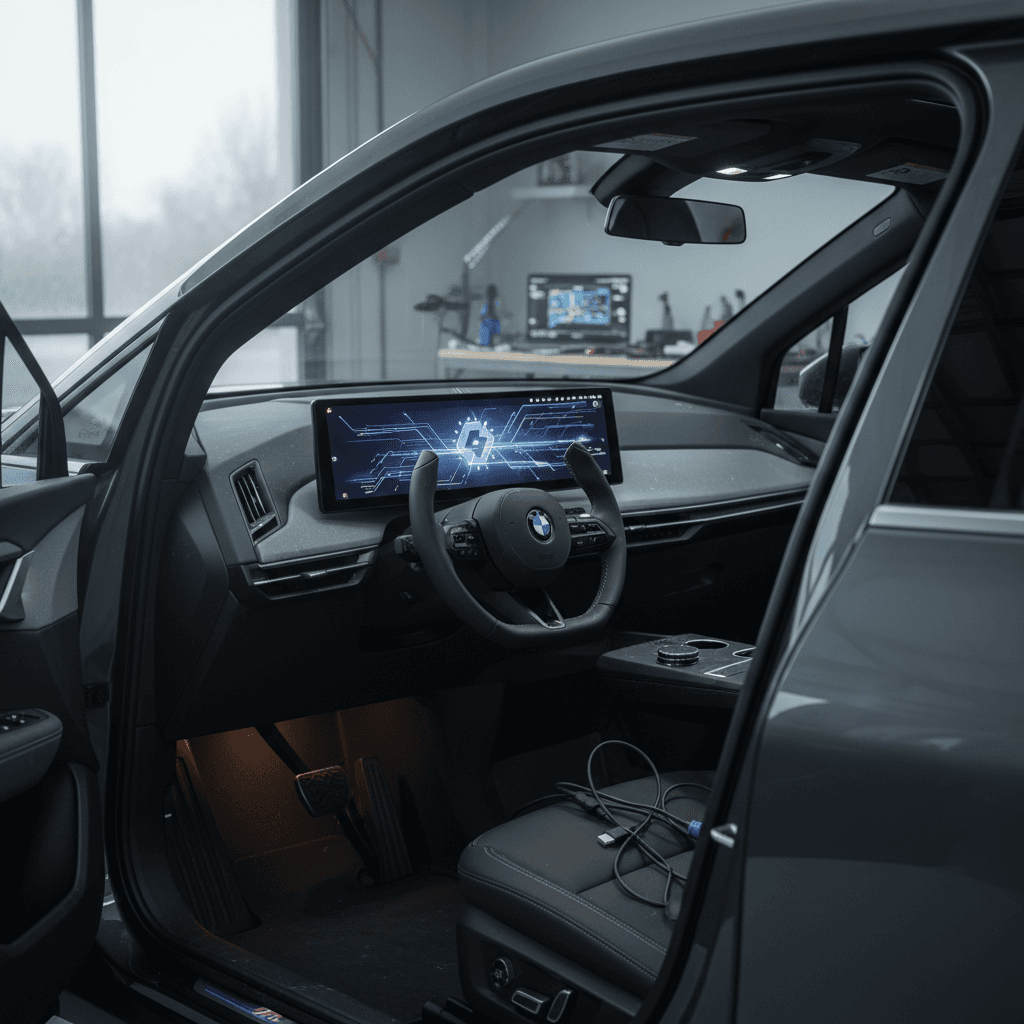
If you own a BMW iX, you already know it’s as much rolling software as it is aluminum and batteries. That’s powerful, but it also means BMW iX software problems can sour the experience: frozen screens, buggy cameras, failed over‑the‑air (OTA) updates, and driver-assist warnings that seem to appear out of nowhere. The good news is that many of these issues have patterns and practical fixes you can try before losing a day at the dealer.
Important context
Why BMW iX Software Feels Finicky
The iX was BMW’s first clean-sheet, flagship EV platform. BMW leaned hard into the "software-defined vehicle" trend, giving the iX a powerful central computer, massive over‑the‑air update ability, and a fully digital interface for everything from ride quality to driver assistance. That flexibility is why the car keeps gaining features years after you buy it, but also why you may experience software regressions after an update or strange bugs that randomly appear and disappear.
iDrive 8 (2022–early 2023 iX)
- Earlier hardware and software stack.
- Can feel laggy in deep menus and climate screens.
- Has seen multiple OTA updates to improve stability.
iDrive 8.5 (late 2023+ iX)
- Updated hardware with better graphics performance.
- Smoother home screen layout and shortcuts.
- Still not immune to bugs, especially right after major updates.
Know your software level
Most Common BMW iX Software Problems
Patterns iX Owners Commonly Report
- iDrive screen freezes, then reboots while driving.
- Gauge cluster or HUD layouts resetting to default after an update.
- Rear or surround camera showing a blue/garbled image until you reboot.
- USB music drive not detected or randomly disconnecting.
- Remote Software Upgrade stuck during transfer from the BMW app.
- BMW app showing an available update that the car can’t see.
- Driver assistance or reverse assistant temporarily unavailable.
- Keyless entry or digital key features behaving inconsistently after an update.
Before you panic about "a bad car"
Quick Resets That Fix Many iX Glitches
Think of your iX like a laptop with multiple programs running. When software hangs, you rarely replace the laptop, you reboot or reset the offending app. The iX gives you a few hidden-but-powerful reset tools that can clear glitches without a shop visit.
Essential BMW iX Resets to Try First
1. Soft reboot of the head unit
With the vehicle in "Ready" (on, but safely parked), press and hold the <strong>volume/power knob</strong> for about 30 seconds. The curved display will turn off and reboot. Wait for it to fully reload before shifting or pressing other buttons. This often clears frozen screens, missing cameras, and audio issues.
2. Deep iDrive reset
If problems persist, repeat the reboot but hold the volume knob for around <strong>70 seconds</strong>. Many owners report the screen turning off, back on, then off again before fully rebooting. This deeper reset can clear stubborn bugs after a big OTA update.
3. Reset personal profiles
Software confusion around driver profiles can cause odd behavior with settings and keys. Go to <strong>Menu → System settings → Driver profiles</strong>, back up your main profile to your BMW account, then delete and recreate it. Re‑pair your keys and phone afterward.
4. Network & Bluetooth refresh
For app and phone issues, delete the iX from your phone’s Bluetooth list and forget your phone inside the car’s Bluetooth menu. Reboot your phone. Then re‑pair from scratch. If the BMW app is acting up, log out and back in, or uninstall/reinstall the app.
5. Power-cycle the vehicle properly
EVs rarely "turn off" completely. To give modules a chance to sleep and reset, exit the car, lock it, walk away with all keys, and leave it undisturbed for at least 15–20 minutes. Avoid opening the doors or waking it with the app during this period.
Why these steps matter
How to Fix BMW iX OTA Update Problems
Over‑the‑air updates are where the iX’s strengths and weaknesses collide. When they work, you gain stability and new features overnight. When they don’t, you’re stuck in limbo, your phone says an update is ready while the car insists everything is current, or the transfer stalls around 20–40% and eventually aborts.
Why BMW iX Remote Software Updates Fail
And what you can actually do about it
Weak or unstable connection
The update usually downloads to your phone first and then transfers to the car. Any hiccup in Bluetooth, mobile data, or Wi‑Fi can corrupt the transfer.
Low state of charge
BMW typically requires a minimum battery level (often around 40–50%) and for the car to be parked. If you keep trying when you’re nearly empty, the update may repeatedly fail.
Backend or package bug
Sometimes the problem is BMW’s side, an update pulled mid‑rollout, or a glitchy package (for example, owners stuck on a specific 2025 build). In those cases, persistence or a dealer flash is required.
Step-by-Step: Fixing a Stuck BMW iX OTA Update
1. Confirm basic requirements
Park the car somewhere with strong cell or Wi‑Fi coverage. Make sure the battery is comfortably above the threshold (aim for 60%+), and disable any scheduled charging that might interrupt the process.
2. Clean slate on phone and app
On your phone, ensure the BMW app is updated. Log out and log back in. If the update fails repeatedly, uninstall and reinstall the app. Verify that background data and Bluetooth permissions are allowed.
3. Trigger a fresh update check in the car
In iDrive, go to <strong>Menu → System settings → General settings → Remote Software Upgrade</strong> and manually check for updates. This often forces the car to "see" an update the app has already downloaded, or clears a phantom update.
4. Retry the phone-to-car transfer
Start the download to your phone on a stable Wi‑Fi network, then initiate the transfer to the car with the vehicle in <strong>Ready</strong> and safely parked. Don’t jump in and out of the car or toggle ignition states during transfer.
5. Reboot before and after
If a transfer aborts around the same percentage every time, perform a deep head‑unit reboot (70‑second hold) before trying again. After a successful install, reboot one more time to stabilize modules on the new software.
6. Know when to punt to the dealer
If you’ve tried multiple cycles over several days and the same version keeps failing, document screenshots and ask the dealer for an <strong>in‑shop software flash</strong>. It’s the same end result as OTA but with more robust tools.
Don’t repeatedly interrupt installations
Infotainment and CarPlay Issues on BMW iX
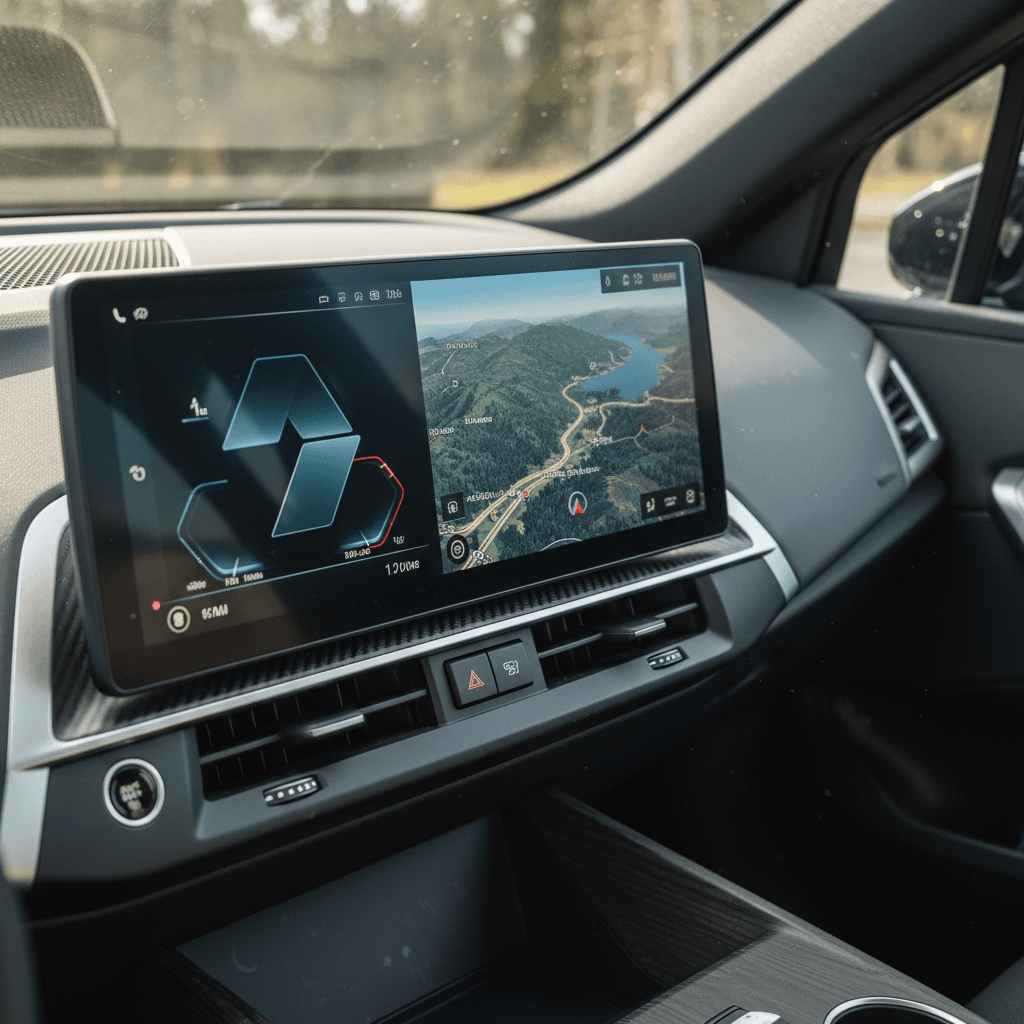
The curved display and iDrive interface are a highlight of the iX, but they’re also where owners notice bugs first. Complaints tend to cluster around laggy climate menus, the system "forgetting" USB drives, and quirky Apple CarPlay or Android Auto behavior, especially with volume levels and reconnecting after startup.
Common BMW iX Infotainment Problems & DIY Fixes
Use this table as a quick reference before you book service.
| Symptom | Likely Cause | First Fix to Try | Next Step if Unresolved |
|---|---|---|---|
| Screen freezes or goes blue/garbled when reversing | Head-unit or camera software crash | Soft reboot with 30‑second volume hold | Deep 70‑second reboot; then dealer diagnosis if repeatable |
| USB music drive missing or disconnects | Mounting bug or weak USB drive connection | Remove drive, reboot iDrive, reinsert after full boot | Try a different brand drive; dealer if still intermittent |
| CarPlay audio volume randomly too loud/quiet | Software mixer glitch between iDrive and phone | Reboot iDrive and phone; reset audio balance/volume limits | Forget and re‑pair phone; test with another device |
| Climate screen lag or double-tap effect | Slow UI rendering in iDrive 8 | Update to latest software if available | Acceptable quirk; dealer only if system-wide slowdowns |
| System reboots itself while driving | iDrive crash or unstable update | Document time & conditions; reboot once at safe stop | Dealer visit with timestamps so they can pull logs |
If you can reproduce an issue even after these steps, it’s time to involve a dealer while the problem is still happening.
CarPlay trouble? Start with the cable (or lack of one)
Camera and Driver Assistance Faults
Because the iX relies on cameras and sensors for everything from parking assist to adaptive cruise, software hiccups here are unnerving. You might see warnings like "rearview camera malfunction", lane‑keeping or adaptive cruise temporarily unavailable, or park‑assist functions greyed out.
- First, rule out simple causes: dirt or snow on cameras, ice on radar sensors, or extreme weather. The iX will often disable systems temporarily in poor conditions.
- If faults appear in good conditions and clear after a reboot, capture a photo of the warning and note the date, time, and what you were doing (reversing, using assisted driving, etc.).
- Perform a deep head‑unit reboot (70 seconds) and a full vehicle sleep cycle (lock it and leave it alone for 20 minutes).
- If the same fault recurs in similar conditions, especially after a recent software update, treat it as a warranty item. Ask the dealer to check for TSBs (technical service bulletins) or campaign updates specific to your software version.
- For persistent camera glitches (blue screens, warped image) where resets don’t help, insist that the dealer inspects wiring and connectors at the display and tailgate cameras, not just clear codes. Intermittent physical faults sometimes masquerade as software bugs.
Don’t ignore safety‑related warnings
When a Dealer Visit Is Unavoidable
Even with the best DIY troubleshooting, some BMW iX software problems require dealer tools or hardware replacement. The key is going in prepared so you’re not brushed off with "could not reproduce" and a reset you already tried at home.
DIY vs. Dealer: Where to Draw the Line
How to protect your time, and your warranty coverage
Handle it yourself when…
- The problem is infrequent and clears with a reboot.
- It started right after an OTA update and improves after a second reboot.
- Only convenience features (themes, minor lag, profile quirks) are affected.
- You haven’t yet tried basic resets, app reinstalls, and a fresh OTA attempt.
Book service when…
- Safety systems (brakes, cameras, driver assistance) misbehave.
- The car reboots itself repeatedly or won’t complete an OTA after many tries.
- Keyless entry, charging behavior, or start/stop functions become unreliable.
- You can easily reproduce the issue and have photos or video.
How to Prepare for a BMW iX Software Service Visit
Document the problem like a bug report
Write down <strong>exact messages</strong>, the conditions when they appear, and how often. Photos or short videos on your phone are incredibly persuasive, especially for intermittent issues.
Bring your software history
Note your current iDrive version and when the issue started ("began right after 11/2025.xx update"). If you’ve owned multiple iX models or cars with similar software, mention that you’re familiar with normal quirks vs. this new behavior.
List the resets and fixes you’ve tried
Tell the advisor you’ve already done head‑unit reboots, profile resets, and app reinstalls. It saves time and signals that you’re not just "confused by tech", you want a root‑cause fix, not another reboot.
Ask directly about TSBs and campaigns
BMW often issues <strong>service bulletins</strong> or campaigns for specific software builds. Ask if there’s anything open for your VIN and current version, and request printouts of what was performed.
Test thoroughly after the visit
Before leaving, reproduce the scenario that triggered the problem (back into a space, start CarPlay, enable driver assistance). If something still looks wrong, address it on the spot while the ticket is open.
Owning a Used BMW iX With Software Quirks
If you’re shopping for a used BMW iX, software behavior should be part of your evaluation, right alongside battery health and cosmetic condition. The iX isn’t uniquely buggy compared with other premium EVs, but each model year and software branch has its own quirks. A thoughtful test drive and history review will tell you whether you’re getting a sorted car or becoming someone else’s beta tester.
What to test on a used iX
- Cold start the car and watch for reboots or missing cameras.
- Engage reverse, surround view, and parking assist multiple times.
- Pair your phone, run CarPlay/Android Auto, place a call, and stream media.
- Check that driver assistance, adaptive cruise, and lane‑keeping all engage cleanly.
- Verify that the BMW app connects, shows the car correctly, and can lock/unlock.
How Recharged can help
At Recharged, every used EV, including the BMW iX, gets a Recharged Score Report with verified battery health and a check of key software functions. Our EV specialists are familiar with iDrive quirks and can help you separate "normal for this generation" from true red flags.
Because we focus on used EVs, we also see failure patterns across many vehicles, not just a single car, so we can tell you if a given issue is common, already fixed by later software, or something you should negotiate on before you buy.
Looking beyond the software noise
BMW iX Software Problems FAQ
BMW iX Software Problems: Frequently Asked Questions
Bottom Line: Getting Your BMW iX Software Back on Track
The BMW iX proves how far software can take an EV, and how much it can annoy you when it misbehaves. The upside is that many BMW iX software problems are fixable at home with the right combination of head‑unit reboots, clean profiles, and disciplined OTA update habits. When issues cross into safety territory or keep returning after resets, that’s your cue to lean on warranty coverage and push for a proper diagnostic, not just another quick reboot.
If you’re weighing a used iX against other premium EVs, don’t just ask "Does it have bugs?", ask how the seller knows, and what they’ve already done about them. At Recharged, we pair battery health diagnostics with real‑world software checks so you can make a clear‑eyed decision. The right iX, on the right software, is a deeply capable long‑range EV; the trick is making sure the ones and zeros are working for you, not against you.