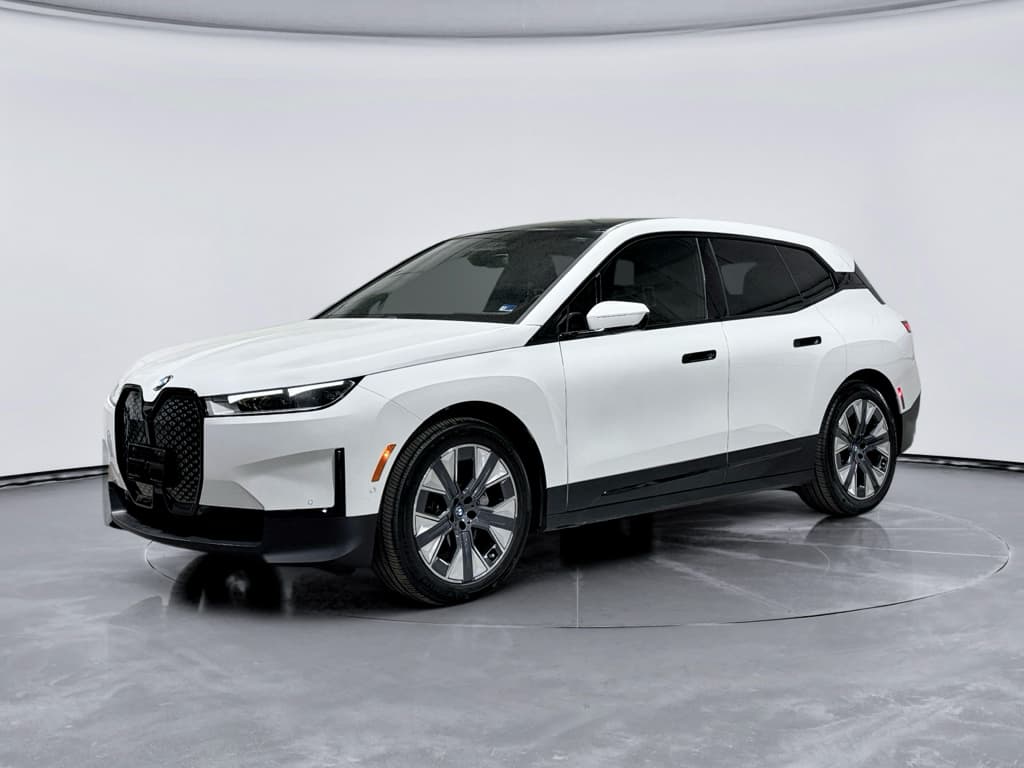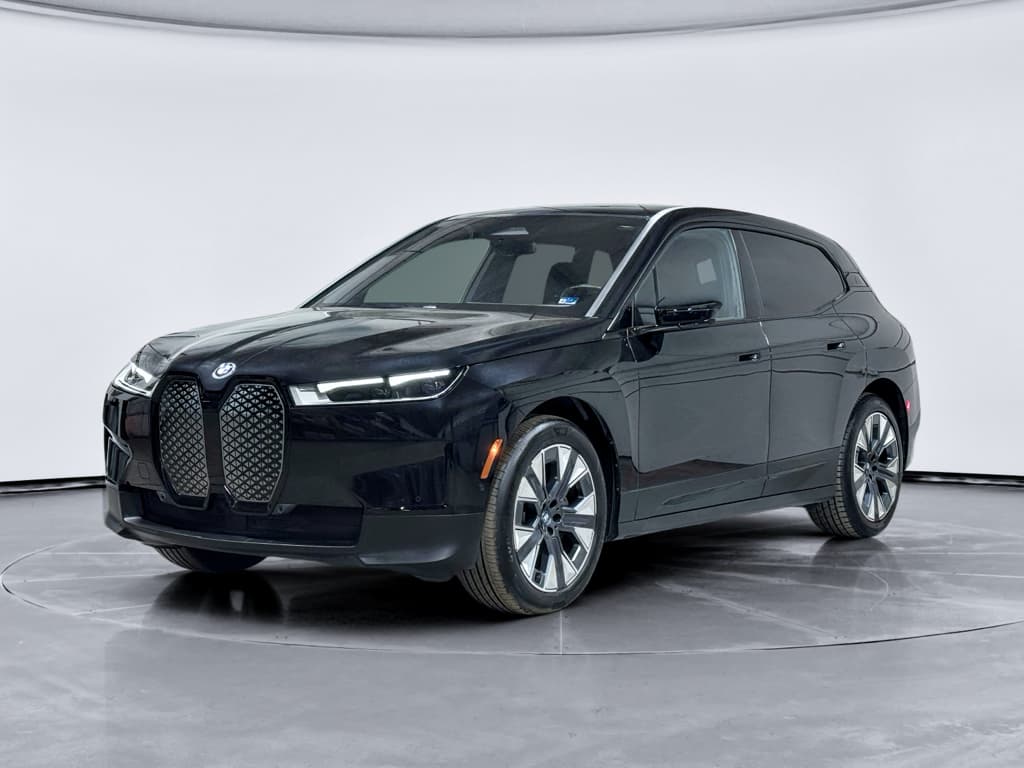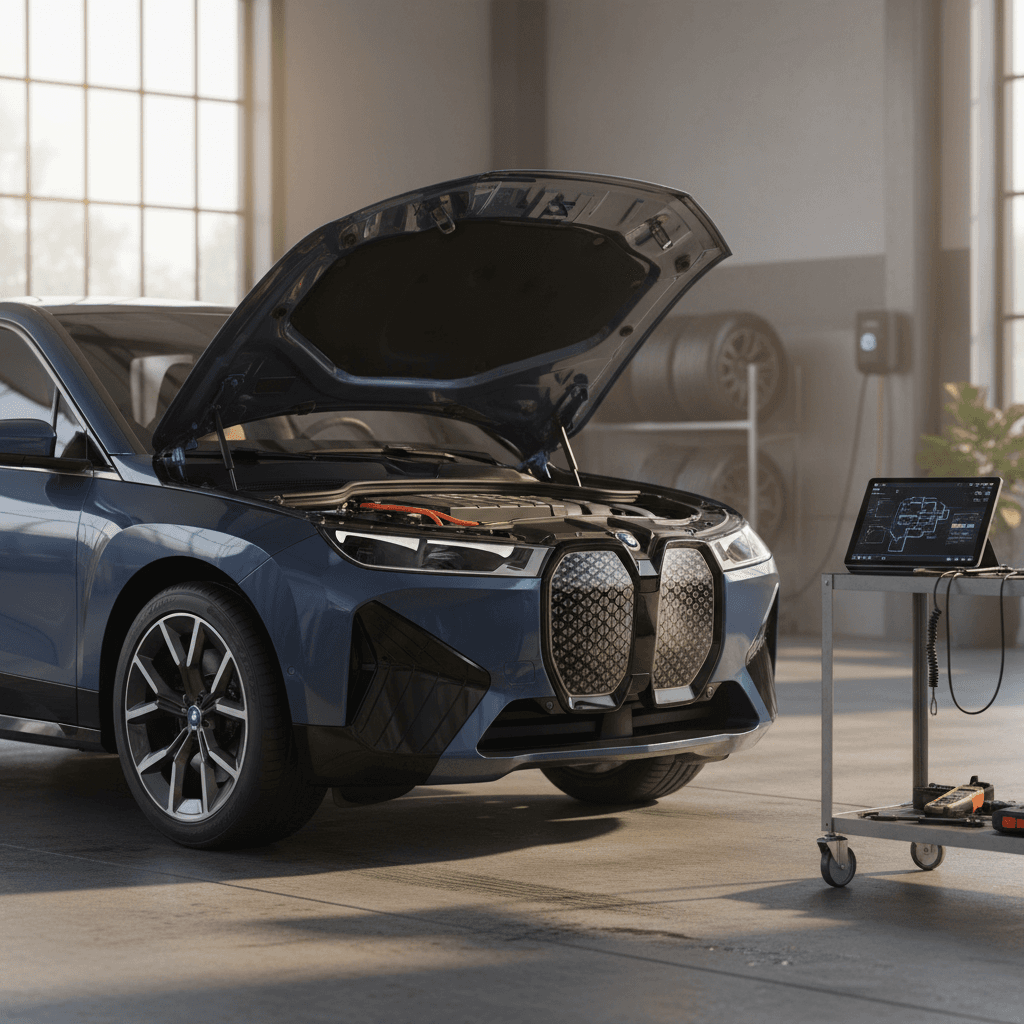
The BMW iX is one of the most advanced electric SUVs on the road, quiet, quick, and packed with tech. But like any first‑wave EV platform, it has its share of quirks. If you already own one or you’re considering a used iX, understanding the most common BMW iX problems and fixes will help you avoid surprises and budget for repairs.
Quick take
BMW iX reliability at a glance
Early BMW iX model years (2022–2023) were effectively launch products for BMW’s new dedicated EV platform. As with most first‑generation EVs, there have been recalls, software updates, and running hardware changes as real‑world data rolled in. More recent model years tend to benefit from those tweaks.
Where the BMW iX tends to have issues
Patterns from owner reports, recall data, and shop feedback
Battery & charging
Isolated cases of:
- Charge port or onboard charger faults
- DC fast‑charging errors at public stations
- Rare high‑voltage battery module recalls
Software & electronics
Complaints around:
- Infotainment freezes or black screens
- Random warning messages
- Occasional keyless and app glitches
Ride, tires & trim
Wear‑and‑tear themes:
- Fast tire wear on 21–22" wheels
- Air suspension noises or harshness
- Exterior black trim or seals loosening
Warranty reality check
High‑voltage battery and charging problems
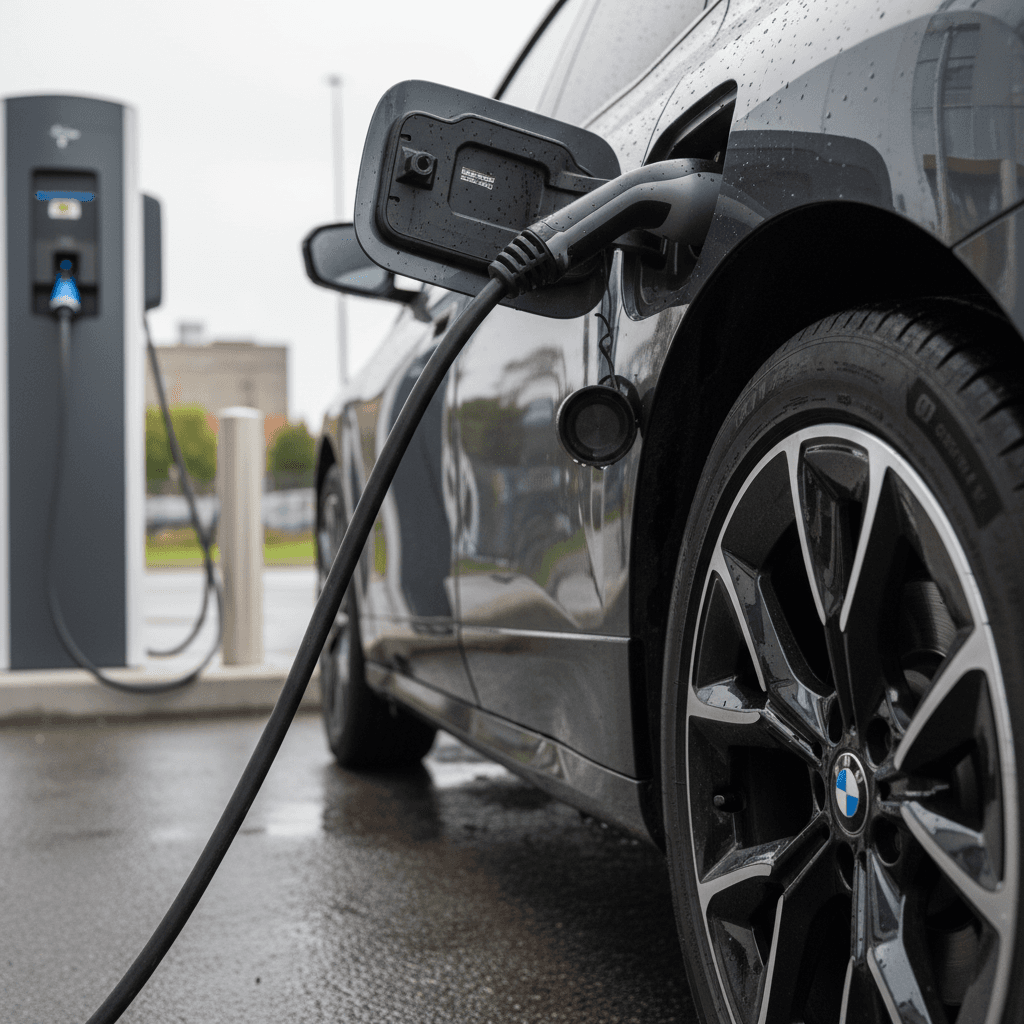
Battery health is the big question mark with any used EV. With the BMW iX, large‑scale pack failures are rare, but there are a few specific charging and high‑voltage issues you should know about, especially if you road‑trip or rely heavily on DC fast charging.
- Intermittent DC fast‑charging failures at networks like Electrify America or EVgo, where sessions start then immediately abort.
- Home charging errors or "Unable to charge" messages that end up being a faulty charge port or onboard charger module.
- Isolated recalls involving improperly assembled high‑voltage battery modules that can trigger warnings, loss of drive power, or in extreme cases increase fire risk.
- 12‑volt auxiliary battery discharging, which can lead to "Do not drive" warnings and a no‑start condition after the car sits for a while.
Symptoms to watch for
- Charging session starts then stops within seconds at multiple stations in a row.
- Charge status light flashes yellow or red instead of solid blue/green when plugged in.
- "Unable to charge" or "Charging fault" messages in the cluster or iDrive screen.
- After sitting parked for days (like at an airport), the car shows a red powertrain warning and refuses to go into gear.
- Fans running loudly while charging, accompanied by warnings about high‑voltage system or reduced power.
Likely causes and typical fixes
Common BMW iX charging issues and fixes
Typical root causes and how they’re usually resolved.
| Issue | Probable cause | Typical fix | DIY‑friendly? |
|---|---|---|---|
| Fast‑charge sessions aborting at multiple sites | Faulty DC pins, charge port, or control module; occasionally software | Dealer tests port on AC/DC, inspects pins for heat damage, replaces charge port or module; applies latest software | No |
| Home charging error appears at any station | Onboard charger or AC side of charge port failing | Dealer replaces onboard charger module or port assembly under warranty | No |
| Red powertrain warning after long sit | Discharged or failing 12‑volt battery | Dealer or qualified shop tests and replaces 12‑volt battery; software check for parasitic drain | Possibly, but best left to shop on an iX |
| Isolated high‑voltage battery recall | Defective battery cell modules in specific VIN ranges | BMW replaces affected modules or pack under recall at no cost | No |
Always have high‑voltage and charging work done by a BMW dealer or qualified EV shop; DIY fixes stop at cleaning and basic checks.
Safety first around high voltage
Software glitches and in‑car electronics issues
The BMW iX leans heavily on software, from its curved display and iDrive system to driver‑assistance features. That makes it feel futuristic, but it also opens the door to software bugs and electronics gremlins, especially on early software builds.
- Center screen going black while driving, then rebooting after 30–60 seconds.
- Random warning messages that briefly appear at startup, then disappear and are hard for the dealer to replicate.
- Laggy or frozen navigation and CarPlay/Android Auto sessions.
- Keyless entry or phone‑as‑key functions being inconsistent.
- Weak or inconsistent heated seat and steering‑wheel performance, especially in very cold weather.
How owners and dealers typically fix iX software issues
Quick resets you can try
- Soft reboot iDrive: Press and hold the audio volume knob until the screen restarts. This can clear minor glitches.
- Log out and back into BMW apps: If remote features or phone key are flaky, refresh your BMW ID and app permissions.
- Check for over‑the‑air (OTA) updates: Newer software often improves stability and adds features. Install updates when your iX is parked and has plenty of charge.
When the dealer needs to step in
- Full software reinstallation or reprogramming: If screens go black repeatedly or systems crash, dealers can reinstall the full software stack.
- Module replacement: In rarer cases, a faulty control unit for infotainment, driver aids, or comfort features must be replaced under warranty.
- Technical bulletins: Some issues, like heavy steering or weird warning messages, may be tied to service bulletins that dealers can apply proactively.
Before your service appointment
Suspension, steering, and tire-wear complaints
The BMW iX is heavy, powerful, and often optioned with large 21‑ or 22‑inch wheels. That combination delivers strong grip and a planted feel, but it also drives a set of ride, steering, and tire‑wear complaints that show up in owner forums and service records.
Typical chassis and tire issues on the BMW iX
Most are fixable, but they’re not always cheap
Heavy or odd steering feel
Some owners report the steering getting unusually heavy or not self‑centering correctly. In many cases this is linked to a steering column or electric power‑steering fault that BMW replaces under warranty.
Fast tire wear & noise
With stock performance tires, it’s common to see noticeable wear by 15,000–20,000 miles, especially on staggered 22" setups. Low‑speed squeaks or grinding from the brakes can be normal surface rust being cleaned off.
Suspension clunks or harshness
Air suspension components or bushings can develop squeaks or clunks over rough roads. Diagnosis usually requires a BMW technician to road‑test and inspect underneath on a lift.
Tire and chassis checks you should do regularly
1. Inspect tread every few thousand miles
Look for inner‑edge wear, cupping, or cords starting to show, especially on 21–22" performance tires. Catching issues early can save you from replacing all four tires at once.
2. Ask for a yearly alignment
A proper four‑wheel alignment reduces premature tire wear and helps the iX track straight, which is critical on long‑range highway drives.
3. Listen for new noises
Clunks, knocks, or squeaks over bumps or during tight turns are signs to schedule a suspension inspection instead of turning up the stereo.
4. Don’t ignore brake sounds after parking
Low‑speed grinding after a wash or rainstorm is often just surface rust being cleaned off the rotors. If the noise persists for days, have the brakes inspected.
Budget for premium tires
Interior trim, noise, and weather‑related issues
Luxury EV buyers are picky about fit and finish, and the BMW iX generally delivers. Still, owners have reported a handful of trim and comfort issues that are worth checking for on a test drive.
- Exterior black lower trim or rocker panels starting to separate or "de‑bond" in isolated cases.
- Wind noise from frameless‑style door areas at highway speed if seals aren’t seated perfectly.
- Squeaks or rattles from the cargo area or rear seats on rough pavement.
- Weak‑feeling heated seats or steering‑wheel heat, especially in very cold climates.
- Poor‑performing factory wiper blades, easily solved with higher‑quality replacements.
Easy comfort upgrades
What you can fix yourself vs. what needs a dealer
Because the BMW iX is a high‑voltage luxury EV, there’s a hard line between safe DIY fixes and work that should always go to a dealer or qualified EV shop. Knowing the difference will keep you safe and protect your warranty.
Reasonable DIY fixes
- Wiper blades: Replacing streaky OEM blades with quality inserts or full assemblies.
- Cabin filter and basic interior trim: Swapping filters or tightening obvious loose panels if you’re comfortable with minor disassembly.
- Tire inspections and rotations: Visual checks for damage and scheduling rotations with a tire shop familiar with heavy EVs.
- Software housekeeping: Installing over‑the‑air updates, rebooting iDrive, and re‑pairing phones or keys.
Jobs for BMW or an EV specialist
- Anything high‑voltage: Battery pack, charge port, onboard charger, orange‑cable work, or persistent charging faults.
- Steering or suspension repairs: Especially on air‑suspension models or when safety systems are involved.
- Major software reprogramming: Full software flashes and control‑unit replacements.
- Brake system faults: Beyond pad/rotor wear, regenerative braking integration should be handled by a pro.
Don’t improvise on high‑voltage systems
Buying a used BMW iX: inspection checklist
If you’re eyeing a used BMW iX, you’re probably trying to balance cutting‑edge tech with long‑term reliability risk. A structured inspection will help you separate well‑cared‑for examples from problem children that lived at the service bay.
Used BMW iX pre‑purchase checklist
1. Scan the service and recall history
Ask for BMW dealer records and run the VIN through official recall tools. Confirm that any high‑voltage battery or steering‑related recalls have been completed and note repeat visits for charging or software complaints.
2. Test AC and DC charging
Charge at a known‑good Level 2 station and, if possible, a public DC fast charger. Watch for sessions that abort, error messages, or unusual noises. A car that can’t reliably charge is a deal‑breaker.
3. Check for warning lights and stored messages
Before and after the test drive, look through the vehicle status menus. Ask the seller directly about any past red powertrain warnings, "unable to charge" messages, or black‑screen events.
4. Inspect tires, wheels, and brakes
Look for uneven tire wear, curb‑rashed wheels, or brakes that squeal or grind even after a long drive. These can signal alignment problems, hard use, or deferred maintenance.
5. Listen for chassis and trim noises
On rough roads and highways, pay attention for suspension clunks, interior rattles, or wind noise around the doors and mirrors. Luxury EVs should feel tight and quiet.
6. Confirm remaining warranty and coverage
BMW’s high‑voltage battery warranty runs longer than the basic bumper‑to‑bumper coverage. Verify in‑service date and ask whether the car is eligible for extended or third‑party protection.
How Recharged evaluates a used BMW iX
How Recharged helps you shop a used BMW iX with confidence
The BMW iX is a complex piece of hardware and software. When you’re buying used, the challenge is separating normal luxury‑EV teething issues from cars that will keep you parked at the service department. That’s exactly where Recharged comes in.
Shopping a used iX through Recharged
What we do differently from a typical dealer or private seller
Battery & charging diagnostics
Our Recharged Score includes deep battery‑health testing and live charging checks, so you can see how the pack is performing and whether the car handles Level 2 and DC fast charging correctly.
Transparent, data‑driven pricing
We benchmark every iX against market data, mileage, options, and condition to ensure you pay a fair price rather than a hype‑driven premium.
Digital purchase, real‑world support
Shop online, get EV‑savvy guidance from specialists, arrange trade‑in or consignment, and have your iX delivered nationwide, or visit our Experience Center in Richmond, VA if you want to see models in person.
Ready to find your next EV?
Browse VehiclesBMW iX common problems: FAQ
Frequently asked questions about BMW iX problems
Bottom line: Is the BMW iX a good used EV?
The BMW iX isn’t trouble‑free, but most BMW iX common problems fall into familiar modern‑EV territory: charging hardware, software stability, and the realities of moving a heavy, powerful SUV on big wheels. The upside is that BMW has addressed many of the biggest issues through recalls and software updates, and the majority of owners report smooth, quiet miles once early bugs are sorted.
If you understand the risks, check recall and service history, and get a verified read on battery and charging health, the iX can be an excellent used EV: comfortable, distinctive, and genuinely premium. And if you’d rather not decode all that alone, browsing BMW iX listings that include a Recharged Score Report is one of the easiest ways to make sure the high‑tech SUV you’re buying is ready for the long haul.