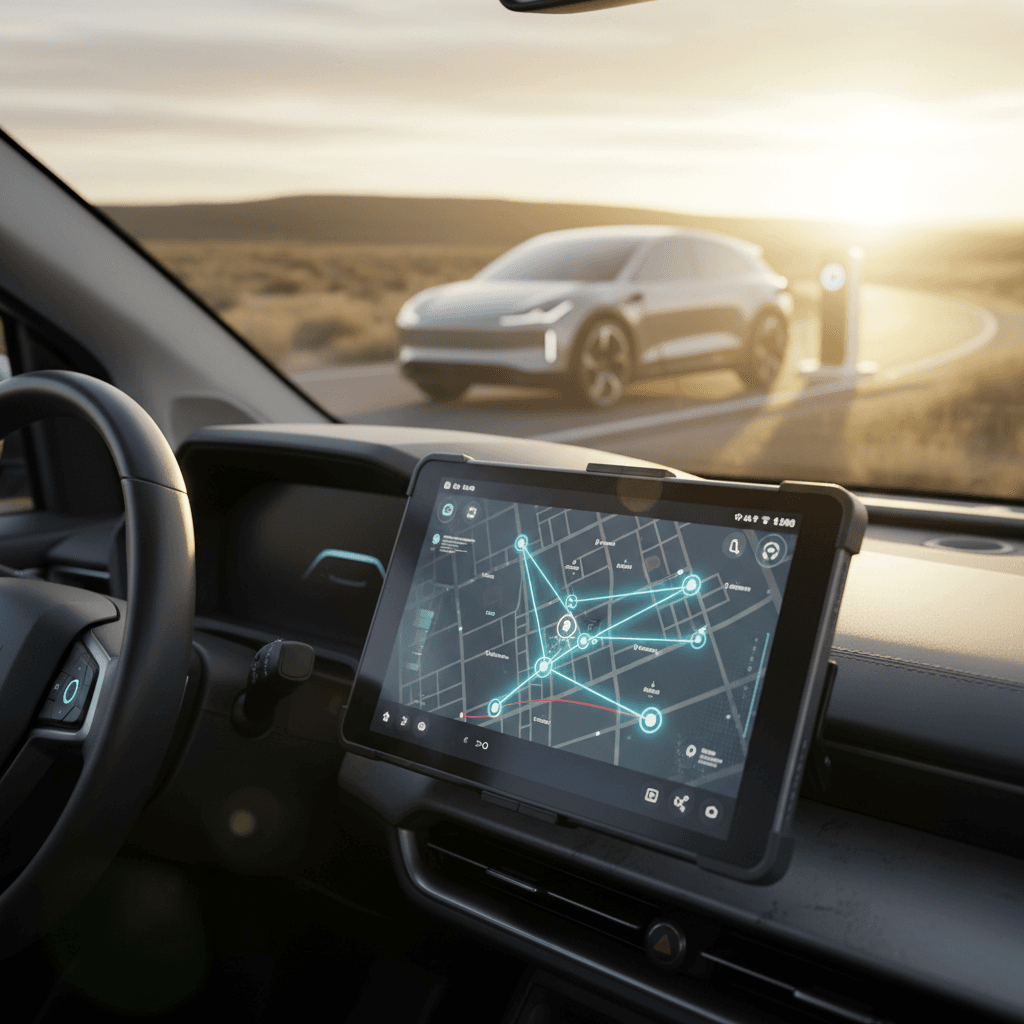
If you’re planning a long drive in an electric vehicle, the difference between a relaxed road trip and a white‑knuckle range‑anxiety run often comes down to your apps. The **best EV road trip apps in 2025** don’t just show plugs on a map, they factor in weather, terrain, crowdsourced reliability data, and your car’s actual range so you don’t roll into a charger on fumes.
How this guide is organized
Why EV road trip apps matter in 2025
EV range and charging infrastructure have improved dramatically, but planning a multi‑state drive still isn’t as simple as hopping in a gas car and following the “Low Fuel” light. Chargers can be busy, broken, poorly located, or simply missing from the apps tied to your car’s built‑in navigation. That’s why most experienced drivers layer **two or three road trip apps**: one for charger discovery and reviews, one for route optimization, and one for turn‑by‑turn navigation on the dash.
EV road‑trip planning by the numbers
Don’t trust a single app blindly
Quick look: Best EV road trip apps in 2025
Best EV road trip apps in 2025
Each app below fills a specific role. Most drivers will want at least two.
PlugShare
Best for: Reality checks & backup plans
- Massive global charger map
- Driver reviews, photos, and check‑ins
- Great for verifying stations before you detour
A Better Routeplanner (ABRP)
Best for: Detailed route optimization
- Vehicle‑specific energy modeling
- Considers weather, elevation, speed
- Lets you tune stops for speed vs. cost
Google Maps & Apple Maps
Best for: Everyday navigation on the dash
- Built‑in EV routing on many models
- Live traffic and rerouting
- Android Auto & CarPlay support (where available)
The 2‑app “good enough” setup
PlugShare: Community intel for every EV
If you only download one EV‑specific app for your next road trip, make it PlugShare. Where many network apps only show their own stations, PlugShare aggregates locations from across networks and layers in the thing drivers care about most: recent, real‑world reports from other EV owners. That community data has made PlugShare a go‑to trip companion and helped it retain “best free EV road‑trip app” status well into 2026.
- Huge global map of Level 2 and DC fast chargers across most major networks
- Crowdsourced check‑ins, photos, and reliability scores, so you know what actually works
- Filters for connector type (CCS, NACS, J1772, CHAdeMO), power level, and amenities
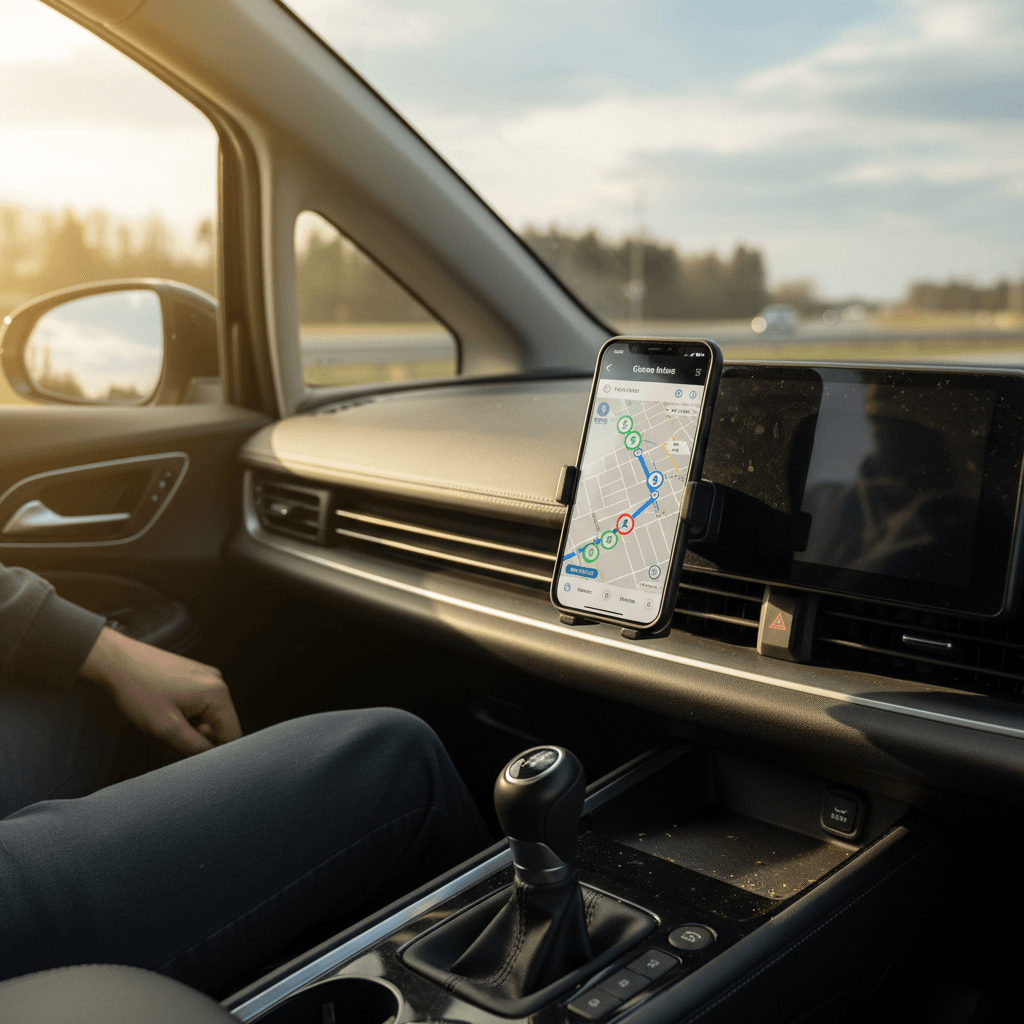
- Trip‑planning mode to lay out a route and add charging stops
- Works as a neutral “second opinion” alongside your car’s built‑in map
How to use PlugShare on a road trip
A Better Routeplanner (ABRP): Long-haul optimization
Where PlugShare excels at **what’s at a given location**, A Better Routeplanner (ABRP) is about building the **entire trip**. It’s widely viewed as the gold standard for EV‑specific routing, modeling energy use for hundreds of EVs and factoring in speed, weather, elevation, and your driving style. In third‑party tests, its predictions have come within a few percentage points of real‑world consumption over cross‑country drives.
Key ABRP strengths for 2025
Why serious EV road‑trippers swear by it
Vehicle‑specific modeling
Choose your exact EV model, then adjust:
- Starting state of charge
- Target arrival percentage
- Cargo, passengers, roof boxes & more
Weather & terrain aware
ABRP bakes in real‑time weather and elevation so it can:
- Plan around headwinds and cold snaps
- Account for mountain climbs and descents
- Warn you if a leg is cutting it too close
Time vs. cost controls
Tell the app whether you care more about:
- Minimizing total trip time
- Minimizing charging cost
- Or balancing the two
Desktop first, phone second
Where ABRP can frustrate
Google Maps & Apple Maps: Built-in EV routing
In 2025, **Google Maps** and **Apple Maps** have both leaned harder into EV‑aware routing. For many drivers, especially if your car supports Android Auto or Apple CarPlay, these are the apps you’ll actually stare at most of the time while you’re moving.
Google Maps
- Robust EV routing in many new vehicles and phones, with eco‑routing options that prioritize efficient paths.
- Excellent real‑time traffic, incident alerts, and automatic rerouting.
- Works through Android Auto on supported dashboards and in‑car Google systems.
- Can highlight compatible chargers along your route based on connector filters.
If your EV has Google built‑in, its native navigation is usually a lightly customized version of Google Maps with extra EV features.
Apple Maps
- On iOS 18 and newer, Apple Maps can read your battery level in supported vehicles and automatically add charging stops.
- EV routing considers connector type, minimum power, and arrival charge targets.
- Offline maps and clear lane guidance make it a strong CarPlay companion for compatible vehicles.
- Still maturing on charger live‑status and price filtering, so pairing it with PlugShare is smart.
In some 2025 models, native EV integrations go deeper, but support varies by brand and trim.
GM’s CarPlay/Android Auto exception
Network apps: Electrify America, Tesla & others
Even with great third‑party tools, you’ll still want the apps for the **charging networks you actually use**. That’s how you start and stop sessions, unlock certain sites, and in some cases access better pricing tiers.
Major U.S. charging network apps for road trips
You don’t need every app, but you should have accounts set up for the networks along your route before you leave.
| App | Best for | Why it matters on road trips |
|---|---|---|
| Tesla | Supercharger access | If your EV can use the Supercharger network (via NACS port or adapter), the Tesla app is how you start sessions, see live stall availability, and monitor charging. |
| Electrify America | High‑power highway charging | A key DC fast network along many interstates. The app lets you start sessions, see pricing, and enroll in discount plans. |
| EVgo | Urban & some highway fast charging | Useful in cities and denser suburbs. The app shows live status, power levels, and station details. |
| ChargePoint | Level 2 and workplace charging | Huge Level 2 footprint at offices, apartments, and retail; app is handy for overnight or destination charging. |
| Shell Recharge, FLO, others | Regional coverage | If a regional network dominates in your area, its app may unlock more chargers or better pricing. |
Check your route in PlugShare or ABRP, then install the two or three network apps you’ll hit most often.
Set up accounts before you leave
Bonus apps: Roadtrippers and other helpers
Strictly speaking, you can road‑trip in an EV with nothing more than a nav app and PlugShare. But a few extra tools make the experience feel less like a math exercise and more like, well, a vacation.
Nice‑to‑have road trip apps for EV drivers
These don’t manage charging, but they make the miles more interesting and predictable.
Roadtrippers
Great for discovering quirky roadside stops, scenic detours, and local food along your EV route.
Plan the fun part of the trip here, then layer charging stops into the same route using ABRP or Maps.
Weather apps
Cold, wind, and rain all cut range. A good weather app helps you anticipate where you may need an extra buffer or an additional charging stop.
Toll & fuel‑price tools
Toll calculators and general road‑trip apps like GasBuddy (for non‑EVs in your caravan) can help you budget and compare costs versus flying or renting.
How to combine apps for a stress-free EV road trip
Think of your EV road‑trip tech stack in layers: one app builds the **big picture**, another handles **moment‑to‑moment navigation**, and PlugShare rides shotgun to sanity‑check the plan.
A simple 3‑app strategy for most drivers
1. Build the route in ABRP or Maps
For complex, multi‑stop trips, start in A Better Routeplanner and export or mirror the route to your in‑car navigation. For simpler drives, you may be fine planning directly in Google Maps or Apple Maps using their EV routing tools.
2. Sanity‑check every DC fast stop in PlugShare
For each planned DC fast charger, open PlugShare and read the last few check‑ins. If you see reports of 50% of stalls down, extremely slow speeds, or frequent errors, pick an alternate along the same corridor.
3. Add backup chargers every 50–80 miles
On any leg longer than 120–150 miles, mark at least one backup DC fast charger in PlugShare and in your notes. If your primary stop is offline or mobbed, you can pivot without stress.
4. Save your plan offline
Download offline areas in Google or Apple Maps, or save ABRP screenshots. Rural interstates and mountain passes often have spotty data, your map should still work if your signal doesn’t.
5. Test the setup on a shorter run
Before a 1,000‑mile vacation, try this system on a 150‑mile day trip. Work out login issues, charging quirks, and cable‑management routines when the stakes are low.
Where your car’s native route planner fits in
Configure your car & phone for EV road trips
The right apps only help if they’re easy to see and control at 70 mph. Before you leave, spend half an hour making sure the tech side is as seamless as the route planning.
On your phone
- Install and sign into: PlugShare, ABRP, Google Maps and/or Apple Maps, and your primary network apps.
- Allow location access for navigation apps so they can show nearby chargers and reroute you quickly.
- Download offline maps for the states or provinces you’ll cross.
- Turn on battery‑saving options that don’t interfere with GPS; bring a high‑output car charger and cable.
In your car
- Test Android Auto or Apple CarPlay (if your vehicle supports them) and pin your main nav app to the home screen.
- Check that your EV’s built‑in trip planner is set to show compatible DC fast chargers.
- Verify your charging adapters and cables are in the car, especially if you’re relying on Tesla Superchargers or legacy CHAdeMO sites.
- Update your infotainment software; many EV routing improvements arrive via over‑the‑air updates.
Safety first: Don’t manage apps while driving
Planning a road trip with a used EV
If you’re road‑tripping in a used EV, the right apps are only half the equation. The other half is understanding what your car’s battery can realistically deliver today, not just what it claimed on the original window sticker.
Why battery health matters for routing
That’s where tools like the **Recharged Score Report** come in. When you buy a used EV through Recharged, you get a verified snapshot of the car’s battery health and real‑world range, plus expert guidance on how to plan trips around that specific vehicle. Pair that data with ABRP and PlugShare, and you’ll know whether a 180‑mile leg is a breeze or better broken into two shorter, faster charges.
How Recharged can help before your first big trip
Frequently asked questions: EV road trip apps
EV road trip apps: Common questions answered
Key takeaways
EVs are finally capable of the kind of road trips many drivers take for granted in gas cars, but the right software stack still makes all the difference. In 2025, the best EV road trip experience usually comes from **combining** tools: PlugShare for real‑world charger intel, A Better Routeplanner for long‑haul optimization, Google or Apple Maps for live navigation, and a couple of network apps for starting sessions and managing costs.
If you’re driving a used EV, or thinking about buying one, pairing these apps with trustworthy battery‑health data is crucial. That’s where a Recharged Score Report, expert EV guidance, and transparent pricing help you pick the right car and hit the road with confidence. Get the tech, the plan, and the vehicle dialed in, and your next EV road trip can be memorable for the views, not the stress.