When shoppers ask about the best EV infotainment system, they’re rarely just talking about screens and icons. In an electric vehicle, the software layer controls charging, trip planning, driver-assist features, over‑the‑air (OTA) updates, even how the car feels to live with every day. Get this part wrong and a great EV can feel frustrating; get it right and the car feels a generation newer than the competition.
Why this matters for used EV shoppers
Why EV infotainment matters more than you think
On a modern EV, the infotainment system does a lot more than play podcasts. It’s the main interface to range prediction, charging, thermal management, driver assistance and over‑the‑air updates. That’s a very different role than the old "radio plus nav" stack in gas cars.
- Charging & route planning: Native EV trip planners can route you via DC fast chargers, predict arrival state of charge, and pre‑condition the battery for faster charging.
- Energy insight: Good systems make it easy to understand what’s using power (climate, speed, elevation) so you can actually hit the range on the window sticker.
- Software-defined features: OTA updates can unlock new driver‑assist modes, better charging curves or fresh UI layouts years after the car was built.
- Third‑party ecosystem: CarPlay/Android Auto or built‑in apps like Spotify, Apple Music or Google Maps often determine whether you like using the system at all.
The mistake many buyers make
How we define the “best” EV infotainment system
Rather than chasing a single "winner," it’s more useful to define what a strong EV infotainment system looks like and then see which automakers actually deliver. For this guide we focus on systems commonly found in North American EVs that show up in the new and used market.
Evaluation criteria for EV infotainment
What actually separates a great system from a frustrating one
Performance & usability
- Fast boot and minimal lag
- Logical menu structure
- Clear driving & charging info
Navigation & charging
- EV‑aware routing with chargers
- Accurate arrival SOC estimates
- Live charger availability when possible
OTA & ecosystem
- Regular over‑the‑air updates
- CarPlay/Android Auto or strong native apps
- History of real feature improvements
Think like a smartphone buyer
Top EV infotainment systems in 2026
Based on real‑world usability, update cadence and how tightly they integrate the electric side of the car, a few systems clearly stand out. Below we’ll walk through the most important players you’ll see on dealer lots and in the used EV marketplace in 2026, and what they do well or poorly.
What drivers say about infotainment quality
Tesla’s native UI in a CarPlay world
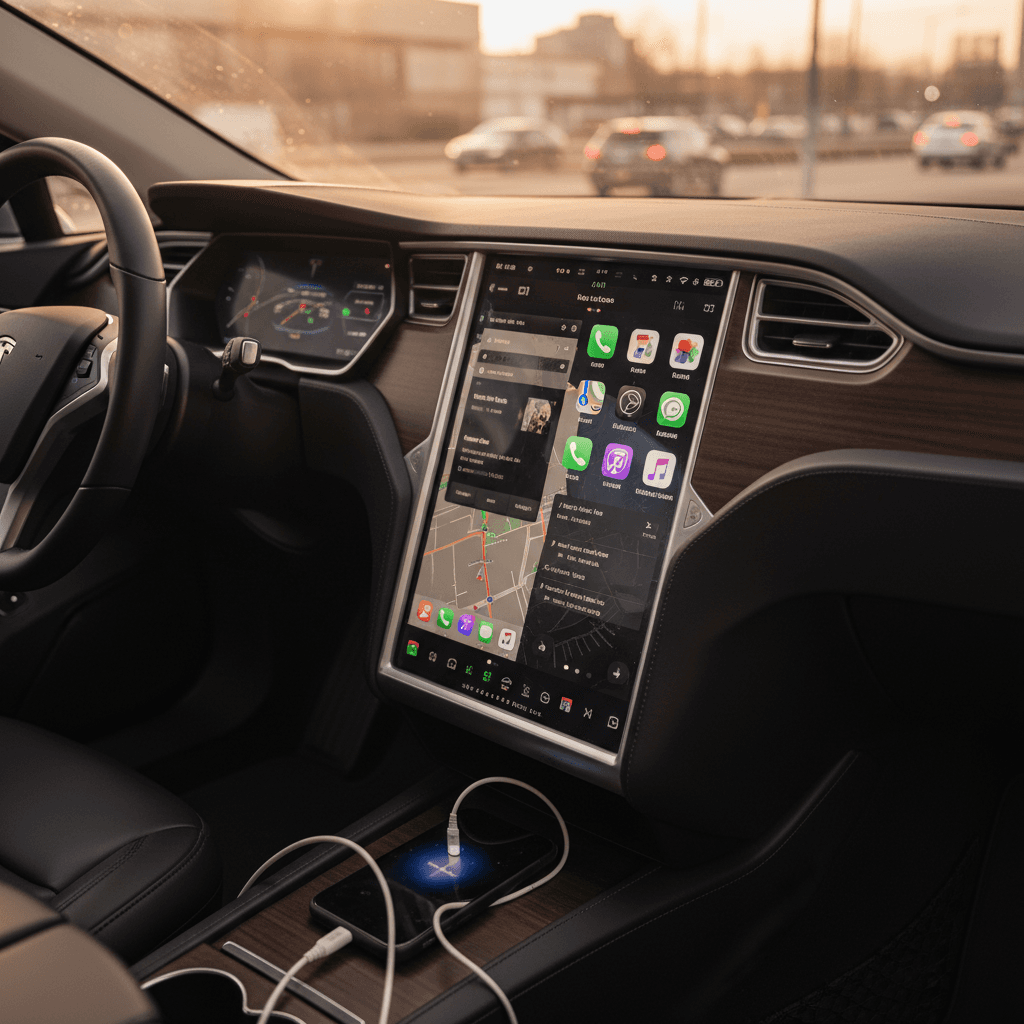
Love it or hate it, Tesla’s horizontal (Model 3/Y) and vertical (older S/X) touchscreens set the template for EV infotainment. The system is tightly integrated with the car: energy use, trip planning, climate, Autopilot settings and charging are all part of one coherent UI.
Where Tesla still leads
- EV‑aware navigation: The built‑in trip planner automatically routes you via Superchargers with realistic arrival SOC estimates and charging times.
- Charging integration: Find, start and monitor Supercharger sessions directly in the UI, including pre‑conditioning for faster fast charging.
- OTA updates: Frequent software updates have added everything from better range prediction to UI tweaks and new entertainment apps.
Where Tesla falls behind
- No CarPlay/Android Auto: If you rely on third‑party apps like Overcast, Waze or NPR One, you’re stuck with workarounds.
- Phone & media UX: Many drivers find the call, text and third‑party music interfaces less polished than smartphone mirroring.
- Learning curve: Heavy reliance on the touchscreen (including for basic controls) is off‑putting for some shoppers.
Important compatibility note
Hyundai & Kia: Clean UI plus full CarPlay/Android Auto
On EVs like the Hyundai Ioniq 5, Ioniq 6 and Kia EV6, Hyundai Motor Group takes a hybrid approach: a relatively clean native interface backed up by full Apple CarPlay and Android Auto. Owners often describe the stock UI as “fine but basic”, good enough for settings and basic nav, but they default to smartphone mirroring for maps and media.
- Strengths: Simple, fairly intuitive native UI; responsive enough; dedicated EV screens for energy usage and charging; full CarPlay/Android Auto support gives you familiar apps and interface.
- Weak spots: Native navigation and route planning lag behind Tesla and Google‑based systems; charger search and availability data are still limited; OTA feature updates have historically been infrequent and modest.
- Ideal buyer: You want a comfortable, practical EV and are happy to let CarPlay or Android Auto handle navigation and media while the car handles charging and settings.
Try both native and CarPlay/Android Auto
GM Google Built-In: Ambitious, but controversial
GM’s new EVs, like the Chevrolet Blazer EV, Equinox EV, Silverado EV and Cadillac Lyriq, use a Google Built‑In infotainment stack. Instead of CarPlay or Android Auto, you get native Google Maps, Assistant and Play‑store apps on top of GM’s own UI. GM is doubling down on this approach, going so far as to phase out Apple CarPlay and Android Auto entirely on future models in North America.
GM’s Google Built-In EV infotainment
High integration, but a big bet against phone projection
What works well
- Google Maps EV routing: Native Google Maps with charging stops, traffic and POI data.
- Cloud services: Easy voice search, Assistant commands and access to select apps via Google Play.
- Deeper vehicle hooks: Navigation and driver‑assist can be tightly integrated because GM controls the whole stack.
What frustrates buyers
- No CarPlay/Android Auto: Many shoppers still see this as a deal‑breaker.
- Subscription creep: Access to certain apps and services is bundled with OnStar plans after trial periods.
- Growing pains: As with any new platform, some early owners report bugs and inconsistencies.
Check app and subscription details
Mercedes MBUX and other premium systems
In the luxury space, systems like Mercedes‑Benz MBUX, BMW’s iDrive and Audi’s latest MMI bring big, sharp screens and powerful processors, especially in their latest electric flagships. MBUX in the EQE/EQS, for example, combines a polished UI with strong voice recognition and deep EV data pages, while still supporting Apple CarPlay and Android Auto in most markets.
- Pros: High‑resolution displays, quick animations, strong voice assistants, and generally robust EV data and route planning in their latest iterations.
- Cons: Complexity can be overwhelming; some features hide behind sub‑menus and touch‑only controls; these systems are still evolving rapidly, so an early‑build 2021 EQS feels very different from a 2024 or 2025 model with more mature software.
- Used‑market twist: Luxury brands were early to experiment with huge screens, so infotainment can be a bigger differentiator between model years than between trims. Later software often fixes early UX mistakes.
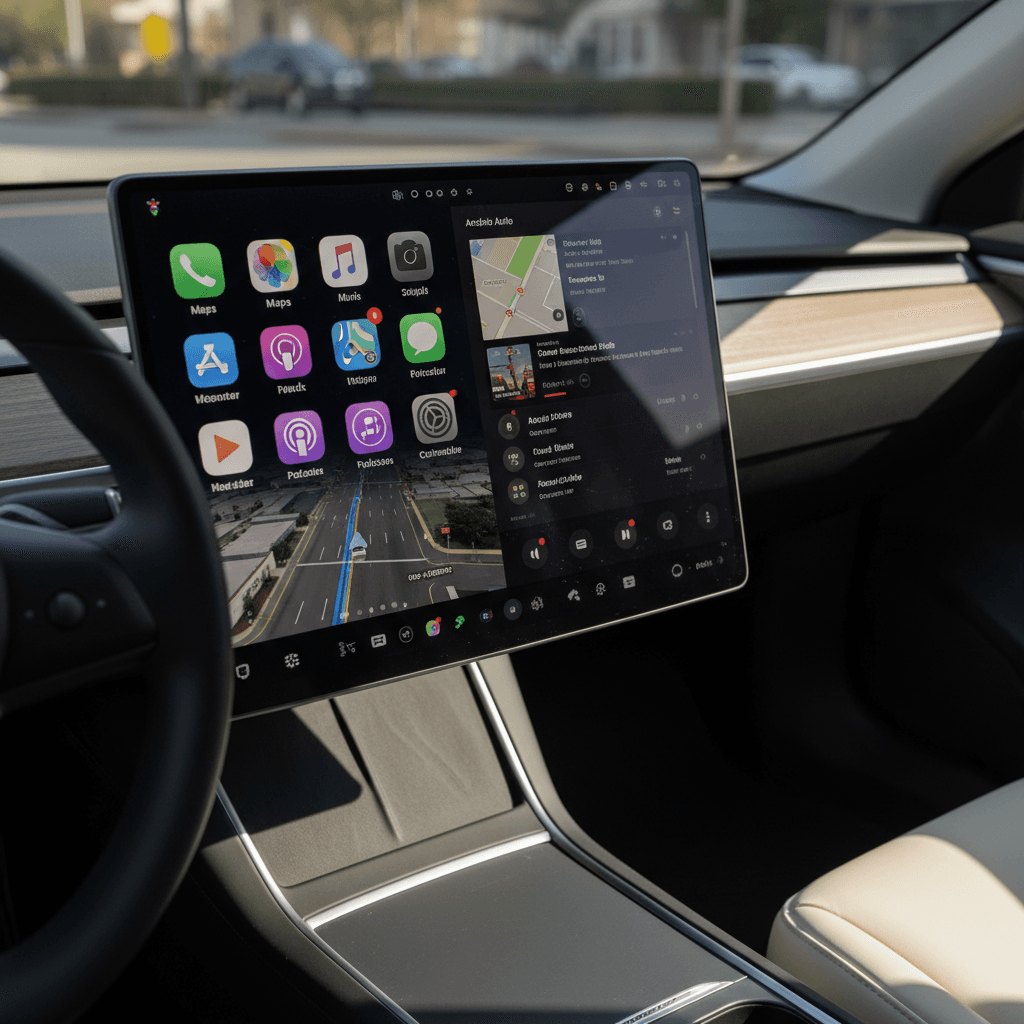
Core features to compare across infotainment systems
Instead of chasing the single "best" infotainment badge, you’ll make a better decision by comparing a short list of concrete capabilities across the EVs on your list. Here’s what to look at side‑by‑side.
Key EV infotainment features to compare
Use this table as a mental model when cross‑shopping EVs, especially on the used market.
| Feature | Tesla | Hyundai / Kia | GM Google Built-In | Luxury (MBUX / iDrive / etc.) |
|---|---|---|---|---|
| CarPlay / Android Auto | No | Yes | No (most NA EVs) | Yes (most trims) |
| EV trip planner quality | Excellent | Basic–fair | Good (Google Maps) | Good–excellent (varies by model year) |
| Charger data & availability | Deep Supercharger integration | Limited native; relies on phone apps | Good with Google data; varies by network integration | Varies widely by brand/network |
| OTA feature updates | Frequent & visible | Occasional, modest | Increasingly frequent | Improving; strong on latest models |
| Voice assistant | Good but Tesla‑specific | Basic | Strong via Google Assistant | Typically strong; brand‑specific AIs |
| Learning curve | Medium–high | Low–medium | Medium | Medium–high depending on complexity |
Not every system will excel in every row, but this is where real day‑to‑day differences show up.
Bring your own habits to the test drive
How infotainment affects used EV value
For used EVs, the infotainment story is really a software‑lifecycle story. A 5‑year‑old EV whose software is still getting meaningful OTA updates can feel fresher than a 2‑year‑old EV built on a stagnant infotainment platform. That has real implications for depreciation and owner satisfaction.
How strong software helps resale
- Perceived age: Updated UI and new features make a car feel more current, even if the hardware is a few years old.
- Battery & charging improvements: OTA updates that refine charging curves or range prediction directly improve ownership.
- Reduced feature anxiety: Buyers worry less about "missing out" when they know the platform is still evolving.
How weak software hurts resale
- Outdated nav & apps: Stale maps, clunky media apps and no CarPlay/Android Auto are instant red flags.
- No update track record: If the automaker barely shipped updates when the car was new, don’t expect miracles now.
- Subscription surprises: Lapsed data or app subscriptions can make a car feel half‑functional on a test drive.
Where Recharged fits in
Checklist: Evaluating infotainment on a used EV test drive
Use this checklist to go beyond "the screen looks nice" and actually evaluate how livable an EV’s infotainment system will be for you.
Practical infotainment checklist for used EVs
1. Boot time and basic responsiveness
When you start the car, how long until the main screen is usable? Tap around quickly: does the system keep up, or do animations stutter and menus lag?
2. EV‑aware navigation & trip planning
Enter a destination beyond your current range. Does the car suggest charging stops with arrival SOC estimates, or are you on your own with a phone app?
3. Charger integration and data
Search for DC fast chargers along your route. Does the car show which networks they are, power levels, or live availability? Or is it just a pin on a map?
4. Phone integration & media
Test Apple CarPlay/Android Auto if available. Make a call, dictate a text, start your favorite podcast. If there’s no phone mirroring, try the native apps you’d rely on instead.
5. Driver‑assist & settings access
Adjust lane‑keeping, adaptive cruise and distance settings. Is it obvious where these live in the menus? Can you quickly change them while driving without distraction?
6. OTA update history
Ask the seller when the last software update was installed and what it changed. On Teslas and some others, you can often see a changelog in the car’s settings.
Don’t forget subscriptions and connectivity
EV infotainment FAQ
Frequently asked questions about EV infotainment
Bottom line: which EV infotainment system is “best”?
If you care most about EV‑native capabilities, trip planning, Supercharger routing, energy insight and steady OTA improvements, Tesla still offers the most cohesive infotainment experience, with GM’s Google Built‑In and the latest German luxury systems closing the gap. If you live in the Apple CarPlay or Android Auto universe and want the least friction possible, Hyundai, Kia and many luxury brands deliver the right blend of native EV data and phone‑based familiarity.
The real question isn’t who wins a spec‑sheet beauty contest; it’s which software platform matches how you actually drive and charge. Spend time with each system on a test drive, run through your daily routines, and don’t be afraid to cross a car off your list if the infotainment makes those tasks harder than they need to be. And if you’re shopping used, working with a specialist retailer like Recharged can help you find the right combination of healthy battery, fair price and livable software, so your next EV feels as smart to use as it is efficient to drive.