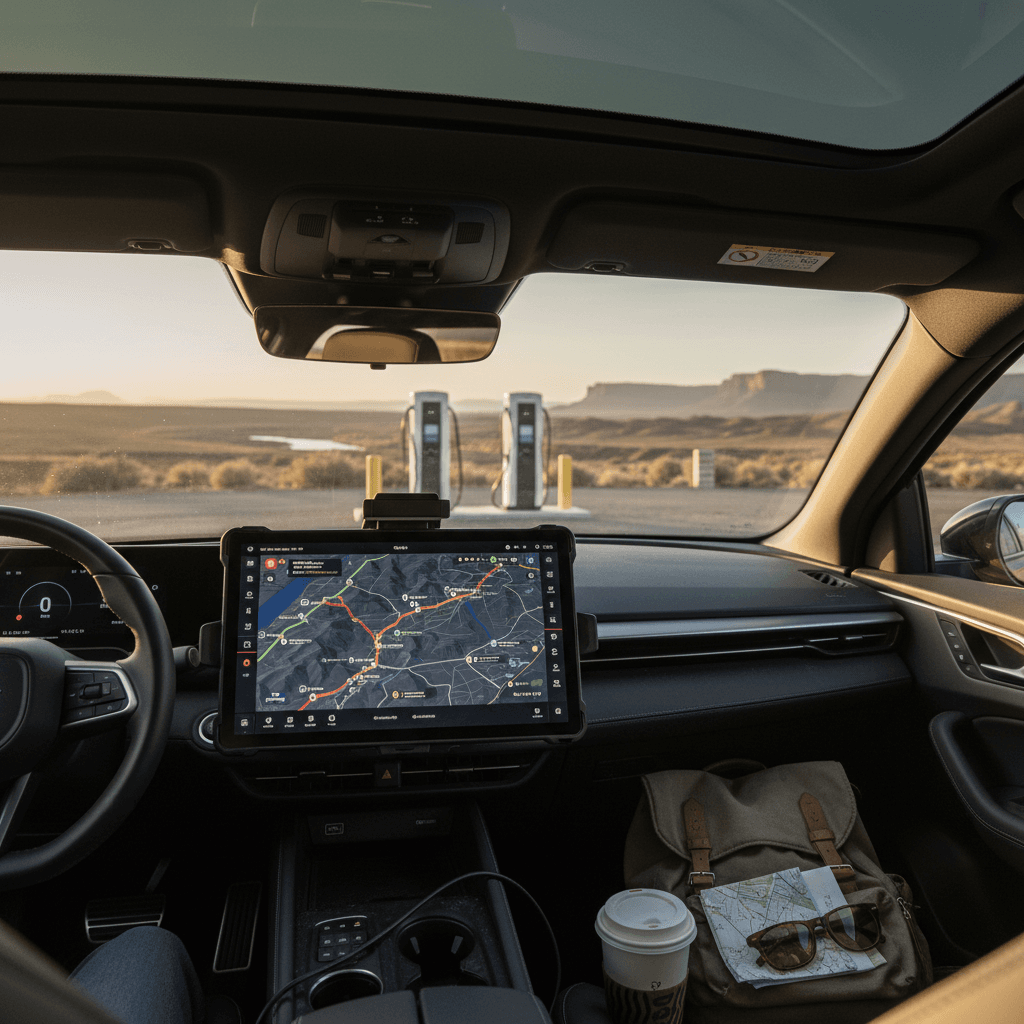
Planning an electric road trip used to feel like planning a moon landing: six browser tabs, three spreadsheets, a rosary. The good news is that in 2026 the **best apps for EV road trip planning** have finally caught up with the cars. A handful of standouts can predict your battery state of charge, choose smart fast‑charging stops, and steer you away from dead plugs and broken readers, if you know how to use them together.
Big picture
Why EV road trip planning apps matter
If you’re coming from gas cars, the whole idea of planning a route around charging stops can feel like a nuisance. On an EV road trip, though, your app is as important as your battery. A good planner will: - Estimate your **arrival battery percentage** at each stop based on your specific car - Suggest **fast chargers only** when you’re on the clock - Avoid stations with a reputation for being broken or overcrowded - Show **real‑time status** and pricing wherever networks share that data Do this right and an 800‑mile day in a used Tesla Model 3 or Hyundai Ioniq 5 is entirely doable. Do it wrong and you’re limping into a strip‑mall Level 2 charger at midnight, searching Yelp for the least‑bad diner.
Why you shouldn’t wing an EV road trip
The three types of EV road trip apps
Three app roles for every EV road trip
Think in layers, not in a single "magic" app
1. Planner apps
2. Community maps
3. Car & network apps
The winning combo
PlugShare: The community map you check first
If you ask a parking‑lot full of EV nerds which app they trust most on an unfamiliar route, the name you’ll hear over and over is PlugShare. It’s a free, community‑driven map of public chargers across virtually every network: Tesla Supercharger (where open), Electrify America, EVgo, ChargePoint, small municipal one‑offs, even RV parks that quietly host J1772 plugs.
Best for
A Better Routeplanner (ABRP): The precision route nerd
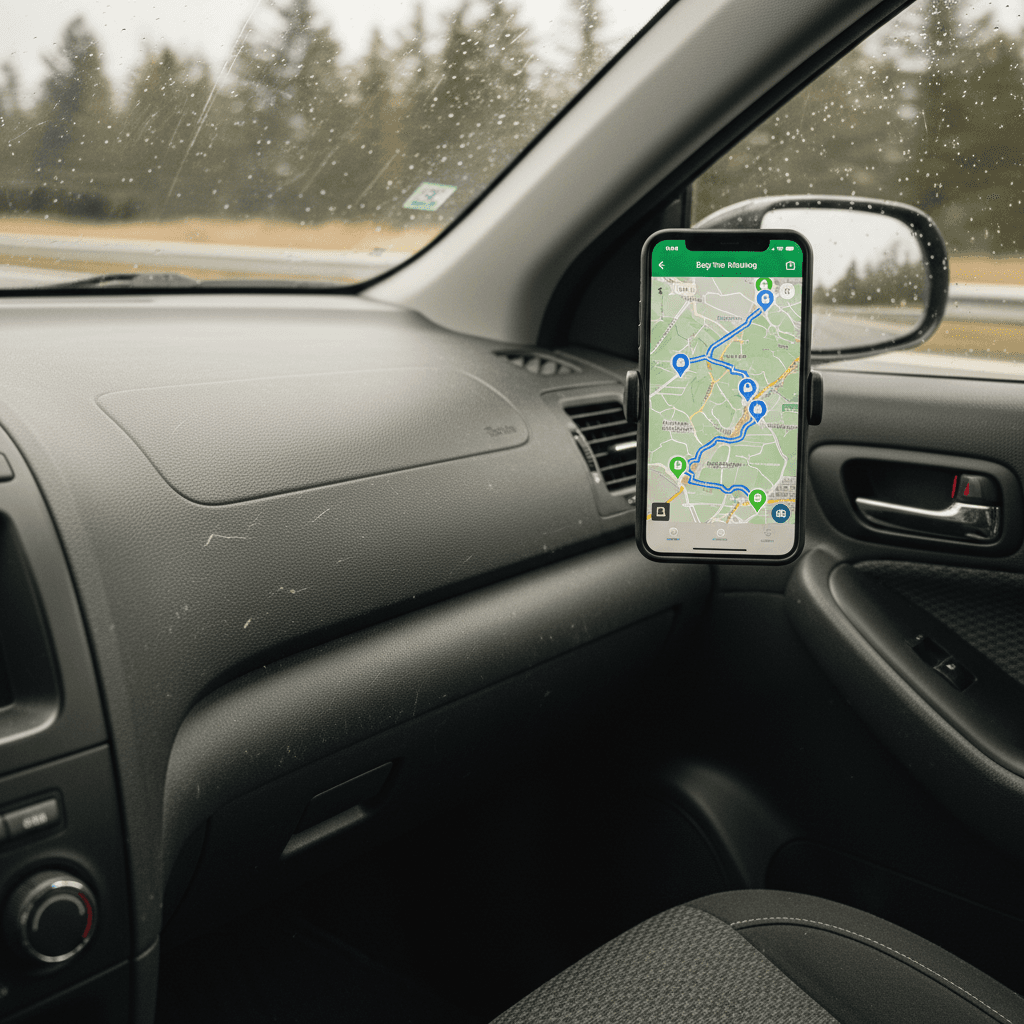
If PlugShare is the gossip, A Better Routeplanner (ABRP) is the engineer with a clipboard. ABRP built its reputation on obsessive EV math: battery curves, elevation changes, wind, temperature, your personal lead‑foot tendencies, all rolled into projected arrival state of charge and optimized charging stops.
ABRP at a glance
Why experienced EV drivers still swear by A Better Routeplanner.
| Feature | What it does | Why it matters on a road trip |
|---|---|---|
| Vehicle‑specific modeling | Lets you pick your exact EV, battery size and wheel/tire combo. | More accurate arrival % and charging times than generic nav apps. |
| Live data (on many cars) | Can pull real‑time state of charge via OBD dongle or cloud links in supported models. | Adjusts on the fly for headwinds, cold weather or your unexpectedly heavy right foot. |
| Charger network filters | Include or exclude specific brands, power levels and plug types. | Great if you have free charging with a particular network or want to avoid one that’s sketchy on your route. |
| Multi‑stop routes | Builds complex itineraries with waypoints, not just A‑to‑B. | Perfect for family trips that zigzag between relatives, theme parks and hotels with Level 2. |
| Web + app + CarPlay/Android Auto | Plan on a laptop, refine on your phone, then mirror in the car. | You can obsess at home the night before instead of in a hotel parking lot. |
ABRP works best when you create an account and save your vehicle, charger preferences and typical highway speed.
Reality check
In practice, many EV owners use ABRP for the **first pass** at a long route, especially across unfamiliar country, then sanity‑check those suggested stops in PlugShare and finally hand off live navigation to the car’s own system so it can pre‑condition the battery before each DC fast‑charge.
Google Maps & Android Auto: EV routing goes mainstream
For years, Google Maps could show you charging icons but couldn’t do the hard part: tell you when you actually needed to stop. That’s changing fast. In 2026, Google rolled out **EV‑aware route planning in Android Auto** for more than 350 EV models. Once you tell Maps which EV you drive and your starting battery level, it can now:
- Estimate battery use over the entire route, including traffic and terrain.
- Recommend where to stop and for roughly how long, with an estimated arrival battery percentage after each charge.
- Show charger names directly in the route details, so you’re not guessing which station your car is talking about.
- Update on the fly when traffic, weather or your plans change.
How to unlock EV routing in Maps
When Google Maps is enough
- Your trip follows major interstates with plenty of fast chargers.
- You’re driving a newer EV that Google supports for detailed battery predictions.
- You value a familiar interface and tight integration with Android Auto or Apple CarPlay.
When to add a specialist app
- You’re crossing charging deserts where a single broken station ruins the day.
- You drive an older or low‑volume EV that isn’t well modeled yet.
- You care about nuanced preferences like avoiding certain networks or targeting very high‑power sites only.
Think of Google Maps as the **generalist**: great default, but pair it with PlugShare and ABRP for deeper control.
Tesla, Rivian and OEM planners: Best when you stay in the ecosystem
If you’re driving a Tesla, Rivian, Hyundai, Ford, GM or another modern EV, your **built‑in navigation is no longer a dumb pipe**. These systems know your battery percentage to the decimal, your efficiency history, the charger network they prefer, and in many cases the real‑time status of their own branded fast‑charge stations.
Why your car’s own planner still matters
Even the best phone app can’t pre‑condition your battery
Tesla Trip Planner
Rivian Adventure & others
Battery pre‑conditioning
Pro move
ChargePoint, EVgo & others: Network apps to layer in
Beyond the big planners, you’ll want apps for the **major charging networks** you actually expect to use: ChargePoint, EVgo, Electrify America, FLO, EV Connect and others in your region. None of these are brilliant at multi‑network road‑trip routing on their own, but they’re valuable for three reasons:
- They’re often the easiest way to **start a charging session** and see live pricing, especially at older stations with flaky readers.
- Many offer **session history and receipts**, which is handy if you’re expensing a work trip.
- Some run **promotions or membership discounts**, extra important on long drives where DC fast‑charging costs add up quickly.
Don’t overthink this layer
How to combine apps for a stress-free EV road trip
Here’s the playbook seasoned EV drivers quietly converge on after a few thousand highway miles. It works just as well whether you bought your EV new or picked up a well‑cared‑for used one through a marketplace like Recharged.
Step‑by‑step: Your three‑layer app strategy
1. Rough‑in the route with ABRP or Google Maps
At home, lay out your full route in <strong>A Better Routeplanner</strong> or Google Maps (with your EV set as the vehicle type). Note the suggested charging towns, not just the stations.
2. Sanity‑check every stop in PlugShare
Open PlugShare and look up each proposed town or charger. Check recent check‑ins, photos, and power levels. Swap out any sketchy stops for nearby alternatives with better ratings.
3. Mirror the plan into your car’s nav
The morning you leave, punch those vetted stops into your EV’s built‑in navigation. This lets the car manage **battery pre‑conditioning** and offers a second opinion on arrival battery percentages.
4. Keep PlugShare open as your scout
While you drive, leave PlugShare up on your phone or in CarPlay/Android Auto. If traffic, weather or kids force a change, you can quickly see alternative chargers ahead on the same corridor.
5. Use network apps for payment and backups
When you actually plug in, use the charger’s own app (or tap‑to‑pay if available) to start sessions. If one site is down, those same apps help you find a nearby alternative of the same network.
6. Build in one flexible stop per day
On a 500–800 mile day, treat at least one charging stop as a wildcard. Weather, construction and fatigue all move the goalposts. Apps help, but a little slack keeps the trip human.
Pre-trip checklist: Apps, accounts and backups
A little boring prep before departure can save a heroic amount of improvisation on the shoulder of I‑80. Here’s the minimal app‑and‑accounts checklist to run through the week before your EV road trip.
EV road trip app checklist
Install the core apps
At minimum, download <strong>PlugShare</strong>, <strong>A Better Routeplanner</strong> (or confirm Google Maps EV routing is set up), and the **network apps** for the corridors you’ll be using.
Create accounts and add a card
Sign up and add a payment method in each charging app while you still have good Wi‑Fi. Many stations are unusable until you’ve verified email, phone, or billing details.
Verify your connector and filters
In PlugShare and ABRP, set your car’s connector type (CCS, NACS, J1772) and maximum DC power. This prevents the apps from suggesting chargers you can’t actually use.
Save your vehicle in each planner
In ABRP and Google Maps, pick the exact trim of your EV and save it to your profile. If you bought used, check the window sticker or owner’s manual for battery size and charging speed.
Download offline maps
In Google Maps or Apple Maps, download offline areas for the rural stretches of your drive. That way your phone stays useful even when your signal drops to one wobbly bar.
Print or screenshot a bare‑bones plan
Take screenshots of your planned stops or jot them down. If your phone or head unit glitches, you still know which towns and exits have viable fast chargers.
Common EV road trip app mistakes to avoid
- Relying on a single app as gospel. Even the best planner can miss outages or new stations, double‑check with PlugShare.
- Assuming all fast chargers are equal. A “50 kW” site can double your dwell time compared with a healthy 150 kW or 250 kW unit.
- Ignoring your car’s native nav. Third‑party apps can’t pre‑condition your battery; that’s free range and time you’re leaving on the table.
- Forgetting to filter by plug type. More than one CCS driver has limped into a NACS‑only site at 4% battery and learned a hard lesson.
- Planning like it’s July when it’s actually February. Cold weather drags range down; let your planner know the season and be conservative with arrival percentages.
- Not practicing locally. Try your app stack on a short Saturday run before staking your family vacation on it.
The 10% rule
FAQ: Best apps for EV road trip planning
Frequently asked questions
How Recharged helps you pick a road‑trip‑ready EV
The right mix of apps can turn an electric road trip from a white‑knuckle experiment into a surprisingly calm way to cross a couple of states. But software can only do so much if the hardware is wrong for how you travel. If you’re shopping for a used EV with road trips in mind, Recharged’s **Recharged Score Report** and battery‑health diagnostics make it much easier to separate the true highway contenders from the cars that are happier staying close to home. Pair a road‑trip‑ready EV, with honest range and strong fast‑charging performance, with the app stack in this guide, and you’ll spend your miles thinking about music and scenery instead of voltage and volts.