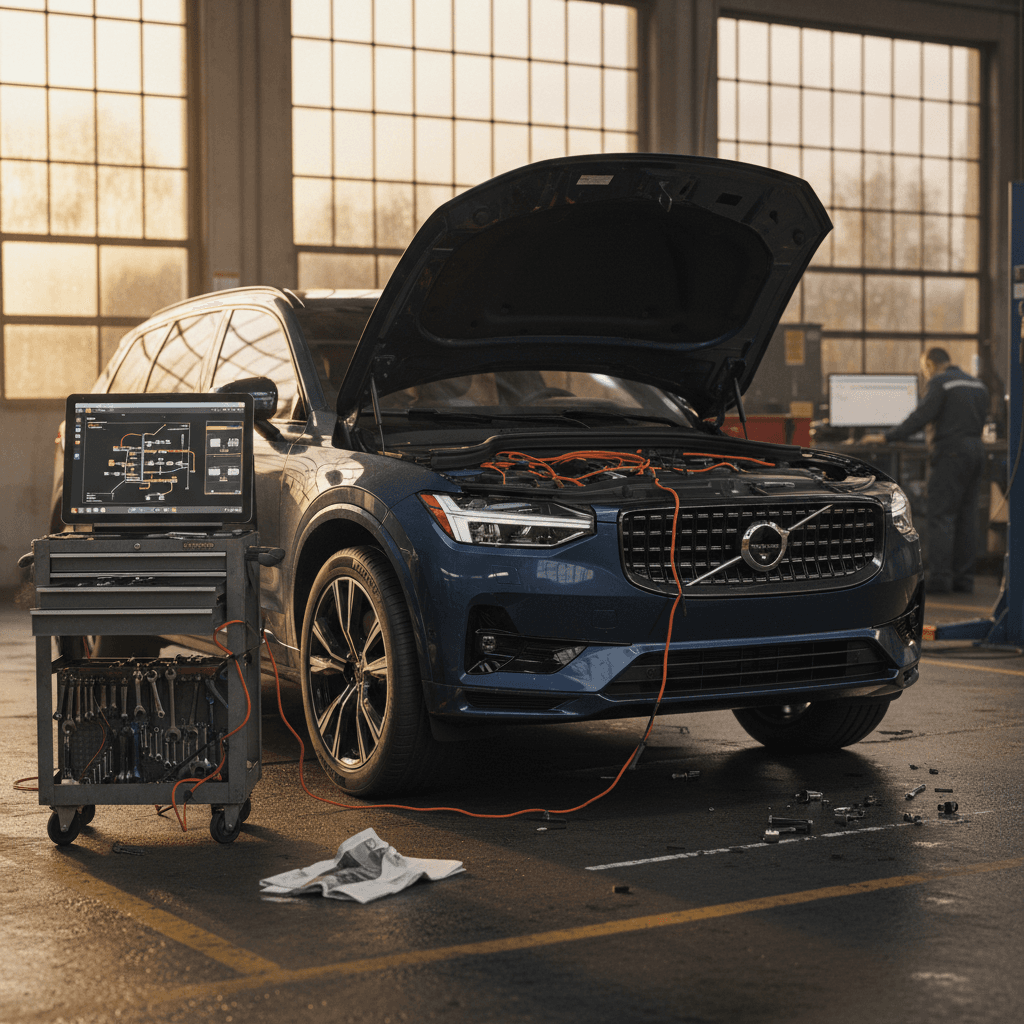
If you’ve been eyeing a 2026 Volvo EX90, you’ve probably also heard the stories: delayed launch, buggy software, and early recalls on the 2025 models. The good news is that 2026 EX90s inherit a lot of fixes, but this is still a young, highly digital SUV, and there are some 2026 Volvo EX90 problems and fixes you should understand before you sign anything.
Context: 2025 vs. 2026 EX90
Overview: Are 2026 Volvo EX90s Still Problematic?
Short answer: the 2026 EX90 is better, but not trouble‑free. Volvo has publicly acknowledged that the EX90’s launch was bumpy and has rolled out new central computers and major software updates aimed at cleaning up bugs, stabilizing driver-assistance systems, and finally enabling more of the advanced safety tech the SUV was sold on.
2025–2026 EX90 Problem Snapshot (What Carries Into 2026)
As a 2026 buyer or owner, your reality is less “car stuck in software limbo” and more “modern EV that still depends on frequent updates.” You’re benefiting from the fixes that came before you, but software-heavy vehicles are never really “done,” so you’ll want to know how to deal with the quirks that remain.
How the 2026 EX90 Differs From the Troubled 2025 Launch
What Went Wrong on Early EX90s
- Underpowered central computer: Early 2025s shipped without enough compute to run the full ADAS and LiDAR stack.
- Frequent software glitches: Frozen center screens, random warning lights, Bluetooth dropouts, and key/profile bugs.
- Charging hiccups: On‑board AC charging modules failing in small numbers and occasional DC fast‑charge handshakes misbehaving.
- Recalls: Software errors affecting headlights and other safety‑critical functions triggered campaigns and OTA fixes.
What’s Different on 2026 EX90s
- Updated central computers from the factory: 2026s start with the upgraded hardware Volvo is retrofitting into 2025s.
- Later software baseline: They ship with newer software that already incorporates several bug‑fix cycles.
- Refined driver-assistance: Lane‑keeping, Pilot Assist, and safety alerts have been tuned based on thousands of early‑owner miles.
- Mature charging logic: AC charging stability, preconditioning, and range estimates are generally more consistent.
You can still see individual problem cars, but the odds of a “beta test” experience are lower with a 2026 than a launch‑year EX90.
Model Year Isn’t Everything
Major 2026 Volvo EX90 Problem Areas
Most 2026 EX90 problems fall into the same broad categories we’ve seen on 2025 models, just usually with fewer or milder symptoms. Here’s how to think about them:
- Software and infotainment glitches – laggy or frozen screens, occasional rebooting, Google Assistant dropouts, weird Bluetooth behavior.
- Charging and battery quirks – rare on‑board charger failures, finicky public fast‑charging sessions, or inaccurate range estimates.
- Driver-assistance and safety system issues – overly sensitive lane‑keeping, phantom alerts, or temporarily unavailable features after an update.
- Build-quality one‑offs – rattles, water leaks, alignment issues, or trim defects that show up on any new model line.
Software Bugs, Freezes, and Infotainment Glitches
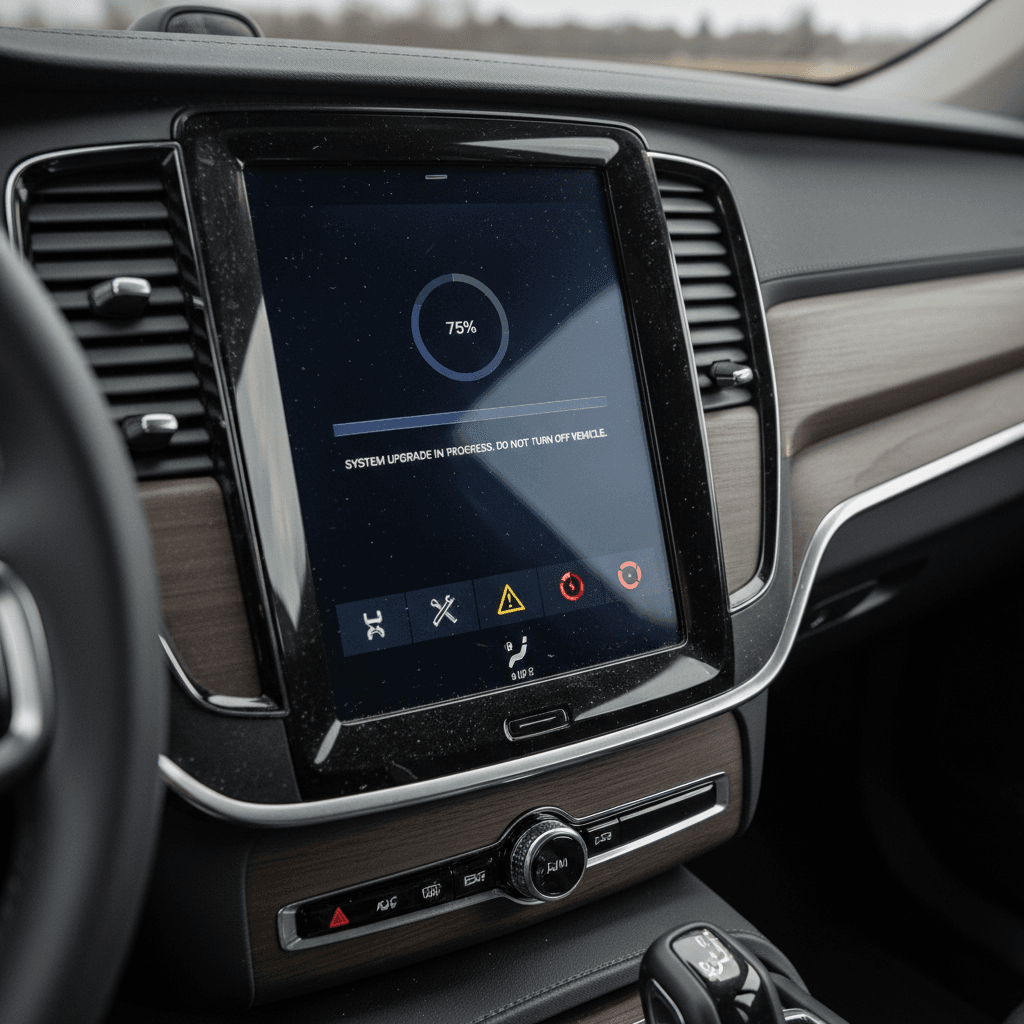
Let’s start with the heart of the EX90 experience: its large Google-based center screen and the network of computers behind it. On 2025s, owners reported everything from total black‑screen episodes to voice control cutting out mid‑command. By 2026, Volvo has sanded off some of the sharpest edges, but you should still expect the occasional oddball moment.
Common 2026 EX90 Software Issues
Most are more annoying than dangerous, but they can add up.
Frozen / Laggy Center Screen
The main display may occasionally lag, ignore touch input, or reboot while driving. Navigation and climate controls may briefly disappear.
Bluetooth & Phone Bugs
Dropped calls, one‑way audio, or the car not reconnecting to your phone profile until you toggle Bluetooth or restart.
Profile & Key Oddities
Digital keys or key tags not retaining profiles, seat or mirror positions resetting, or app access getting out of sync after an update.
When a Freeze Is More Than an Annoyance
Quick Fixes for Minor 2026 EX90 Software Bugs
1. Soft Reboot the Infotainment
If the center screen is frozen but the car still drives normally, park safely, put the car in Park, and perform a soft reboot. In many EX90s, holding the Home button or specific steering‑wheel buttons for several seconds will restart the display without fully powering down the car (confirm the exact method in your owner’s manual).
2. Power Cycle the Vehicle
For persistent glitches, fully power the car down: exit, lock it, walk away with the key, and give it several minutes to go to sleep before re‑entering. This can clear background processes that a simple screen reboot doesn’t.
3. Check for Pending OTA Updates
Open the settings menu and look for pending software updates. If your EX90 is several versions behind, or you see known‑bugfix releases listed, schedule the update when you can be without the car for a bit.
4. Simplify Your Phone Connections
Delete and re‑pair your primary phone, and remove old devices you no longer use. Conflicting profiles and multiple devices can make Bluetooth and Google Assistant act flaky.
5. Keep a Log of Repeat Offenders
Write down dates, mileage, and conditions whenever a bug appears, especially if it affects safety systems, cameras, or charging. That log will help your dealer and gives you leverage if the car becomes a repeat problem child.
Charging and Battery-Related Problems
On any new EV platform, charging hardware and software get a real‑world stress test in that first and second model year. With EX90, we’ve seen a handful of serious charging‑module failures and a longer list of milder hiccups, most of which Volvo has been chasing with software updates and revised hardware on 2026 builds.
Typical 2026 EX90 Charging & Range Issues
What owners report, what it feels like, and what usually helps.
| Issue | What You Notice | Likely Cause | Owner-Level Fix | Dealer Needed? |
|---|---|---|---|---|
| Slow Level 2 Charging | Home or public Level 2 delivers less power than expected | Car limiting current due to heat, voltage, or software rule | Try a different station, verify circuit rating, check charge settings in the car | Only if behavior is the same on multiple vetted chargers |
| Public DC Fast Charge Won’t Start | Session keeps failing handshake or aborts immediately | Communication glitch between station and car | Move to a different stall or network; reboot car and charger if safe | Yes, if it happens across multiple brands/locations |
| Inaccurate Range Estimate | Displayed range drops faster than miles driven, especially in cold | Battery preconditioning, climate use, or recent driving style | Use % instead of miles, precondition while plugged in, reset trip data and monitor trend | Only if you see drastic, sudden loss with normal use |
| On-Board AC Charger Failure | EX90 will not accept AC charge at home or Level 2 public stations | Hardware fault in the charging module | Test multiple Level 2 stations; try included portable cord if equipped | Yes, this is a warranty repair item |
Actual failure of the on‑board charger is rare, but charging quirks are common enough that you’ll want a game plan.
Use Patterns to Your Advantage
Driver-Assistance and Safety System Issues
Volvo hangs a lot of its reputation on safety, and the EX90 is stuffed with sensors, cameras, radar, and (on certain builds) LiDAR hardware. Early cars were infamous for systems that were either too conservative, constant beeping and nudging, or temporarily offline after even minor software hiccups.
Driver-Assistance Problems You Might See on a 2026 EX90
Most are calibration or software issues, not bad sensors.
Fussy Lane-Keeping / Pilot Assist
Lane centering may ping‑pong between lines, nag you to keep hands on the wheel even when they are, or disengage without a clear reason on poorly marked roads.
“ADAS Temporarily Unavailable”
After heavy rain, snow, or a software update, some driver-assistance functions may go offline until sensors are clean and the system re‑checks itself.
Excessive Warnings & Beeps
Blind‑spot and collision‑avoidance warnings may feel overprotective in dense traffic or tight city streets, leading some owners to dial back sensitivity.
Camera / 360° View Glitches
Surround‑view or backup cameras may take too long to appear or show a brief black screen, especially right after shifting into Reverse.
Don’t Turn Safety Off and Forget It
Recalls, Service Campaigns, and Computer Replacements
By early 2026, EX90s have already seen multiple software‑driven recalls and service campaigns. Most of these targeted 2025 models, but they shape what you should expect from a 2026.
- Headlight and lighting‑control software recalls – Addressed via over‑the‑air or dealer‑installed updates to keep exterior lights working correctly in all conditions.
- Central computer upgrade campaigns – 2025 EX90s are being fitted with a more powerful central computer to support future driver-assistance and feature updates; 2026 models should start with this hardware from the factory.
- Stability and bug‑fix releases – Volvo’s software release notes describe improvements to key cards, connectivity, AC charging stability, and climate‑control behavior, alongside fixes for odd warning messages.
How to Check Recall & Software Status
DIY Fixes and Quick Workarounds
You can’t fix a bad computer chip in your driveway, but you can solve a surprising number of day‑to‑day 2026 EX90 problems with a few simple habits and basic troubleshooting. Think of it as learning the car’s temperament.
Owner Toolkit: Easy Fixes for 2026 EX90 Quirks
Keep Software Up to Date, But On Your Terms
Schedule big software updates for evenings when you don’t need the car. Read the release notes first so you know what changed, and take a short test drive afterward to confirm your cameras, ADAS, and charging all behave as expected.
Master the Reset Routines
Learn how to soft‑reboot the center display and how to fully power‑cycle the vehicle. These two tricks clear the majority of random glitches, from stuck apps to weird warning chimes.
Control Your Data Connections
If Google Assistant or navigation misbehaves, try toggling mobile data and Wi‑Fi, or switching between your phone’s hotspot and the car’s built‑in connection. An unstable signal can look like a car problem when it’s really a coverage issue.
Treat Charging as a System, Not a Box
When charging goes wrong, test variables one at a time: different cable, different station, different network, then different car (if available). That process quickly reveals whether the culprit is your EX90 or the hardware in front of you.
Document Everything Early
Take photos of error messages, record short videos of repeatable behavior, and save charger receipts with time and station ID. Clear evidence turns, “It acted weird once,” into a concrete case for warranty repair, or, in rare cases, a buyback discussion.
When a 2026 EX90 Problem Needs a Dealer Visit
There’s a line between living with the occasional software burp and acting as Volvo’s unpaid beta tester. With a 2026 EX90, you shouldn’t tolerate anything that compromises safety, leaves you stranded, or recurs after multiple attempts to fix it.
DIY vs. Dealer: Where to Draw the Line
If in doubt, err on the side of a service visit, especially while under warranty.
Safe to Handle Yourself
- Occasional frozen screen that clears with a reboot.
- One‑off DC fast‑charge failure at a clearly flaky charger.
- Mildly inaccurate range estimate during extreme weather.
- Single, non‑repeating error message after a big update.
Get the Dealer Involved
- Repeated loss of cameras, lights, or main controls.
- Charging failures across multiple vetted stations.
- Warning lights for brakes, steering, or high‑voltage system.
- Any problem that returns immediately after an update or previous repair attempt.
If the car spends more time in the service bay than your driveway, start reading your state’s lemon‑law guidelines and keep every repair order.
Don’t Drive Through Safety Warnings
Buying a Used 2026 Volvo EX90: How to Protect Yourself
Shopping used is where the EX90’s history really matters. On the upside, you may get a lot of luxury EV for the money from an owner who grew tired of software drama. On the downside, you don’t want to inherit someone else’s unfinished science project.
Checklist for Any Used 2026 EX90
- Verify recall and campaign completion: Ask for a Volvo dealer printout showing all recalls and software campaigns are completed.
- Confirm computer upgrade status: Make sure the car has the latest central computer hardware and corresponding software.
- Drive it like you’ll use it: On the test drive, use navigation, Adaptive Cruise/Pilot Assist, and try both Level 2 and (if possible) a DC fast‑charge stop.
- Listen and look for basics: Wind noise, rattles, misaligned panels, and water leaks are old‑school issues that still matter.
How Recharged Helps De‑Risk an EX90
At Recharged, every used EV, including the EX90, gets a comprehensive Recharged Score Report. That means:
- Independent battery health diagnostics, so you know real capacity and projected range, not just what the dash says.
- A check of recalls, software campaigns, and computer hardware status.
- Fair market pricing that reflects the EX90’s launch history and current reliability picture.
- EV‑specialist support to explain what’s normal software quirk vs. red flag.
You can finance, trade in, or get an instant offer on your current car, and even have an EX90 delivered to your driveway, without having to become your own reliability researcher first.
2026 Volvo EX90 Problems and Fixes: FAQ
Frequently Asked Questions About 2026 Volvo EX90 Problems
Bottom Line: Is a 2026 Volvo EX90 a Safe Bet?
The 2026 Volvo EX90 is not the same SUV that stumbled out of the gate in 2025. With stronger central computers and more mature software, it’s closer to the calm, safe, tech‑forward family hauler Volvo promised. But it’s also a reminder that modern EVs, especially first‑generation flagships, live and die by their code. If you’re considering one, go in with clear eyes: insist on up‑to‑date hardware and software, watch how it charges and behaves on a long test drive, and don’t ignore your gut if the car feels half‑finished.
If you’d rather have a partner in that process, Recharged was built for exactly this moment in the EV story. Our Recharged Score Report, battery diagnostics, and EV‑savvy support team help you separate normal 2026 EX90 quirks from true red flags, so you can enjoy the quiet, the safety, and the space without wondering what’s hiding in the software.