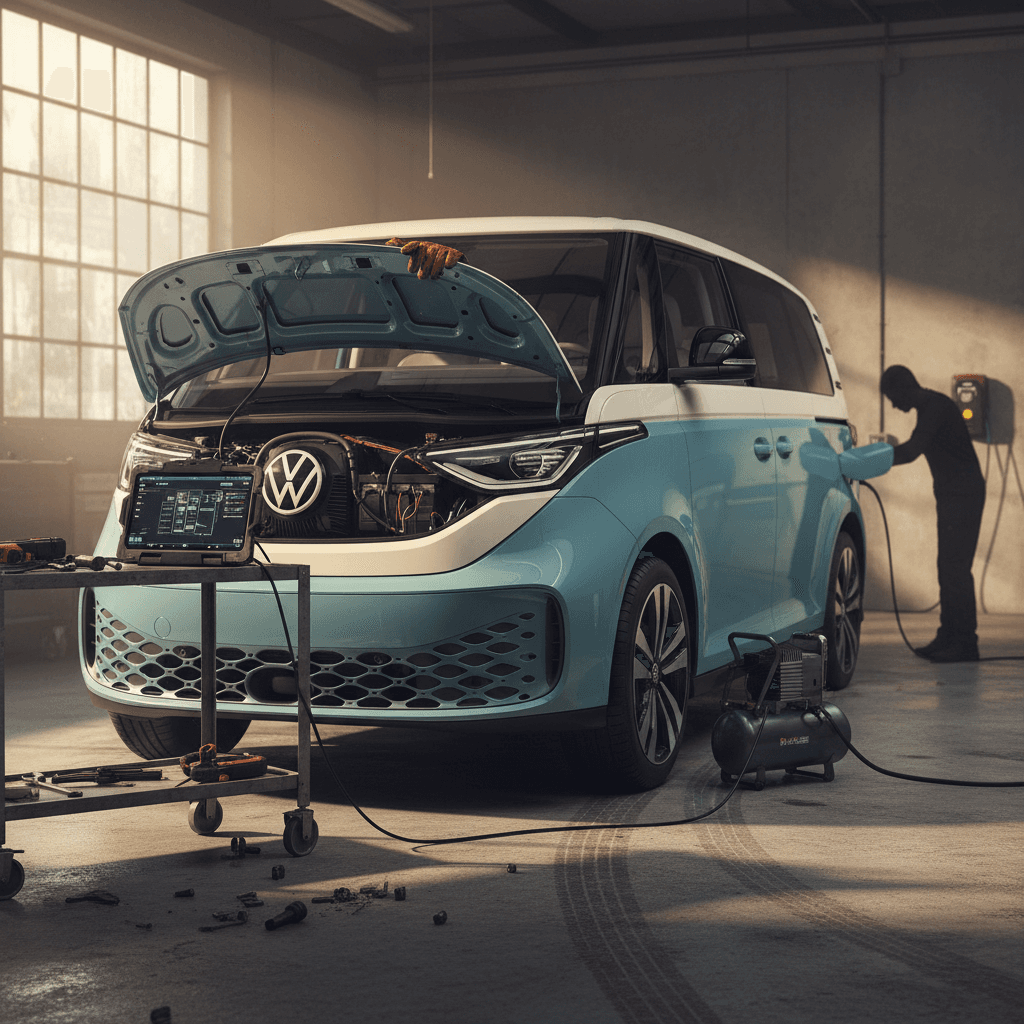
If you’re researching 2026 Volkswagen ID. Buzz problems and fixes, you’ve probably seen headlines about recalls, software bugs, and even a pause in U.S. sales. The truth is more nuanced: the ID. Buzz is a fundamentally solid electric van built on VW’s MEB platform, but it carries some very real quirks you should understand before you buy, especially on early U.S. models that will still be on the road in 2026.
Quick note about “2026” ID. Buzz models
2026 ID. Buzz: What This Guide Covers (and Why 2026 Is Odd)
Because there is no separate 2026 U.S. model year, this article uses “2026 ID. Buzz” as shorthand for vans you’ll be driving, shopping, or selling during the 2026 calendar year. That includes 2025 U.S. long‑wheelbase models and 2024–2026 European vans built on the same underlying hardware and software. We’ll concentrate on problems that are both common and actionable, things you can spot on a test drive, fix with simple steps, or address under warranty.
- The most common ID. Buzz complaints owners report in real‑world use
- Which issues are software annoyances versus genuine safety or reliability risks
- Key recalls that affect ID. Buzz vans and how they’re fixed
- What to inspect before you buy a used ID. Buzz, especially as 2025 models age into the used market
- How Recharged evaluates battery health, software behavior, and pricing on used VW ID. Buzz inventory
ID. Buzz Problem Snapshot (What Owners Are Seeing)
Quick Overview: Common 2026 ID. Buzz Problems
Most-Reported 2026 VW ID. Buzz Problems
From owner reports, technical bulletins, and early recall data
Software & Infotainment
Frozen or blank center screens, laggy menus, dropped Apple CarPlay/Android Auto, and driver profiles or settings that randomly reset after updates or overnight.
Charging & Range Behavior
Inconsistent DC fast‑charging speeds, cars waking up or charging at wrong times, and occasional failures to start scheduled charging at home.
Battery & 12‑Volt Issues
Isolated cases of 12‑volt batteries draining or not recharging properly, plus a broader MEB‑platform recall addressing high‑voltage battery fire risk on some builds.
Safety Recalls
Third‑row bench too wide for two seatbelts, plus platform‑wide recalls that include ID. Buzz. All should be fixed free at a VW dealer.
Driver Assistance Quirks
Travel Assist or adaptive cruise shutting off unexpectedly, lane‑keeping that feels overly aggressive, and parking sensors chiming with no obstacle.
Dealer & Service Experience
Long waits for software updates, parts back‑orders, and some dealers still learning EV diagnostics, which can stretch simple fixes into multi‑week ordeals.
How worried should you be?
Software and Infotainment Glitches
If there’s one area where the ID. Buzz lives up to the stereotype of modern EVs, it’s software. Owners routinely mention screen freezes, CarPlay crashes, and settings that won’t stick. Many of these issues mirror what we’ve already seen on the ID.4 and other MEB-platform vehicles, just dressed in a more charming microbus body.
Common software symptoms
- Blank or frozen infotainment screen that comes back only after a hard reset or parking the van for a while.
- Laggy climate and driving-mode controls buried in touch menus that occasionally take several seconds to respond.
- Apple CarPlay/Android Auto crashes mid‑trip, sometimes refusing to reconnect until you fully shut down and restart the vehicle.
- Profiles and driver‑assist settings reset after an over‑the‑air update or overnight park, forcing you to re‑set preferences.
Why it happens
- The ID. Buzz runs a complex software stack for infotainment, driver assistance, and charging management. Bugs in one module can ripple across others.
- VW is pushing frequent software updates to fix earlier issues, but new builds sometimes introduce fresh glitches.
- Dealers are still learning the update process; a failed update can corrupt a module and require replacement, which explains some of the longer repair stories you’ll hear.
When a software glitch becomes a safety issue
DIY Fixes and Dealer Strategies for Software Problems
1. Master the two-button reset
On most ID. Buzz vans, you can soft‑reboot the infotainment by holding the power button on the screen or using the steering‑wheel controls (depending on software version) for ~10 seconds until the display restarts. This solves many temporary freezes.
2. Power-cycle the vehicle fully
If the screen remains blank, lock the van, walk away with the key for a few minutes, and let it go to sleep. Then unlock and restart. Many owners report that a full sleep–wake cycle clears stubborn glitches.
3. Check for pending software updates
In the settings menu, look for system updates and Wi‑Fi or cellular connection status. If updates are available, schedule them when you don’t need the van, and avoid interrupting the process mid‑stream.
4. Document patterns before seeing a dealer
Note dates, weather, apps in use (CarPlay/Android Auto), and whether the van was DC fast‑charged recently. Video evidence of freezes or resets makes it harder for a dealer to dismiss your concern as “could not duplicate.”
5. Ask specifically about known campaigns
Volkswagen issues service campaigns and technical bulletins for software. When you book service, ask if there are <strong>open software campaigns</strong> or module updates for your VIN, not just safety recalls.
6. Escalate repeat failures
If a dealer keeps reflashing the same module and the problem returns, ask them to open a case with VW technical support. In some markets, repeated failed attempts can trigger buyback or replacement protections under consumer law.
Charging Bugs and Slow DC Fast Charging
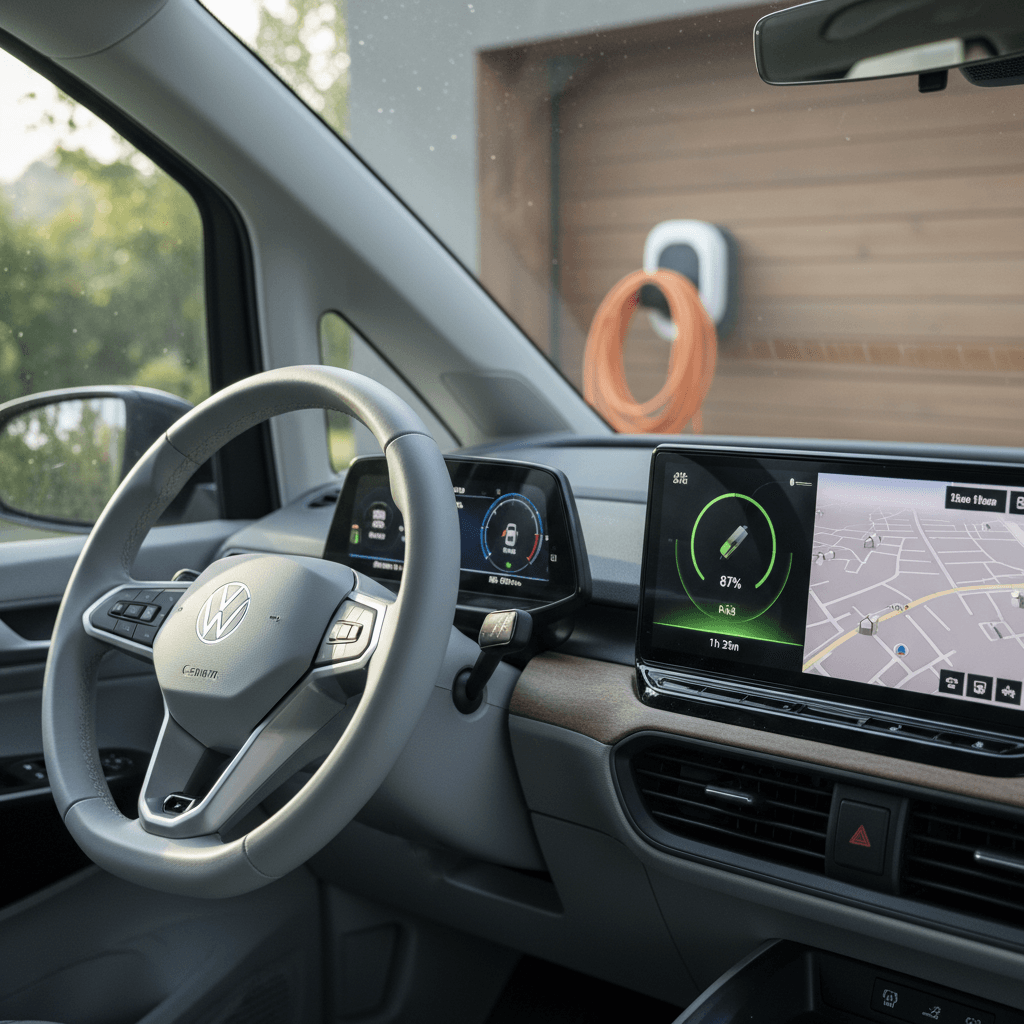
On paper, the ID. Buzz supports competitive DC fast‑charging speeds and straightforward AC home charging. In practice, some owners experience inconsistent charge curves, quirky scheduling behavior, or failed communication between the van and the charging station, again, similar to ID.4 behavior on certain software versions.
- DC fast‑charging sessions that ramp up slowly and then plateau far below the advertised peak power
- Home charging schedules that randomly flip from “charge by departure” to “charge immediately,” defeating off‑peak electric rates
- Public chargers that refuse to start a session even though other EVs charge there normally
- The van waking up from sleep and drawing power at odd times, surprising owners with higher utility bills
Start simple with charging troubleshooting
Simple Charging Fixes Before You Book Service
1. Verify cables and connectors
Inspect the CCS connector and your home charging plug for dirt, bent pins, or damage. A quick clean with a dry cloth and visual inspection can head off intermittent connection errors.
2. Reset charging profiles
Delete and recreate your home charging location and schedules. Set a basic schedule first (for example, 11 p.m.–6 a.m.) and confirm it works for a week before layering on departure‑time logic.
3. Update your charging apps
If you rely on a network like Electrify America or ChargePoint, make sure the app is updated and that your payment method is valid. Some “vehicle won’t charge” complaints are actually account errors.
4. Try different DC fast chargers
If your ID. Buzz consistently underperforms at one station but not another, photograph the station readouts and your dash. That evidence helps the dealer and the charging network sort out who’s at fault.
5. Monitor the pack when near 100%
All EVs slow down charging dramatically above ~80% state of charge to protect the battery. Don’t judge your van’s DC performance solely by how long it takes to go from 90% to 100%, that’s supposed to be slow.
6. Capture error codes
If the dash displays a charging error icon, note it immediately and snap a photo. Ask your dealer to pull <strong>stored charging and battery codes</strong> during your visit; don’t accept “no fault found” without that step.
Battery Health, 12‑Volt Issues, and the High-Voltage Pack
The big traction battery is the heart of any EV, and naturally shoppers want to know if the ID. Buzz has a lurking battery problem. So far, there is no widespread pattern of high‑voltage pack failures unique to the Buzz, but there are three battery‑related issues you should know about: occasional 12‑volt failures, parasitic drains tied to software, and a broader MEB‑platform recall for fire risk on certain builds.
- Isolated stories of brand‑new Buzz vans with dead 12‑volt batteries or DC‑DC converters that aren’t recharging the 12‑volt properly
- Owners noticing higher than expected “vampire drain” when the van is parked for several days, often traced to software that keeps modules awake
- A global recall campaign across several VW ID‑family models (including ID. Buzz) related to potential battery fire risk on packs built during specific 2022–2024 windows
Take battery and fire-related recalls seriously
How to Check ID. Buzz Battery Health (Beyond the Gauge)
1. Compare indicated range to EPA or WLTP
On a full charge, compare the dashboard’s estimated range to the official rating for your trim. Some drop is normal, but a large gap can hint at degradation, aggressive driving history, or software not calibrated to your use.
2. Look for warning lights or messages
Any persistent battery or electrical warning icon should be investigated before purchase. Ask the seller to provide documentation of prior diagnostics and repair orders.
3. Ask about 12‑volt replacements
A replaced 12‑volt battery isn’t automatically bad news, but multiple early replacements can signal an underlying charging‑system (DC‑DC converter) problem that needs deeper diagnosis.
4. Review charging history if available
Some service records and connected‑vehicle logs show heavy DC fast‑charging use. Occasional road‑trip DC use is fine; exclusive DC charging can accelerate wear versus home Level 2 charging.
5. Use a third‑party battery health report
If you’re buying from a private seller or non‑EV specialist, consider an <strong>independent battery health assessment</strong>. At Recharged, this is exactly what our <strong>Recharged Score</strong> provides, verified battery data instead of guesses.
6. Inspect underbody and pack area
Have a technician check for underbody damage, corrosion, or prior impact around the battery pack. A curb strike or off‑road hit that reached the pack is reason to walk away.
Safety Recalls and Structural Concerns
Early ID. Buzz vans haven’t accumulated decades of crash‑data history yet, but they’ve already seen a few notable recalls, including one that’s unusual even by recall standards: a third‑row seat that’s simply too wide for the two seatbelts installed.
Key ID. Buzz Recall Themes Relevant in 2026
Always run a VIN search with your local authority or Volkswagen before buying; recall campaigns evolve over time.
| Issue | What Happens | Risk | Typical Fix |
|---|---|---|---|
| 3rd-row bench too wide | The third‑row bench is wide enough to make it appear usable by three passengers, but only two belts and headrests are provided. | Improper seating position could leave a third passenger unrestrained in a crash. | Dealer installs trim pieces or other hardware to limit the usable width of the bench to two passengers. |
| High-voltage battery fire risk (MEB-wide) | Internal pack components may, in rare cases, overheat or fail. | Increased risk of thermal event if conditions align. | Software and/or hardware updates to battery management and pack components; performed free at dealer. |
| Assorted software/safety campaigns | Driver‑assist, lighting, or braking systems may not behave according to specification under certain conditions. | Reduced safety margin or non‑compliance with regulations. | ECU software updates and module replacements as needed. |
This table summarizes major recall themes, not every individual bulletin. Use it as a starting point, not a substitute for a VIN‑specific check.
How to check recall status on an ID. Buzz
Driver-Assistance and Convenience Issues
Travel Assist, adaptive cruise, lane‑keeping, and parking sensors are part of the ID. Buzz charm, when they work. Owners, however, sometimes report that these helpers behave inconsistently or shut themselves off for reasons that aren’t clear from the driver’s seat.
- Travel Assist drops out on well‑marked highways, complaining that lane lines aren’t visible when they clearly are.
- Adaptive cruise control disengages with a chime, leaving the driver to re‑engage it repeatedly on longer trips.
- Parking sensors and cross‑traffic alerts beep or flash with no obvious obstacle, particularly in heavy rain or snow.
- Traffic‑sign recognition misreads temporary speed limits or construction zones and nags the driver to slow down.
Use driver-assist as an aid, not a crutch
How to Evaluate Driver-Assistance on a Test Drive
1. Test on a divided highway
Find a stretch of highway with clear lane lines. Activate Travel Assist and observe how smoothly it centers the van and how often it disengages without obvious cause.
2. Try stop-and-go traffic
If possible, use adaptive cruise in slower traffic. Note whether the system restarts smoothly after a full stop and if it brakes naturally versus abruptly.
3. Park in tight spaces
Use the cameras and parking sensors in a garage or tight lot. Watch for repeated false alarms or lagging camera views, which can indicate software or sensor‑calibration issues.
4. Explore the menus
Dive into the driver‑assist settings. Make sure options stay where you set them between key cycles; frequent reversion to defaults can be a sign of software instability.
5. Confirm recall and update status
Ask the seller for paperwork showing <strong>completed software and safety campaigns</strong> related to driver assistance. A Buzz that’s behind on updates is more likely to behave erratically.
Dealer Service Delays and Software Updates
One of the most frustrating “problems” with the ID. Buzz isn’t the van itself, it’s how long it can sit at a dealer when something goes wrong. Because software and control modules are at the core of this vehicle, a failed update or faulty module can sideline it for weeks while parts arrive and technicians wait for guidance from Volkswagen.
Typical owner complaints
- “My Buzz has been at the dealer for six weeks for a software update that bricked a module.”
- “They keep saying they’re waiting on parts or approvals from VW headquarters.”
- “The service staff is great, but they clearly don’t have much hands‑on experience with EV diagnostics yet.”
How you can protect yourself
- Ask directly how many ID‑family EVs the dealer services each month; more volume often equals more experience.
- Request a loaner or rental in writing when you schedule work that could take more than a day.
- Keep all service records and written communication, especially if the vehicle is out of service for extended periods, which may trigger consumer‑protection remedies in your region.
Why service history matters on a used ID. Buzz
What to Check Before Buying a Used ID. Buzz
As the first wave of 2025 ID. Buzz vans rolls into the used market in 2026 and beyond, the best deals will go to shoppers who know how to separate a lovable electric bus from an owner’s science experiment. Here’s a structured way to evaluate one.
Pre-Purchase Checklist for a Used ID. Buzz
1. Run a full VIN history and recall check
Look for accidents, lemon‑law buybacks, repeated electrical complaints, and open recalls. A history of multiple service visits for the same issue should prompt very careful questioning, or a hard pass.
2. Inspect the infotainment and software behavior
Spending 15–20 minutes cycling through menus, profiles, and CarPlay/Android Auto will tell you more than a quick lap around the block. Any freezing, random reboots, or settings that don’t stick should be considered negotiation leverage at minimum.
3. Test home-style charging
If you can, plug into a Level 2 charger at the seller’s location or a nearby public L2. Confirm that the van starts charging promptly and honors a simple schedule if one is set.
4. Take a highway trip at least 15–20 miles
On the highway, evaluate wind noise, steering feel, and driver‑assist behavior. Look for unexplained disengagements or warning chimes. A short urban drive won’t reveal these issues.
5. Examine tires and suspension for uneven wear
Uneven tire wear can point to alignment issues or prior curb impacts, both of which are more concerning on a tall, heavy EV van like the Buzz.
6. Confirm warranty coverage and transferability
Verify in writing which portions of the <strong>high‑voltage battery, drive unit, and basic warranty</strong> still apply to you as the next owner, and whether any extended coverage is available.
Be cautious with “cheap” early-production vans
How Recharged Evaluates Used ID. Buzz Vans
ID. Buzz buyers tend to be enthusiasts: you’re drawn to the style and space, but you still want transparency about battery health, software behavior, and fair pricing. That’s where a specialist used‑EV retailer can take a lot of the risk out of the equation.
What Recharged Checks on Every ID. Buzz
Beyond a basic mechanical inspection
Recharged Score Battery Diagnostics
We run a dedicated Recharged Score assessment on every ID. Buzz, measuring usable capacity, DC fast‑charge history, and any stored battery‑related error codes so you’re not guessing about pack health.
Software & Feature Verification
Our technicians intentionally stress the infotainment system, profiles, CarPlay/Android Auto, driver‑assist settings, to look for freezes or odd behavior before a van is ever listed for sale.
Recall & Campaign Completion
We check each VIN for open recalls and service campaigns and ensure they’re completed at a Volkswagen dealer whenever possible, with documentation included in your digital file.
Fair Market Pricing
Because we work exclusively with EVs, our pricing models account for software history, battery condition, and warranty status, not just mileage and trim.
Nationwide Delivery & Trade-In
Whether you’re trading in a gas car or another EV, we provide instant offers, consignment options, and nationwide delivery so you can shop for an ID. Buzz without leaving home.
EV-Specialist Support
From first questions through paperwork, you’ll work with EV‑savvy specialists who can explain ID. Buzz quirks in plain language, not just read from a spec sheet.
Ready to find your next EV?
Browse VehiclesFrequently Asked Questions: 2026 ID. Buzz Problems
2026 Volkswagen ID. Buzz Problems and Fixes FAQ
Bottom Line: Is the 2026 ID. Buzz a Bad Bet?
The 2026 calendar year will be an unusual moment for the Volkswagen ID. Buzz: a beloved electric microbus on the road, but officially between model years in the U.S., still maturing on the software side. If you understand that most Buzz problems are software and dealer‑process issues, not inherent flaws in the motors or battery, you can shop confidently and even use those quirks to negotiate a better price.
Your best protection is to buy with eyes open: verify recalls, stress‑test the infotainment and driver‑assist systems, and get hard data on battery health. Working with an EV‑focused retailer like Recharged adds another layer of confidence, every ID. Buzz we list has been through a deep electrical and software inspection, comes with a Recharged Score report, and is backed by EV‑savvy support from first click to final delivery. If you love the idea of an electric bus and you’re willing to be a bit patient with software, a well‑vetted ID. Buzz can absolutely be worth a spot in your driveway.