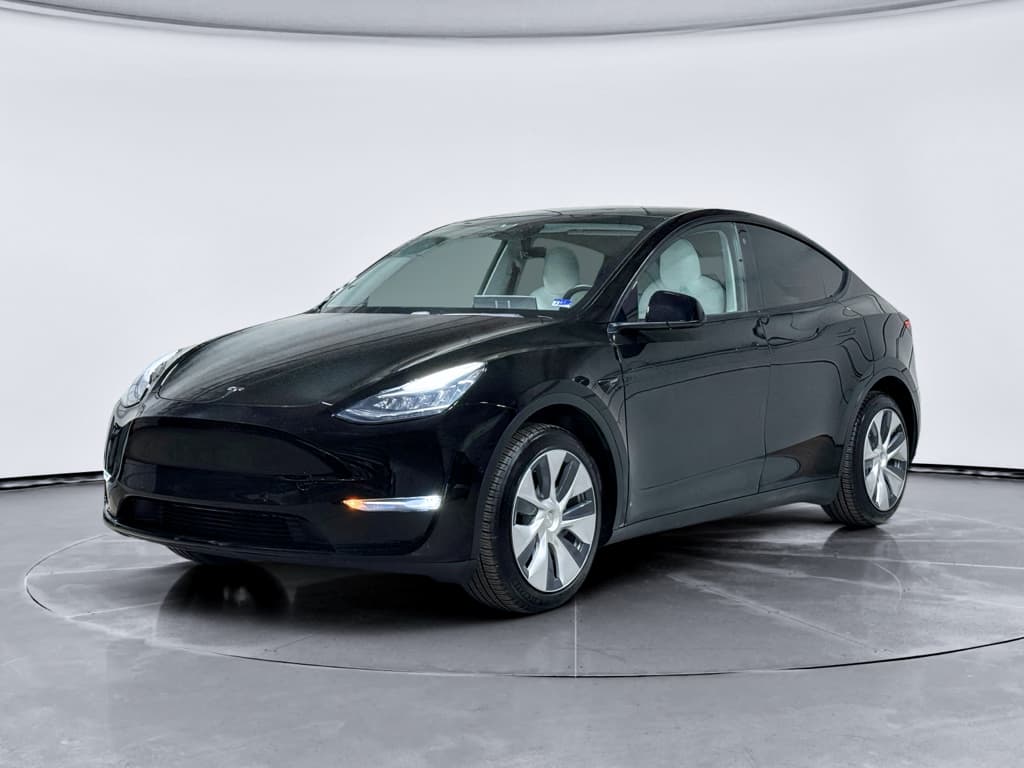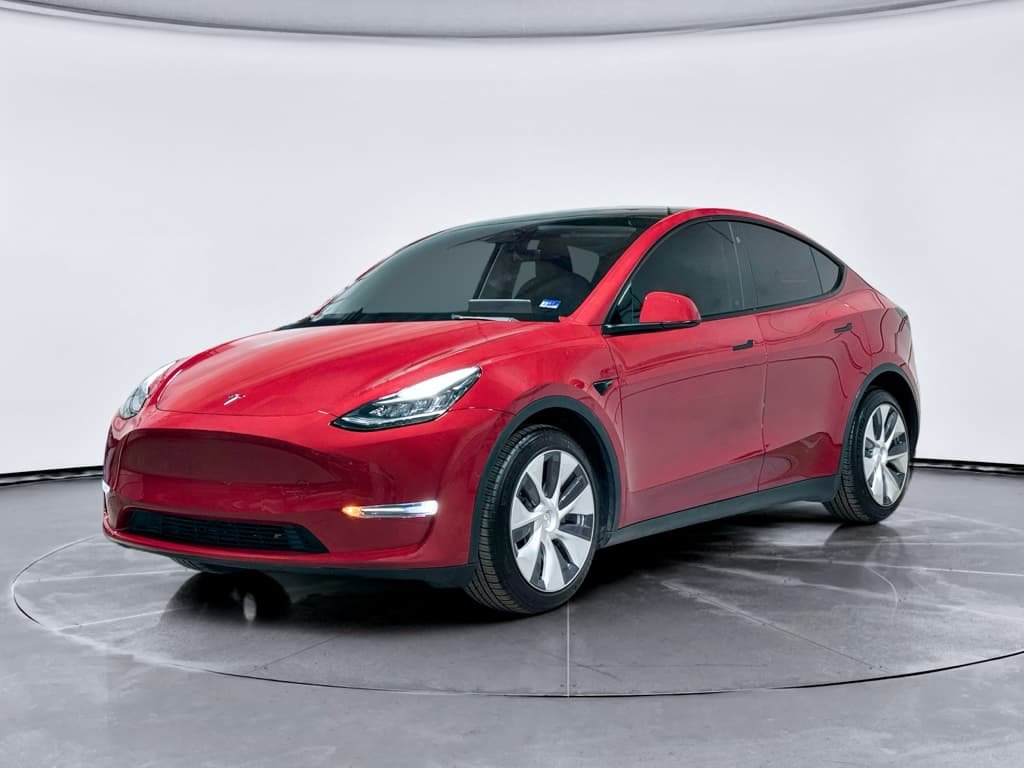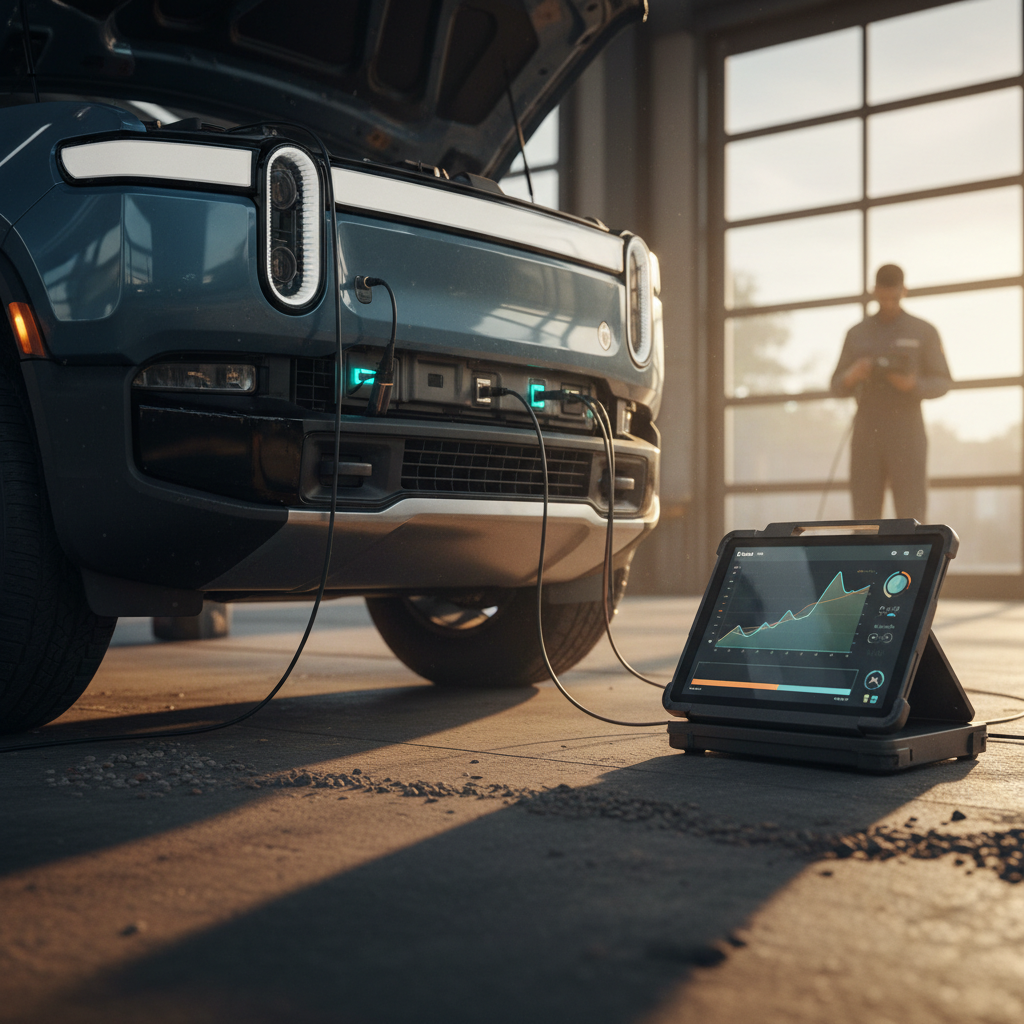
If you’re looking at a 2026 Tesla Model Y, whether new or used, you’re probably trying to separate internet horror stories from real, likely problems. The 2026 Model Y builds on the same basic platform as earlier years, but adds newer driver-assist hardware and incremental changes that can shift where the trouble spots show up. This guide walks through the most common 2026 Tesla Model Y problems and fixes so you can go in with clear eyes instead of crossed fingers.
Why focus on 2026?
2026 Model Y: What’s New and Why It Matters for Reliability
Mechanically, the 2026 Model Y remains closely related to the 2024–2025 models. Where things change most is in electronics and software, areas that already account for a disproportionate share of Tesla issues. Late‑2025 and 2026 Fremont‑built Model Y vehicles began shipping with an updated Autopilot / FSD computer sometimes referred to as Hardware 4.5 (AI4.5), an evolution of the Hardware 4 platform that brought new camera setups and computing hardware in earlier years.
Key 2026 hardware themes
- Updated driver-assist computer (AI4.5) on many Fremont builds, tightening integration between cameras, compute, and software.
- Running changes to interior materials and sound insulation, especially on higher‑trim "premium" builds.
- Continuing move away from ultrasonic sensors toward vision-only parking and Autopilot, which shifts failure modes from hardware to software.
Why this affects reliability
- Newer electronics can fix some prior bugs but also introduce fresh ones, especially in the first 12–18 months.
- Over‑the‑air updates can change behavior overnight, so stability depends as much on software quality as hardware.
- Used‑vehicle shoppers need to care about build date and hardware version, not just model year on the title.
Model-year vs. build-date
Big-Picture 2026 Tesla Model Y Reliability
Third‑party reliability scores for the Model Y are still anchored in earlier model years, which were dragged down by body hardware, paint, and electronic glitches. Early data for late‑2024 and 2025 builds shows gradual improvement in some of those areas, but 2026 cars still lean more “tech product” than “appliance‑grade crossover.” That means high satisfaction for many owners, with a non‑trivial minority dealing with frustrating issues and slow service follow‑up.
How 2026 Model Y Reliability Tends to Break Down
What this means for you
Build Quality, Paint, and Trim Issues
Body and trim problems have been a consistent thread since the Model Y launched: panel gaps, paint thinness, hatch alignment, interior squeaks, and wind noise. Fremont‑built 2024–2026 cars are generally tighter than early‑production 2020–2021 examples, but these issues haven’t disappeared.
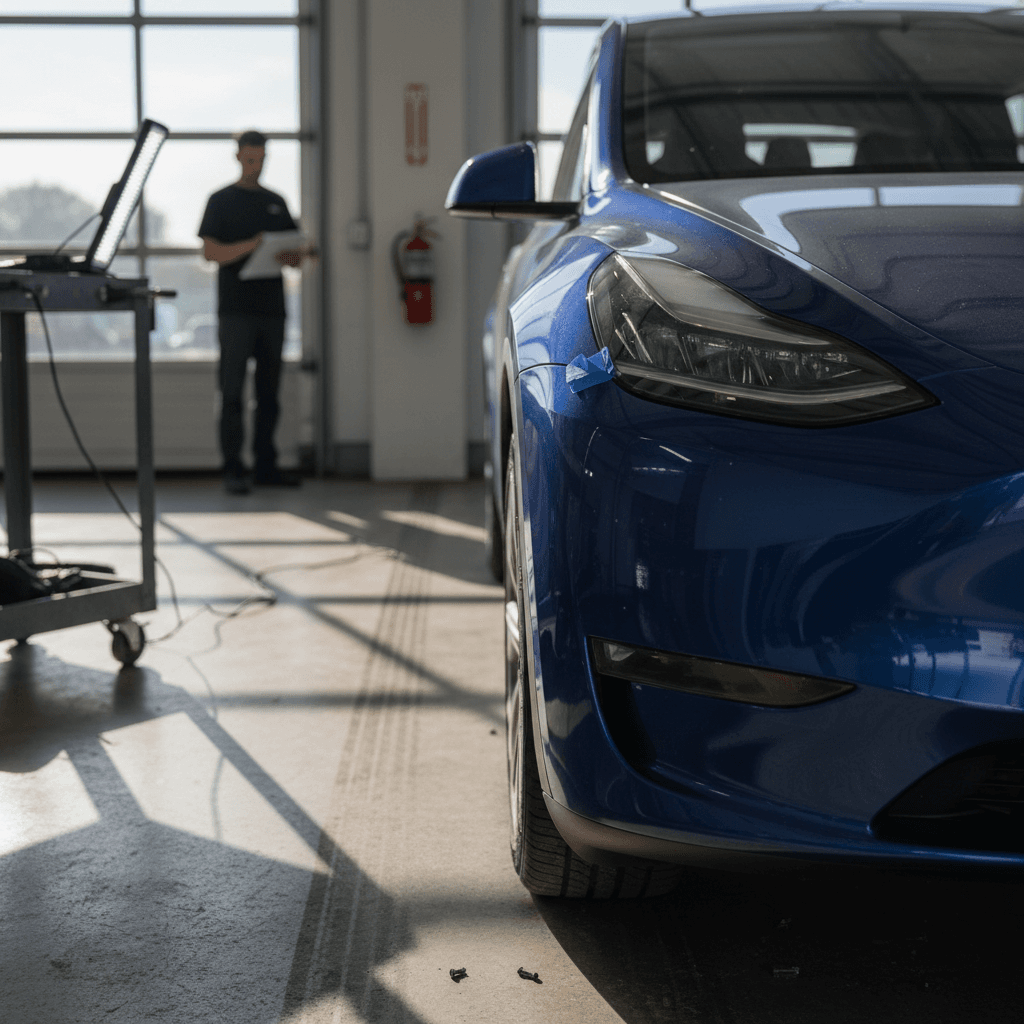
- Thin or soft paint, especially on lower rocker panels and around wheel arches, leading to chips and early wear.
- Misaligned rear hatch or liftgate that needs extra force to close or sits slightly proud of the body.
- Wind noise around frameless doors or mirrors at highway speeds due to door seal compression or alignment.
- Interior creaks and rattles from the rear seats, cargo area, or dash on rough pavement.
- Occasional loose trim clips or poorly seated plastic panels in the cargo area.
Quick driveway inspection
Fixes and workarounds for build-quality issues
- Paint chips and thin areas: Install mud flaps and PPF (paint protection film) on high‑strike zones as early as possible. For existing chips, have a professional detailer or body shop repair them before corrosion starts, especially in road‑salt states.
- Panel gaps and hatch alignment: These are usually fixable with adjustments at a Tesla Service Center. Document with clear photos and push for correction while the vehicle is under basic warranty.
- Wind noise: After confirming that windows are sealing correctly, many owners have success with inexpensive aftermarket door seal kits. Just avoid blocking drainage paths.
- Interior rattles: Have service document and attempt a fix. If you’re buying used, budget for a professional interior de‑rattle session if noises drive you crazy.
When to walk away from a used car
Battery, Charging, and Low-Voltage System Problems
The Model Y’s high‑voltage pack has generally held up well across early years, and 2024–2026 cars benefit from that track record. Most "battery" complaints aren’t catastrophic pack failures, they’re about charging behavior, slow DC fast‑charging, and low‑voltage (12V or LV) system gremlins that can strand the car or disable comfort features.
Common 2026 Model Y charging issues
- Home charging stops unexpectedly or never ramps to full power on certain Level 2 wall connectors or mobile connectors.
- DC fast‑charging speed lower than expected, especially with a cold battery or repeated sessions on road trips.
- Intermittent charge‑port faults, door not opening, error messages, or occasional need to reseat the connector.
- Low‑voltage battery warnings leading to disabled HVAC or heated features until the LV battery or DC‑DC converter issue is resolved.
Heat pumps, cold weather, and range
Practical fixes for battery and charging quirks
Steps to diagnose and fix common charging problems
1. Start with the basics
Try a different outlet, breaker, or wall connector when home charging misbehaves. Confirm the circuit rating and make sure the connector is fully seated and not running through cheap extension cords or adapters.
2. Check charge settings in the car
Verify that the current limit and charge location profiles haven’t been mis‑configured. A forgotten scheduled charging window or low current limit can mimic hardware problems.
3. Condition the battery before DC fast-charging
Use in‑car navigation to a Supercharger or DC fast charger so the car can pre‑condition the pack. Expect slower speeds if the battery is cold, near full, or repeatedly fast‑charged in a short time.
4. Document repeated charge-port or LV battery faults
Take photos of on‑screen messages and note dates and temperatures. If you see recurring low‑voltage system warnings or the port refuses to open, schedule service and attach that history to your ticket.
5. On a used 2026 Model Y, check battery health
Use the car’s rated‑range display at 100% charge as a rough proxy for degradation, and, when available, review an independent <strong>battery health report</strong> like the Recharged Score to confirm the pack is performing as expected for its age and mileage.
How Recharged helps on the battery front
Ready to find your next EV?
Browse VehiclesSoftware Bugs, Autopilot, and Hardware 4.5
If there’s a single theme that defines modern Teslas, it’s that software is both the magic and the Achilles’ heel. 2026 Model Ys with Hardware 4 or 4.5 lean heavily on cameras and compute for Autopilot, Full Self‑Driving (FSD, if equipped), and basic safety functions like automatic emergency braking and lane‑keeping. That creates two broad categories of problems: (1) outright failures of the computer or cameras, and (2) behavioral bugs introduced by over‑the‑air updates.
- Loss of some or all driver‑assist features after a software update, occasionally requiring a full computer replacement under warranty.
- Intermittent Autopilot unavailability due to camera calibration faults or obscure sensor errors.
- Inconsistent lane‑keeping or phantom braking behaviors that change after major software releases.
- Camera fogging, image quality issues, or water intrusion that trigger safety system warnings.
New hardware, new failure modes
Fixes and best practices for software and Autopilot issues
- If driver‑assist features disappear after an update, start with a two‑scroll‑wheel reset of the infotainment system and a full car power‑down from the Service menu, then re‑check.
- For persistent camera or sensor errors, schedule service promptly; Tesla can often see fault logs remotely, but hardware replacement requires a visit.
- Avoid installing major updates right before a road trip or critical drive. Give yourself a few days of local driving to confirm nothing broke.
- On a used 2026 Model Y, ask the seller or dealer for a quick demo of Autopilot and safety features on a test drive. If they don’t work, bake potential repairs into the price, or move on.
Noise, Ride Quality, and Braking Complaints
The 2026 Model Y is still tuned more like a sporty crossover than a soft family hauler. Owners commonly mention stiff suspension, tire roar, and occasional brake squeal, especially on 19‑ and 20‑inch wheel setups. Some of this is character; some of it is fixable.
Typical NVH (Noise, Vibration, Harshness) complaints and responses
What’s “normal” versus worth a service ticket
Tire and road noise
Noticeable hum from the rear at highway speeds is common, especially on aggressive all‑season tires. Consider quieter aftermarket tires when it’s time to replace the originals.
Firm ride over sharp bumps
Short, sharp impacts over potholes or expansion joints are typical for the Model Y’s suspension tuning. If you hear clunks or harsh secondary motions, have the suspension inspected.
Low-speed brake squeal
Light squeal at very low speeds can appear on EVs because friction brakes are used infrequently. A proper brake cleaning and lubrication at service usually helps.
Quick DIY checks
Recalls and Safety Campaigns Affecting 2026 Model Y
As of April 2026, most Model Y recall activity still traces back to earlier build years and shared components, things like hood‑latch logic, seatback welds, or camera and computer issues on HW4 cars. The 2026 Model Y will typically inherit any open campaigns that apply to its hardware set, and Tesla increasingly prefers to address issues through software updates when regulators allow it.
- Software‑based recalls to correct camera or rear‑view display issues by updating HW4/4.5 computers instead of replacing them in all cases.
- Carry‑over campaigns related to hood‑latch detection, brake warning logic, or stability‑control behavior that span multiple years of Model 3/Y production.
- Occasional hardware bulletins covering seat latch welds, steering or suspension fasteners, or other safety‑critical joints in limited VIN ranges.
Always check for open recalls
Preventive Maintenance Checklist for 2026 Model Y
EVs don’t need oil changes, but they do benefit from thoughtful, light‑touch maintenance. A little attention in the first 3–4 years can prevent minor 2026 Model Y problems from becoming major headaches, or expensive body shop bills.
Simple habits to reduce 2026 Model Y problems
Inspect paint and glass quarterly
Wash the car thoroughly, then check for chips on the front bumper, hood edge, rocker panels, and behind the wheels. Catch and touch up or protect early damage before rust or spreading cracks.
Keep software current, but not rushed
Install security and bug‑fix updates in a timely way, but avoid major feature updates the night before a road trip so you have time to spot new issues locally.
Exercise friction brakes
Every couple of weeks, perform a few firm stops from moderate speed in a safe, empty area to knock rust off rotors and keep pads moving freely.
Monitor tires and alignment
Check pressures monthly and rotate tires on schedule. If you see uneven wear or persistent steering pull, get alignment checked, misalignment can worsen noise and hurt range.
Open service tickets early
Don’t wait for small annoyances to pile up. Log squeaks, sensor warnings, or charging quirks in the app with photos and dates so Tesla has a clear history to work from.
Buying a Used 2026 Model Y: How to Avoid a Problem Child
By late 2026 and 2027, the first wave of 2026 Model Ys will start showing up in the used market, often as off‑lease cars or early flips from tech‑savvy owners who always want the latest hardware. That creates opportunity if you know what to look for, and risk if you don’t.
High-priority checks on a used 2026 Model Y
- Build date and plant: Note the month/year and whether the car is Fremont or another plant; this helps infer hardware version.
- Hardware generation: In the service or about screen, confirm whether the car uses HW4 or AI4.5, and ensure all cameras and safety features function normally.
- Battery health and DC fast-charging history: Look for normal rated range for the mileage, and, when possible, an independent battery health report.
- Accident and repair history: Pull a history report and inspect for overspray, mismatched panels, or non‑OEM glass.
Why marketplaces matter
Buying a used Tesla sight‑unseen from a private party or generic dealer can leave you discovering issues after the fact, with limited recourse.
At Recharged, every used EV listing comes with a Recharged Score Report that covers battery health, fair‑market pricing, and an inspection of common EV trouble spots. That’s especially valuable for hardware‑sensitive cars like late‑model Teslas, where a simple "looks good" walk‑around isn’t enough.
Used 2026 Model Y Red Flags vs. Negotiation Points
Not every flaw is a deal‑breaker, but some should send you to the next listing.
| Issue | How Serious? | What You Can Do |
|---|---|---|
| Minor paint chips on front end | Low | Budget for PPF or touch‑up; common on highway‑driven cars. |
| Single Autopilot sensor or camera fault code in history | Medium | Confirm it was repaired; test‑drive with Autopilot engaged before buying. |
| Persistent low‑voltage battery or charging‑port errors | High | Assume further diagnostic cost. Only proceed with a price discount and written plan to fix. |
| Evidence of major collision repair | Very high | Walk away unless repairs are extensively documented and deeply discounted. |
Use these as conversation starters with the seller or dealer, and adjust price expectations accordingly.
FAQ: 2026 Tesla Model Y Problems and Fixes
Frequently Asked Questions
Bottom Line: Is the 2026 Tesla Model Y a Safe Bet?
Viewed coldly, the 2026 Tesla Model Y is not the bulletproof crossover you buy to forget about for a decade. It’s a highly efficient, software‑centric EV that delivers great performance and low running costs but demands more attention to updates, electronics, and build details than a traditional gas SUV. If you’re comfortable with that trade, and you go in armed with a clear picture of common 2026 Model Y problems and fixes, it can be a smart buy.
If you want help stacking the odds in your favor, especially in the used market, consider shopping through a specialist EV marketplace like Recharged, where every vehicle includes a Recharged Score battery health report, transparent pricing, and support from EV‑savvy advisors. Whether you buy from Recharged or elsewhere, use the checklists and red flags in this guide as your playbook, and you’ll be far better positioned to enjoy the Model Y’s strengths without being blindsided by its weaknesses.