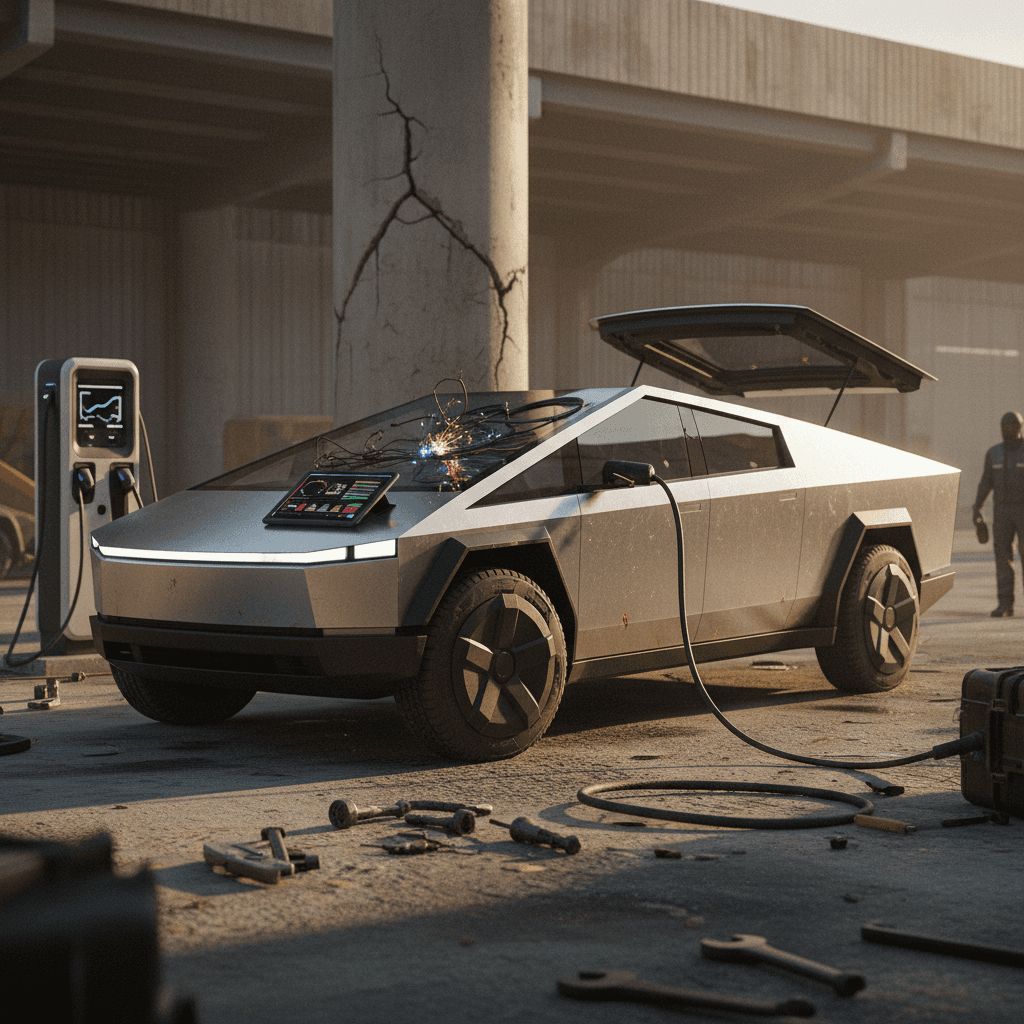
If you’re eyeing a Tesla Cybertruck in 2026, especially a used one, you’ve probably heard about early Cybertruck problems and fixes: recalls, wipers that misbehave, bright headlights, quirky software, and trim that doesn’t quite line up. The good news is that most of these issues are fixable. The bad news is that you need to know exactly what you’re getting into before you sign anything.
Early-production truck, early-production problems
Why 2026 Tesla Cybertruck Problems Matter
By 2026, thousands of Cybertrucks are on U.S. roads, and many early Foundation Series and 2024 builds are starting to show up on the used market. That timing matters if you’re shopping, because first‑year and second‑year EVs often have far more service bulletins, software patches, and hardware tweaks than the brochures suggest.
Cybertruck Problem Snapshot (Through Early 2026)
The pattern that emerges is familiar to anyone who has watched new models launch: the powertrain has generally been stout, but owners report fit‑and‑finish, electronics, and driver‑assist hiccups far more often than catastrophic battery or motor failures.
Quick Overview: Major Cybertruck Issues So Far
Most Common Cybertruck Problem Areas
Four big buckets you’ll hear owners talk about
1. Safety recalls
High‑visibility issues like the accelerator pedal pad recall and a large recall for overly bright front lights have affected tens of thousands of trucks. The fixes are straightforward, but you must confirm they’ve been done.
2. Body, trim, glass
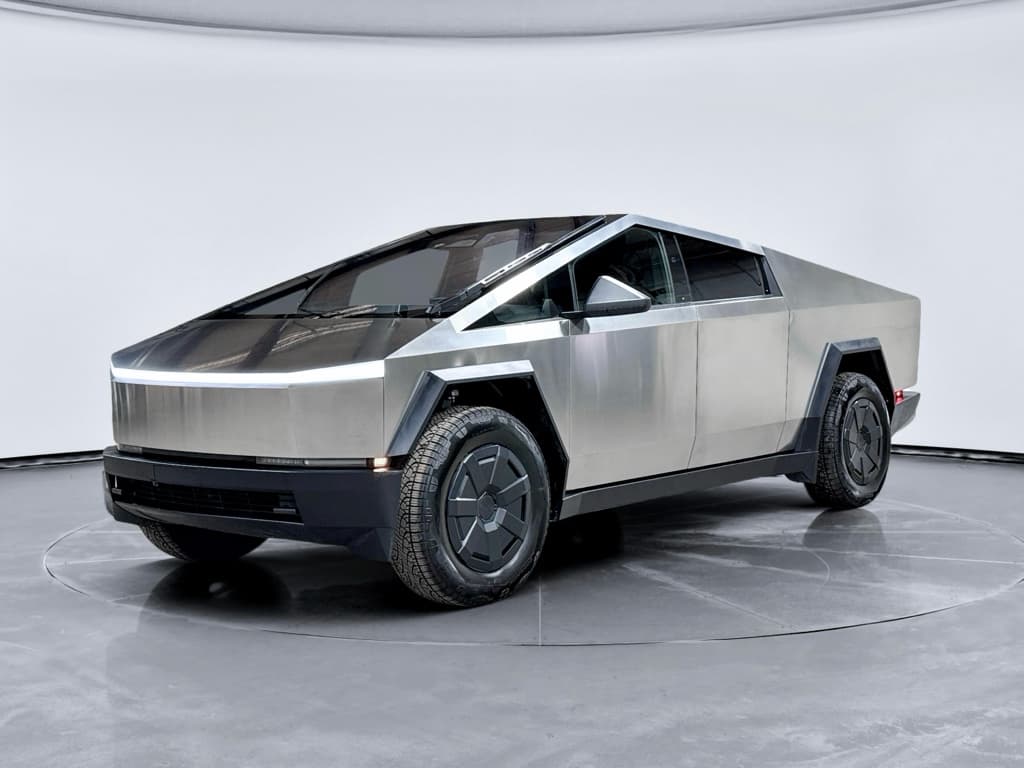
Owners report panel misalignment, rattles, wind noise, and water leaks around doors, glass, and the vault (bed) cover. Stainless steel shows every ripple, so cosmetic issues are hard to hide.
3. Visibility & wipers
The single mega‑wiper has been a recurring theme: from poor wash coverage and noisy operation to intermittent failures and delays that led to delivery holds and service visits.
4. Software & driver‑assist
Because the Cybertruck rides on Tesla’s shared software stack, it inherits phantom braking, lane choice weirdness, and FSD-supervised behavior complaints seen on other Teslas.
Pro tip for shoppers
Safety Recalls You Can’t Ignore
Recalls aren’t unique to Tesla or to EVs. But with the Cybertruck, the early recalls target systems you absolutely can’t shrug off: controls and visibility. Here are the big ones you should verify by VIN before you buy or continue driving.
Key Cybertruck Recalls Affecting 2024–2026 Trucks
Always verify recall status by VIN with Tesla or NHTSA before purchase.
| Issue | What Happens | Approx. Model Years | Typical Fix |
|---|---|---|---|
| Accelerator pedal pad | Pedal pad can slip and wedge against trim if pressed hard, potentially holding throttle open longer than intended. | 2024 (all early builds) | Replace or rework accelerator pedal assembly with revised design and higher retention force. |
| Front lighting too bright | Certain trucks have front lights that are brighter than allowed, risking glare and distraction for other drivers. | 2024–2026 (specific VIN ranges) | Over‑the‑air software update to adjust lighting output and behavior. |
| Tire pressure warning logic | Tire pressure light may not behave as expected in some conditions, creating confusion about actual pressure. | 2024 | Software update to correct warning thresholds and display logic. |
| Assorted software behavior | Updates to driver‑assist behavior, warning strategies, and instrument cluster messages across the fleet. | 2024–2026 | Regular OTA updates; owner must keep vehicle on latest recommended software. |
Approximate model years and build windows are shown; individual VINs may vary.
Don’t wave off recall letters
Most recall work on the Cybertruck is free to the owner and, in many cases, handled via software. But items like the accelerator pedal may require a physical service appointment. If you’re buying, you can make completion of all open recalls a condition of the sale.
Body, Trim, and Glass Issues
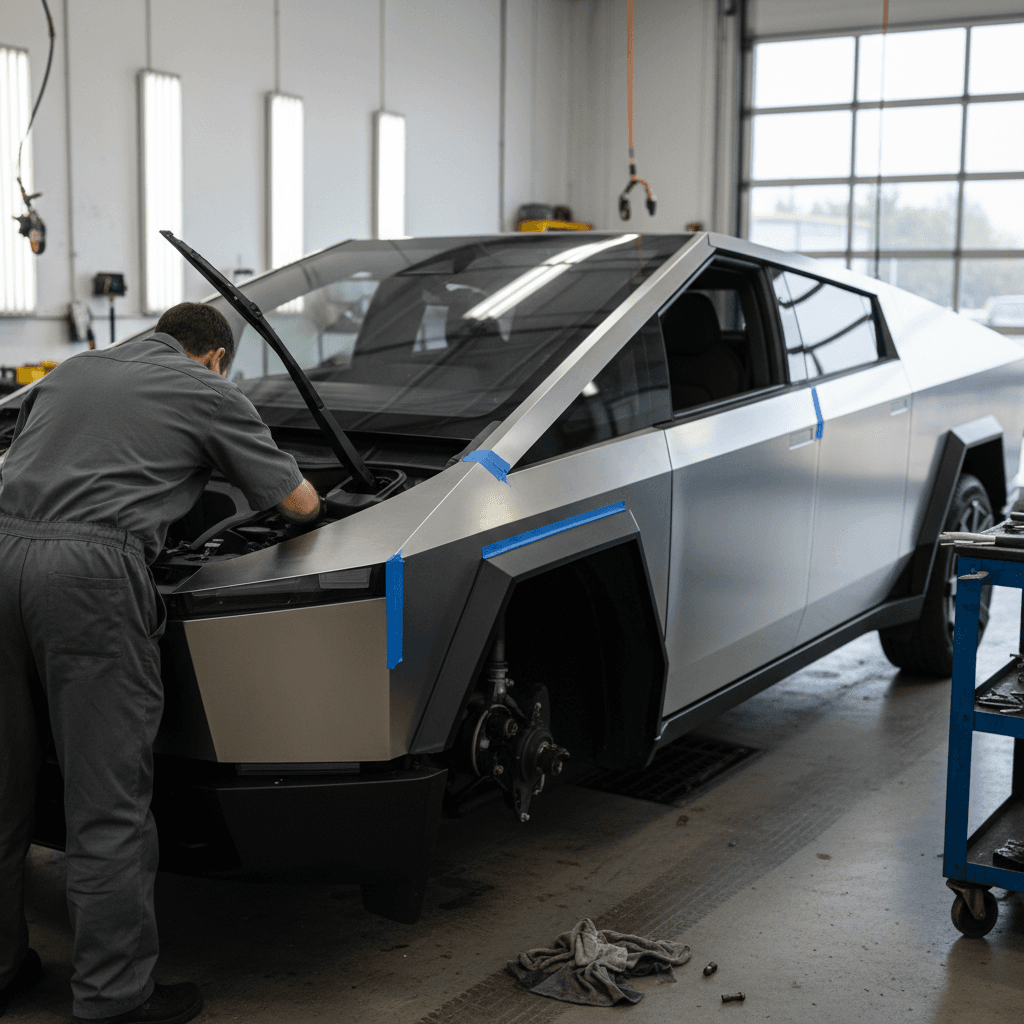
If there’s a single theme in Cybertruck complaint data and owner forums, it’s build quality. Large stainless panels, frameless doors, complex glass, and a power tonneau cover are a worst‑case combo for squeaks, rattles, and leaks if they’re not dialed in perfectly.
- Panel gaps and ripples in stainless steel that are visible from several feet away.
- Wind noise from door seals, frameless glass, and rear vault area at highway speeds.
- Rattles from interior trim, vault mechanisms, and tailgate hardware.
- Water leaks around door seals, the vault, and sometimes the windshield or roof glass.
- Warped or imperfect trim inside the cabin, especially around pillars and console pieces.
How owners and service centers fix it
- Re‑aligning doors, tailgate, and vault hardware.
- Replacing mis‑stamped or visibly rippled body panels.
- Installing revised seals and noise‑reduction kits when available.
- Re‑fastening interior trim with better clips or additional adhesive.
Most of these fixes are warranty work on a newer Cybertruck, but they can mean multiple days in the shop.
What you should do when buying used
- Inspect the truck in bright, even light, stainless hides nothing.
- Look along the sides at a shallow angle to spot ripples or waves.
- Test all doors, vault cover, and tailgate for smooth operation and proper sealing.
- Take a short highway drive and listen carefully for wind noise or rattles.
If the seller won’t allow highway speeds on a test drive, that’s a red flag.
Watch for buyback and lemon history
Wipers, Lights, and Visibility Problems
Tesla’s decision to use a single, enormous wiper on the Cybertruck created as many headlines as the truck’s styling. In real‑world use, that wiper and the lighting system have driven a lot of owner noise, and some factory action.
- Wiper performance and reliability: Early owners complained about streaking, poor wash coverage in winter road salt, shuddering at speed, and a few outright failures. Tesla has responded with revised blades and software tweaks to the washer and wiper logic.
- Delivery holds and slow approvals: There were periods where trucks with wiper concerns were put on temporary hold while Tesla evaluated fixes, leaving some owners in limbo.
- Front lights too bright: A large recall campaign addressed front lights that exceeded brightness regulations, resolved via a software update to dim and reshape the beam.
- Auto wiper behavior: As with other Teslas, automatic wiper logic can be either too sensitive in mist or too slow in heavy rain, requiring manual override.
Simple DIY wiper upgrade
For a used‑truck shopper, none of these is a reason to panic, but they’re strong reasons to test the wipers and lights on your drive. Run the washers, cycle through manual speeds, drive at night if possible, and look for warning messages in the cluster.
Software, Driver-Assist, and FSD Quirks
Under the skin, the Cybertruck is a Tesla. That means it lives and dies by software updates, and it inherits the same Autopilot and Full Self‑Driving (Supervised) behavior that has sparked heated debate on Tesla sedans and crossovers.
Common Cybertruck Software & Driver-Assist Complaints
Most are shared with other Teslas, but the size and shape of the truck can amplify them.
Phantom braking
Sudden, unnecessary slowing on highways when FSD or Autopilot misinterprets shadows, signs, or vehicles in adjacent lanes. Annoying in a Model 3, more dramatic in a 6,000‑plus‑pound pickup.
Weird lane choices
Hesitation at complex intersections, construction zones, and tight undivided roads. The truck may wander toward the centerline or shoulder before correcting.
FSD disengagement behavior
Some complaints describe situations where the system didn’t hand back control as cleanly or quickly as expected when the driver intervened.
Random alerts
Intermittent warnings for driver assistance features, sometimes resolved by software updates, sometimes requiring service visits.
OTA dependency
Because so many fixes are over‑the‑air, staying behind on software can leave you with bugs and behavioral quirks that Tesla has already addressed.
Feature creep
New FSD and visualization features arrive frequently. Not every owner wants to be part of a rolling software experiment, especially in a work truck.
How to live with FSD on a truck
Suspension, Steering, and Tires
Cybertruck’s height‑adjustable air suspension and rear‑wheel steering help this massive pickup feel smaller than it is. They also introduce more parts that need to play nicely together. Owner reports so far tend to cluster around alignment, noise, and confidence in long‑term durability rather than widespread catastrophic failures.
- Trucks delivered with steering wheels slightly off‑center or with alignment that chews the inside or outside shoulders of the tires.
- Clunks or knocks from the suspension at low speed, especially over speed bumps or driveway lips.
- Owner worry about the long‑term durability of rear‑steer hardware and air‑suspension components once the truck is out of warranty.
- Premature or uneven tire wear on heavy Cyberbeast models, particularly if the truck is driven hard.
Easy way to protect yourself on a used Cybertruck
Battery, Charging, and Range Concerns
Compared with the noise around build quality and electronics, the Cybertruck’s battery and motors have generated surprisingly few headline failures so far. You should still go in with realistic expectations about efficiency, charging, and long‑term health.
- Real‑world range drops quickly at highway speeds, in cold weather, or when towing, just as with any EV truck. Planning matters more here than in a compact EV.
- Some owners report charging‑port doors or charge‑port alignment that can be finicky with certain public DC fast chargers.
- Large battery packs mean even a modest percentage of degradation is a big chunk of miles, so documentation of charging habits and mileage is valuable.
- Software estimates of remaining range and “energy prediction” can be off in heavy wind, cold temperatures, or mountain driving.
How Recharged approaches Cybertruck batteries
Ready to find your next EV?
Browse VehiclesFor your own due diligence, pay attention to how a given Cybertruck was used. A low‑mileage truck that spent its life road‑tripping on high‑power DC fast chargers is a different animal than one that racked up moderate miles charging gently at home.
What It All Means If You’re Buying a Used Cybertruck
If you’re shopping the used market in 2026, you’re likely considering a 2024 or early‑2025 Cybertruck, exactly the builds that endured the roughest launch period. That doesn’t automatically make them bad buys, but it does mean you should treat them more like early‑production exotics than appliance pickups.
Why a used Cybertruck can make sense
- Steep early depreciation means a 1–2‑year‑old truck can be thousands less than new.
- Most major recalls and early bugs have already been identified, and many trucks have had the fixes done.
- Battery and drive units, so far, look less troublesome than the headlines about trim and software.
Why you should be extra careful
- Build‑quality lottery: two trucks with similar VINs can feel very different.
- Some issues (water leaks, glass alignment) can be annoying to chase, even under warranty.
- A poor service history or repeated repair attempts could point toward future headaches.
Walk away from any truck with a vague or incomplete story; there are others out there.
How Recharged can help on a Cybertruck
Practical Checklist: Inspecting a Cybertruck Before You Buy
Used Cybertruck Pre‑Purchase Checklist
1. Run the VIN for recalls and buybacks
Check Tesla’s recall tools and vehicle‑history reports for open recalls, lemon‑law buybacks, or manufacturer repurchases. Make completion of all required recall work a condition of sale.
2. Inspect stainless panels in good light
Walk the truck from multiple angles looking for ripples, creases, and mismatched panel gaps. Cosmetic issues on stainless are hard to hide and can be expensive to make right.
3. Test doors, glass, and the vault
Open and close every door, the vault cover, and the tailgate several times. Listen for grinding or binding. Check seals for signs of past leaks or unusual wear.
4. Evaluate ride, steering, and brakes
On your test drive, find a smooth stretch of road to check for pulls, vibrations, clunks, and brake feel. Confirm the steering wheel sits straight when the truck goes straight.
5. Stress‑test wipers and lights
Cycle the front wiper through all speeds, use the washer, and drive at dusk or at night if possible. Confirm the headlight aim looks natural and there are no warning messages.
6. Review service and software history
Ask for service invoices and check which software version the truck is on. Frequent visits for the same concern are a warning sign, as is an owner who avoided recommended updates.
7. Get independent EV‑savvy inspection
If you’re not buying from an EV specialist, consider a third‑party inspection focused on high‑voltage systems, alignment, and underbody condition. A couple hundred dollars can save you thousands.
FAQs: 2026 Tesla Cybertruck Problems and Fixes
Frequently Asked Questions About 2026 Cybertruck Problems
Bottom Line: Should You Worry About Cybertruck Problems?
The Cybertruck is not a quiet, conservative choice. It’s a first‑generation, stainless‑steel science project that happens to be a very quick, very capable electric pickup. Along with the excitement comes a higher risk of fit‑and‑finish issues, software quirks, and recall activity than you’d see on a traditional half‑ton truck that’s been refined over several generations.
If you’re buying in 2026, the smart play is to treat 2024–2025 Cybertrucks as you would any early‑run performance car: focus on service history, recall completion, build quality, and battery health. A well‑sorted example can be hugely satisfying. A rough one can turn into a time‑consuming project.
That’s where a partner like Recharged earns its keep. With verified battery diagnostics, transparent pricing, and EV‑savvy specialists who already know the common 2026 Tesla Cybertruck problems and fixes, you don’t have to navigate the learning curve alone. Whether you ultimately choose a Cybertruck or another used EV, going in with clear eyes is the best protection you have.