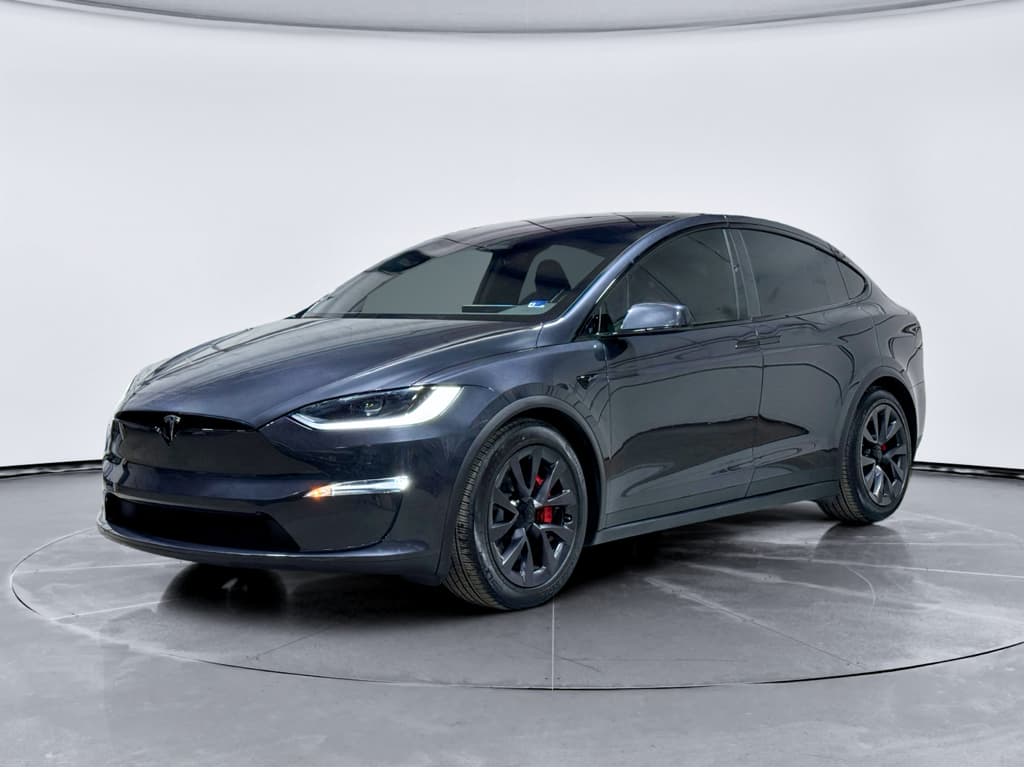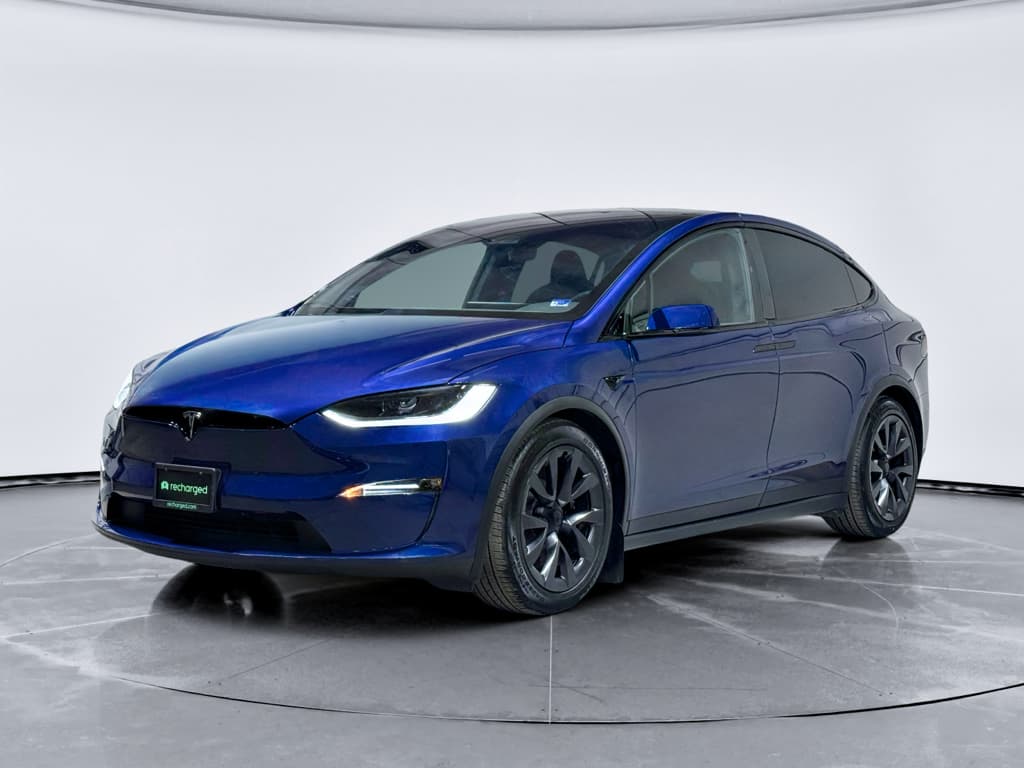
If you’re eyeing a 2025 Tesla Model X, or already have one in the driveway, you’re probably wondering how it holds up in the real world. The short answer: most 2025 Model X problems are software- and build-quality related, not catastrophic battery or drivetrain failures, but they can still be annoying and occasionally serious if you ignore them.
Important context
Overview: How the 2025 Model X Is Holding Up
Model X Reliability in Context
Because 2025 Model X production is still relatively new, we have to read reliability through two lenses: recent owner feedback on 2023–2024 models and the long track record of Model X quirks dating back to the first generation. The good news is that Tesla has progressively chipped away at early‑model failures (like Falcon Wing door hardware), but the trade‑off is a heavier reliance on complex software and driver‑assist systems that bring their own problems.
What’s Actually New on the 2025 Model X?
By 2025, the Model X is a mature platform. Major changes from prior years are relatively modest: software updates, incremental tweaks to the Autopilot/FSD stack, UI refinements, and running production changes to trim and fit. Tesla continues to ship plenty of functionality via over‑the‑air (OTA) updates, which means the specific behavior of a 2025 X can depend heavily on which software version it’s running when you test‑drive it.
- Carryover dual‑motor and tri‑motor (“Plaid”) powertrains from prior years
- Ongoing UI and Autopilot/FSD software revisions that can change behavior overnight
- Subtle build-quality changes and supplier tweaks that don’t show up in spec sheets
- Same basic battery architecture and fast‑charging behavior as recent years
How to sanity‑check a 2025 X
1. Software & Infotainment Glitches
The 2025 Model X lives and dies by its software. Owners report that most day‑to‑day problems fall into the “annoying rather than catastrophic” bucket: screen freezes, Bluetooth drops, buggy climate behavior, and camera or parking‑sensor quirks that appear after a new OTA update.
Typical 2025 Model X Software Problems
Annoyances that often show up after updates
Center screen lag or rebooting
The main infotainment display may freeze, lag, or randomly reboot, especially right after a major update. This can temporarily affect HVAC controls and navigation.
Camera & parking glitches
Some owners notice delayed or black backup camera views, choppy 360 visuals, or intermittent parking‑sensor warnings when shifting into reverse.
Connectivity & app bugs
Phone key pairing, Bluetooth audio, or the Tesla app can become unreliable until you repair devices or reboot the vehicle.
Soft bug vs. real safety risk
Quick Fixes for Common Software Problems
1. Perform a soft reboot
Hold both steering‑wheel scroll buttons until the screen goes black and the Tesla logo reappears. This clears many UI glitches without affecting your saved settings.
2. Check for pending OTA updates
In the Service or Software menu, see if a new version is waiting. Installing the update often resolves bugs that appeared with the last release.
3. Reset connectivity basics
Unpair and re‑pair your phone key and Bluetooth audio. For stubborn issues, turn off Wi‑Fi, drive a short distance on LTE, then reconnect to your normal network at home.
4. Calibrate cameras if prompted
If the car asks to recalibrate cameras after an update, follow the instructions and plan a highway drive with clear road markings.
5. Document repeat failures
If the same bug comes back daily, take short videos and screenshots and open a service request in the app. Tesla techs rely heavily on logs when diagnosing software issues.
2. FSD & Driver-Assistance Concerns
Full Self‑Driving (FSD) and Enhanced Autopilot are still the lightning rods of the Tesla ecosystem. On 2016–2024 models, regulators have opened investigations after crashes in low‑visibility conditions with FSD engaged, and those same systems continue to evolve in 2025. The risk profile hasn’t disappeared just because the car is newer.
Common owner complaints
- Phantom braking: sudden, unnecessary slow‑downs on highways.
- Inconsistent lane choices or awkward merges with FSD‑supervised.
- Overconfidence: the UI and branding can tempt drivers to disengage mentally.
- Harsh interventions when the system misreads temporary lane markings or construction.
What you can actually fix
- Re‑calibrate cameras after windshield replacement or major updates.
- Turn FSD/Autosteer off in conditions where it has misbehaved before (heavy rain, glare, complex city work zones).
- File detailed bug reports with the voice command (“bug report…”) when issues occur.
- Stay ready to intervene, treat it as driver assistance, not automation.
Regulatory investigations matter
3. Build Quality, Wind Noise & Interior Wear
The original Model X was infamous for early hardware problems like misaligned Falcon Wing doors. By the 2025 model year, the big hardware horror stories are rarer, but fit‑and‑finish is still a recurring theme. Owners most commonly talk about panel alignment, wind noise, and interior squeaks or rattles rather than outright mechanical failures.
Typical 2025 Model X Build & Interior Issues
Most are fixable, but they can affect perceived quality
Panel gaps & hatch alignment
Uneven gaps around the rear hatch or doors can cause whistling at highway speeds and water intrusion if left unaddressed.
Wind noise & mirror whistle
At 65+ mph, some Model X vehicles develop wind noise from door seals, mirrors, or trim, especially on crosswinds or rough pavement.
Seat creaks & interior rattles
Heavy use, especially on three‑row configurations, can lead to creaks from seat frames or folding mechanisms and rattles in the dash or trunk.
DIY Checks & Simple Fixes for Build-Quality Issues
1. Inspect seals and weather‑stripping
Run your fingers around door and hatch seals. If you feel gaps, folds, or hard spots where the rubber is compressed, note them and raise them with Tesla Service, replacement seals are a common fix.
2. Test highway wind noise on a calm day
On a test drive, spend 5–10 minutes at 65–75 mph on smooth pavement. Listen near mirrors and the top of the windshield; localized whistling often points to a misaligned trim piece.
3. Check Falcon Wing door operation
Fully open and close each Falcon Wing door several times. Watch for uneven closing, binding, or mis‑latching. The latest hardware is better, but any hesitations should be logged early under warranty.
4. Hunt for rattles on rough roads
Drive over expansion joints and patched pavement at moderate speed. If you hear a buzz from a specific area, lightly tap panels with your hand to pinpoint it before a service visit.
4. Suspension, Tires & Ride-Quality Problems
With its large battery, heavy curb weight, and air suspension, the Model X can be tough on tires, control arms, and bushings. By 20,000–40,000 miles, many owners start to see accelerated tire wear, clunks over bumps, or a floaty feel that suggests the air suspension needs attention or a fresh alignment.
Common Ride & Suspension Issues on the 2025 Model X
What you’ll feel, and what usually fixes it
| Symptom | Likely Cause | How to Fix | Owner Effort |
|---|---|---|---|
| Steering wheel vibration at highway speeds | Tire imbalance or cupping | Road-force balance and inspect for uneven wear | Low |
| Clunking over low-speed bumps | Worn control arm bushings or links | Tesla or independent EV shop inspection; possible arm/link replacement | Medium |
| Harsh impact feel in "Low" suspension setting | Aggressive alignment or max load tire pressures | Switch to "Comfort" height/setting and confirm pressures match door‑jamb spec | Low |
| Floaty or bouncy ride on waves | Aging air struts or poor damping | Tesla diagnostic; may require strut replacement under or after warranty | High |
Always have suspension work performed by qualified technicians; the Model X is heavy and uses high‑pressure air systems.
Set expectations on tire life
5. Battery, Range & Charging Problems
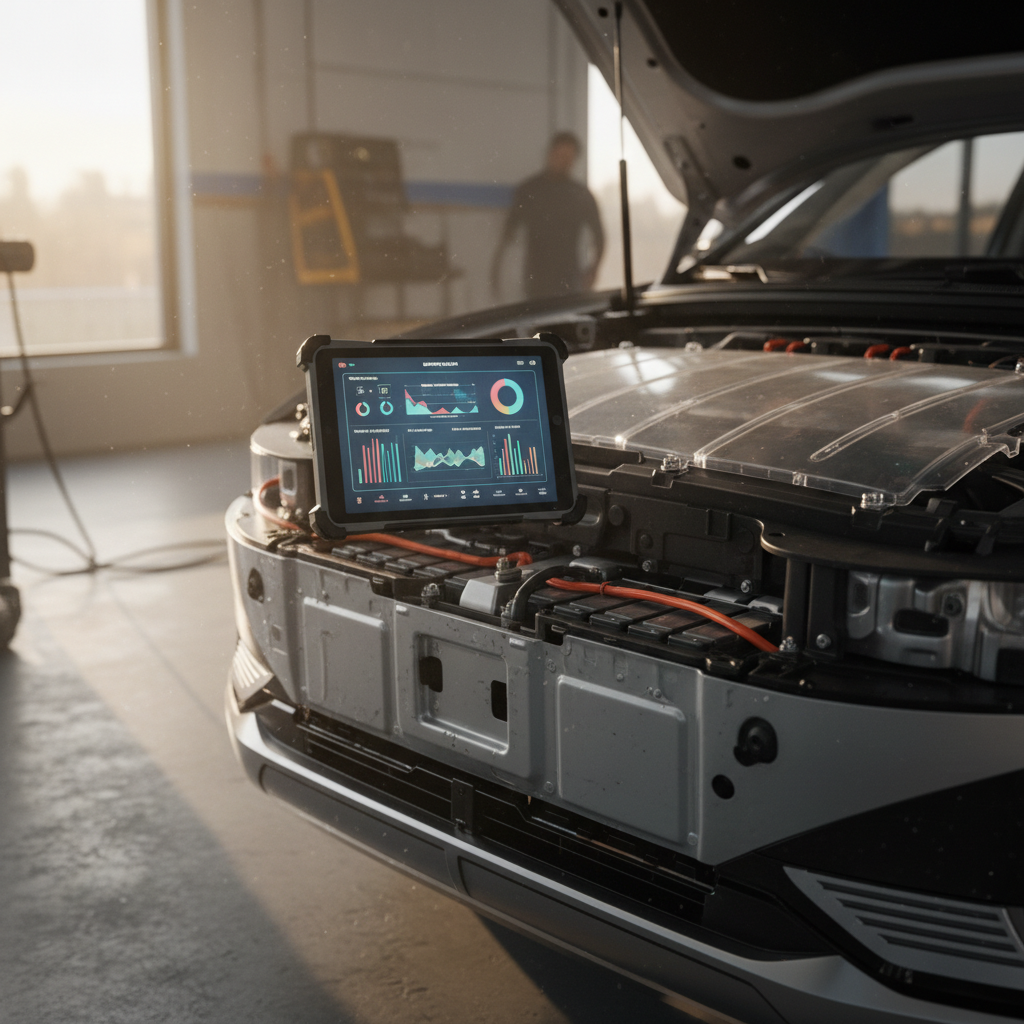
The Model X’s battery and drive units have matured considerably since the early years. Across 2016–2024 cars, large data sets suggest that roughly 10–12% usable‑range loss by around 100,000 miles is typical with sane charging habits and moderate climates. A 2025 Model X should follow a similar trajectory if it’s not abused.
Battery & Charging Complaints You’ll Actually Hear
Most are about expectations and software, not catastrophic failures
“My range dropped overnight”
Often tied to a software‑based range estimate change or colder weather, not an instant hardware failure. Check energy graphs and recent software notes.
Slower DC fast‑charging than expected
Older or frequently fast‑charged packs may hit lower peak charging rates. High state of charge and cold battery temps also slow things down.
Home charging interruptions
Usually a breaker, wall connector, or wiring issue rather than the battery itself. The car will log error codes that service can read.
Watch out for extreme fast‑charging habits
How to Keep a 2025 Model X Battery Happy
1. Daily charge limit around 70–80%
Unless you need the full pack every day, set your daily charge limit to around 70–80% and only charge to 90–100% before trips.
2. Avoid sitting at 0% or 100%
Driving briefly at low state of charge is fine; <strong>parking for days at 0–5% or 100%</strong> is what stresses lithium‑ion cells.
3. Let the car manage preconditioning
On cold days, use navigation to a Supercharger so the battery can warm itself. You’ll see faster speeds and less long‑term stress.
4. Track range honestly
Occasional full‑to‑low range checks on consistent routes are more useful than fixating on the single number in the UI.
Recalls, OTA Updates & What 2025 Owners Should Watch
Tesla increasingly handles recalls and safety campaigns with software updates rather than traditional dealer visits. Recent years have seen recalls for things like seat‑belt chime logic, pedestrian warning sounds, and even instrument‑cluster font size, all fixed primarily via OTA patches on cars including the Model X.
- Some campaigns still require a service visit, especially for hardware like seat belts or suspension arms.
- OTA “recall” updates usually download and install like any other software; you’ll see them in the app and on‑screen.
- Skipping updates can leave your 2025 Model X running code with known bugs or safety‑related behaviors that Tesla has already patched.
How to stay on top of 2025 recall fixes
What Fixes Cost, What Warranty Covers & When to Call Tesla
For a new 2025 Model X in the U.S., you’re typically covered by a 4‑year/50,000‑mile basic warranty and an 8‑year battery and drive‑unit warranty (with a mileage cap). That means many early‑life issues, especially software glitches and most build‑quality problems, should be handled at little or no cost by Tesla Service.
Rough Cost Ranges for Common Model X Fixes (Out of Warranty)
Estimates vary widely by region and whether you use Tesla or an independent EV specialist, but this gives a ballpark.
| Issue | Where It’s Fixed | Typical Owner Cost |
|---|---|---|
| Minor wind noise / trim adjustment | Tesla Service | $0–$400 depending on warranty and complexity |
| New door or hatch weather‑stripping | Tesla Service or body shop | $200–$600 |
| Tire replacement (set of 4, 20–22") | Tire shop | $1,200–$2,000+ depending on brand |
| Control arm / suspension link | Tesla Service or EV specialist | $600–$1,500 per corner |
| Out‑of‑warranty MCU/infotainment replacement | Tesla Service | Often $1,000+ if not goodwill |
| DC fast‑charging hardware fault | Tesla Service | Can be four figures if not covered, battery/drive warranties often help |
These are general ranges; always get a written estimate before authorizing work.
Leaning on warranty and goodwill
Buying a Used 2025 Model X: Problems to Check For
Because the 2025 Model X is still young, most examples in the used market will be coming off early leases or short‑term ownership. That’s good news for mileage and cosmetic condition, but you still need to screen for software, suspension, and build‑quality issues that can surface within the first few years.
Pre-Purchase Checklist for a Used 2025 Model X
1. Scan for open recalls and software level
Check the Software menu, review update history, and run the VIN through official recall tools. A car stuck on a very old build may have been neglected or have unresolved issues.
2. Test all doors, including Falcon Wings
Open and close the front, rear, and Falcon Wing doors multiple times. Look for hesitation, warnings, or uneven closing, especially if the car has had previous body work.
3. Drive at highway speed on smooth pavement
Listen carefully for wind noise around mirrors and the upper windshield and feel for any steering vibration. Both can point to alignment, tire, or body‑fit issues.
4. Check tires, wheels, and alignment
Uneven wear on the inside shoulders of tires, a steering wheel that’s off‑center, or curb‑rashed wheels all hint at prior impacts or poor alignment maintenance.
5. Stress‑test Autopilot/FSD
On a safe test route, try basic Autopilot and, if equipped, FSD‑supervised. Watch for extreme phantom braking, lane‑keeping problems, or warning messages, then decide how much you actually value those features.
6. Review battery health and fast‑charge history
Ask the seller for recent road‑trip energy usage or DC fast‑charging patterns. On platforms like <a href="https://www.recharged.com">Recharged</a>, a <strong>Recharged Score</strong> report includes verified battery health to take the guesswork out.
How Recharged can help on used 2025 Model X
FAQ: 2025 Tesla Model X Problems and Fixes
Frequently Asked Questions
Bottom Line: Is the 2025 Model X a Smart Buy?
If you understand what you’re getting into, the 2025 Tesla Model X can be a fantastic EV: huge interior, massive performance, and strong charging infrastructure. Its weak spots are less about catastrophic failures and more about software churn, complex driver‑assist tech, and premium‑car wear items like tires and suspension. Go in with clear eyes, insist on clean software and recall history, and use detailed inspections, or a third‑party battery report like the Recharged Score, to separate the great examples from the problem children.
And if you’d rather not decode logs and recall notes yourself, shopping a used Model X through Recharged means every vehicle comes with verified battery health, fair pricing, and EV‑specialist support from your first click through delivery. That way, the biggest surprise with your 2025 Model X is how quickly it shrinks a three‑row SUV into something that parks like a much smaller car.