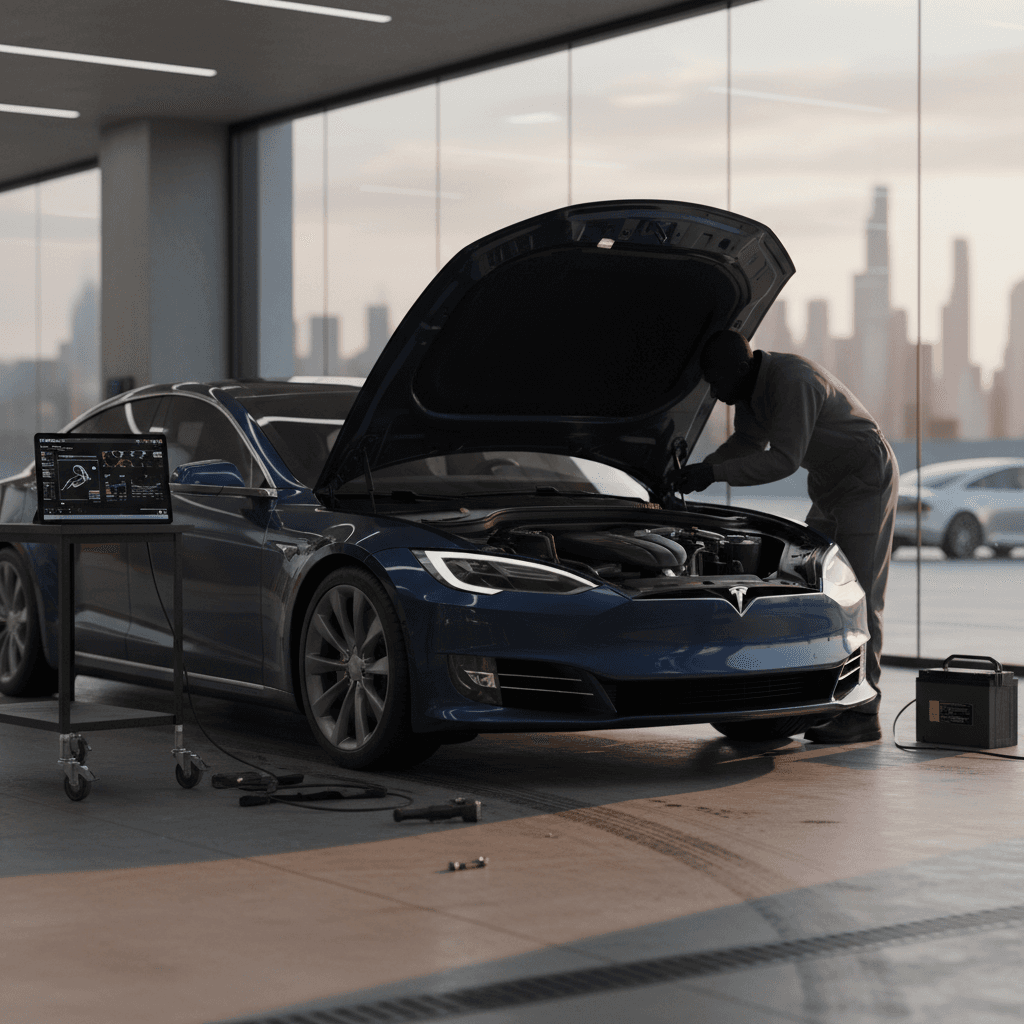
The 2025 Tesla Model S is still the original electric spaceship: absurdly quick, eerily quiet, and capable of crossing states while you sip electrons from the Supercharger IV drip. But if you’re shopping one new or used, you’re probably wondering: what are the real **2025 Tesla Model S problems and fixes** you should know about, beyond the social‑media horror reels?
The short version
Overview: 2025 Tesla Model S reliability in context
Tesla Model S reliability snapshot
Reliability data for the 2024 Model S shows a **mixed-but-improving picture**: owners love the performance and daily usability, but surveys still surface more quality complaints than you’d see from a Lexus or Mercedes. Many of those complaints are about small but annoying issues, squeaks, rattles, warning chimes, rather than powertrain failures.
For the 2025 Model S, the underlying hardware is largely carryover from 2022–2024, which is good news. Most of the truly nasty early‑Model‑S issues (like the first‑generation media units and early door handles) are either fixed or heavily updated. What you’re dealing with now is a mature EV with a **somewhat adolescent sense of quality control**.
How Recharged can help
2025 Model S recalls you should know about
Because Tesla now fixes so much via software, recall headlines can sound scarier than the actual fix. For 2024–2025 Model S sedans, the big themes are **driver‑assistance behavior, warning visibility, and safety‑critical electronics** rather than mechanical failures.
- Airbag assembly defects on a small batch of 2024–2025 Model S and X vehicles that required physical airbag replacement.
- Software recalls to improve how the car displays or prioritizes certain safety warnings in the instrument cluster.
- Over‑the‑air updates to address potential visibility or camera‑related issues that could affect rear‑view video or driver‑assist performance.
- Industry‑wide recall campaigns where Tesla included Model S, like correcting hood‑latch or warning‑label behavior via firmware.
Always run a VIN recall check
At Recharged, we automatically check every incoming vehicle against the latest recall data and **don’t list the car until safety‑critical issues are resolved** or clearly disclosed with a plan to fix.
Suspension noises, clunks and harsh ride
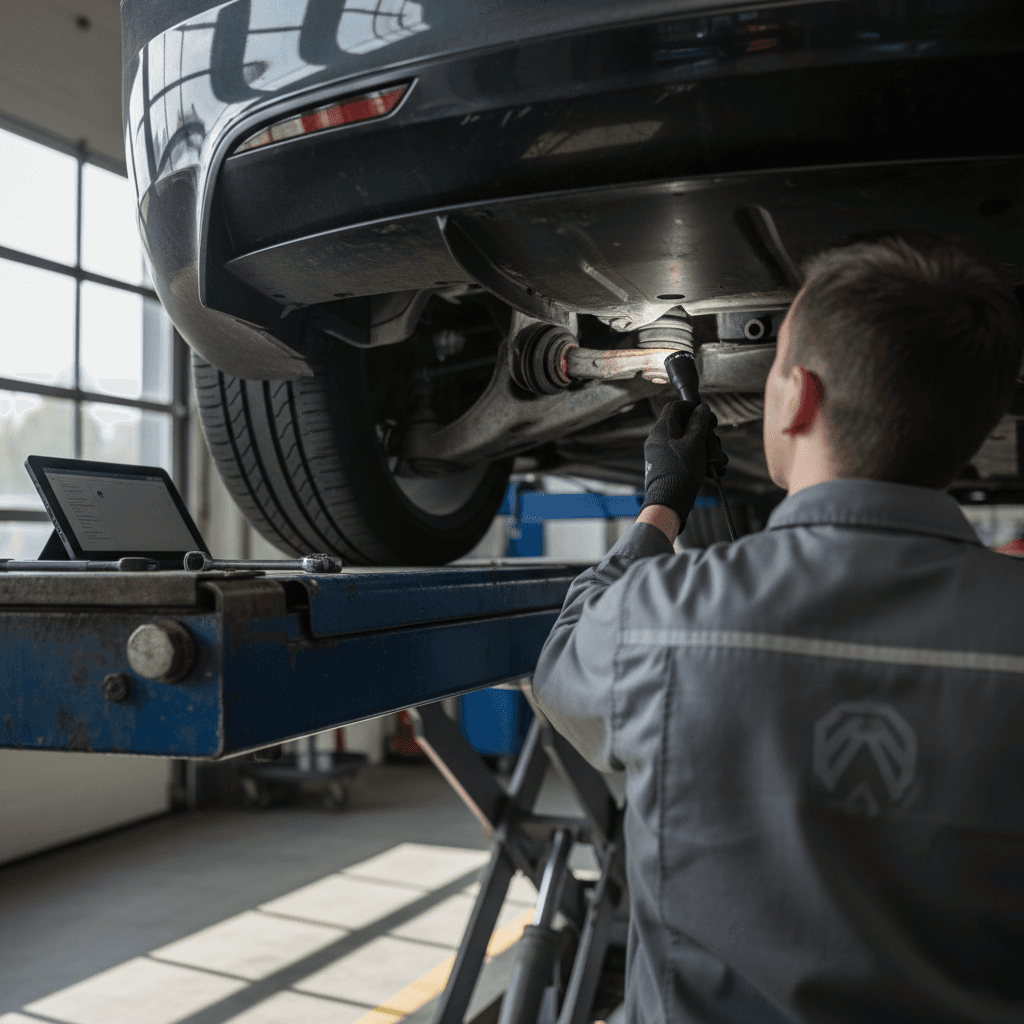
The Model S has always been a bit of a “big skateboard with a crystal chandelier on top” when it comes to road manners. That long wheelbase, heavy battery pack, and optional **air suspension** can make the car fantastically smooth, or a symphony of clunks when things wear or go slightly out of spec.
Common 2025 Model S suspension complaints
Most are fixable with standard parts and alignment work
Front‑end clunks & knocks
Owners report clunks over speed bumps or during low‑speed steering.
- Often traced to worn or loose control‑arm bushings or end links.
- Sometimes amplified by the air suspension’s height changes.
Harsh, busy ride
On 21‑inch wheels especially, the ride can feel crashy over poor pavement.
- Low‑profile tires plus firm damping = more impact noise.
- Incorrect tire pressures exaggerate the problem.
Uneven tire wear
Some owners see inner‑edge wear on rear tires.
- Excess rear camber or toe settings are often to blame.
- A proper four‑wheel alignment usually solves it.
Typical fixes and costs
Quick suspension check when test‑driving
1. Seek out speed bumps
Drive slowly over speed bumps and steep driveway aprons with the windows cracked. Listen for metallic clunks or hollow knocks from the front or rear.
2. Try different ride heights
If the car has air suspension, toggle between Standard and High while parked and while creeping in a lot. Any grinding or repeated errors on screen are red flags.
3. Inspect tire wear
Look at the inner edges of all four tires. Excess inner wear compared with the outer shoulder can signal a camber/toe problem that will eat tires for breakfast.
4. Feel for wandering
On a straight highway, the car should track true. Constant small corrections can signal alignment or steering‑rack problems.
Rattles, wind noise, and fit-and-finish
By 2025, Tesla has substantially tightened up the Model S compared with the wild‑west panel gaps of the early cars. Still, owners of brand‑new 2025 Plaid sedans are posting about **mysterious rattles, buzzes, and wind noise** that appear after a few thousand miles or a harsh winter.
Typical complaints
- Dash and pillar rattles over rough roads.
- Rear hatch squeaks on big bumps.
- Wind noise around the mirrors or frameless doors at freeway speeds.
- Occasional water leaks around seals after a high‑pressure car wash.
Typical fixes
- Adjusting or replacing door and hatch seals.
- Insulating trim panels with felt or updated clips.
- Glass alignment tweaks on frameless doors.
- Lubricating latch mechanisms and hinges.
Low‑tech, high‑impact fixes
Software glitches, FSD behavior and infotainment
If the Model S driving experience is the main course, the software is the waiter that occasionally drops it in your lap. Over‑the‑air updates are a double‑edged sword: they deliver new features and safety fixes, but they can also **introduce new bugs in Full Self‑Driving (FSD), Autopilot, and infotainment**.
Common 2025 Model S software complaints
Most are annoying rather than dangerous, but they matter
FSD & Autopilot weirdness
Owners report hesitant lane changes, phantom braking, or over‑confident maneuvers after certain updates.
Because FSD remains a Level 2 system, you’re still fully responsible. Treat new software builds like beta tests: cautious at first, then trust as you verify.
Infotainment freezes & reboots
Random screen blackouts, slow map loading, or media apps hanging after an update.
Most clear with a steering‑wheel button reset or by installing the next update; persistent issues can indicate storage or hardware faults.
Update failures & partial installs
Some owners see stuck or looping software installs.
Often resolved by freeing storage, reconnecting to Wi‑Fi, or having Tesla push a fresh update. In rare cases, the car needs service to reflash modules.
Don’t over‑trust driver assistance
Quick fixes for minor software bugs
1. Two‑button reboot
Press and hold both steering‑wheel scroll wheels until the center screen goes black and the Tesla “T” reappears. This clears many infotainment glitches.
2. Power off and let it sleep
In the Service menu, select Power Off and give the car a few minutes before waking it again. This can help with odd sensor readings or warning lights.
3. Reconnect to strong Wi‑Fi
Many update failures are just poor connectivity. Park within range of a solid Wi‑Fi signal and restart the download from the Software menu.
4. Document FSD behavior
If FSD does something worrying, use the voice command button to report it and note the time. This gives Tesla data and supports any later service claim.
Battery, range and charging-related concerns
The giant question every used EV shopper asks: **Is the battery cooked?** For late‑generation Model S sedans, including 2025 cars, real‑world data suggests **modest degradation** when the pack is charged sensibly (no constant 100% charges, limited fast‑charging abuse) and kept within its thermal comfort zone.
- Gradual range loss of roughly 5–10% over the first few years isn’t unusual on modern Tesla packs.
- Supercharger‑heavy usage can accelerate degradation, but day‑to‑day DC fast charging is rarely catastrophic.
- Most 2025 cars are still within Tesla’s battery warranty window, which helps with true defects but not normal wear.
Battery health vs. Tesla’s warranty
Battery and charging checks before you buy
1. Compare range to original spec
With the battery at 100% (or extrapolated from 80–90%), compare the displayed range to the original EPA figure. A small drop is normal; a huge gap deserves questions.
2. Review charging habits
Ask the owner, or review logs if available, about daily charge limits and Supercharger frequency. A car lived at 100% and DC fast‑charged daily is a different animal than a garage‑queen at 60–80%.
3. Inspect charging port & cable
Look for melted plastic, discoloration, or damaged pins on the charge port and cables. These can indicate overheating or improper use.
4. Use independent diagnostics
At Recharged, we plug every Model S into our **Recharged Score battery diagnostics** to estimate usable capacity and flag abnormal degradation patterns.
Brakes, steering and dash warning overload
Scroll any Tesla owner forum long enough and you’ll find the same anxiety dream: a nearly new Model S suddenly lights up the dash like a Christmas tree, brakes, steering, suspension, traction control, everything. Then it either drives normally or drops some systems into limp mode.
On 2025 cars, these **multi‑system warning storms** are usually rooted in one of three things: a flaky sensor, an issue with a low‑voltage power or communications bus, or a genuine mechanical fault the electronics are correctly panicking about.
What’s behind all those warning lights?
Three common root causes
Legit mechanical issue
Real problems like low brake fluid, an ABS fault, or a steering‑rack issue can cascade into multiple warnings.
These need immediate service; don’t keep driving and hoping the car “figures it out.”
Sensor or module glitch
A single sensor or module acting up can send bad data to several systems.
Occasionally cleared with a reboot, but recurring faults warrant a scan at a service center or EV‑savvy shop.
12‑volt or power‑bus issue
The low‑voltage system powers all the brains. If it sags, you can see random‑looking errors.
A weak 12‑volt battery or wiring issue can sometimes be the hidden villain.
When to pull over
Coolant and other fluid leaks on a 2025 Model S
EVs don’t drip oil like old V‑8s, but they’re not truly fluid‑free. The 2025 Model S uses coolant for the battery, motors and power electronics, plus HVAC refrigerant and standard brake fluid. A **coolant leak** is one of the more common traditional‑car‑style problems you might see reported on service sites for newer Model S sedans.
- Loose or damaged coolant hoses or fittings near the front radiator or battery chiller.
- Coolant pump or heat‑exchanger issues leading to small but persistent leaks.
- Rarely, leaks near electronic modules or wiring that need urgent attention to avoid corrosion.
Don’t ignore mystery puddles
How to spot fluid issues early
1. Check under the car
After an overnight park, look for colored fluid (often pink or orange coolant) under the front or mid‑section of the car.
2. Watch temperature and power limits
Unexplained power‑limit warnings or temperature warnings on mild days can hint at cooling‑system issues before you see a puddle.
3. Smell the cabin air
A sweet chemical smell inside the cabin, especially with the HVAC running, can point toward a heater core or HVAC‑side leak.
DIY fixes vs. Tesla Service: choosing your battles
The Model S is not a Miata; you’re not going to casually pull the battery pack in your driveway. But there are problems you **can** reasonably tackle yourself, and others where Tesla (or a qualified EV specialist) should be your first call.
Reasonable DIY territory
- Minor interior rattles and trim noises using felt tape and updated clips.
- 12‑volt battery replacement if you’re comfortable with basic tools and following procedures.
- Cabin air‑filter replacement and basic HVAC odor treatments.
- Checking and adjusting tire pressures, rotating wheels, and visually inspecting tires.
Leave it to the experts
- High‑voltage battery, inverter, and drive‑unit work.
- Air‑suspension component replacement and recalibration.
- Structural repairs, collision damage, and alignment on damaged cars.
- Complex driver‑assistance or camera issues requiring calibration rigs and factory tools.
Independent EV specialists exist now
How to inspect a used 2025 Model S before you buy
If you’re eyeing a 2025 Model S on the used market, you’re in luck: you’re shopping the sweet spot where the car is still young, often under warranty, and most production bugs are already known. Your job is to separate the good ones from the “project cars” disguised in glossy white paint.
Used 2025 Model S inspection checklist
Key areas to check yourself or with a pre‑purchase inspection
| Area | What to check | What good looks like | Red flags |
|---|---|---|---|
| Exterior & glass | Panel alignment, door and hatch closing, windshield & roof glass | Even gaps, doors close easily, no cracks or chips in critical glass | Wind noise at highway speeds, misaligned doors, cracked glass |
| Suspension & steering | Ride quality, noises over bumps, straight‑line tracking | Quiet, composed, tracks straight with hands lightly on wheel | Clunks, rattles, pulling or wandering, inner‑edge tire wear |
| Interior & infotainment | Rattles, screen responsiveness, audio, HVAC | Solid-feeling trim, quick responses, cold A/C and strong heat | Persistent rattles, laggy screen, weak HVAC or odd smells |
| Battery & charging | Displayed range, charge‑limit habits, charge‑port condition | Range close to spec, owner usually charges 60–80%, clean port | Big range loss, always charged to 100%, scorch marks or damage |
| Software & FSD | Update status, driver‑assist behavior, warning history | Recent software, smooth basic Autopilot, clean warning history | Long‑pending updates, erratic FSD behavior, frequent warnings |
| History & paperwork | Service records, recall status, accident history | Documented maintenance, zero open recalls, clean title | Missing history, open recalls, structural damage or salvage |
Print or save this table as a quick reference when you go see a car.
Recharged shortcut
Ready to find your next EV?
Browse VehiclesWhen to walk away from a problem Model S
Every used‑car hunter needs a personal “do not resuscitate” list, issues that are so expensive or uncertain that the smart move is to walk away and find a better example. With a 2025 Model S, you’re usually spoiled for choice, so there’s no reason to marry a problem child.
Red‑flag scenarios worth skipping
1. Structural or battery‑area crash damage
A repaired fender is one thing; a hit near the battery pack or major structure is quite another. These cars can be repairable but are often financial landmines.
2. Major unexplained range loss
If the car shows dramatically less range than similar‑age Model S sedans and there’s no clear warranty repair documented, assume the pack has had a hard life.
3. Repeated multi‑system failures
A history of recurring brake/steering/suspension warnings, even with prior repairs, suggests an electrical or harness problem that will be difficult to chase down.
4. Long list of unfixed minor issues
A car with a dozen squeaks, cosmetic defects, and half‑working features often indicates an owner who didn’t care. If they didn’t fix the little things, what else did they ignore?
A clean 2025 Tesla Model S is a spectacular machine: brutally quick, quiet, and more efficient than any gas‑burning luxury flagship. The trick is avoiding the handful of build‑quality, suspension, and software snags that can sour the experience. Go in with a clear understanding of the **2025 Tesla Model S problems and fixes**, use a structured inspection checklist, and lean on expert tools like a Recharged Score Report, and you’ll spend your time enjoying the car’s surreal performance instead of camping in the service‑center parking lot.