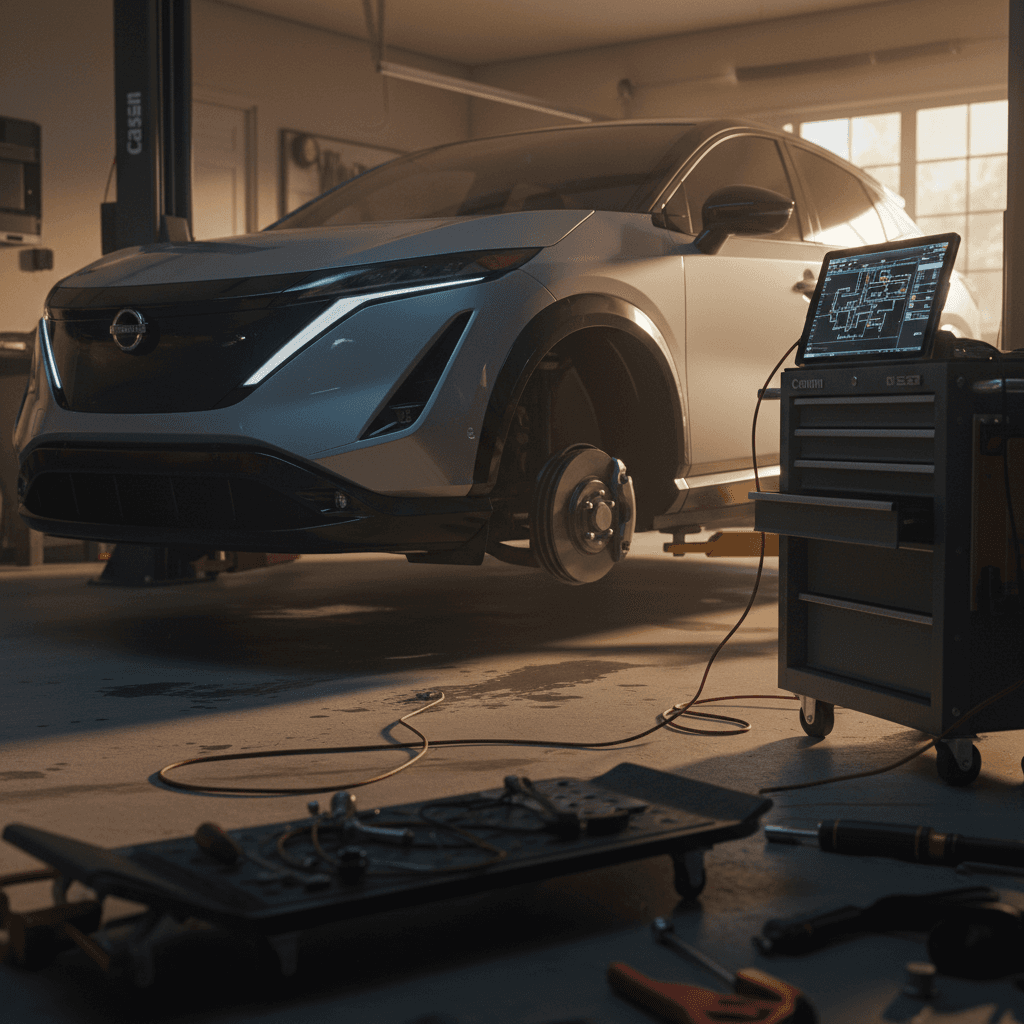
If you’re looking at a 2025 Nissan Ariya, either new or used, you’ve probably heard mixed things about Nissan’s first long‑range EV SUV. Some owners report thousands of trouble‑free miles; others describe software gremlins, charging warnings, and long waits for parts. This guide breaks down real‑world 2025 Nissan Ariya problems and fixes so you know what’s noise, what’s real, and how to protect yourself when you buy.
Quick take on 2025 Ariya reliability
Is the 2025 Nissan Ariya a problem car?
The short answer: no, the 2025 Ariya isn’t a disaster, but it’s not a Toyota‑level appliance either. Independent reliability data for 2023–2024 Ariyas points to above‑average mechanical reliability compared with other EVs, with most complaints clustered around software, infotainment, and dealer service competence rather than hard failures in the battery or drive unit.
Nissan Ariya reliability snapshot (based on 2023–2024 data)
Because the 2025 model rides on the same basic hardware as 2023–2024 Ariyas, most issues you should worry about are already visible in earlier years. The good news is that software and minor hardware issues tend to get better as automakers learn; the bad news is that Nissan’s dealer network is still catching up to EV diagnostics and calibration.
Most common 2025 Nissan Ariya problems
Top 2025 Ariya issues at a glance
These patterns come from owner reports on 2023–2025 vehicles and early service data.
1. Infotainment & digital glitches
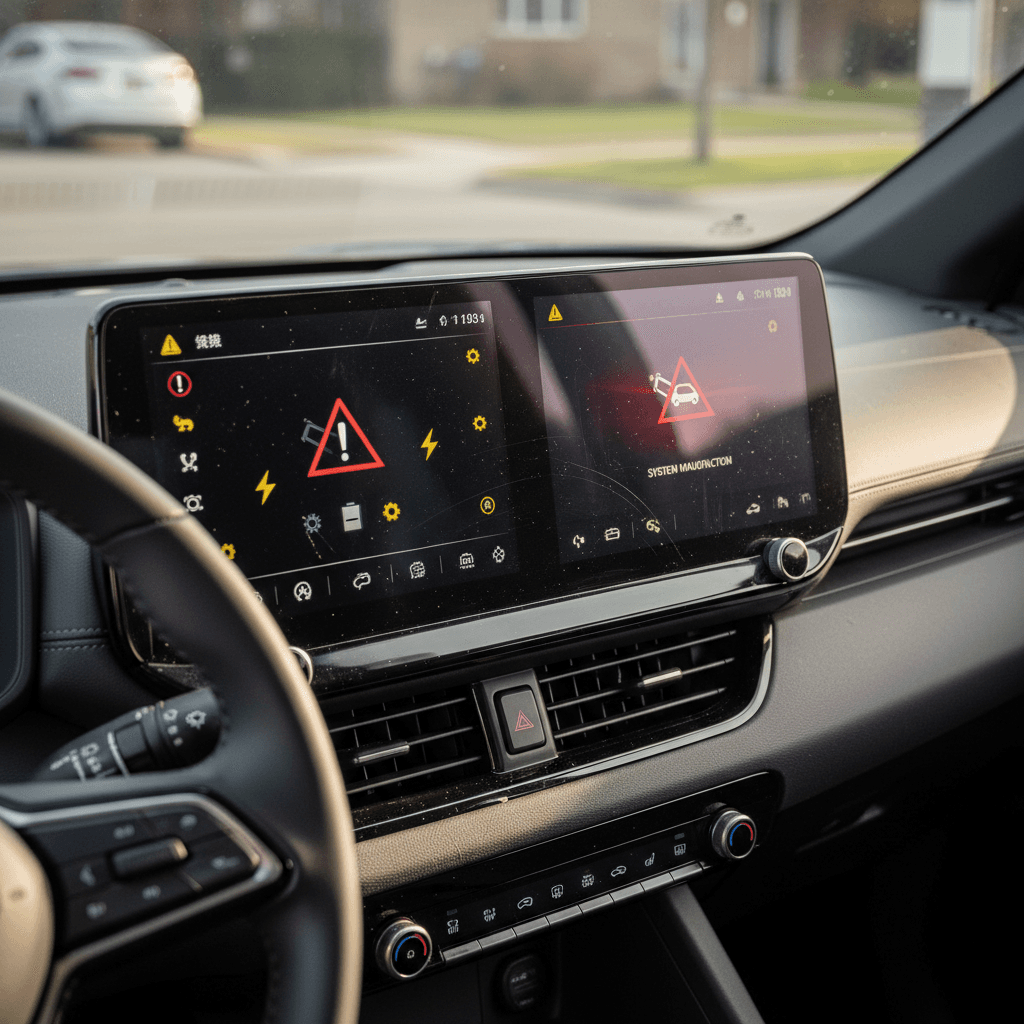
Randomly blank center screen, laggy response, Bluetooth connection failures, or frozen camera views. Often fixed by software updates or module resets.
2. Charging & 12V system quirks
Occasional DC fast‑charging handshake failures, home charging interruptions, and EV system warnings that trace back to the 12V battery or software.
3. Parts & service delays
Nissan’s parts pipeline and EV technician training have struggled to keep pace, especially for collision repairs and rare electronic failures.
4. Misc. build issues
Aero wheel caps popping off, sporadic liftgate or mirror malfunctions, squeaks/rattles, annoying but not usually safety‑critical.
You’ll see individual horror stories online, a failed inverter, a car stuck in the shop for weeks, or an EV system fault that nobody can diagnose. Those cases matter, but they’re not representative of the entire fleet. The smart move is to assume the Ariya is fundamentally sound and focus on screening for known weak spots before you buy.
Software and infotainment problems (and how to fix them)
Like most modern EVs, the Ariya is a rolling computer. Twin 12.3‑inch screens, ProPILOT Assist, app connectivity, and over‑the‑air (OTA) updates are part of the appeal, but also where many 2023–2025 owners see glitches. Common symptoms include a blank center display at startup, random reboots, Bluetooth or CarPlay/Android Auto connection failures, or driver‑assist features that suddenly become unavailable.
- Blank or frozen center screen at startup
- Backup camera delay or black screen when shifting into Reverse
- Phone refusing to pair or dropping connection mid‑drive
- Navigation or trip history data not saving correctly
- ProPILOT or other driver‑assist warnings after a software update
First‑line fixes you can try yourself
How to tackle 2025 Ariya software problems
1. Power‑cycle the vehicle correctly
Turn the Ariya off, open the driver’s door, lock the car, and let it sit untouched for a few minutes. This forces many control modules to shut down and reboot cleanly on the next start.
2. Check for pending software/IVI updates
Use the settings menus to look for available infotainment or telematics updates. Nissan has issued multiple software campaigns to stabilize the infotainment system and improve OTA behavior.
3. Reset phone and CarPlay/Android Auto pairing
Remove the Ariya from your phone’s Bluetooth devices and forget your phone from the car’s Bluetooth list. Re‑pair from scratch and re‑enable CarPlay or Android Auto if you use it.
4. Document repeatable bugs
If a bug happens consistently, say, every cold morning or whenever you use navigation, note the conditions and take photos or video. Clear evidence helps a dealer reproduce and escalate the issue.
5. Ask specifically about IVI/telemetry campaigns
When you schedule service, reference any open infotainment (IVI) reprogram campaigns or telematics updates by name. Many Ariyas need these campaigns applied to squash known bugs.
When software issues become a real problem
Charging glitches and 12V battery issues
Under the floor sits a high‑voltage pack, but the Ariya still relies on a traditional 12‑volt battery to wake up computers, close the contactors, and manage charging. Across 2023–2025 cars, owners occasionally report EV system failure warnings, refusal to start, or DC fast‑charging attempts that fail to initiate. In many of those cases, the culprit turns out to be a weak 12V or flaky software rather than a dead traction battery.
- Random EV system warnings or refusal to shift into gear
- Car won’t start after being parked a few days
- Public DC fast charger connects, then immediately stops
- Home Level 2 charging session ends early without a clear reason
Why a simple 12V battery can sideline an EV
Troubleshooting 2025 Ariya charging and 12V issues
1. Test or replace the 12V battery
If you see EV system failure messages or intermittent no‑start behavior, have the 12V battery load‑tested. On a used Ariya, proactively replacing a tired 12V can prevent a lot of weird electrical symptoms.
2. Cross‑test on different chargers
If DC fast charging fails at one station, try another brand or site. If the car consistently refuses to charge at multiple locations, that’s a car‑side problem. If it’s only one network, the issue may be with their hardware.
3. Inspect the charge port and cable
Look for debris in the Ariya’s charge port and check that your home EVSE plug seats firmly. Loose or contaminated connections can cause intermittent charging stops.
4. Check for related service bulletins
Ask a Nissan service advisor to check for charging‑system or on‑board‑charger (OBC) software campaigns for your VIN. Some Ariyas have received updates that improve charging robustness and error handling.
5. Log error codes and conditions
If a fault appears, snap photos of the instrument cluster and note the outside temperature, state of charge, and which charger you were using. This history is gold for a competent EV tech.
Do not ignore repeated EV system faults
Body repairs, parts delays, and dealer challenges
One of the least discussed but most painful Ariya "problems" is what happens after a minor crash or rare component failure. Because the Ariya is still a relatively low‑volume, early‑generation EV, collision shops and Nissan dealers sometimes wait weeks or months for specific trim, glass, or sensor parts. Some owners have had cars sitting at body shops while everyone waits for a single back‑ordered component and then for a dealer with the right calibration tools.
What this means for you
- Even a moderate fender‑bender can lead to a long downtime if structural parts, sensors, or camera modules are back‑ordered.
- Dealers may have the hardware but not the experience to calibrate ADAS systems like ProPILOT quickly.
- Loaner coverage and rental reimbursement depend on your insurance policy, not Nissan.
How to protect yourself
- Before you buy used, ask for proof of completed body repairs and calibration invoices if the Ariya has any accident history.
- Talk with your local Nissan store about their EV training and how many Ariyas they regularly service.
- Consider rental‑car coverage on your insurance if this will be your only vehicle.
Carfax isn’t the whole story
High‑voltage battery health, range, and cold‑weather behavior
The big question for any used EV shopper is simple: Will the battery hold up? So far, the Ariya’s pack looks solid. There are no credible reports of widespread pack failures or massive early degradation across 2023–2024 cars, and the 2025 model uses the same basic chemistry and cooling strategy. Most owner complaints are about real‑world range vs. the EPA window sticker, especially at highway speeds or in winter.
- Normal gradual degradation (a few percent) in the first years of use
- Noticeable range drop at 70+ mph compared with mixed‑driving estimates
- Significant range loss in cold weather until the pack warms up
- Occasional DC fast‑charge throttling when the pack is hot or cold
Set realistic expectations for range
Where the Ariya differs from older EVs like the first‑gen Leaf is in thermal management. The Ariya’s liquid‑cooled pack is much better equipped to handle heat and repeated fast‑charging, which is why we’re not seeing systemic degradation headlines. The bigger risks on a used 2025 Ariya are undocumented abuse (lots of fast‑charging in extreme heat) and hidden software limits that may kick in after certain faults or recalls.
How Recharged checks Ariya battery health
Ready to find your next EV?
Browse VehiclesWheel covers, noises, and interior rattles
Not every problem is dramatic. Some of the most common owner gripes about 2023–2025 Ariyas are low‑stakes but annoying: plastic aero wheel covers that go missing, interior creaks, or minor power‑feature glitches like mirrors that fail to deploy every time.
Annoying but fixable 2025 Ariya issues
These are the small things that won’t strand you but are worth checking on a test drive.
| Issue | What it looks like | Likely cause | Suggested fix |
|---|---|---|---|
| Aero wheel covers fall off | One or more wheels missing the large plastic disc insert | Weak/broken clips or improper installation after tire service | Inspect clips, replace covers, and reinstall carefully, consider removing covers before tire work. |
| Driver’s mirror doesn’t always deploy | Mirror stays folded after startup until cycled manually | Software quirk or weak mirror motor | Software update, mirror calibration, or in rare cases motor replacement under warranty. |
| Liftgate won’t fully close automatically | Power liftgate stops before latching, needs manual shove | Sensor calibration or liftgate struts getting weak | Recalibrate liftgate, inspect for obstructions; replace struts if needed. |
| Random squeaks/rattles | Noise over rough roads from dash or cargo area | Trim fitment or loose cargo panels | Have a passenger pinpoint locations; dealers can add felt tape or adjust panels. |
Most of these issues can be handled under warranty or at relatively low cost if caught early.
Easy pre‑purchase checks
Recalls, software updates, and warranties on a 2025 Ariya
By 2025, Nissan has already pushed multiple software recalls and service campaigns for the Ariya covering infotainment behavior, telematics, and various control modules. A 2025 car might leave the showroom fully up to date, or it might still be waiting for the dealer to apply a campaign that fixes exactly the kind of bugs you read about online.
- Infotainment (IVI) reprogram campaigns to reduce crashes and improve boot‑up behavior
- Telematics/OTA campaigns to stabilize remote‑app connectivity
- Occasional ADAS or camera calibration campaigns after hardware or software changes
- Standard hardware recalls (if any emerge) that would also affect 2025 cars
How to verify recall and campaign status
Key 2025 Ariya warranty coverage areas
Always confirm exact terms for the vehicle you’re considering, especially if it was a demo or imported.
EV system warranty
Covers the high‑voltage battery and electric drive components for a defined term/mileage. This is what protects you from big‑ticket failures.
Basic bumper‑to‑bumper
Covers most non‑wear items like infotainment, interior electronics, and many sensors. Shorter than the EV system warranty.
Corrosion & roadside
Separate coverage for rust‑through and roadside assistance. Terms matter if you’re buying in a snow‑belt state or rely on towing coverage.
Watch for warranty quirks on used Ariyas
Used 2025 Ariya buyer checklist: Problems to screen for
If you’re shopping the used market, treat 2025 Ariyas like what they are: early‑generation EVs that reward a little extra homework. Here’s a focused checklist to help you separate solid cars from future headaches.
10 things to check before you buy a 2025 Ariya
1. Pull a battery health report
Ask for a third‑party or dealer report on battery state of health, or buy from a platform like <strong>Recharged</strong> that includes a Recharged Score battery analysis by default.
2. Confirm warranty status by VIN
Have a Nissan dealer print the EV system warranty coverage and any extended protection plans tied to the VIN. Don’t rely on generic brochure language.
3. Check for open recalls and campaigns
Look up the VIN on NHTSA for safety recalls, then ask a dealer to confirm all infotainment and control‑module campaigns are completed.
4. Inspect for crash repairs and sensor work
Look for paint mismatch, overspray, or panel gaps. Ask specifically about any ADAS sensor replacements and request calibration documentation.
5. Hard‑reset test drive
Start the car multiple times from cold, including after it’s been locked for several minutes. Watch for warning lights, blank screens, or odd behavior right after startup.
6. Stress‑test the infotainment system
Pair your phone, run navigation, and switch between multiple functions quickly. The system should feel snappy and stable, not laggy or prone to freezing.
7. Try multiple charging scenarios if possible
At minimum, verify Level 2 charging at the seller’s location. If you can, do a short DC fast‑charge session to confirm the car communicates cleanly with public chargers.
8. Listen for rattles and suspension noises
Drive over speed bumps and rough pavement with the audio off. Squeaks or clunks may point to loose trim or suspension hardware that needs attention.
9. Inspect wheels and aero covers
Make sure all aero wheel inserts are present and firmly attached. Replacements aren’t wildly expensive but missing covers can hint at careless tire service.
10. Evaluate dealer support locally
Call nearby Nissan dealers and ask how many Ariyas they service and whether they have dedicated EV technicians. A supportive dealer network is part of reliability.
How Recharged simplifies buying a used Ariya
FAQ: 2025 Nissan Ariya problems and fixes
Frequently asked questions about 2025 Ariya issues
Bottom line: Should 2025 Ariya problems scare you off?
If you want a quiet, comfortable EV SUV that doesn’t look like every other crossover on the road, the 2025 Nissan Ariya is worth serious consideration. Its core hardware, battery, motors, and chassis, hasn’t shown the kind of systemic failures that tank a model’s reputation. The real pain points are software rough edges, inconsistent dealer competence, and slow parts pipelines if something does go wrong.
That doesn’t mean you should walk away. It does mean you should buy with your eyes open: verify battery health, confirm updates and warranties, and understand what service support looks like where you live. If you do that homework, especially with help from a used‑EV specialist like Recharged, a 2025 Ariya can be a smart, good‑value alternative to better‑known EVs, without signing up for mystery‑box reliability.