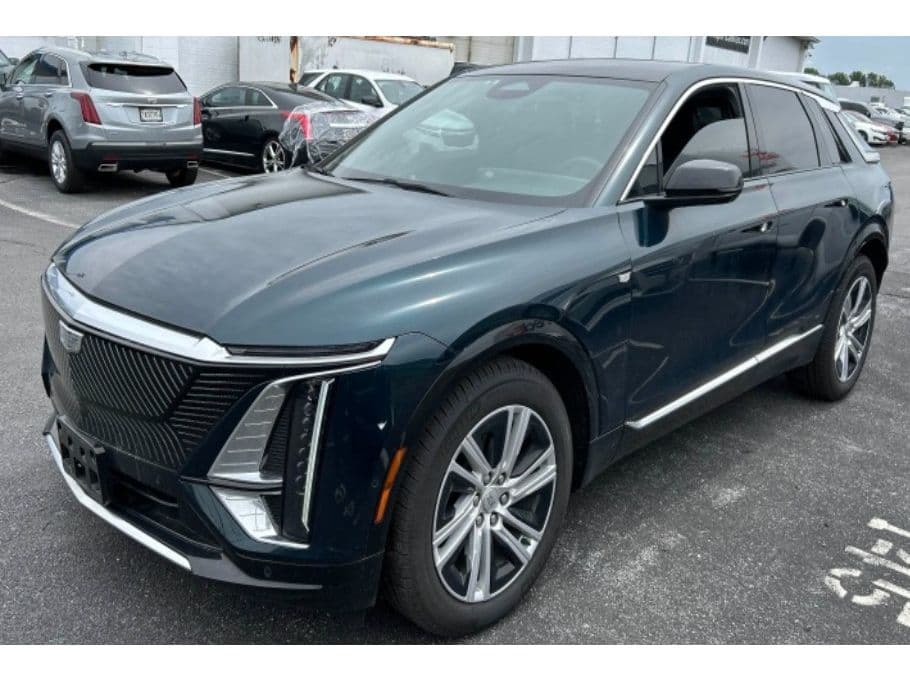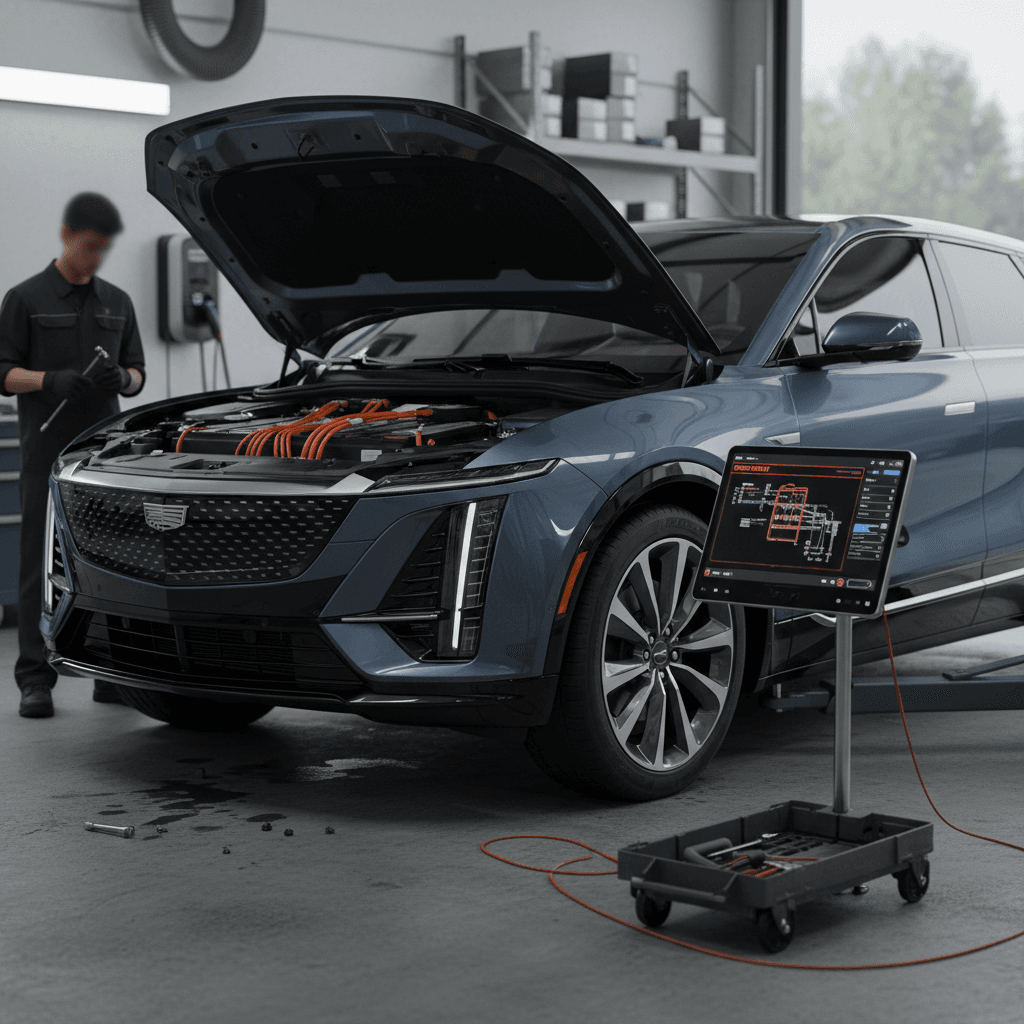
If you’re eyeing a 2025 Cadillac Lyriq, or already have one in your driveway, you’re probably wondering how much of the early-model drama has been fixed, and what new problems have appeared. The Lyriq is gorgeous, quick, and genuinely luxurious, but it also rides on GM’s still‑maturing Ultium and software platform. In this guide, we’ll break down the most common 2025 Cadillac Lyriq problems and fixes, with practical steps you can take whether you’re an owner or shopping used.
Quick context
Overview: How Reliable Is the 2025 Cadillac Lyriq?
2025 Lyriq Reliability Snapshot (Context, Not Gospel)
By 2025, Cadillac has had several model years to harden the Lyriq. Compared with early 2023 production, owners report fewer outright breakdowns and fewer "stuck at the dealer for a month" tales. But this is still an EV whose brain is more beta than its body. The Ultium battery, motors, and chassis have proven fundamentally strong; the weak spots remain software quality, infotainment reliability, and charging consistency, especially on public DC fast chargers.
Important for used buyers
The Biggest 2025 Cadillac Lyriq Problems
Top 2025 Lyriq Problem Categories
What owners complain about most often
1. Software & Screens
2. Charging Problems
3. Range & Battery Anxiety
4. Ride, Noise & Build Issues
Those buckets cover most 2025 Cadillac Lyriq problems. The good news: many of them are annoyances rather than catastrophic failures, and some can be improved with simple resets, software updates, or better charging habits. The bad news: the car is still uncomfortably dependent on over‑the‑air magic, and Cadillac’s software rollout cadence remains uneven. You can do everything right as an owner and still get sideswiped by a bad update.
Software Glitches and Screen Issues
If the 2025 Lyriq has an Achilles’ heel, it isn’t the battery, the motors, or the suspension. It’s the code. Owners report several recurring software themes, many inherited from earlier years:
- Infotainment screen freezing, going green/garbled, or blacking out temporarily.
- Apple CarPlay or Android Auto disconnecting, especially after certain 2024–2025 software builds.
- Navigation/GPS drifting or showing wildly inaccurate positions after an OTA update.
- Laggy climate and seat controls buried in the touchscreen, sometimes unresponsive for seconds at a time.
- Random warning messages that clear themselves but spook the driver.
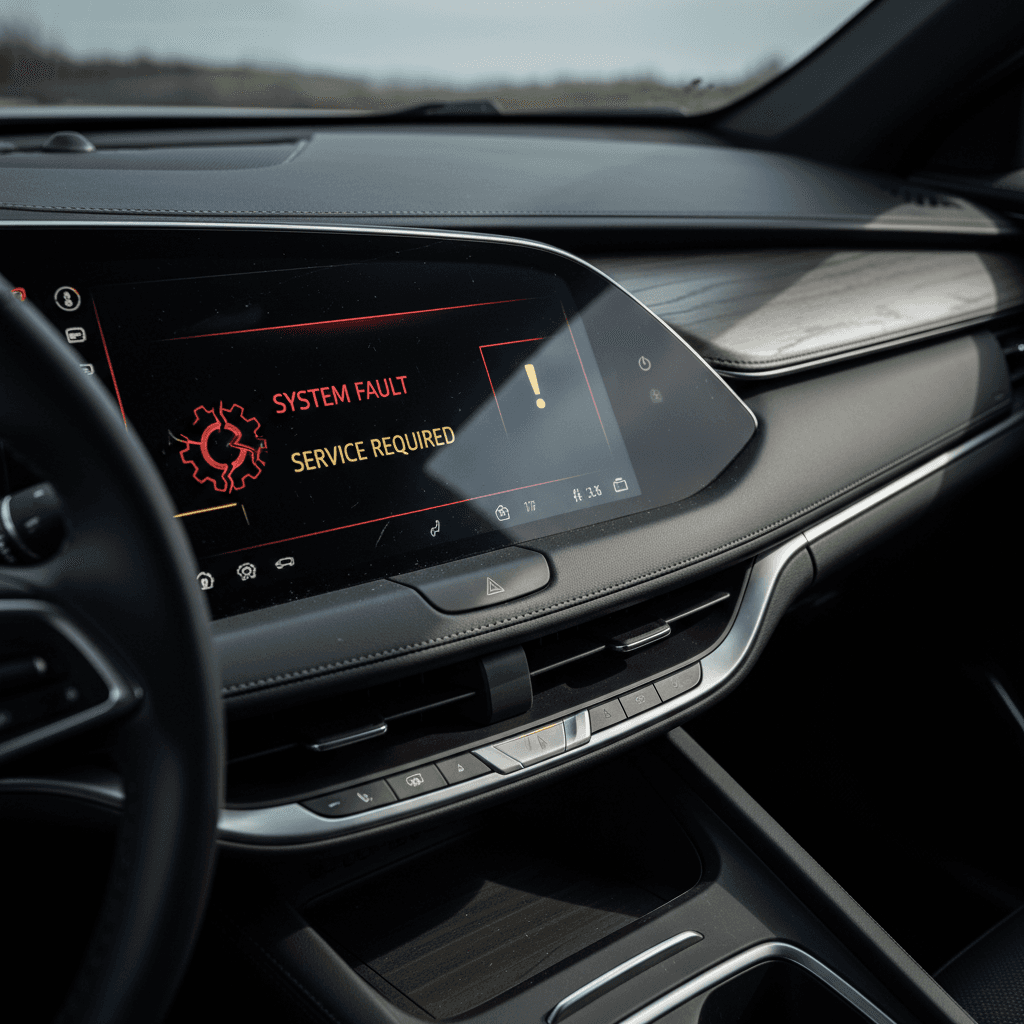
First‑line fixes for screen weirdness
Common 2025 Lyriq Software Problems and Fixes
Use this as a starting point before you lose a weekend at the dealership waiting room.
| Symptom | Likely Cause | Owner‑Level Fix | When to See the Dealer |
|---|---|---|---|
| Screen freezes or goes black while driving | Infotainment software crash | Soft reboot infotainment, fully power‑cycle car | If it happens more than once a week, or screen stays black on restart. |
| GPS completely wrong after update | Buggy navigation build or bad calibration | Perform a system reset; check for pending OTA fixes | If GPS remains unusable for days; ask about re‑flashing navigation module. |
| CarPlay audio cutting in and out | Known CarPlay audio bug on some builds | Toggle CarPlay off/on, forget and re‑pair phone, try wired if available | If unusable despite resets; dealer can check for latest software image. |
| Random warning messages that clear on restart | Communication hiccup between control modules | Log the message, take photos, monitor for pattern | If same warning repeats, especially for brakes, airbags, or propulsion. |
Always document software issues with photos or video so the service department can’t claim "no problem found."
The Lyriq’s hardware feels like it’s from 2028, but the software sometimes feels like a public beta.
When a screen glitch becomes a safety issue
Charging Problems: Home and DC Fast Charging
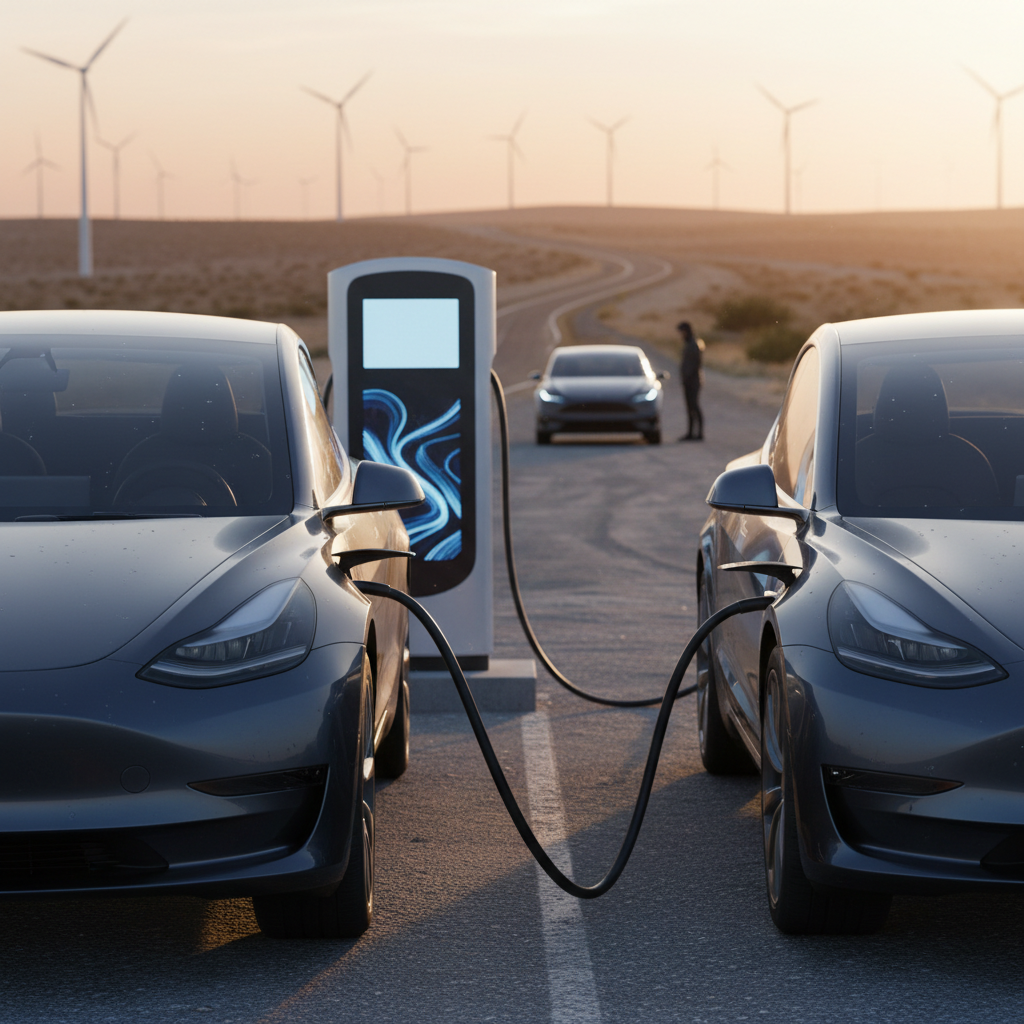
Charging is where EV ownership either feels delightfully invisible, or like owning a temperamental espresso machine that only works on alternate Tuesdays. The 2025 Lyriq, on paper, is well‑equipped: robust Level 2 capability at home and DC fast charging up to roughly 190 kW. In practice, owners still see a few recurring charging problems.
Typical 2025 Lyriq Charging Complaints
Most are solvable, if you know where to look
Home L2 stops early
DC fast charge won’t start
Slow DC speeds
Rule #1: Blame both sides equally
Charging Problems and Practical Fixes for 2025 Lyriq
Start with the basics before you dive into dealer‑only territory.
| Symptom | Quick Checks | Likely Fix | Escalation |
|---|---|---|---|
| Home Level 2 stops after a short time | Check outlet temperature, EVSE lights, and Lyriq charge limit in settings | Reduce current setting (e.g., from 48A to 40A), verify dedicated circuit, update Lyriq software | If multiple brands of Level 2 behave the same, ask dealer to check the onboard charger and charging module. |
| "Service Charging System" message at home | Verify you’re using a J1772→NACS adapter, not a CCS DC adapter; inspect plug for damage | Swap to another EVSE or adapter, reboot vehicle, clear any scheduled‑charge conflicts | If message persists with multiple chargers and cables, dealer needs to pull fault codes. |
| DC fast charger won’t handshake | Try a second stall, then another station/network; pre‑condition battery using the in‑car charging app | Update vehicle software, verify no open recalls or TSBs for charging handshake issues | If failure repeats at many stations, dealer should run diagnostics on the DC fast‑charge module. |
| DC fast speeds stuck under ~70 kW | High state of charge, cold battery, or throttling by the station | Arrive with 10–40% SOC, pre‑condition battery, choose higher‑rated chargers | If speeds remain low in warm weather at multiple 150–350 kW stations, ask dealer to check for software/thermal TSBs. |
Screen‑record the charger display and your car’s messages, you’ll need evidence if the issue is intermittent.
Cold‑weather charging sanity check
If you’re installing home charging, use a dedicated 240‑volt circuit with a quality Level 2 station from a reputable brand, and have a licensed electrician handle the work. A surprising number of owner complaints trace back to marginal wiring, undersized breakers, or bargain‑bin EVSEs, not the Lyriq itself.
Battery Health and Range Concerns
The Ultium battery pack in the Lyriq has not produced widespread degradation scandals as of early 2026. The bigger story is range confidence: how honest the car is about its remaining miles, and how much that number swings with temperature, speed, and updates.
- Owners in cold climates see 25–40% range loss on frigid days, normal for EVs, but still shocking if you came from a gas SUV.
- After some OTA updates, the state‑of‑charge gauge or projected range can feel “re‑calibrated,” showing fewer miles at the same percentage than before.
- Occasional complaints of the Lyriq reaching 0% earlier than the trip planner suggested, usually tied to high‑speed driving or strong headwinds.
How to baby your Lyriq’s battery
What’s normal
- Noticeable range loss below freezing.
- Slightly conservative range estimates at high speed.
- Small shifts in displayed range after major software updates.
What’s not normal
- Sudden, large drops in state of charge without corresponding driving.
- Repeated warning messages about high‑voltage battery health.
- Needing DC fast charging constantly just to cover routine commuting.
Recalls and Technical Service Bulletins Affecting 2025 Lyriq
By the time the 2025 Lyriq hit showrooms, Cadillac had already launched significant recalls on earlier model years, including a large campaign for display failures that could blank out the instrument cluster and infotainment screen. While that recall officially targeted 2023–2024 builds, the 2025 model inherits the same basic electronic architecture and software pipeline, which means it lives downstream of those fixes.
How recalls and TSBs work for Lyriq owners
Key Campaign Themes Relevant to a 2025 Lyriq
Names and numbers vary by VIN, but these are the patterns to ask your dealer about.
| Issue Theme | Who’s Affected | Why It Matters for 2025 | Your Move |
|---|---|---|---|
| Display / instrument‑cluster failures | Primarily 2023–2024 Lyriq | Shared hardware/software ancestry; 2025 builds ship with newer revisions but may still get follow‑up campaigns | Confirm your VIN has no open safety recalls; ask whether all display‑related updates are installed. |
| Software stability / infotainment updates | All model years on Ultium platform | TSBs often roll out first for earlier years; 2025 may get the same patch line later | Whenever you see glitches, insist the dealer check for the very latest software, not just “no codes found.” |
| Charging handshake / DC fast‑charge performance | Select Ultium EVs including Lyriq | Some vehicles need updated software for better charger compatibility and thermal management | If you have repeat DC fast‑charging failures at multiple networks, reference known charging TSBs when booking service. |
Always run your VIN through the official recall lookup tool and ask the service advisor to check for model‑year‑specific TSBs.
Don’t ignore mail from Cadillac or NHTSA
Noise, Ride, and Build-Quality Complaints
The 2025 Lyriq rides on a dedicated EV platform, not a warmed‑over gas chassis, and it shows: the structure feels stiff, and the center of gravity is pleasingly low. Still, some owners report NVH (noise, vibration, harshness) quirks that feel a little cheap for a luxury badge:
- Wind noise around the mirrors or A‑pillars at highway speeds.
- Rattles from the rear hatch or cargo cover on rough pavement.
- More tire roar than expected on coarse asphalt, especially with the larger wheels.
- Occasional squeaks from interior trim as the cabin settles in its first year.
Easy build‑quality fixes
DIY Fixes vs. When to See the Dealer
What You Can Fix Yourself, and What You Shouldn’t Touch
Reboot before you panic
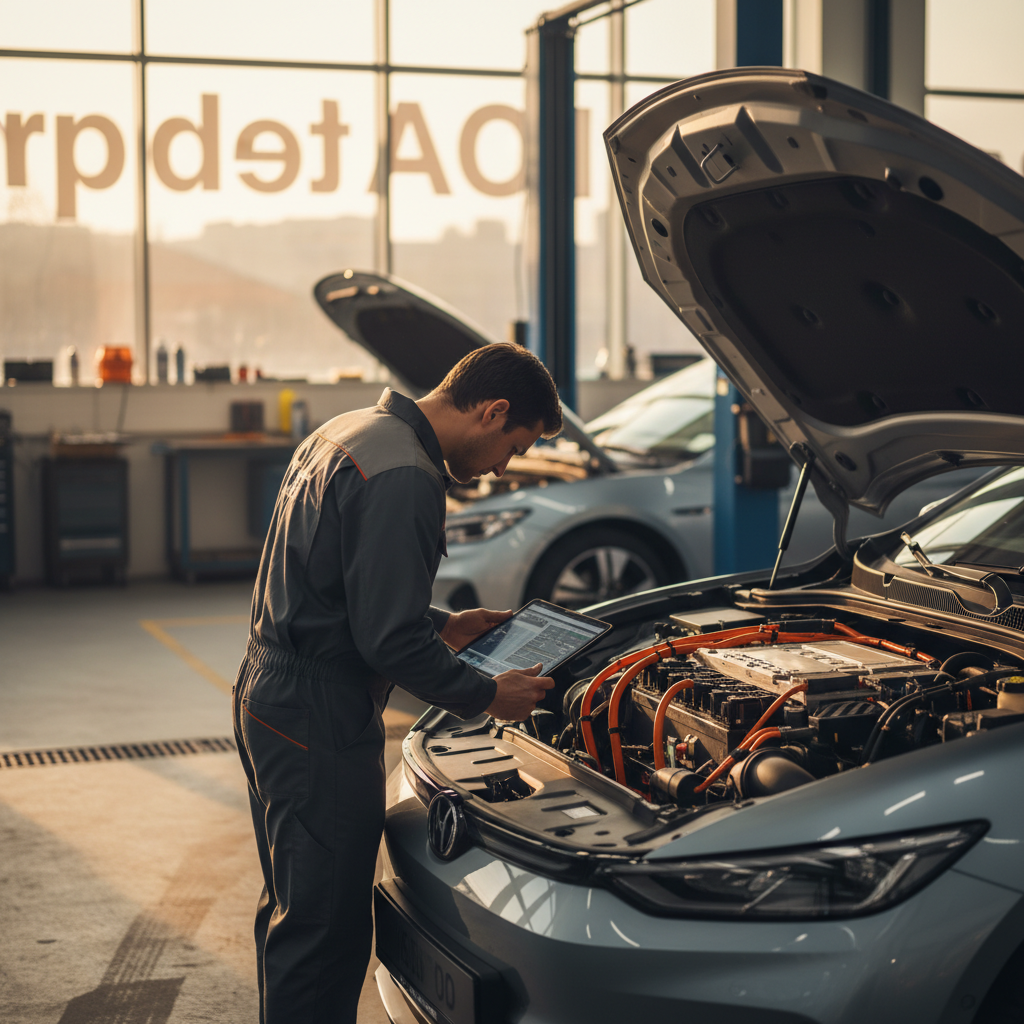
For software oddities (frozen screen, glitchy CarPlay, minor charge‑screen weirdness), try a full infotainment reset and a proper shutdown/restart cycle. It’s boring, but it often works.
Try multiple chargers and cables
If you see a charging error once, treat it as anecdotal. Try another home EVSE, another outlet, and a different public network before concluding the Lyriq is the culprit.
Document everything
Keep a simple log in your phone: date, mileage, what happened, which charger or app you were using, and photos of any warnings. This turns vague complaints into actionable evidence.
Use the myCadillac app, carefully
You can set charge limits, schedules, and pre‑conditioning in the app, but mis‑configured settings can masquerade as "charging failures." Double‑check schedules and limits before calling service.
Go straight to the dealer for safety issues
Brake warnings, high‑voltage battery alerts, repeated loss of propulsion, or major screen failures while driving are <strong>dealer‑only territory</strong>. Don’t try to limp along for weeks.
Escalate when "no problem found" repeats
If a Cadillac dealer keeps handing the Lyriq back with "no problem found" while issues persist, ask to involve a field engineer, open a case with Cadillac customer care, or consult lemon‑law counsel if you’re within your state’s window.
Shopping a Used 2025 Cadillac Lyriq: What to Check
If you’re looking at a pre‑owned 2025 Lyriq, you’re betting that someone else absorbed the worst of the early teething pains. That can be a smart move, if you vet the car properly. Here’s how to separate a good Lyriq from a rolling software experiment.
Used 2025 Lyriq Pre‑Purchase Checklist
Bring this list (and ideally an EV‑savvy friend) to your test drive.
| Area | What to Do | Red Flags |
|---|---|---|
| Software & screens | Cycle through all menus, camera views, and navigation; test CarPlay/Android Auto and voice commands | Frozen animations, delayed inputs, black screens, GPS clearly wrong, or CarPlay repeatedly disconnecting. |
| Charging behavior | If possible, plug into a Level 2 charger and watch at least 20–30 minutes of charging; review past charging history in the app if the seller will show you. | Charging sessions that stop early, frequent "Service Charging System" messages, or obviously slow Level 2 rates on a healthy circuit. |
| Battery & range | Start around 40–60% charge and take a 20–30 mile mixed drive; note projected vs actual consumption. | Huge swings in remaining range, or the car dropping to very low state of charge faster than expected at moderate speeds. |
| Recalls & updates | Run the VIN through the official recall tool; ask for service records and software update history. | Open safety recalls, missing documentation for major display or charging campaigns, or long blocks of "vehicle at dealer" for electrical issues. |
| Interior & build | Drive on rough pavement, listen for rattles, operate every seat, window, and hatch repeatedly. | Persistent buzzes from the dash, misaligned trim, or doors/hatch that require a slam to close properly. |
A half‑hour of focused testing can save you months of frustration with the wrong Lyriq.
Test‑drive like you already own it
How Recharged Helps You Avoid a Problem Lyriq
A used 2025 Lyriq can be a spectacular EV, or a rolling bug report. At Recharged, we treat those two outcomes as our job to tell apart, long before you ever click "buy."
What Recharged Checks on Every Lyriq We List
Because an elegant EV shouldn’t come with mystery error messages
Recharged Score battery health
Software & feature audit
Real‑world charging test
Ready to find your next EV?
Browse VehiclesBecause Recharged is built around a fully digital experience, with optional in‑person visits at our Experience Center in Richmond, VA, you can line up financing, trade‑in, and nationwide delivery without visiting a traditional dealer. More importantly, you get transparent battery and software health data instead of vague reassurances.
2025 Cadillac Lyriq Problems: FAQ
Frequently Asked Questions About 2025 Lyriq Problems
Bottom Line: Should You Buy a 2025 Lyriq?
The 2025 Cadillac Lyriq is a deeply seductive EV: graceful, quiet, and quick, with real highway range and a cabin that feels properly premium. Its structural and battery fundamentals are strong. Where it still stumbles is in the theater of bits and bytes, screens, apps, charging handshakes, and the occasional over‑the‑air misadventure.
If you want an EV that will never surprise you with a software quirk, the Lyriq probably isn’t it. If you’re willing to live with the occasional digital eyebrow‑raise in exchange for style, comfort, and long‑legged range, a well‑chosen 2025 Lyriq can make a compelling daily partner. The key is to buy one that’s been properly sorted: recalls done, software stable, charging tested, and battery health verified.
That’s exactly what Recharged exists to provide. Every Lyriq we list comes with a Recharged Score Report, expert EV inspection, and transparent battery and charging diagnostics, so you’re not gambling on someone else’s unfinished beta. Whether you shop fully online or visit our Richmond, VA Experience Center, you get the same thing the Lyriq itself promises but doesn’t always deliver: confidence.