If you’re eyeing a **2024 Volvo EX30**, or already own one, you’ve probably heard the stories: glitchy software, charging headaches, and talk of recalls. The EX30 is quick, stylish, and surprisingly fun, but it’s also a first‑generation EV that’s been evolving fast through over‑the‑air updates. This guide walks you through the most common 2024 Volvo EX30 problems and fixes, so you know what’s normal, what’s fixable, and what’s a real red flag, especially if you’re shopping used.
Early-build 2024 vs. later cars
Overview: How Worried Should You Be About EX30 Problems?
2024 Volvo EX30 Problem Snapshot
The EX30’s biggest headaches tend to fall into four buckets: **software/infotainment bugs**, **charging issues**, **safety‑system alerts and recalls**, and a mix of **fit‑and‑finish or usability gripes**. The good news: most are fixable, and many cars on the road today are better behaved than the early press cars you read about in 2024. The bad news: if previous owners skipped updates or recall work, those same problems can still be waiting for you.
Big Picture: Reliability and What Makes the EX30 Different
Why the EX30 feels so "digital"
- Almost everything runs through the single central touchscreen, no traditional gauge cluster, very few physical buttons.
- Google‑based infotainment and constant over‑the‑air (OTA) updates mean the car is always changing under the skin.
- When the software behaves, the EX30 feels modern and minimalist. When it doesn’t, you feel every glitch.
What tends to be solid
- The core electric powertrain, motors, battery, and driving dynamics, has generally been praised as strong and refined.
- Brake feel and steering are well‑tuned once you’re used to one‑pedal driving.
- Most complaints are about electronics and user experience, not catastrophic failures.
Why this matters to used buyers
Problem 1: Software and Infotainment Bugs
Talk to early EX30 owners and you’ll hear about **daily bugs**: frozen screens, random warning sounds, Bluetooth that won’t behave, and apps that forget who you are. Volvo has chased many of these with software updates, but on a used 2024 EX30 you should still watch for a few usual suspects.
Common 2024 EX30 Software & Infotainment Issues
Not every car will show all of these, but you’ll want to test for them on a long drive.
Frozen or laggy screen
The central touchscreen may temporarily freeze, show delayed responses, or reboot while driving.
Check: Does the system respond quickly when you switch apps, zoom the map, or change drive settings?
Audio & Bluetooth glitches
Owners report Bluetooth audio not playing, volume controls not responding, or the radio continuing after shutdown.
Quick fix: Unpair/re‑pair your phone and reboot the infotainment. If it’s chronic, ask about newer software versions.
Connectivity & apps
Spotify, Google Assistant, and live traffic rely on a solid data connection. Some early cars struggled with dropped LTE and apps failing to load.
Tip: Test connected features in several locations, not just your driveway.
- Random warning chimes with no clear message or delayed alerts on the screen.
- Occasional failure of driver profiles to load, meaning mirrors, seat, and preferences revert to default.
- Glitches with the Volvo EX30 phone app, remote lock/unlock or charge status not updating in real time.
Simple first step: soft reset
Problem 2: Charging Issues and EV Quirks
The 2024 EX30 generally charges as advertised, but there have been **charging communication issues**, confusing error messages, and device compatibility complaints, especially early on. Some are down to public charging networks; others are squarely in the car’s court.
Typical 2024 Volvo EX30 Charging Problems and Likely Fixes
Use this as a cheat sheet when you test‑drive or own an EX30.
| Symptom | Likely Cause | What Often Fixes It |
|---|---|---|
| DC fast charger won’t start or stops quickly | Handshake error between charger and car | Try a different stall or station; update car software; ask dealer to check charging module faults. |
| AC home charging slower than expected | 120V outlet, low‑amp EVSE, or shared circuit | Use a dedicated 240V circuit and Level 2 charger; verify correct amperage in charging settings. |
| Message that some Type 2/AC chargers aren’t compatible (Europe) | Known software bug in early cars | Software update, Volvo has released fixes for incorrect compatibility messages. |
| Public charger works for other EVs but throws errors for EX30 | Cable quality, connector wear, or older station firmware | Use a different cable if possible; inspect connector for damage; record station details for dealer or network support. |
| Home charger trips breaker occasionally | Circuit overloaded or wiring issue | Have a licensed electrician confirm wiring, breaker size, and grounding; reduce max current in the car as a test. |
Note: Always follow Volvo’s official charging instructions and never override safety warnings.
Safety first with any charging issue
As with any EV, it’s important to separate **network problems** from **vehicle problems**. A flaky DC fast charger that frustrates every car is not an EX30 flaw. But if the EX30 refuses stations that happily charge other EVs, that’s something to document thoroughly and bring to Volvo’s attention.
Problem 3: Safety Systems and Recalls
Any time you mix advanced driver‑assistance systems (ADAS) with a new software platform, there’s room for weirdness. With the EX30, owners and regulators have focused on two areas: **overactive safety alerts** and **formal recall campaigns**, especially around the high‑voltage battery and seatbelt warnings on some later model years.
Key EX30 Safety‑Related Issues to Know
Not all of these apply to every 2024, but they’re worth understanding if you’re buying used.
Over-eager driver aids
Some owners report that lane‑keeping assistance and speed warnings feel too intrusive or inconsistent, chiming often or nudging the wheel aggressively.
Fix: Learn the settings deeply. You can usually adjust warning sensitivity, sound levels, or even disable certain aids if they’re distracting.
Warning messages & chimes
Random seatbelt or sensor warnings have been reported even when everything is buckled and clear.
Next step: Check for software updates and open recalls. A persistent false warning deserves a dealer diagnosis, not just a shrug.
Battery-related recall context
- Ask the seller for a printout of recall and campaign history from an authorized Volvo dealer.
- Cross‑check the VIN with Volvo’s online recall lookup for your market.
- On a test drive, pay close attention to seatbelt, airbag, and high‑voltage system warnings. Any persistent light is a negotiation lever at best, and a walk‑away signal at worst.
Problem 4: Fit, Finish, and Usability Complaints
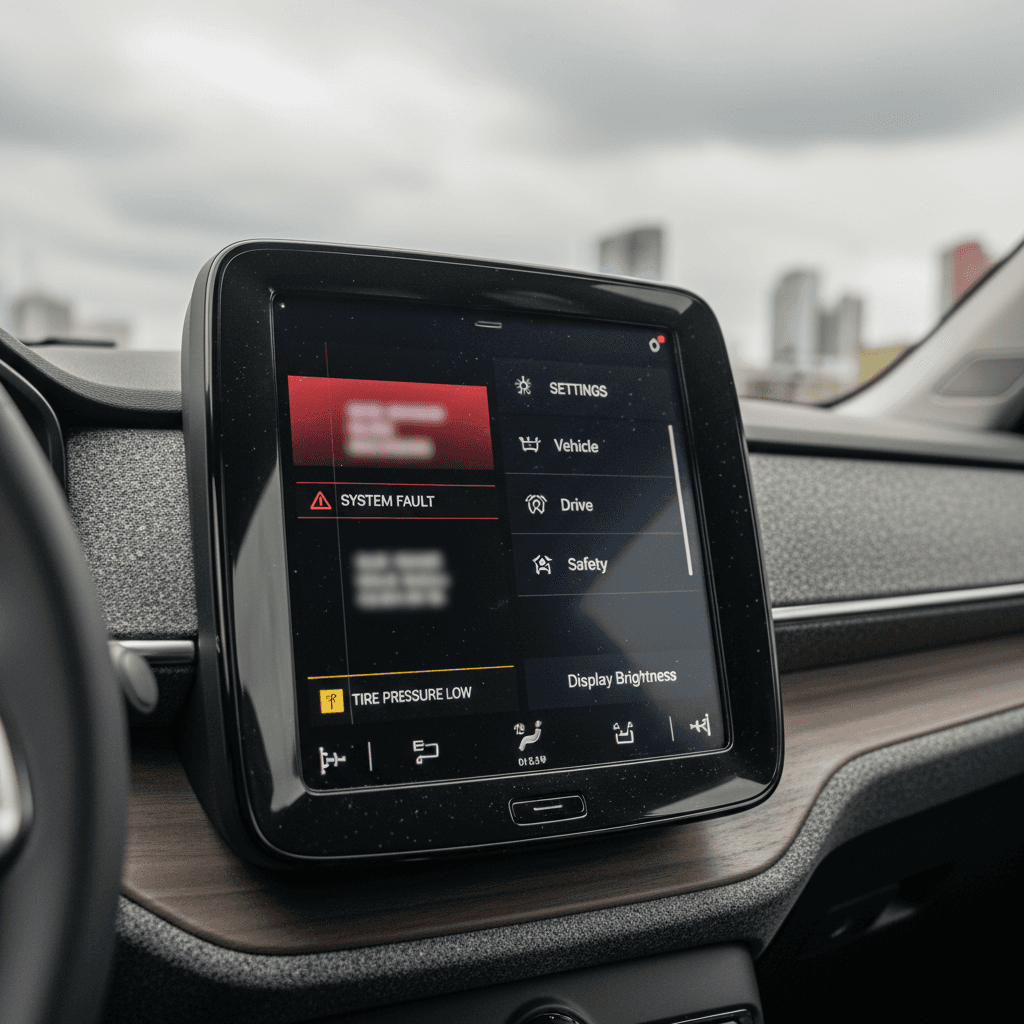
The EX30’s cabin looks Scandinavian‑cool in photos, clean lines, recycled materials, single screen. Live with it, and some owners find the **minimalism cuts a little too deep**. Others nitpick build quality on early cars.
Everyday Irritants Reported by EX30 Owners
Little things that may not break the car, but can chip away at your patience.
Too many taps
Climate, driver aids, audio sources, drive modes, almost everything is buried in menus.
If you’re coming from a car with hard buttons and knobs, expect a learning curve.
Volume & sound quirks
Separate volume sliders for navigation, warnings, media, and calls can be confusing. Some owners say warning chimes duck the music too aggressively.
Seats, storage & noise
Mixed feedback on seat comfort, cabin noise at highway speed, and limited small‑item storage. If any of these matter to you, do a long, mixed‑road test drive, not just a quick spin around the block.
How to separate quirks from real defects
What Volvo Has Already Fixed With Software Updates
Volvo has been pushing regular EX30 software releases since launch, and many of the early horror stories have been dialed back by now. Official release notes highlight **bug fixes that don’t change certified performance** but do clean up everyday headaches, exactly the kind of thing you care about as an owner.
Examples of EX30 Issues Addressed by Software Updates
Exact version content varies by region, but these are typical fixes owners have reported seeing over time.
| Issue Type | What Owners Experienced | Typical Update Outcome |
|---|---|---|
| Charging info accuracy | Messages claiming some AC/Type 2 chargers were incompatible when they actually worked fine | Updated compatibility data and messaging to better reflect real‑world charger support. |
| Connectivity stability | Dropped data connection affecting apps like Spotify or Google Maps | Improved modem management and reconnection logic in later updates. |
| General system stability | Frozen screens, random reboots, slow app switching | Incremental stability fixes that reduce the frequency of full system hiccups. |
| Driver-assist tuning | Overly sensitive lane‑keeping or speed alerts | Refined sensitivity and alert behavior based on fleet data and feedback. |
On a used 2024 EX30, the newer the software, the better your odds of a smooth experience.
Why OTA updates make a big difference
Owner Checklist: Practical Fixes and Workarounds
Quick Fixes and Habits That Make EX30 Ownership Easier
1. Verify and install the latest software
From the settings menu, check your current version and see if updates are available. Plan time for installation; don’t rush it before a long trip.
2. Reboot before you panic
If the screen misbehaves, frozen map, missing audio, try a soft reset or let the car fully power down and wake up. Note any issues that recur after resets.
3. Learn the driver-assist menu
Spend 20 minutes parked, going through every ADAS setting. Tailor lane‑keeping, speed alerts, and distance warnings so they help instead of nagging.
4. Test charging in multiple scenarios
Try home Level 2 (if possible), a slower public AC station, and at least one DC fast charger. Keep notes: station brand, speed, error codes. That paper trail is gold if you need dealer support.
5. Clean and inspect charge connectors
A surprising number of odd charging errors trace back to dirty or slightly bent pins. Always unplug gently and store mobile charge cables properly.
6. Use the Volvo app, but don’t rely on it blindly
The app is great for pre‑conditioning and charge monitoring, but if it shows obviously wrong data, verify in the car before assuming there’s a hardware fault.
Buying a Used 2024 Volvo EX30: What to Inspect
If you’re shopping the used market, you want all of the EX30’s charm, compact size, big performance, modern cabin, without inheriting someone else’s unsolved bugs. Here’s how to stack the deck in your favor.
Four Non-Negotiables for a Used 2024 EX30
If a seller can’t satisfy these, price needs to reflect the risk, or you should walk.
Documented recall & campaign history
Ask for a dealer printout showing completed recalls and service campaigns. Battery‑related or safety recalls must be done, full stop.
Current software version
Have the seller show you the software version screen. An EX30 still on very early software raises questions about how it was cared for.
Extended, mixed test drive
Insist on at least 45–60 minutes on varied roads. Use navigation, phone mirroring, streaming audio, and driver aids. You’re not just checking how it drives; you’re testing the computer.
Battery health & charging behavior
Monitor charge speed, range estimates, and any high‑voltage warnings. A professional battery health report is ideal when you’re buying used.
How Recharged can take the guesswork out
During your in-person inspection
- Cycle through all drive modes and confirm one‑pedal driving behaves consistently.
- Check every window, lock, mirror, camera, and parking sensor.
- Look for water leaks, rattles, or loose trim after a drive on rough pavement.
- Try Apple CarPlay/Android Auto (where available) and built‑in apps like Spotify.
Questions to ask the seller or dealer
- "Has the car ever been in an accident or had bodywork?"
- "Which recalls and software campaigns have been completed, and when?"
- "Where has the car mostly been charged, home AC or frequent DC fast charging?"
- "Do you have service records from an authorized Volvo retailer?"
FAQ: 2024 Volvo EX30 Problems and Fixes
Frequently Asked Questions About 2024 Volvo EX30 Problems
Should You Avoid the EX30, or Just Shop Smart?
The 2024 Volvo EX30 is one of those cars that can make you grin and grumble in the same day. Its size, punchy performance, and clean design are spot‑on for city life and weekend escapes. Its downsides are almost all tied to what makes it modern: a complex software stack, heavy reliance on one screen, and the growing pains of a first‑generation EV.
If you’re willing to live with a few quirks, and you’re careful about software, recalls, and charging behavior, the EX30 doesn’t have to be a problem child. The key is to treat it like the rolling computer it is: keep it updated, document issues, and choose a car with a clean, well‑maintained history. And if you don’t want to navigate that alone, working with an EV‑focused retailer like Recharged can make the difference between a bargain and a headache, especially when you’re buying used.