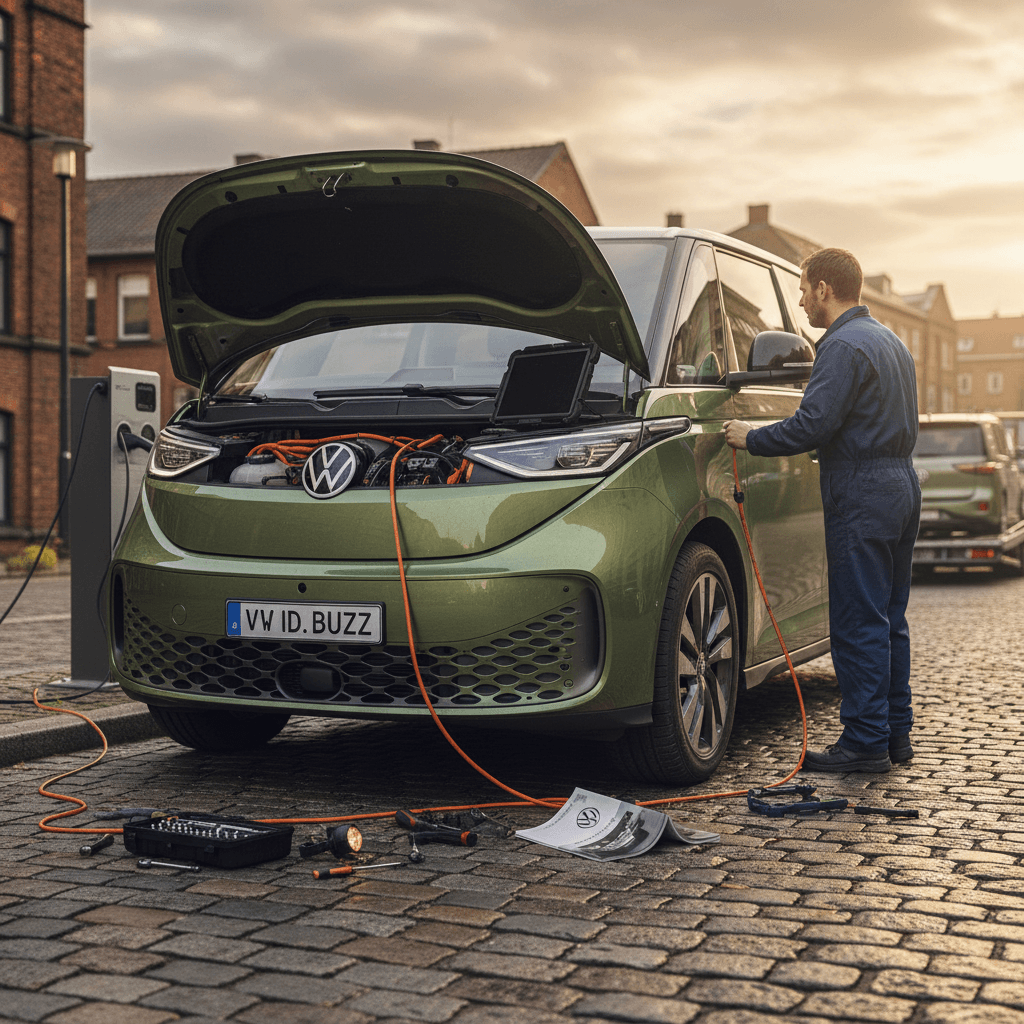
The 2024 Volkswagen ID. Buzz is one of the most anticipated electric vans in years, part nostalgia, part family hauler, part lifestyle machine. But like most first‑wave EVs, it’s not perfect. Early owners have reported a mix of software bugs, recall campaigns, and minor quality quirks. If you own one now, or you’re thinking ahead to the used‑EV market, understanding the most common 2024 Volkswagen ID. Buzz problems and fixes will save you time, frustration, and money.
What this guide covers
2024 ID. Buzz problems at a glance
Early ID. Buzz problem snapshot (2024–2025 builds)
If you’re picturing catastrophic battery failures or chronic roadside breakdowns, that’s not what we’re seeing. The 2024 ID. Buzz’s headline problems tend to fall into four buckets: 1. Formal recalls, notably a rear‑seat design issue and software‑driven safety updates. 2. Software and infotainment bugs, frozen screens, glitchy VW app behavior, and profile/settings not sticking. 3. Charging and battery‑management quirks, slow or failed DC fast‑charge sessions and inconsistent range estimates. 4. Interior and convenience niggles, seat adjustments, sliding doors, and rattles rather than core driveline problems. The good news: most of these are fixable with dealer‑performed software updates, recalls, or a little owner know‑how.
Major 2024–2025 ID. Buzz recalls you should know about
Because the ID. Buzz hit the U.S. market in 2024 and shares tech with other ID‑family EVs, it’s been swept up in a few early‑life recall campaigns. When you’re evaluating a Buzz, especially as a future used buy, verify these have been completed.
Key 2024–2025 Volkswagen ID. Buzz recall themes
Recall details and exact build ranges can change, so always check by VIN on the NHTSA site or with a Volkswagen dealer. This table summarizes the kinds of recalls ID. Buzz owners have seen so far.
| Issue | What happens | Typical fix | What you should do |
|---|---|---|---|
| Rear bench seat width / mounting | Certain early long‑wheelbase vans built for North America had rear bench dimensions or mounting that didn’t meet U.S. regulations. | Dealer adjusts or replaces seat/bench components to meet spec. Some markets saw temporary stop‑sale or export pauses. | Confirm recall completion by VIN; if not done, schedule with a franchised VW dealer before hauling a full cabin of passengers. |
| Brake tell‑tale / warning‑light software | Brake warning light or related tell‑tale might not display correctly in some conditions, triggering a safety recall. | Dealer‑installed software update that touches multiple control modules; in some cases, requires long programming sessions. | Ask for proof that the “brake tell‑tale” or similar software recall is completed. Expect the van to spend several hours at the dealer. |
| High‑voltage battery management / fire‑risk software | On some MEB‑platform EVs (including ID. Buzz), under rare circumstances the battery‑management logic could increase fire risk if not updated. | Updated battery‑management software to better monitor and control HV pack behavior. | Make sure any battery‑related software campaigns are closed. This is especially important if you plan to keep the van long‑term. |
Treat recall work as non‑negotiable: it’s free to you and critical for safety and resale value.
Don’t assume a 2024 ID. Buzz is recall‑free
From a buyer’s perspective, especially on the used market, recall history is actually a positive data point when the work has been done. It means Volkswagen and regulators have identified the problem and mandated a fix. At Recharged, any ID. Buzz that eventually enters our marketplace must show all open recalls completed before it’s listed.
Software and infotainment bugs (and how to tame them)
Ask any early ID. Buzz owner what bugs them most and you’ll hear the same word over and over: software. The hardware, the motors, battery, body structure, has been relatively solid. But screens that freeze, profiles that forget your settings, and a smartphone app that won’t talk to the van can sour the ownership experience.
Common 2024 ID. Buzz software complaints
Most of these are annoying rather than dangerous, but they’re still worth fixing.
Infotainment screen crashes
Quick tries:
- Hold the power/volume knob until the system reboots.
- Log out and back into your VW user profile.
- Delete and re‑add your phone for smartphone mirroring.
VW app & Car‑Net glitches
Quick tries:
- Confirm good cell data on your phone and the car’s location.
- Log out of the app and back in; reinstall if needed.
- Verify your account is properly linked as the primary user.
Profiles & settings not saving
Quick tries:
- Create a fresh profile and assign your key.
- Turn off "guest" profile if it keeps taking over.
- After major updates, re‑save your preferred profile as default.
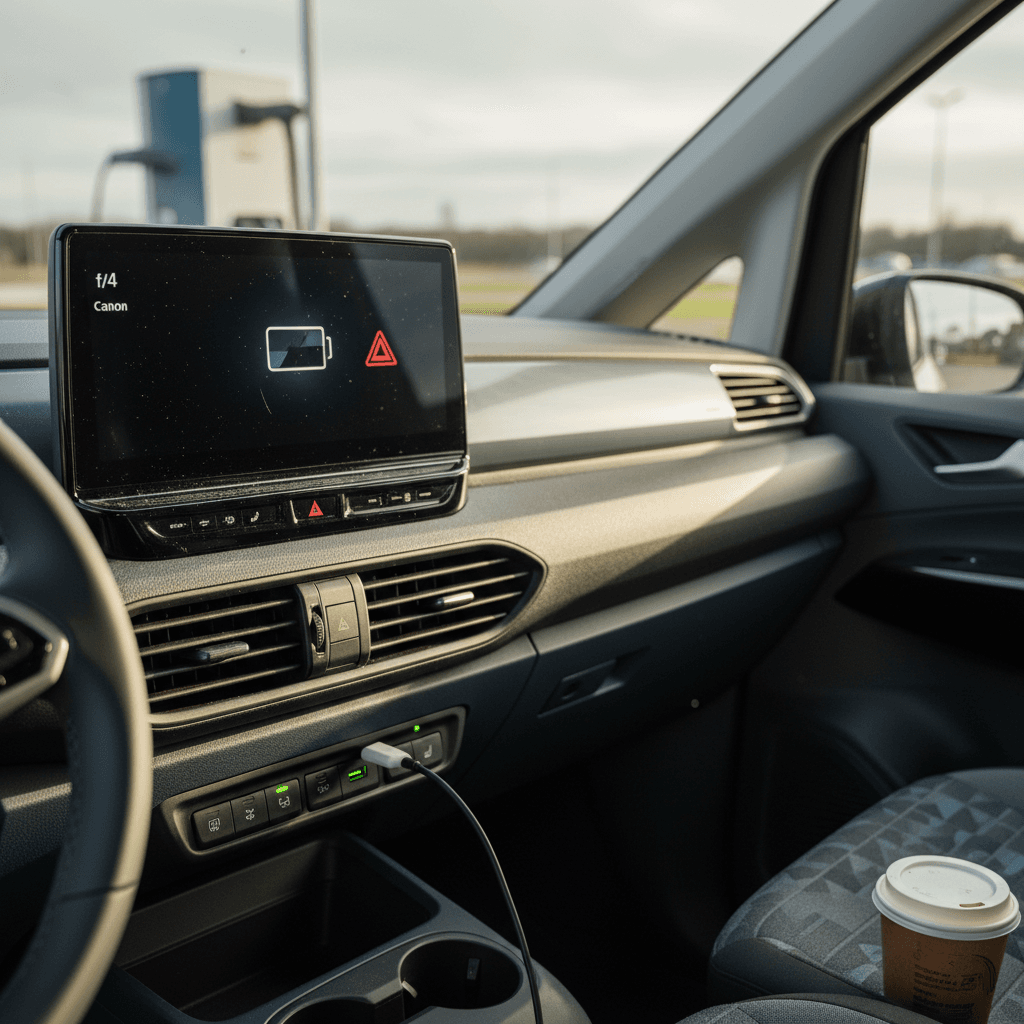
Step‑by‑step: stabilizing ID. Buzz software issues
1. Check your current software version
In the settings menu, note your ID. software version. Early 3.x builds were buggier; later 5.x versions add stability and features. If you’re several versions behind, plan a dealer visit.
2. Perform a clean infotainment reboot
With the van safely parked, press and hold the infotainment power/volume knob until the screen goes black and the VW logo reappears. This soft‑restarts the system without affecting your driving ability.
3. Clean up user profiles and Bluetooth devices
Delete old driver profiles you don’t use. Remove outdated phones from Bluetooth and smartphone‑mirroring menus. Then pair your primary phone again and save a single, clean profile as default.
4. Verify online services and primary user status
Many app problems trace back to the van not recognizing a primary user. In the vehicle settings and VW app, make sure your account is fully verified and the Buzz lists you as the primary user.
5. Ask the dealer about pending software campaigns
Some software updates are treated like recalls and must be done at the dealer, sometimes via a wired connection. When you’re in for service, ask the advisor to check for any pending campaigns by VIN.
6. Document repeat failures
If the screen repeatedly crashes, the app never connects, or OTA updates fail, keep a log with dates, photos, and screenshots. That record can support warranty claims, or, in extreme cases, buy‑back discussions.
Why a used‑market buyer should care about software
Charging and battery quirks in the 2024 ID. Buzz
On paper, the 2024 ID. Buzz offers respectable range and DC fast‑charging speed for a big, boxy van. In the real world, charging behavior and range estimates can feel more finicky than some rivals. Most of the issues aren’t outright failures, they’re quirks in how the software manages the pack and presents information to you.
- Occasional failed or slow DC fast‑charge sessions, especially at older public stations or in extreme cold or heat.
- State‑of‑charge and range estimates that swing up and down more than you’d expect based on recent driving style.
- Regenerative‑braking feel that changes after software updates, making the van feel different after a dealer visit.
- Home Level 2 charging that works, but doesn’t always hit the advertised kW rate if your circuit, cable, or temperature is marginal.
Battery safety vs. battery frustration
Improving DC fast‑charging reliability
- Favor modern high‑power chargers from well‑maintained networks.
- Plan to arrive with the battery between 10–30% for best speed.
- Pre‑condition the battery (if available in your software build) before fast charging in very cold weather.
- If a session fails, unplug, move one stall over, and try again, it’s often the station, not your van.
Making range estimates more realistic
- Reset or average your trip computer after major driving‑style changes.
- Expect lower range at highway speeds or with a full cabin and cargo.
- After a big software update, give the van a week of mixed driving to "re‑learn" your habits.
- Use percentage (SoC) instead of miles for long trips; it’s less stressful and more consistent.
How Recharged evaluates ID. Buzz battery health
Ready to find your next EV?
Browse VehiclesInterior, seats, and convenience issues
The ID. Buzz’s interior is one of its main selling points, tons of space, clever storage, and retro‑modern styling. But that space is supported by a lot of hardware: multiple seating rows, sliding doors, latches, and electronics. Not surprisingly, some of the early issues owners report are small but annoying things inside the cabin.
Typical interior and convenience complaints
Most of these are fix‑once problems, not chronic flaws.
Seat adjustment & comfort quirks
Sliding door behavior
Rattles and squeaks
Easy pre‑purchase interior checks
When a DIY fix isn’t enough: visit the dealer
Volkswagen has been steadily improving the ID. Buzz’s behavior with software and hardware tweaks, but getting your specific van up to spec may still require a dealer visit. Because so many modules are chained together, a failed update can brick a system or trigger warning lights, and that’s not something you fix in the driveway.
Signs you need professional help, not another reboot
Repeated failed software or recall updates
If a dealer attempts a brake‑system or battery‑management software update and it fails, the van may be undriveable or stuck in limp mode. That’s a warranty situation, don’t attempt workarounds yourself.
Persistent warning lights after updates
If ABS, brake, battery, or airbag warning lights stay on after a recall or update, insist on a full diagnostic printout. Modules may need to be reprogrammed or replaced under warranty.
HV battery or charging error messages
Messages about the high‑voltage system, refusing to charge, or repeated DC fast‑charge failures deserve immediate professional diagnosis. These can be safety‑critical even if the van still drives normally.
Structural or seat‑mounting concerns
If a seat feels loose, the third row won’t lock firmly, or you suspect your van is part of a rear‑bench recall, park it and have it towed in if needed. Don’t haul passengers until it’s inspected.
OTA updates never appear
Over‑the‑air updates are convenient, but when they never show up, while other owners with similar builds are updating, your infotainment or connectivity module might need to be replaced or re‑flashed at the dealer.
Don’t ignore brake or battery warnings
Used 2024 ID. Buzz shopping checklist
The ID. Buzz is still new enough that most examples you’ll see in the next couple of years are lease returns, lightly used demos, or early adopters trading out. That makes it a tempting used buy, if you’re methodical about checking for the issues we’ve just covered.
What to verify before buying a used 2024 ID. Buzz
1. Run the VIN for recalls and campaigns
Use NHTSA’s recall lookup or ask a VW dealer for a service history printout. Make sure rear‑seat, brake‑tell‑tale, and battery‑software campaigns are closed or scheduled.
2. Confirm current software version and OTA status
During inspection, navigate to the software‑information screen. Ask the seller if OTA updates have been arriving normally. A van stuck on very old software can be a red flag.
3. Inspect charging behavior in real life
If possible, plug into a Level 2 charger and a public DC fast charger during your test window. Watch for error messages, wildly fluctuating charge rates, or repeated session failures.
4. Listen for interior noises and check all seats
Fold, slide, and lock every seat. Drive over imperfect pavement with climate and audio off. Note any rattles, especially from the third row or sliding doors, and negotiate repairs if needed.
5. Evaluate battery health, not just displayed range
A nearly full charge should roughly match the EPA‑style range for the trim, adjusted for weather and driving conditions. A professional battery health report, like the <strong>Recharged Score</strong>, gives a much clearer picture than the guess‑o‑meter alone.
6. Ask about update or buy‑back history
Some owners have experienced long dealer stays or, in extreme cases, buy‑back negotiations over failed updates. Ask directly: “Have you had any major software or recall problems, and how were they resolved?” Get documentation where possible.
How Recharged simplifies a complex used‑EV
2024 VW ID. Buzz problems: FAQ
Frequently asked questions about 2024 ID. Buzz problems
Bottom line: Is the 2024 ID. Buzz a bad bet?
No. The 2024 Volkswagen ID. Buzz isn’t a disaster, far from it. It’s an early‑generation electric van built on a maturing platform, and that means software growing pains, recall waves, and a few hardware wrinkles. If you go in with clear eyes, insist on a clean recall and software history, and pay attention to how the van charges and behaves, the Buzz can still be a charming, practical EV people‑mover.
Looking ahead to the used market, the winners will be the vans that have documented updates, solid battery health, and sorted‑out interiors. That’s exactly what Recharged focuses on with every EV we list: verified battery diagnostics, transparent pricing data, and expert EV guidance so you know which ID. Buzz is the smart buy, and which one to walk away from.