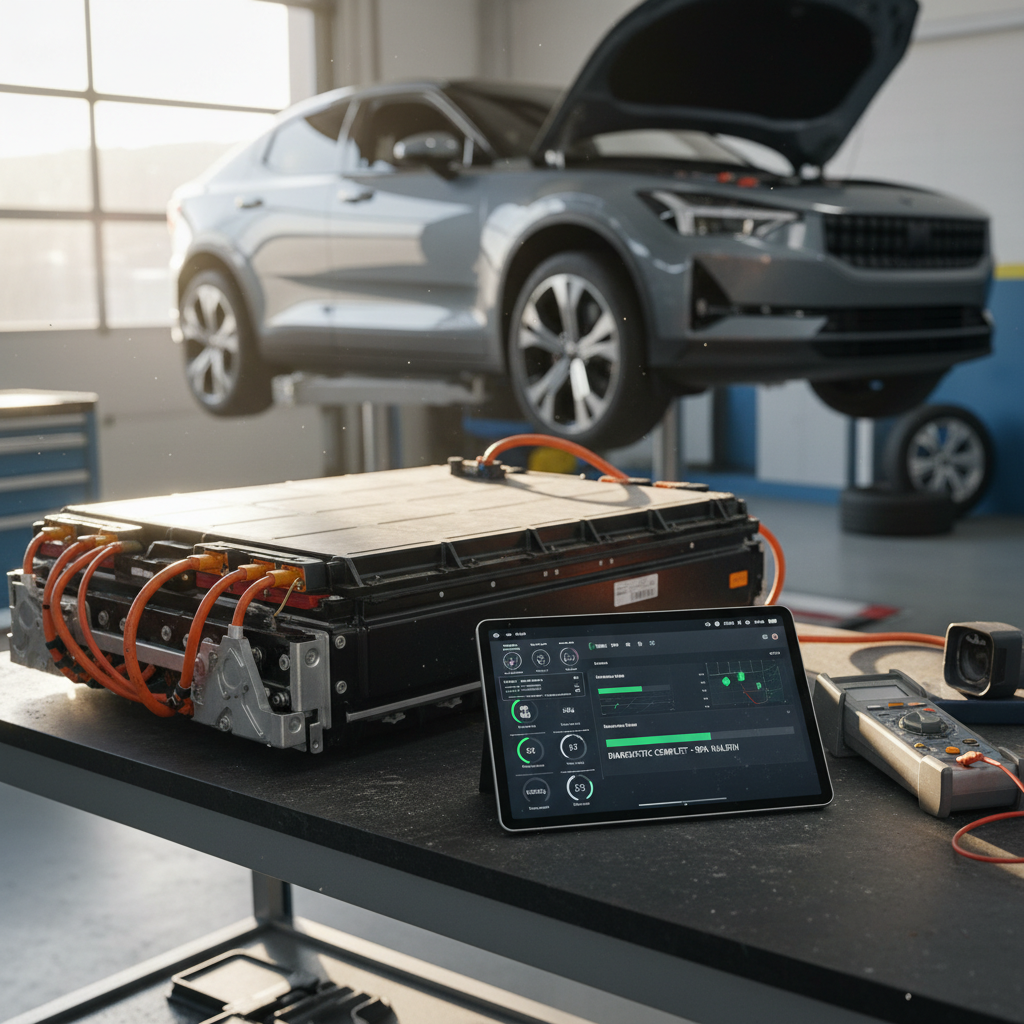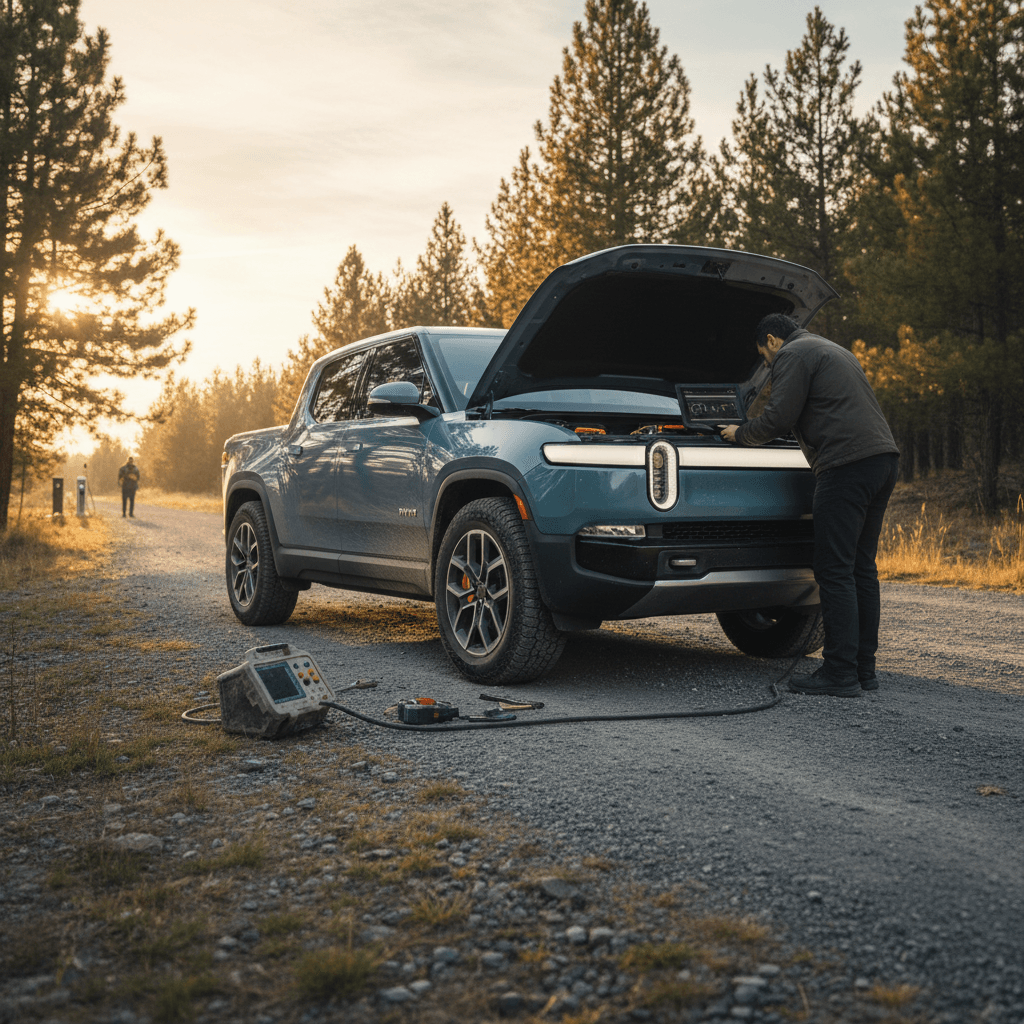
If you’re eyeing a 2024 Rivian R1T, whether new or used, you’ve probably heard mixed stories. Some owners rave about the performance and tech. Others talk about repeat service visits, software bugs, and head-scratching suspension noises. This guide breaks down the most common 2024 Rivian R1T problems and fixes so you know what’s normal, what’s a red flag, and how to protect yourself as an owner or shopper.
Context matters
Are 2024 Rivian R1T Problems a Dealbreaker?
The short answer: probably not, as long as you go in with eyes open. Most documented 2024 Rivian R1T issues fall into three buckets: software glitches, nuisance quality problems (trim, seals, minor noises), and a smaller but important group of suspension and hardware concerns. The electric powertrain itself tends to be solid, and reliability data suggests the 2024 model year trends closer to “average” than the horror stories you might see in forum threads.
- Software first, hardware second: Many problems show up as infotainment, driver-assistance, or app-related quirks that get patched via over-the-air (OTA) updates.
- Build quality is improving: Later trucks generally have fewer paint and alignment issues than early 2022 builds, but you can still find wind noise, rattles, and cosmetic problems.
- Suspension deserves a close look: A minority of owners report clunks, squeaks, or height-adjustment issues that can lead to repeat trips to the service center if not properly diagnosed.
Don’t judge by one horror story
2024 R1T Reliability Snapshot (What the Data Suggests)
Most Common 2024 Rivian R1T Problems
Main 2024 R1T Problem Areas
These are the buckets you’ll see over and over in owner reports and service write-ups.
1. Software & Infotainment
Freezing screens, laggy navigation, Bluetooth or phone-key issues, flaky driver profiles.
2. Suspension & Ride
Front-end clunks, squeaks over bumps, slow or uneven height adjustments, warning messages.
3. Body, Trim & Exterior
Wind noise, bubbling paint near handles, water around seals, occasional misaligned panels or rattles.
On top of that, you’ll see scattered reports of charging quirks, HVAC behavior in extreme weather, and the usual growing pains of a young brand’s service network. We’ll walk through each of these in more detail, along with the fixes owners and service centers are actually using.
Software & Infotainment Glitches (and Easy Resets)
If you hear about a 2024 R1T acting up, it usually starts with software. Owners describe everything from occasional lag to full screen reboots on long trips. Specific complaints include:
- Center display freezing, going black briefly, or rebooting while driving.
- Slow map rendering or lag when switching views in the navigation system, especially after certain late-2024 and 2025 OTA updates.
- Phone-as-key not being recognized until the Rivian app is reopened or the truck is woken up again.
- Driver profiles not applying seat and mirror positions reliably.
- Glitchy Bluetooth audio, media pausing, or audio sources changing unexpectedly.
First-line fixes you can try yourself
Quick Fix: How to Triage Software Issues
1. Note what triggers the bug
Does the problem happen when you start the truck, after an update, on DC fast charging, or when using a specific app or feature? The more precise you are, the easier it is for service to replicate and fix.
2. Perform a soft reset
Use the steering wheel button combination or on-screen controls (depending on software version) to reboot the infotainment without powering down the whole truck. This often clears minor glitches.
3. Check for pending updates
Open the Rivian app or in-vehicle menus and see if a new software version is available. Many known bugs are tied to specific versions that Rivian later patches.
4. Try a full power cycle
After parking safely, shut the truck down fully, lock it, walk away with the keys, and let it go to sleep. Wait a few minutes before waking it again and re-testing the issue.
5. Document with photos or video
If the behavior is intermittent, record it. Service teams often rely on owner videos to pinpoint whether they’re dealing with a known bug or something new.
6. Escalate for safety-related glitches
If the fault affects braking, steering, airbags, or driver-assistance (e.g., cruise control dropping out repeatedly), contact Rivian support immediately and book service rather than waiting for the next OTA update.
When software problems are more than an annoyance
Suspension Noises, Lean & Ride Issues
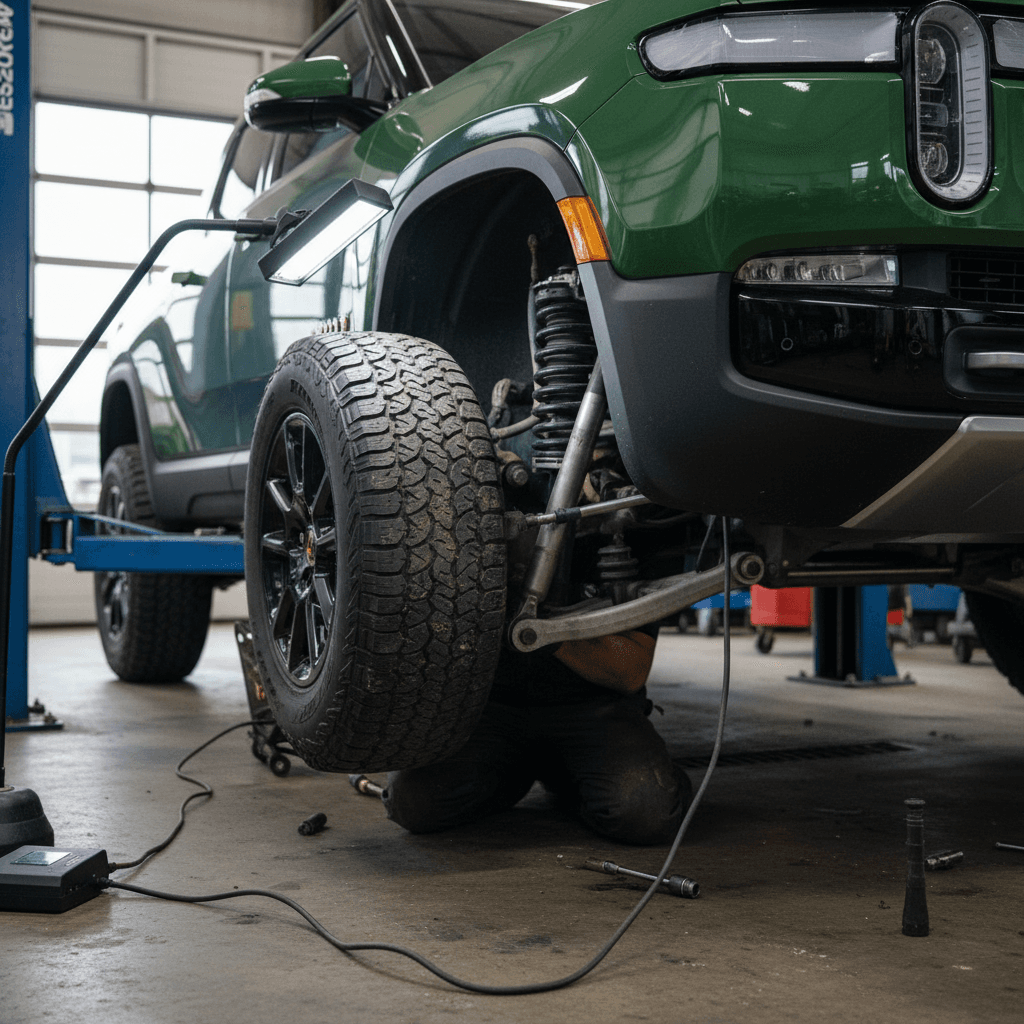
The R1T’s air suspension is a big part of its appeal. It’s also one of the most complex systems on the truck, and that means more potential failure points. By 2024, Rivian had updated several components, but owners still report a mix of:
- Front-end clunks or knocks when going over low-speed bumps or driveway lips.
- Squeaks or creaks from the suspension at parking-lot speeds, especially in colder weather.
- Slow or inconsistent raising/lowering after OTA updates, or repeated height calibration messages.
- The truck appearing to “lean” slightly to one side after being parked, or warning lights tied to ride height or suspension sensors.
Likely causes
- Wear or play in front suspension components like control-arm bushings or ball joints.
- Issues with air struts, valves, or lines leading to inconsistent height or noises over bumps.
- Software calibration glitches after a major OTA update, making the system “hunt” for the correct height.
Typical fixes
- Service centers inspecting and, if needed, replacing bushings, bearings, or half-shafts tied to persistent noises.
- Re-calibrating the air suspension and checking for leaks in lines or fittings.
- Applying updated software or control-module programming to smooth out height changes.
How to test the suspension on a drive
Trim, Water Intrusion & Exterior Quality
Body and trim issues are where the R1T most clearly behaves like an early-production EV from a young automaker. They’re rarely catastrophic, but they do affect daily satisfaction and resale value. Known 2022–2024 patterns include:
- Wind noise around mirrors, door seals, or the rear window area at highway speeds.
- Occasional water intrusion around the frunk, tonneau area, or tailgate seals after heavy rain or a car wash.
- Paint blemishes or bubbling near exterior door handles, which Rivian has addressed with a technical service bulletin on earlier model years.
- Squeaks, buzzes, or rattles from the interior trim or bed area over rough roads.
Why this matters for used buyers
Common 2024 R1T Exterior Issues & Typical Fixes
Use this as a quick reference when inspecting a truck in person.
| Issue | How it Shows Up | Typical Fix | Owner Impact |
|---|---|---|---|
| Wind noise at speed | Whistling or rushing air from a door or mirror above ~60 mph | Adjust door glass, replace or re-seat seals, mirror or trim tweaks | Annoying but usually fixable under warranty |
| Water around frunk/tailgate | Damp seals, water pooling after rain or wash | Seal replacement or adjustment, updated parts on some trucks | Minor inconvenience; watch for long-term corrosion |
| Paint bubbles by handles | Raised paint or small bubbles below handle areas | Refinish affected panels, sometimes via TSB | Cosmetic, but hurts resale if ignored |
| Trim rattles | Buzzes over rough roads or at certain speeds | Interior panel adjustments, clips or foam added | Mostly nuisance; good inspection can catch most |
Not every 2024 R1T will show these issues, but they’re worth checking before you sign.
Charging Quirks and EV-Specific Issues
Electrically, the 2024 R1T is generally strong, but like most EVs it can be temperamental with certain public chargers or in extreme weather. Owners report:
- Third-party DC fast chargers that stop sessions early or refuse to handshake, even when the truck itself is fine.
- Charge port doors that occasionally fail to open or close cleanly, particularly in cold or icy conditions.
- Inconsistent charge speeds at some non-Rivian networks compared with advertised rates.
- Range estimation that can be optimistic in cold weather, heavy headwinds, or at high speed.
Simple charging fixes and workarounds
If you’re buying used, ask for charging history: where the previous owner typically charged, whether they’ve had failed sessions, and if any charge-port hardware has already been replaced under warranty.
2024 Rivian R1T Recalls and Service Campaigns
By April 2026, the 2024 Rivian R1T has several NHTSA-recorded recalls on the books, plus a handful of technical service bulletins (TSBs) that cover paint, exterior trim and specific components. Exact campaigns change over time, but they generally fall into these categories:
- Lighting and labeling: Issues with headlight aiming or turn-signal visibility, and incorrect information on tire or weight placards.
- Exterior components: Service actions for painted surfaces around door handles or trim that can affect durability.
- Safety or equipment checks: Campaigns that inspect or replace specific hardware when Rivian or NHTSA identifies a risk pattern.
Always run a VIN recall check
How to Verify Recall and Service History
1. Pull the VIN
You’ll find it on the lower windshield, driver’s door jamb label, and in the Rivian app. For a used truck, cross-check that the VIN matches the title and sales documents.
2. Search NHTSA and Rivian
Enter the VIN on the NHTSA recall lookup site and check the Rivian app or service portal. Look for open recalls and completed campaigns.
3. Ask for service records
For a used purchase, ask for a printout of the truck’s service history, or screenshots from the previous owner’s app. Confirm any suspension, battery, or high-voltage work.
4. Confirm completion before delivery
If recalls are open, ask the seller or Rivian to perform them before you take delivery, or bake the inconvenience into your price negotiations.
Test-Drive Checklist: How to Spot 2024 R1T Problems
You can catch most 2024 R1T problem patterns in an hour with the truck, if you know what to look for. Use this checklist whether you’re buying from Rivian, a dealer, or a private seller.
2024 R1T Problem-Spotting Checklist
1. Cold start behavior
Start the truck after it’s been sitting. Watch for warning lights, error messages, or unusually long boot-up times on the screens.
2. Screen and software health
Cycle through navigation, audio, cameras, and driver profiles. Note any freezing, lag, or reboots. Pair your phone, lock/unlock with phone-as-key, and switch drivers if possible.
3. Low-speed noise hunt
Drive slowly over speed bumps and rough pavement with windows slightly cracked. Listen for clunks, squeaks, or groans from the front suspension or bed area.
4. Highway wind and tracking
Take it to highway speeds. Listen for wind noise around mirrors or doors, and lightly loosen your grip to see if the truck tracks straight without constant steering correction.
5. Suspension height cycle
In a safe area, cycle through all ride heights. The truck should transition smoothly without loud hisses, prolonged delays, or new warning messages.
6. Charging and ports
If possible, plug into a Level 2 charger or at least open/close the charge port several times. Check for sticky movement, warning lights, or error messages.
7. Water and seal check
Inspect the frunk, tailgate, tonneau area, and door seals for staining, water marks, or debris that hint at past water intrusion.
8. Full exterior and paint walk-around
Look closely at door handles, panel edges, and the bed. Check for bubbling paint, mismatched colors, or evidence of prior repairs.
Ownership Strategies: Warranties, Coverage and Costs
Rivian backs the R1T with a new-vehicle limited warranty and separate coverage for the battery and drivetrain. That’s helpful, but it doesn’t mean zero hassle. Trips to the service center, loaner availability, and parts timing all matter in real life, especially if you don’t live near a Rivian facility.
What Rivian’s factory coverage helps with
- Defects in materials or workmanship on most components during the basic warranty period.
- Battery and drive-unit protection against failure and excessive degradation within specified terms and mileage.
- Coverage for recall and service-campaign work at no cost to you.
What you still need to plan for
- Time and logistics if your nearest service center or mobile tech is hours away.
- Wear items and out-of-warranty fixes once the truck ages out.
- Potentially higher collision repair costs because of advanced materials and EV-specific components.
How Recharged can help
Ready to find your next EV?
Browse VehiclesBuying a Used 2024 Rivian R1T: What to Check
The 2024 model year is now firmly in used-truck territory. That’s good news if you want to avoid early depreciation, and bad news if you inherit a poorly repaired or under-maintained truck. Here’s how to stack the odds in your favor.
Key Used-Buyer Risk Areas (and How to Manage Them)
Focus here first if you’re shopping a 2024 R1T on the used market.
Battery & fast-charge history
Ask how often the truck was DC fast-charged vs. home-charged. Look for any history of rapid range loss, high-voltage warnings, or pack-related service.
Suspension & alignment
Request records of any work on control arms, air struts, or alignment. Persistent clunks or a crooked steering wheel after multiple alignments are red flags.
Accident & body repairs
Get a vehicle history report and inspect for overspray, panel gaps or mismatched paint, especially around doors and the bed. Modern EVs can be expensive to fix after even moderate hits.
Used 2024 R1T: Deal-Breaker vs. Negotiation
Green light: Clean history + minor trim fixes
A truck with documented software updates, completed recalls, and only minor trim or seal issues is usually a good candidate, especially if those nuisances have already been addressed.
Negotiation zone: Noisy but documented suspension
If the truck has had front-end or suspension work, but drives well now with no warnings, use that history to negotiate price rather than walking away automatically.
Red flag: Repeated unexplained warnings
Walk carefully if you see a pattern of unsolved suspension faults, high-voltage errors, or repeated software failures that multiple service visits haven’t cured.
Red flag: Incomplete recalls or big info gaps
Missing recall documentation, vague answers about prior damage, or an owner who can’t show any service history on a relatively new truck are reasons to pause.
2024 Rivian R1T Problems: FAQ
Frequently Asked Questions About 2024 R1T Problems
Bottom Line: Should You Worry About 2024 R1T Problems?
The 2024 Rivian R1T is still one of the most compelling electric pickups on the market, fast, capable, and genuinely fun to live with. Its problems are real, but they’re also understandable once you know the patterns: software glitches that come and go with updates, nuisance trim and seal issues, and a suspension system that deserves close attention on any test drive.
If you’re willing to stay current on updates, document issues early, and be proactive about recalls and inspections, a 2024 R1T can be a solid choice, especially at a used price that reflects these realities. And if you’d rather not decode service histories alone, buying through a marketplace like Recharged gives you a battery-health report, fair-market pricing, and EV-savvy support from first search to final signatures. That way, you get the adventure truck you want, without signing up for surprises you didn’t bargain for.