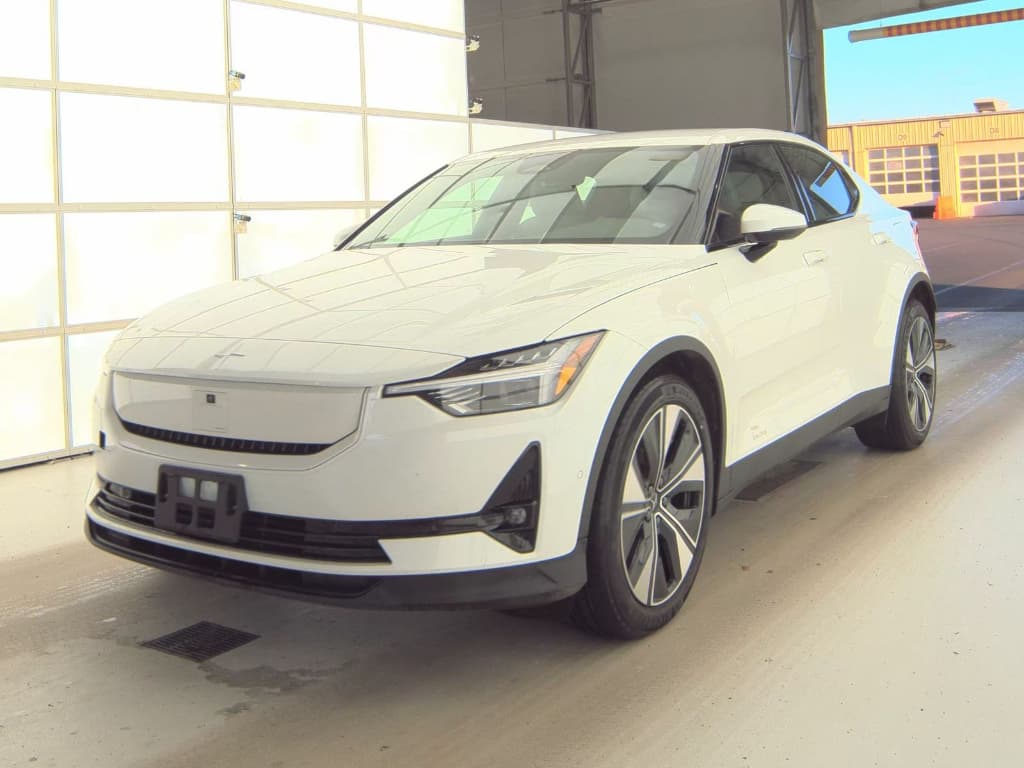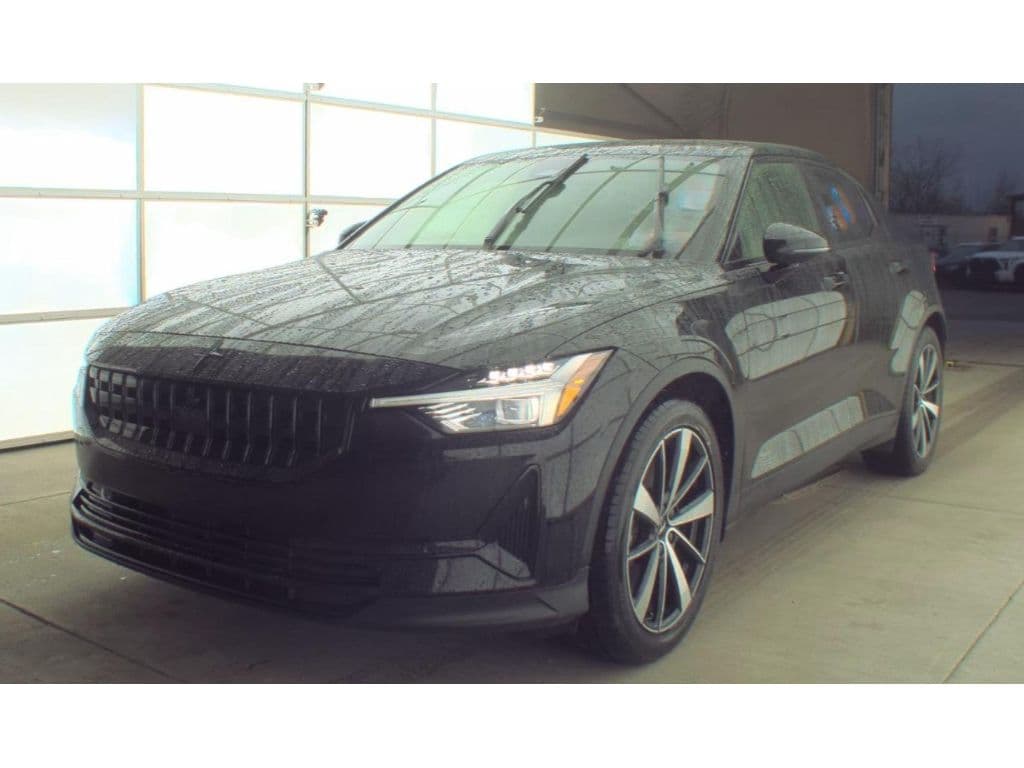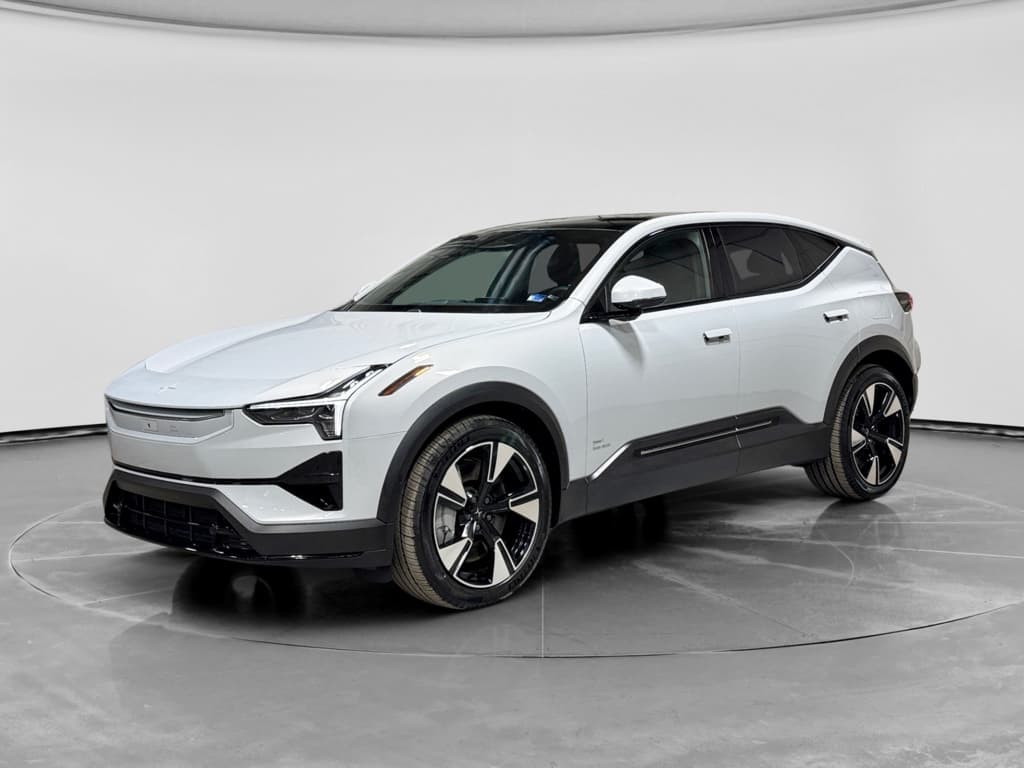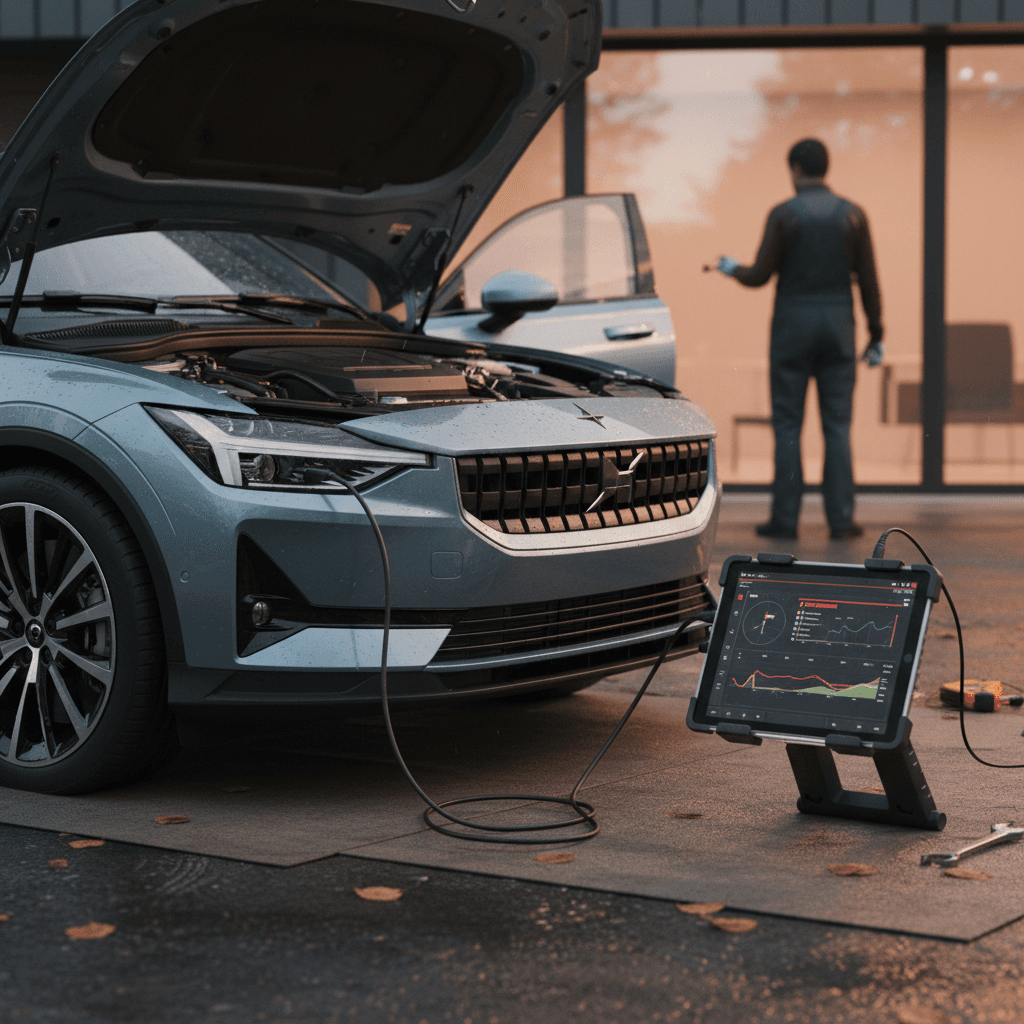
If you like the Scandinavian design of the 2024 Polestar 2 but keep hearing about software bugs and recalls, you’re not alone. Like many early‑generation EVs, the Polestar 2 combines great driving manners with a handful of recurring issues. In this guide, we’ll walk through the most common 2024 Polestar 2 problems and fixes, with specific advice if you’re shopping used or considering one alongside a Tesla Model 3 or Hyundai Ioniq 5.
Quick take
How Reliable Is the 2024 Polestar 2?
The 2024 Polestar 2 benefits from several years of running changes, so it tends to be more sorted than early 2021–2022 cars. Independent reliability surveys place the Polestar 2 around mid‑pack among electric cars, with electrical and infotainment problems reported far more often than motors, batteries, or brakes. Owner feedback is split: some report virtually trouble‑free ownership, while others deal with repeated software visits and a handful of mechanical complaints.
2024 Polestar 2 Reliability Snapshot
Model‑year nuance matters
Most Common 2024 Polestar 2 Problems
Across owner forums, independent reliability write‑ups, and internal technical bulletins, four themes come up again and again for the Polestar 2, including the 2024 model year:
- Infotainment and connectivity glitches (Android Automotive, Google Maps, CarPlay/Android Auto, app connection)
- Electrical quirks and warning lights (TCAM module, 12‑volt battery messages, driver‑assist faults)
- Suspension noises and ride complaints (front‑end clunks, harshness over broken pavement)
- Battery, charging, and range concerns (charging bugs, range versus EPA rating, cold‑weather behavior)
Let’s walk through each of these problem areas, what’s actually happening, and the most effective fixes we’ve seen owners and service departments use.
Problem 1: Infotainment and Connectivity Glitches
The Polestar 2 was one of the first cars to run Google Android Automotive as its native operating system. The upside is tight integration with Google Maps, Assistant, and the Play Store. The downside is that the system can feel more like a beta smartphone than a mature car interface, and that’s the number‑one complaint we see from owners.
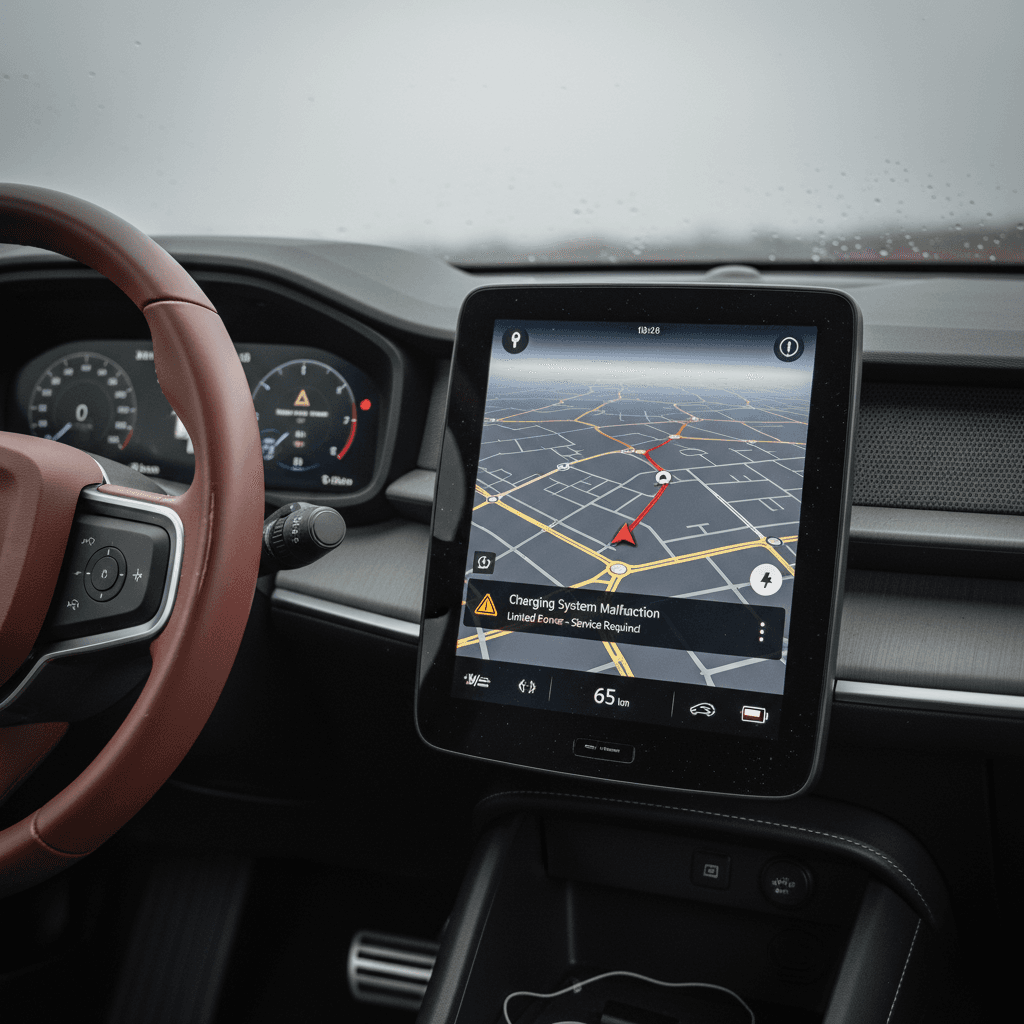
Typical infotainment symptoms on 2024 cars
- Slow boot when you first get in, especially after the car has slept for several hours
- Google Maps lagging, freezing, or crashing, sometimes taking the whole screen down with it
- Blank or black center screen that eventually reboots
- Glitches when switching between driver profiles or phones
- Polestar app or digital key occasionally failing to wake or unlock the car
- Apple CarPlay / Android Auto connection drops or refuses to connect until the system is rebooted
Why this happens
DIY fixes and workarounds
Quick fixes for Polestar 2 infotainment issues
1. Perform a soft reset
Press and hold the center‑screen home button for about 20 seconds until the display goes dark and the Polestar logo reappears. This clears many one‑off glitches without affecting your personal settings.
2. Clear app caches
Under <strong>Settings → Apps → See all apps</strong>, open Google Maps, Spotify, and any other heavy‑use apps and clear their cache. Owners report dramatic improvements in stability after cleaning out bloated navigation data.
3. Keep software up to date
Install over‑the‑air updates promptly or ask your service center to load the latest version if updates have stalled. Many Polestar 2 bugs, especially infotainment crashes, have been addressed in software releases.
4. Re‑pair your phone
Delete the Polestar from your phone’s Bluetooth list and remove your phone in the car’s Bluetooth menu. Then set it up again, and re‑enable digital key in the app if you use it.
5. Limit background apps
Avoid installing every possible Android Automotive app. Treat the Polestar’s screen like a lightly‑loaded smartphone: just the essentials you actually use day to day.
When to involve a dealer
Problem 2: Electrical Issues and Warning Lights
Beyond the screen, the 2024 Polestar 2 shares some electrical quirks with earlier years. These are rarely catastrophic, but they can be unnerving if you don’t know what you’re looking at.
Common electrical complaints
- Random warning messages that clear on the next drive (parking assist unavailable, driver‑assist fault, etc.)
- Telematics/TCAM errors leading to loss of app connectivity, live traffic, or remote pre‑conditioning
- Low 12‑volt battery warnings after a software update or service visit
- Occasional sensor glitches (e.g., parking sensors or cameras throwing brief errors)
First step: document and reboot
Likely causes and fixes
TCAM and connectivity faults
The telematics module that handles LTE and app data has been a known weak spot across multiple Polestar 2 years. Symptoms include the app not updating, failed remote pre‑conditioning, and loss of live traffic.
- Try a complete car sleep cycle by locking it and leaving it undisturbed for 20–30 minutes.
- If problems persist, a dealer can perform a software reload or replace the TCAM under warranty.
12‑volt battery warnings
After major software updates or long storage, some owners see low 12‑V battery messages even though the main high‑voltage pack is healthy.
- Frequent short trips and heavy accessory use can aggravate this.
- Have the 12‑V battery tested; replacement under warranty is common if it’s genuinely weak.
- For out‑of‑warranty cars, a proactive 12‑V replacement around the 3‑year mark is cheap insurance.
Don’t ignore persistent safety warnings
Problem 3: Suspension Noises and Ride Complaints
A number of owners, especially those on larger wheels and performance‑oriented setups, report the Polestar 2 riding more firmly than they expected and sometimes making front‑end clunks or creaks over uneven pavement or at low speed.
What owners report
- Wooden, harsh feel over expansion joints or potholes, even at moderate speeds
- Clunking or knocking when pulling away from a stop or turning into driveways
- Creaks from the suspension over speed bumps or when steering at a standstill
- Ride quality that feels busy on rough city streets compared with some competitors
Likely causes and practical fixes
How to Address Polestar 2 Suspension Issues
Start with simple checks before assuming a major defect
Check tire pressures
Inspect bushings and mounts
Reconsider wheel and tire setup
Test drive on your worst roads
Problem 4: Battery, Charging, and Range Concerns
On paper, the 2024 Polestar 2 offers competitive range, especially in long‑range single‑motor form. In the real world, owners’ complaints tend to focus less on outright failures and more on charging bugs and range expectations, especially in cold climates.
What you’re likely to see
- DC fast‑charge speeds that don’t match the marketing numbers, especially if you arrive with a warm battery or at high state of charge
- Slow home charging due to incorrect amperage settings or limitations in the household circuit
- Shorter‑than‑expected range in winter or on high‑speed highway runs
- Occasional charge‑schedule glitches where the car starts or stops charging earlier or later than programmed
The good news on 2024 batteries
Best practices to avoid battery and charging headaches
Battery and charging tips for Polestar 2 owners
1. Use realistic range targets
Plan around 70–80% of the EPA range for highway road trips, and even less in deep winter. If you consistently need more than that, consider a different EV or plan more charging stops.
2. Learn your home charging basics
Confirm your circuit rating and wall connector settings so the car isn’t trying to pull more amps than the circuit allows. If you move between different Level 2 chargers, double‑check amperage in the car’s charging settings.
3. Pre‑condition for DC fast charging
If the car and software support it on your route, enable battery pre‑conditioning before you reach a fast charger. A warmer pack can accept higher power, especially in cold weather.
4. Favor 20–80% for daily use
For long‑term battery health, keeping charge level mostly between roughly 20% and 80% is a smart practice. Save 100% charges for trips where you truly need the extra buffer.
5. Keep a log of unusual charging behavior
If your Polestar 2 repeatedly stops charging or refuses certain public stations, record dates, stations, and screenshots. That makes it much easier for a service center to help or for a seller to document a fix before you buy.
Recalls on the 2024 Polestar 2 (and How to Check Yours)
The Polestar 2 line has been subject to several recalls since launch, many of them handled via over‑the‑air (OTA) software updates or quick dealer visits. For 2024‑build cars, safety campaigns have touched items like battery‑management software, drivetrain components, and safety‑critical electronics.
Never ignore recall notices
How to see if a 2024 Polestar 2 has open recalls
Where to Check Recall Status on a Polestar 2
You’ll need the car’s 17‑digit VIN, visible at the base of the windshield and on the registration.
| Method | Where to Go | What You’ll See |
|---|---|---|
| Polestar recall site | Polestar’s official recall page for your region | Open safety campaigns and whether they’ve been completed |
| NHTSA database (US) | The federal recall lookup tool | All US safety recalls tied to that VIN |
| Service history | Polestar dealer or service printout | Proof that recall work was completed and when |
Run all three checks if you’re buying a used 2024 Polestar 2 from a private party or independent dealer.
If you’re buying through a marketplace like Recharged, recall status and completion dates should be included in the vehicle history and inspection report so you’re not left guessing.
Preventive Maintenance and Software Updates
Because so many Polestar 2 complaints trace back to software and electronics, preventive care looks a little different than it does on a gas car. Oil changes are gone, but you’ll want to stay on top of updates, low‑voltage power, and basic wear items.
Simple Habits That Reduce Polestar 2 Headaches
A few minutes of attention can prevent a lot of dealer visits
Stay current on software
Watch the 12‑V system
Keep mechanical items inspected
Clean up the digital clutter
How Recharged approaches used Polestar 2s
Buying a Used 2024 Polestar 2: What to Inspect
If you’re cross‑shopping a used 2024 Polestar 2 against a Tesla or Kia EV, the right inspection checklist is your best friend. The goal is not to avoid every car that’s ever glitched, that would eliminate half the EV market, but to avoid examples with unresolved or repeated problems.
Used 2024 Polestar 2 Pre‑Purchase Checklist
1. Scan for warning lights
On your test drive, verify that no warning messages or icons remain illuminated after startup. If any do, ask for a diagnostic report, not just verbal assurances, that shows stored fault codes and recent repairs.
2. Stress‑test the infotainment
Run navigation with live traffic, stream music, and switch driver profiles. Watch for slow boots, reboots, or audio dropouts. A single hiccup isn’t a dealbreaker; constant crashes are.
3. Check app connectivity and digital key
Have the seller demonstrate that the Polestar app can lock/unlock the car, pre‑condition the cabin, and report charge status reliably. This is especially important if you park in shared garages or rely on remote access.
4. Listen for suspension and drivetrain noises
Drive over rough surfaces and tight turns at parking‑lot speeds. Note any clunks, creaks, or grinding, then have a shop inspect suspension mounts, bushings, and half‑shafts if you’re serious about the car.
5. Verify charging behavior
If possible, plug into both a Level 2 charger and a DC fast charger. Confirm that the car initiates charging promptly and doesn’t stop unexpectedly. Ask for screenshots of typical charging curves, especially for high‑mileage cars.
6. Review software & recall history
Request a service printout showing current software version, completed recalls, and prior visits for electrical or infotainment complaints. Multiple repeat visits for the same concern should make you push for a discount, or walk away.
Why shop a Polestar 2 through Recharged?
Ready to find your next EV?
Browse VehiclesFAQ: 2024 Polestar 2 Problems and Ownership Tips
Frequently Asked Questions About 2024 Polestar 2 Problems
Bottom Line: Should 2024 Polestar 2 Problems Scare You Off?
If you want a distinctive, fun‑to‑drive EV with Scandinavian design flair, the 2024 Polestar 2 deserves a serious look. Its most common problems center on software polish and electronic modules rather than core hardware failures, and many of those issues can be minimized with current updates, a healthy 12‑volt system, and a careful pre‑purchase inspection. Where shoppers get burned is buying a car with a history of unresolved glitches and vague paperwork.
Approach the 2024 Polestar 2 with the same discipline you’d bring to any used premium EV: verify recall completion, stress‑test the infotainment, listen closely on the test drive, and get objective data on battery health. When you do that, especially with the help of a Recharged Score Report and EV‑savvy support, the Polestar 2’s problems become manageable quirks, not deal‑breaking surprises.