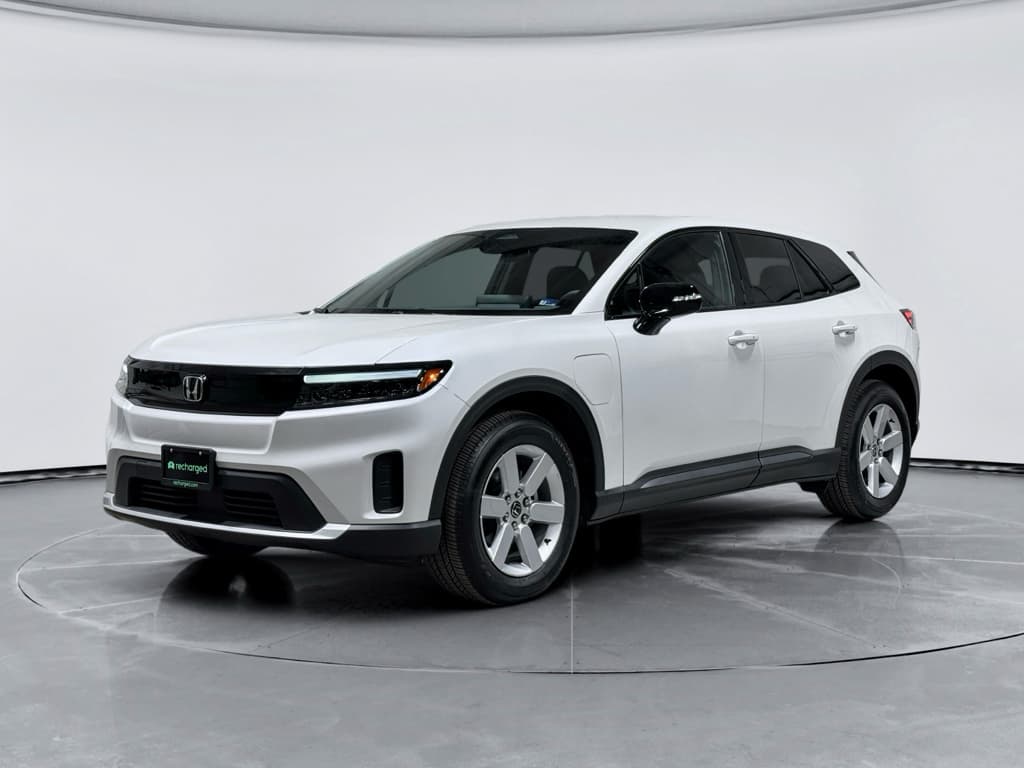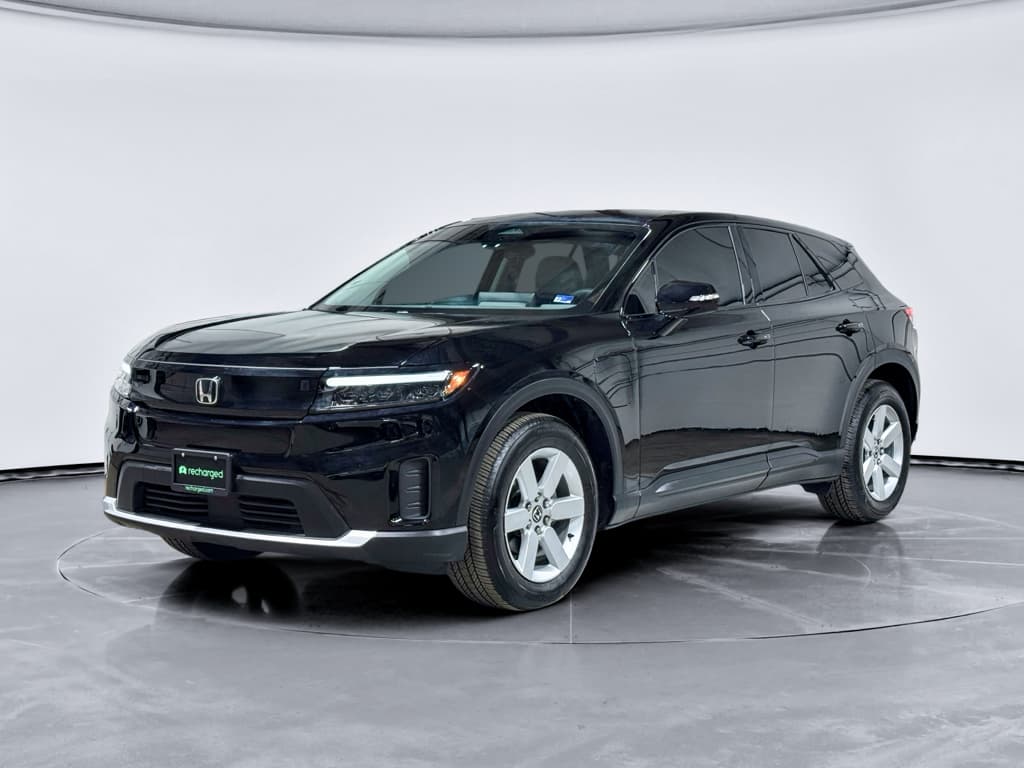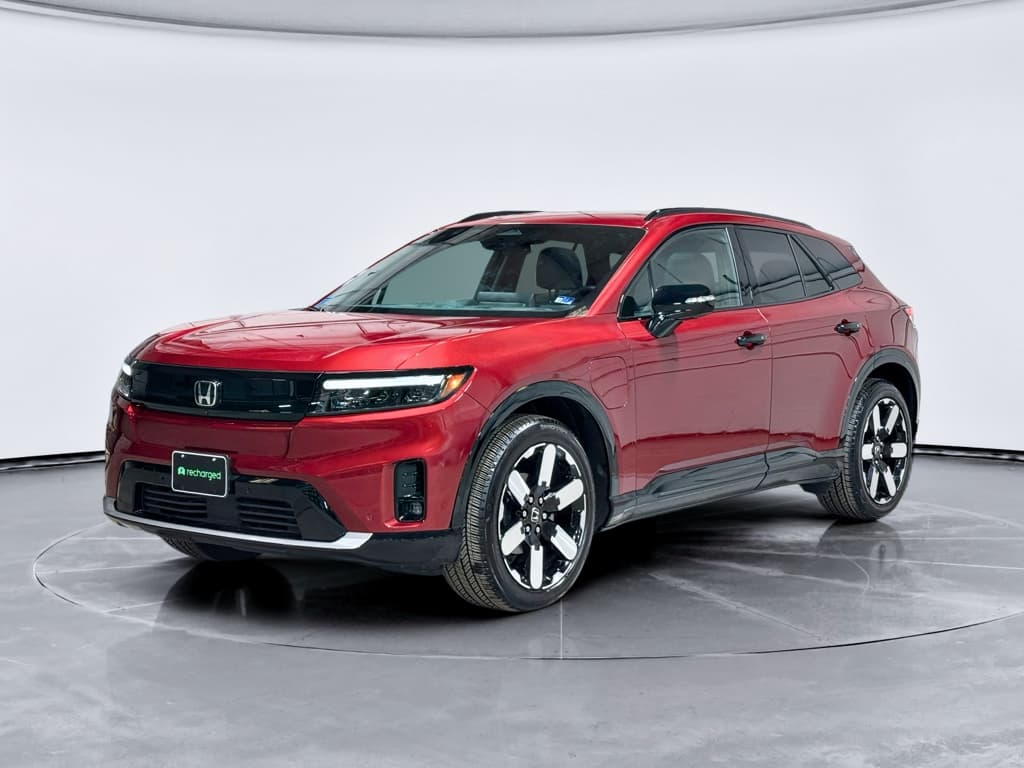
If you own, or are thinking about buying, a 2024 Honda Prologue, you’ve probably heard about software glitches, recalls, and early-build headaches. As with most first‑year EVs, there are real 2024 Honda Prologue problems and fixes to understand, but they don’t automatically make it a bad bet if you go in with your eyes open.
First things first
Overview: How Serious Are 2024 Honda Prologue Problems?
The 2024 Prologue sits on GM’s Ultium platform and is built in Mexico alongside vehicles like the Chevy Blazer EV and Cadillac Lyriq. That means it benefits from a modern battery and fast‑charging architecture, but it also inherited some of the same software and electronics teething problems that have dogged those cousins.
2024 Honda Prologue: Early Reliability Snapshot
Broadly, owner reports and official bulletins cluster around five buckets: recalls and safety campaigns, infotainment and software glitches, charging and high‑voltage warnings, driver‑assist quirks, and long‑term battery/range questions. We’ll walk through each, then spell out what you can fix yourself, what Honda must address, and what to check if you’re looking at a used Prologue.
Major Recalls and Safety Concerns
Before we talk about annoyances, let’s deal with the non‑negotiables: recalls and safety campaigns. If you own a 2024 Prologue, checking these should be step one.
Key 2024 Honda Prologue Recalls and Campaigns
Always verify your specific VIN on Honda’s and NHTSA’s recall lookup tools, as campaigns can expand over time.
| Issue | Model Year(s) | Symptoms | Risks | Typical Fix |
|---|---|---|---|---|
| Right front lower control link | 2024 | Clunking, alignment issues, or may be symptom‑free | Component can fracture, risking loss of steering control | Inspect control link; replace if out of spec |
| Instrument & infotainment screens going blank | 2024–2025 | Cluster and center screen cut out, backup camera disappears | Loss of critical driving info and rear view | Radio control module software update; in some cases module replaced |
| Front drive motor mount bolt inspection (select FWD units) | 2024 | Clunk/noise from front drive units, especially on acceleration | In extreme cases, driveline security concerns | Inspect torque & integrity of mount bolts; replace hardware if needed |
Recall details change over time; use this as a high‑level guide and confirm status with Honda.
Safety first
- Run your VIN through Honda’s recall site and the federal NHTSA recall lookup tool.
- Ask the service advisor to confirm there are no outstanding “product updates” or service campaigns beyond formal recalls.
- Keep a paper or digital record of recall work, they matter later if you sell or pursue a buyback in extreme cases.
Problem 1: Software and Infotainment Issues
By far the noisiest category of 2024 Prologue complaints involves software and infotainment glitches. Some are garden‑variety EV annoyances; others rise to the level of safety issues when vital screens go dark.
Common 2024 Prologue Software & Infotainment Problems
Most are annoying, some can affect safety, and most are addressable with updates or module replacement.
Blank or frozen screens
Owners report the main infotainment display or digital cluster going blank or rebooting while driving. In some cases, the backup camera feed disappears when shifting into reverse.
Android Auto / CarPlay glitches
Wireless Apple CarPlay/Android Auto can drop connections, lag, or refuse to launch apps like Waze when the cluster map is active.
Random warnings & lag
Slow boot‑up, delayed climate or audio responses, and warning messages that don’t match any obvious issue (e.g., "Service system" with no stored fault).
Easy first steps
How Owners and Dealers Typically Fix These Glitches
Step-by-Step: Tackling Prologue Infotainment Problems
1. Hard reboot the system
Shut the vehicle down completely, open the driver’s door, wait a few minutes, then restart. In some cases, holding specific steering‑wheel buttons can force a cluster reboot, your dealer can walk you through the exact combo.
2. Update Google built‑in & apps
In settings, check for updates to <strong>Google built‑in</strong> and individual apps like Maps and Waze. Outdated app versions are a frequent culprit for flickering or crashing displays.
3. Remove and re‑add phones
Delete all paired devices, then re‑pair just one phone you use most. Conflicting profiles can cause repeated CarPlay/Android Auto dropouts.
4. Check for Honda/GM OTA updates
Honda has been rolling out <strong>over‑the‑air firmware updates</strong> for the Prologue’s various control modules. If your car isn’t on the latest bundle, many quirks may vanish after an update.
5. Request a dealer software flash
If problems persist, ask the dealer to check for <strong>technical service bulletins (TSBs)</strong> and flash the radio control module or related units to the newest software level.
6. Push for module replacement if needed
Persistent blank screens, camera failures, or repeated reboots after updates may justify replacing the radio control module or other hardware under warranty.
When it’s a safety issue
Problem 2: Charging Problems & High-Voltage Warnings
Another cluster of 2024 Honda Prologue problems centers on charging behavior, especially at home, and occasional “Service High Voltage System” warnings. The underlying causes range from harmless software confusion to genuinely serious faults that demand immediate attention.
- Home Level 2 or portable Honda charger stops mid‑session or refuses to start when scheduled charging is enabled.
- Car throws “Charging system fault” or “Service high voltage system” messages after plugging in.
- Preconditioning plus scheduled charging combinations that trigger errors, even though hardware passes inspection.
- Rare but serious cases of high‑voltage warnings leading to tow‑in and module or pack‑side component replacement.
Likely software / configuration problems
- Errors appear only when scheduled charging is used.
- Car charges normally when you plug in and hit “Charge now.”
- Different Level 2 stations work fine; only one specific EVSE is problematic.
- Warnings clear on their own and don’t return after a full power cycle.
These cases often resolve with software updates, adjusting settings, or changing how you schedule charging (charger‑side vs. car‑side).
Potential high‑voltage hardware issues
- "Service high voltage system" persists after restarts.
- Car refuses to charge anywhere, including DC fast chargers.
- You see a reduced‑power "turtle" icon and dramatic loss of performance.
- Vehicle goes into limp mode or won’t shift into drive.
These symptoms justify an immediate dealer visit and, in extreme cases, a tow. Don’t try to “drive through” high‑voltage warnings.
Scheduled charging pro move
Owner Fixes for Mild Charging Quirks
- Test your car on a different known‑good Level 2 station, ideally at work or a public charger. This helps separate car issues from home wiring problems.
- If you use the Honda‑branded portable cord, try a different outlet and avoid long, coiled extension cords that can cause voltage drop or heat.
- Turn off scheduled charging and battery preconditioning for a few days. If errors disappear, re‑enable features one at a time to see which combination triggers trouble.
- Update the car’s software bundle before assuming hardware is bad. Charging logic has been refined in multiple OTA and dealer flashes.
- If messages persist or you see high‑voltage or reduced‑power warnings, arrange a dealer inspection immediately and don’t fast‑charge until it’s cleared.
Problem 3: Driver-Assist & Braking Quirks
Like most modern EVs, the 2024 Prologue has a full suite of driver-assistance features, automatic emergency braking, adaptive cruise, lane‑keeping assist, and more. Some owners praise the system; others complain that it’s over‑protective or occasionally unpredictable.
Typical Prologue Driver-Assist Complaints
Most are tunable through settings, but some behaviors may warrant dealer attention.
Overactive automatic braking
Forward collision system brakes too aggressively for parked cars on curves or vehicles in adjacent lanes, or flashes frequent visual/audible warnings.
Lane-keeping wobble
Lane‑keeping assist "bounces" between lane markers or tugs the wheel more than you’d like on narrow secondary roads.
Adaptive cruise behavior
Adaptive cruise can feel slow to accelerate and too eager to brake, especially in stop‑and‑go traffic where some owners prefer to drive manually.
Dial it in to your taste
Quick Adjustments to Calm Annoying Driver-Assists
Turn auto brake to "warning only"
If the Prologue’s collision system is slamming on the brakes too often, switch to <strong>alert-only</strong> mode in the settings while you and the system learn each other’s habits.
Customize lane-keeping
Many drivers prefer lane-keep in highways only. Try disabling it on city streets and rural roads where lane markings are inconsistent.
Adjust following distance
Shorten or lengthen adaptive cruise following distance to match your comfort level. Too short feels aggressive; too long can invite other drivers to cut in.
Update camera and radar software
Ask the dealer to confirm your car has the latest driver‑assist calibration and firmware. Some odd behaviors have been smoothed out in updates.
Problem 4: Noise, Ride, and Hardware Niggles
Separate from the headline‑grabbing software stories, some 2024 Prologue owners report more old‑fashioned hardware annoyances, things you can see, hear, and feel.
- Intermittent humming or droning noise at certain speeds, sometimes more noticeable while charging or immediately after.
- Rattles from the rear cargo area or interior trim as the miles pile up.
- Occasional steering or suspension noises, which may relate to the front lower control link campaign or other bushings and mounts.
- Wind noise from door seals or frameless glass that need adjustment.
Platform perspective
What You Can Do About Noises and Rattles
- Ride with a service advisor and demonstrate the noise. Techs are far more likely to act when they hear the issue firsthand.
- Ask if your VIN falls under any suspension or motor-mount inspection campaigns, not just formal recalls.
- Request a torque check on critical fasteners (within Honda’s procedures) if you hear clunks over bumps or during acceleration/deceleration.
- For interior rattles, politely insist the dealer attempt a fix under warranty, especially in the first year or two. Don’t accept “they all do that” if yours truly seems worse.
- Document any repeated, unresolved noises, they can strengthen your case if you later seek goodwill repairs or, in extreme situations, lemon-law or buyback options under your state’s rules.
Problem 5: Battery Health & Range Expectations
Because the Prologue is an EV, many shoppers fixate on battery degradation and long‑term range loss. So far, the early data on 2024 models is cautiously encouraging: catastrophic battery failures appear rare, and most owners report degradation in line with other modern EVs, especially when they avoid constant DC fast charging and high‑state‑of‑charge storage.
Separating Battery Facts from Fear
What early Prologue experience suggests so far.
What we’re actually seeing
- Normal, slow range loss over the first 1–2 years when charged mostly to 80%.
- Few verified cases of total pack failure compared with the volume of cars on the road.
- Most high‑voltage warnings trace back to modules, wiring, or software, not destroyed packs.
What owners worry about
- Social‑media horror stories that may not reflect the average car.
- Confusing warning messages interpreted as permanent battery damage.
- Normal winter range loss mistaken for degradation.
Battery-care basics that help any EV
DIY Troubleshooting and Owner Quick Fixes
Not every 2024 Honda Prologue problem requires a tow truck or a lawyer. In many cases, a systematic approach can separate minor software drama from true defects, and save you time at the service drive.
Owner Triage: What to Try Before Panicking
1. Capture evidence
When something odd happens, <strong>take photos or video</strong> of warning messages, blank screens, or charging errors. That makes dealer diagnosis much easier later.
2. Note conditions
Write down whether the issue happens only during scheduled charging, only in cold weather, only with a particular phone, or only at a specific charger. Patterns point to causes.
3. Perform a clean restart
Shut the car down, exit, lock it, and give it a few minutes to sleep. Restart. A surprising number of infotainment and driver‑assist quirks clear after a full nap.
4. Check for updates
In the settings menu, look for system and app updates. If your Prologue hasn’t taken an update in months, you’re probably missing bug fixes.
5. Try the obvious swaps
Use a different charging station, cable, or outlet; test a different phone; or turn off advanced features briefly to see if behavior changes.
6. Then call the dealer, with notes
Once you’ve done the basics, book service and bring your notes, photos, and any reproduction steps. You’ll be taken more seriously and get better results.
When to Use Warranty Coverage and Contact Honda
The upside to driving a newer EV like the Prologue is that much of the expensive hardware is still under warranty. The key is knowing when something is a “live with it” quirk and when it’s time to lean hard on your coverage.
Is This a Quirk or a Warranty Problem?
Use this quick guide to decide when it’s worth a dealer visit vs. a settings tweak.
| Symptom | Category | Owner Action | Warranty Priority |
|---|---|---|---|
| One-time CarPlay dropout | Infotainment | Reboot, re‑pair phone, update apps | Low |
| Screens regularly go blank while driving | Software / safety | Document and schedule dealer visit | High |
| Home Level 2 fails, public chargers fine | Charging | Test different EVSE, adjust scheduling | Medium |
| "Service high voltage system" + limp mode | High‑voltage | Stop driving, call roadside/tow | Critical |
| Mild lane‑keep annoyance | Driver‑assist | Adjust settings or disable on certain roads | Low |
| Steering clunk or suspension noise | Hardware | Book inspection, mention recalls/TSBs | High |
When in doubt about safety, err on the side of a warranty inspection.
Do NOT ignore these signs
Shopping a Used 2024 Prologue? Inspection & Recharged Tips
If you’re considering a used 2024 Honda Prologue, the good news is that you can let the first owner live through the worst of the software bugs and early recalls. The challenge is making sure their problems were fixed properly, and that you’re not inheriting a car with unresolved high‑voltage gremlins.
Used 2024 Prologue: Must-Do Checks
Don’t buy blind, especially with a first‑year EV.
1. Recall & service history
Ask for a full service printout from a Honda dealer, showing recall completion, software updates, and any high‑voltage or charging repairs.
If the car has repeated visits for the same issue with vague “no problem found” notes, proceed carefully.
2. Battery & charging behavior
Test both AC Level 2 and a DC fast charge, watching for warnings, abnormal noise, or sudden power loss.
Range estimates should be generally consistent with EPA ratings when driven gently in mild weather.
Why a structured inspection matters
With any used EV, especially a first‑year model, you want more than a quick visual walk‑around. You need a view into the battery’s real health, charging history, and whether key software and hardware fixes have been applied.
That’s tough to do on your own with a driveway test drive.
How Recharged helps with the Prologue
Every EV sold through Recharged includes a Recharged Score Report with verified battery diagnostics, charging performance, and fair‑market pricing benchmarks.
Our EV specialists review recall completion, high‑voltage fault history, and software update status so you’re not surprised by a “Service high voltage system” message two weeks after you sign.
You can handle the entire purchase digitally, explore financing and trade‑in options, and even have the car delivered nationwide, backed by guidance from people who live and breathe EVs, not just traditional gas cars.
FAQ: 2024 Honda Prologue Problems and Fixes
Common Questions About 2024 Honda Prologue Problems
Bottom Line: Should 2024 Prologue Problems Scare You Off?
The 2024 Honda Prologue is not the flawless, old‑school Honda appliance some longtime shoppers expect, but it’s also not the disaster that a handful of horror stories might suggest. Most 2024 Honda Prologue problems and fixes revolve around software, infotainment, and charging logic, with a smaller slice of cars experiencing more serious high‑voltage or hardware defects that should be caught under warranty or recalls.
If you own one now, your best move is to stay on top of recalls, software updates, and clear documentation. If you’re shopping used, focus on examples with clean histories, smooth charging behavior, and proof that the big issues have been addressed. A data‑driven evaluation like the Recharged Score can separate a solid Prologue from a problem‑child in disguise, so you can enjoy quiet, electric miles instead of memorizing your dealer’s waiting‑room coffee selection.