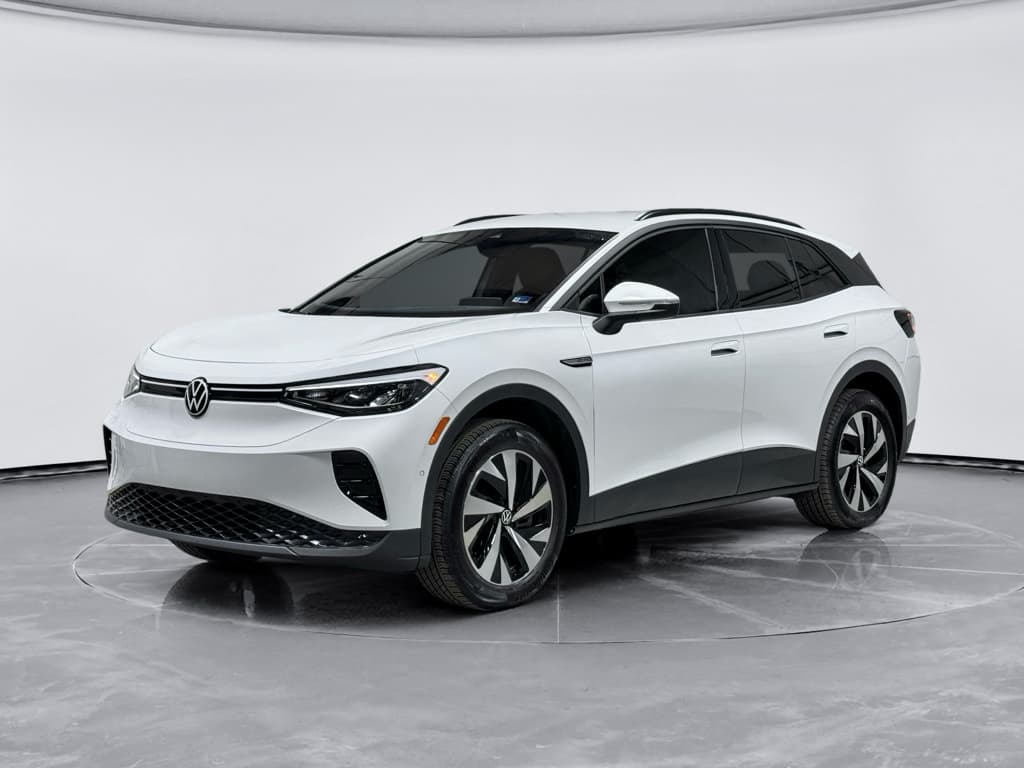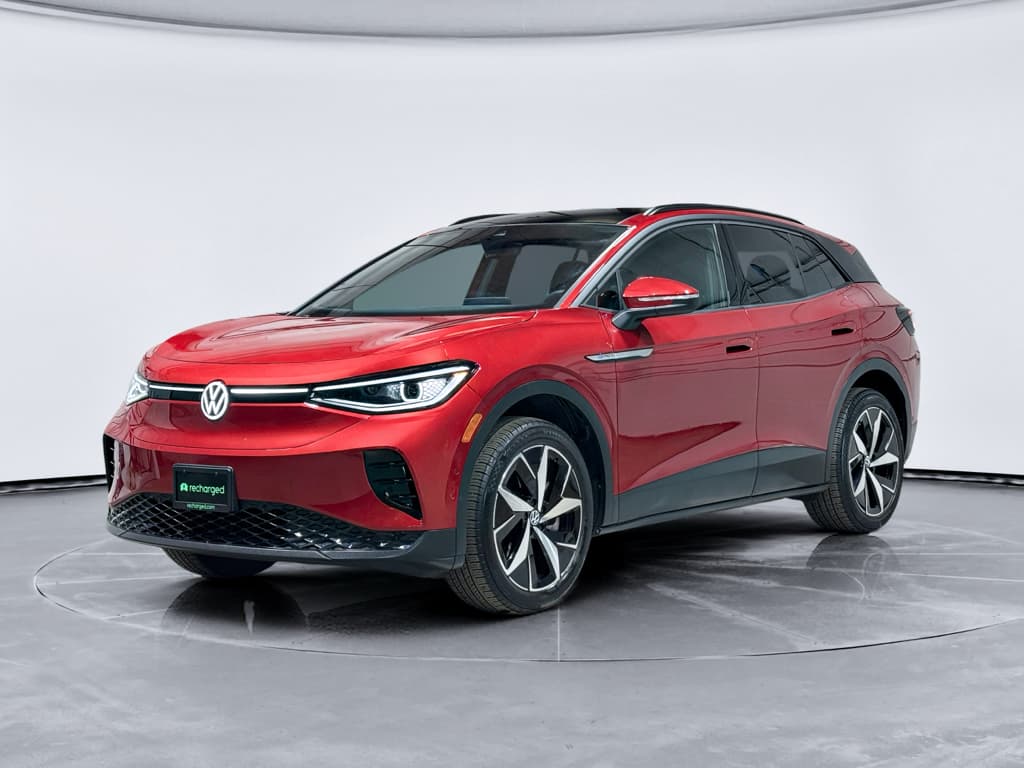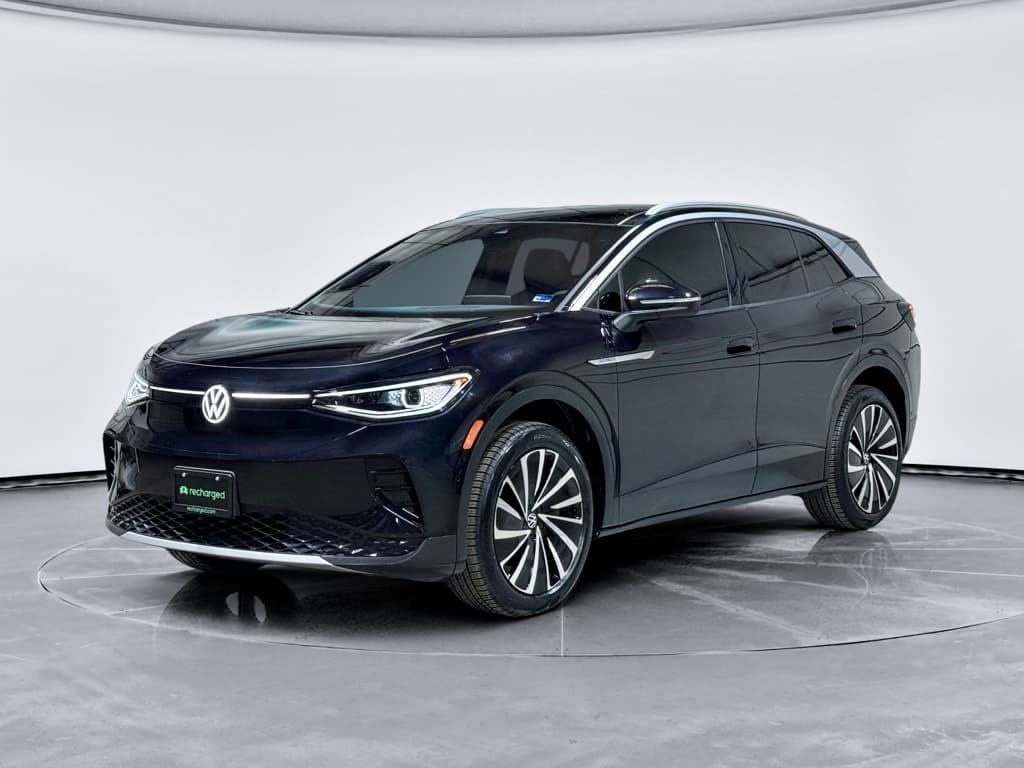
If you’re driving, or thinking about buying, a 2023 Volkswagen ID.4, you’ve probably heard mixed messages. Some owners report tens of thousands of trouble‑free miles. Others talk about blacked‑out screens, wonky software and charging headaches. This guide walks through the most common 2023 Volkswagen ID.4 problems and fixes, so you know what’s normal, what’s serious, and what to do next, especially if you’re shopping used.
Why focus on the 2023 model year?
Overview: How Reliable Is the 2023 Volkswagen ID.4?
2023 ID.4 Reliability at a Glance*
Taking all the data together, the 2023 ID.4 lands in a gray zone. It’s not a disaster, but it’s also not a “set it and forget it” EV. If you stay on top of software, recalls and a few known weak spots, it can be a comfortable, practical electric SUV. Ignore those, and you may face repeat trips to the dealer or extended downtime, especially for infotainment and electrical issues.
Good news for used shoppers
Big Picture: Recalls and Critical Software Fixes
Before you zoom in on individual problems, it helps to know what Volkswagen has already acknowledged. For 2021–2023 ID.4s, several recalls and technical service bulletins (TSBs) address software bugs, display behavior and labeling. Many 2023 owners don’t realize these campaigns exist, or that they’re still outstanding on their vehicle.
Key Recall Themes Affecting 2023 ID.4 Owners
Always verify recall status by VIN through NHTSA or a Volkswagen dealer; campaigns change over time.
| Issue type | Typical symptoms | What VW does | What you should do |
|---|---|---|---|
| Infotainment & instrument software | Center screen or cluster blacks out, reboots, frozen display, backup camera unavailable | Update vehicle software (over‑the‑air or at dealer); in some cases, replace hardware modules | Ask the dealer to confirm you’re on the latest approved software for your VIN, and that all infotainment‑related recalls are closed. |
| Display / gear indication labeling | Confusing or incorrect gear display that could increase mis‑shift risk | Software change or label correction | Have a dealer check for any open campaigns related to gear display or driver information cluster. |
| Electrical / fire risk (rare) | Burning smell, smoke near dash or A‑pillar, warning messages | Inspect and repair or replace affected components | If you ever smell burning or see smoke, pull over safely, exit the vehicle and contact roadside assistance, then schedule inspection. |
This is a high‑level guide, not a substitute for an official VIN search.
Don’t assume recalls are done
Problem 1: Infotainment Blackouts and Screen Bugs
If there’s one headline issue for the 2023 ID.4, it’s infotainment instability. Owners report the center touchscreen freezing, going completely black, rebooting in the middle of a drive, or lagging badly. When that happens, you can lose climate controls, audio, navigation and backup camera views until the system recovers.
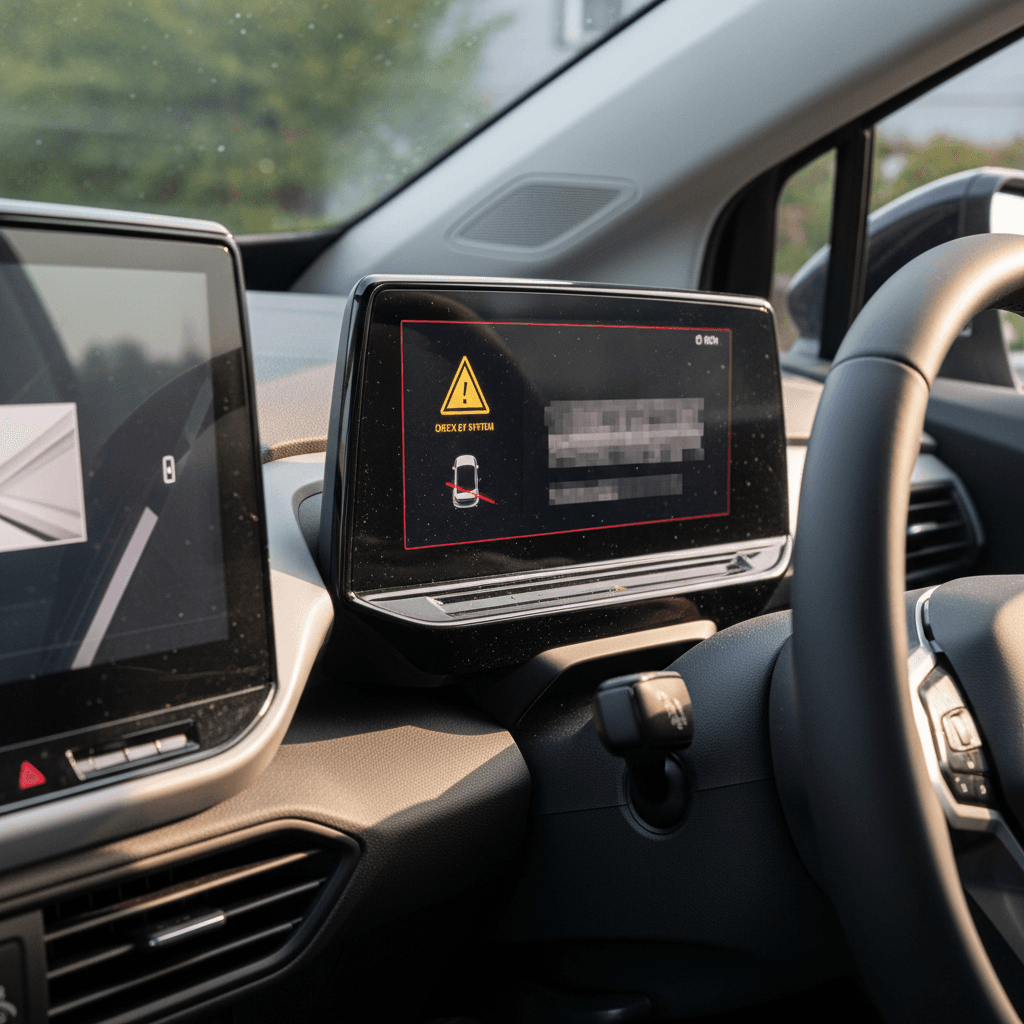
- Touchscreen goes black while driving, then reboots with VW logo
- Backup camera shows a black screen or error message when shifting to Reverse
- Climate controls or audio become unresponsive or lag several seconds behind inputs
- Random reboots after connecting a phone via Apple CarPlay or Android Auto
- Voice commands failing or triggering help prompts instead of executing commands
Likely causes
- Early or buggy software versions on 2023 ID.4s that never received later over‑the‑air (OTA) updates.
- Glitches when smartphones update their OS and conflict with older in‑car software.
- Occasional underlying hardware issues with the infotainment control module.
Owner‑level fixes to try
- Soft reset: With the vehicle parked, press and hold the infotainment power/volume area for ~10–15 seconds until the screen reboots.
- Remove and re‑add phone: Delete your device from the car and the car from your phone, then re‑pair Bluetooth and CarPlay/Android Auto.
- Check for software updates: In the vehicle menu, confirm whether updates are available. If OTA updates fail or stall repeatedly, book a dealer visit.
When it’s more than a glitch
Problem 2: Digital Cluster Warnings and Driver Distraction
Separate from the center screen, the 2023 ID.4’s digital instrument cluster has its own set of quirks. Owners have reported random warning lights (for example, synthetic “engine sound” alerts), persistent driver‑assistance messages and cluster behavior that doesn’t clearly match what the vehicle is doing.
- Warning indicators that appear briefly, then vanish before you can read them
- Alerts for driver‑assist features even when systems seem to be working normally
- Momentary mismatch between gear selected and what the cluster shows
- Confusing or overly sensitive lane‑keeping and Travel Assist prompts
How to respond to strange warnings
Quick owner checks
- Note exactly what you were doing (braking, using cruise, changing lanes) when the warning appeared.
- See if warnings correlate with certain features like Travel Assist, Park Assist or lane keeping.
- Check your owner’s manual or in‑car help for symbol meanings; some are informational, not failures.
Dealer‑level fixes
- Scan for stored trouble codes and install any pending instrument‑cluster or driver‑assist software updates.
- Apply recall or TSB‑driven changes related to display labeling or driver‑information behavior.
- In rare cases, replace the cluster if failures are repeatable and documented.
Problem 3: Charging and High-voltage Battery Issues
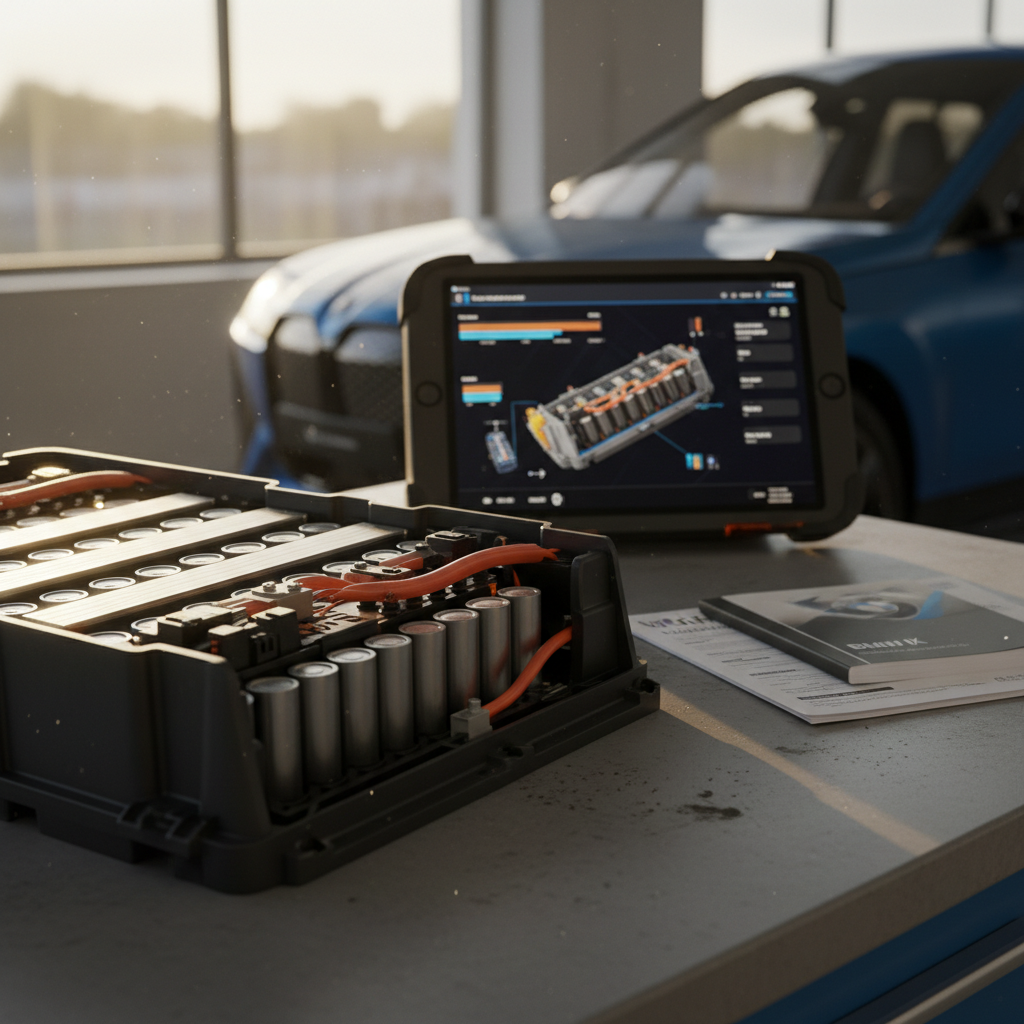
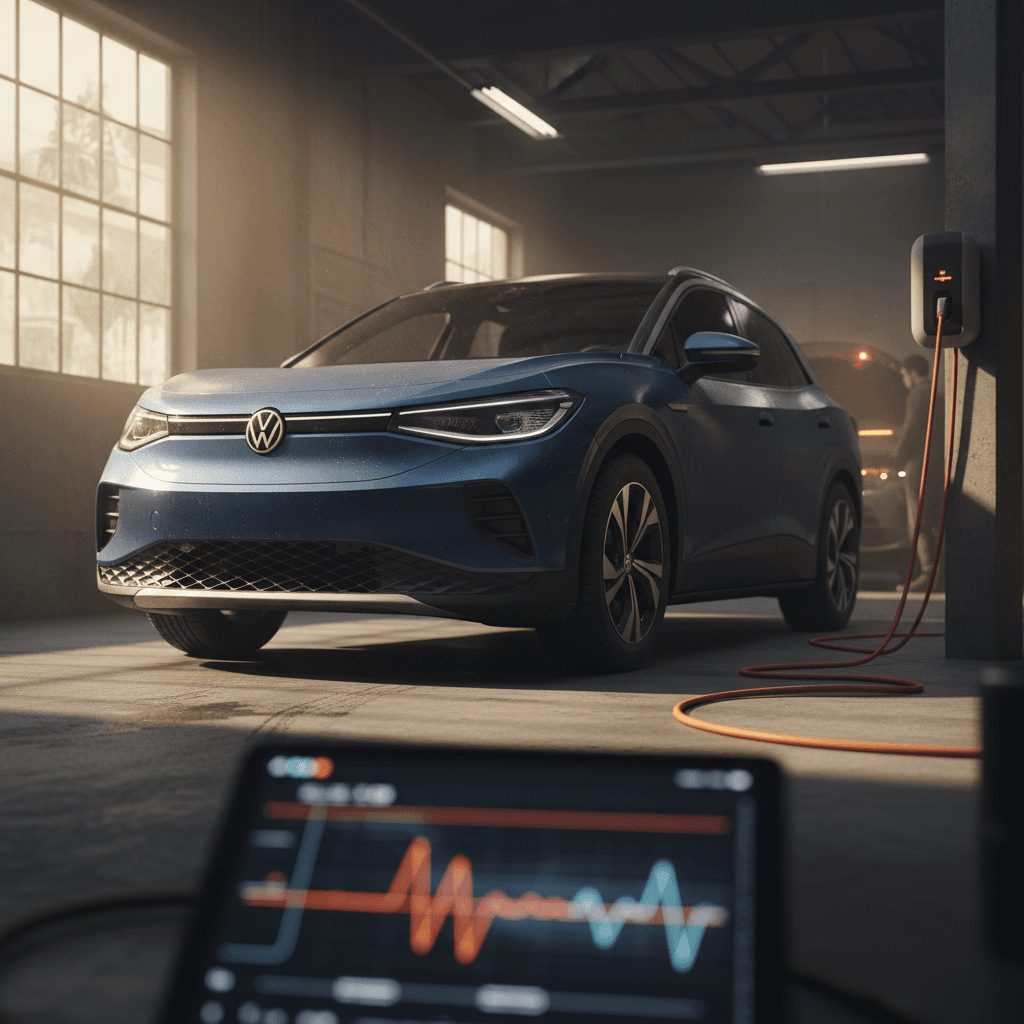
On the EV fundamentals side, the 2023 ID.4’s high‑voltage battery has not generated widespread catastrophic failures. The bigger story is charging reliability: owners describe sessions that won’t start, drop out mid‑charge, or throw charging‑system warnings. Some of that is public‑charger behavior, but not all.
Common Charging Complaints on 2021–2023 ID.4s
What owners report most often at home and on the road
Won’t start charging
Plugged in at a public DC fast charger or home Level 2, but the car never initiates charging or immediately throws a charging error.
Unexpected charge stop
Session starts normally, then stops at 20–60% with a message about charging being interrupted or unavailable.
Inconsistent fast‑charge speeds
Charging rate is much slower than expected for the state of charge and charger rating, even after the pack warms up.
What’s the usual culprit?
DIY steps before blaming the car
- Try a second stall, or a different brand of DC fast charger, to rule out a bad unit.
- Inspect the connector for dirt, bent pins or damage and make sure it’s fully seated until you hear the latch click.
- For home charging problems, test another EV on the same charger or try a different outlet/EVSE.
When to involve a Volkswagen dealer
- Charging faults appear across multiple networks and chargers.
- The car displays recurring high‑voltage or charging‑system warnings.
- You notice a sudden, large reduction in range at similar driving conditions.
- The vehicle has open TSBs or recalls involving charging software or battery management.
Take any burning smell seriously
Problem 4: 12V Battery Failures and No-start Conditions
Like most EVs, the ID.4 still relies on a traditional 12‑volt battery to boot computers, release contactors and power accessories. When that battery weakens or fails, you can see odd behavior, random errors, non‑functional accessories, or the car may simply refuse to “wake up.” Owners across 2021–2023 model years report 12V batteries failing earlier than expected.
- Car won’t power on even though the high‑voltage battery shows sufficient charge
- Repeated “low 12V battery” or electrical‑system warnings
- Intermittent issues with windows, locks, interior lights or hands‑free liftgate
- Vehicle powers off while parked and then refuses to restart without a jump or tow
How to protect the 12V battery
- Avoid leaving the ID.4 parked for weeks at very low state of charge; the 12V system still needs periodic topping up.
- Use scheduled charging or occasional longer drives so the DC‑DC converter can keep the 12V battery healthy.
- Ask your dealer to test 12V battery health annually, especially in hot or very cold climates.
What to do if it fails
- If the vehicle is within basic warranty, a weak or failed 12V battery is often covered, document symptoms and request replacement.
- Towing may be required if you can’t even shift into Neutral; use Volkswagen roadside assistance if available.
- After replacement, confirm your infotainment, telematics and charging behavior are normal; some modules may need re‑initialization.
Carry a plan, not just cables
Problem 5: Brakes, Noise and Spongy Pedal Feel
Professional reviewers and owners alike often mention the ID.4’s soft brake pedal and occasional low‑speed noises. The braking system blends regenerative braking from the motors with conventional friction brakes, and that can feel numb at first, especially in Drive mode, where regen is modest.
- Spongy or numb brake feel in normal Drive mode
- More natural pedal feel, but still not aggressive, when using the “B” setting for higher regen
- Squeaks or light grinding sounds at low speeds or in reverse, particularly in damp conditions
- Light surface rust on rotors after the car sits, normal for EVs that rely heavily on regen
What’s normal vs. not
Simple owner adjustments
- Try the “B” setting in daily driving to increase regen and reduce reliance on friction brakes.
- Perform a few controlled, firm stops from 40–50 mph in a safe area to clean surface rust off rotors.
- Listen for change: harmless squeaks should fade as the brakes warm up; persistent grinding needs attention.
When to see a technician
- Brake pedal suddenly becomes much softer or sinks toward the floor.
- ABS or brake warning lights appear in the cluster.
- Pulling to one side during braking, or strong steering‑wheel vibration.
- Any burning smell or smoke near the wheels after a short drive.
Problem 6: Build Quality, Wind Noise and Trim Issues
The 2023 ID.4 benefits from Volkswagen’s experience refining earlier model years, but it’s still not perfect. Owners sometimes report panel‑gap inconsistencies, rattles, and wind noise around doors or mirrors at highway speeds. These issues don’t affect safety, but they can make the car feel less premium than its price suggests.
Common Non‑Mechanical Complaints
Annoying, but usually fixable under warranty
Wind noise at speed
Whistling or rushing sounds from the A‑pillars, mirrors or door seals above ~60 mph.
Trim rattles
Buzzing from the dash, cargo area or door panels on rough roads.
Panel alignment
Uneven hood or hatch gaps, or doors that require extra effort to close cleanly.
Use your warranty here
Preventive Maintenance: Habits That Reduce 2023 ID.4 Problems
You can’t control every software bug, but smart habits drastically cut down on headache‑level problems. Think of it as digital maintenance to match your physical maintenance.
Simple Habits to Keep Your 2023 ID.4 Happy
Keep software and maps up to date
Accept over‑the‑air updates when prompted, and if updates repeatedly fail or stall, schedule a dealer visit. Up‑to‑date software is your best defense against recurring infotainment and charging glitches.
Document every odd behavior early
Take quick photos or video whenever a warning appears, the screen blacks out, or charging fails. Time stamps and mileage notes give technicians something concrete to work with.
Use quality charging equipment
Stick with reputable public networks and UL‑listed home EVSEs. Poor‑quality chargers increase the odds of session failures and confusing error messages.
Avoid long storage at very low charge
Try not to leave the car parked for weeks near 0% state of charge. A healthier charge window, for example 20–80%, is kinder to both the high‑voltage pack and the 12V system.
Schedule annual EV‑focused checkups
Have an EV‑literate shop or dealer check software versions, 12V battery health, tire wear and brake condition every year, even if your mileage is low.
Checklist: Inspecting a Used 2023 ID.4 Before You Buy
Because many 2023 ID.4s are coming off leases, you’ll see a lot of them in the used market. That opens the door to value, and also to inheriting someone else’s headaches. Use this checklist as you shop.
Pre‑Purchase Checklist for a Used 2023 ID.4
1. Verify recall and software status
Run the VIN through an official recall lookup and ask the seller for documentation of completed campaigns and software updates. A dealer print‑out showing “no outstanding campaigns” is ideal.
2. Test the infotainment system hard
On the test drive, connect your phone, run navigation, use voice commands and adjust climate/volume repeatedly. Watch for freezes, black screens or random reboots.
3. Do a full‑cycle charge test
If possible, start a DC fast‑charge session and a Level 2 session. Confirm that charging starts quickly, maintains speed and doesn’t stop with unexplained errors.
4. Listen for brake and suspension noises
Find a rough but safe road, brake from neighborhood speeds, then from 40–50 mph. Note any grinding, clunks or strong vibrations that persist beyond initial surface rust scrub‑off.
5. Check for water leaks and trim issues
Inspect the headliner, cargo area and footwells for water staining. Look for loose trim, rattles, or poorly aligned panels that might hint at prior repairs or quality issues.
6. Review repair history and warranty
Ask for service records. Multiple visits for the same electrical or software issue should raise your eyebrows unless there’s clear evidence of a successful fix. Confirm how much factory warranty time and mileage remain.
How Recharged helps used ID.4 shoppers
When to Use Warranty, Lemon Law, or Consider Selling
Most 2023 ID.4 owners never reach the breaking point. But if you’re stuck in a loop of repeat repairs for the same problem, you should know your options, especially while the vehicle is still relatively new.
Leaning on your warranty
- Open a repair order every time a serious issue appears, particularly infotainment blackouts, charging failures or no‑start conditions.
- Ask the service advisor to reference any applicable TSBs, not just pull codes.
- Request printed records of work performed, including software versions before and after updates.
When lemon laws might apply
- If a safety‑related defect (like loss of propulsion or dead screens that affect visibility) isn’t fixed after multiple documented attempts, your state’s lemon law may offer buyback or replacement options.
- Consult a consumer‑law attorney who has experience with EVs; documentation is critical.
- Don’t sign settlement agreements or extended warranties offered in lieu of repairs without understanding your rights.
Thinking about moving on?
Ready to find your next EV?
Browse VehiclesFAQ: 2023 Volkswagen ID.4 Problems and Fixes
Frequently Asked Questions About 2023 ID.4 Problems
The 2023 Volkswagen ID.4 is neither a hopeless problem child nor a flawless appliance. It’s a roomy, comfortable EV with real‑world range and a growing track record, marred mainly by software drama and a few electrical weak points. If you understand the common 2023 Volkswagen ID.4 problems and fixes, keep software and recalls current, and shop used examples with battery and service data in hand, you can enjoy the strengths of this electric SUV without being surprised by its quirks. And if you’d rather have expert backup on that journey, Recharged was built to make EV ownership, and used‑EV shopping, far more transparent.