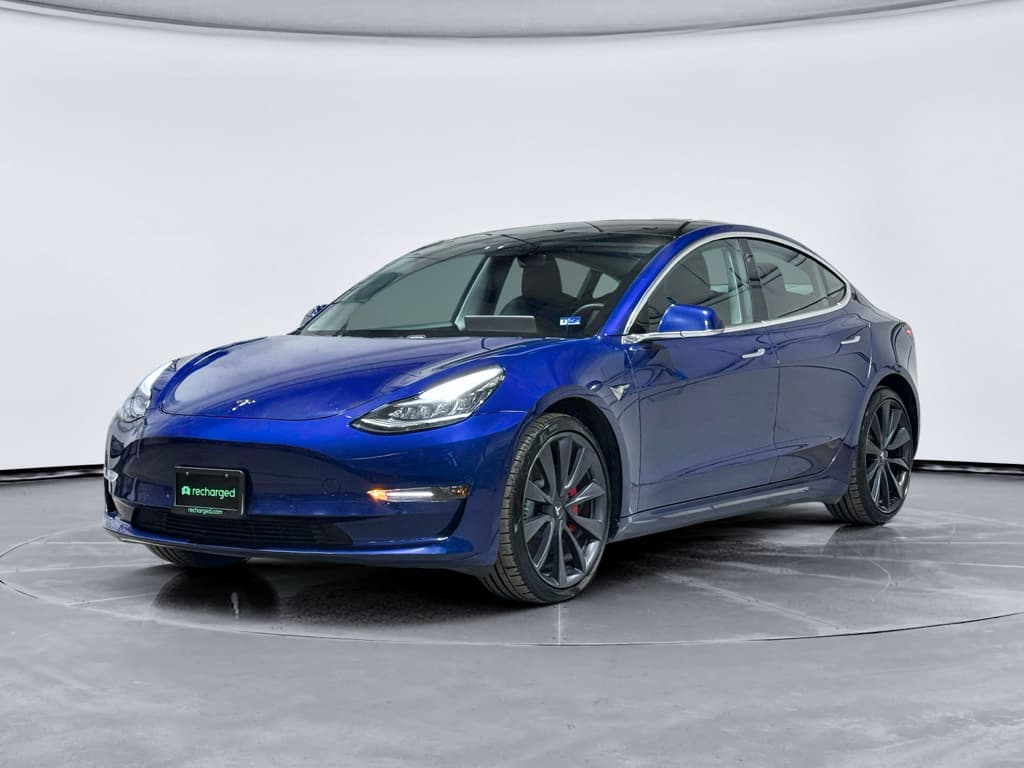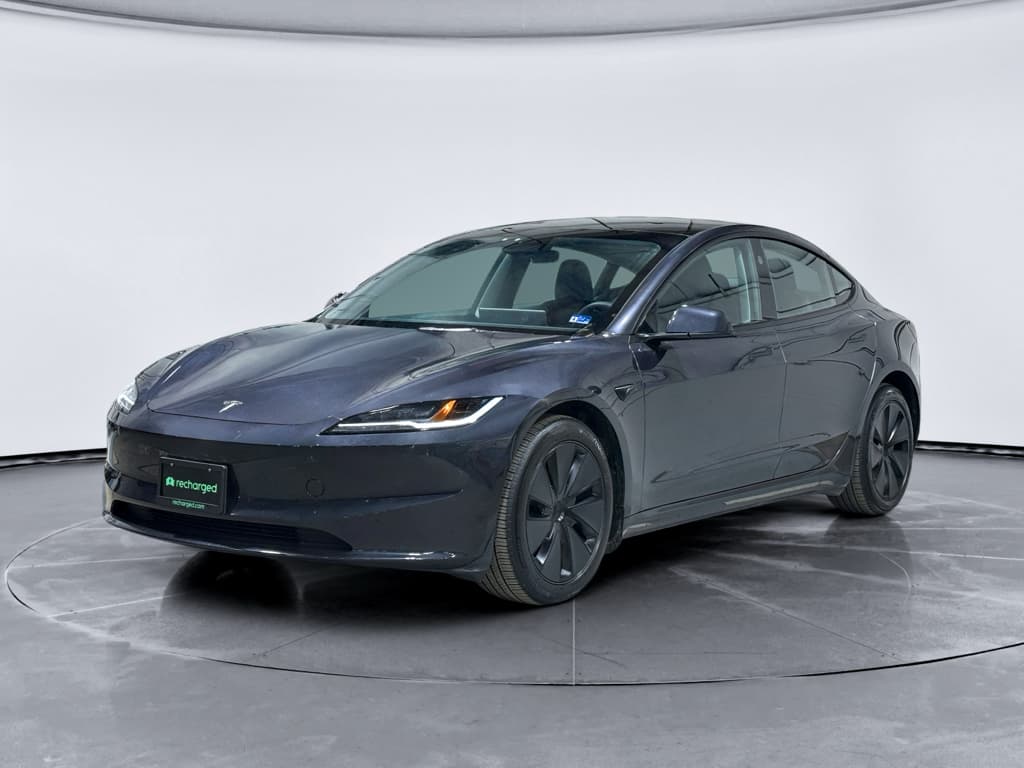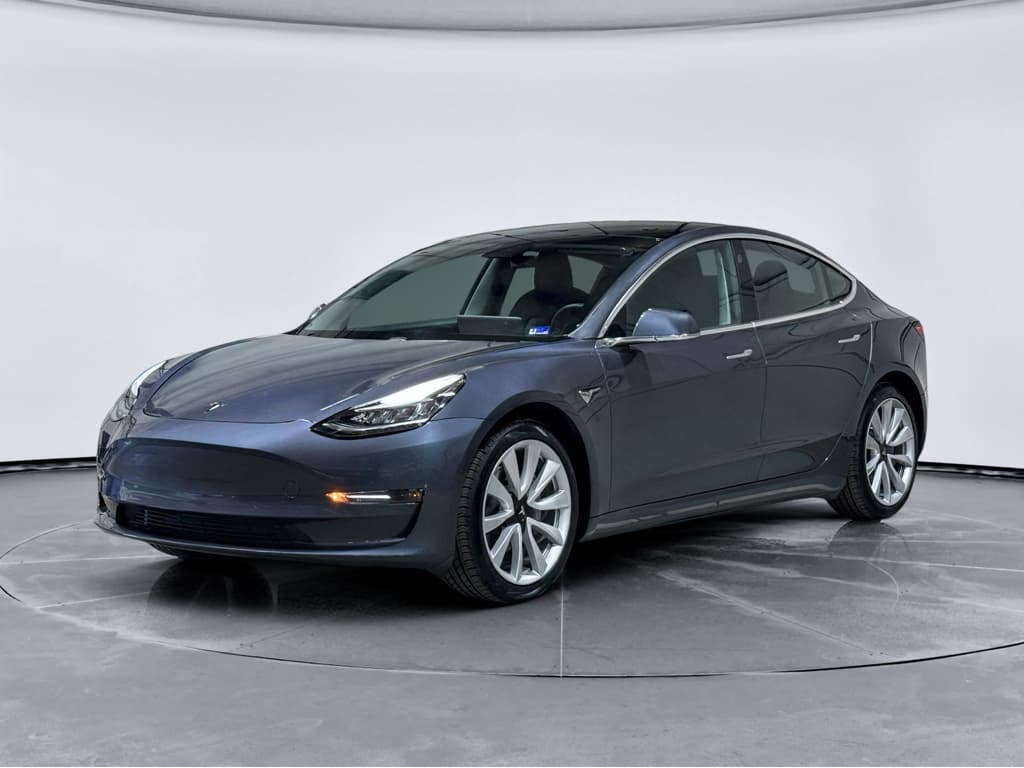
If you own, or are thinking about buying, a 2023 Tesla Model 3, you’ve probably heard a mix of glowing reviews and worrying stories. The reality sits somewhere in between: the 2023 Model 3 is an efficient, refined EV whose major components are generally solid, but it also carries a distinct pattern of problems and fixes that every owner and used buyer should understand.
Big Picture on 2023 Model 3 Reliability
Overview: How Problematic Is the 2023 Tesla Model 3?
2023 Tesla Model 3 Reliability Snapshot
The 2023 Model 3 benefits from years of iteration compared with early Model 3s. Many structural and drivetrain issues were ironed out by 2023, but quality control and secondary systems remain the main pain points. When problems do appear, they’re more likely to be: - Annoying (rattles, trim, squeaks) - Confidence‑sapping (steering feel, Autopilot behavior) - Inconvenient (service delays, repeat visits) …rather than outright life‑ending for the vehicle.
Quick Reference: Most Common 2023 Model 3 Issues
Most Reported 2023 Tesla Model 3 Problems
Where owners actually see trouble, and what usually fixes it
Build & NVH
- Panel alignment, paint blemishes
- Rattles from dash, doors, or rear shelf
- Wind or road noise at highway speed
Steering & Suspension
- Front suspension clunks or squeaks
- Loose or wandering steering feel
- Premature wear of control arm bushings
Software & ADAS
- Screen freezes or reboots
- Glitchy Autopilot/traffic‑aware cruise
- Annoying phantom braking or nags
Charging & Battery
- Inconsistent DC fast‑charge speeds
- Range drop in cold weather
- Heat pump or HVAC quirks
Recalls & Safety
- Autopilot oversight (recall 23V838)
- Power‑steering software recall on some 2023 cars
- Seat belt chime logic recall
Service & Ownership
- Slow or inconsistent service communication
- Repeat visits for the same issue
- Frustration with app‑only support model
How to Use This Guide
Build Quality, Noises and Ride Comfort
Tesla has improved build quality since the earliest Model 3s, but 2023 cars can still arrive with cosmetic flaws or develop noises within the first few years. These issues rarely strand you, yet they shape how “premium” the car feels.
- Panel gaps and paint blemishes around doors, trunk and hood
- Wind noise from frameless windows or mirrors at 65–75 mph
- Buzzes and rattles from the dash, center console or rear shelf
- Harsh or noisy ride over broken pavement, especially on 19" or 20" wheels
Likely Causes
- Loose or misaligned trim clips in doors, dash or trunk
- Window and door seal alignment not quite right from the factory
- Stiff suspension tuning that transmits noise and vibration
- Low‑profile tires amplifying impacts and road roar
Typical Fixes
- Document noises with video and submit a service request in the Tesla app.
- Service often adds or adjusts felt tape, clips or seals to quiet rattles.
- If wind noise is obvious, Tesla may re‑align windows or replace seals under warranty.
- For harsh ride, switching to smaller wheels with taller tires can make a real difference.
Most cosmetic and noise issues are covered in the basic warranty if reported early, but owners sometimes need multiple visits to fully resolve them.
Steering and Suspension Issues
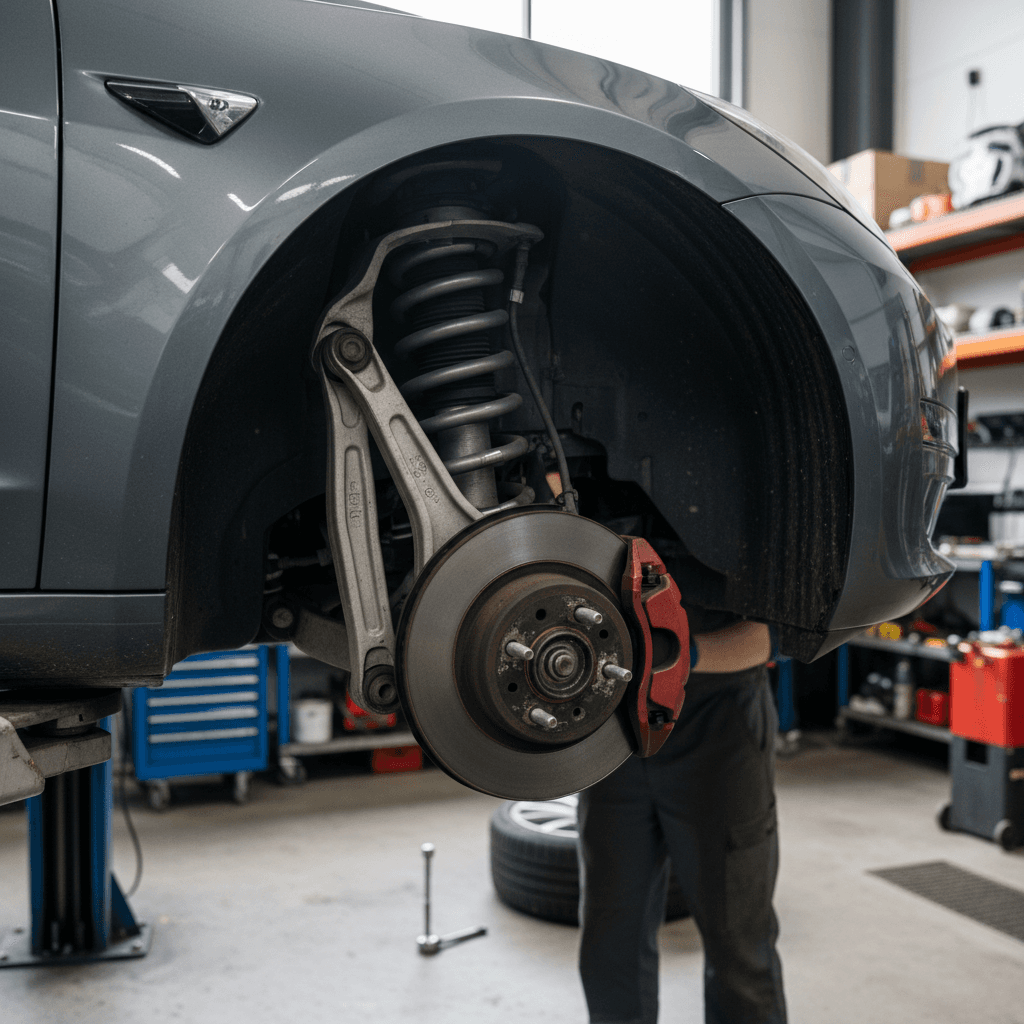
If there’s one hardware area that deserves extra scrutiny on a 2023 Model 3, it’s the front suspension and steering. Across Tesla’s lineup, owners and technicians have flagged premature wear of control arms, bushings and related components on relatively low‑mileage cars.
- Squeaks, creaks or groans when turning the wheel at low speed
- Metallic clunk over speed bumps or driveway entries
- Steering that feels notchy, heavy or briefly loses assist
- Vehicle pulling to one side or uneven front tire wear
Power Steering Software Recall
What’s Usually Going On
- Front upper control arm ball joints developing play and squeaks sooner than expected.
- Front lower control arm bushings wearing, causing clunks under load.
- Alignment drift from pothole impacts, affecting stability and tire wear.
- In rare cases, steering rack or assist software contributing to odd steering feel.
Best Fixes and Next Steps
- Record audio/video of noises and submit via app; note road speed and steering angle.
- Ask Tesla to inspect control arms, bushings, tie rods and steering rack.
- Get a four‑wheel alignment after any suspension work or major impact.
- If you’re out of warranty and quoted for control arm replacement, get an estimate from a reputable independent EV shop for comparison.
Suspension hardware problems range from minor annoyances to legitimate safety concerns. Don’t ignore persistent noises or wandering steering.
Software Glitches, Autopilot Behavior and Infotainment
The Model 3 lives and dies by its software. When it works, you get quick updates, new features and a constantly improving car. When it misbehaves, you may see screen freezes, flaky driver‑assist behavior, or warning messages that shake your confidence.
- Center screen randomly rebooting or freezing for a few seconds
- Bluetooth drops or audio cutting out intermittently
- Autopilot or traffic‑aware cruise control disengaging unexpectedly
- Phantom braking when using Autopilot on certain highways
- Annoying or confusing driver‑monitoring nags after recent recalls
Autopilot Oversight Recall (23V838)
Quick Fixes for Common Software Problems
1. Reboot the system properly
Hold both steering‑wheel scroll buttons until the screen goes black, then wait for the Tesla “T” logo. This soft reset clears many temporary glitches without affecting your settings.
2. Check for pending software updates
On the center screen, tap <strong>Controls → Software</strong>. If an update is available, install it on home Wi‑Fi and review the release notes to see what changed.
3. Power cycle the vehicle
For stubborn issues, use <strong>Controls → Safety → Power Off</strong>. Wait at least two minutes without touching pedals or doors, then wake the car by pressing the brake.
4. Reset Bluetooth connections
Delete your phone from the car and the car from your phone, then pair again. This often fixes audio dropouts and flaky phone‑key behavior.
5. Re‑calibrate Autopilot cameras
If Autopilot feels off after a windshield replacement or major update, Tesla may instruct you to remove calibration and drive a set distance to re‑learn lane lines.
6. Escalate via the app
If resets don’t help, or if warnings relate to Autopilot, braking, or steering, log a detailed service request with screenshots. Safety‑critical software issues should be addressed promptly.
When to Stop Using Autopilot
Charging, Battery Health and Thermal System Quirks
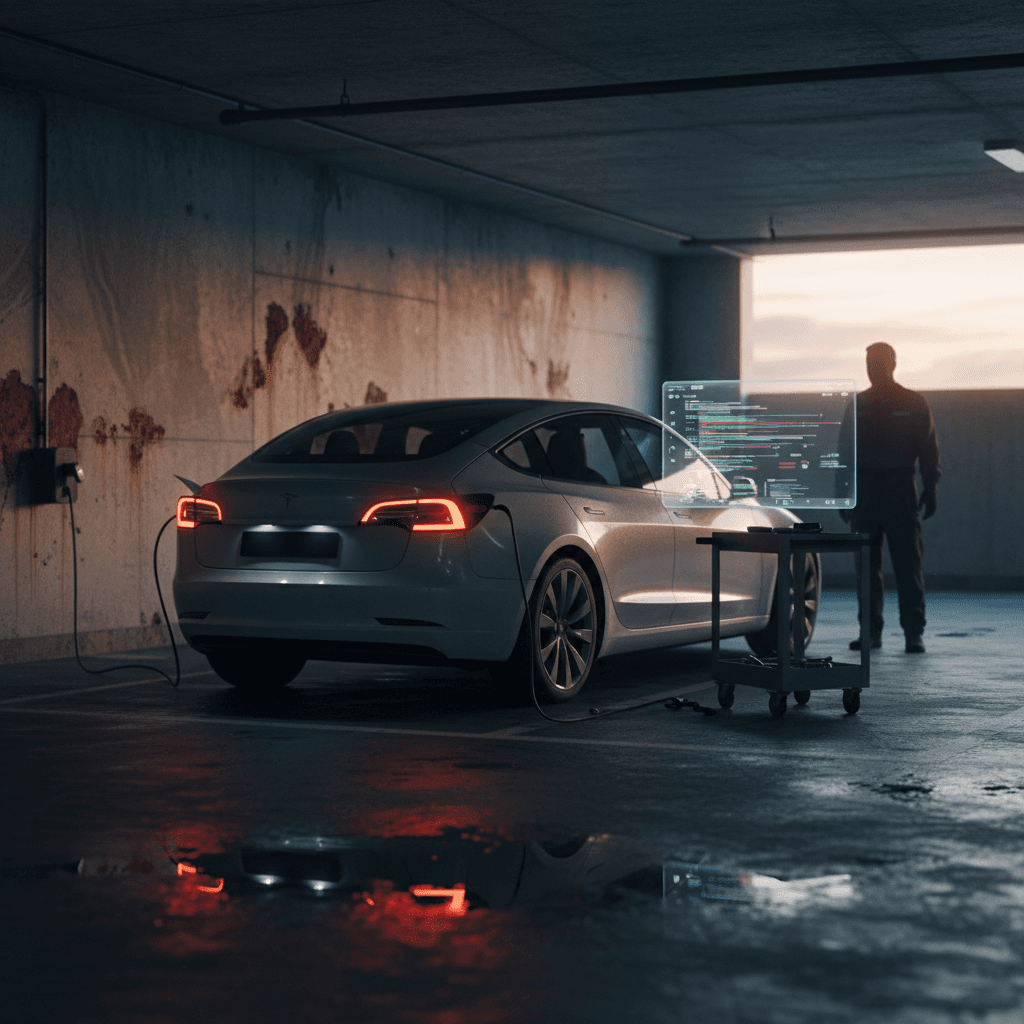
The good news: for 2023 Model 3s, there’s very little evidence of systemic battery pack failures. Most “battery problems” owners report are really about charging speed, range expectations or the heat‑pump HVAC system in extreme weather.
- Slower‑than‑expected DC fast‑charging compared with early ownership
- Noticeable range loss in cold weather or repeated short trips
- Heat pump making odd whooshing or grinding noises in the cold
- Cabin taking longer than expected to heat or defrost
Why This Happens
- Battery packs reduce charge power to protect longevity, especially when cold or above ~60–70% state of charge.
- Short trips don’t let the pack or cabin reach optimal temperature, exaggerating perceived range loss.
- Heat‑pump valves and compressors can be noisy during aggressive defrost cycles.
Practical Fixes
- Precondition the battery before DC fast‑charging by setting a Supercharger as your navigation destination.
- Use the app to preheat the cabin while plugged in during winter to preserve driving range.
- Watch for HVAC warnings; if you lose heat in cold weather, treat it as a safety issue and schedule service quickly.
- Check long‑term battery health via third‑party apps or a Recharged Score style battery report when buying used.
Some charging and range quirks are just how modern EVs protect their batteries. Sudden, dramatic changes or HVAC failures, however, deserve a professional diagnosis.
Key 2023 Tesla Model 3 Recalls and What They Fix
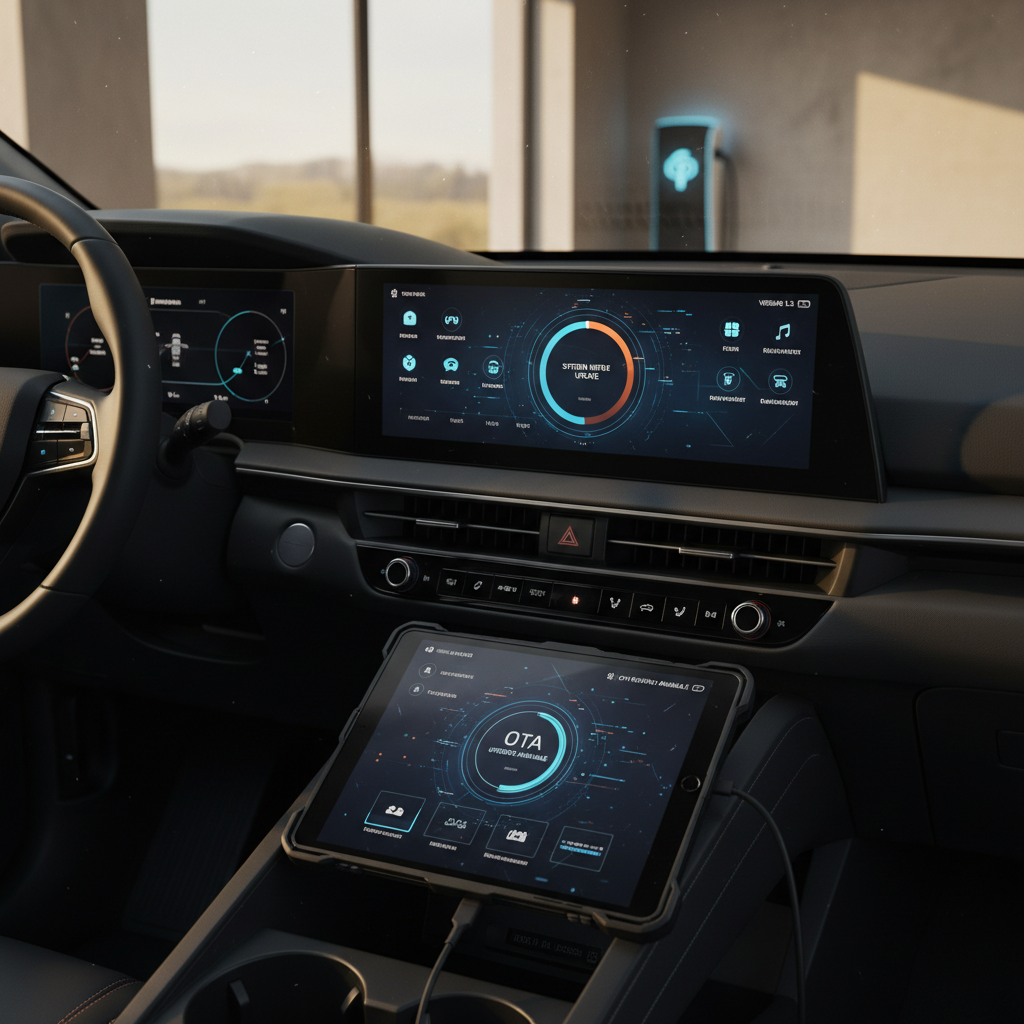
Tesla leans heavily on over‑the‑air (OTA) updates, so many 2023 Model 3 recalls were software‑only and may already be applied to your car. Still, if you’re shopping used, or you simply don’t live in the car’s update settings, it’s important to know what was addressed.
Important Recalls Affecting 2023 Tesla Model 3
Always verify open recalls by running the VIN through the NHTSA database or Tesla account.
| Recall / Campaign | What It Involves | Primary Risk | Typical Fix |
|---|---|---|---|
| Autopilot Oversight (23V838) | Changes to driver monitoring and Autopilot engagement behavior | Driver misuse or over‑reliance on Autopilot | OTA software update; no dealer visit required unless issues persist |
| Power Steering Assist Loss (select 2023 M3/MY) | Risk of temporary loss of electric power steering assist | Higher steering effort; potential loss of control at low speeds | OTA update plus component inspection on affected VINs |
| Seat Belt Chime Logic | Seat‑belt warning not sounding correctly under some conditions | Reduced warning for unbelted occupants | OTA software update to correct logic |
| Rearview Camera Display Delay (multi‑model, some 2023 builds) | Slow or missing rear camera feed on shift into reverse | Reduced rear visibility when backing up | OTA update to improve display timing; hardware check if symptoms continue |
This list is not exhaustive, but it covers recalls most relevant to daily safety and drivability.
How to Check Your Car
DIY Fixes vs. Tesla Service Center: Where to Draw the Line
Because Tesla pushes so many software updates and diagnostic tools to the vehicle itself, owners can solve more issues from their driveway than with a traditional car. But a 2023 Model 3 is still a complex machine, and it’s important to know when DIY ends and professional service begins.
Generally Safe DIY Tasks
- Screen resets and full power‑downs.
- Bluetooth and phone‑key troubleshooting.
- Wiper blade and cabin air filter replacement.
- Visual checks of tire wear and pressures.
- Listening tests to pinpoint rattles before service.
These jobs carry little risk if you follow the owner’s manual and avoid disturbing high‑voltage components.
Always Use Professional Service For
- Suspension and steering components (control arms, tie rods, ball joints).
- High‑voltage battery, drive unit or orange‑cable work.
- HVAC refrigerant or heat‑pump diagnosis.
- Persistent Autopilot or brake warnings.
- Anything involving airbags, seat belts or structural repairs.
Tesla’s mobile service can handle many repairs at your home or office, but some jobs still require a service center or qualified independent EV shop.
High‑Voltage Safety Reminder
Used 2023 Model 3 Buyer’s Checklist: Problems to Screen For
If you’re considering a used 2023 Model 3, you have a lot going for you: improved refinement versus earlier years, strong efficiency and access to Tesla’s Supercharger network. The trade‑off is that quality can vary from car to car. A careful inspection is non‑negotiable.
Pre‑Purchase Checklist for a Used 2023 Model 3
1. Scan for body and paint issues
Inspect panel gaps around doors, trunk and hood. Look for overspray, mismatched paint or creased metal that could indicate prior repair. Minor cosmetic flaws are common but should be priced accordingly.
2. Test drive over rough roads
Listen for suspension clunks, squeaks when turning, or rattles from the dash and rear shelf. Any repeated noises deserve a professional inspection before you sign.
3. Check steering feel and tracking
At highway speeds, the car should track straight with minimal correction. Heavy, notchy or wandering steering can point to alignment or steering‑rack issues.
4. Verify software and recall status
On the center screen, confirm the car is on a recent software version and that there are no pending updates or urgent warnings. Ask for documentation that major recalls, especially Autopilot‑related, have been addressed.
5. Evaluate charging and battery health
Look at recent charging history and energy usage. If possible, review a third‑party battery report or a <strong>Recharged Score</strong>-style health assessment to confirm capacity is in a normal range for mileage and climate.
6. Test all driver‑assist features
On a safe, well‑marked road, test Autopilot and traffic‑aware cruise. Watch for excessive phantom braking or odd lane‑keeping behavior, and confirm all cameras display clearly.
7. Review service history
A clean, well‑documented service record, especially for suspension, HVAC and software, often matters more than whether the car has been completely trouble‑free. Repeat repairs for the same issue are a red flag.
How Recharged Evaluates 2023 Model 3s Before Listing
Because 2023 Model 3s tend to be mechanically stout but variable in build quality and secondary systems, a surface‑level walk‑around isn’t enough. At Recharged, every Tesla we list goes through a structured process designed specifically around EV failure patterns, not generic used‑car checklists.
What Recharged Looks For on a 2023 Model 3
Beyond a basic test drive
Recharged Score Battery Health
Road Test & NVH
Suspension & Steering Check
Software & Feature Verification
Recall & Safety Review
Nationwide Delivery & Support
Ready to find your next EV?
Browse VehiclesWhy This Matters if You’re Shopping Used
FAQ: 2023 Tesla Model 3 Problems and Fixes
Frequently Asked Questions
Bottom Line: Should You Worry About 2023 Model 3 Problems?
You shouldn’t ignore 2023 Tesla Model 3 problems, but you also don’t need to panic. The underlying EV platform, battery, motors, and efficiency, is strong. The real story is about how well any given car’s suspension, software and build quality have held up, and how responsive Tesla has been when things go wrong.
If you already own a 2023 Model 3, staying current on software, documenting issues early and insisting on clear communication from service will head off most headaches. If you’re shopping used, a structured inspection, recall check and battery health report are the difference between a great deal and an expensive experiment.
Recharged exists precisely because EVs like the Model 3 don’t fit neatly into old‑school used‑car playbooks. By combining battery diagnostics, hardware inspections and transparent pricing, we make it easier to enjoy what the 2023 Model 3 does best, quiet, efficient electric miles, without being blindsided by avoidable problems.