The 2023 Genesis GV60 is quick, luxurious, and packed with tech, but early reliability data hasn’t been as polished as its design. Owners and testers report a cluster of 2023 Genesis GV60 problems around charging behavior, 12‑volt battery failures, and buggy software. If you already own one, or you’re eyeing a used GV60, understanding these issues and the available fixes will help you enjoy the car without unnecessary drama.
Context: first‑generation EV wrinkles
2023 Genesis GV60 reliability at a glance
How the 2023 GV60 is behaving in the real world
If you’re deciding whether to keep, fix, or buy a 2023 GV60, the good news is that most of the serious issues have known fixes: updated software, recall work, and sometimes a 12V battery or ICCU replacement. The bad news is that you’ll want to be proactive, because small annoyances, like an OTA update that fails or a charge session that quits early, can snowball into serious inconvenience if you ignore them.
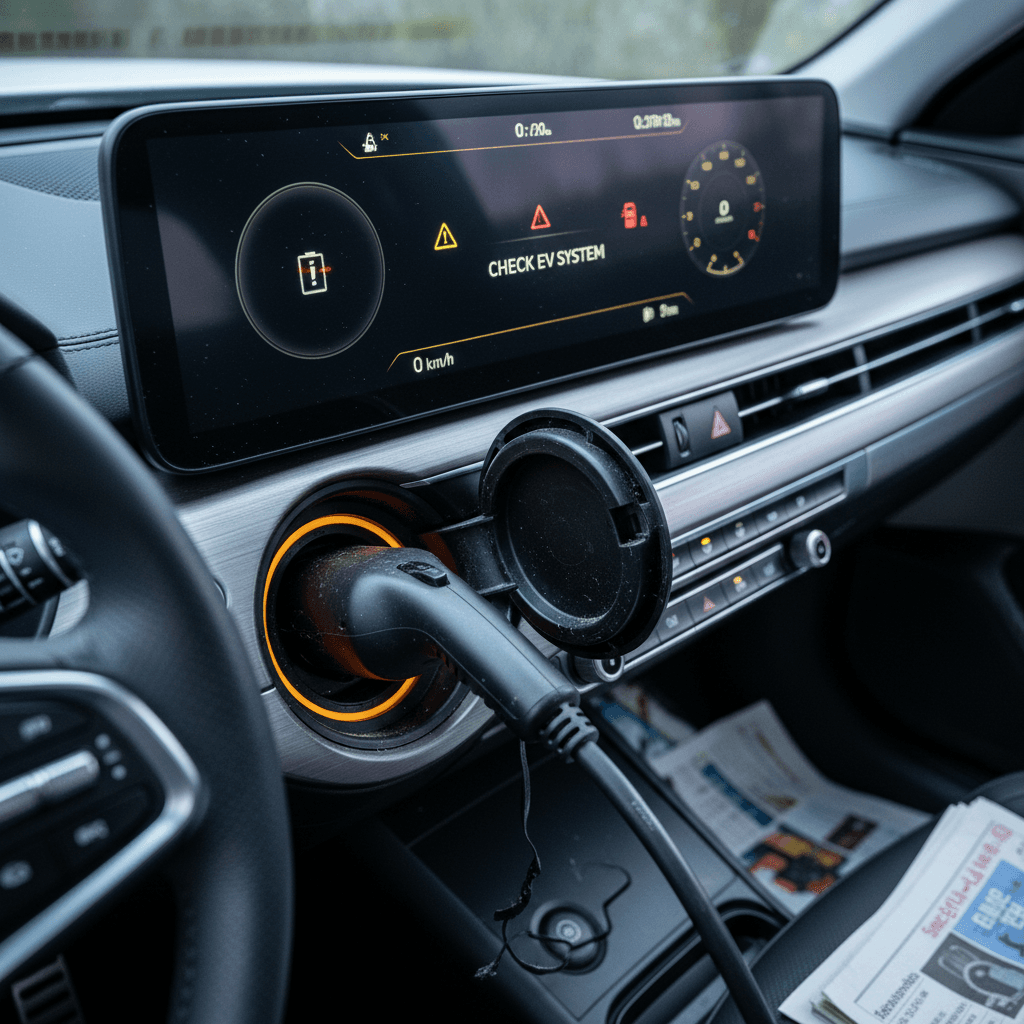
Most common 2023 Genesis GV60 problems
Top reported GV60 problem areas
These are the issues you’re most likely to see discussed by owners and covered in service campaigns.
Charging & charge‑port behavior
Level 2 charging that stops early, overheated connectors, and inconsistent scheduled charging behavior are widely reported. Most fixes involve software updates and, in some cases, changed charging habits.
12V battery & ICCU failures
Some 2023 GV60s suffer from dead 12V batteries after sitting a day or two, often tied to the ICCU (Integrated Charging Control Unit) and 12V charging logic. Updates and hardware replacements are common fixes.
Software, screens & OTA glitches
Owners report infotainment freezes, backup camera delays, blank or flickering instrument clusters, and failed over‑the‑air (OTA) updates. Many issues are now covered by software recall campaigns.
Driver‑assist quirks
Highway Driving Assist, lane centering, and automatic emergency braking can feel over‑protective, with phantom braking or aggressive lane‑keep corrections in certain situations.
Build & trim recalls
Non‑software recalls include issues like windshield molding that can detach at speed and various wiring or sensor campaigns. These are typically quick dealer fixes.
What’s *not* common
Compared with the electrical gremlins, there are far fewer reports of core battery‑pack failures or motor problems. The underlying E‑GMP hardware has generally been solid.
How Recharged can help
Charging and charge‑port problems
Charging complaints are among the loudest from 2023 GV60 owners. Many revolve around Level 2 home or workplace charging rather than DC fast charging. Common symptoms include sessions that stop after 20–40 minutes, the car refusing to start a session, or the charge rate suddenly dropping to a crawl.
- Level 2 charging stops early even though the battery isn’t full
- Charge speed drops sharply after a period of normal charging
- Car reports “charging stopped” or “check EV charger” unexpectedly
- Charge‑port area feels unusually hot after a session
- Scheduled charging doesn’t start or stops hours before departure
Likely root causes
- Connector or inlet overheating at higher amperages, triggering protective cut‑offs.
- Early battery‑management and charge‑port software that was too quick to stop a session instead of ramping down current.
- Miscommunication between the car, wallbox, and utility time‑of‑use programs when scheduled charging is enabled in more than one place.
Typical fixes
- Have your dealer apply the latest battery‑management system and charging logic TSBs, which improve how the GV60 handles overheating and scheduling.
- Lower the amperage in the GV60’s charging settings or on your wallbox (for example, from 48A down to 32–40A).
- Set only one schedule, ideally in the car itself, and disable scheduling in your EVSE app and utility app to avoid conflicts.
Watch for heat at the charge port
Quick self‑check if your GV60 keeps stopping Level 2 charging
1. Try a different Level 2 charger
Charge on a different Level 2 station (ideally at a different location). If the session completes normally, your wallbox may be the culprit rather than the car.
2. Reduce the amperage
In the GV60’s charging menu, temporarily lower the max current. Many owners find that stepping down from 48A to 32–40A stabilizes sessions while you pursue a software fix.
3. Disable overlapping schedules
Turn off scheduled charging in your wallbox app and utility account so the GV60 is the only system setting start/stop times.
4. Note exact error messages
Take photos of the instrument cluster and infotainment messages when the fault occurs. Specific codes help your dealer find the right TSB or software campaign.
5. Check for software and recall updates
In the Genesis app and at the dealer, confirm that all battery‑management and charging‑related updates have been applied to your VIN.
12V battery and ICCU failures
Another headline problem on the 2023 GV60 is dead 12‑volt batteries, owners return to a car that won’t wake up after sitting for a day or two. In many cases the main high‑voltage pack still has plenty of charge; it’s the small 12V system that can’t power up the computers and contactors. This is often linked to the GV60’s ICCU, which controls charging and DC‑DC conversion from the high‑voltage pack to the 12V battery.
- Car completely dead after sitting overnight or a weekend
- Remote app can’t wake the car, but may still show its last known status
- Multiple jump‑starts or roadside calls within a short time
- Dealer mentions ICCU or DC‑DC converter in repair notes
Don’t ignore repeat 12V failures
Short‑term workaround
- Use roadside assistance to jump the 12V battery and drive to the dealer rather than continuing to rely on portable boosters.
- If you must park for long periods, avoid leaving the car at very low traction‑battery state of charge; the DC‑DC system needs some buffer to maintain the 12V battery.
Long‑term repair path
- Have the dealer apply any 12V charging logic and ICCU‑related updates available for your VIN.
- Request testing and potential replacement of the 12V battery and, if needed, ICCU hardware under warranty.
- Keep records of every incident, repeat failures can strengthen a case for more robust repairs or lemon‑law discussions in states where that applies.
Software, infotainment, and screen glitches
The GV60’s dual widescreens and rich feature set are a major selling point, but they’re also a major source of owner complaints. Issues range from minor annoyances, like wireless charging pads acting up after an OTA, to serious visibility concerns such as a blank or flickering instrument cluster.
- Infotainment screen freezes, reboots, or goes black while driving
- Backup or 360° camera view is delayed when shifting into Reverse
- Apple CarPlay/Android Auto disconnects more than in your other cars
- Cluster screen flickers or briefly goes dark after startup
- OTA update downloads but fails to install, leaving features disabled
Why this matters for safety
Steps to clean up GV60 software and screen issues
1. Confirm recall and campaign status
Ask your dealer to print a list of <strong>completed and open campaigns</strong> on your VIN, especially those related to instrument clusters, cameras, and infotainment stability.
2. Perform a clean restart
When safe, park, power the car off fully, open and close the door, and wait a minute before restarting. This often clears temporary glitches after OTA updates.
3. Reset wireless charging & phone pairing
If your phone stops charging or connecting after an update, toggle wireless charging off/on in settings, delete and re‑pair your phone, and reboot the phone itself.
4. Capture video of screen behavior
If your cluster flickers or goes dark, recording it on your phone gives the dealer concrete evidence and helps them connect it to specific campaigns.
5. Avoid ignoring repeated failures
If the same bug reappears after multiple updates, ask for escalation, a regional engineer or more involved diagnostic time may be needed.
Driver-assist and braking behavior quirks
Like most modern luxury EVs, the 2023 GV60 layers on Highway Driving Assist, lane centering, smart cruise, and automatic emergency braking. When these systems misbehave, you may experience phantom braking, abrupt lane‑keep inputs, or sudden stops when maneuvering in tight spaces.
Common GV60 driver‑assist complaints and practical responses
Not every quirk is a defect. Some are tunable behaviors; others may indicate sensor or software problems that deserve dealer attention.
| Symptom | Likely cause | What you can do yourself | When to see dealer |
|---|---|---|---|
| Sudden braking on the highway with no obvious obstacle | Over‑sensitive forward collision or smart cruise logic, misreading shadows or adjacent traffic | Increase following‑distance setting, avoid using smart cruise in heavy rain or complex construction zones, and keep sensors clean. | If it happens repeatedly on the same stretch of road or triggers warning lights. |
| Jerky or tugging steering on curves | Aggressive lane‑keeping assist settings | Turn lane‑keep sensitivity down or off in the settings menu; rely on steering‑wheel vibration only if preferred. | If the car drifts despite clear lane lines or pulls even with lane‑keep disabled. |
| Unexpected emergency stop while backing into tight spaces | Parking sensors or rear AEB detecting objects too close | Pull forward, re‑attempt slowly, or temporarily disable rear automatic braking in known tight garages. | If the system triggers when there’s clearly nothing behind you, suggesting a misaligned sensor. |
| Dashboard Christmas‑tree of ADAS warnings | Sensor blockage, camera misalignment, or software glitch | Check for dirt, snow, or ice on cameras/radars; clean gently and restart the vehicle. | If warnings persist on a clear, clean day, dealer diagnostics and possible calibration are needed. |
Use this table to decide when to adjust settings yourself and when to book service.
Tune the tech to match your driving
Key recalls affecting the 2023 GV60
By early 2026, the 2023 Genesis GV60 had accumulated multiple NHTSA recalls covering both software and hardware. Most are preventive campaigns that your dealer can resolve during a single service visit, often via software updates, but you need to ensure they’ve actually been done on your specific vehicle.
Major recall themes for 2023–2025 GV60s
Exact recall numbers vary by production date; always verify by VIN.
Instrument cluster & display software
Some GV60s share a bug with other Genesis models that can cause the instrument cluster to go blank or act erratically at startup. The remedy is a software update to the cluster control unit.
High‑voltage/ICCU & 12V charging logic
Service bulletins and campaigns improve how the ICCU manages DC‑DC charging for the 12V battery and how the car reacts to cell‑voltage variations after charging.
Windshield trim detachment
On certain 2023–2025 GV60s, stainless‑steel windshield molding can loosen and detach at speed. Dealers inspect and secure or replace the molding.
Brake light & regen logic
Campaigns adjust the logic that controls brake lights during strong regenerative braking and refine vehicle control unit behavior. Some GV60s can receive this fix via OTA.
How to check your GV60 for open recalls
Ready to find your next EV?
Browse VehiclesSimple DIY checks and quick fixes
Not every GV60 quirk requires a full‑day dealer visit. Before you book service, or while you’re waiting on an appointment, there are a few low‑risk checks you can perform at home to separate one‑off glitches from recurring problems.
Low‑risk DIY steps for GV60 owners
Check for basic physical issues
Make sure the charge cable is fully seated, the handle latch clicks positively, and there’s no visible melting or discoloration on connectors. Gently clean cameras and sensors with a microfiber cloth.
Soft‑reset the infotainment
Use the infotainment reset button combo or menu (see your manual) if the screen freezes. This is similar to rebooting a phone and rarely harms stored settings.
Test on multiple chargers
Try at least two different Level 2 stations and, if practical, a DC fast charger. If problems follow the car everywhere, that points more strongly to a vehicle issue than an EVSE quirk.
Document patterns
Write down or record when issues occur: battery level, outside temperature, charger brand, and whether you used scheduled charging. Patterns help your technician replicate the fault.
Update your apps
Keep both the Genesis app and your charging‑network apps up to date; outdated apps sometimes mis‑report vehicle status or conflict with newer vehicle software.
When to see the dealer (and what to ask for)
Because so many 2023 GV60 issues involve software and high‑voltage systems, you shouldn’t try to be your own EV engineer. Once you’ve ruled out obvious charging‑station problems, recurring failures are the dealer’s job to diagnose, ideally with the backing of Genesis’s technical support.
- Any repeat 12V battery failure or car that’s completely dead more than once
- Charging sessions that stop early across multiple Level 2 stations
- Instrument cluster that flickers, goes black, or frequently reboots
- Persistent ADAS warning lights even on clear, dry days
- Any safety recall or service campaign your VIN still shows as open
Maximize your time at the service lane
Shopping for a used 2023 GV60: what to look for
If you’re eyeing a 2023 GV60 on the used market, the key is separating normal first‑gen EV quirks from red‑flag reliability problems. Given the recall history and software maturity curve, you should plan to dig a little deeper than you might with a traditional gas crossover.
2023 GV60 used‑buyer checklist
Questions and checks to run through before signing anything.
| Area | What to verify | Good sign | Red flag |
|---|---|---|---|
| Battery & range | Ask for recent range in normal driving, and review any battery‑health documentation. | Range close to original EPA numbers for your climate and driving pattern. | Significant unexplained range loss, or seller dodges battery questions. |
| Charging behavior | Test Level 2 charging during your visit if possible. | Car starts charging promptly and completes a 20–30 minute session with no errors. | Charging stops early, throws warnings, or refuses to start on multiple stations. |
| 12V system | Ask whether the car has ever needed roadside assistance or jump‑starts. | Owner can point to a one‑time fix with a documented 12V or ICCU update. | Multiple dead‑car incidents, vague stories about it “sometimes not waking up.” |
| Software & screens | Cycle the car on/off and watch both screens. | Cluster and infotainment boot cleanly, no flicker or long delays. | Flickering displays, blank cluster, or camera views that never appear. |
| Recalls & campaigns | Request a dealer printout for the VIN. | Most or all relevant campaigns are shown as completed. | Several open campaigns, or no documentation that recall work was done. |
Bring this list to your test drive and inspection.
Why a Recharged GV60 is different
FAQ: 2023 Genesis GV60 problems and fixes
Frequently asked questions
Bottom line: Is the 2023 GV60 a bad bet?
The 2023 Genesis GV60 is not a fundamentally flawed EV, but it is a first‑generation flagship that shipped with more software and electrical rough edges than many owners expected from a luxury badge. The most common issues, charging quirks, 12V battery behavior, and screen glitches, are inconvenient but increasingly well‑understood, with documented recall campaigns and TSBs aimed squarely at them.
If you already own one, your best move is to stay ahead of updates, log problems carefully, and lean on your dealer for complete software and recall coverage. If you’re shopping used, focus on individual vehicle history instead of headlines: a 2023 GV60 that’s been updated, charged correctly, and verified with an independent battery‑health report can deliver all of the performance and comfort Genesis promised, with far fewer surprises. And if you’d like help finding that specific car, Recharged is built to make that search, and the ownership that follows, as transparent as possible.