If you’re eyeing a 2022 Tesla Model S, especially on the used market, you’re probably hearing two different stories. On one side: blistering performance, huge range, and free over‑the‑air updates. On the other: talk of software bugs, rattles, and a long list of recalls. This guide breaks down the most common 2022 Tesla Model S problems and fixes so you know what’s normal, what’s a red flag, and how to shop smart.
Good news first
Overview: How Reliable is the 2022 Tesla Model S?
2022 Tesla Model S reliability snapshot
Compared with earlier Tesla model years, the 2022 Model S “refresh” (with the new interior and yoke/round steering wheel options) shows improved build, but it’s far from trouble‑free. Owners frequently report issues with infotainment behavior, driver‑assistance quirks, and trim quality. The upside: many of these problems are fixable with software updates or minor service work, which makes a well‑sorted used 2022 Model S an appealing buy, as long as you don’t assume it’s as trouble‑free as a Lexus.
Quick look: most common 2022 Model S problems
Most common 2022 Tesla Model S problem categories
What owners and data sources complain about most often
Software & infotainment
Autopilot & FSD behavior
Build & trim quality
Suspension & tire wear
Charging quirks
Door & latch concerns
Don’t judge by recalls alone
Software & infotainment glitches
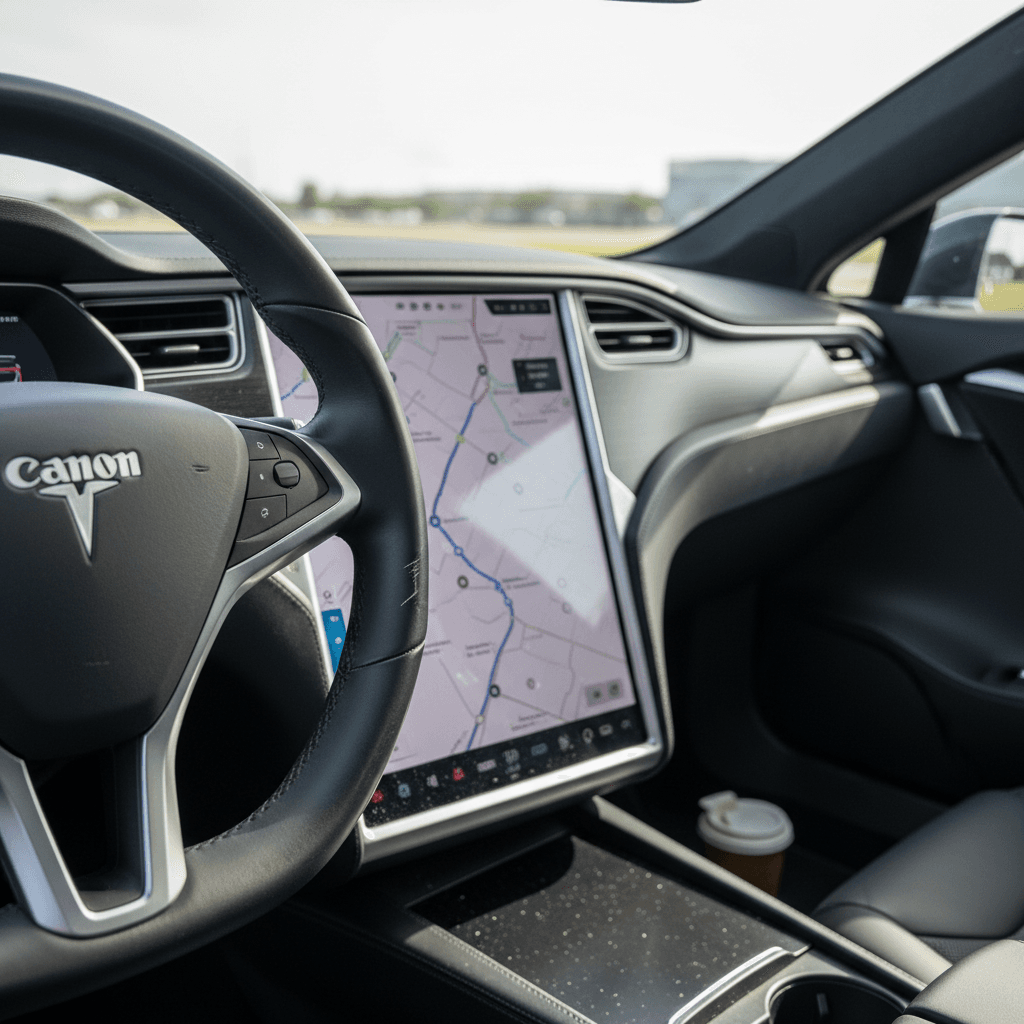
The 2022 Model S relies heavily on its central touchscreen and software stack. That’s part of the appeal, but it’s also where many owners run into headaches. Common complaints include random reboots, laggy navigation, flaky Bluetooth or Car‑Key behavior, and audio that cuts out until the system restarts.
- Touchscreen freezing or going black mid‑drive
- Sluggish response after major over‑the‑air updates
- Glitches linking phones for keyless entry or audio
- Navigation routing errors or stuck trip data
- Climate controls that don’t respond immediately
Likely causes
- Bugs introduced in specific software releases
- Low 12‑volt battery voltage or replacement timing
- Corrupted user profiles or cache
- Third‑party accessories drawing power or confusing sensors
Practical fixes
Quick steps to clear most 2022 Model S software glitches
1. Perform a soft reboot
Hold both steering‑wheel scroll wheels until the main screen goes black, then wait for the Tesla “T” logo. This clears many temporary glitches without erasing settings.
2. Power cycle the car
From the Service menu, choose <strong>Power Off</strong>, wait a few minutes, then press the brake. This gives the car a deeper reset than a soft reboot.
3. Check for pending updates
Ensure Wi‑Fi is connected and install any <strong>available software updates</strong>. Many owners see problem behavior disappear with the next OTA release.
4. Clean up profiles and devices
Delete unused driver profiles, remove old phones as keys, and re‑pair your primary device. Corrupted Bluetooth pairings are a known culprit.
5. Involve Tesla when it’s repeatable
If the bug is predictable, say, the screen crashes whenever you open the browser, schedule service and include time‑stamped examples so Tesla can pull logs.
Pro tip for test drives
Autopilot, FSD & safety-related recalls
Tesla’s driver‑assist suite, Autopilot and optional Full Self‑Driving (FSD), is both a selling point and a lightning rod. For 2022 Model S owners, the most common complaints aren’t the hardware failing outright, but how the software behaves: sudden braking for shadows, aggressive lane changes, or inconsistent speed control in complex traffic.
- Phantom braking on highways or two‑lane roads
- Lane‑keeping that “hunts” between lines on worn pavement
- Slow or erratic response to cut‑ins and merges
- Confusing prompts to retake control even when attentive
Recalls and investigations that affect 2022 Model S
Since 2022, federal safety regulators have opened and expanded several investigations into Autopilot and FSD crash patterns, and Tesla has issued multiple recalls to tweak how these systems operate, how they warn drivers, and when they disengage. For a used 2022 Model S, the key question isn’t “Has it ever been recalled?”, it’s whether all campaigns have been applied, especially software‑only ones owners might have ignored.
Major recall themes touching 2022 Model S
High‑level view of issues; specific recall IDs and dates change over time.
| Area | What’s affected | Typical fix | What to confirm on a used car |
|---|---|---|---|
| Driver-assist behavior | Autopilot/FSD monitoring and warnings | Over‑the‑air update that changes how the system supervises drivers and handles edge cases | Car reports no outstanding Autopilot/FSD recalls; test Autopilot on a short route. |
| Warning displays | Tell‑tales and font sizes on the cluster and screen | OTA update adjusting fonts, icons, or chimes to meet regulations | Check for any remaining “software recall” notices in the car or app. |
| Lighting & visibility | Brake/marker light behavior in some campaigns | OTA update to lighting logic or, more rarely, physical service | Walk around the car and confirm exterior lights function correctly. |
| Parking & rollback | Potential low‑speed roll‑away in rare conditions | Software tweaks to parking logic and brake application | Verify the car firmly holds on inclines when in Park. |
Always run the VIN through the NHTSA recall lookup tool and confirm status with Tesla before you buy.
Important safety reminder
Build quality: rattles, trim, and squeaks
The 2022 refresh improved the Model S interior, but owners still report rattles, buzzes, and wind noise, especially compared with legacy luxury sedans. Issues range from minor annoyances to structural complaints in a small number of cars.
- Rattles from rear hatch or parcel shelf over bumps
- Buzzing in the dash or A‑pillars at highway speeds
- Wind noise from frameless doors, mirrors, or small front side windows
- Loose trim around seats, console, or B‑pillars
Typical causes
- Panel clips not fully seated from factory or after service
- Weatherstripping that has compressed or is misaligned
- Interior panels that flex on rough roads, especially after impacts
- Glass alignment that’s slightly off, generating wind noise
How owners and shops fix them
DIY and low-cost fixes
- Use felt or foam tape behind lightly vibrating trim pieces.
- Apply silicone or Gummi Pflege to door seals, then reseat doors firmly.
- Adjust rear parcel shelf or cargo items that may be the true source of rattles.
These tweaks often tame the most annoying noises without touching structural components.
When to involve Tesla or a specialist
- Persistent rattles tied to suspension or subframe movement.
- Wind noise that changes with steering input or crosswinds.
- Evidence of previous accident repair around noisy areas.
For a used purchase, use these as negotiation leverage, or walk away if the seller won’t document prior repair work.
What we see at Recharged
Suspension, tires, and alignment concerns
The refreshed Model S is heavy, powerful, and often shod with low‑profile tires. That combination can mean rapid rear tire wear, alignment drift, and occasional suspension clunks, especially on rough roads or after curb strikes.
- Inside‑edge wear on rear tires despite normal driving
- Steering that feels vague or "on ice" at highway speeds
- Clunks over speed bumps or driveway transitions
- Uneven ride height between corners in air‑suspension cars
Why it happens
- Aggressive factory alignment settings favoring handling over tire life
- Heavy curb weight and instant torque loading the rear suspension
- Low‑profile tires that are less forgiving of impacts
- Previous owners running incorrect pressures or skipping alignments
What to do about it
Suspension & tire checks for a 2022 Model S
1. Inspect all four tires closely
Look for inside‑edge wear and mismatched brands. Uneven or cupped wear suggests alignment or suspension issues that need attention.
2. Request an alignment printout
If the seller has recent service records, look for an alignment report after delivery or major pothole events. No history? Budget for an alignment after purchase.
3. Test over rough surfaces
On your test drive, deliberately drive over a few potholes and speed bumps at low speed. Listen for clunks, pops, or metallic tapping from the front or rear.
4. Check air suspension behavior
Cycle through ride‑height settings and confirm the car raises and lowers smoothly, with no warning lights or obvious lean.
5. Consider aftermarket arms only with a plan
Some owners add rear control arms to correct camber and tire wear. That can help, but get a reputable shop and keep documentation for future buyers.
Battery, range, and charging behavior
For most 2022 Model S owners, the battery pack and drive units are the least problematic parts of the car. Where people do run into trouble is range expectations and charging behavior, things that feel like failures but usually aren’t.
- Displayed range lower than window‑sticker EPA estimates
- Slower DC fast‑charging than advertised in cold weather
- Charge‑port door sticking or failing to open via tap
- Home charging dropping from 48A to a lower current mid‑session
Normal vs. abnormal behavior
Usually normal
- Some range loss after a few years and tens of thousands of miles.
- Slower fast‑charging when the pack is cold or above ~80% charge.
- Minor day‑to‑day swings in projected range based on driving style.
Worth deeper investigation
- Warning messages about reduced power or limited charging speed.
- Repeated charge failures at multiple public stations.
- Sudden, large drops in estimated range without a clear cause.
How Recharged evaluates battery health
Quick fixes and best practices
- Precondition the battery before DC fast‑charging, especially in winter, via the "Navigate to Supercharger" function.
- Limit daily charging to around 80–90% for longevity; reserve 100% for trips.
- If home charging current drops, check the wall connector or outlet for overheating and verify wiring with a licensed electrician.
- Keep software updated, Tesla often tweaks charging curves and range calculations via OTA updates.
Doors, handles, and entry issues
Tesla’s flush door handles and electronic latches look slick, but they add complexity. While high‑profile investigations have focused more on other Tesla models, the 2022 Model S uses similar philosophies: electronic releases backed up by manual pulls for emergencies.
- Handles that don’t present or retract properly
- Doors that won’t unlatch after a 12‑volt battery event
- Confusion over the location of mechanical emergency releases
- Intermittent key‑card or phone‑key recognition near certain buildings
Owner steps and fixes
Door & entry checks before and after you buy
1. Learn all the releases
Make sure you know where the <strong>manual interior door releases</strong> are for front and rear passengers. Show family members how to use them in a power loss.
2. Test every handle and lock
On a test drive, lock/unlock the car repeatedly from the key card, phone, and interior screen. Confirm handles present and retract smoothly on all four doors.
3. Watch for 12‑volt battery warnings
Low‑voltage issues can cause all kinds of odd behavior, including latch problems. If you see alerts, plan a 12‑volt battery check or replacement.
4. Involve Tesla if doors won’t open
Sticking or non‑functional doors should be addressed quickly. This is a <strong>safety item</strong>, not a cosmetic nitpick.
DIY vs Tesla Service: how to actually fix things
One advantage of owning a Tesla is how much can be handled without setting foot in a service center. On the other hand, some 2022 Model S problems, especially safety‑related ones, belong in professional hands.
Reasonable DIY or owner fixes
- Soft reboots and power‑cycling to clear infotainment bugs.
- Re‑pairing phones, cleaning up Wi‑Fi networks, or resetting profiles.
- Basic interior rattle hunting, using felt pads and careful panel pressing.
- Checking tire pressures, inspecting wear, and scheduling alignments.
If it doesn’t require special tools, safety‑critical disassembly, or high‑voltage work, it may be fair game for a careful owner.
Leave these to Tesla or an EV specialist
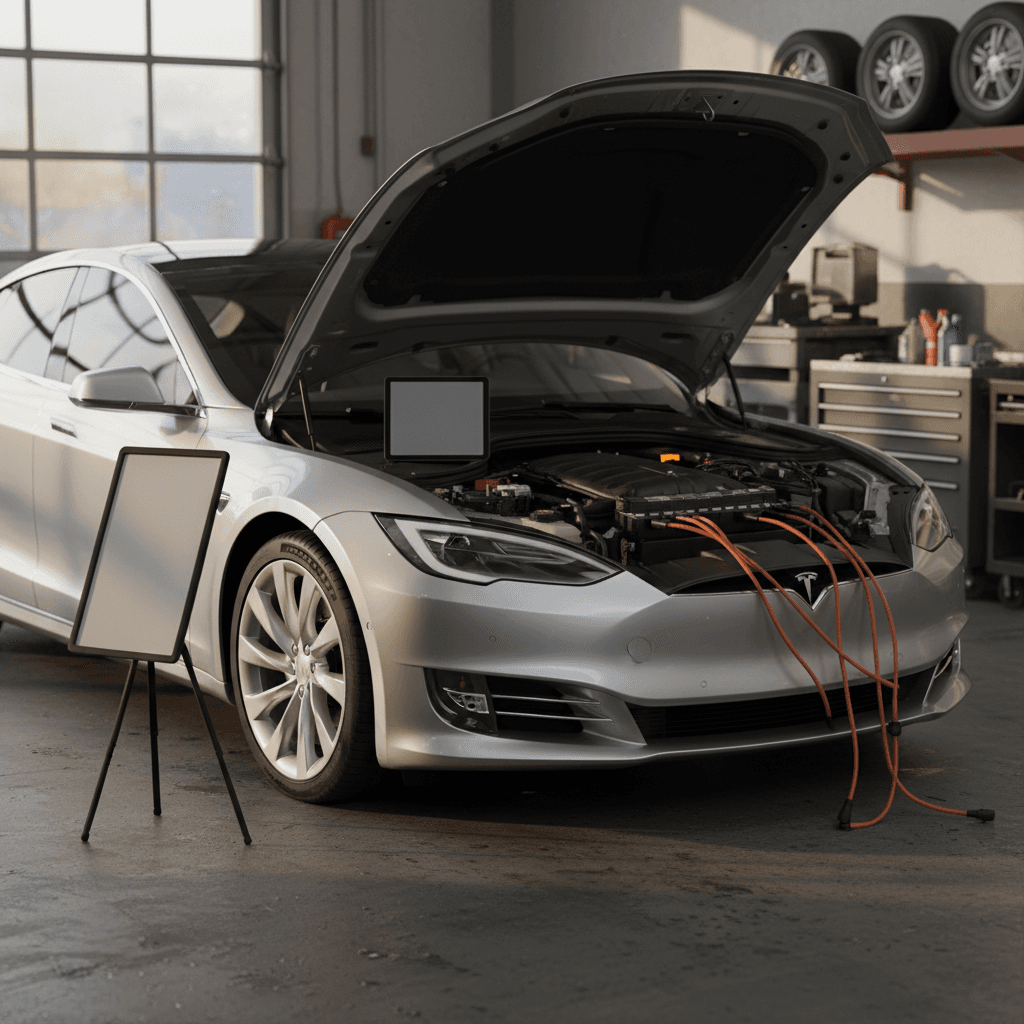
- Anything involving the high‑voltage battery, orange‑cabled wiring, or inverters.
- Air‑suspension component replacement or ride‑height calibration.
- Structural repairs after collisions or curb impacts.
- Persistent Autopilot/FSD misbehavior tied to specific cameras or sensors.
For used shoppers, documented professional repair work is a plus, especially on suspension and safety systems.
How Recharged fits in
Used 2022 Model S pre‑purchase checklist
Shopping used is where understanding 2022 Tesla Model S problems and fixes really pays off. Use this checklist to separate solid cars from rolling science experiments.
Essential pre‑purchase checks for a 2022 Tesla Model S
1. Run the VIN for recalls & history
Check the NHTSA recall site and review the car’s in‑vehicle messages. Ask for proof that <strong>all recall campaigns</strong>, software and physical, have been completed. Pull a vehicle‑history report to spot accidents or buybacks.
2. Inspect battery health, not just miles
Look at typical daily charging limits, recent range at a given state of charge, and any high‑voltage warnings. If you’re buying through Recharged, review the <strong>Recharged Score battery report</strong> for objective capacity data.
3. Stress‑test software and electronics
During your test drive, cycle navigation, media, cameras, Bluetooth, phone key, and climate. Watch for crashes or reboots, then ask the seller about recent software updates.
4. Check tires, brakes, and alignment
Uneven wear, mismatched tires, or a steering wheel that’s off‑center are signs the car needs immediate suspension or alignment work. Use that to negotiate or request repairs before signing.
5. Listen for rattles and wind noise
Drive on a mix of smooth and rough roads and at freeway speeds. Note any persistent rattles or loud wind noise, they’re not necessarily deal‑breakers, but they do affect value.
6. Confirm charging behavior
Test both AC charging (if possible, at home voltage) and a DC fast‑charge session. Watch for errors, unusually slow speeds, or connector latch problems.
7. Review service and OTA history
Ask for Tesla service invoices and screenshots of recent OTA updates. A car that has <strong>kept up with updates</strong> and handled early issues is usually a safer bet.
FAQ: 2022 Tesla Model S problems & ownership
Frequently asked questions about 2022 Model S problems and fixes
Bottom line: Is a 2022 Tesla Model S worth it?
If you go in with clear eyes, a 2022 Tesla Model S can be a fantastic used EV: long range, brutal acceleration, a modern interior, and continuous software improvements. The tradeoff is living with quirkier software, more recalls, and less bank‑vault refinement than many German or Japanese luxury sedans. For many drivers, that’s an acceptable compromise.
The smartest move is to treat 2022 Tesla Model S problems and fixes as part of the buying process, not reasons to avoid the car entirely. Verify recall status, dig into software and driver‑assist behavior on a test drive, inspect tires and suspension carefully, and get an objective take on battery health. If you’d rather skip the detective work, shopping through Recharged means every Model S comes with a Recharged Score battery report, fair‑market pricing, and EV‑specialist support from first click to delivery.