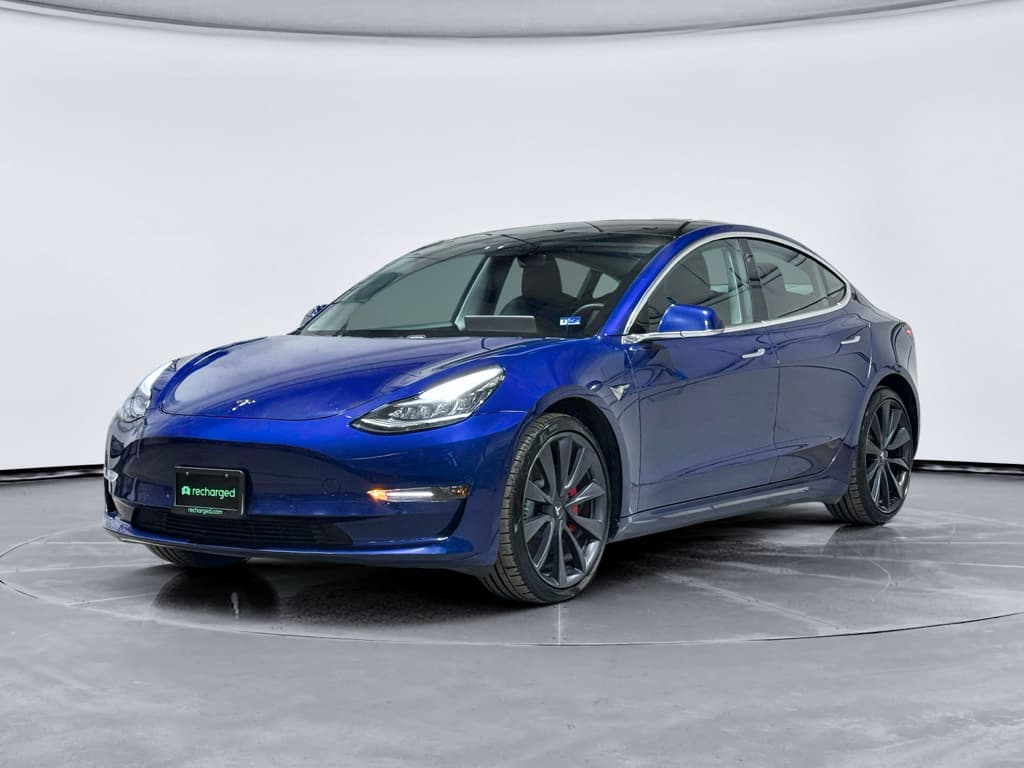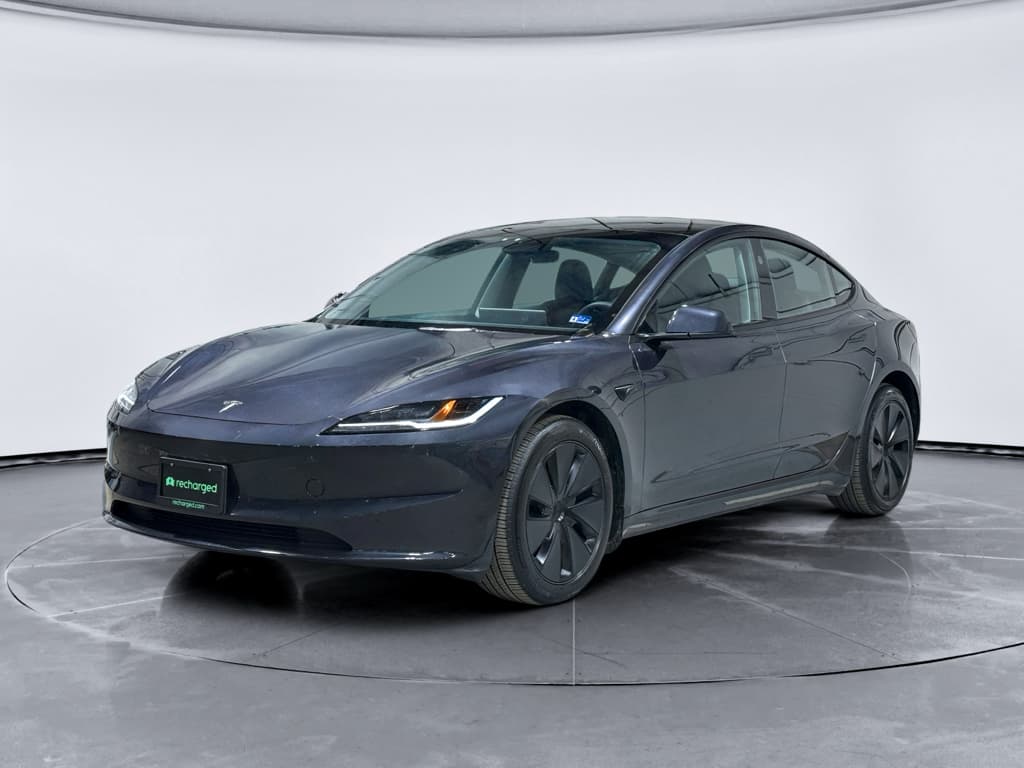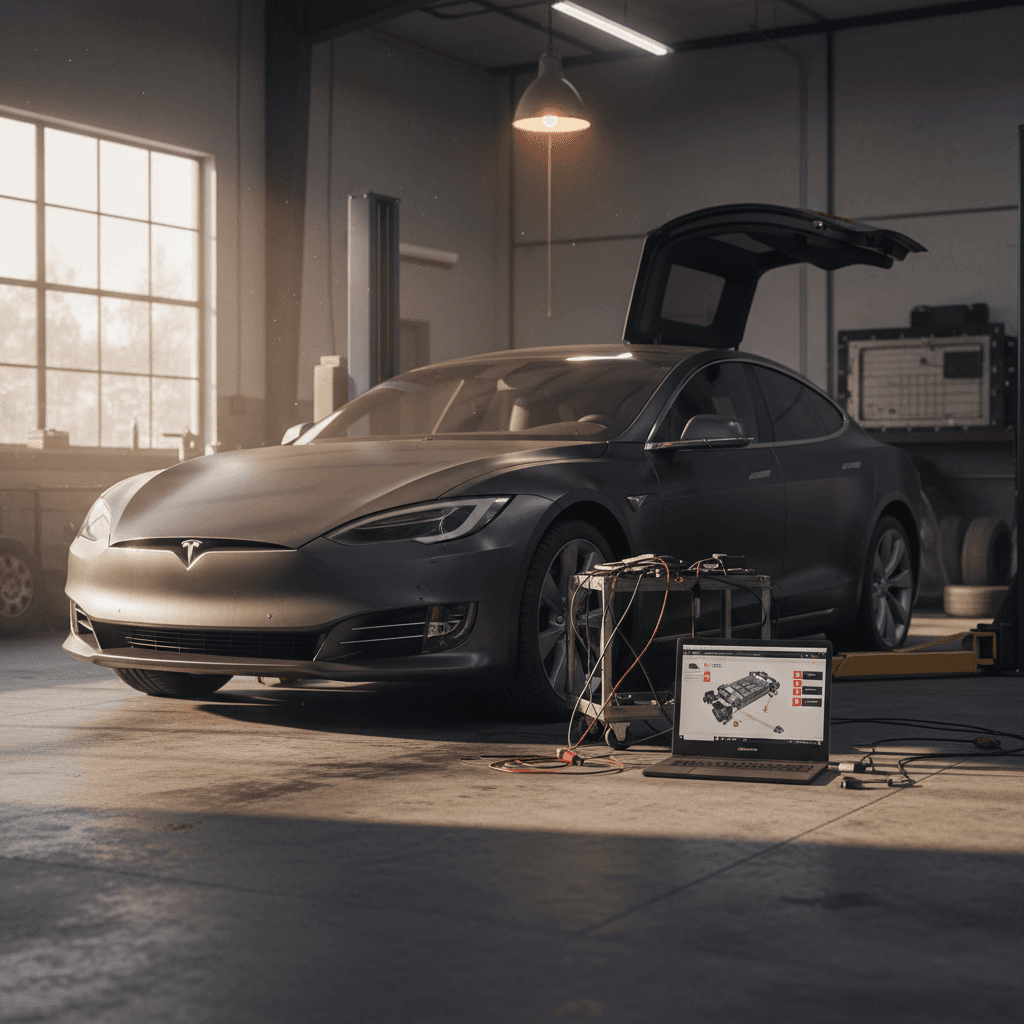
The 2021 Tesla Model S is where the “refresh” really arrives: Plaid powertrains, the controversial steering yoke, a new interior, and much quicker charging. It’s also a year with some very specific 2021 Tesla Model S problems and fixes that you should understand before you sign for a used one, especially a Plaid with 21‑inch wheels.
Quick take
2021 Tesla Model S refresh: why problems look different
Mid‑2021 brought the so‑called “Palladium” refresh: new battery and drive units, tri‑motor Plaid, revised air suspension, overhauled interior, and the option of a steering yoke instead of a round wheel. That means the 2021 Model S doesn’t behave like the older 2012–2020 cars that dominate many online horror stories.
- Most 2021 complaints cluster around Plaid models and cars with 21‑inch wheels.
- Suspension geometry and alignment settings changed with the refresh, affecting tire wear and ride.
- New interior pieces (yoke, screens, trim) introduced fresh wear and fit issues.
- Software features like Autopilot and Full Self‑Driving (FSD) evolved quickly, bringing bugs and recalls along the way.
If you’re shopping used, you’re really evaluating two things at once: (1) how the previous owner treated the car, and (2) how well the car has been updated or repaired as Tesla has learned from early refresh issues. That’s where a structured inspection, and tools like the Recharged Score battery health report, make a big difference.
Big-picture reliability: is the 2021 Model S a bad year?
2021 Tesla Model S reliability snapshot
Why ratings look scary online
1. Front half‑shaft vibration and shudder
One of the most talked‑about 2021 Tesla Model S problems, especially on Plaid models, is a vibration or shudder under hard acceleration. Owners describe it as a pulsing through the floor and steering column when launching the car or rolling into the throttle at highway speeds.
- Most common on Plaid models and cars driven in higher air‑suspension ride heights.
- Triggered by strong acceleration, particularly at 40–70 mph.
- Often traced to wear or geometry issues in the front half‑shafts and related components.
How to test for half‑shaft shudder on a test drive
Likely causes
Tesla has battled front half‑shaft issues in high‑torque Model S variants for years. The refresh didn’t completely erase the problem. The combination of massive torque, front‑motor packaging, and certain suspension settings can put the half‑shafts under angles that accelerate wear, leading to the shudder you feel under load.
Fixes and costs
Half‑shaft vibration: typical fixes and rough costs
Real‑world costs vary by shop and region. These ballparks are for out‑of‑warranty repairs in the U.S.
| Fix | Where it’s done | Typical ballpark cost (parts + labor) | Notes |
|---|---|---|---|
| Half‑shaft replacement (one side) | Tesla Service Center | $900–$1,400 | Most common dealer fix if vibration is severe. |
| Both front half‑shafts | Tesla Service Center / specialist shop | $1,600–$2,600 | Often done in pairs on Plaid cars to restore symmetry. |
| Alignment & ride‑height tuning | Tesla Service Center | $250–$450 | May reduce repeat issues by optimizing geometry. |
| Extended coverage negotiation | Tesla goodwill / service plan | Varies | Some owners have received partial coverage outside basic warranty; not guaranteed. |
Always confirm current pricing with your service provider.
Good news
2. Aggressive suspension alignment and fast tire wear
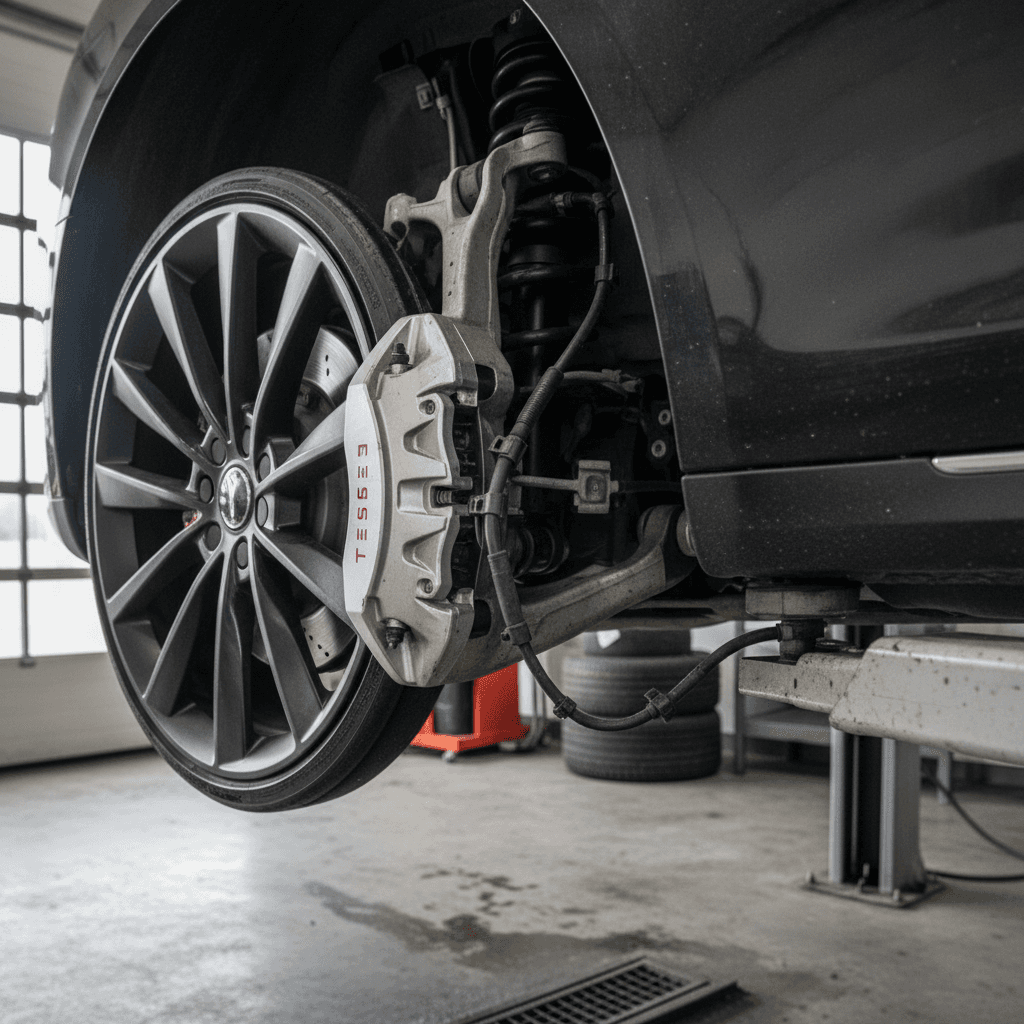
The refreshed Model S runs a performance‑oriented alignment from the factory. On 21‑inch wheels, that can turn into surprisingly fast inner tire wear, even for owners who don’t drive like they’re on a racetrack.
- Some owners report inner rear shoulders worn to cords in 20,000–25,000 miles.
- Rear camber and toe settings appear aggressive, and any worn bushing or impact can make it worse.
- Cars that live on rough roads or slam potholes are more likely to show premature tire and suspension wear.
What to check on a used 2021 Model S
Suspension & tire checks before you buy
Inspect inner tire shoulders
Lie behind the car or turn the steering to full lock and look at the inner edge of each tire. Uneven wear or exposed cords mean it needs alignment at best, suspension work at worst.
Ask for recent alignment printouts
A careful owner will have alignment paperwork from Tesla or a trusted shop. Excessive negative camber or big cross‑camber differences are red flags.
Look for suspension clunks or knocks
On a test drive, listen for clunks over speed bumps and sharp edges. Noises could point to worn control‑arm bushings, ball joints, or loose hardware.
Check for 21‑inch wheel damage
Curb rash and bent 21s are common. A visually perfect wheel isn’t mandatory, but a flat‑spotted rim can create vibration and hint at hard use.
Fixes and alignment strategy
You don’t have to live with the factory setup if you’d rather trade a touch of cornering sharpness for tire life and comfort.
- Have a Tesla‑experienced shop perform a four‑wheel alignment with slightly less aggressive camber where possible.
- If tires are already worn oddly, budget for a full set of premium EV‑rated tires plus alignment.
- Consider 19‑inch wheels with higher‑profile tires if you’re more commuter than canyon‑carver.
3. Steering yoke wear and control quirks
The 2021 refresh ushered in the steering yoke. Some owners love the open view of the cluster; others find it awkward in tight parking lots. Separate from the driving feel, there are two main problem themes: material wear and control learning curve.
Common yoke complaints
Steering yoke: issues owners commonly report
Most are annoying rather than dangerous, but they can affect how you feel about the car every day.
Rapid surface wear
Some early Plaid owners reported the yoke’s rubberized coating peeling or fraying in just a few thousand miles, especially on the upper corners you grip most.
Capacitive buttons
Turn signals, horn, and wipers live on touch‑sensitive pads. Until your muscle memory adapts, it’s easy to mis‑tap, especially over bumps.
Low‑speed maneuvers
Three‑point turns, tight parking, and U‑turns can feel awkward without a full wheel rim to shuffle through your hands.
Fixes and workarounds
- Tesla has offered a round wheel retrofit on later cars, and some owners retrofit non‑Tesla wheels on 2021s via aftermarket kits (which may affect warranty on steering components).
- For worn yoke coverings, the factory solution is usually replacement; aftermarket leather wraps can improve feel and durability.
- Plan on a learning curve with the capacitive buttons. A long test drive in varied traffic is the only real way to decide if the yoke suits you.
Safety first
4. Infotainment, screens, and electrical gremlins
Compared with older MCU1‑equipped Model S cars, the 2021 refresh uses newer hardware and is less prone to total screen failures. But owners still report glitches, reboots, and odd electrical behaviors that can sour the experience.
- Center screen or instrument cluster suddenly rebooting while driving.
- Bluetooth and phone‑key connection hiccups, especially after software updates.
- Occasional blank camera views, laggy UI, or frozen apps.
- Warnings for doors, seat belts, or driver‑assist systems with no obvious cause.
Quick resets you can do yourself
Simple infotainment fixes to try before service
Soft reboot the screens
Press and hold both steering scroll wheels until the center display goes dark and the Tesla logo appears. This clears many one‑off glitches.
Power the car down fully
In Settings, choose a full power‑off, wait several minutes, then open a door or press the brake to wake the car. This can clear stubborn software oddities.
Check for pending software updates
Connect to Wi‑Fi and see if an update is available. Many nuisance issues are resolved in later firmware.
Verify 12‑V (or low‑voltage) health
On some EVs, a weak low‑voltage battery can cause weird electrical behavior. Have Tesla or an EV shop test it if you see cascading random alerts.
When to call Tesla
5. Wind noise, glass, and build-quality complaints
The 2021 refresh made the Model S cabin quieter than the earlier cars overall, but fit‑and‑finish is still a common complaint. The pattern isn’t catastrophic structural failures; it’s small annoyances that add up.
- Wind noise around the frameless front doors at highway speeds.
- Rattles from the hatch area over rough pavement.
- Squeaks from interior trim panels or the yoke column.
- Occasional cracked or chipped windshields and roof glass that feel premature compared with other luxury cars.
Practical fixes and prevention
- Ask a glass shop or Tesla to re‑seal or adjust doors if you hear obvious wind leaks.
- Apply felt tape or foam shims to rubbing trim panels (or ask a detailer who’s comfortable disassembling interiors).
- Check service history or ask the seller directly about any glass replacements; it can hint at impact damage versus a random chip.
6. Software, Autopilot, and safety recalls
Tesla leans heavily on over‑the‑air updates for both new features and safety‑related fixes. For 2021 Model S owners, that’s a double‑edged sword: you rarely have to visit a dealer for a recall, but the car you test today may behave differently after the next update.
- Multiple large recalls since 2021 have covered Autopilot behavior, forward‑collision warnings, and automatic emergency braking.
- Most safety campaigns are handled by a software update that installs at home, but some may still require a physical inspection or hardware swap.
- Regulators continue to scrutinize Tesla’s driver‑assist systems, so expect more changes over the life of the car.
Always run a recall check
Living with Autopilot and FSD
From a reliability standpoint, most Autopilot and FSD issues are about nuisance alerts, phantom braking, or inconsistent lane‑keeping rather than outright hardware failure. Still, you should treat these systems as advanced driver aids, not chauffeurs. If you’re buying a used car with FSD or Enhanced Autopilot, test those features thoroughly on your own daily routes, not just on a quick freeway blast.
Battery health, charging behavior, and what’s normal
The heart of any used EV is its battery pack. The 2021 Model S uses newer chemistry and thermal management than the oldest Teslas, and many cars still hold excellent usable range. But you should still assume some degree of degradation and charging behavior quirks.
- A modest loss of range, often roughly 5–10% from new, is normal by years 3–5 on many EVs, depending on mileage and charging habits.
- Supercharger sessions may start very fast, then taper earlier than the marketing charts suggest, especially on high‑mileage cars.
- Repeated DC fast charging and frequent 100% charges can age the pack faster than mostly home Level 2 charging.
Use data, not guesses, on battery health
Battery and charging fixes that actually matter
- If the car shows unexpectedly large range loss, have a Tesla Service Center run a battery health check and compare against warranty thresholds.
- Use scheduled charging and keep daily charging to around 70–80% when possible; save 100% for road trips.
- Keep the car plugged in during extreme heat or cold so the thermal management system can protect the pack.
Pre‑purchase inspection checklist for a used 2021 Model S
You don’t need to be a master technician to spot many of the biggest 2021 Model S problems. You just need a plan and enough daylight to run through it. Use this checklist as your roadmap; if anything feels off, it’s worth having a Tesla‑experienced shop or a platform like Recharged take a deeper look.
2021 Model S pre‑purchase inspection (driveway version)
1. Run VIN history & recall checks
Pull a title/history report, verify the VIN on all body tags, and check Tesla’s site (or in‑car messages) for open recalls or service campaigns.
2. Inspect wheels, tires, and suspension stance
Look for inner‑edge tire wear, bent 21‑inch wheels, or a visibly uneven ride height. Any of these hint at alignment or suspension issues.
3. Check glass and panel alignment
Study the windshield, roof glass, and liftgate for chips, cracks, and water marks. Gaps that suddenly tighten or widen can point to previous damage.
4. Test doors, yoke, and all switches
Open and close every door, hatch, and frunk. Turn the yoke lock‑to‑lock in a parking lot and verify the feel and condition of the surface and buttons.
5. Cycle infotainment and cameras
Test Bluetooth pairing, audio, navigation, and all camera views. Try a screen reboot to make sure it restarts cleanly without persistent error messages.
6. Drive over rough pavement and up to highway speed
Listen for clunks over bumps, then pay attention to vibrations or shudder during a 40–70 mph acceleration run.
7. Verify charging behavior
If possible, plug into a Level 2 charger and confirm it charges at the expected power level without error messages.
8. Ask for service records
Look for evidence of previous suspension work, glass replacements, or steering yoke swaps. These don’t automatically kill a deal, but they should influence price and your comfort level.
DIY fixes vs. Tesla Service Center: where each makes sense
Best handled by Tesla or an EV specialist
- Half‑shaft vibration diagnosis and replacement.
- Air‑suspension faults, ride‑height issues, or persistent alignment problems.
- Battery health tests, high‑voltage repairs, and charging faults.
- Airbag, steering yoke/wheel replacement, and any driver‑assist malfunction.
These systems tie directly into safety or high‑voltage components. They require specialized tools, software access, and training.
Reasonable for careful DIY or local shops
- Interior squeak/rattle hunting with felt tape and trim pads.
- Door seal adjustments and minor wind‑noise mitigation.
- Wheel and tire replacement, including downsizing to 19‑inch wheels.
- Simple infotainment troubleshooting like reboots, Bluetooth resets, and phone‑key setup.
If a fix involves airbags, high‑voltage cabling, or advanced driver‑assist calibration, step away and call in the pros.
How Recharged can simplify the hard parts
Ready to find your next EV?
Browse VehiclesFAQ: 2021 Tesla Model S problems and fixes
Frequently asked questions about 2021 Model S issues
Should you buy a 2021 Tesla Model S used?
A 2021 Tesla Model S can be both brilliant and demanding. You’re getting cutting‑edge performance, strong charging capability, and a genuinely modern cabin, but you’re also stepping into a car with real‑world quirks around suspension wear, steering feel, software updates, and build quality. If you go in with your eyes open, insist on records, and lean on solid inspection data, especially around battery health, you can separate the great cars from the problem children.
If you’d rather not play diagnostic detective in the seller’s driveway, consider starting your search with Recharged. Every used EV on the platform, including the 2021 Model S, comes with a Recharged Score battery health report, expert EV‑specialist support, flexible financing, trade‑in options, and even nationwide delivery. That way, you can spend less time worrying about half‑shaft angles and yoke wear, and more time enjoying one of the quickest, quietest sedans on the road.