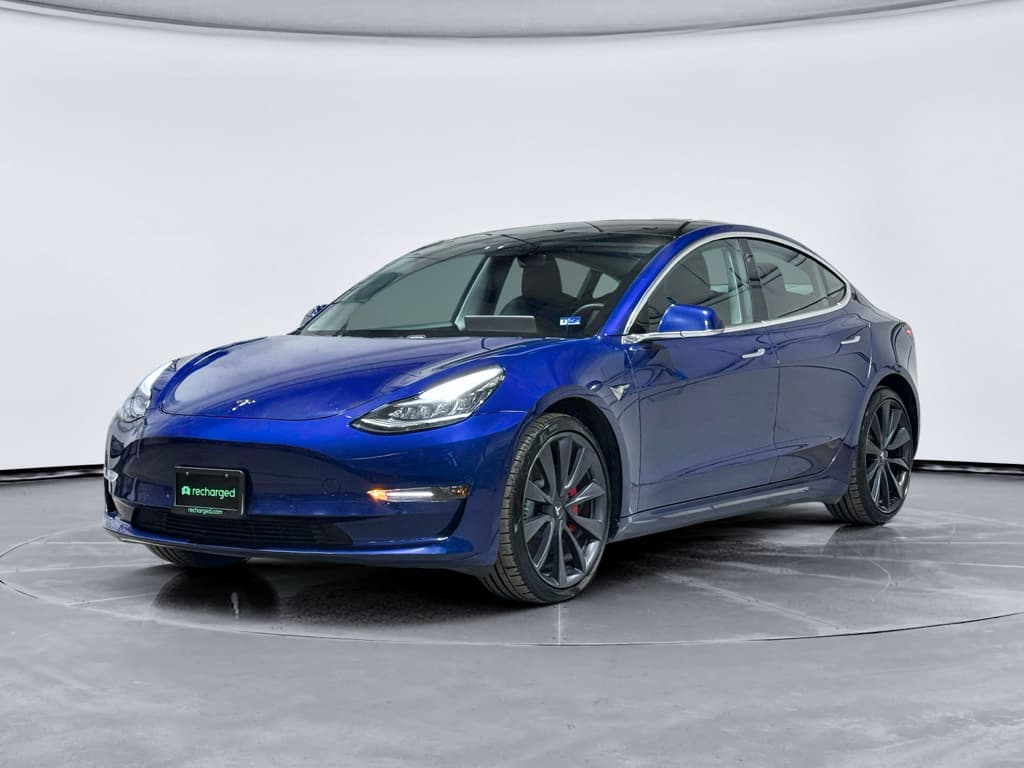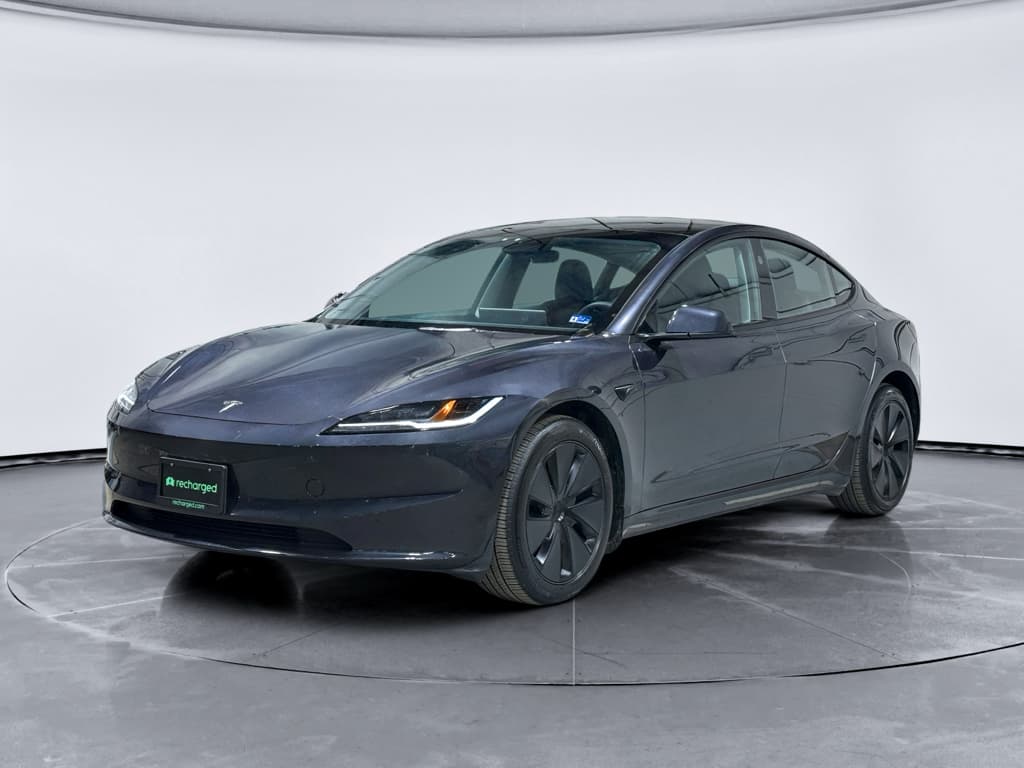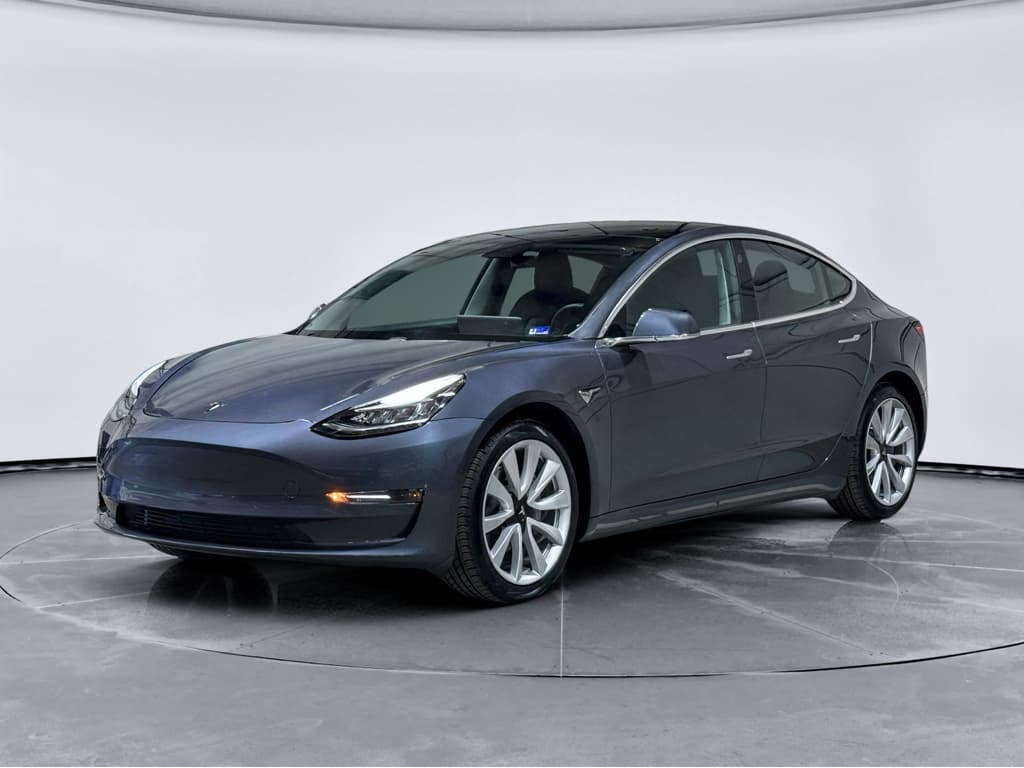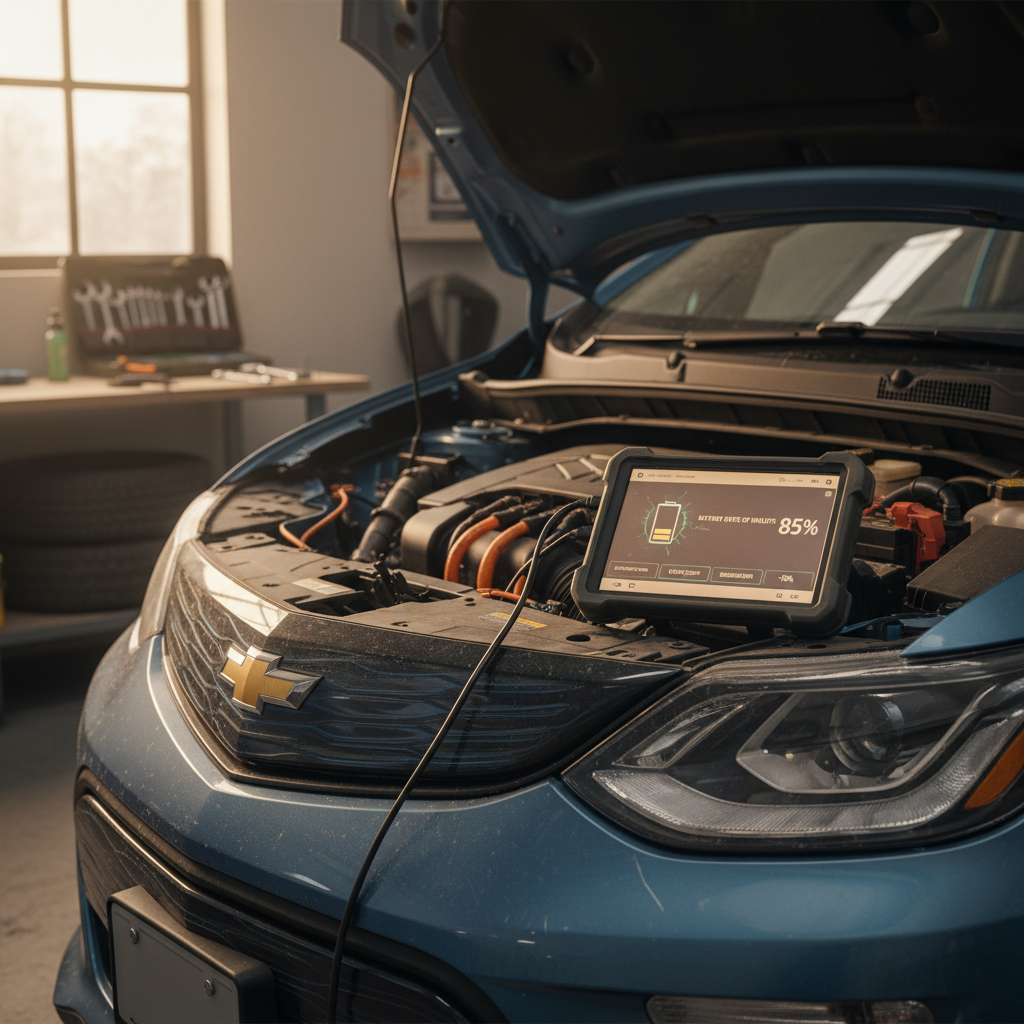
If you’re shopping for a used Tesla, you’ve probably heard about 2021 Tesla Model 3 problems, from phantom braking to panel gaps. The reality is more nuanced: the 2021 Model 3 is one of the stronger years for this car, but it isn’t flawless. Let’s walk through the issues owners actually report, how serious they are, and what you should look for before you buy.
Quick take
How Reliable Is the 2021 Tesla Model 3?
For context, the 2021 Model 3 benefits from several years of running improvements. Earlier Model 3s (2017–2019) saw more build-quality complaints; by 2021, Tesla had tightened up many of those issues. Third‑party reliability surveys and owner forums generally place the Model 3 in the average to above‑average reliability range for EVs. That said, it’s still a complex, software‑heavy car, and problems tend to cluster in a few familiar areas rather than being completely random.
2021 Model 3 Ownership Snapshot (Big Picture)
Compare trims before you judge reliability
Most Common 2021 Tesla Model 3 Problems
Top Problem Categories on the 2021 Model 3
Where owners most often file complaints or service tickets
Driver-assist & safety behavior
Includes phantom braking, lane‑keeping quirks, and inconsistent Autopilot confidence, especially on undivided highways and under overpasses.
Build quality & noises
Wind noise from frameless windows, squeaks and rattles, misaligned trim, and occasional reports of water leaks around doors or trunk.
Software & infotainment
Glitchy Bluetooth, frozen center screen, slow boot on cold mornings, and minor bugs introduced or fixed via over‑the‑air updates.
You’ll see plenty of headlines about Tesla problems, but in day‑to‑day life 2021 Model 3 issues tend to be annoyances rather than show‑stoppers. The big exceptions are collision‑related repairs and rare high‑voltage component failures, which can be expensive and reinforce why a solid pre‑purchase inspection matters, especially on a used EV.
Battery and Range Issues on 2021 Model 3
1. Normal battery degradation
Most 2021 Model 3 owners report modest range loss over the first few years, often in the single‑digit percentage range. That’s expected with lithium‑ion chemistry. What you’re looking for as a used buyer is abnormal loss, such as a car that shows 15–20% less range than similar vehicles with the same mileage.
Temperature swing, frequent fast‑charging, and always charging to 100% can accelerate wear, so a battery‑health check is worth it on any used Tesla.
2. Charging and range complaints
Common owner complaints fall into a few buckets:
- Slower DC fast‑charging than expected when the pack is cold or already above ~60% state of charge.
- Unexpected range drops in winter due to heater use and cold batteries.
- Wall connector issues traced back to home wiring or breakers, not the car itself.
These aren’t unique to the 2021 Model 3, but they’re good to understand before you buy your first EV.
Cold‑weather range reality
Battery failures on 2021 Model 3s are rare, and when they do occur they’re often covered under Tesla’s 8‑year high‑voltage battery and drive‑unit warranty (mileage limits apply based on trim). As a used buyer, your bigger concern is confirming that the car’s usable range still meets your daily needs and that the pack hasn’t been abused.
Autopilot, Safety Systems, and Phantom Braking
If you search for 2021 Tesla Model 3 problems, it won’t take long to find owners talking about Autopilot behavior. 2021 cars sit at an interesting point in Tesla’s evolution: camera‑forward hardware with frequent software updates, and sometimes the software changes feel more dramatic than the hardware.
Typical Driver-Assist Complaints on 2021 Model 3
These issues are usually software‑related and may improve, or occasionally worsen, after over‑the‑air updates.
| Issue | How It Shows Up | Why It Matters | What You Can Do |
|---|---|---|---|
| Phantom braking | Sudden, brief braking on Autopilot with no obvious obstacle | Startles passengers; risk if someone is tailgating | Increase following distance, avoid Autopilot on problem roads, report events via Tesla service. |
| Lane‑keeping quirks | Car “ping‑pongs” slightly in lane on curvy or poorly marked roads | Driver confidence drops; fatigue on long drives | Use Autopilot mainly on well‑marked highways; keep hands on wheel and be ready to correct. |
| Traffic sign misreads | Occasional wrong speed‑limit detection or phantom signs | Can affect set cruise speed when using certain features | Verify limits visually and set cruise speed manually when needed. |
| Forward collision warnings | Overly sensitive alerts for cut‑ins or parked vehicles off to the side | Annoying beeps, but it’s still a safety net | Adjust sensitivity in settings; don’t disable completely without a good reason. |
Always treat driver‑assist systems as aids, not substitutes, for an attentive driver.
Don’t treat Autopilot as self‑driving
From a used‑car perspective, Autopilot complaints are less about whether you should buy a 2021 Model 3, and more about making sure you understand how the system behaves. If you’re coming from a traditional car with basic cruise control, there will be an adjustment period.
Build Quality, Wind Noise, and Water Leaks
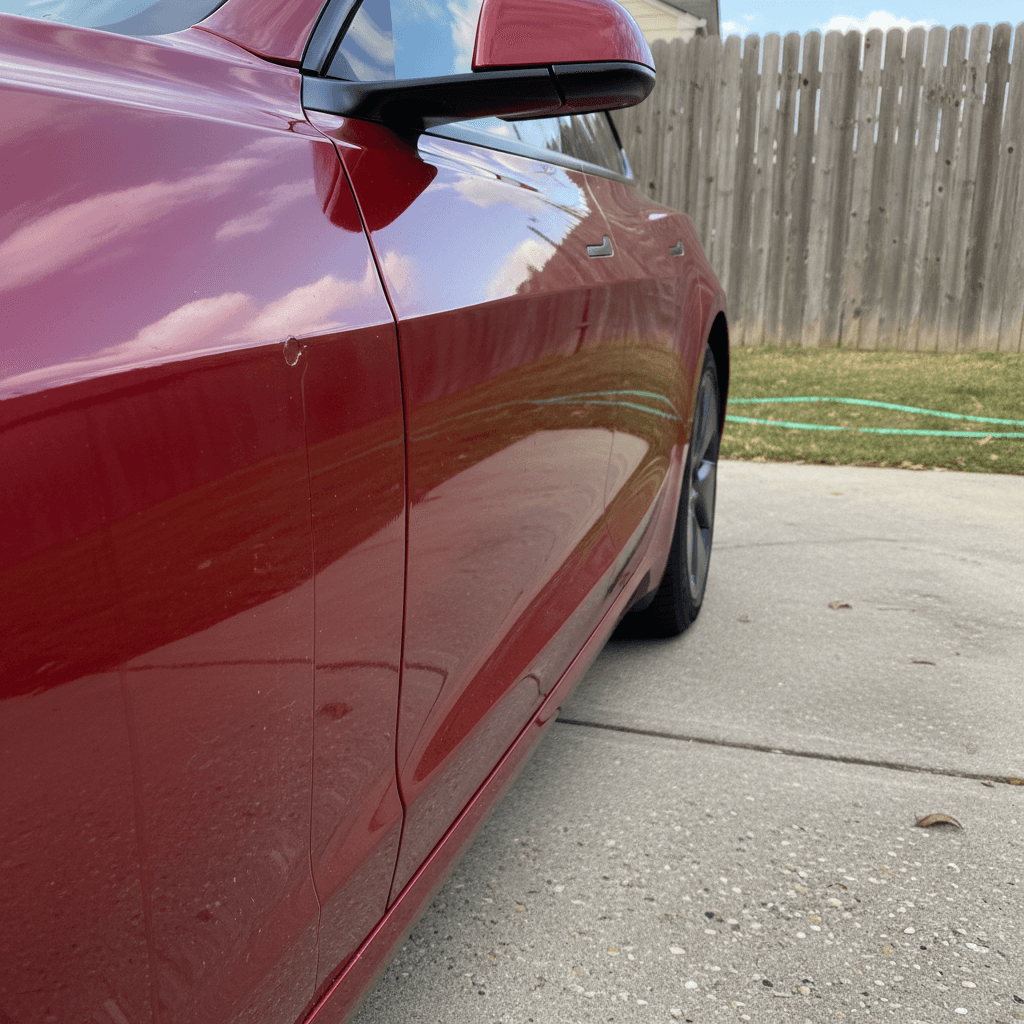
By 2021 Tesla had improved Model 3 build quality compared with early production, but this still isn’t a Lexus. You’ll want to pay attention to panel alignment, seals, and cabin noises when you inspect a used example.
Common Build-Quality Complaints on 2021 Model 3
Most are fixable, but you should spot them before you buy
Wind noise at highway speeds
Often traced to frameless door glass not sealing perfectly, mirror design, or front window alignment. Annoying but usually not a structural problem.
Water leaks around trunk or lights
Reports of moisture in taillights or trunk seals not seating well. Left unchecked, this can lead to corrosion or mold in carpets.
Trim and paint imperfections
Uneven panel gaps, minor paint defects, or loose interior trim. Many owners live with these, but they can affect resale value and cabin refinement.
Simple Build-Quality Checks for a Used 2021 Model 3
1. Inspect door and trunk seals
Run your fingers along the rubber seals for tears, flat spots, or places where the seal doesn’t sit flush. Look for water stains in the trunk and rear footwells.
2. Check panel gaps in good light
Compare gaps around doors, hood, and trunk side‑to‑side. You’re not chasing perfection, but anything obviously crooked or rubbing is a red flag.
3. Listen for rattles on a rough road
On your test drive, find a bumpy surface and listen for buzzes or squeaks from the dash, pillars, or rear seats. Persistent noises can be hard to track down.
4. Test all doors and windows
Each door should close with a consistent feel and latch cleanly. Windows should roll up without scraping and seal firmly against the frame.
Infotainment, Screen, and Software Glitches
Because the Model 3’s functions are concentrated in that big center screen, any glitch feels bigger than it might in a traditional car. 2021 owners report occasional frozen screens, Bluetooth hiccups, or features temporarily misbehaving after a software update.
- Center screen rebooting or freezing once in a while, often fixable with a steering‑wheel button reset.
- Bluetooth connection problems with some phones, especially after an OS update.
- Delayed backup‑camera display when shifting into reverse, more common in very cold weather.
- Minor user‑interface bugs that appear or disappear after over‑the‑air software updates.
The upside of Tesla’s software-first approach
Maintenance, Repair Costs, and Warranty Coverage
The 2021 Model 3 can be inexpensive to run day‑to‑day, but when something big does go wrong, Teslas aren’t cheap to repair. Understanding what’s still under warranty, and what isn’t, is essential when you’re looking at a four‑ or five‑year‑old car.
Typical U.S. Warranty Coverage on a 2021 Model 3
Actual terms vary by trim and region; always confirm with Tesla or documentation for the specific vehicle.
| Component | Typical Coverage from In-Service Date | What It Covers | What It Doesn’t |
|---|---|---|---|
| Basic vehicle | 4 years / 50,000 miles | Most electronics, interior parts, basic hardware | Wear items (tires, wipers, brake pads) and damage. |
| Battery & drive unit | 8 years (mileage cap varies by trim) | Defects and excessive battery capacity loss | Normal degradation within Tesla’s limits. |
| Rust perforation | Limited term, region‑specific | Rust that eats through body panels from the inside | Surface rust, rock chips, environmental damage. |
A used 2021 Model 3 may still have significant factory warranty coverage, especially on the battery and drive unit.
Collision and glass repairs can be pricey
Routine maintenance is light, no engine oil, spark plugs, or emissions gear. Most owners spend their money on tires, alignment, and cabin filters, with occasional brake‑fluid service. If the car has lived on rough roads or in a cold‑weather state, budget for suspension bushings or cosmetic corrosion around fasteners as it ages.
What to Check When Buying a Used 2021 Model 3
If you’re evaluating a used 2021 Model 3, whether from a private seller, a dealer, or an online marketplace, the key is to separate normal EV behavior from true problem signs. This is where a structured inspection and good data make your life much easier.
Used 2021 Model 3 Pre‑Purchase Checklist
1. Verify battery health and real-world range
Check the indicated range at 100% charge or use a dedicated battery‑health report. You want capacity that aligns with age and mileage, not an outlier that’s significantly worse than peers.
2. Review charge history and usage patterns
Cars that lived exclusively on DC fast‑charging or spent years at 100% state of charge may show faster degradation. Ask for charging habits, not just mileage.
3. Scan for accident and repair history
Run a vehicle‑history report, look for mismatched paint, and inspect panel gaps around the front and rear. Tesla collision repairs are possible but can be costly.
4. Test all driver-assist features
Engage Autopilot on a safe stretch of highway. Confirm that adaptive cruise, lane‑keeping, and cameras behave predictably. Make sure any warnings or error messages are addressed before purchase.
5. Check software status and connectivity
Confirm that the car can connect to Wi‑Fi or cellular data, that software updates are enabled, and that all key functions (climate, navigation, cameras) respond promptly.
6. Drive in varied conditions
Include highway speeds, rough pavement, tight turns, and a few firm brake applications. Listen for suspension clunks, steering noises, and brake vibrations.
How Recharged helps with used Tesla concerns
FAQ: 2021 Tesla Model 3 Problems
Frequently Asked Questions About 2021 Model 3 Issues
Bottom Line: Is a 2021 Tesla Model 3 a Good Used Buy?
When you cut through the noise, most 2021 Tesla Model 3 problems are manageable: software quirks you learn to live with, build‑quality items you can spot before you buy, and battery behavior that’s predictable if you understand EVs. The real risk isn’t the model year, it’s buying a car with hidden history or unknown battery health.
If you like the way the Model 3 drives, and a particular 2021 example checks out on battery, history, and build quality, it’s one of the most compelling used EVs on the market today. And if you’d rather not go it alone, shopping through Recharged gives you a verified battery‑health report, fair‑market pricing, and EV‑specialist guidance from first click to delivery, so you can enjoy the benefits of a Tesla without worrying about what might be lurking under the floor.