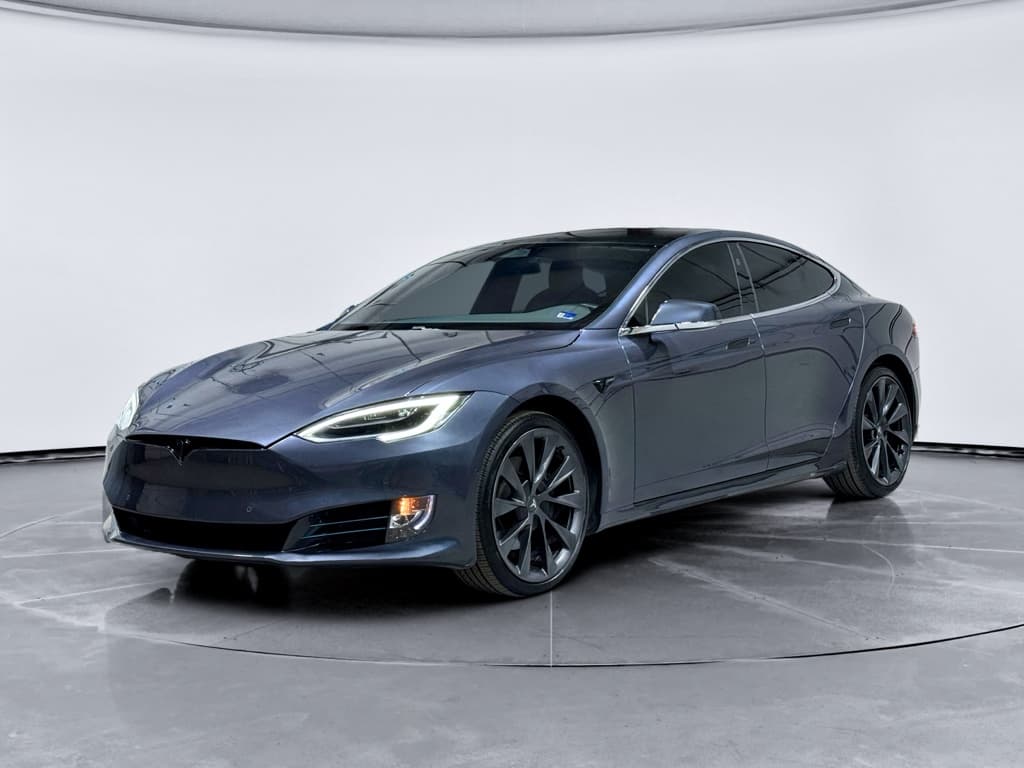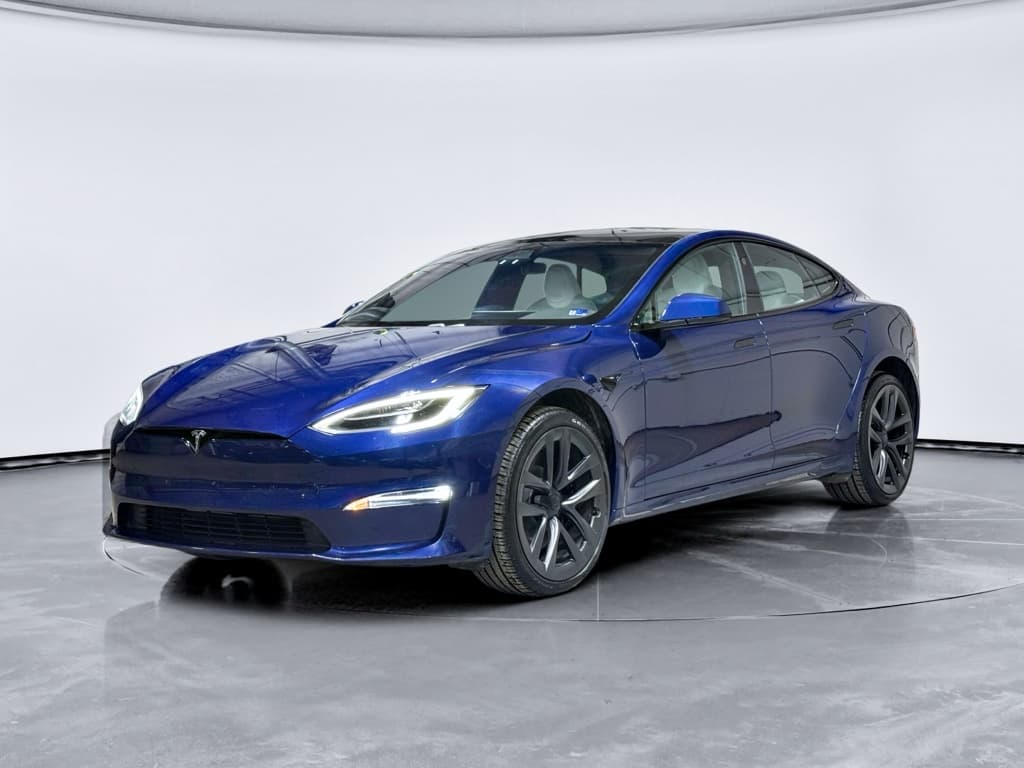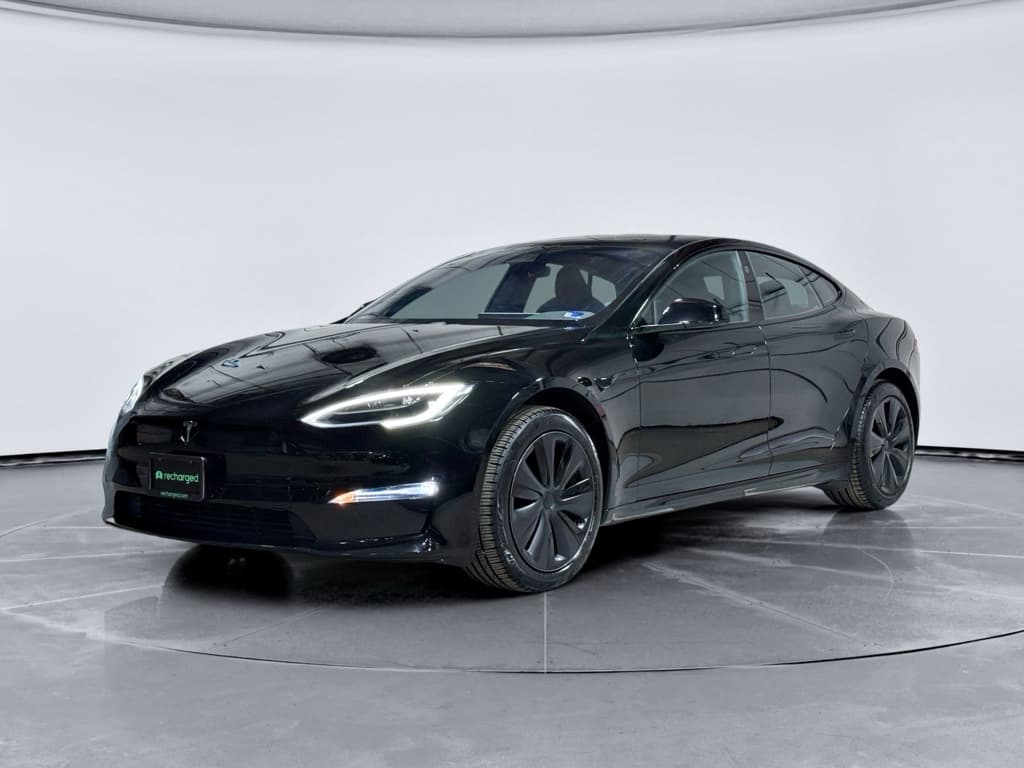
If you’re shopping for a used luxury EV, the 2018 Tesla Model S is probably on your shortlist, and so are searches for 2018 Tesla Model S problems. The good news: most cars from this model year are still strong performers. The bad news: there are a few repeat issues you absolutely need to understand before you buy.
Where the 2018 Model S sits in Tesla’s timeline
Should you worry about 2018 Tesla Model S problems?
As a used EV, the 2018 Model S sits in a middle ground. It’s newer than the earliest Teslas with the most serious reliability complaints, but it’s old enough that battery age, suspension wear, and infotainment hardware are real factors. Most issues aren’t catastrophic, but they can be pricey if you’re unprepared.
Why the 2018 Model S is attractive
- Long range compared with many similarly priced used EVs.
- Access to Tesla’s Supercharger network for hassle-free road trips.
- Over-the-air software updates that keep features relatively current.
- Strong performance, even on non-Performance trims.
Why buyers worry about 2018 Model S problems
- Out-of-warranty repairs can be significantly more expensive than mainstream brands.
- Reports of infotainment (MCU) failures in earlier hardware cars.
- Suspension and tire wear that can add up quickly.
- Normal but noticeable battery degradation as the pack ages.
2018 Model S reliability snapshot (big-picture view)
Quick overview: common 2018 Model S issues
- Battery degradation and DC fast-charging wear, especially on high‑mileage or rideshare vehicles.
- Infotainment screen and MCU (media control unit) problems, including lag, reboots, or screen yellowing.
- Suspension wear, control arms, bushings, and air suspension components on higher-mileage cars.
- Door handles and power window regulators that can fail or act inconsistently.
- Autopilot sensor quirks, calibration issues, and driver-assistance behaviors that feel different after software updates.
- Build-quality hiccups like water leaks in tail lights or sunroof, wind noise, and interior trim wear.
Not every 2018 Model S has every problem
Battery and charging: what 2018 Model S owners see
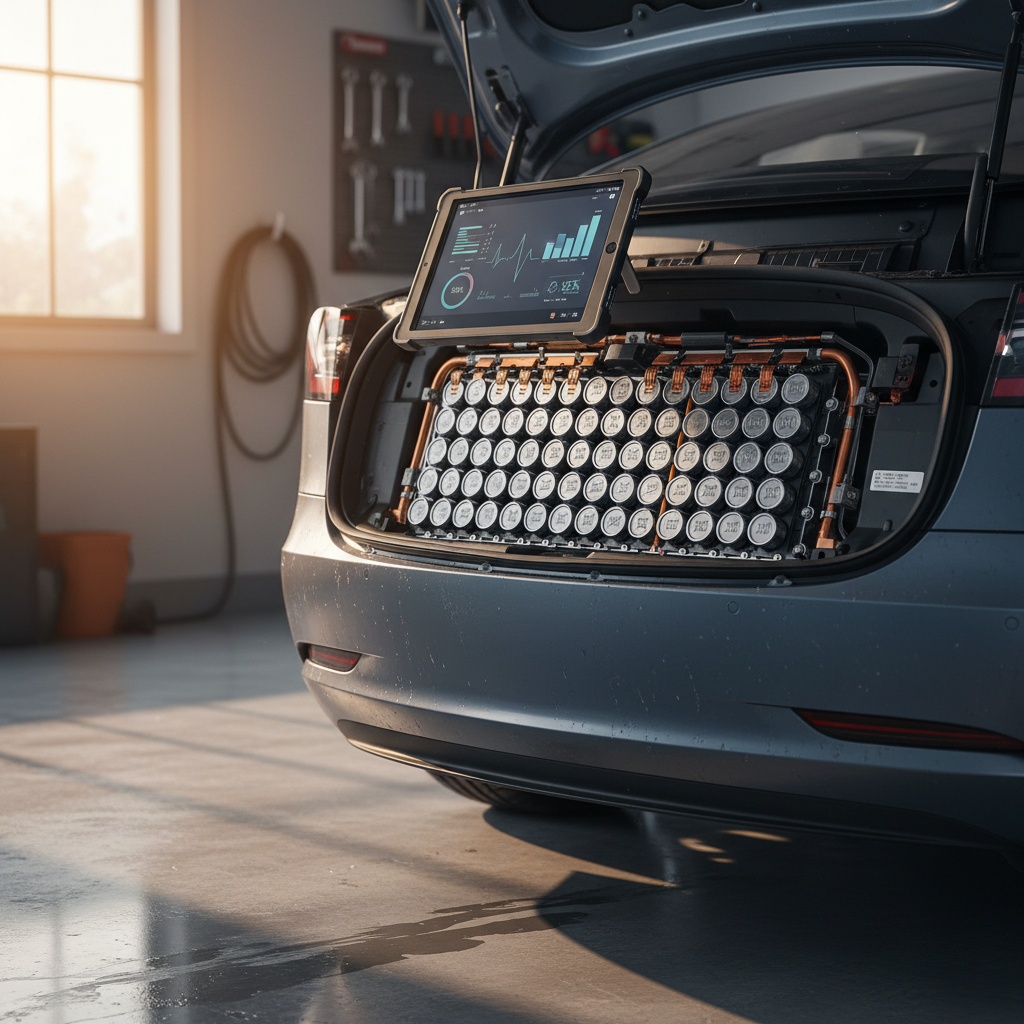
Battery concerns top the list for many shoppers, but most 2018 Model S packs have aged reasonably well. The bigger questions are how the car was charged and whether it lived an easy commuter life or a hard rideshare life. That history affects both range and long-term reliability.
Typical 2018 Model S battery and charging issues
Most are manageable if you know what to look for
Normal range loss
Expect some degradation after 6–8 years. Many owners see about 8–12% loss versus the original EPA rating. That still leaves plenty of usable range for daily driving and highway trips.
DC fast-charging stress
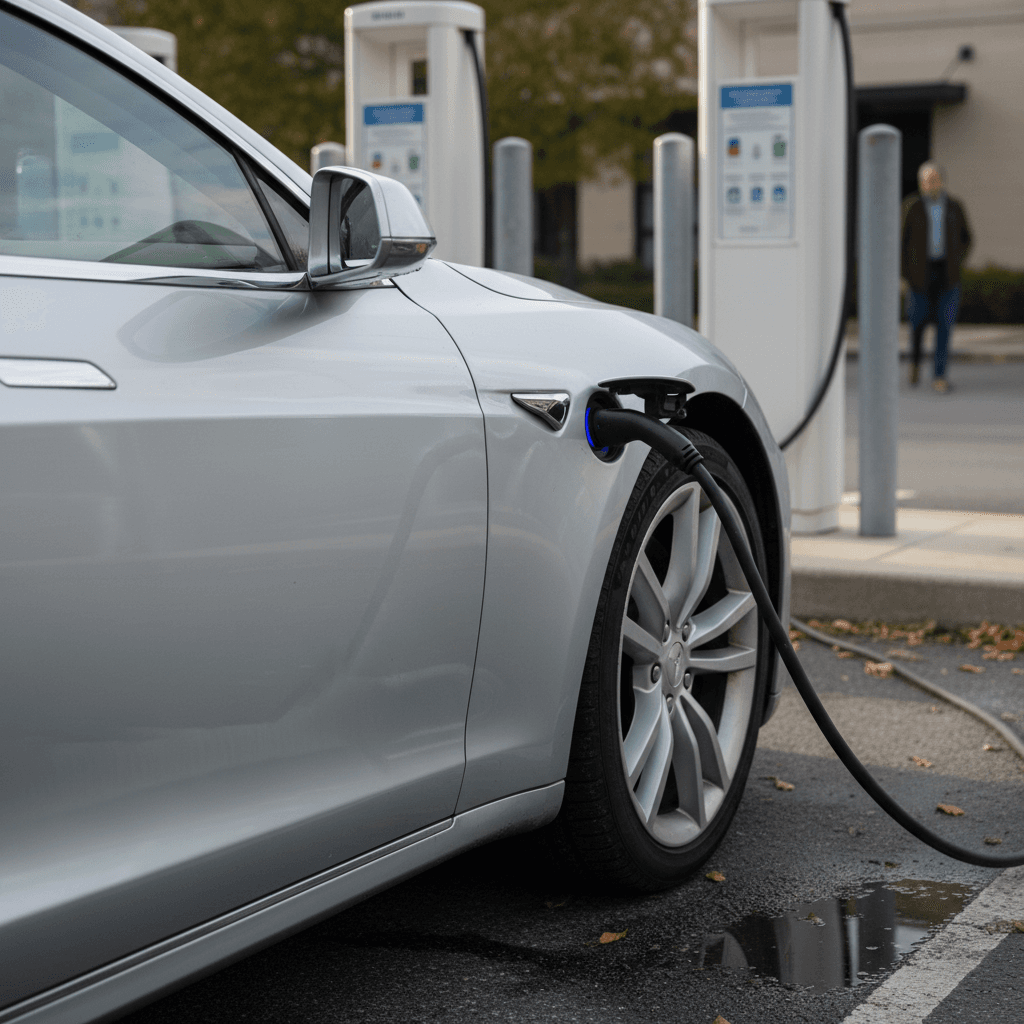
Cars that lived on Superchargers, especially high‑mileage fleet or rideshare vehicles, may show faster degradation and slightly slower fast‑charge speeds.
On-board charger & charge port
Less common, but charging faults can stem from the on‑board charger, charge port door, or contactor issues. These repairs can be expensive out of warranty.
Easy way to gauge battery health on a test drive
When you shop with Recharged, every vehicle comes with a Recharged Score battery health report. Instead of guessing based on the dash estimate and forum anecdotes, you see lab‑grade diagnostics on pack health, charging behavior, and likely remaining life, critical on a 2018 EV.
Infotainment screen (MCU) failures and quirks
If you’ve read about Tesla MCU failures, you’re not imagining it. Earlier Model S years used infotainment hardware that was prone to eMMC memory wear. By 2018, Tesla had improved the design, but aging screens and processors can still create headaches as the car enters its second decade.
Common 2018 Model S infotainment (MCU) complaints
What owners report and what it often means
| Symptom | Likely Cause | What you’ll notice | Risk level |
|---|---|---|---|
| Slow or laggy screen | Aging processor / heavy software | Delays when changing settings, opening apps, or loading maps | Annoying but usually drivable |
| Random reboots | Software glitch or marginal hardware | Screen goes black then restarts; HVAC and controls briefly unavailable | Moderate, can be unsafe if frequent |
| Yellow border or discoloration | Aging display panel / adhesive | Tinted or yellow band around screen edges | Cosmetic but hurts resale |
| Touch inputs misaligned or dead | Touch layer wear or damage | Buttons don’t respond where you press | High, screen may need replacement |
Any serious MCU issue should be inspected by a technician with Tesla experience before you buy.
Why MCU issues matter more on a Tesla
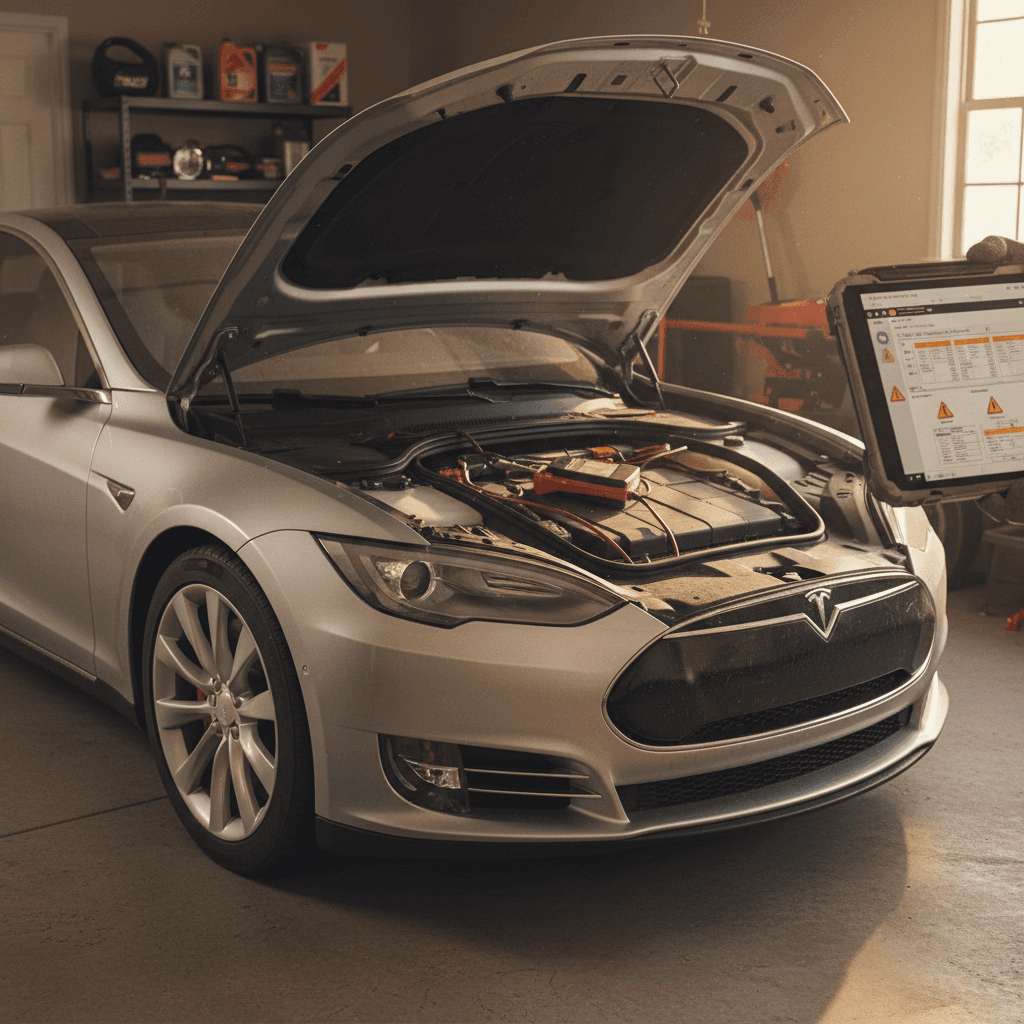
Tesla and third‑party shops can replace or upgrade the MCU, but costs can climb quickly. When you’re evaluating a 2018 Model S, spend extra time clicking through menus, testing audio, navigation, climate controls, and checking for any lag or strange behavior.
Suspension, tires, and ride quality
The Model S is a heavy, powerful EV. That combination means suspension components and tires work hard, especially on cars with larger wheels or driven on rough roads. By 2018, Tesla had iterated its suspension multiple times, but wear still shows up as the miles climb.
Where 2018 Model S suspension problems show up
Listen and feel for these warning signs on a test drive
Control arms & bushings
Clunks or knocks over low-speed bumps, vague steering, or uneven tire wear can point to worn control arm bushings or ball joints. Repairs are doable but not cheap.
Air suspension components
On air‑suspension cars, listen for the compressor running constantly or the car sitting unevenly. Replacing air struts or compressors can run into the thousands if not caught early.
Tire realities on a 2018 Model S
Autopilot, safety systems, and driving assist
Most 2018 Model S cars were delivered with some form of Autopilot hardware, and many owners activated driver‑assist features like adaptive cruise and lane keeping. Over time, software updates and sensor calibration have changed the way these systems feel.
- Lane-keeping that feels more “twitchy” after certain software updates.
- Cameras or radar that need recalibration after body repairs or windshield replacement.
- Steering wheel nag warnings that appear more frequently than owners expect.
- Occasional phantom braking in certain road or lighting conditions.
Autopilot is an assist, not an autonomous system
If the car has had collision damage or windshield work, confirm that all driver‑assist features are functioning normally and that no Autopilot calibration warnings are present. Spotty behavior here can be a sign of deeper repair or sensor issues.
Build quality, water leaks, and interior wear
By 2018, Tesla had improved Model S build quality versus the earliest cars, but it still wasn’t at traditional German‑luxury levels. Used shoppers most often report wind noise, trim creaks, and water leaks rather than structural problems.
Cosmetic and build-quality checks for a 2018 Model S
1. Look for water signs in tail lights and trunk
Open the trunk and lift the lower panels. Check for damp carpeting, musty smells, or water trails. Examine tail lights for condensation, persistent moisture can indicate leaks.
2. Inspect the panoramic roof and seals
If equipped with a glass roof or older sunroof design, inspect rubber seals for cracks and look for water stains on headliner edges.
3. Check door handles and windows
Verify that each door handle presents and retracts smoothly and that all power windows move without squeaks or hesitations.
4. Listen for rattles on rough pavement
During the test drive, turn the stereo off and drive on a bumpy road. Interior creaks can be minor, but loud rattles may indicate previous repairs or loose trim.
5. Evaluate seat wear and bolsters
On higher‑mileage cars, driver’s seat bolsters and upholstery can show heavy wear. Excessive sagging or tears might hint at harder use than the odometer suggests.
Software updates and 2018 Model S ownership
One of the Model S’s biggest strengths is its software. Even in 2026, many 2018 cars still receive over‑the‑air updates that improve features, fix bugs, and occasionally tweak range or performance. But that strength can also surface a few frustrations.
- Features changing behavior after a major update (for example, Autopilot feel or screen layouts).
- Temporary bugs or new quirks introduced with fresh software versions.
- Connectivity issues, poor LTE coverage or failing cellular modules limiting updates and live traffic data.
Check update history and connectivity
Recharged’s EV‑specialist team reviews software and connectivity status on every Tesla we list. That way, you know if the car is current, whether premium connectivity is active, and what subscriptions you may need after purchase.
Cost of ownership: repairs, warranty, and insurance
A used 2018 Model S can deliver a lot of car for the money, but you need a realistic view of total cost of ownership. Unlike a 2018 Camry, major repairs on a Tesla can be eye‑watering if you’re caught off guard.
Typical costs you might face
- Tires: Performance models and 21-inch wheels may need replacement more often, and quality tires aren’t cheap.
- Suspension work: Control arms, bushings, and air suspension parts can run into the thousands at a Tesla Service Center.
- MCU or screen replacement: If needed, expect a four‑figure bill unless covered by a warranty or goodwill repair.
Warranty realities on 2018 cars
- Most 2018 Model S vehicles are out of their basic 4‑year/50,000‑mile warranty window.
- The battery and drive unit often carry a longer warranty period, but many will be nearing or past their mileage caps.
- Third‑party extended warranties exist but vary widely in what they cover and how claims are handled.
How Recharged helps manage used EV risk
Ready to find your next EV?
Browse VehiclesHow to inspect a used 2018 Tesla Model S
If you’re evaluating a 2018 Model S from a private seller or non‑EV dealer, you’ll want a repeatable process. Here’s a practical checklist you can use in the driveway and on the road.
Step-by-step 2018 Model S inspection checklist
1. Verify software, mileage, and VIN
On the main screen, check the software version, odometer, and VIN. Make sure it matches the title and any online listing details.
2. Assess battery health and range
Review the estimated range at 90–100% charge and compare it to the original EPA rating for that trim. Ask about charging habits and Supercharger frequency.
3. Stress-test the MCU and controls
Use navigation, climate, seat heaters, audio, and driver profiles. Watch for lag, reboots, unresponsive touch areas, or visible screen defects.
4. Listen to the suspension
Drive over speed bumps and rough roads at low speed with the radio off. Note any clunks, knocks, or squeaks. Try different suspension height settings if equipped with air suspension.
5. Verify Autopilot and safety features
If enabled, test adaptive cruise, lane keeping, and basic safety features in a safe area. Look for warnings or inoperative functions on the driver display.
6. Look underneath for leaks and damage
Check under the car for fluids or scrapes on the battery tray. Look for evidence of poor repairs or heavy curb strikes on wheels and tires.
7. Get a professional EV inspection
Whenever possible, have an EV‑experienced shop, or a platform like Recharged that specializes in used EVs, perform a pre‑purchase inspection and battery health analysis.
FAQ: 2018 Tesla Model S problems
Frequently asked questions about 2018 Model S problems
Is a used 2018 Tesla Model S still a good buy?
For many shoppers, a 2018 Tesla Model S hits a sweet spot: plenty of range, access to Superchargers, strong performance, and prices that are far below a new Tesla or new luxury EV. The tradeoff is living with an aging, tech‑heavy car where battery health, suspension condition, and infotainment reliability matter more than they would on a typical gas sedan.
If you go in with eyes open, armed with a good inspection, a realistic budget for maintenance, and clear expectations about how these cars age, the 2018 Model S can still be an excellent long‑distance EV. And if you prefer a simpler path, browsing inspected, battery‑tested cars through a specialist like Recharged can help you skip the guesswork and enjoy the benefits of Tesla ownership with much less drama.