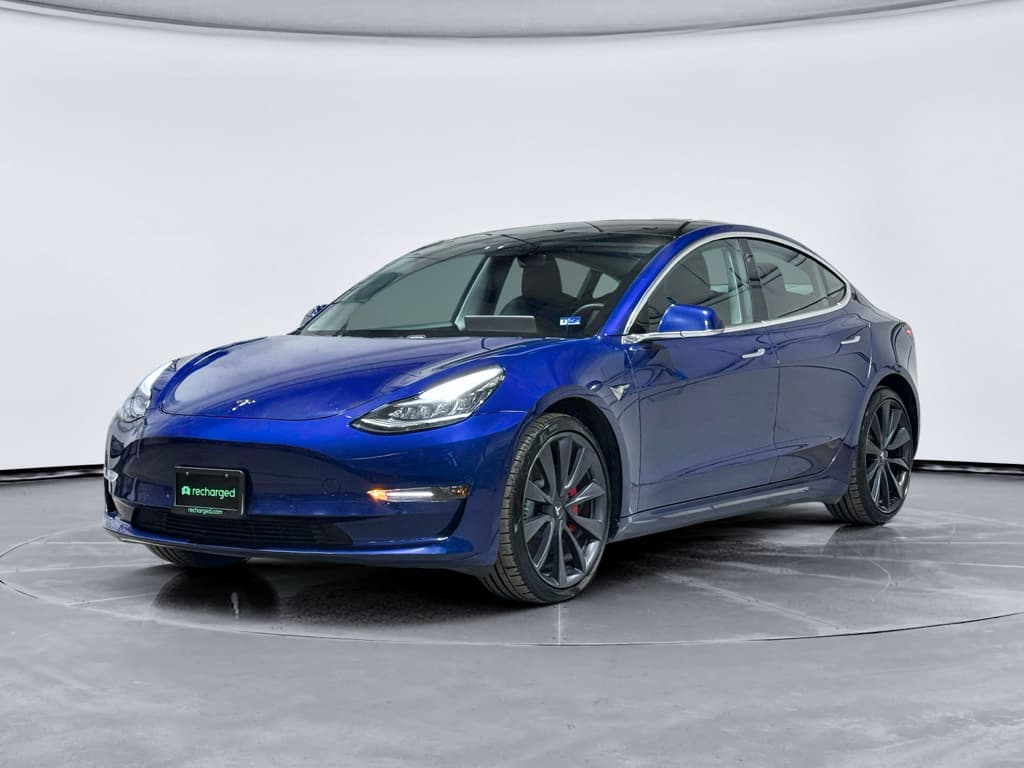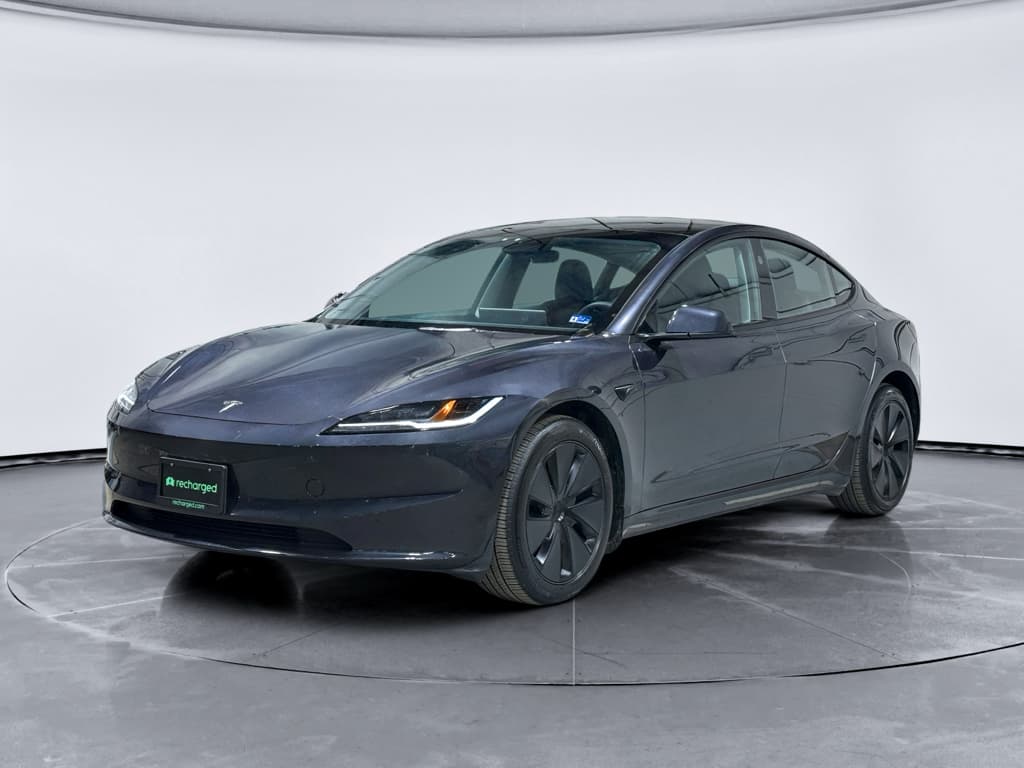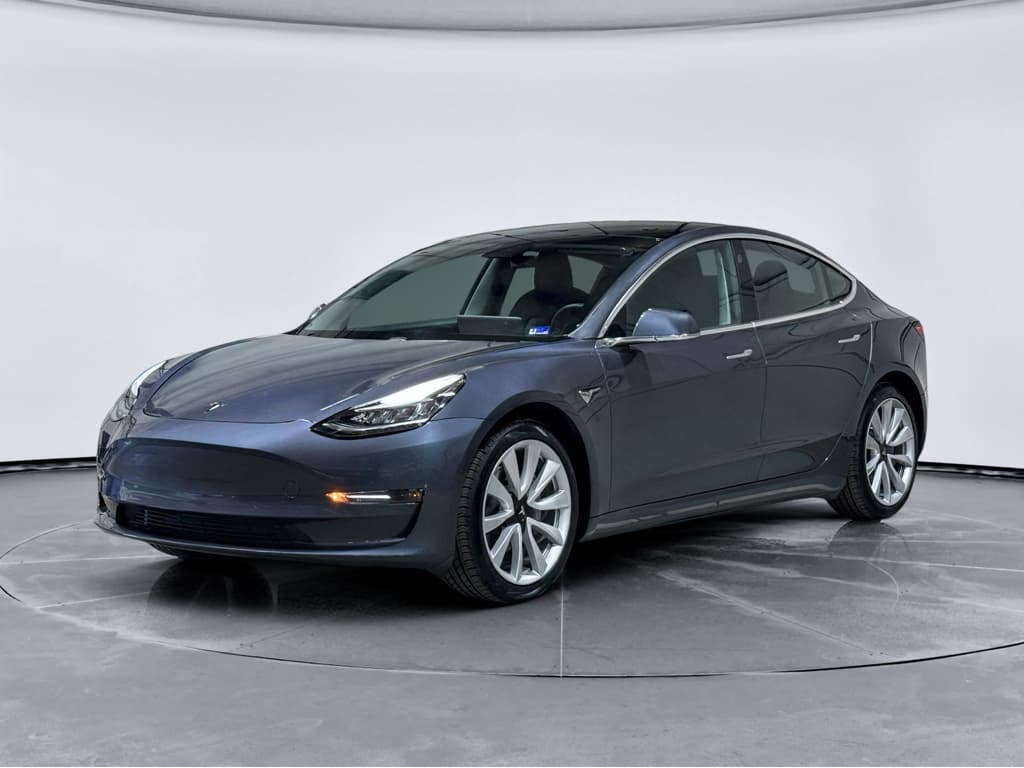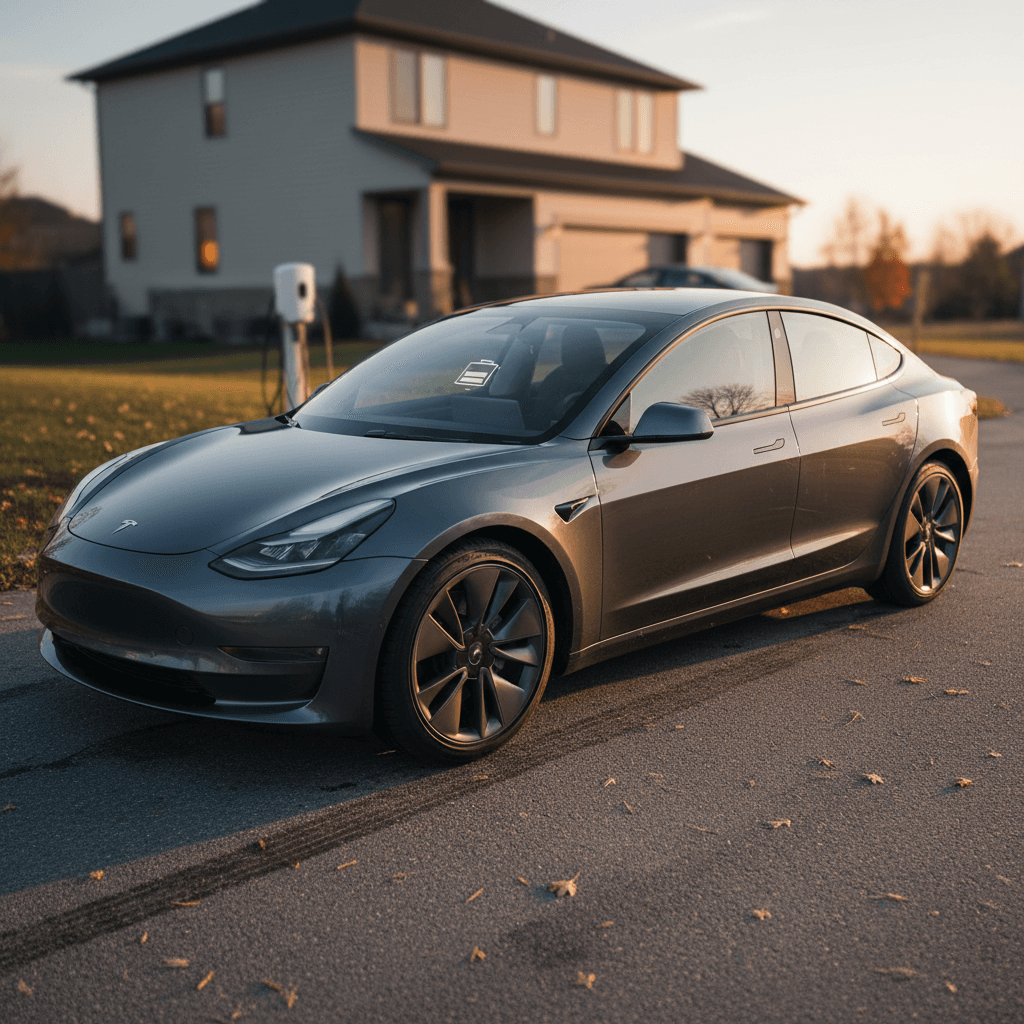
Search for “2018 Tesla Model 3 problems” and you’ll see everything from glowing owner reviews to horror stories about panel gaps, rattles, and glitchy screens. The truth sits somewhere in between: the 2018 Model 3 was an early-build car with some very real rough edges, but it also delivers strong efficiency, cutting-edge tech, and an ownership experience a lot of people love, especially if you go in with your eyes open.
Quick take
2018 Tesla Model 3 reliability in context
When you ask about 2018 Tesla Model 3 problems, what you’re really asking is: how risky is this first full year of production? The answer: more risk than a newer Model 3, but not necessarily a deal-breaker.
2018 Model 3 reliability snapshot
The key thing to understand is that most 2018 Model 3 problems are not about the electric powertrain. The motors and battery packs have generally held up well. The trouble spots are the bits that connect you to the car day to day: body and trim, electronics, and some hardware like suspension and door components.
Early-build lottery
Most common 2018 Tesla Model 3 problems
Owner surveys, complaint databases, and shop experience all tend to circle around the same set of issues. Here are the 2018 Tesla Model 3 problems you’re most likely to run into.
Top problem categories on 2018 Model 3
From mildly annoying to must-fix
Body, trim & noise
- Panel gaps, misaligned doors and trunk
- Wind noise from frameless windows
- Squeaks and rattles over bumps
- Weatherstripping wear causing minor leaks
Screen & electronics
- Center screen reboots or freezing
- Bluetooth, cameras, and sensors acting up
- Glitches after major software updates
- Occasional phantom alerts or warnings
Hardware & safety items
- Premature suspension component wear
- Door latch/handle quirks and recalls
- Occasional brake or ABS warnings
- Rare but serious crash/fire litigation cases
1. Body, trim, and build-quality complaints
Tesla was still ramping up the Model 3 line in 2018, and it shows. Common complaints include uneven panel gaps, doors that require extra effort to close, trunk lids that don’t sit quite level, and wind noise at highway speeds because the frameless windows aren’t sealing perfectly.
- Panel and bumper alignment that looks a little off, especially on early VINs
- Rubber seals around doors and glass that squeak or let in a faint whistle
- Paint thinness and chipping on high-impact areas, especially on dark colors
- Water entry in the trunk after heavy rain if the tailgate seal has aged or was misaligned
How to judge build quality in 60 seconds
2. Infotainment, cameras, and in-car electronics
The center screen is the nerve center of the Model 3, and in 2018 cars it’s also a major source of frustration when things don’t play nicely. Most issues are more annoying than dangerous, but they’re worth understanding.
- Center display freezes or reboots while driving, temporarily taking climate and navigation controls with it
- Backup camera that flickers, goes black, or lags noticeably
- Bluetooth pairing trouble with certain phones, or dropped calls
- Parking sensors and Autopilot cameras throwing intermittent error messages that clear on reboot
- Glitches immediately after a big over-the-air update, resolving with a later patch or a system reset
OTAs: blessing and curse
3. Suspension noise and component wear
Some 2018 Model 3s develop clunks or pops in the front suspension, especially over speed bumps or when turning at low speed. Tesla has issued service bulletins and, on certain cars, recalls tied to front suspension fasteners that can loosen if not correctly torqued from the factory.
- Clunking over bumps from worn bushings or improperly torqued links
- Steering that feels vague or pulls slightly, indicating alignment or suspension issues
- Uneven front tire wear from alignment drifting out of spec
- Recalls and service campaigns to inspect or tighten front suspension lateral link fasteners
Don’t ignore front-end noises
4. Doors, latches, and emergency exit concerns
The Model 3’s minimalist interior hides traditional mechanical door releases, and in some serious crash and fire cases involving 2018 cars, families have alleged that design contributed to difficulty escaping. While those are rare, everyday issues are more mundane: sticky latches, windows not dropping slightly when you open the door, or confusion about the manual release.
- Front windows that fail to drop a fraction of an inch when you open the door, stressing the glass and seals
- Interior electronic door release switches that stop responding until the car is rebooted
- Owner or bystander confusion about where the mechanical emergency release is located
- Door seals that stick and make the door feel glued shut in very hot or very cold weather
Teach everyone the emergency release
2018 Model 3 recalls you should know about
Over the years, Tesla has accumulated a long recall list affecting early Model 3s, including 2018 cars. Many of these are addressed by software updates; others require physical work at a service center. When you consider a used 2018, you want to know two things: which recalls apply and whether they’ve been completed.
Key recall themes for early Model 3s
Exact recall IDs change over time; this table shows the types of fixes a 2018 Model 3 may have had or still need.
| Area | What can go wrong | How it’s fixed | What to verify |
|---|---|---|---|
| Suspension | Loose front suspension fasteners could lead to misalignment or, in extreme cases, separation. | Tesla inspects and re-torques or replaces hardware at no cost. | Ask for documentation of any suspension recall or service bulletin work. |
| Electronics & safety systems | Warning chimes, seatbelt reminders, or brake warnings may not behave as designed under certain conditions. | Over-the-air software updates or control module replacements. | Confirm the car is on current software and shows no outstanding safety recalls. |
| Trunk & latches | Front trunk (frunk) latch components may not meet updated safety standards. | Latch adjustment or replacement at a service center. | Check that the frunk opens, latches, and seals correctly. |
| Rearview camera & harnesses | Cable harness wear could cause the backup camera to intermittently fail. | Harness inspection and replacement with revised parts. | Shift into reverse multiple times; camera should come on quickly and stay on. |
| Autopilot system behavior | Specific crash scenarios or warning behaviors triggered federal investigations and follow-on recalls. | Software updates changing how driver-assist behaves and warns. | Test-drive with basic Autopilot engaged in a safe area and confirm warnings feel consistent and clear. |
Always run the VIN through NHTSA and Tesla before you buy.
Recall checklist for shoppers
Battery and range: How 2018 Model 3s age
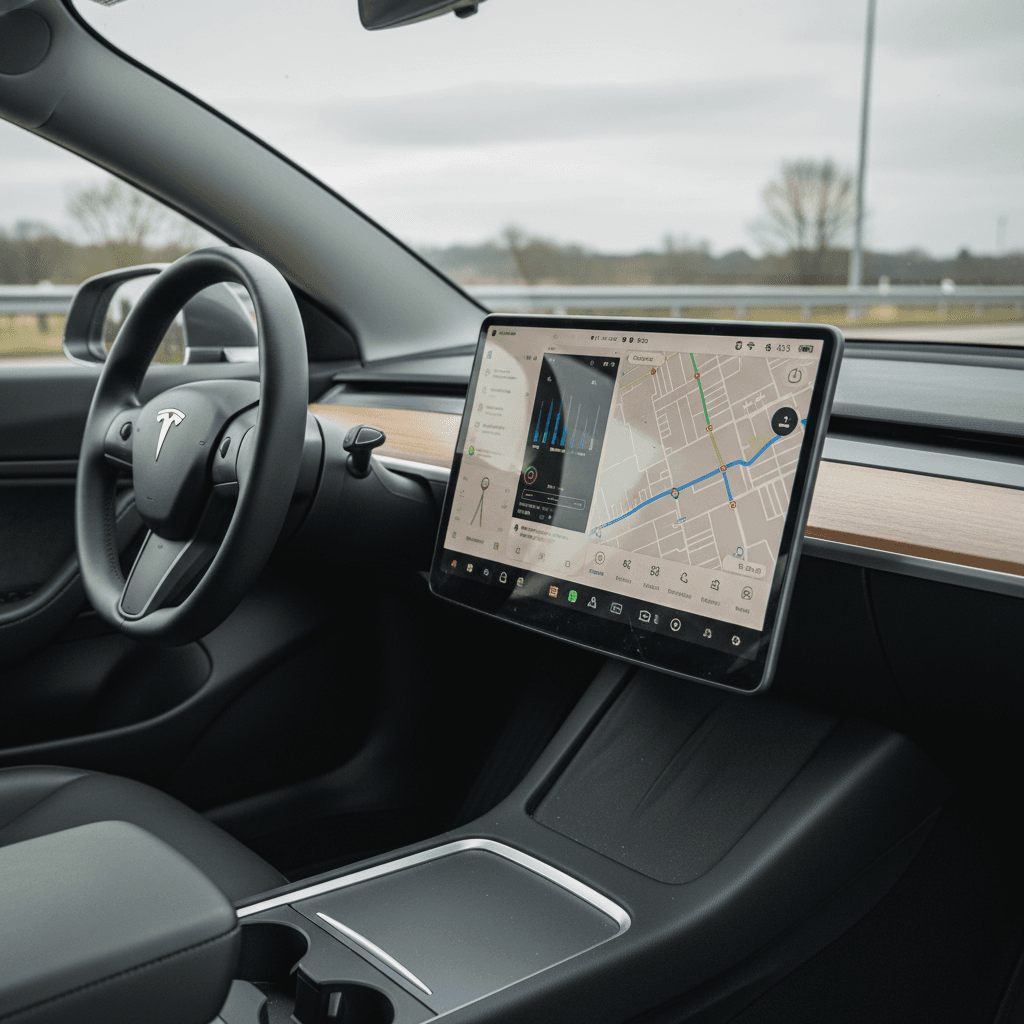
Battery trouble is the nightmare scenario in any used EV search, but widespread catastrophic pack failures on the 2018 Model 3 are rare. What most owners see instead is gradual, manageable degradation and range swings tied to temperature, wheel choice, and driving style.
- Long Range 2018 cars that originally claimed over 300 miles often show 260–290 miles at a full charge in 2026, depending on use and climate.
- Standard Range and Mid Range cars have less buffer; a modest loss of capacity is more noticeable day-to-day.
- Fast-charging heavily, especially at high state of charge, can accelerate degradation, but the impact varies widely by owner.
- Cold-climate cars can feel like they’ve “lost” range in winter that returns when temperatures climb.
Understanding the degradation curve
Battery health checklist for a 2018 Model 3
1. Check displayed full-charge range
Ask the seller to show you the rated range at 100% or near it. Compare that to the original EPA rating for that trim to get a rough sense of degradation.
2. Review the charging pattern
Look for a history weighted toward home Level 2 charging and only occasional DC fast charging. Daily supercharging at high charge levels is a yellow flag.
3. Look for battery warnings
On your test drive, watch for battery, charging, or power-limit warnings. None should be present in a healthy car.
4. Ask for third-party or OEM diagnostics
A battery health report, like the <strong>Recharged Score</strong> included with every vehicle on Recharged, gives you a quantified state of health instead of a guess from the range display.
Software, Autopilot, and safety quirks
In a 2018 Tesla Model 3, software is not just frosting on the cake; it’s half the cake. Driver-assistance, safety systems, charging logic, and even how the car wakes up in the morning are defined by code that’s been updated repeatedly since 2018.
Autopilot and driver assistance
- Hardware mix: Early 2018 cars use first-generation Autopilot computers and cameras that may feel less polished than newer Teslas.
- Behavior changes: Over-the-air updates have altered how lane-keeping, adaptive cruise, and collision warnings behave.
- Limitations: Lane-centering in poor markings, sharp curves, or heavy rain can feel nervous; you must treat it as driver assist, not self-driving.
Safety systems & alerts
- Automatic emergency braking and forward collision warning have been parts of multiple investigations and software revisions.
- Some owners report false positives, sudden braking or alarming beeps with no clear hazard.
- When buying used, you want the latest software and no persistent warning lights or messages after a drive.
Test-drive the software, not just the car
What to check before buying a 2018 Model 3
If you like the idea of a 2018 Tesla Model 3 but don’t want to roll the dice, you need a structured way to separate the good cars from the problem children. Use this as your short list.
Pre-purchase checklist for a 2018 Tesla Model 3
1. Verify trim, options, and history
Confirm whether it’s Standard Range, Mid Range, or Long Range; RWD or Dual Motor. Review the Carfax/AutoCheck for accidents and note where the car lived, hot climates and salted-road regions age cars differently.
2. Inspect panels, glass, and seals
Look for consistent panel gaps, undamaged glass, and rubber seals that are soft and intact. Open and close every door, trunk, and frunk to feel for sticking or misalignment.
3. Put the electronics under stress
During your test drive, run climate, navigation, phone pairing, music streaming, and cameras. Reboot the screen once and confirm it comes back quickly without new errors.
4. Drive it like you’ll own it
Start cold, listen for suspension and interior noises on rough pavement, and do a few tight parking-lot maneuvers. On the highway, listen for wind noise and watch for any vibration.
5. Scan for warning lights and messages
No ABS, airbag, battery, or Autopilot warnings should remain on. A healthy 2018 Model 3 should settle into a clean dashboard after start-up.
6. Get independent or data-backed verification
A trusted EV specialist or a data-backed inspection, like the <strong>Recharged Score</strong> with verified battery health, can reveal issues you won’t spot in a 20‑minute test drive.
Estimated costs: Repairs and maintenance
One upside of the Model 3 is that there’s no engine oil, spark plugs, or exhaust to worry about. But a 2018 car is old enough that wear-and-tear items, out-of-warranty electronics, and tires can add up. Planning for those costs ahead of time keeps a good deal from turning into a surprise.
Typical cost ranges for common 2018 Model 3 work
Ballpark figures from independent EV shops and owner reports. Real quotes vary by region and parts choice.
| Item or service | When it shows up | Approx. cost range (USD) | Notes |
|---|---|---|---|
| Tires (set of 4) | 30,000–40,000 miles | $900–$1,400 | Performance tires wear faster, especially with spirited driving. |
| Brake fluid service | Every 2–3 years | $150–$250 | Even with regenerative braking, fluid ages with time. |
| Cabin air filter | Every 2 years | $80–$180 | Easy maintenance item that improves HVAC performance. |
| Minor suspension work | 50,000–80,000 miles | $400–$1,200 | Bushings, links, or alignment after years of rough roads. |
| Door/window adjustment | As needed | $150–$400 | Can quiet wind noise and reduce seal wear; often one-time fixes. |
| Out-of-warranty screen or MCU issues | Varies widely | $800–$2,000+ | Many 2018s are past basic warranty; extended coverage and goodwill vary. |
| HV battery or drive unit failure | Rare but serious | $5,000+ | Uncommon on 2018 cars; some cases covered under Tesla’s longer battery and drive unit warranty. |
Use these as planning numbers, not hard quotes.
Where 2018 Model 3s save you money
How Recharged helps reduce the risk
Buying any first-generation or early-build car used, especially an EV loaded with software, is a trust exercise. You’re trying to read the past life of that car from a stack of papers and a 10‑minute drive. That’s exactly where a data-driven approach helps.
Shopping a 2018 Model 3 through Recharged
How we tame the early-build unpredictability
Verified battery health
Disclosure of issues
Digital, expert-guided process
Ready to find your next EV?
Browse VehiclesUse the questions that matter
FAQ: 2018 Tesla Model 3 problems
Frequently asked questions about 2018 Model 3 issues
If you’re shopping for a used EV on a real-world budget, a 2018 Tesla Model 3 belongs on the list, as long as you treat it like the early-build car it is. Focus on how it’s aged: the quality of its repairs, the state of its suspension and seals, and the health of its battery and software. With the right inspections and data in hand, you can get all the best parts of the Model 3 experience while dodging most of the drama its earliest owners lived through.