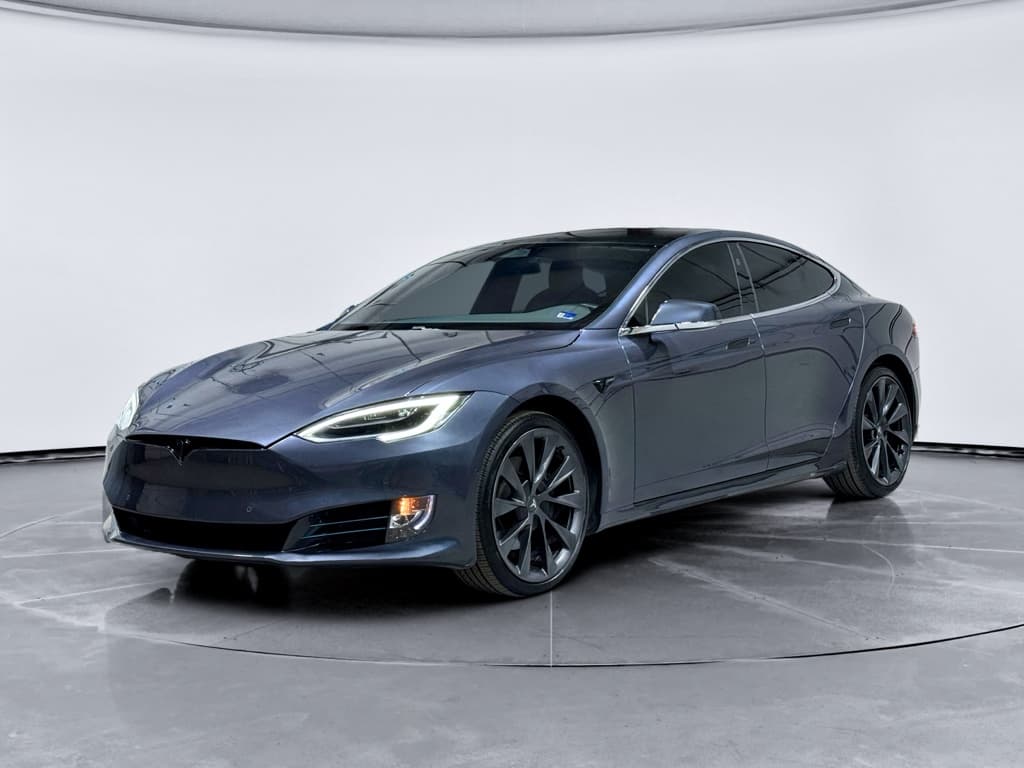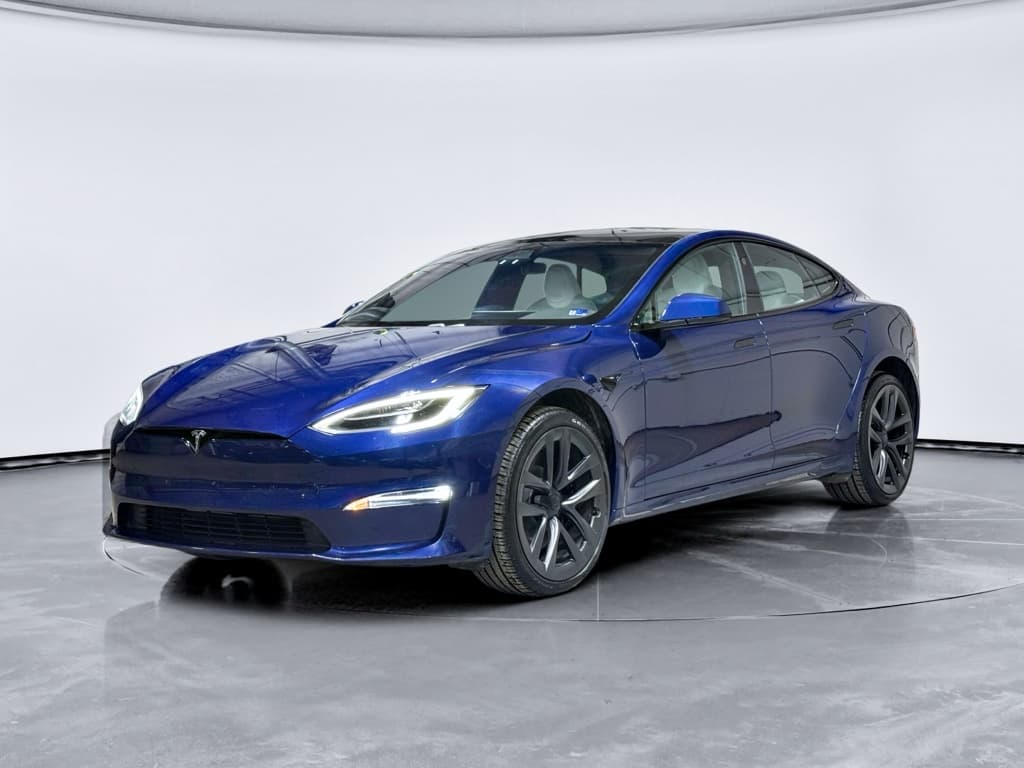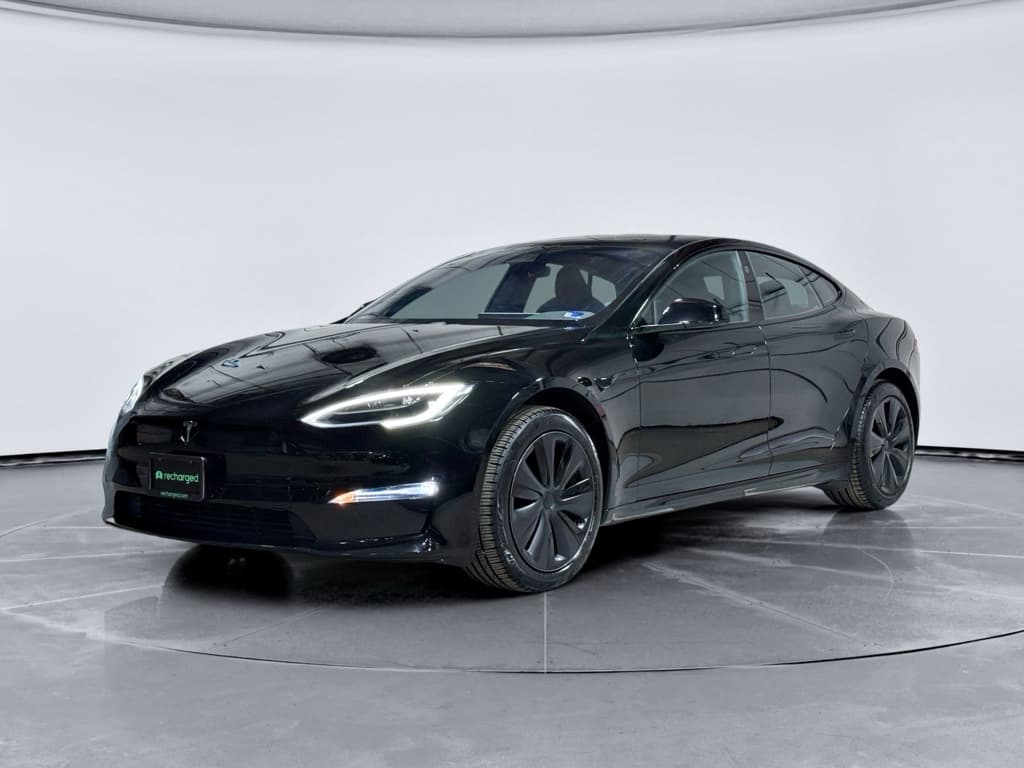
If you’re eyeing a used 2017 Tesla Model S, you’re looking at one of the most desirable long-range EVs on the used market. But by 2026, every 2017 car is nearly a decade old, and that means patterns have emerged: specific 2017 Tesla Model S problems that show up again and again. Knowing them upfront is the difference between a fantastic deal and an expensive headache.
Quick takeaway
Overview: How Reliable is the 2017 Tesla Model S?
What surveys and owners say
Owner-review sites generally rate the 2017 Model S highly for performance, comfort, and styling, and many long-term drivers report very low routine maintenance costs, no oil changes, fewer moving parts than a gas car, and brakes that last a long time thanks to regenerative braking.
At the same time, reliability studies and complaint databases highlight more issues in areas like in-car electronics, body hardware, and suspension than you’d see in a typical midsize luxury sedan. In other words: the powertrain is strong, but the "stuff around it" can be fussy as the car ages.
Where 2017 sits in the Model S timeline
- It’s a facelift car (updated front end) with more mature hardware than early Model S years.
- Many 2017s still use the original MCU1 computer, which is now a known wear item.
- Battery and motor hardware are generally robust, but you’re now 9 years into their life cycle.
So the 2017 model year often strikes a nice balance of modern features and lower pricing, as long as you go in with eyes open about its common problems.
2017 Tesla Model S at a Glance
The Biggest 2017 Model S Problems Owners Report
- Media Control Unit (MCU1) failure or glitches (black screen, random reboots, lag).
- Center display yellowing, bubbles, or touch sensitivity issues.
- Suspension clunks or premature wear of control arms and links.
- Occasional door handle failures or window/door alignment issues.
- Charge port door or connector problems; intermittent charging errors.
- Expected battery capacity loss and winter range reduction.
- Miscellaneous rattles, wind noise, and trim wear on higher‑mile cars.
Focus on patterns, not one-off horror stories
MCU Failures & Screen Problems
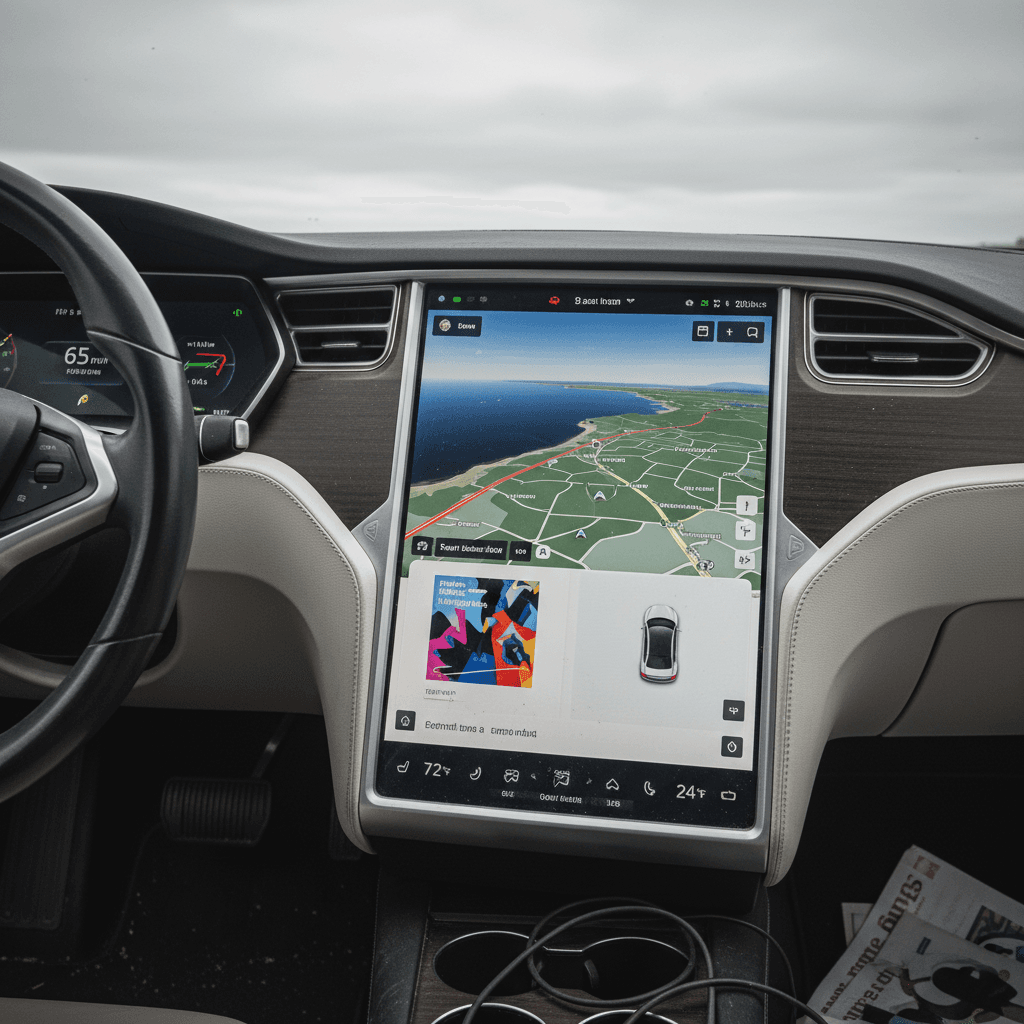
If you hear one phrase over and over with older Teslas, it’s MCU1. The first-generation Media Control Unit is the large center touchscreen computer that runs navigation, media, climate controls, backup camera, and a lot of vehicle settings. In many 2012–2018 Model S cars, including 2017, it’s a known weak point as the memory chip wears out over time.
Common MCU1 Problems on 2017 Model S
Most are age‑ and mileage‑related, not driver‑related
Black or frozen screen
The screen may go black, freeze, or reboot randomly. During that time, you can lose backup camera, climate controls, and audio chimes.
Sluggish performance
Slow boot-up, laggy menus, or navigation that takes ages to load are often early signs that the MCU’s memory is wearing out.
Visual defects
Yellow borders, bubbling, or ghosting around the edges of the screen are common cosmetic issues that may not stop the car, but they hurt usability and resale value.
Why MCU failure matters
MCU1 Problems: What Fixes Look Like
Typical remedies a 2017 Model S owner might face in 2026
| Issue | Typical Fix | What to Ask the Seller |
|---|---|---|
| Random reboots / black screen | MCU1 memory chip or full MCU replacement / upgrade to MCU2 | Has the MCU or its memory been replaced? If so, when and by whom? |
| Yellow border or bubbling | Screen refurbish or replacement | Is the screen still under any goodwill or extended coverage? Do you have receipts? |
| Slow / laggy behavior | Software updates, memory cleanup, sometimes pre‑failure sign of worn chip | Any history of service visits for screen or software complaints? |
Actual pricing varies by region, shop, and whether work is done by Tesla or an independent EV specialist.
Used‑buyer MCU checklist
Battery Health, Degradation & Range Loss
The 2017 Model S offered several battery sizes, commonly 75, 90, or 100 kWh. By now, most packs have seen thousands of charge cycles and many winters and summers. The good news: outright battery pack failures on 2017 cars are not widespread. The real story is about degradation and how the previous owner treated the car.
- A typical 2017 Model S might show 10–15% less range than when new, depending on mileage and charging habits.
- Cars that lived on DC fast charging (Superchargers) may show more capacity loss than cars mostly charged at home on Level 2.
- Cold climates and frequent deep discharges (running the battery very low) can accelerate visible degradation over time.
What "normal" degradation looks like
Signs of healthy battery aging
- Range has decreased modestly but is stable over the last year or two.
- Charging speeds at Superchargers are consistent with other Teslas of similar vintage.
- No history of battery‑related warning messages or torque limitations.
Red flags to investigate
- Sudden, dramatic range loss over a short period.
- Repeated warnings about battery, charging, or reduced power.
- Charging sessions that are abnormally slow or stop unexpectedly on multiple chargers.
If you see these, budget for a professional battery health diagnostic before buying.
How Recharged handles battery risk
Drive Unit, Suspension & Brake Wear
Tesla’s electric motors and single‑speed gearboxes are generally strong, and most 2017 owners never see a drive-unit failure. Where age and miles show more clearly is in the suspension and, to a lesser degree, the brakes.
Common Wear Areas on 2017 Model S
Especially on cars with high mileage or rough-road history
Front & rear suspension
Owners sometimes report clunks, pops, or knocks over bumps. This can indicate worn control arm bushings, ball joints, or links, especially on heavier dual‑motor and performance variants.
Air suspension
Many 2017 cars have optional air suspension. With age, components can leak or the compressor can get noisy. Fixes range from a simple height sensor to a costly bag or compressor replacement.
Alignment & tire wear
Some owners see accelerated inner tire wear due to alignment specs and heavy curb weight. Uneven rear tire wear is common if alignment hasn’t been corrected.
Don’t ignore clunks and rattles
On the brake side, many Teslas go an impressively long time on original pads and rotors thanks to regenerative braking. The bigger risk on a 2017 car is corrosion on low‑use cars or seized sliders/calipers that haven’t been properly exercised. A thorough inspection should include a close look behind those big wheels.
Charging Port & Charging-Related Issues
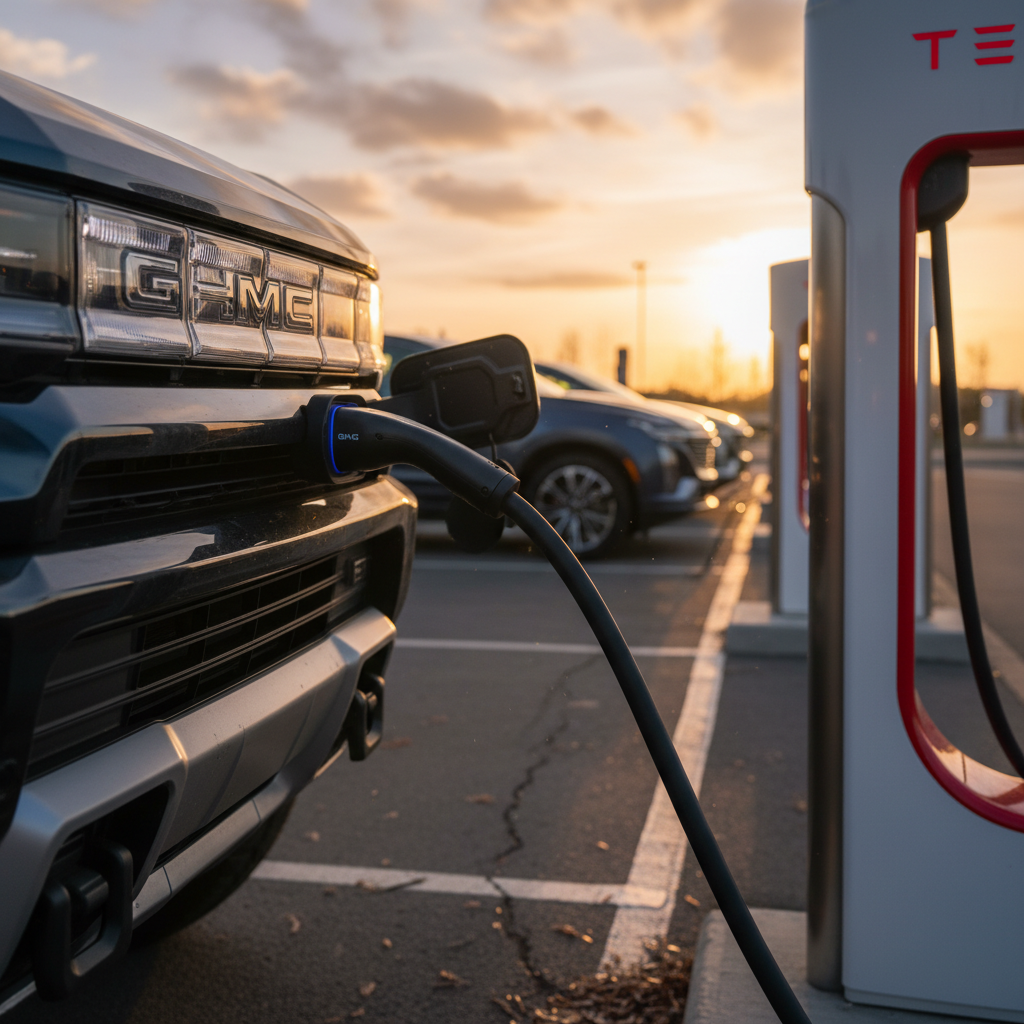
Most 2017 Model S owners charge at home without drama, but complaint data does show some issues around the charge port, connector, and charging control software, especially as hardware ages.
- Charge port door failing to open or close properly.
- Intermittent errors when plugging into certain public stations.
- Car refusing to start a charge until the connector is reseated.
- Wear or damage to the original Tesla connector from thousands of plug/unplug cycles.
How to test charging on a pre‑purchase visit
Safety Recalls & Over-the-Air Fixes
Across its early years, the Model S accumulated multiple NHTSA recalls, many of which applied to 2017 cars. These have included issues related to steering, parking brakes, and especially the MCU/center display. Tesla has a unique advantage: many problems can be mitigated or fully fixed via over‑the‑air software updates.
2017 Model S: Recall Themes You Should Know
Not a complete list, but the main areas where recalls and campaigns have focused for this era of Model S.
| Area | What Could Go Wrong | What to Confirm |
|---|---|---|
| MCU / center display | Loss of backup camera image, defrost controls, or warning chimes if the screen fails. | Has the car had MCU-related recall or service work? Are there invoices or Tesla service records? |
| Steering / suspension components | In rare cases, corrosion or part failures could affect steering feel or durability. | Have steering and suspension recalls (if any) been completed? Any recent suspension work? |
| Parking brake / safety systems | Isolated campaigns to address parking brake components or software behavior. | Ask the seller to show a clean, current recall status screen in the Tesla app or account. |
Always run a fresh VIN check to confirm whether all applicable recalls and service campaigns have been completed.
Good news: recall repairs are free
Ownership Costs: What These Problems Really Mean
When you zoom out, the 2017 Model S tends to trade low routine running costs (no gas, fewer fluids, long‑lasting brakes) for the possibility of larger, less frequent repairs, usually in electronics and suspension. That’s very different from a gas car that steadily nibbles you to death with oil changes, belts, tune-ups, and fluid services.
Where you usually save
- No fuel, oil changes, or spark plugs, electricity is often cheaper per mile than gas.
- Brake pads and rotors tend to last much longer thanks to regeneration.
- Fewer wear items under the hood: no exhaust system, no transmission with lots of gears, fewer seals and hoses.
Where surprise costs lurk
- MCU replacement or upgrade can be a four‑figure bill if you pay out of pocket.
- Air‑suspension components are pricier than conventional shocks and struts.
- Out‑of‑warranty repairs at Tesla service centers can add up quickly if multiple issues hit at once.
Budget for at least one big repair
Checklist: Inspecting a 2017 Model S Before You Buy
2017 Model S Pre‑Purchase Checklist
1. Pull the digital maintenance & recall history
Ask the seller for Tesla service records and check recall status via the Tesla app or a VIN lookup. You want proof that recall work and major repairs were actually completed, not just promised.
2. Stress-test the MCU and screens
With the car in Park and in Drive, run navigation, media, cameras, and climate. Confirm there are no crashes, freezes, or display warning messages. Look closely for yellow borders, bubbles, or ghost touches.
3. Evaluate battery health and charging
Note the indicated full‑charge range and compare it to original figures. If you can, have a shop or a service like Recharged run a battery health diagnostic rather than relying on the dashboard alone.
4. Listen to the suspension on rough roads
Drive over speed bumps and broken pavement at low and moderate speeds. Listen for clunks, pops, or rattles from the front or rear. Steering should feel tight and linear, not vague or wandering.
5. Inspect tires and alignment
Check for uneven inner-edge wear, especially at the rear. Aggressive inner wear can point to alignment issues, worn suspension parts, or a hard‑driven history.
6. Test all doors, handles, and windows
Each flush door handle should extend and retract smoothly. All doors and windows should open and close without sticking, popping, or misalignment. Don’t forget the hatch and frunk.
7. Verify charging hardware & accessories
Confirm which charging cables and adapters come with the car. Plug into a Level 2 charger if possible, and verify that the charge port door and connector behave normally.
8. Scan for error messages
Before and after your test drive, check the screen for any persistent warnings about battery, motor, airbags, or driver-assistance systems. Take photos of anything that pops up.
How Recharged Helps You De-Risk a Used Model S
Shopping privately for a 2017 Tesla Model S can feel like detective work, especially if you’re trying to decode battery health and electronic issues on your own. That’s exactly the gap Recharged was built to fill.
Why Consider a 2017 Model S Through Recharged
Extra data and support where this model year needs it most
Recharged Score battery diagnostics
Every car includes a Recharged Score Report with verified battery health, so you know how the pack is really doing, not just what the gauge says on a good day.
Known-issue inspections
Our EV specialists look for the common 2017 trouble spots, MCU behavior, suspension noise, alignment, and charging hardware, before a car is listed.
Financing, trade‑in & delivery
Recharged offers financing, trade‑in options, instant offers or consignment, and nationwide delivery, plus an Experience Center in Richmond, VA if you prefer to see cars in person.
Ready to find your next EV?
Browse VehiclesTransparent pricing for an older luxury EV
FAQ: 2017 Tesla Model S Problems
Common Questions About 2017 Tesla Model S Problems
So… Is a 2017 Tesla Model S Still Worth It?
A well‑chosen 2017 Tesla Model S can still feel like a thoroughly modern EV in 2026: quick, quiet, spacious, and capable of real road‑trip range. The key is acknowledging that at this age, MCU electronics, suspension hardware, and battery health are no longer theoretical concerns, they’re real variables that separate a great car from a risky one.
If you take the time to verify software updates and recall work, test the screens thoroughly, listen for suspension noises, and get objective battery data, a 2017 Model S can be one of the smartest buys in the used EV world, delivering flagship-level performance for a fraction of its original price.
Working with an EV‑focused marketplace like Recharged makes that process much simpler. With battery health diagnostics, transparent Recharged Score Reports, financing and trade‑in options, and EV‑savvy support from start to finish, you can enjoy the upside of a 2017 Model S while keeping its most common problems squarely under control.