If you’ve owned your EV for a while, you know about how long a typical charge should take. So when your EV suddenly starts charging slower than usual, it’s frustrating, and a little unnerving. The good news is that most slowdowns have straightforward explanations, and only a few point to real trouble. This guide breaks down why your EV charging might be slower than usual and what you can do about it, whether you’re plugged in at home or at a public fast charger.
Normal vs. unexpected slow charging
Why EV charging slows down in the first place
EV charging speed is limited by three things working together: the charger, your vehicle’s onboard hardware and software, and the battery’s current condition (state of charge, temperature, and health). If any one of those puts on the brakes, your charging session slows down. Modern battery management systems constantly adjust power to protect the pack, which is why speed is rarely a straight line from 0–100%.
Public charging doesn’t always deliver full speed
Think of charging as a conversation
Is slower charging normal or is something wrong?
Situations where slower charging is normal
- Charging above about 70–80% state of charge on a DC fast charger.
- Plugging in with a cold or very hot battery after sitting outside.
- Using a Level 1 outlet (120V) instead of Level 2.
- Many cars limiting DC fast charging after multiple rapid sessions in a day.
Situations that deserve a closer look
- Your home Level 2 charger suddenly takes twice as long with no change in settings.
- A familiar DC fast charger now gives you half the usual kW, even at low state of charge.
- Charging speed drops after a software update and never recovers.
- You see error messages in the vehicle or charging app.
If you’re in the right‑hand column consistently, it’s time to troubleshoot.
1. State of charge: Why charging slows after 80%
If your EV seems to “hit a wall” near 70–80% on a DC fast charger, that’s by design. Lithium‑ion batteries can accept high power when they’re relatively empty, but as they fill up, the battery management system gradually tapers power to avoid stress and heat. That’s why going from 10% to 60% might take 25–30 minutes, while 80% to 100% can take just as long on the same charger.
Taper happens on every EV
- On DC fast charging, you get the best time-per-mile when charging roughly between 10% and 70–80%.
- Above 80%, most cars step down dramatically, sometimes to speeds similar to Level 2 home charging.
- If your EV feels slow only above 80%, but is normal below that, nothing is wrong. Plan trips around that fast middle section.
2. Temperature: Cold or hot weather can cut speed
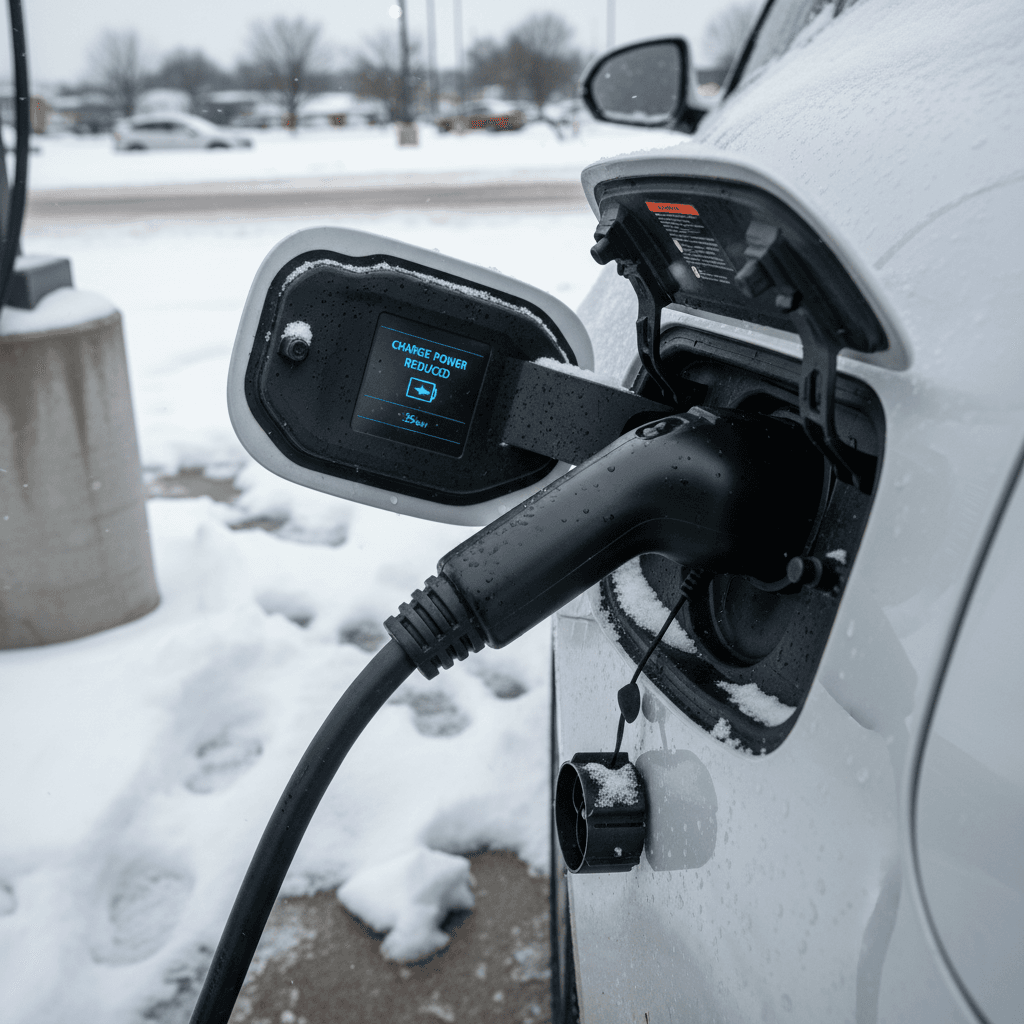
Battery temperature is one of the biggest reasons your EV might be charging slower than usual. In cold weather, the chemistry inside the cells moves more slowly, so the car limits current to prevent damage. In very hot weather, the system may also reduce power while it runs cooling pumps and fans. The result in both cases: less power to the pack and longer charge times, especially at the start of a session.
How temperature affects EV charging speed
What you feel at the plug comes from what’s happening inside the battery.
Cold weather
- Battery may start charging at very low power.
- First 10–15 minutes can be much slower.
- Range and regen are limited until the pack warms.
Hot weather
- Thermal system may throttle charging to prevent overheating.
- Fans and pumps use some of the incoming power.
- Fast charging right after a long highway drive can be slower.
Comfort zone
- Most EVs charge fastest when the battery is around 68–86°F (20–30°C).
- Some cars precondition the battery when you navigate to a fast charger.
- Indoor or shaded parking helps in both summer and winter.
Owner tip: Use preconditioning
3. Charger limits vs. vehicle limits
Another common reason your EV seems to charge slower than expected is a mismatch between the number on the charger and what your car can actually use. The station’s kW rating is its maximum output, not a promise that every vehicle will see that number.
Charger rating vs. what your car can accept
Even on a powerful charger, your EV’s onboard limits may cap speed.
| Scenario | Charger rating | Vehicle max | What you actually see |
|---|---|---|---|
| Home Level 2 | 48A / 11.5 kW | 32A / 7.7 kW | About 7–8 kW |
| Public Level 2 | 19 kW | 11 kW | About 11 kW |
| DC fast charger | 350 kW | 200 kW | Up to ~200 kW when conditions are ideal |
| DC fast charger | 150 kW | 100 kW | Up to ~100 kW, then tapering |
Check both your vehicle’s max AC and DC charge rates in the owner’s manual or spec sheet.
Don’t chase the biggest number on the pedestal
4. Shared power and public station problems
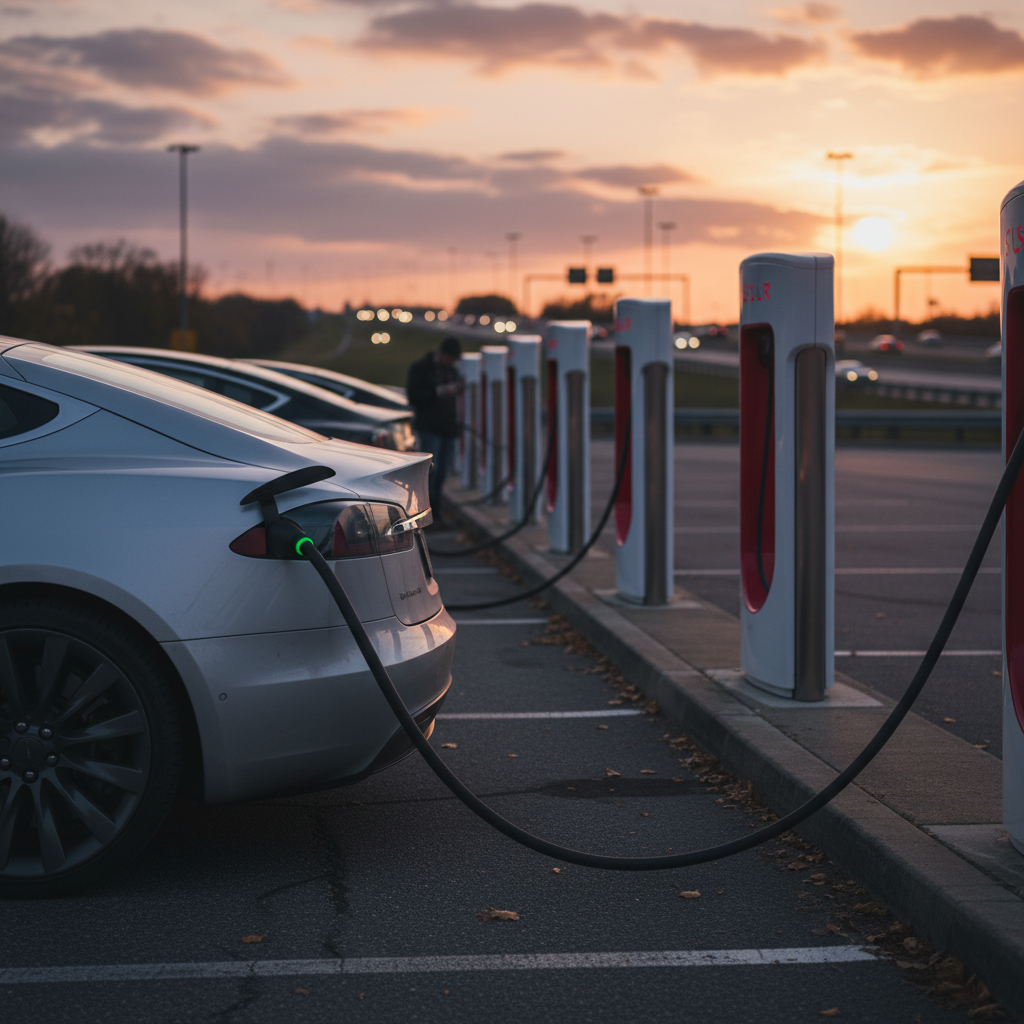
If your EV is charging slower than usual at a familiar DC fast charger, the issue might not be your car at all. Many sites use cabinets that share power between two or more stalls. When another EV plugs into a paired pedestal, the available power may be split, so both cars charge more slowly than the advertised maximum. On top of that, aging equipment, software bugs, and network glitches can all reduce output without fully failing.
What to check at a slow public charger
1. Are other stalls in use or marked as paired?
Look for labels like “1A/1B” or “shared cabinet.” If your stall shares power and another car plugs in, your rate can drop dramatically. If you’re in a rush, move to a non‑paired or empty stall if available.
2. Is the site known to be underpowered?
Some locations are grid‑limited and can’t deliver full peak power to every charger at once. If the site always feels slow, assume it’s a limitation of the installation, not your car.
3. Any error messages in the app or on the screen?
Reduced‑power notices, temperature warnings, or communication errors can all explain why the charger is throttling output. Take a screenshot for support if it keeps happening.
4. Have you tried a different brand or site?
If your car charges normally at other stations but one network is consistently slow, the issue is likely with that network’s hardware or software, not your vehicle.
Watch for repeated failures, not just slow speeds
5. Home charging: wiring, settings, and panel limits
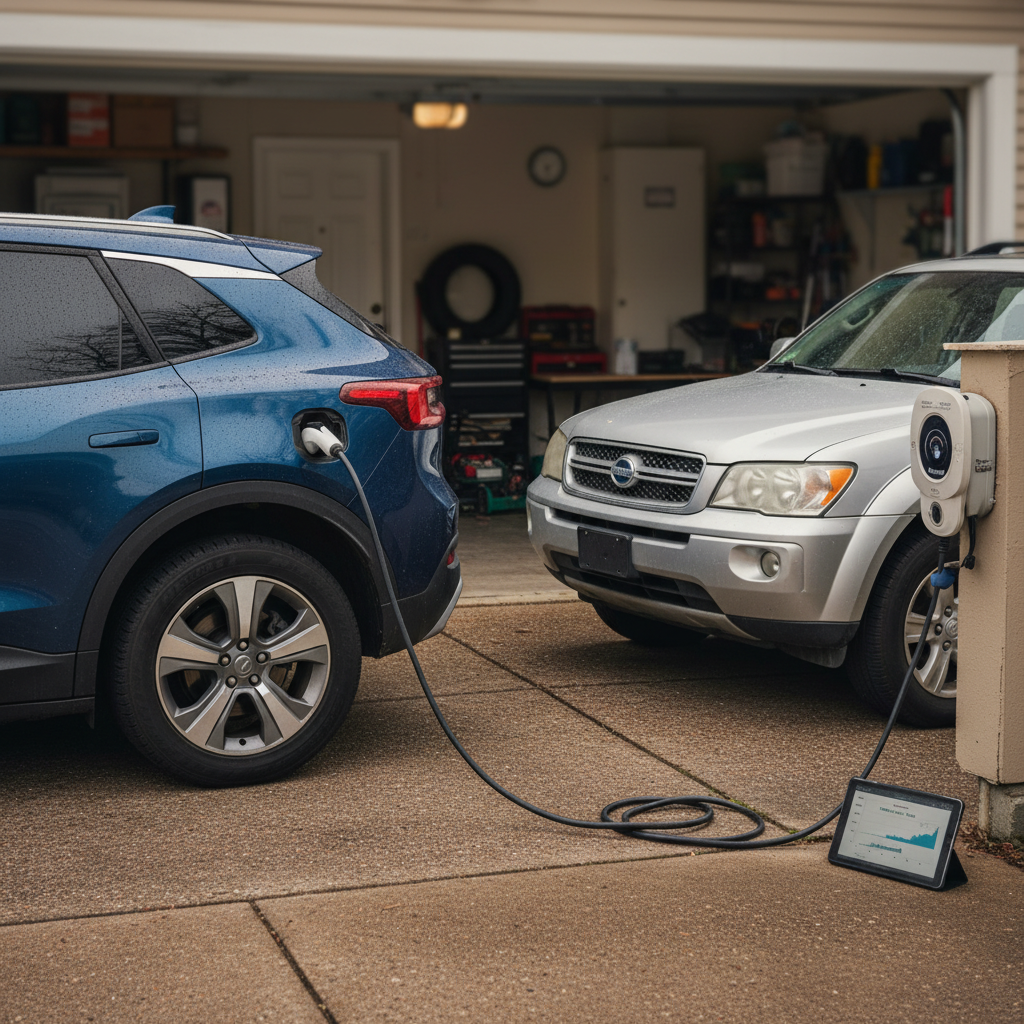
When home charging suddenly feels slower than usual, the culprit is often closer to your electrical panel than your battery. Many modern wallboxes and EVs let you change the maximum current in an app or settings menu. Changes to those settings, or issues with your household wiring, can quietly cap charging speed without throwing obvious errors.
Common reasons home EV charging slows down
Most of them are simple to check, and many can be fixed without replacing your charger.
Reduced amperage setting
Your smart charger or vehicle may be set to draw less current, say 24A instead of 40A, to avoid tripping breakers or to use off‑peak power. Check both the charger app and the car’s charging menu.
Circuit or panel limits
If your electrician sized the circuit conservatively, or your home is already near its service limit, the charger might be configured to a lower max. Adding more large loads (AC, dryer, etc.) can also cause automatic reductions.
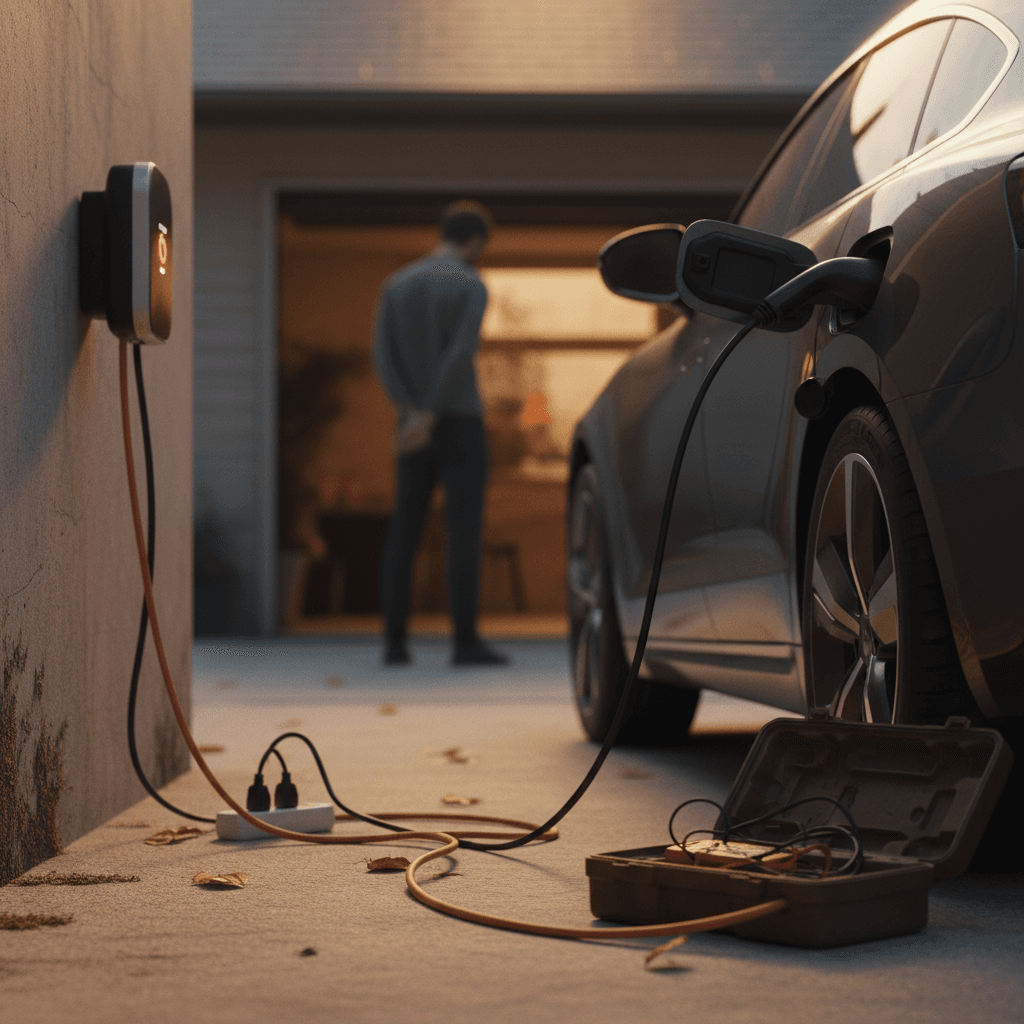
Loose or aging wiring
Over time, poor connections or undersized conductors can heat up and cause voltage drop. That reduces effective charging power. An electrician can test and tighten connections or recommend upgrades.
Safety first with home wiring
6. Software glitches, cables, and worn equipment
Not every slow session is physics or wiring. Sometimes the car and charger simply aren’t getting along. Outdated firmware, buggy communication protocols, or a damaged cable can all reduce throughput even when voltage and temperature look fine.
- Vehicle and charger software: Both your EV and your home or public charger receive software updates. These can improve charging curves, or occasionally introduce bugs. If things changed right after an update, check release notes and contact support.
- Handshake problems: On some older public stations, newer EVs may renegotiate to a lower power level if the initial connection isn’t clean. Unplugging, waiting 30 seconds, and plugging back in often restores normal speed.
- Damaged connectors or cables: Bent pins, corrosion, or frayed insulation can limit power or trigger thermal protection. If a cable looks abused or gets unusually hot, switch stalls (public) or replace it (home).
Simple reset steps that actually help
7. Battery health: When an aging pack slows charging
Over years of use, your EV’s battery will lose some capacity. In moderate cases, that doesn’t dramatically change charging speed; you’re just filling a slightly smaller tank. But in more advanced degradation, or when a few modules are weaker than others, the battery management system may reduce peak charge power to protect the pack. That can make charging feel slower than when the car was new, especially on DC fast chargers.
Signs battery health may be affecting speed
- Noticeably lower rated range than when the car was new.
- Fast‑charge power that never approaches the model’s typical peak, even at low state of charge and mild temperatures.
- Charging behavior that has slowly worsened over many months, not just at one or two stations.
How Recharged helps you see behind the plug
When you shop a used EV through Recharged, every vehicle includes a Recharged Score Report with verified battery health and a clear view of charging behavior. That way you’re not guessing whether slower charging is just cold weather, or a sign of deeper battery wear, before you buy.
If you already own a used EV and are concerned, consider a professional battery health assessment before planning road trips around DC fast charging.
Step-by-step checklist to troubleshoot slow charging
Quick diagnostic checklist
1. Note your starting state of charge
Were you above 70–80% when you noticed the slowdown, especially on a DC fast charger? If so, it’s probably just normal taper. Compare to previous sessions at similar state of charge.
2. Check outside temperature and recent driving
Was the car sitting in freezing cold or hot sun? Did you just drive hard on the highway? Extreme temperatures can slow charging until the battery reaches its comfort zone.
3. Compare to known vehicle limits
Look up your EV’s max AC and DC charge rates. If your observed speed is reasonably close to those numbers under good conditions, things are likely normal.
4. Try another stall, charger, or location
If a specific charger or brand is always slow while others are fine, the issue is probably with that equipment, not your car. Keep a log in your phone for patterns.
5. Review charger and vehicle settings
Open your charger’s app and your car’s charging menu. Make sure maximum current isn’t dialed down, scheduled charging isn’t forcing a low rate, and eco/limited modes are disabled when you need full speed.
6. Inspect cables and outlets (visually)
Look for obvious damage, discoloration, or loose plugs. Never open electrical equipment yourself, but do stop using anything that smells burned, feels very hot, or looks compromised.
7. Track changes over time
Is this a one‑off, or has charging been slower for months? Progressive decline, especially with range loss, points more toward battery health or software changes than a single bad charger.
When to call your dealer, electrician, or charging network
Call the charging network when…
- Only one site or brand is consistently slow.
- The charger shows fault codes or reduced‑power warnings.
- Other drivers at the same site have problems too.
Use the phone number or in‑app support. Slow sites often get inspected or derated after enough reports.
Call your vehicle dealer when…
- Multiple different DC fast‑charging networks are suddenly slower for your car.
- You see new charging‑related warnings or error messages in the cluster.
- Range has dropped and fast‑charge power is well below typical for your model.
Ask them to pull diagnostic data and check for battery or software‑related service bulletins.
Call an electrician when…
- Your home charger trips breakers or lights flicker when you plug in.
- The outlet, cable, or panel feels hot or smells unusual.
- You’ve upgraded appliances or HVAC and suspect panel overload.
A licensed electrician can verify that your home wiring and panel can safely support your EV’s charging needs.
Frequently asked questions about slow EV charging
Slow EV charging: common questions
Final thoughts: Charging slower today, smarter tomorrow
When your EV charging is slower than usual, it’s easy to assume the worst. In practice, most slowdowns come from normal behaviors, taper near full, temperature extremes, shared power at busy sites, or conservative home wiring, and many can be fixed with simple checks and better planning. The key is to separate one‑off hiccups from consistent patterns and to know when to bring in a pro.
If you’re already an EV owner, use the checklists and tips in this guide to get your charging experience back on track and to plan smarter stops on your next road trip. If you’re shopping for a used EV, make sure you can see past the plug: a transparent battery‑health report, like the Recharged Score included with every vehicle on Recharged, can help you understand how that car will actually charge in the real world, today and years down the road.