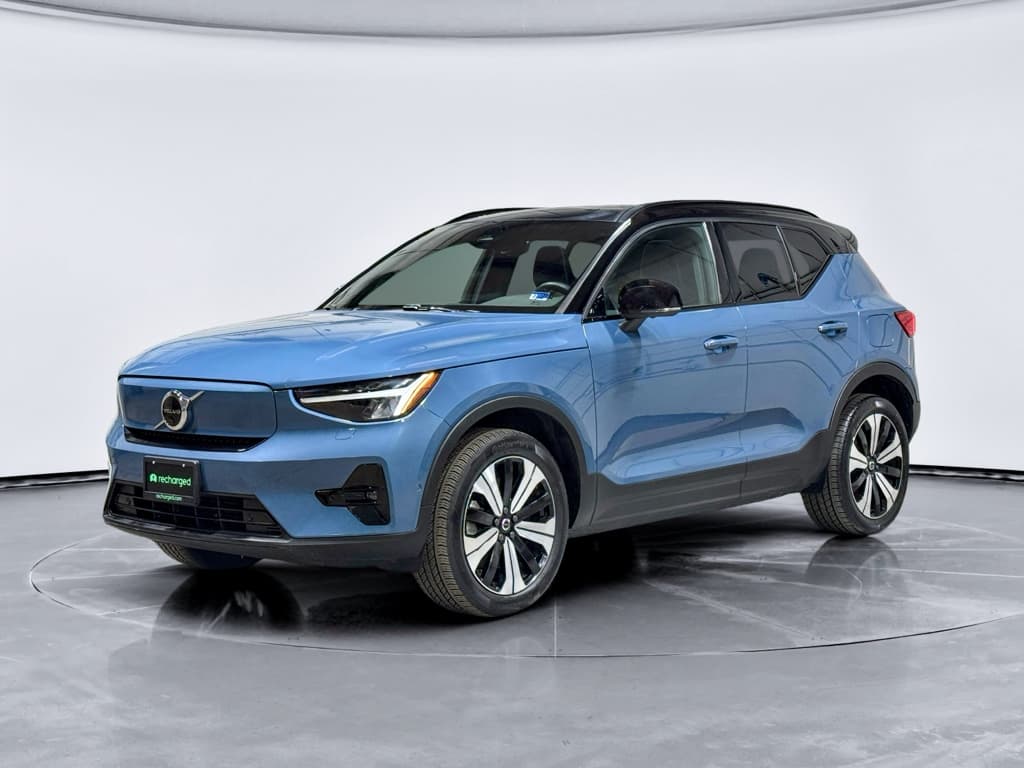
If you own, or are shopping for, a Volvo XC40 Recharge, the software version matters almost as much as the hardware. Over‑the‑air (OTA) updates have quietly changed braking behavior, driver‑assist features, Google built‑in infotainment, and even how smoothly the car starts and charges. Understanding the Volvo XC40 Recharge software update history helps you judge how a particular car will drive, how safe it is, and how “modern” it will feel over the next few years.
Model years covered
Why software updates matter on the XC40 Recharge
When you buy a gasoline XC40, the driving experience doesn’t change much over time. With an XC40 Recharge, software can reshape the car several times during your ownership. Volvo typically pushes around four major OTA releases per year, and each package rolls up all previous changes, so a car that’s been regularly updated can feel noticeably different from one that’s been ignored.
What Volvo XC40 Recharge software updates can change
It’s more than just bug fixes, updates affect how the car drives and feels day to day.
Driving behavior
Updates have tweaked low‑speed vibrations, brake feel, regenerative behavior, and power‑delivery smoothness without changing official performance specs.
Safety & driver aids
Later versions refine lane keeping aid, road sign recognition, tire‑pressure monitoring, and, in one case, address a critical brake issue.
Infotainment & apps
From Android Automotive OS 12 support to camera and parking updates, Volvo continues to refine the Google built‑in experience and phone integration.
Good news for used buyers
XC40 Recharge software basics: OTA, dealers, and Google built-in
The XC40 Recharge was one of Volvo’s first models built around Google built‑in (Android Automotive) rather than Volvo’s older Sensus system. That means your navigation, apps, voice control and even some climate routines run on the same type of OS that lives in many Android devices.
- Updates are delivered primarily as over‑the‑air downloads using the car’s built‑in cellular connection.
- You’ll see a notification in the center display and in the Volvo Cars app when a new version is available.
- Most major releases install while the car is parked, locked and unavailable, typically up to about an hour.
- If an update isn’t delivered OTA (some 2025 builds, for example, were workshop‑only), a dealer can install it during service.
- Each new package includes all prior updates, so you never have to install them one by one.
Plan around the downtime
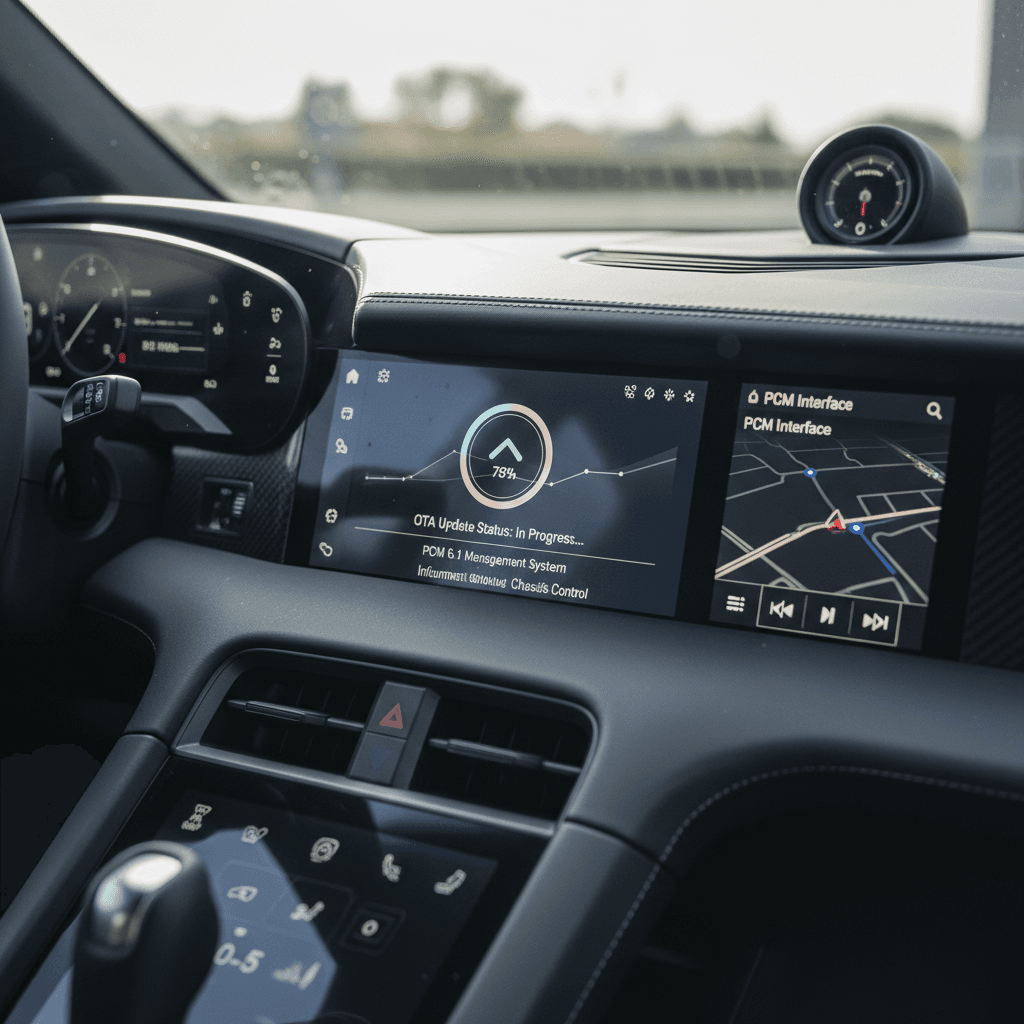
Timeline: Volvo XC40 Recharge software update history
Volvo doesn’t brand XC40 Recharge software the way some EV makers do, but official release notes give us a good sketch of the evolution. Below is a simplified timeline based on Volvo’s support documentation and what owners are actually seeing in their cars.
Key XC40 Recharge software versions and themes (2023–2025)
Exact contents can vary slightly by model year, hardware and market, but these are the big milestones owners tend to notice.
| Approx. release | Version (example) | Delivery | Headline changes for XC40 Recharge |
|---|---|---|---|
| Early–mid 2023 | 2.x series | OTA + dealer | Stability fixes for Google built‑in, minor drivetrain optimizations, small app updates. |
| Late 2023–early 2024 | 3.0.3 | OTA + dealer | Adds Android Automotive OS 12, smoother reverse auto‑brake, better preconditioning (wheel heating on more MYs), reduced low‑speed vibrations, security patch update. |
| Early 2024 | 3.1.x | Mostly OTA | Further infotainment stability improvements, key‑detection fixes, additional tweaks to low‑speed vibrations and HVAC behavior when using recirculation. |
| Mid 2024 | 3.2.x | OTA + production only builds | Compatibility updates tied to hardware changes in late‑2024 production; functionally similar to 3.2.4 for existing owners. |
| Spring 2025 | 3.5.14 / 3.5.24 | Mix of OTA and dealer | Brake‑pedal feel refinement after start, tweaks to lane keeping aid, road‑sign speed prediction and tire‑pressure monitoring, plus parking‑camera improvements for MY24–25 with 360° view. |
| Summer 2025 | 3.5.27 / 3.6.4 | Mostly dealer | General improvements and bug fixes; some cars also receive connectivity fixes between vehicle and Volvo Cars app. |
| Mid–late 2025 | 3.7.0 | OTA + dealer | More stability fixes and polish. Many owners report better CarPlay behavior, including navigation prompts appearing in the cluster similar to native Google Maps. |
| Late 2025 | 4.2.13 (and newer) | OTA + dealer | Ongoing refinements and stability improvements heading into 2026, plus groundwork for a wider infotainment refresh across Volvo’s Google built‑in lineup. |
Remember: if your car shows a newer version than what’s listed here, it already includes all prior changes.
Region and hardware caveats
Spotlight: Android Automotive OS 12 and infotainment changes
One of the biggest single jumps in the XC40 Recharge’s software history is the move to Android Automotive OS 12, delivered in a package often labeled around version 3.0.3 for Google built‑in models.
What Android Automotive OS 12 brought to the XC40 Recharge
Owners also report that later 3.x builds make the infotainment system less crash‑prone and slightly faster, though the underlying processor in early cars can still feel taxed. Some XC40 Recharge drivers on owner forums describe Google built‑in as “glitchy” even after updates, with slow boot times or occasional audio dropouts, but note that the situation improved after multiple 2024–2025 releases.
Quick fix for audio or UI glitches
Safety‑critical updates, including the brake recall
Not every update is about convenience. In mid‑2025, Volvo issued a software recall covering several EV and plug‑in models, including 2023–2024 XC40 Recharge vehicles, after identifying a scenario where continuous regenerative braking could result in a loss of hydraulic brake function. A key part of the fix was delivered via software.
What happened
- Under very specific conditions, roughly 100 seconds of continuous regen, brake assist could fail, leading to a dangerous loss of braking.
- Volvo and safety regulators advised affected owners not to drive until a patch was installed and to avoid one‑pedal or “B” mode where possible.
How it was fixed
- Volvo pushed an OTA software update for many cars, with a dealer option for those who couldn’t or hadn’t updated.
- The update adjusted how regen and the hydraulic system interact, eliminating the risk without changing day‑to‑day performance specs.
If you’re buying used, verify recall completion
How to check which software version your XC40 Recharge has
Volvo makes it fairly painless to see where your XC40 Recharge stands. You can do it from the center screen or the Volvo Cars app without any special equipment.
Steps to see your current XC40 Recharge software version
1. Use the center display
Tap the settings icon in the center display, then go to <strong>System → Software update</strong>. You’ll see the current software version, plus any available update.
2. Check the Volvo Cars app
Open the app, tap the car tab, and look for a <strong>Car software</strong> or update section. It will echo what the car sees and sometimes provides a plain‑language summary of what’s new.
3. Look for pending releases
If the car says “up to date” but you’ve seen newer notes online, it may be that Volvo is staging the rollout or that your region hasn’t received the OTA push yet.
4. Ask a Volvo service department
A dealer can pull your VIN, see the full <strong>campaign and software history</strong>, and install workshop‑only builds that don’t show as OTA.
XC40 Recharge vs. plug‑in XC40
Used XC40 Recharge: what software‑savvy buyers should look for
If you’re evaluating a used XC40 Recharge, software status is one of the easiest ways to separate a well‑cared‑for car from a neglected one. It’s also directly tied to safety, driving refinement and infotainment quality.
Software checks for a used XC40 Recharge
Ask these questions before you sign anything.
Are all recalls and service campaigns done?
Ask for a printout of completed software campaigns, especially around brakes, driver‑assist systems and high‑voltage management.
If you’re buying through Recharged, this is part of our standard intake and reconditioning process.
Is it on a modern 3.x or 4.x build?
Versions in the 3.x or newer range typically include AAOS 12, reduced low‑speed vibrations and better preconditioning logic. An XC40 Recharge stuck on early 2.x software is a red flag that updates were ignored.
How healthy is the battery?
Software updates can fine‑tune battery management, but they can’t undo abuse. A verified battery‑health report, like the Recharged Score you get with every car on our marketplace, gives you a clearer picture than a simple range readout.
Does the Google UI feel stable?
On a test drive, watch for UI freezes, lag, audio dropouts or camera glitches. Some hiccups are normal, but repeated issues suggest a car that may need a dealer visit, or has underlying hardware concerns.
How Recharged bakes software into our inspections
Ready to find your next EV?
Browse VehiclesCommon owner complaints, and how later updates help
Even with regular updates, the XC40 Recharge isn’t perfect. Owner forums and early adopters have been candid about quirks with the Google built‑in system and some aspects of drive feel. The good news: many of the sharp edges have been sanded down over successive 3.x releases.
Infotainment & Google built‑in
- Slow boot and lag: Some owners describe the system as underpowered, especially on early hardware. Later builds improve stability but can’t fully change the processor.
- Glitchy profiles & audio: Reports of profile‑switch issues, flickering reverse camera and sound dropouts have generally decreased as 3.1.x and 3.7.0 rolled out.
- CarPlay / Android Auto quirks: Newer software lets CarPlay navigation prompts surface more cleanly in the cluster, closer to how native Google Maps behaves.
Driving refinement
- Low‑speed vibrations: Multiple releases specifically target reduced low‑frequency vibrations under light acceleration at city speeds.
- Brake feel: Updates like 3.5.14 make the foot brake less stiff right after start‑up, and the recall‑related patch addresses extreme‑case brake risk.
- Assist‑system “twitchiness”: Tweaks to lane keeping and road‑sign data aim to make interventions feel more natural, particularly on MY2024+ cars.
Before blaming the car, check for pending updates
Future Volvo software roadmap and what it means for XC40 owners
Looking ahead, Volvo is leaning even harder into software. A large 2025–2026 infotainment refresh is bringing a redesigned UX and faster Qualcomm hardware to new models, and the company has committed to using OTA updates to modernize existing Google built‑in cars where hardware allows.
What’s coming next for Volvo software
Not every feature will reach every XC40 Recharge, but the direction is clear.
Faster infotainment
Newer models are getting upgraded chipsets that make Android Automotive more than twice as fast, with much smoother graphics and app performance.
Deeper AI integration
Volvo is an early launch partner for Google’s Gemini AI in‑car. Expect more natural voice interactions and smarter navigation suggestions to trickle into compatible platforms over time.
More OTA, less dealer time
As software‑defined features expand, Volvo’s goal is to move even more tweaks, and some paid features, into the OTA channel, reducing the need for workshop visits.
How XC40 Recharge owners can think about software over the next 3–5 years
Current owners (already have an XC40 Recharge)
Turn on automatic downloads and install OTA updates promptly, especially those mentioning safety or braking.
If your car still shows a 2.x or early 3.x build, schedule a dealer visit and ask for the latest package available for your VIN.
Use each service visit to confirm that <strong>all open software campaigns</strong> (not just recalls) have been completed.
If infotainment performance is a pain point, ask whether your car qualifies for any hardware‑related campaigns or updates.
Used‑EV shoppers considering an XC40 Recharge
Treat software history like service history, ask for proof of completed updates alongside maintenance records.
Prioritize cars already on a recent 3.x or 4.x build, especially if you’re sensitive to infotainment smoothness and driver‑assist polish.
When shopping online, look for listings that mention battery‑health diagnostics and recall clearance, not just “clean Carfax.”
If you buy through Recharged, lean on our EV specialists to walk you through what the current software means for real‑world range, comfort and safety.
FAQ: Volvo XC40 Recharge software updates
Frequently asked questions about XC40 Recharge software
Bottom line on Volvo XC40 Recharge software history
The XC40 Recharge has evolved steadily since launch, with software doing much of the heavy lifting. Android Automotive OS 12 support, smoother low‑speed driving, refined brake feel, better camera behavior and safety‑critical brake fixes all arrived by way of OTA and dealer updates, not hardware swaps. If you’re already an owner, staying current on software is one of the easiest ways to keep your car safe and pleasant to drive. If you’re shopping used, treating software history and battery health as seriously as mileage will help you separate great candidates from problem children. And if you’d rather not decode version numbers on your own, Recharged can match you with an XC40 Recharge that’s already had its homework done, software included.