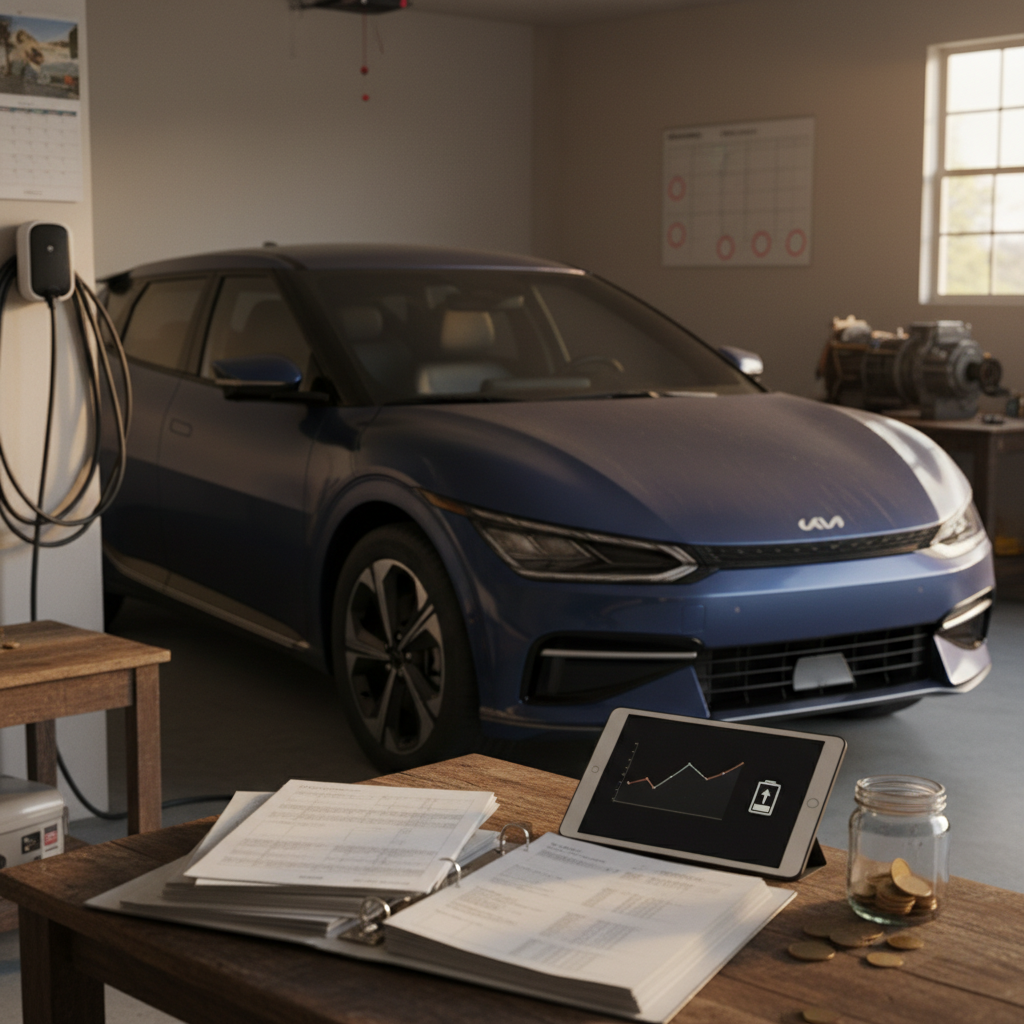
If you own or are shopping for a Volvo EX90, understanding how to check its battery health is one of the smartest things you can do. The high‑voltage pack is the most valuable component in the vehicle, and while Volvo hides a lot of raw data from drivers, there are still several practical ways to monitor battery condition, spot problems early, and make informed decisions, especially if you’re looking at a used EX90.
What “battery health” actually means
Why Volvo EX90 battery health matters
Three reasons to stay on top of EX90 battery health
It’s about more than just the range number on your dash.
Range & usability
Resale value
Warranty & peace of mind
The good news is that EX90 packs are large, liquid‑cooled, and designed for long life. The bad news is that Volvo doesn’t expose a simple “battery health: 94%” readout in the car or app. Instead, you have to piece together information from several sources: the in‑car battery meter, the Volvo Cars app, how the car behaves on trips, and, when it really matters, professional diagnostics.
Volvo EX90 battery basics: specs and warranty
Volvo EX90 high‑voltage battery at a glance
Where to confirm your exact numbers
For battery health checks, the most important baseline is simple: when new, your EX90 had roughly **111 kWh nominal capacity** and an EPA‑rated range around **300+ miles** depending on configuration. Every check you do is essentially answering: *“How far have I drifted from that baseline, and is that drift reasonable for the age and mileage of the car?”*
Quick in-car check using the battery meter
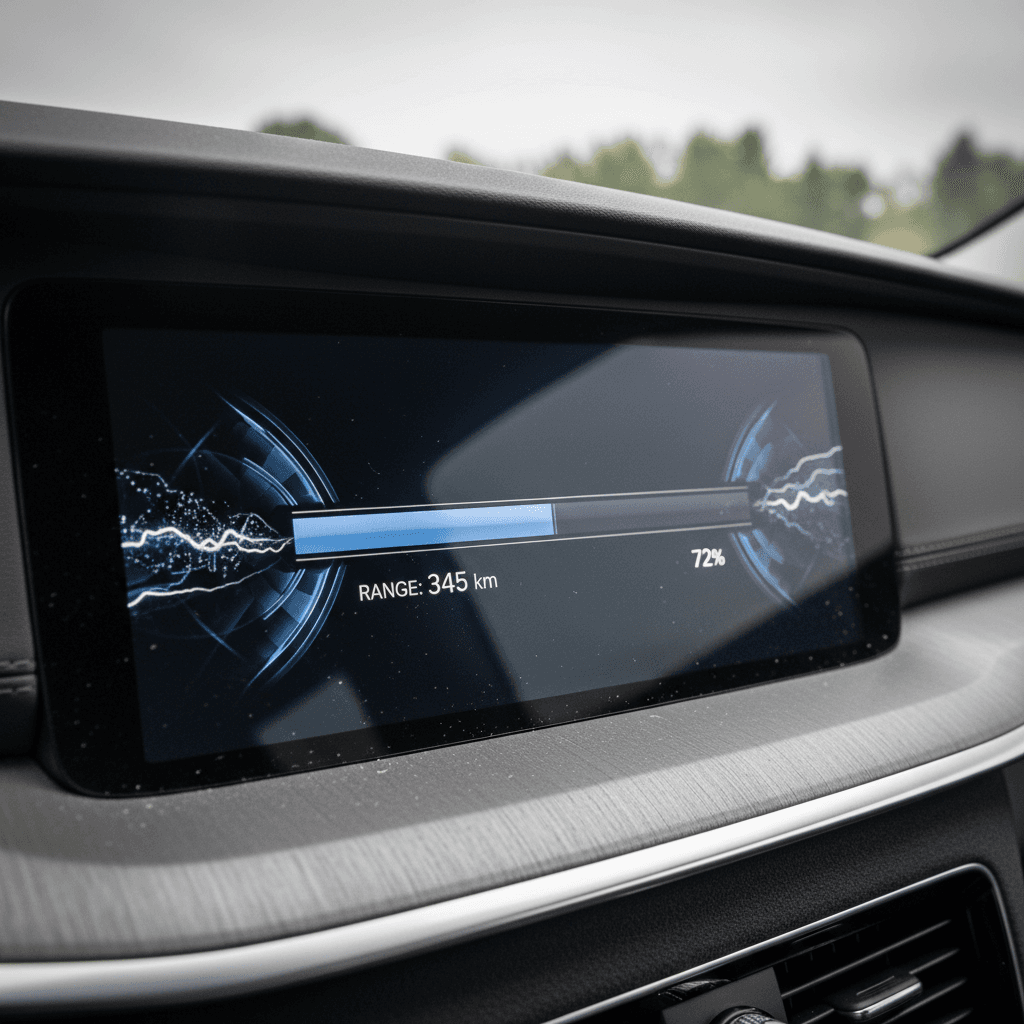
The easiest Volvo EX90 battery health check starts right in front of you: the **battery meter in the instrument cluster**. It always shows battery percentage and an estimated remaining range based on your recent driving. That’s not a full diagnostic, but with a little discipline you can turn it into a useful health indicator.
- Park the EX90 on level ground and let it sit for a few minutes so the range estimate stabilizes.
- Charge the car to a consistent target (for example, 80% or 90%) using the same charger and similar ambient temperatures when possible.
- Note the displayed **battery percentage and estimated range** on the instrument cluster.
- Repeat this process a few times over several weeks, ideally at similar temperatures and similar mix of city/highway driving.
- Track the results in a simple spreadsheet or notes app so you can compare over time.
Make your readings comparable
What the battery meter does tell you
- Current state of charge (SoC) in %.
- Estimated remaining range based on your recent driving style.
- Cold‑battery indicator (snowflake icon) when the pack is cold and temporary capacity is reduced.
What it doesn’t tell you
- Exact state of health (SoH) in % of original capacity.
- Detailed cell‑level information or internal resistance.
- Whether a range drop is due to software, temperature, or true degradation without context.
Don’t overreact to short‑term range swings
Using the Volvo Cars app to track battery health
The **Volvo Cars app** is your second major tool for Volvo EX90 battery health checks. Volvo has been steadily improving its charging and battery interface, especially for full EVs. While the app still doesn’t show a simple SoH number, it does give you long‑term patterns that are hard to see from the driver’s seat alone.
How to use the Volvo Cars app for battery monitoring
1. Confirm app and car software are up to date
Make sure you’re on the latest Volvo Cars app version and that your EX90 has current OTA software. Many charging‑related improvements arrive quietly via updates.
2. Review charging history
Look at how often you charge, to what percentage, and at what power level. Frequent DC fast charging to high percentages can accelerate battery wear over years.
3. Note typical range at your usual charge level
When your car is parked and connected, the app shows SoC and estimated range. Track what you typically see at, say, 80% over time. Sudden, permanent drops are more meaningful than daily fluctuations.
4. Use notifications and target charge levels
Set a daily target (often 80–90%, depending on Volvo’s recommendation for your car) and enable notifications when charging completes. This helps you avoid routinely sitting at 100% for long periods.
5. Log anomalies
If the app shows obviously wrong data, like frozen range or SoC values, take screenshots and note dates. This history can be helpful if you need Volvo or a specialist to dig deeper.
App vs. reality
Real‑world range as a battery health signal
For most owners, the most intuitive Volvo EX90 battery health check is simply: *“How far can I actually go on a charge?”* Because the EX90’s pack is large, you get a lot of buffer before small amounts of degradation become noticeable, but over years, real‑world range is a powerful signal.
Simple DIY range test for your EX90
No lab equipment, just consistent driving and a little note‑taking.
Choose a repeatable route
Pick a stable weather window
Log starting & ending data
If, over a year or two, you notice that the same trip now costs you, say, **10–15 percentage points more** than it used to in similar conditions, that’s a hint that usable capacity may have declined. You’ll still need more precise tools to separate real degradation from changes in driving style, tires, or software, but this kind of logging is invaluable context when you talk to a dealer or specialist.
Watch efficiency, not just range
Advanced battery health checks: OBD and third‑party reports
Eventually, you may want more than the car and app can show. That’s where **professional diagnostics** and **third‑party battery health reports** come in. For the EX90, this is still an evolving ecosystem, and you should be cautious about what you plug into the car.
Be careful with the OBD port
Option 1: Dealer or authorized Volvo workshop
- Technicians can access factory diagnostics and battery management system (BMS) data that drivers can’t see.
- They can compare your battery’s performance against Volvo’s internal thresholds for degradation.
- Useful if you suspect a warranty issue or see big, sudden changes in range.
Ask specifically what information they can share about state of health and whether your battery is within normal parameters for age and mileage.
Option 2: Independent EV battery health report
- Some services specialize in **non‑invasive battery health testing**, often by analyzing how your car charges and discharges over time.
- These reports can provide an estimated SoH and range forecast without permanent hardware.
- They’re especially useful in a used‑car transaction where both buyer and seller want objective documentation.
On Recharged, every eligible used EV comes with a Recharged Score battery report so you can see a verified snapshot of capacity, charging behavior, and value impact before you buy.
Ways to check Volvo EX90 battery health
From casual self‑checks to full diagnostic reports.
| Method | Tools Needed | Risk Level | When to Use |
|---|---|---|---|
| In‑car meter & range tracking | Instrument cluster, trip computer, notebook | Very low | Day‑to‑day ownership; early sense of changes over time. |
| Volvo Cars app history | Smartphone, Volvo Cars account | Very low | Monitoring charging habits, typical range, and anomalies. |
| Dealer diagnostic visit | Authorized Volvo workshop | Low–medium (time & cost) | Suspected warranty issue or sudden, large change in range. |
| Independent battery health report | Specialist service or marketplace like Recharged | Low | Buying/selling a used EX90, or benchmarking health for long‑term ownership. |
You don’t need every tool for every situation, pick the level of detail that fits your decision.
Best practices to protect your EX90 battery
Checking Volvo EX90 battery health is one side of the coin; the other is **protecting** that health over time. Modern packs are resilient, but your habits still matter, especially on a large, high‑power SUV that may see heavy loads, towing, or frequent fast charging.
Everyday habits that extend Volvo EX90 battery life
1. Favor moderate charge levels for daily use
Unless you need maximum range, keep daily charging around 70–90% rather than 100%. Use the Volvo Cars app’s target charge setting so the car stops automatically.
2. Avoid sitting at 0% or 100% for long periods
Arriving home nearly empty is fine; **letting the car sit parked at 0% or 100% for days is not**. Try to charge soon after low‑SoC arrivals and unplug or lower your target once the pack is full.
3. Be selective with DC fast charging
The EX90 can charge quickly, but repeated DC fast sessions to high percentages create more stress than slower AC charging. Use rapid charging for road trips, not as your daily routine if you can avoid it.
4. Precondition instead of abusing the pack in cold
Use preconditioning and departure timers so the pack is warm and the cabin is comfortable before you leave. This improves efficiency and reduces the amount of high‑load operation on a cold battery.
5. Watch weight, tires, and speed
Roof boxes, big wheels, soft tires, and high speeds all increase energy use. That doesn’t directly “damage” the battery, but they do mask health changes and can push the car to cycle the pack more deeply.
6. Keep software up to date
Volvo pushes OTA updates that can tweak charging behavior, range estimates, and even thermal management. Staying current helps the BMS treat the pack as kindly as possible.
The big picture
Battery health when buying a used Volvo EX90
Because the EX90 is still relatively new, the **used market is just emerging**, and that makes battery health especially important. Early adopters’ cars will be aging out of their first few years of service as software matures, and some will have seen hard use: lots of fast charging, towing, or high annual mileage.
Questions to ask any used EX90 seller
- Average consumption (kWh/100 mi or mi/kWh) over the last several thousand miles.
- Typical range at common charge levels (for example, 80% in mild weather).
- Charging habits, home vs. DC fast, and how often they charge to 100%.
- Any Volvo service records mentioning the traction battery or BMS.
Buying privately or from a traditional dealer
You’re often relying on whatever the seller tells you and whatever your quick test drive reveals. Many tools that can read battery data on other EVs don’t yet fully support the EX90, or may not be safe to use on a car this new.
If you go this route, budget time and money for a **pre‑purchase inspection** at a Volvo dealer or independent EV specialist who can access the right diagnostics.
Buying a used EX90 through Recharged
Every eligible EV on Recharged comes with a Recharged Score Report, which includes:
- Verified battery health and charging behavior.
- Fair‑market pricing that reflects actual capacity and range.
- Expert guidance on how the car’s history may affect future degradation.
You can also take advantage of financing, trade‑in, and nationwide delivery, plus EV‑specialist support that understands what to look for in a complex, software‑defined SUV like the EX90.
FAQ: Volvo EX90 battery health checks
Frequently asked questions about Volvo EX90 battery health
Key takeaways
Checking Volvo EX90 battery health isn’t about a single magic number, it’s about combining what the car shows you, what the Volvo Cars app records, how the SUV behaves on real roads, and, when necessary, what a diagnostic session or third‑party report can reveal. If you log range and efficiency over time, keep your software and charging habits in a healthy place, and escalate odd behavior early, you’ll have a clear picture of how your pack is aging.
And if you’re considering a used Volvo EX90, don’t guess. A documented, independently verified battery health report, like the Recharged Score that comes with eligible vehicles on Recharged, turns an opaque, six‑figure piece of high‑voltage hardware into something you can actually evaluate, compare, and finance with confidence.