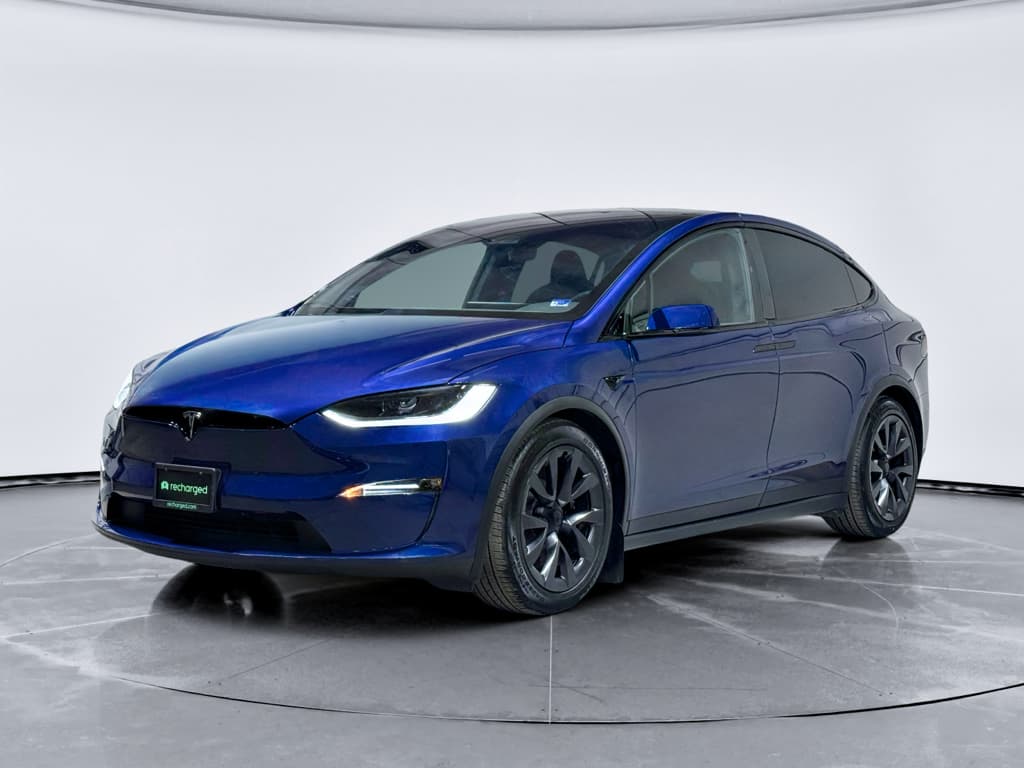
The Tesla Model X is the all-electric family spaceship: vast glass, Falcon Wing doors, searing acceleration, and Supercharger access. It’s also one of the most complex EVs on the road, which makes a disciplined Tesla Model X buying checklist absolutely essential, especially for used shoppers.
Who this checklist is for
Why you need a Tesla Model X buying checklist
Why the Model X is compelling
- Three-row electric SUV with serious performance and towing capability.
- Access to Tesla’s Supercharger network and NACS charging standard.
- Software-forward car: over-the-air updates, advanced driver assistance, huge touchscreen.
- Strong owner satisfaction, with many drivers praising comfort and performance.
Why you must shop carefully
- Complex features like Falcon Wing doors and air suspension add failure points.
- Battery and drive unit are durable, but out-of-warranty repairs can be expensive.
- Not all used listings disclose battery health or accident history clearly.
- Packs, doors, or MCU issues can turn a good deal into a money pit.
A checklist keeps the emotional “wow” factor from steamrolling your better judgment.
Tesla Model X longevity at a glance
Quick Tesla Model X buying checklist overview
10-point Tesla Model X buying checklist (snapshot)
1. Confirm battery warranty status
Check in the car’s touchscreen or Tesla account for remaining battery and drive unit coverage (typically 8 years/150,000 miles from in‑service date).
2. Get an objective battery health report
Use a professional diagnostic like the <strong>Recharged Score</strong> to see true usable capacity and estimated remaining life, not just the dash range estimate.
3. Review charging history
Ask how often the car has been DC fast charged and routinely charged to 100%. Frequent fast charging and chronic 100% charges can accelerate degradation.
4. Inspect Falcon Wing doors thoroughly
Open and close each door multiple times. Listen for grinding, check alignment, and watch for sensor glitches or water leaks around seals.
5. Look for exterior panel alignment and glass issues
Inspect paint, panel gaps, windshield and panoramic glass for chips, cracks, or evidence of body repairs.
6. Run a full test drive
Check for shudder under acceleration, suspension clunks, wandering steering, and consistent regenerative braking feel at city and highway speeds.
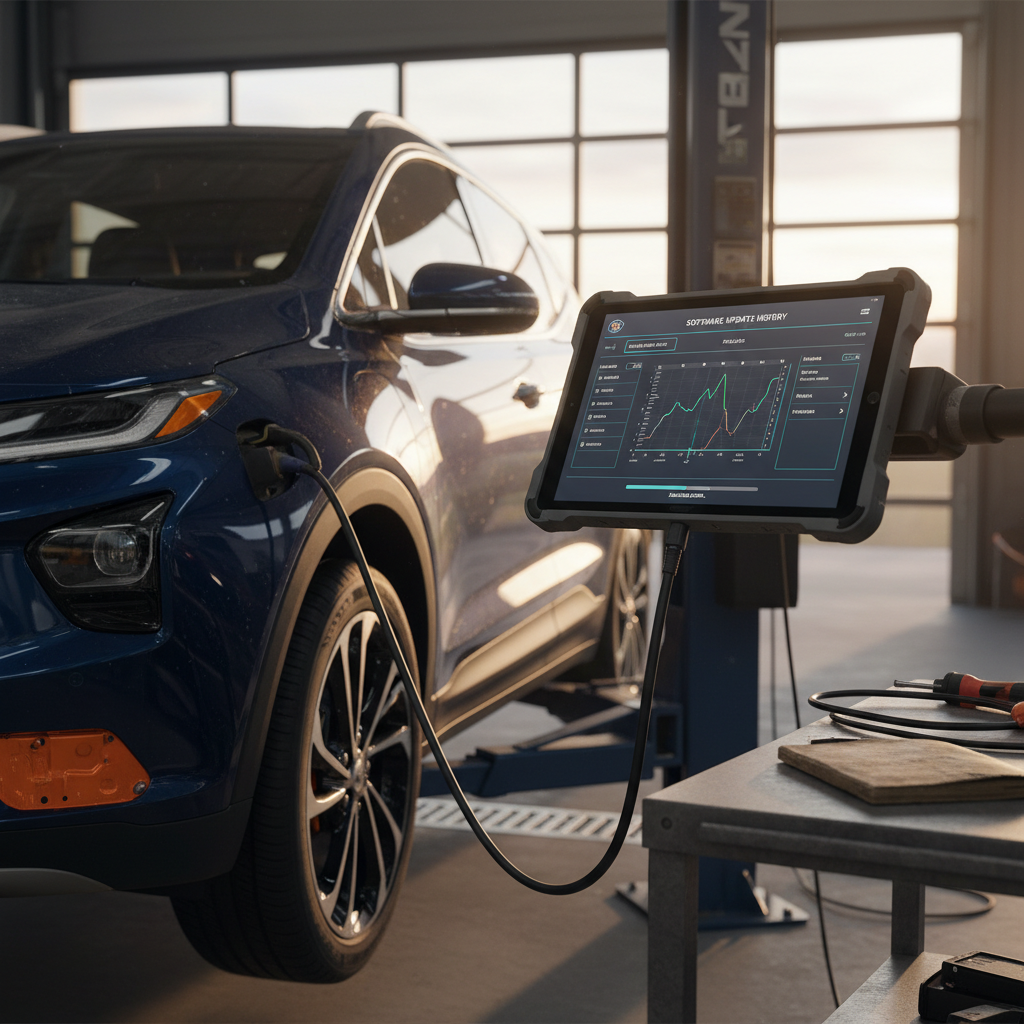
7. Audit Autopilot and software features
Confirm which Autopilot/FSD package is actually active on the car, current software version, and whether connectivity is included or on subscription.
8. Verify service history and open recalls
Ask for Tesla service invoices and check that recall work is up to date. Look for repeat complaints about doors, MCU, or suspension.
9. Evaluate interior wear and seating layout
Inspect seats, third row usability, HVAC performance, and evidence of heavy kid/dog use that might require upcoming reconditioning.
10. Cross‑check pricing with condition
Price should reflect battery health, mileage, options, and any looming maintenance. A cheap Model X with a tired pack is not a bargain.
Print this checklist
Step 1: Verify battery health and real-world range
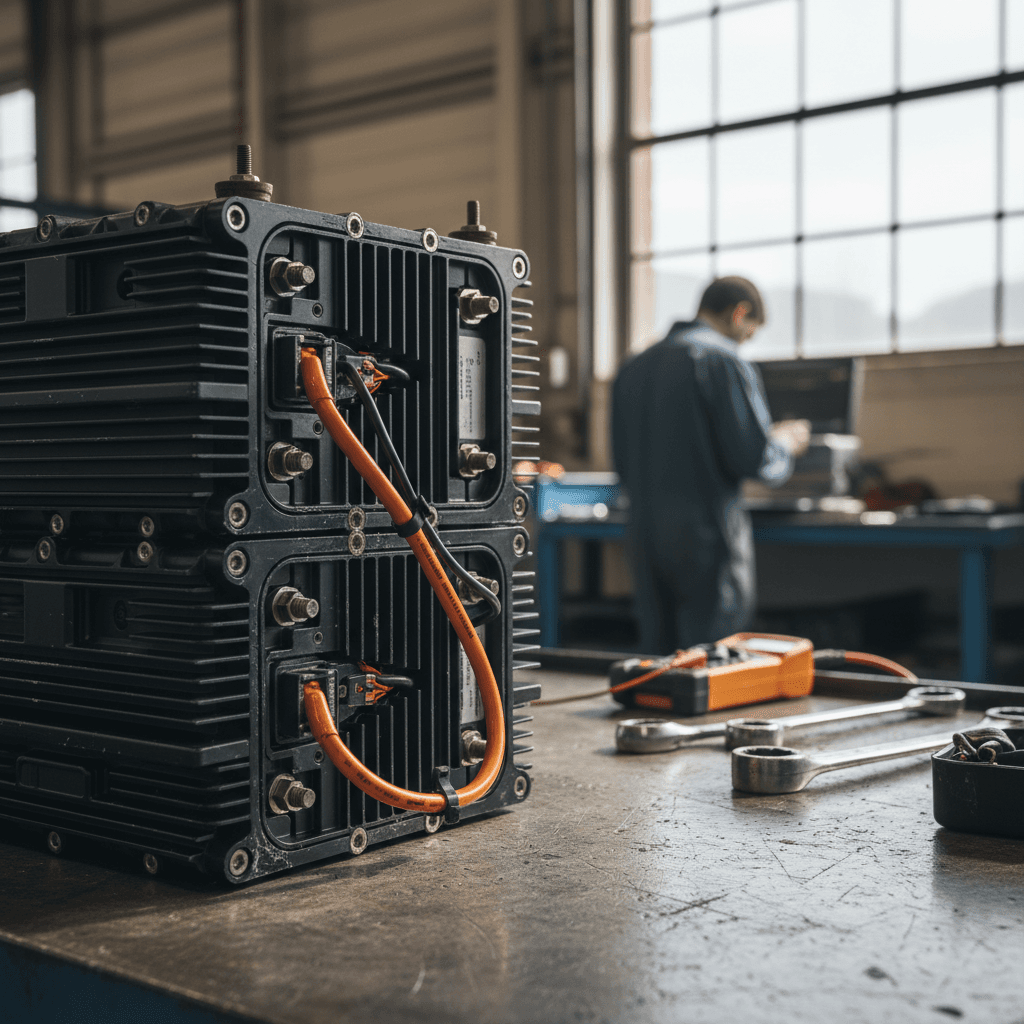
Battery condition is the single most important line item on any Tesla Model X buying checklist. The Model X typically shipped with large packs and EPA ranges north of 300 miles in newer trims, but real‑world range on a used example depends heavily on age, mileage, climate, and charging behavior.
- With the car at or near 100% charge, compare the displayed rated range to the original EPA number for that trim. A healthy, middle‑aged pack often retains ~80–90% of original capacity.
- Use a professional diagnostic (via OBD tools or a seller‑provided report like the Recharged Score) to see estimated usable kWh and degradation percentage.
- Look for sudden, recent drops in range rather than slow, linear decline, sharp drops can hint at cell groups being limited by the battery management system.
- Ask where the vehicle spent most of its life. Hot‑climate cars that baked outdoors can show noticeably more degradation than those from temperate regions.
Don’t buy blind on “miles per charge” claims
Step 2: Check charging history and habits
Two Model X SUVs with identical mileage can have very different futures depending on how they were charged. You’re trying to understand how hard a life the battery has lived.
Charging patterns to ask about
You can’t see the past, but you can read the pattern.
Home vs. DC fast charging
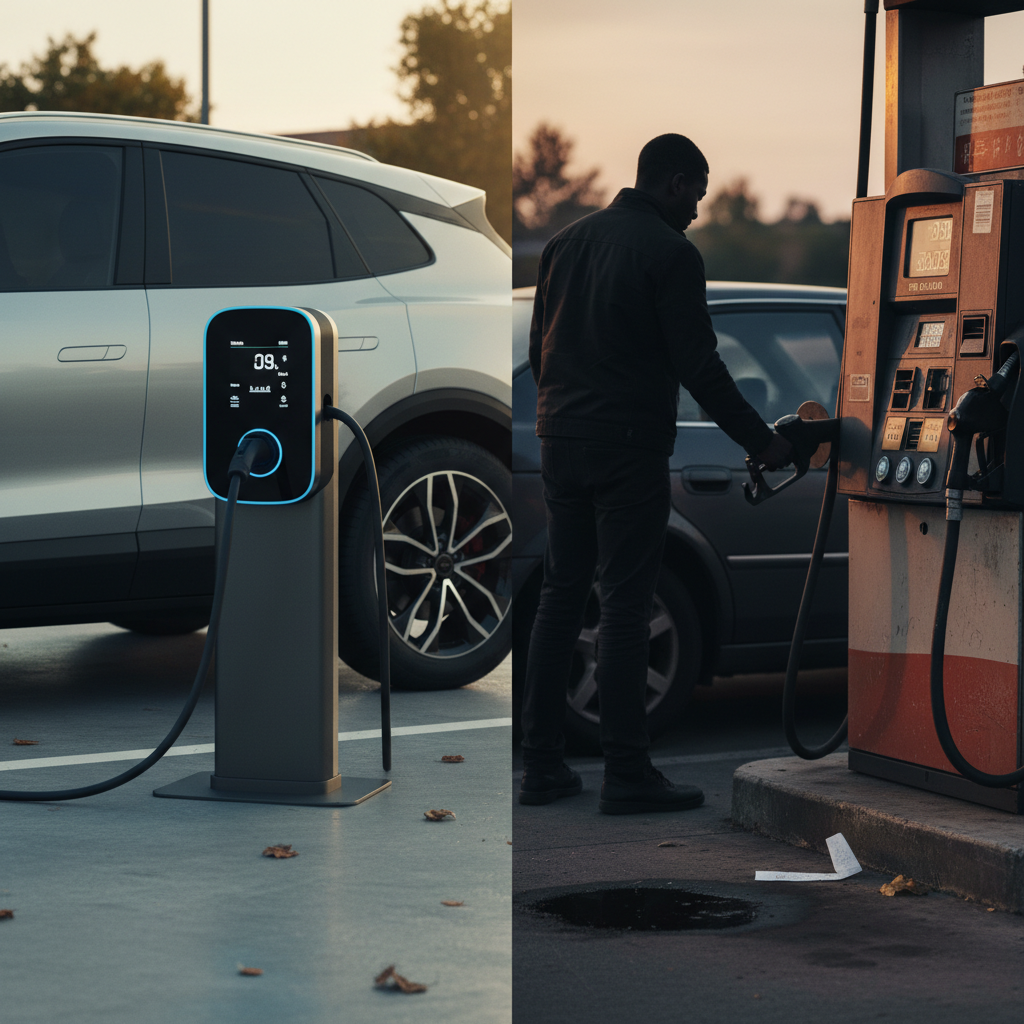
Ask where the car was charged. A vehicle that spent most of its time on Level 2 home charging is usually healthier than one fed a steady diet of road‑trip fast charging.
Daily charge limits
Good owners cap daily charge at 70–80% and only go to 100% for trips. Chronic 100% charging, especially if the car sits full, is tough on the pack.
Climate and parking
Was it garaged or parked in blazing sun? Extreme heat accelerates chemical aging inside the pack. Note the car’s region and typical storage conditions.
Practical question set for the seller
- “Where did you mostly charge, home or Superchargers?”
- “What did you set your daily charge limit to?”
- “Was the car garaged?”
- “Any battery or charging‑related service visits?”
Step 3: Inspect Falcon Wing doors and exterior issues
The Falcon Wing doors are theatrical, but they are also the Model X’s most infamous diva act. Motors, hinges, and sensors work in concert; when any of that choreography slips, you get slow, creaky, or unpredictable doors.
Falcon Wing & exterior inspection checklist
Operate each Falcon Wing door repeatedly
Open and close both rear doors at least 5–10 times. They should move smoothly at a consistent speed, without grinding, binding, or random stops.
Check door sensors in tight spaces
Park near a wall or under a low ceiling and open the doors. They should adapt their arc without panicking or contacting obstacles.
Inspect weather seals and water ingress
Look for water stains, musty smells, or drips after a wash. Leaky seals around Falcon Wing doors and the rear hatch are a known annoyance on some cars.
Look at panel gaps and paint
Walk the car. Check for inconsistent panel gaps, overspray, or slightly mismatched paint that might indicate prior body work.
Examine the panoramic windshield and roof glass
The Model X uses huge glass panels. Look for chips, cracks, delamination, or odd discoloration that could be costly to address.
Confirm key fobs and phone key behavior
Test keyless entry, walk‑away lock, and trunk/hatch operation from the fob and phone app if possible.
When to walk away on doors
Step 4: Test-drive drivetrain, brakes, and suspension
The Model X is heavy, tall, and very quick. That’s a lot of physics for suspension bushings, half‑shafts, and brakes to manage. A proper test drive is more than a quick loop around the block.
- From a standstill, accelerate briskly several times. Feel for any vibration or shudder through the floor or steering wheel that could suggest axle or drivetrain wear.
- On a smooth road at 45–65 mph, listen for humming or roaring that rises with speed, possible wheel bearing or tire issues.
- Drive over speed bumps and rough pavement at low speed. Clunks or knocks can indicate worn suspension components or loose hardware.
- Test regenerative and friction braking. Regeneration should feel consistent; the transition to friction brakes shouldn’t be grabby or noisy.
- With the steering centered on a straight road, the car should track true. Constant correction or a crooked wheel hints at alignment or suspension repairs.
- If equipped with air suspension, cycle ride‑height settings and confirm the compressor isn’t excessively loud or running constantly.
Use your phone as a stethoscope
Step 5: Audit software, Autopilot, and features
On a Tesla, the option sheet lives in software. Two nearly identical‑looking Model Xs can differ by thousands of dollars in features depending on which driver‑assistance and connectivity packages are actually active.
Software & feature checks that affect value
Don’t pay for options that aren’t really there.
Autopilot / FSD status
On the touchscreen, open the vehicle info screen and note which driver‑assistance package is enabled, basic Autopilot, Enhanced Autopilot, or Full Self‑Driving. Don’t assume FSD transfers with ownership; verify what you’re actually getting.
Connectivity and navigation
Confirm whether Premium Connectivity (live traffic, streaming, satellite maps) is active or on a paid subscription. Test navigation, voice commands, and map loading speed.
App access and remote features
Make sure you can add the car to a Tesla account or that a retailer like Recharged will handle the digital transfer. Remote preconditioning and charging control are a big part of the ownership experience.
Beware misrepresented Autopilot packages
Step 6: Review warranty, service history, and recalls
Warranty coverage is your financial airbag. Tesla’s New Vehicle Limited Warranty typically covers the car for 4 years/50,000 miles, while the Model X Battery and Drive Unit Limited Warranty usually runs 8 years/150,000 miles with at least 70% capacity retention. Many used Model X examples still sit inside some portion of that window.
Typical Tesla Model X warranty coverage snapshot
Exact terms vary by year and configuration; always confirm against the car’s in‑service date and current mileage.
| Coverage | Typical Term | What it covers | Why it matters for used buyers |
|---|---|---|---|
| Basic vehicle | 4 yrs / 50,000 mi | General defects and many non‑wear components | If this is expired, small electrical gremlins are your responsibility. |
| Battery & drive unit | 8 yrs / 150,000 mi (min 70% capacity) | High‑voltage pack and drive units | Still having this coverage is a major safety net against big‑ticket failures. |
| Tesla CPO / pre‑owned add‑on | Often +1 yr / 10,000 mi beyond basic | Limited used-vehicle coverage for Tesla‑sold pre‑owned cars | Can provide short‑term peace of mind if buying directly from Tesla. |
| Extended service (where available) | Varies by product and region | Some additional post‑warranty repairs | Less common now, but worth asking about on older cars. |
Use this as a framework, then verify your specific VIN on Tesla’s site or with the seller.
Service history & recall checks
Pull a vehicle history report
Use a service like Carfax or AutoCheck to look for accidents, title issues, odometer discrepancies, and repeated insurance claims.
Ask for Tesla service invoices
You’re looking for evidence of regular care and quick resolution of issues, not a car that lives at the service center for the same complaint.
Check for major component replacements
Note any pack, drive unit, MCU, suspension, or door‑related work. Recent repairs under warranty can be a plus if done correctly.
Verify recall status
Use the VIN on Tesla’s website or NHTSA’s database to confirm open recalls have been addressed.
Buying from Recharged vs. a private seller
Step 7: Interior wear, seating layout, and family usage
The Model X is often a family hauler, which means car seats, strollers, snacks, and dog hair. That’s fine, cars are for living, but you should know what you’re signing up to clean, repair, or replace.
- Check all seat adjustments, heating, and ventilation (where equipped). Pay special attention to the third row: latching, folding, and easy access via the second row.
- Inspect seat bolsters, especially on the driver’s side, for heavy wear or tears. Deep creasing and discoloration can hint at hard use or poor cleaning products.
- Cycle every window, door handle, and interior latch. With so much of the Model X controlled by electronics, stuck mechanisms can be more than a simple mechanical fix.
- Crank the HVAC: front and rear zones should blow strong, hot, and cold. Listen for blower noises or funky smells that might signal a clogged filter or moisture in the system.
- Look in storage cubbies and under mats for water stains that might tie back to those Falcon Wing doors or hatch seals.
Kid-car reality check
Step 8: Compare pricing and total cost of ownership
With the condition picture in hand, you can start deciding whether the asking price makes sense. Big‑ticket EVs like the Model X drop sharply in the first few years, but battery health, options, and accident history separate the keepers from the heartbreakers.
Key price drivers on a used Tesla Model X
Don’t just sort by mileage, sort by risk.
Year, mileage, and trim
Later‑year Long Range or Plaid models command more money than early 75D/90D cars, but a newer trim with a hammered pack is not a deal. Consider both age and verified battery health.
Battery health and warranty runway
A slightly higher‑miles Model X with documented strong battery health and years left on the 8‑year/150,000‑mile battery warranty can be a smarter buy than a low‑miles example with an unknown pack.
Options, wheels, and repairs
Premium interiors, big wheels, and fancy paint all cost money to fix. Note any curb rash, cracked glass, or aftermarket modifications that might complicate service.
Ownership costs vs. alternatives
Compare your Model X candidate to other three‑row EVs and to buying through a curated marketplace like Recharged, where fair pricing is tied directly to battery condition and history.
How Recharged prices Model X inventory
How Recharged simplifies buying a used Model X
If you love the idea of a Model X but not the idea of crawling around a stranger’s driveway, a curated EV marketplace can take some of the anxiety out of the process. That’s exactly the gap Recharged is built to fill.
What you get with a Model X from Recharged
Designed around the realities of used EV ownership.
Recharged Score battery report
Every vehicle comes with a Recharged Score that includes verified battery health, charging behavior insights, and fair‑market value, so you know exactly what you’re buying.
Fully digital experience
Browse, get an instant offer on your trade‑in, line up financing, and sign paperwork online. Prefer to see a car in person? Visit the Recharged Experience Center in Richmond, VA.
EV‑specialist support & delivery
From answering deep technical questions to arranging nationwide delivery, Recharged’s EV specialists guide you through the process end to end.
Ready to find your next EV?
Browse VehiclesTest‑drive before you commit
Tesla Model X buying checklist: FAQ
Common questions about buying a used Tesla Model X
Final thoughts: Should you buy a used Tesla Model X?
A good Tesla Model X is a remarkable machine: a quiet, brutally quick, three‑row electric SUV that still feels like it time‑traveled in from the decade ahead. A bad one is a six‑figure science fair project you bought on clearance. The difference is rarely obvious at twenty feet away in a parking lot, which is why a structured Tesla Model X buying checklist matters so much.
If you take the time to verify battery health, interrogate the doors and suspension, confirm software features, and line up pricing with reality, not just mileage, you can land a Model X that delights for years rather than drains your savings. Doing that work yourself is possible; having a partner like Recharged, with battery diagnostics, transparent pricing, and EV‑specialist guidance, just tilts the odds further in your favor.
However you choose to shop, bring this checklist with you, slow the process down, and don’t be afraid to walk away. There are plenty of Model Xs in the sea; you only need one great one.