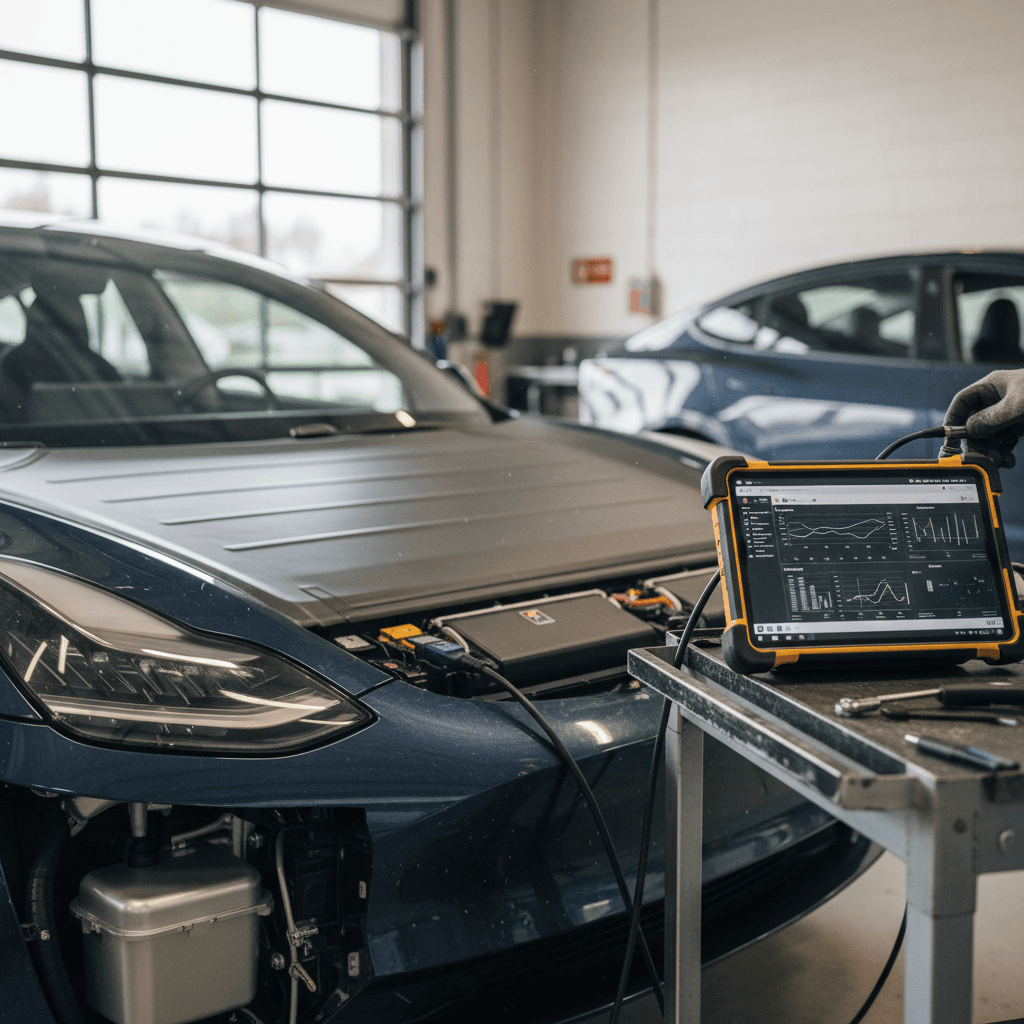
If you own, or are shopping for, a Tesla Model 3, the single most important component is the high‑voltage battery. It sets your real‑world range, performance and a huge chunk of the car’s value. Knowing how to do a Tesla Model 3 battery health check gives you leverage: leverage to decide if your own car is aging normally, and leverage to know if a used Model 3 is fairly priced or hiding an expensive problem.
2026 update: built‑in battery health tools
Why battery health matters (especially on used Model 3s)
On a gasoline car, the engine is the big unknown. On a used Model 3, the battery pack takes that role. It’s engineered to last hundreds of thousands of miles, but degradation, abuse, or rare defects can still happen, and replacement is five‑figure money if you’re paying out of pocket.
Tesla Model 3 battery health by the numbers
If you’re buying used, a healthy pack means predictable range and resale value. If you already own a Model 3, checking battery health helps you separate real degradation from harmless quirks like calibration issues or cold‑weather range drop.
Quick overview: 3 ways to check Model 3 battery health
Three complementary ways to check Tesla Model 3 battery health
Use more than one method for a clearer picture.
1. Tesla app check
Use the Tesla mobile app to request a simple battery health evaluation through the Service section. This is quick and free, and works on most 2018+ Model 3s.
2. In‑car Battery Health Test
Some Model 3s have a built‑in Battery Health Test in the Service menu. Plug into AC power and let the car run a controlled, deeper test (up to ~24 hours).
3. Real‑world range test
No special menus required: do a planned highway drive, track energy used, and compare the miles you get per % of charge to what’s expected for your battery size.
Use at least two methods
Method 1: Checking battery health with the Tesla app
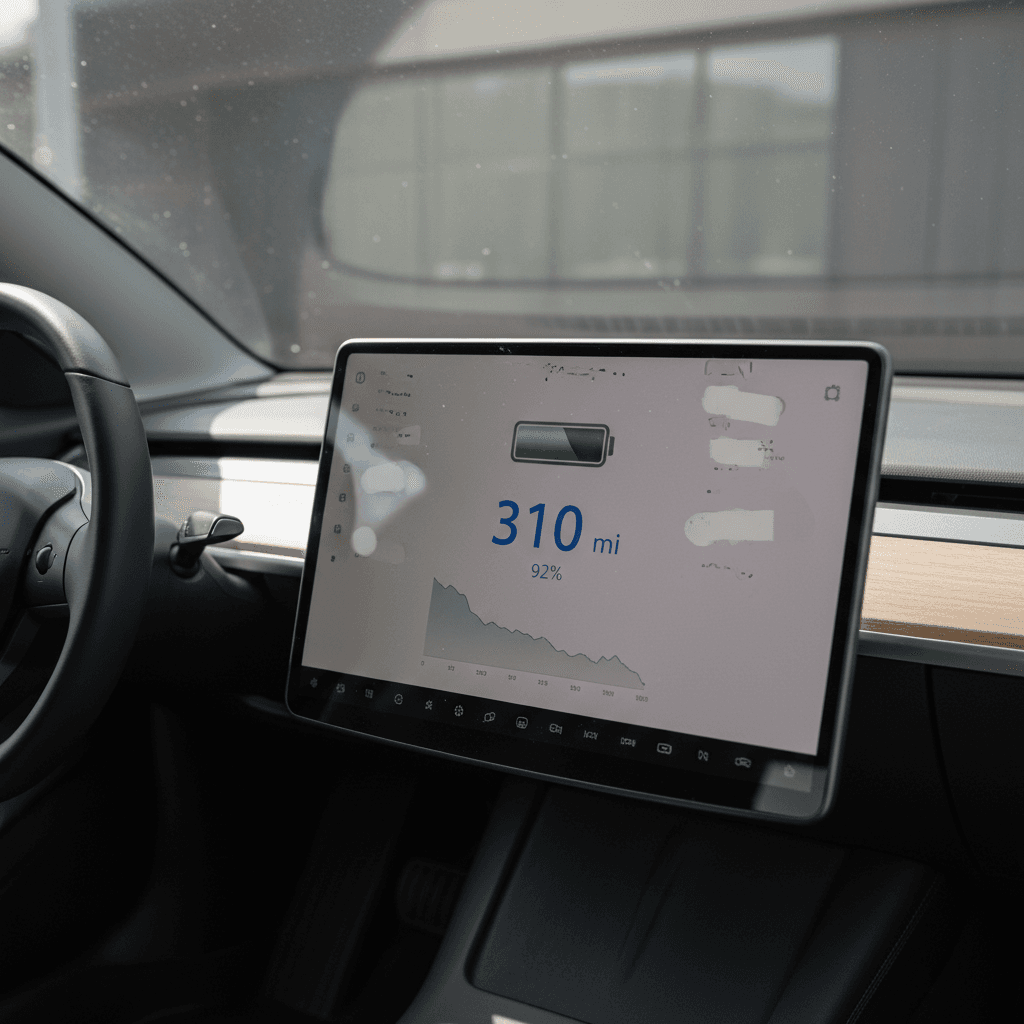
The easiest way to start a Tesla Model 3 battery health check is through the Tesla app’s Service section. Tesla has quietly been expanding what the app can tell you about pack condition, even if your car doesn’t expose a full Battery Health Test in the in‑car Service menu.
- Park your Model 3 in a safe spot with decent cellular or Wi‑Fi signal.
- Open the Tesla app and select your Model 3 if you have more than one Tesla.
- Tap Service. Look for an option like “Battery” or “Battery health” (wording can vary slightly by app version and region).
- Follow the prompts. In many cases the app will run an automated battery check in the background, drawing on recent data from your car.
- Within a few minutes, you’ll typically see a result such as “Battery is operating normally” or, in rare cases, a suggestion to schedule service.
What the app is actually doing
If you’re shopping for a used Model 3 and have temporary access to the car and app (for example at a seller’s home), running this quick check is an easy “first pass.” A clean bill of health here doesn’t guarantee a perfect battery, but a warning from this screen is a red flag you should take seriously.
Method 2: In‑car Battery Health Test (Service menu)
Many, but not all, Model 3s still have a deeper Battery Health Test hidden in the Service or Service Mode menu. On supported software and hardware combinations, this lets the car measure pack capacity more directly while it’s plugged into an AC charger.
Feature availability is changing
How to run the in‑car Battery Health Test (if available)
1. Prepare the car and charger
Charge or discharge your Model 3 to around 20–90% and park near a <strong>Level 2 (240V) charger</strong> that can provide at least ~5 kW, as recommended in Tesla’s manual for the Battery Health Test. Plug in and ensure charging is available, even if paused.
2. Open the Service menu
On the touchscreen, tap <strong>Controls > Service</strong>. On some cars you may first need to enable Service Mode (this can require a PIN from Tesla Service).
3. Find the Battery Health Test
Scroll to the high‑voltage battery section. If your car supports it, you’ll see a <strong>Battery Health Test</strong> option with an explanation of what the test does and how long it can take.
4. Start the test and leave the car alone
Follow the prompts to begin. The car may limit climate and other functions to keep conditions stable. Expect the test to take many hours, and up to roughly 24 hours on slower AC chargers.
5. Avoid interruptions
Don’t open doors, start driving, or keep waking the car in the app during the test. Interactions can cause the test to abort or give noisy data.
6. Review the result
When finished, the test will show a summary, often a simple “Battery condition: Good” plus more detailed data that Tesla can see remotely. Keep a photo or screenshot of the result, especially if you’re planning to sell the car or negotiate on a used purchase.
Don’t force Service Mode if you’re not comfortable
Method 3: Real‑world range test on the highway
Whether or not your software shows an official health test, you can always do a real‑world range check. It’s simple physics: if you know how much energy the car uses and how many miles you drive, you can back into an estimate of usable battery capacity.
- Pick a mild‑weather day if possible (around 60–75°F). Extreme cold or heat can skew results.
- Charge to 90% and reset the Trip meter you’ll be using (e.g., Trip B).
- Drive at a steady speed on relatively flat highway, think 60–70 mph, until you’ve used at least 40–50% of the battery.
- At the end of the drive, note: (a) miles driven, (b) kWh used on the trip screen, and (c) the drop in state of charge (SoC) from start to finish.
- Estimate usable capacity: divide kWh used by the fraction of battery drained. For example, if you used 25 kWh going from 90% to 40%, that’s 25 kWh / 0.50 = ~50 kWh usable.
- Compare that rough capacity to what your pack had when new (e.g., ~55–60 kWh usable for many early Standard Range packs, ~70–75+ kWh for Long Range).
Look at % used, not just rated miles
This isn’t as precise as Tesla’s own engineering tools, but it’s usually good enough to tell the difference between a healthy pack and one that’s seriously underperforming.
What is “normal” battery degradation for a Model 3?
Before you panic about any number smaller than 100%, it’s worth understanding how Tesla packs typically age. Like most EV batteries, Model 3 packs generally lose a bit of capacity early on, then the curve flattens out.
Typical Tesla Model 3 battery degradation pattern
Real‑world data from fleets and owners shows a familiar curve.
Early years (0–3 years / ~0–40k–50k miles)
- Common to see 5–10% loss of rated range.
- Most of this is the battery “settling in,” not a sign of abuse.
- Cold weather and frequent DC fast charging can make it look worse temporarily.
Later years (3+ years / 40k–150k+ miles)
- Degradation curve tends to flatten.
- Many Model 3 packs still show 90–94%+ of original capacity after several years.
- Outliers with much higher loss usually have underlying issues (cooling, cell defects, heavy abuse).
Don’t compare across trims blindly
When to worry, and what to do about a weak pack
Not every drop in displayed range means your battery is failing. Sometimes the BMS just needs to relearn, or temperature is pulling range down temporarily. But there are patterns that should make you dig deeper.
Battery health red flags vs. normal quirks
Use this as a reality check before you assume the worst, or dismiss a real problem.
| Scenario | Probably normal | Worth investigating |
|---|---|---|
| Range drops 10–15% over 3–4 years | Yes, typical early‑life fade | Only a concern if paired with error codes |
| Sharp range loss in very cold weather | Yes, temporary effect | If it doesn’t return in mild temps |
| Displayed range jumps around after many shallow charges | Likely BMS calibration issue | Run from low to high SoC once to recalibrate |
| Real‑world range 25–30% below what similar cars report | Could be heavy driving style or wind | If consistent on multiple drives, may indicate capacity loss |
| Frequent battery warnings or “power reduced” messages | No | Talk to Tesla Service; document everything while under warranty |
If you see multiple red‑flag symptoms together, it’s worth involving Tesla or an independent EV specialist.
Remember your warranty
Extra checks for used Tesla Model 3 buyers
If you’re evaluating a used Model 3, whether from a private seller, a dealer, or an online marketplace, battery health should be on the short list right alongside accident history and title status. A few extra steps can keep you from inheriting someone else’s battery problem.
Used Model 3 battery health checklist
1. Compare odometer vs. model year
A 2018 Model 3 with 30,000 miles and one with 130,000 miles live very different lives. High miles aren’t automatically bad, but they should come with a realistic price and careful battery evaluation.
2. Ask for charging habits
Frequent DC fast charging, regular 100% charging, or parking at 0% for long periods can accelerate degradation. Look for owners who mostly charged to 70–90% on Level 2 at home or work.
3. Do an app or in‑car health check
If possible, run the <strong>Tesla app battery check</strong> or the in‑car Battery Health Test and keep screenshots. At Recharged, we bundle this type of diagnostic into our <strong>Recharged Score</strong> so buyers can see verified pack data before they commit.
4. Perform a short range test
Even a 20–30 mile mixed‑driving test is enough to spot an outlier. Watch miles per % of battery rather than trusting the estimated range alone.
5. Check for battery‑related alerts
On the touchscreen, look for any persistent alerts, especially ones mentioning the high‑voltage battery or thermal management. These are negotiation points at best, and walk‑away signals at worst.
6. Factor warranty coverage into price
A used Model 3 still deep in its 8‑year battery warranty is a different risk profile than one that’s six or seven years old and near the mileage limit. Price should reflect that, especially if your tests show noticeable degradation.
How Recharged handles Model 3 battery health
FAQ: Tesla Model 3 battery health check
Frequently asked questions about Model 3 battery health
Key takeaways
You don’t need to be a battery engineer, or own a scan tool, to get a solid read on Tesla Model 3 battery health. Start with the Tesla app’s health check, use the in‑car Battery Health Test if your software still offers it, and back everything up with a simple, controlled highway drive that lets you estimate usable capacity.
From there, the question isn’t “Is my battery perfect?” but “Is it aging like most other Model 3 packs of this age and mileage?” If the answer is yes, you can relax and focus on how you use and charge the car going forward. If the answer is no, your tests give you the evidence you need, whether that’s to make a warranty claim, negotiate a used‑car price, or walk away from a risky deal.
If you’d rather not do this detective work alone, that’s exactly why Recharged exists. Every used EV we sell, including Tesla Model 3, comes with a Recharged Score battery health report, expert guidance and fair‑market pricing, so you can step into EV ownership (or your next EV) with eyes wide open instead of fingers crossed.