Rivian treats the R1T software update history less like a traditional model-year story and more like a constantly evolving tech product. If you’re driving, or shopping for, a new or used R1T, understanding what changed in each wave of over-the-air (OTA) updates helps you know which trucks have the features, efficiency tweaks, and driver-assistance capabilities you actually care about.
Software-first truck, hardware-second
Why Rivian R1T software updates matter
For current owners
- Capability grows over time: New drive modes (like Rally), tri‑zone climate, smarter headlights, and hands‑free highway assist all arrived via software, not a trip to the dealer.
- Fixes without service visits: Rough edges in UI, charging behavior, or driver‑assist logic are often patched OTA.
- Seasonal & fun extras: Limited‑time updates add things like Halloween themes and light shows that keep the truck feeling fresh.
For used R1T shoppers
- Feature set depends on software, not just model year. Two 2022 trucks can feel very different if one has stayed current on updates.
- Battery & range behavior improves over time with thermal, efficiency, and cold‑weather updates.
- Resale value is stronger on trucks that support the latest Rivian features and safety fixes, something Recharged surfaces with our Recharged Score and battery health diagnostics.
How Rivian R1T over-the-air updates work
- Rivian pushes updates in numbered versions (for example, 2024.35, 2025.06, 2026.03).
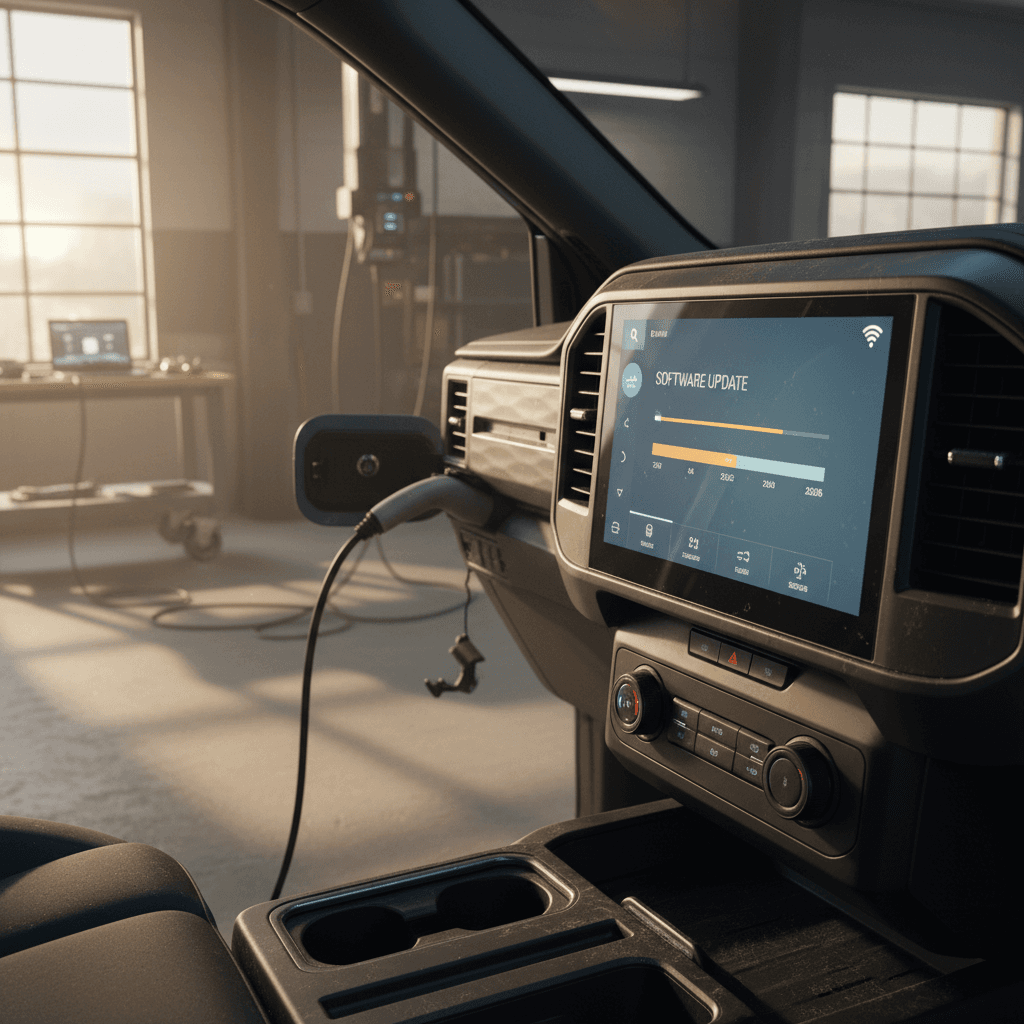
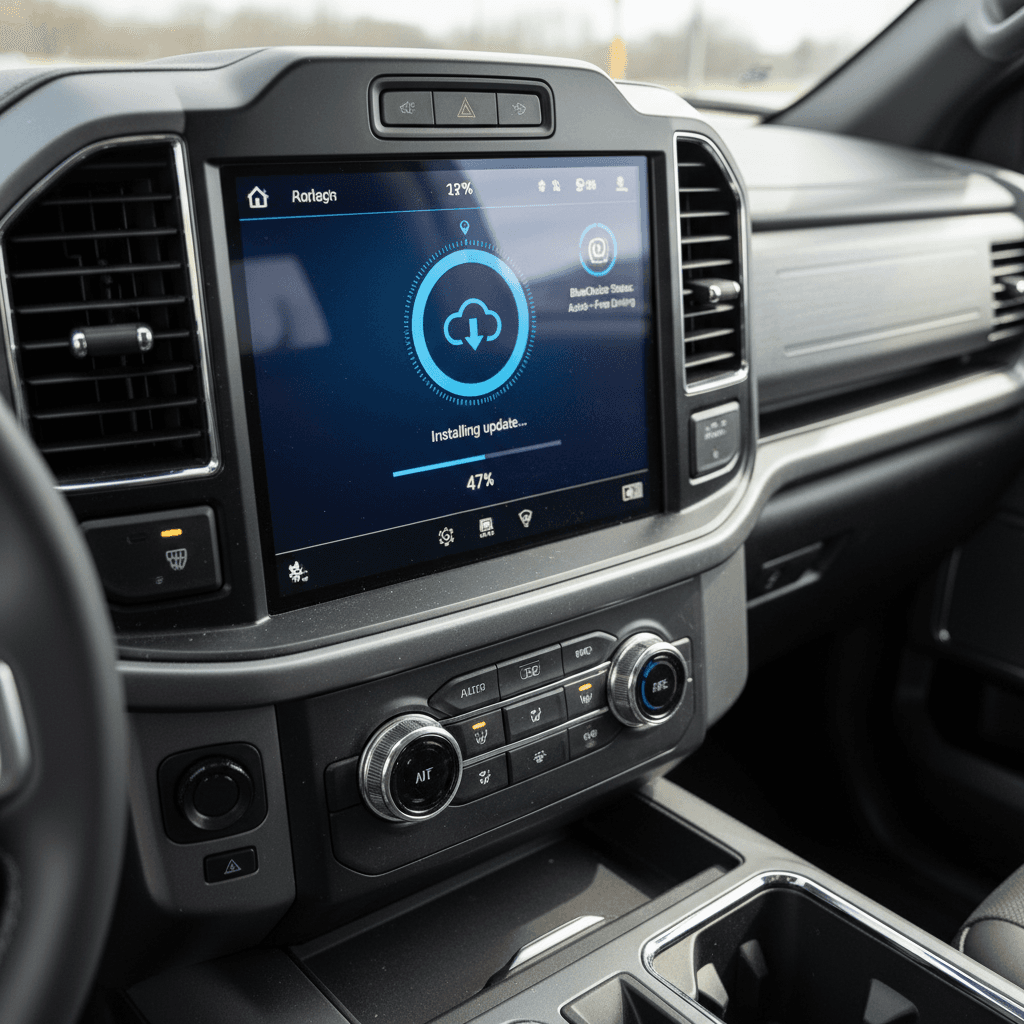
- Updates download in the background while the truck is parked and connected (Wi‑Fi is preferred but not always required).
- Installation usually happens while the R1T is parked; you’ll lose access for a short window, so plan around that.
- Release notes show up on the center display and in the Rivian app, summarizing what’s new for your exact configuration (Quad‑Motor vs Dual‑Motor, Gen 1 vs Gen 2, battery pack type, etc.).
Tip for used buyers
R1T software update timeline at a glance
High-level Rivian R1T software update history
Not every single patch is listed here. Instead, this timeline focuses on the most impactful OTA updates owners actually notice day-to-day.
| Year | Notable versions | Headline changes for R1T |
|---|---|---|
| 2021–2022 | Early builds, Camp Mode updates | Core OTA framework, early bug fixes, introduction and refinement of Camp Mode and drive-mode UI. |
| 2023 | 2023.3x–2023.4x range | New Drive Modes app layout, Gauge view, improved towing controls, continued Camp Mode tweaks. |
| 2024 | 2024.35, 2024.51 | Gear Guard Live Cam, dynamic headlamp leveling, tri‑zone climate control, charging & thermal efficiency improvements. |
| 2025 | 2025.0x series | Hands‑free Highway Assist on Gen 2 models, Rally mode and purchasable Performance Upgrade for Dual‑Motor trucks, smarter mirrors, Halloween "costumes" and themes. |
| 2026 (so far) | 2026.03 | Sport Mode ride‑height flexibility, expanded performance for more Dual‑Motor variants, clearer cold‑weather range and energy use indications. |
Feature availability can vary by motor configuration, battery, and whether you have a Gen 1 or Gen 2 R1T.
Early updates 2021–2022: Getting the basics right
The first R1T deliveries in late 2021 and early 2022 shipped with immature software. That’s normal for a new EV startup, but it meant early OTA updates focused heavily on stability, basic UX polish, and enabling promised features rather than headline‑grabbing new toys.
Key early R1T software themes (2021–2022)
Less flashy, but foundational for everything that came later.
Bug fixes & stability
Camp Mode introduced
Drive feel tuning
Early build caution
Maturing the experience in 2023: Drive modes and camp features
By 2023, Rivian had the basics under control and started re‑thinking core interfaces. One of the most important changes was to the way Drive Modes and towing controls were organized, making the R1T’s considerable capability easier to access.
- A redesigned Drive Modes interface brought on‑road, off‑road, and towing modes together in a single, easier‑to‑reach place on the screen.
- For Quad‑Motor trucks, on‑road and off‑road modes were grouped logically, and a separate tab handled trailer profiles and towing presets.
- A new Gauge view gave owners real‑time insight into pitch, roll, motor and battery temperatures, tire pressures, elevation, and trip energy usage, hugely useful for off‑roaders and efficiency nerds.
- Additional Camp Mode tweaks improved vehicle leveling behavior and clarified how to get the truck back to normal ride height after a night at the campsite.
Why 2023 trucks feel "smarter" off-road
Big quality-of-life gains in 2024: Headlights, climate, security
Where 2023 was about re‑organizing capability, 2024 software updates were focused on everyday livability: seeing better at night, keeping different passengers happy, and keeping an eye on your truck from afar.
Standout 2024 R1T software improvements
Version families like 2024.35 and 2024.51 are when many R1T owners started to feel their trucks "grow up": climate felt more premium, nighttime visibility improved, and the app became a more capable remote companion instead of a simple key.
Hands-free driving, Rally mode, and Halloween fun in 2025
By 2025, Rivian’s OTA updates shifted from basic comforts to headline features: hands‑free driving on compatible highways, more aggressive off‑road drive modes, and highly produced seasonal themes that show just how flexible the software stack has become.
2025 R1T software highlights
These are the updates that fundamentally change how the truck drives and feels.
Hands-free Highway Assist (Gen 2)
Rally & Performance modes
Halloween "costumes" & themes
Hands-free doesn’t mean eyes-off
Latest R1T software 2026.03: Cold weather clarity and Sport Mode tweaks
Rivian’s early‑2026 update wave (for example, 2026.03) is less about splashy new party tricks and more about making performance and range behavior easier to understand, especially in cold climates.
- A cold‑weather indicator on the battery icon and in the Energy app shows how much energy is going to battery heating, and why some range may be temporarily unavailable until the pack warms up.
- Sport Mode gains a "Standard" ride height option on compatible Gen 1 and Gen 2 R1Ts, after feedback from owners who wanted the sharper response of Sport without the low, slammed stance.
- Additional tuning expands Sport Mode performance to more Dual‑Motor configurations, including base Dual‑Motor packs that previously didn’t get the full, high‑performance calibration.
- Smaller UX and app tweaks (including deeper Apple Watch integration) continue Rivian’s trend of turning the R1T into a software platform rather than a static product.
Cold-weather transparency is a big deal
What the R1T software history means if you’re buying used
Looking at this Rivian R1T software update history as a whole, a pattern emerges: the hardware hasn’t changed as quickly as the software has. That has a few important implications if you’re cross‑shopping used R1Ts against other EV trucks, or against each other.
1. Model year tells only part of the story
A 2022 R1T that’s been updated regularly can share many of the same UX improvements and efficiency tweaks as later trucks. Conversely, a newer R1T that’s been neglected on updates might be missing hands‑free features, recent safety patches, or the latest climate and lighting improvements.
This is very different from a traditional truck, where features are largely frozen at the factory.
2. OTA history is part of vehicle health
Software isn’t just about flashy modes. Charging behavior, thermal management, and driver‑assist logic all live in code. A truck that’s stayed current on OTA updates is more likely to:
- Charge more efficiently and predictably
- Behave consistently in cold weather
- Have the latest driver‑assistance refinements and fixes
At Recharged, we treat this as part of overall EV health, not separate from the battery or hardware.
The other implication is residual value. Vehicles that can accept Rivian’s latest autonomy suites, drive modes, and UI improvements are simply more future‑proof than those stuck on older hardware or software baselines. That’s something you want to understand before you commit tens of thousands of dollars to a used R1T.
Checklist: What to ask about software on a used R1T
Software questions to cover in your R1T pre-purchase inspection
1. Which software version is currently installed?
Open Settings → Software on the center screen and note the version number (for example, 2024.35, 2025.06, 2026.03). If it’s far behind what other owners are reporting, ask why.
2. Has the truck been consistently updated?
Ask the owner (or dealer) whether they’ve installed OTA updates as they’ve become available. Inconsistent update history can hint at poor overall care, or connectivity issues you’ll inherit.
3. Does it support Enhanced Highway Assist or hands-free features?
On Gen 2 R1Ts, confirm whether Enhanced Highway Assist and any associated subscriptions or options are active. That can change the truck’s capabilities and long‑term costs.
4. Are Rally, Sport, or other premium drive modes enabled?
Check if the vehicle has the Performance Upgrade unlocked (on eligible Dual‑Motor trucks). These modes affect how the truck drives and can be a real value‑add if you enjoy spirited or off‑road driving.
5. Test climate, headlights, and Gear Guard features
Walk through tri‑zone climate, dynamic headlights at night, and Gear Guard Live Cam in the app. If advertised features aren’t there, the truck may be on older software or missing subscriptions.
6. Ask for a health-oriented inspection
Pair software questions with a battery and charging assessment. At <strong>Recharged</strong>, every used EV we list, including R1Ts, gets a <strong>Recharged Score</strong> that covers verified battery health, fair‑market pricing, and a review of key software‑dependent features.
FAQ: Rivian R1T software update history
Frequently asked questions about R1T software updates
Bottom line: The R1T’s software is a moving target, in a good way
The story of the Rivian R1T so far is as much a software story as it is a hardware one. Early updates were about sanding off rough edges. 2023–2024 brought serious quality‑of‑life and usability gains. 2025–2026 are turning the R1T into a playground for hands‑free driving, advanced drive modes, and deeply integrated apps and services.
If you already own an R1T, staying current on OTA updates is the simplest way to keep your truck feeling new. If you’re shopping for a used one, software version, hardware generation, and feature unlocks should sit right alongside battery health and price in your decision matrix. That’s exactly how Recharged approaches used EVs: with a holistic lens that covers Recharged Score battery diagnostics, fair‑market pricing, and the software capabilities that actually shape your day‑to‑day experience.
When you’re ready to explore used Rivians, or compare the R1T with other electric trucks, start with Recharged. Our EV‑specialist team can help you decode software histories, understand which features matter for your use case, arrange financing or trade‑in, and get a thoroughly vetted EV delivered to your driveway.